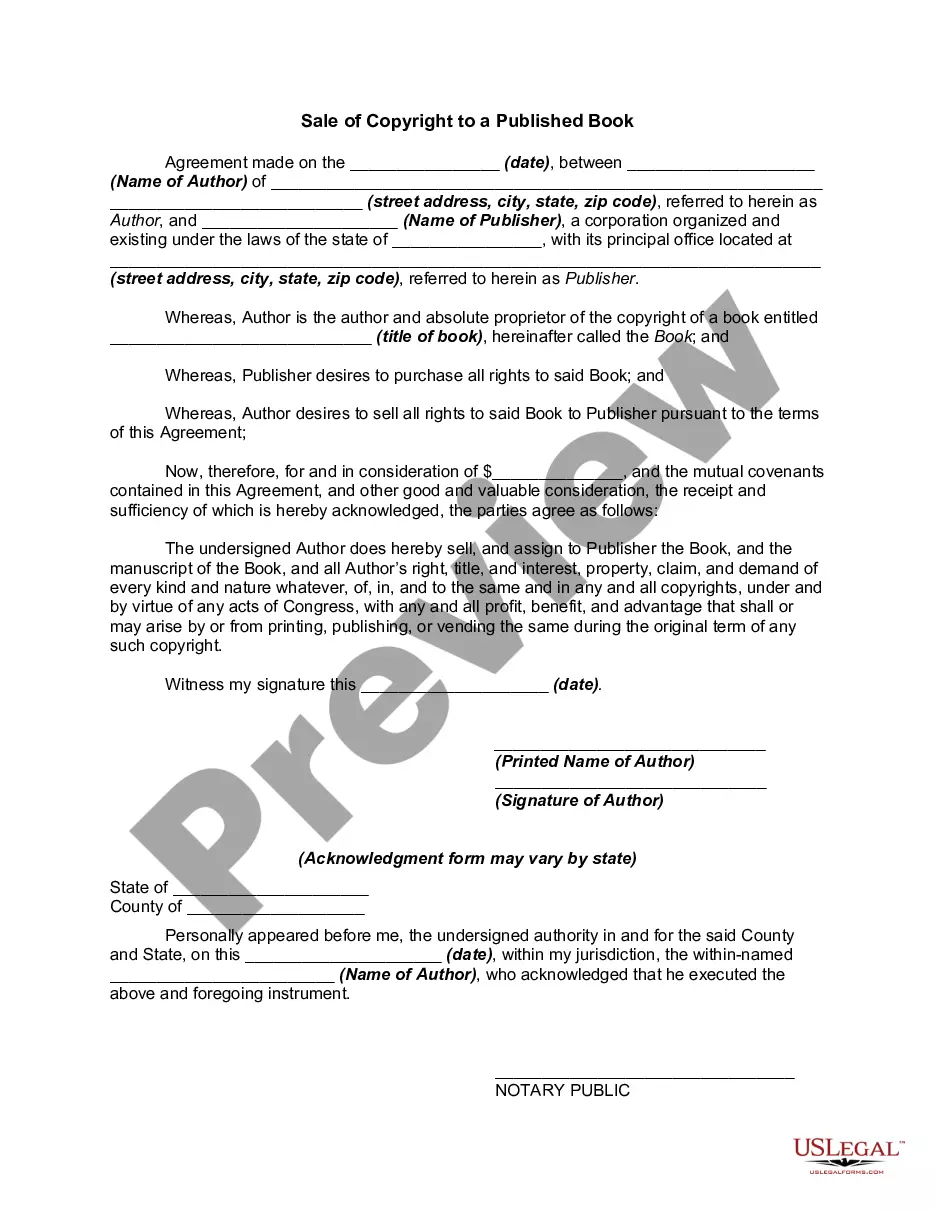
Copyright Book Rights For Sale
Description
Get your form ready online
Our built-in tools help you complete, sign, share, and store your documents in one place.
Make edits, fill in missing information, and update formatting in US Legal Forms—just like you would in MS Word.
Download a copy, print it, send it by email, or mail it via USPS—whatever works best for your next step.
Sign and collect signatures with our SignNow integration. Send to multiple recipients, set reminders, and more. Go Premium to unlock E-Sign.
If this form requires notarization, complete it online through a secure video call—no need to meet a notary in person or wait for an appointment.
We protect your documents and personal data by following strict security and privacy standards.

Make edits, fill in missing information, and update formatting in US Legal Forms—just like you would in MS Word.

Download a copy, print it, send it by email, or mail it via USPS—whatever works best for your next step.

Sign and collect signatures with our SignNow integration. Send to multiple recipients, set reminders, and more. Go Premium to unlock E-Sign.

If this form requires notarization, complete it online through a secure video call—no need to meet a notary in person or wait for an appointment.

We protect your documents and personal data by following strict security and privacy standards.
Looking for another form?
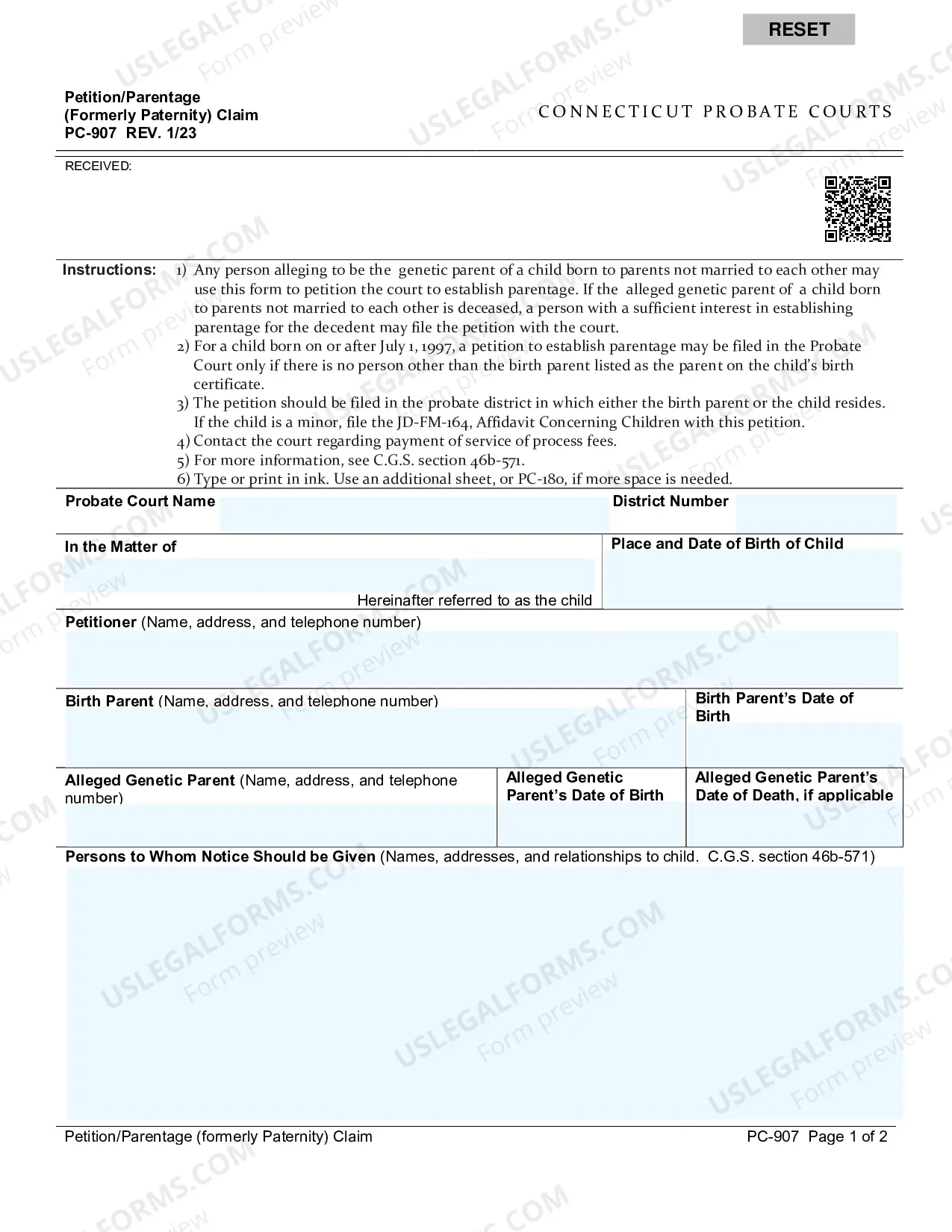
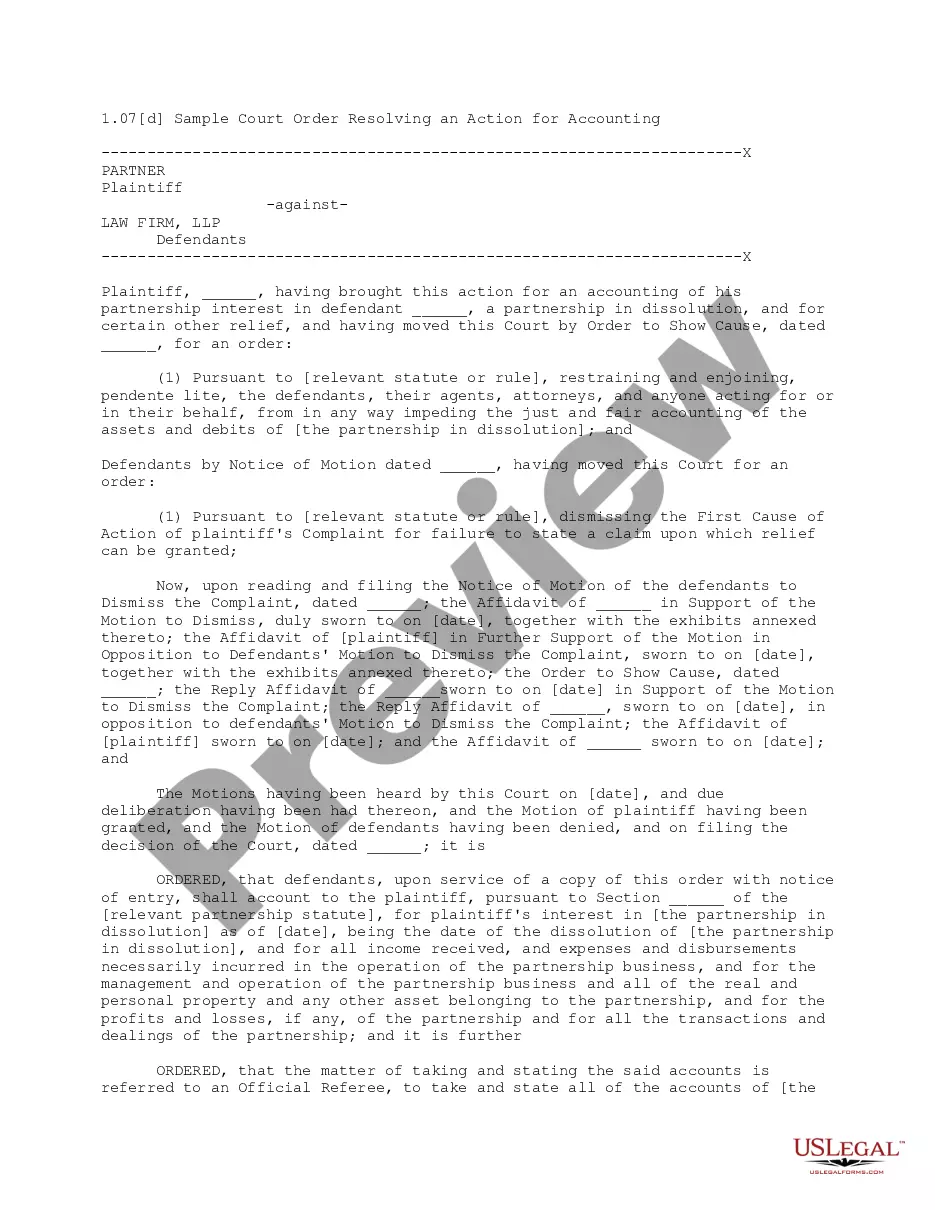
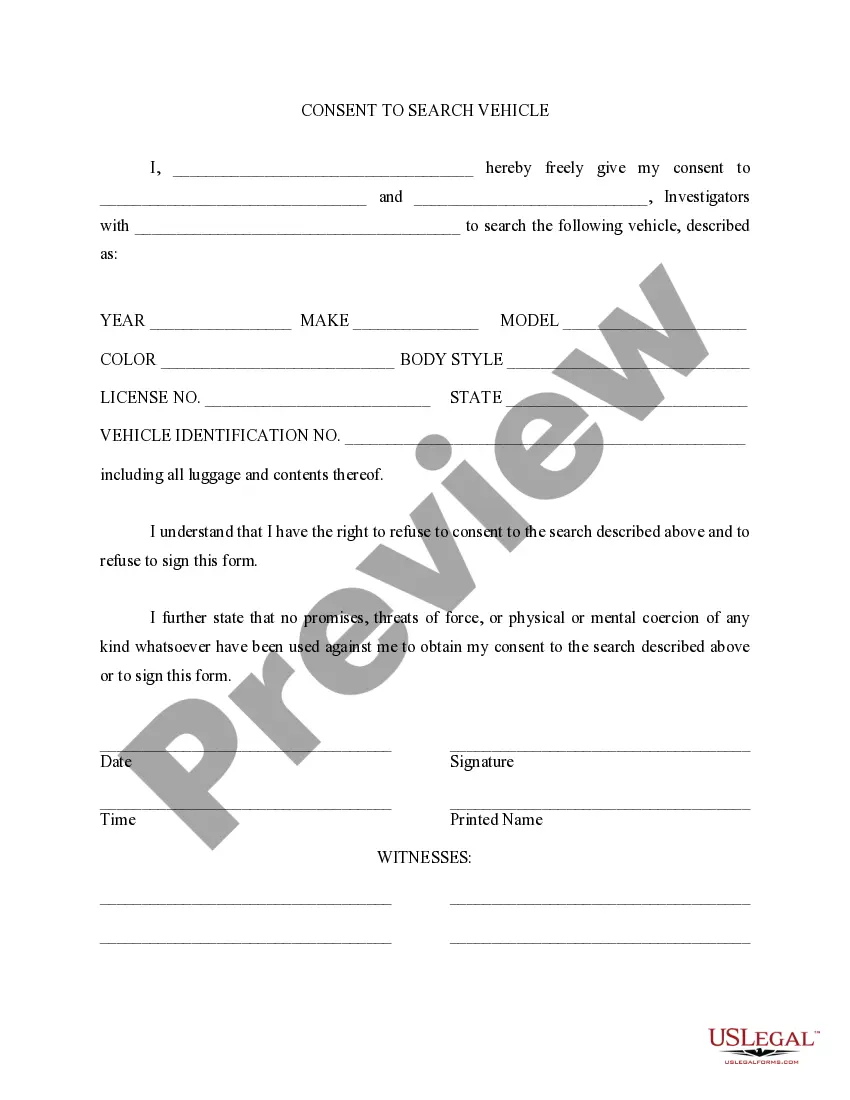

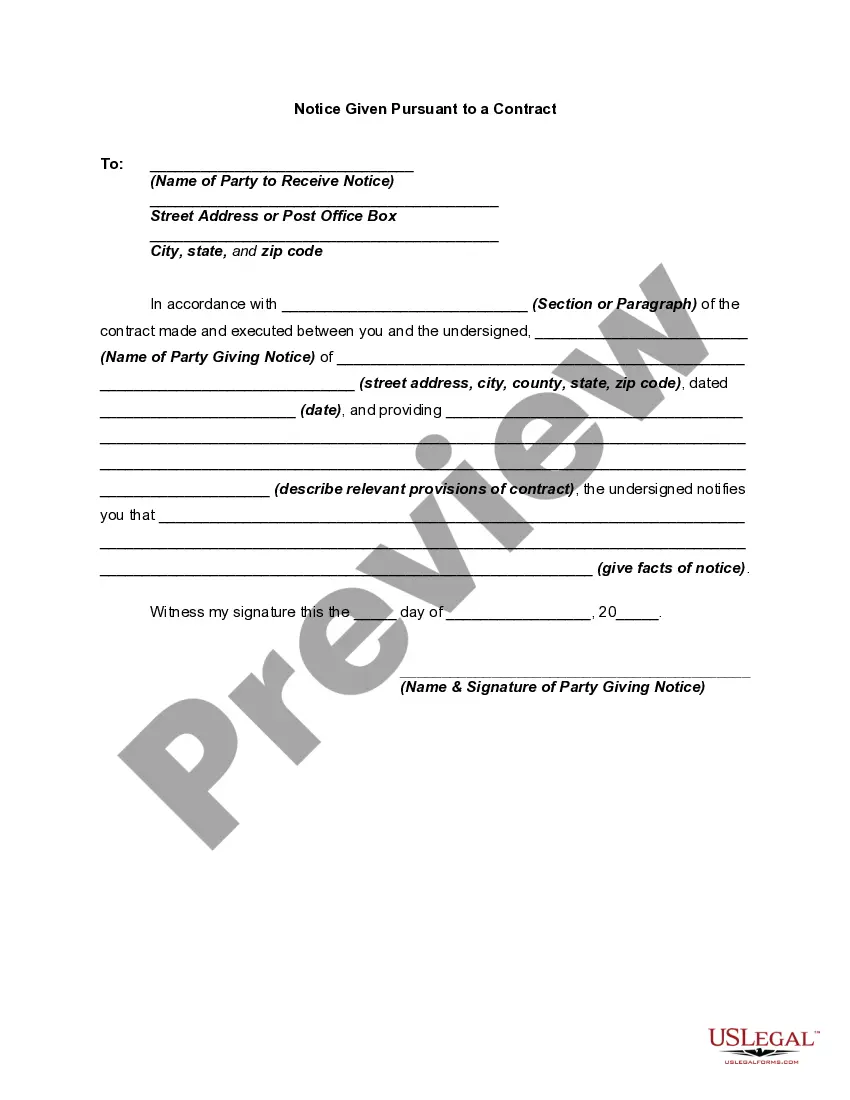
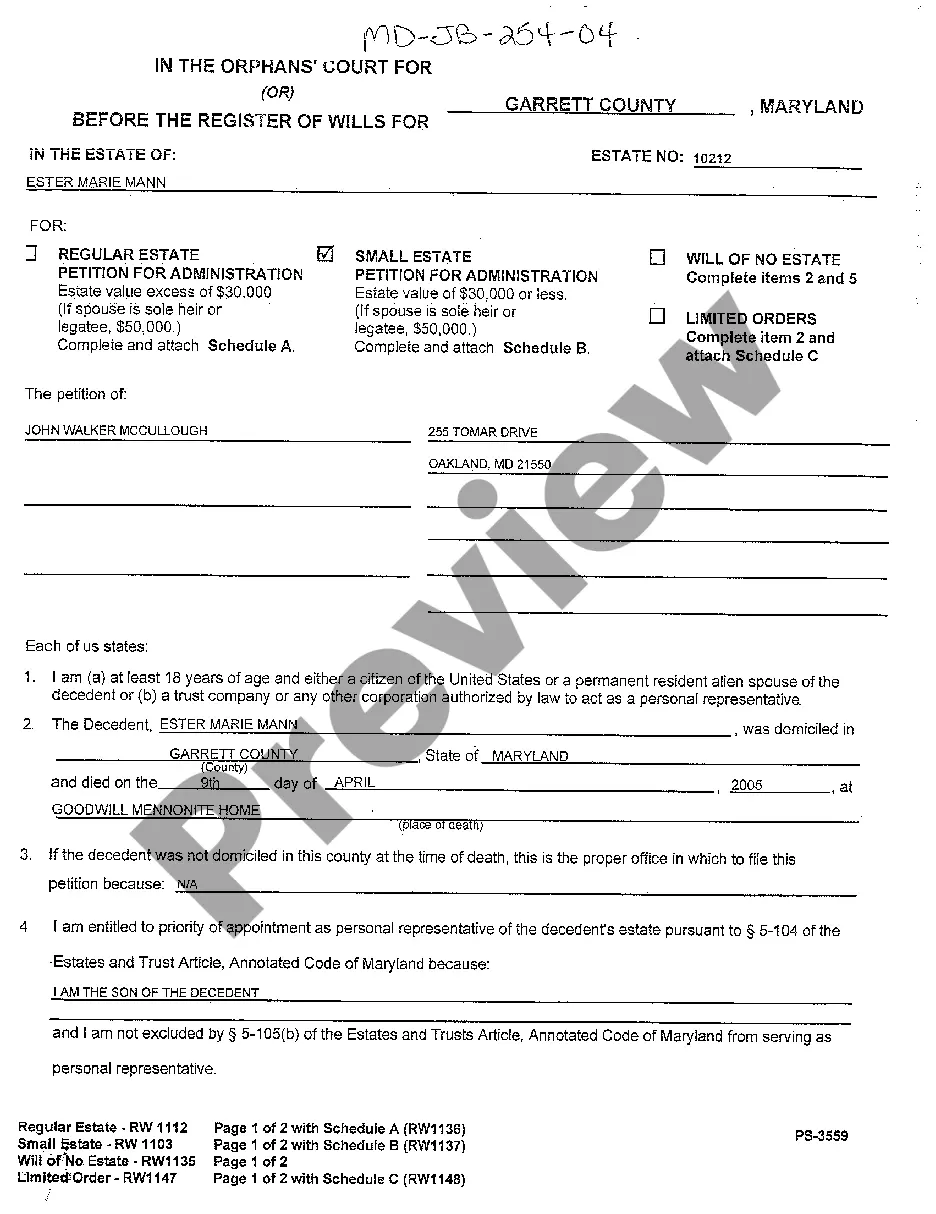
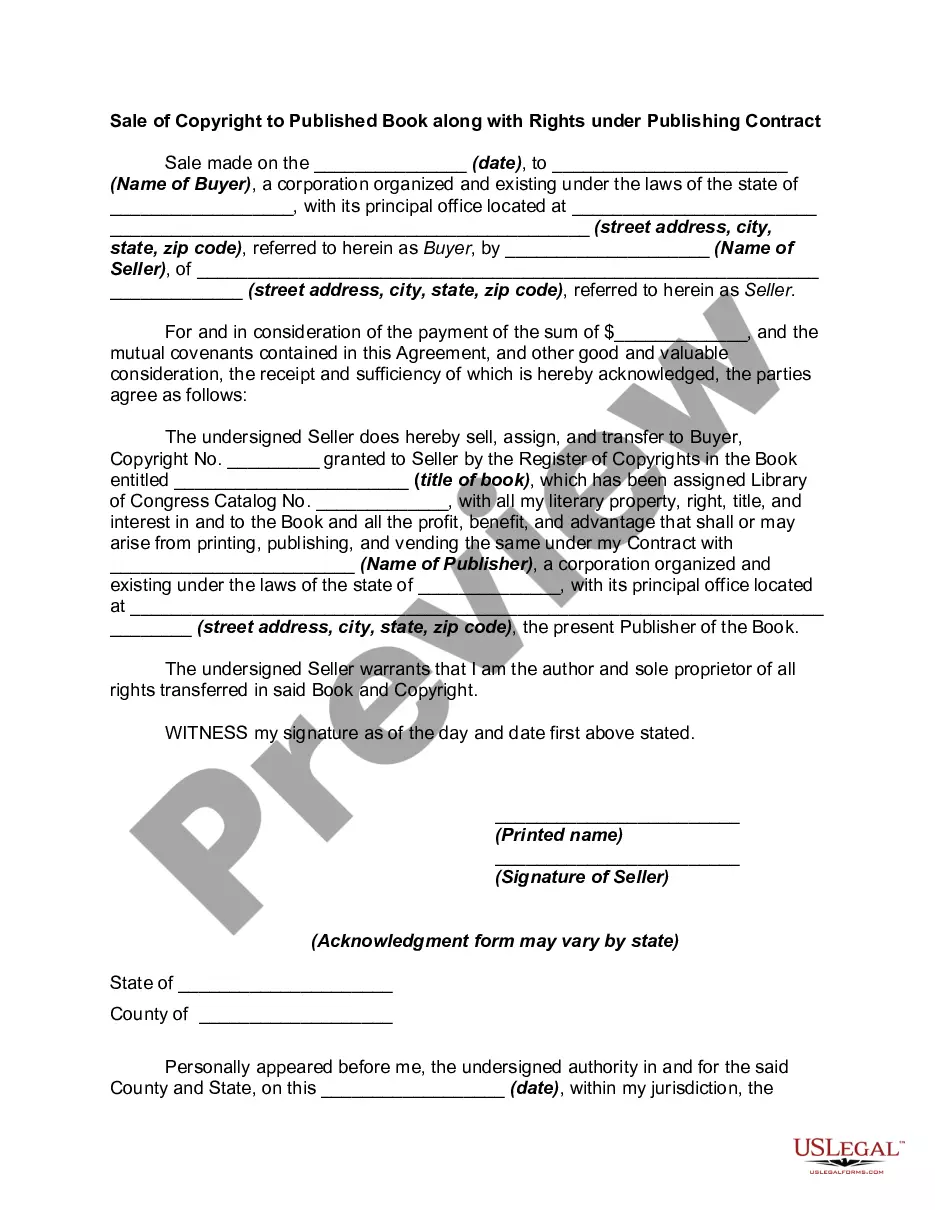
How to fill out Sale Of Copyright To Published Book Along With Rights Under Publishing?
Creating legal documents from the ground up can at times feel daunting.
Certain situations may demand extensive research and significant financial investment.
If you are looking for a simpler and more cost-effective method of producing Copyright Book Rights For Sale or other documents without unnecessary obstacles, US Legal Forms is always available to assist you.
Our digital collection of over 85,000 current legal templates covers nearly every aspect of your financial, legal, and personal needs. With just a few clicks, you can swiftly retrieve state- and county-specific forms meticulously crafted by our legal experts.
Ensure that the form you select complies with the laws and regulations of your state and county. Choose the most appropriate subscription plan to purchase the Copyright Book Rights For Sale. Download the file. Then complete, certify, and print it. US Legal Forms has a solid reputation and over 25 years of experience. Join us now and make form processing easy and efficient!
- Utilize our service whenever you require a dependable and trustworthy platform to quickly discover and download the Copyright Book Rights For Sale.
- If you are already familiar with our offerings and have set up an account before, simply Log In to your account, find the template, and download it or re-download it at any point from the My documents section.
- Not yet registered? No worries. It takes minimal time to register and explore the library.
- However, before proceeding to download the Copyright Book Rights For Sale, follow these tips.
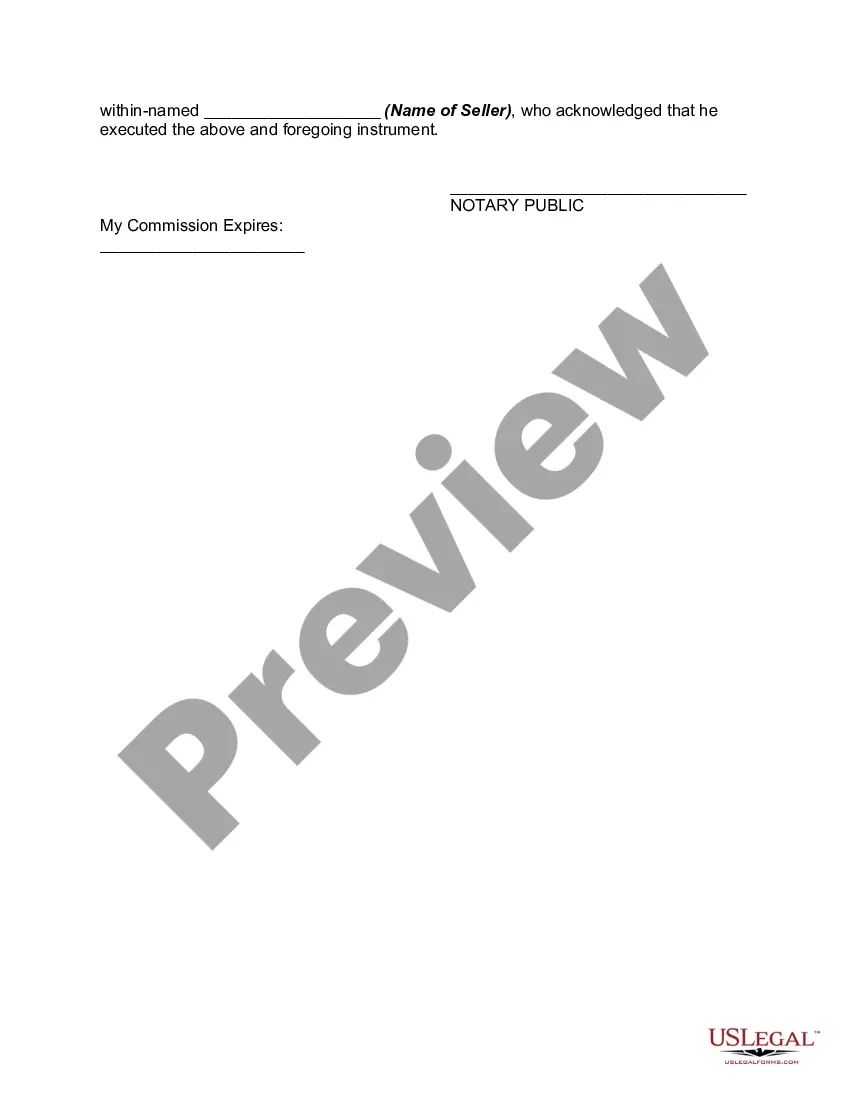
- Examine the document preview and descriptions to confirm that you are selecting the correct form.
Form popularity
FAQ
Can I sell rights and license my book before I've finished writing my book? Yes, if you're Dan Brown or J.K. Rowling, but certainly not as a debut writer, particularly in fiction. Your sole focus should be to work on your writing, getting it as polished and ready for publication as possible.
How to write a copyright disclaimer the copyright symbol (©); your name as author and your website's name. It can also be the name of an organization, a business, or a corporate name; a current year or year range; a statement of ownership (?All Rights Reserved?).
How do I register my copyright? To register a work, submit a completed application form, and a nonreturnable copy or copies of the work to be registered. See Circular 1, Copyright Basics, section ?Registration Procedures., and Circular 4, Copyright Office Fees?. Where can I get application forms?
The copyright notice. This has the little © symbol or you can use the word ?copyright.? So it would look like this: ©2018 Jane Doe. The year of publication of the book. The name of the owner of the works, which is usually the author or publishing house name.
There are only four simple components you need to include: The copyright symbol © or the word ?copyright? The name of the copyright owner or author of the work. The year the content was published, which can be different from the year of creation. Your statement of the rights you're reserving over the materials.