Waiver And Release Of Lien Upon Final Payment
Description
Get your form ready online
Our built-in tools help you complete, sign, share, and store your documents in one place.
Make edits, fill in missing information, and update formatting in US Legal Forms—just like you would in MS Word.
Download a copy, print it, send it by email, or mail it via USPS—whatever works best for your next step.
Sign and collect signatures with our SignNow integration. Send to multiple recipients, set reminders, and more. Go Premium to unlock E-Sign.
If this form requires notarization, complete it online through a secure video call—no need to meet a notary in person or wait for an appointment.
We protect your documents and personal data by following strict security and privacy standards.

Make edits, fill in missing information, and update formatting in US Legal Forms—just like you would in MS Word.

Download a copy, print it, send it by email, or mail it via USPS—whatever works best for your next step.

Sign and collect signatures with our SignNow integration. Send to multiple recipients, set reminders, and more. Go Premium to unlock E-Sign.

If this form requires notarization, complete it online through a secure video call—no need to meet a notary in person or wait for an appointment.

We protect your documents and personal data by following strict security and privacy standards.
Looking for another form?
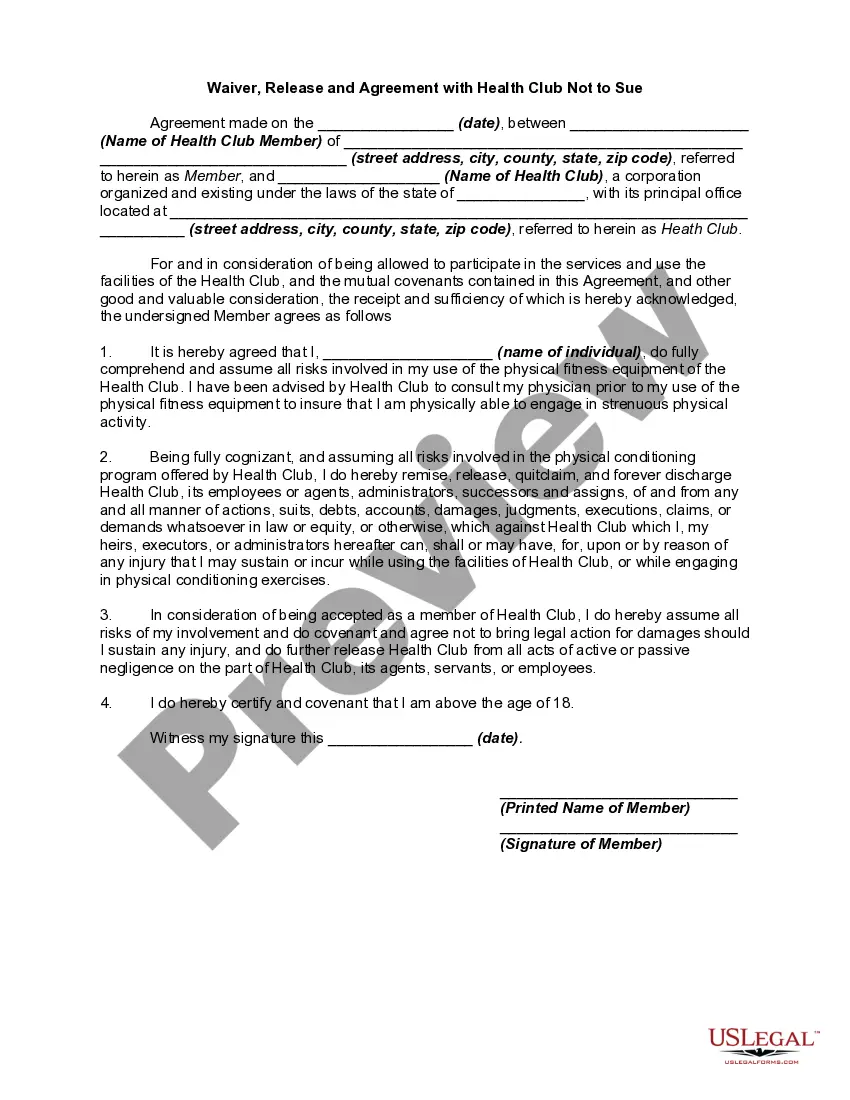
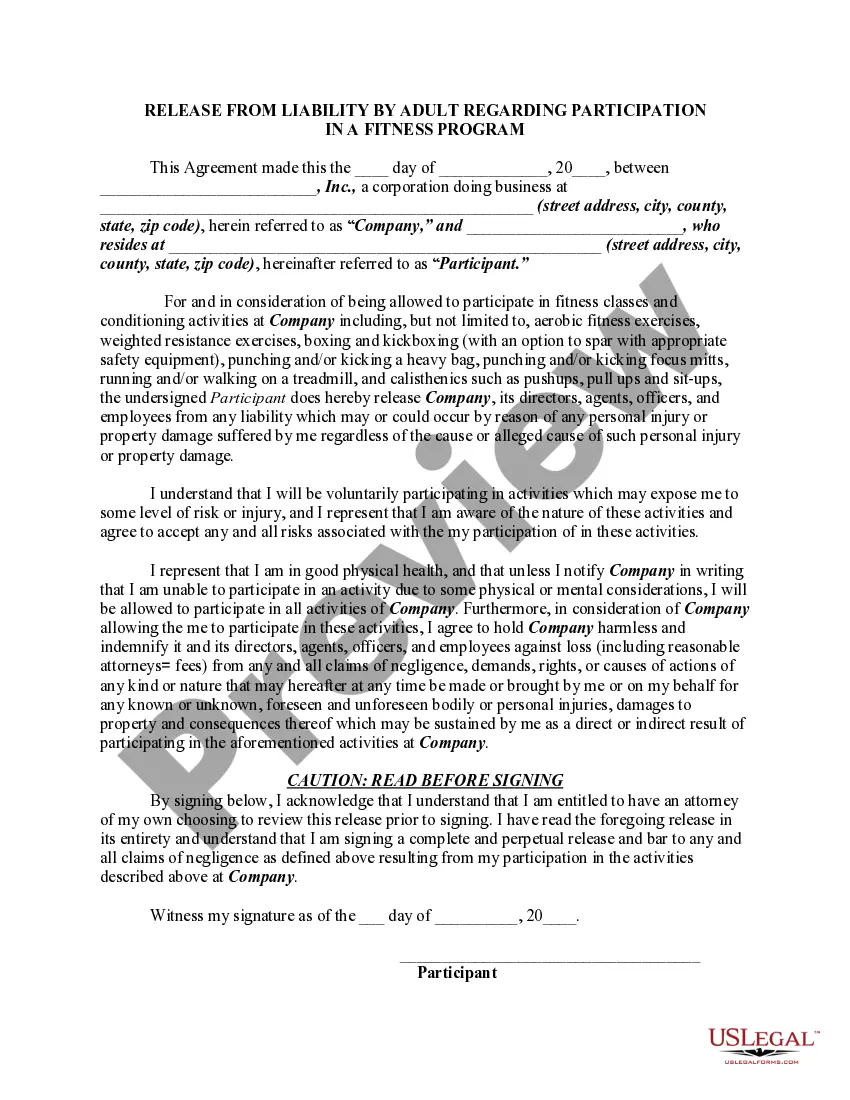
How to fill out Waiver, Release And Agreement With Health Club Not To Sue?
Legal documents handling can be daunting, even for experienced experts.
When you are looking for a Waiver And Release Of Lien Upon Final Payment and lack the time to spend searching for the suitable and current version, the processes can be challenging.
US Legal Forms meets any needs you may have, from personal to corporate papers, all in one location.
Utilize advanced tools to complete and manage your Waiver And Release Of Lien Upon Final Payment.
Here are the steps to follow after downloading the form you need: Verify it is the correct document by previewing it and checking its description. Ensure that the template is accepted in your state or county. Select Buy Now when you are ready. Choose a subscription plan. Select the format you wish, and Download, complete, sign, print, and send your documents. Take advantage of the US Legal Forms online library, backed by 25 years of experience and reliability. Transform your daily document management into a seamless and user-friendly process today.
- Access a repository of articles, guides, and resources pertinent to your situation and needs.
- Save time and effort searching for the forms you require, and use US Legal Forms’ sophisticated search and Review feature to find Waiver And Release Of Lien Upon Final Payment and obtain it.
- If you hold a monthly subscription, Log In to the US Legal Forms account, look for the document, and retrieve it.
- Check the My documents tab to view the documents you have previously saved and to organize your folders as desired.
- If this is your first experience with US Legal Forms, create a free account and gain unlimited access to all advantages of the library.
- A comprehensive online form library could be a transformative solution for anyone wanting to effectively handle these matters.
- US Legal Forms is a frontrunner in online legal documents, with more than 85,000 state-specific legal forms available to you at any time.
- With US Legal Forms, you can access state- or county-specific legal and business documents.
Form popularity
FAQ
Filling out a waiver form involves several straightforward steps. Begin by stating your name and the name of the individual or entity to whom you are waiving rights. Clearly indicate the reason for the waiver, such as a waiver and release of lien upon final payment. After completing the necessary information, sign the form and date it to finalize your agreement, ensuring all involved parties retain a copy for their records.
To fill out a final waiver of lien, start by entering your name and the name of the party receiving the waiver. Next, include the property address and any relevant details about the project. Make sure to clearly state that this is a waiver and release of lien upon final payment. Finally, sign and date the document to make it legally binding, ensuring that all parties receive a copy.
A final lien waiver is a specific type of lien waiver that occurs after the last payment is made for a project. It signifies that the contractor or subcontractor has been fully compensated and waives any future claims against the property. Utilizing a final lien waiver is important for both parties, as it provides peace of mind that no additional liens will arise after the completion of a project, ensuring a smooth conclusion to the waiver and release of lien upon final payment.
A lien waiver is a legal document used in the construction industry that relinquishes the right to file a lien against a property. It confirms that the contractor or subcontractor has received payment for their work and will not pursue further claims related to that payment. This document is essential for protecting both parties involved, ensuring a clear understanding of the waiver and release of lien upon final payment.
A lien waiver and a release serve similar purposes but are distinct documents. A lien waiver generally indicates that a contractor or subcontractor will not claim a lien against a property for a specific payment. In contrast, a release confirms that a lien has been removed after receiving final payment. Understanding the difference is crucial when dealing with the waiver and release of lien upon final payment to ensure proper documentation.
How to fill out a Florida Waiver and Release of Lien Upon Final Payment? 1. $ This is the amount of payment that you are waiving. ... Name of customer. This is the name of the party who hired you for the project. Name of owner. This is the name of the owner(s) of the property. ... Description of the project. ... Sign date. ... By-line.
Once you pay off your loan, your lienholder will send you an official release of lien letter. You'll take that to your state BMV or DMV (or, in some cases, to your local city/town clerk's office) along with your current title and apply for an updated title.
How to Fill Out The Conditional Final Payment Waiver Form Name of Claimant. This is the name the party to be paid, and the party who will be signing the lien waiver document. ... Name of Customer. ... Job Location. ... Owner. ... Amount of the Check. ... Check Payable To. ... Exceptions. ... Claimant's Signature.
Hear this out loud PauseA lien waiver is issued between the contractor and property owner upon payment for services. A lien waiver is more than just a receipt; it also ensures payment to the contractor or subcontractors and protects the owners from future liens for the same debt. The waiver may not be issued before payment is received.
The execution of an Unconditional Waiver upon Final Payment in Florida means that the signor has waived their right to file a mechanics lien for payment in any amount and extinguishes all preexisting claimant rights.