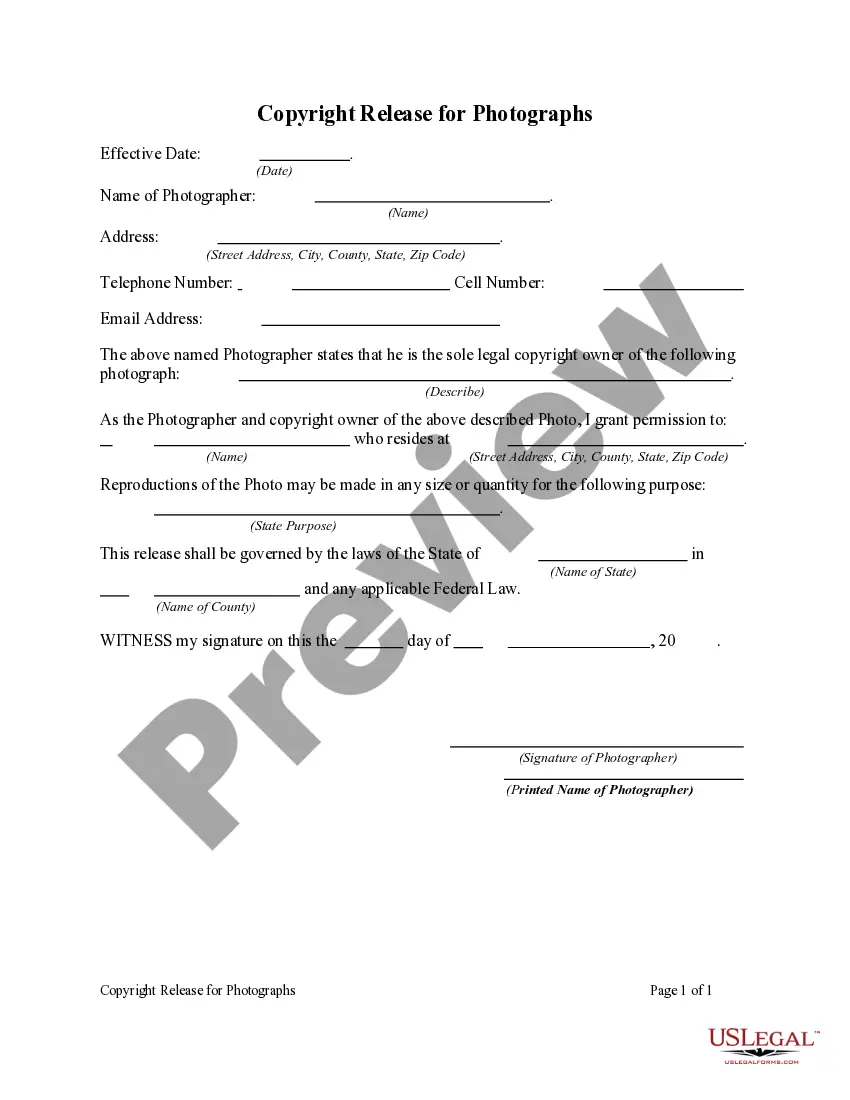
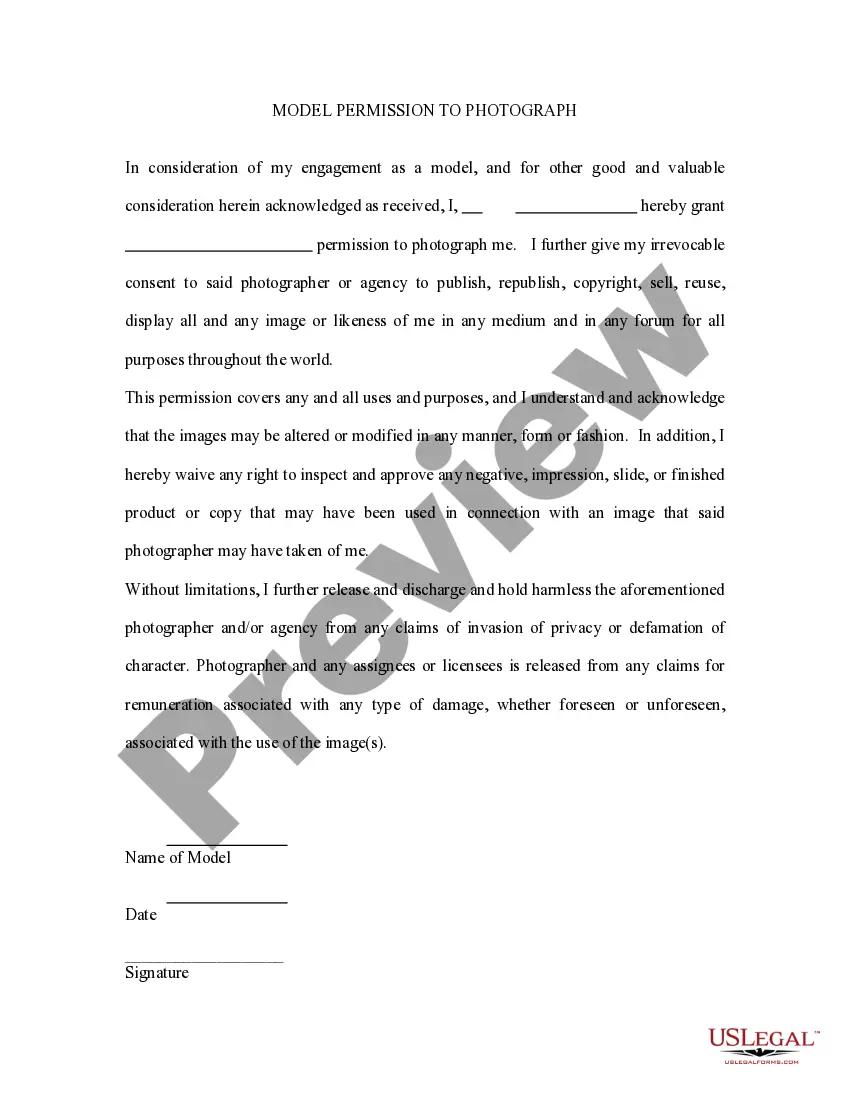
Photo Release Form For Social Media
Description
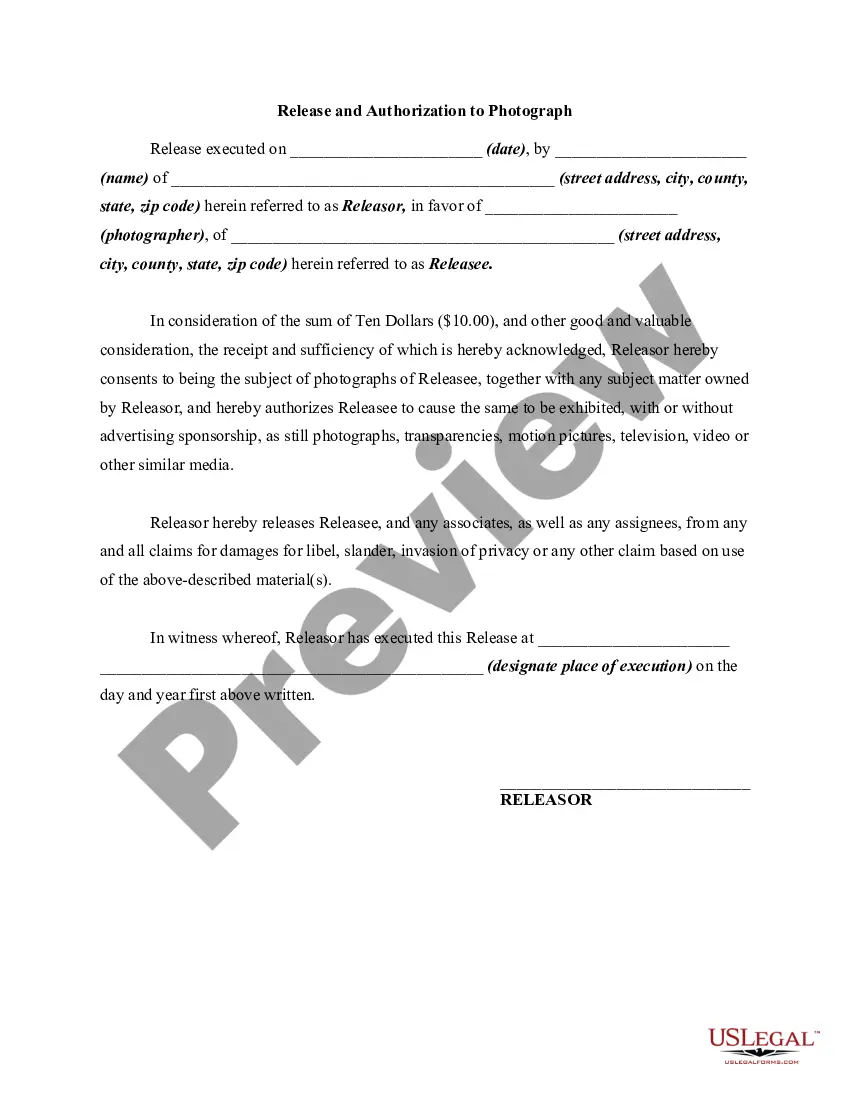
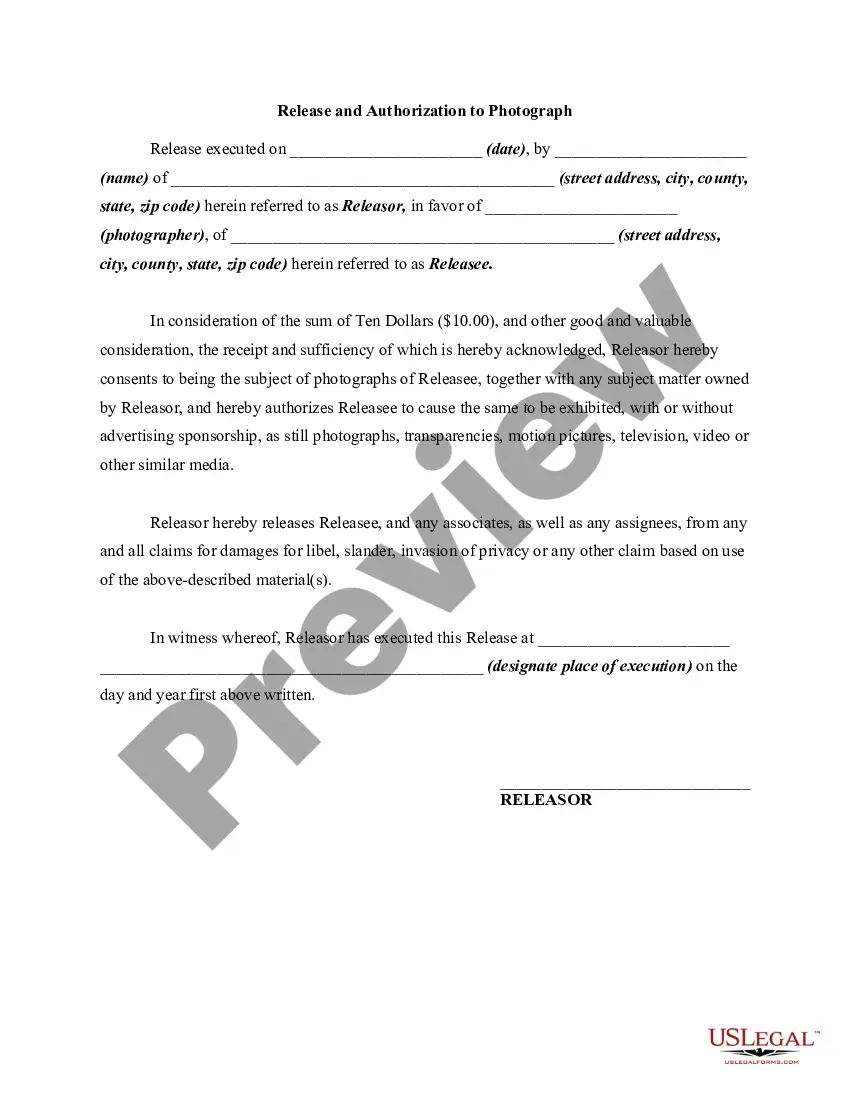
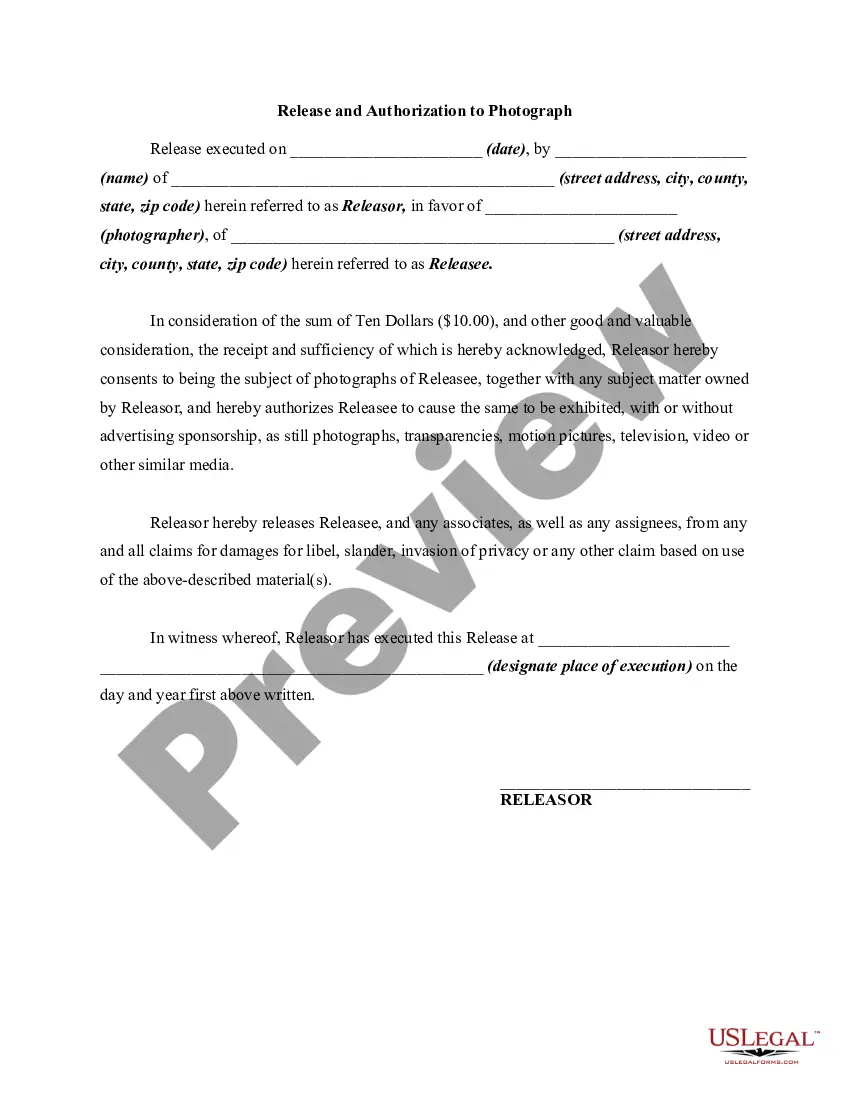
Get your form ready online
Our built-in tools help you complete, sign, share, and store your documents in one place.
Make edits, fill in missing information, and update formatting in US Legal Forms—just like you would in MS Word.
Download a copy, print it, send it by email, or mail it via USPS—whatever works best for your next step.
Sign and collect signatures with our SignNow integration. Send to multiple recipients, set reminders, and more. Go Premium to unlock E-Sign.
If this form requires notarization, complete it online through a secure video call—no need to meet a notary in person or wait for an appointment.
We protect your documents and personal data by following strict security and privacy standards.

Make edits, fill in missing information, and update formatting in US Legal Forms—just like you would in MS Word.

Download a copy, print it, send it by email, or mail it via USPS—whatever works best for your next step.

Sign and collect signatures with our SignNow integration. Send to multiple recipients, set reminders, and more. Go Premium to unlock E-Sign.

If this form requires notarization, complete it online through a secure video call—no need to meet a notary in person or wait for an appointment.

We protect your documents and personal data by following strict security and privacy standards.
Looking for another form?
How to fill out Copyright Release For Photographs?
Managing legal documents can be exasperating, even for the most seasoned experts. When searching for a Photo Release Form For Social Media and lacking the time to invest in finding the correct and up-to-date version, the process can be stressful. A robust online form repository could be transformative for anyone looking to navigate these scenarios effectively.
US Legal Forms stands as a frontrunner in online legal documents, offering over 85,000 state-specific legal forms at your convenience.
Utilize an extensive resource library filled with articles, tutorials, handbooks, and materials relevant to your situation and requirements.
Save time and energy in your quest for the necessary documents, and leverage US Legal Forms’ advanced search and Preview feature to find the Photo Release Form For Social Media and obtain it. If you're subscribed monthly, Log In to your US Legal Forms account, search for the form, and obtain it. Check the My documents section to view the documents you have previously saved and manage your folders as needed.
Leverage the US Legal Forms online repository, backed by 25 years of experience and reliability. Transform your everyday document management into a straightforward and user-friendly experience today.
- Verify it is the correct form by previewing it and reviewing its description.
- Ensure the template is accepted in your state or county.
- Click Buy Now when you are ready.
- Choose a monthly subscription option.
- Select your desired format, then Download, complete, sign, print, and submit your documents.
- Access legal and business documents specific to your state or county.
- US Legal Forms addresses all your needs, from personal to business forms, in a single location.
- Make use of sophisticated tools to complete and manage your Photo Release Form For Social Media.
Form popularity
FAQ
You should use a photo release consent form any time you plan on using an image for commercial purposes. In other words, if your picture is going to generate money ? even indirectly for marketing or sales purposes ? you need a release form.
Information to include. While there's no exact template, include at least the following: Names of both parties and whether they're giving or receiving permission to use the photo. Brief description of the images, the photographer, and the date.
However, photo releases should contain the following components: Names. Names of both parties should be included in a photo release to properly identify who is either granting or receiving permission to use the photos. Terms. ... Description of the shoot. ... Agreement statement. ... Dated signature.
The essential elements of a photo release form include: Full name of the subject or model. Statement that expressly gives permission to use their likeness in any digital media format (e.g., photo, video, website and other web-related publications) without payment. Right to digitally alter the image (if applicable)
What to Include Printed Name. Address. Email and Phone Number. Signature. Names of the parties waiving rights for listed use. Names of the parties receiving rights of the listed media. Acknowledgement of Age. Identification and consent of Legal Guardian. Required if the party waiving the rights is a minor.