Agreement Graphic Designer With Linkedin
Description
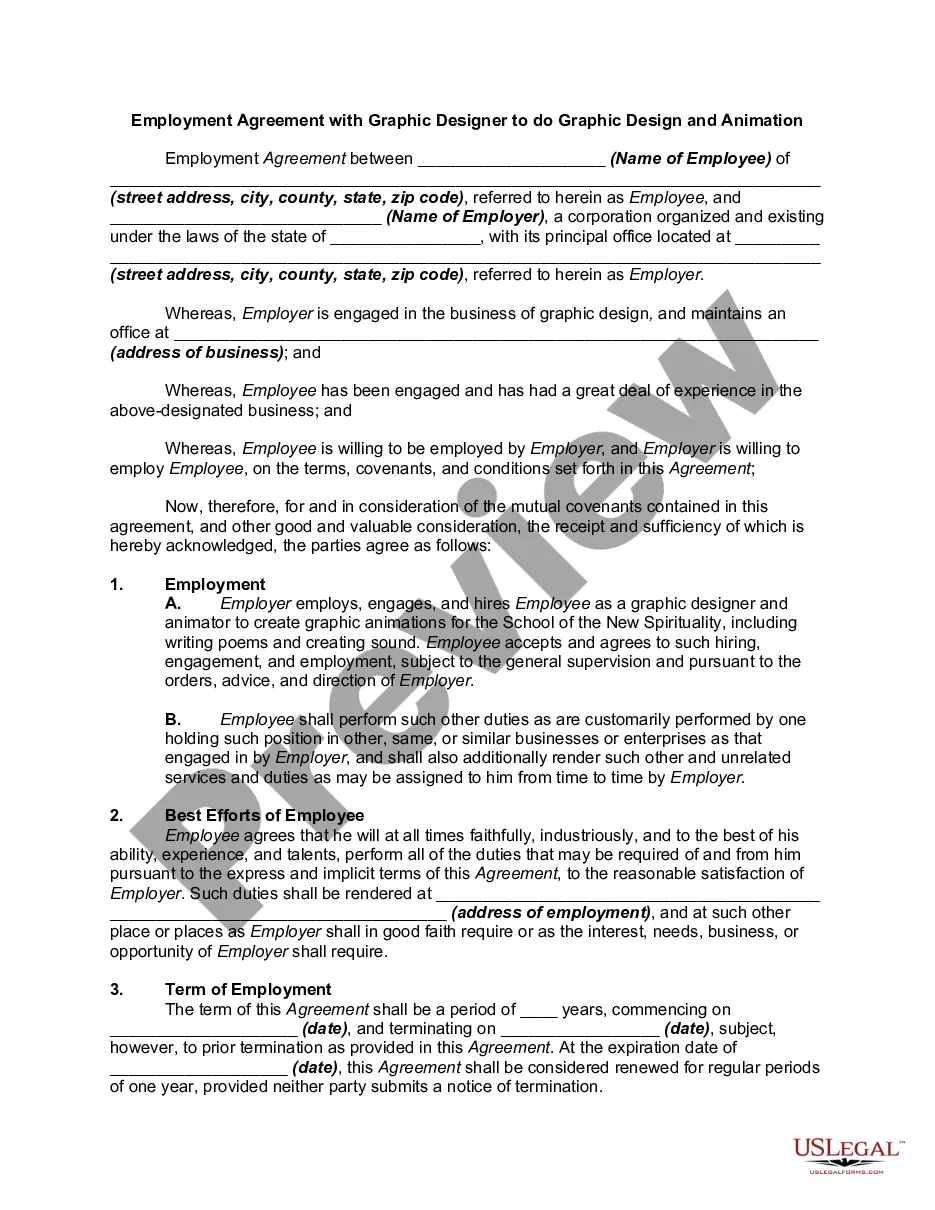
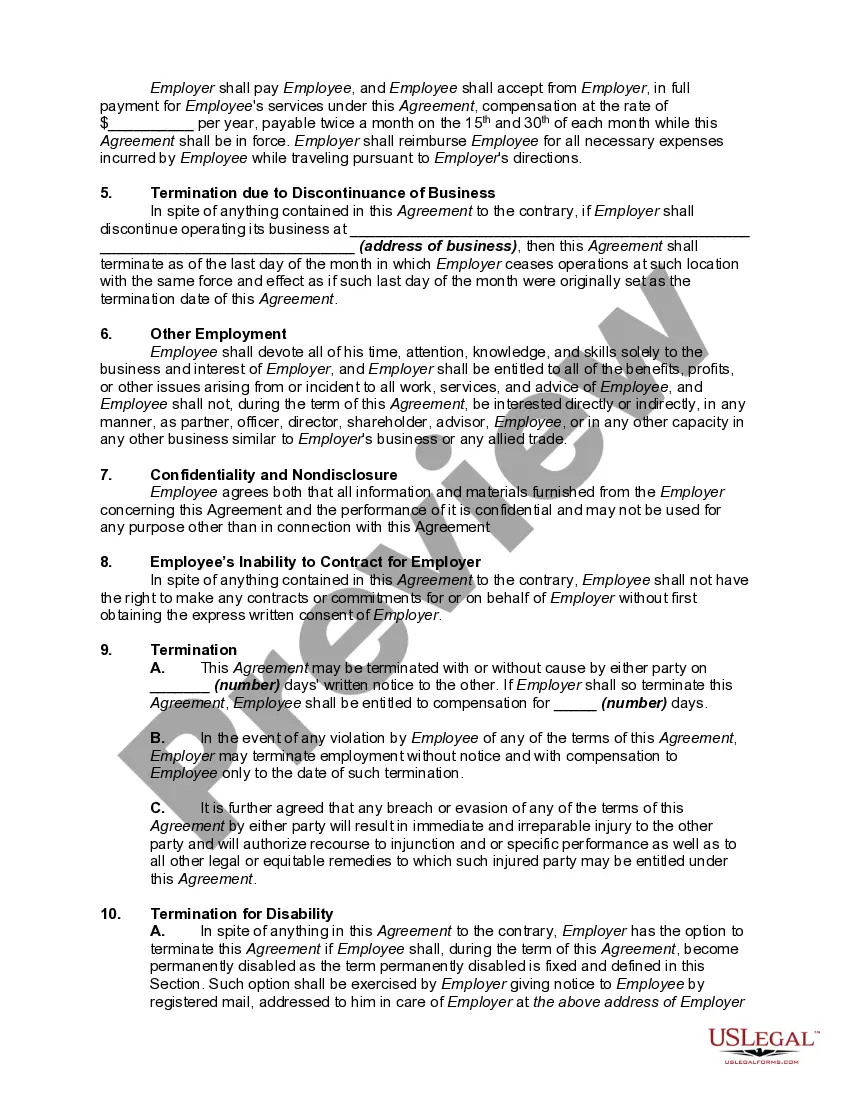
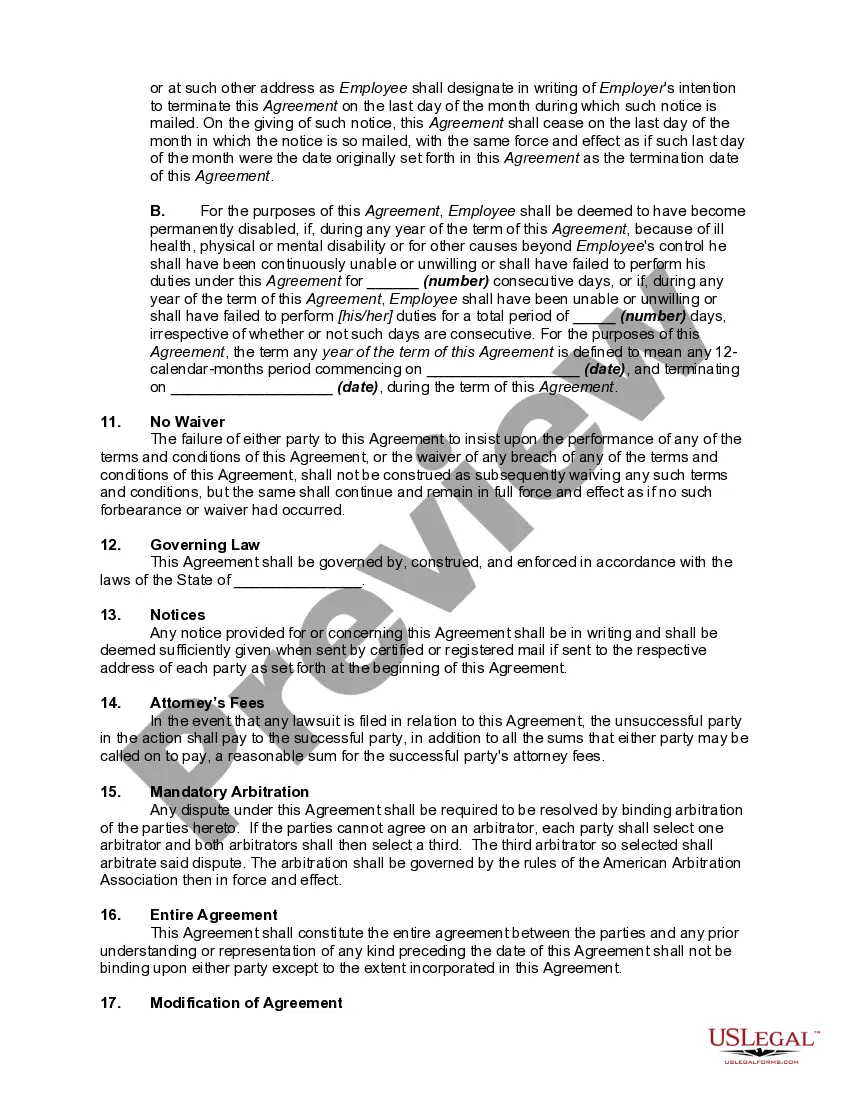
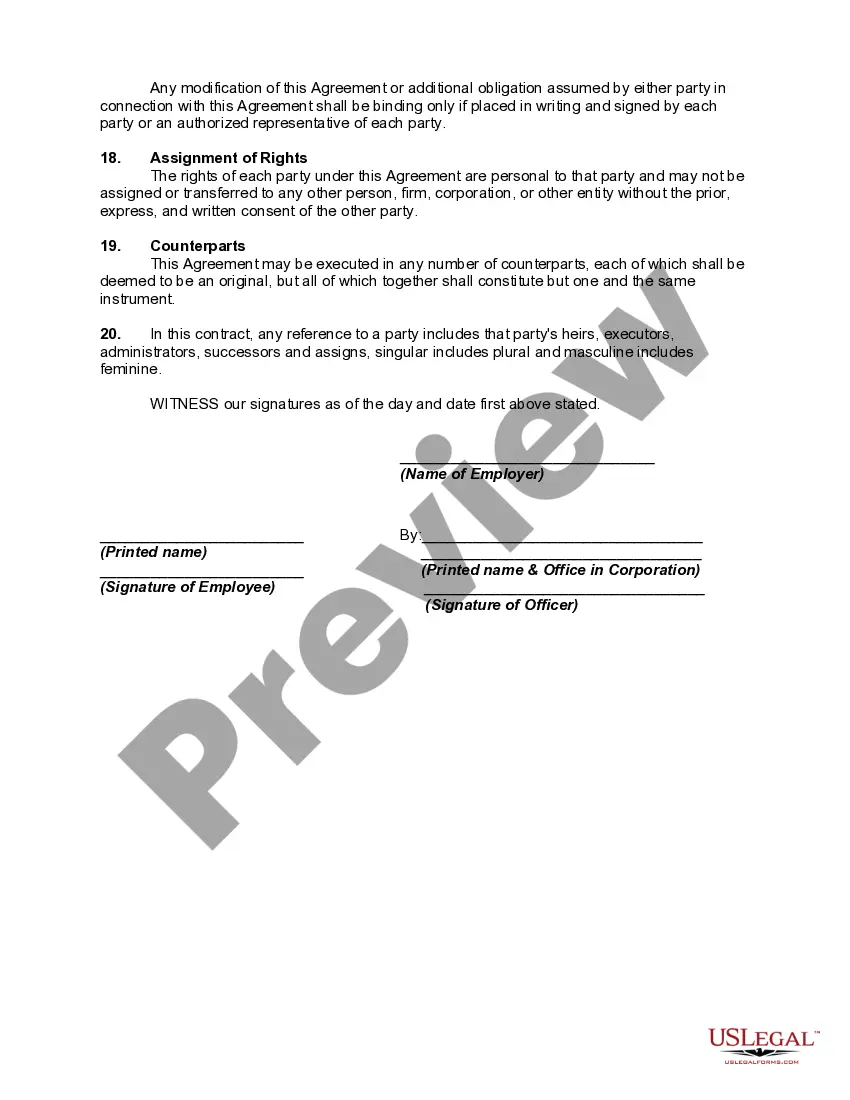
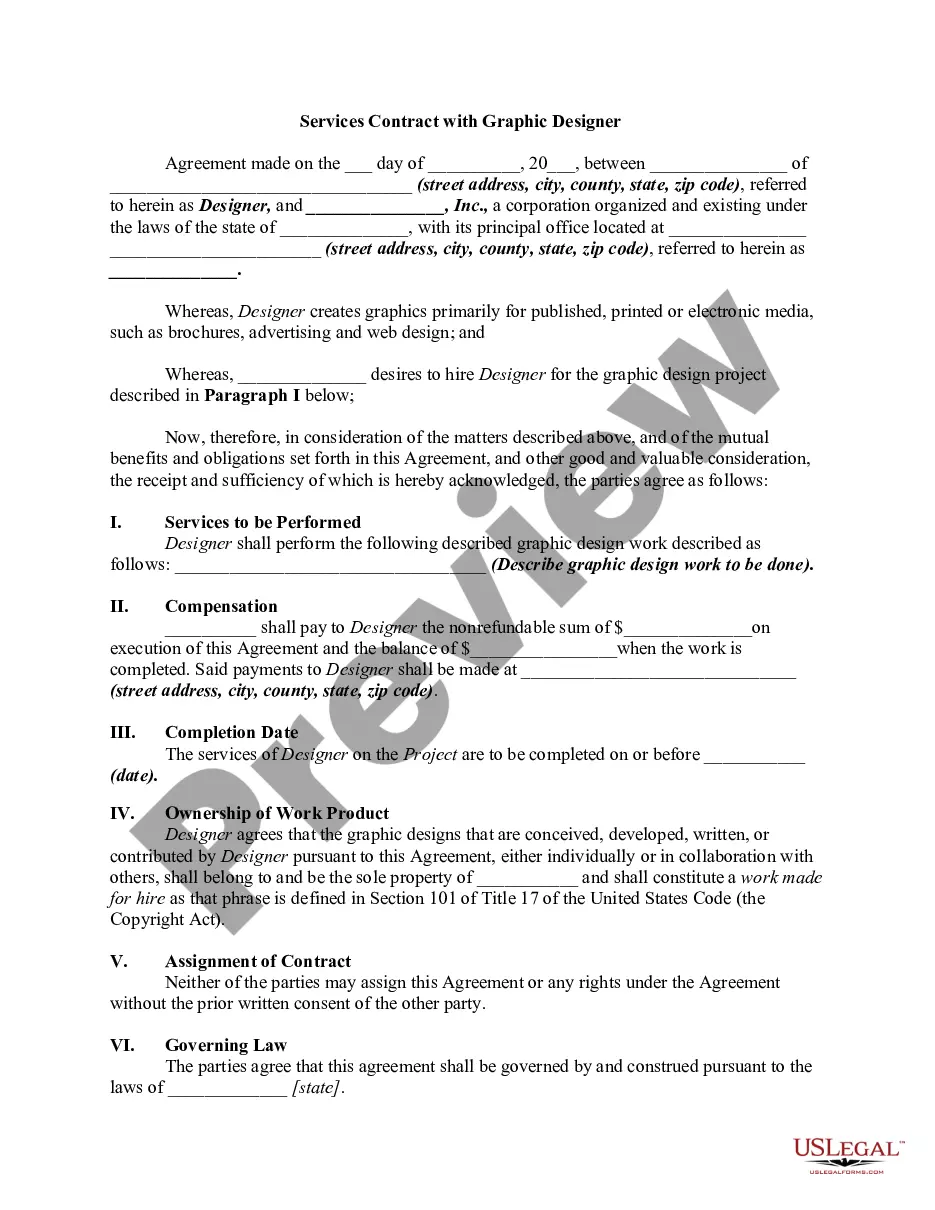
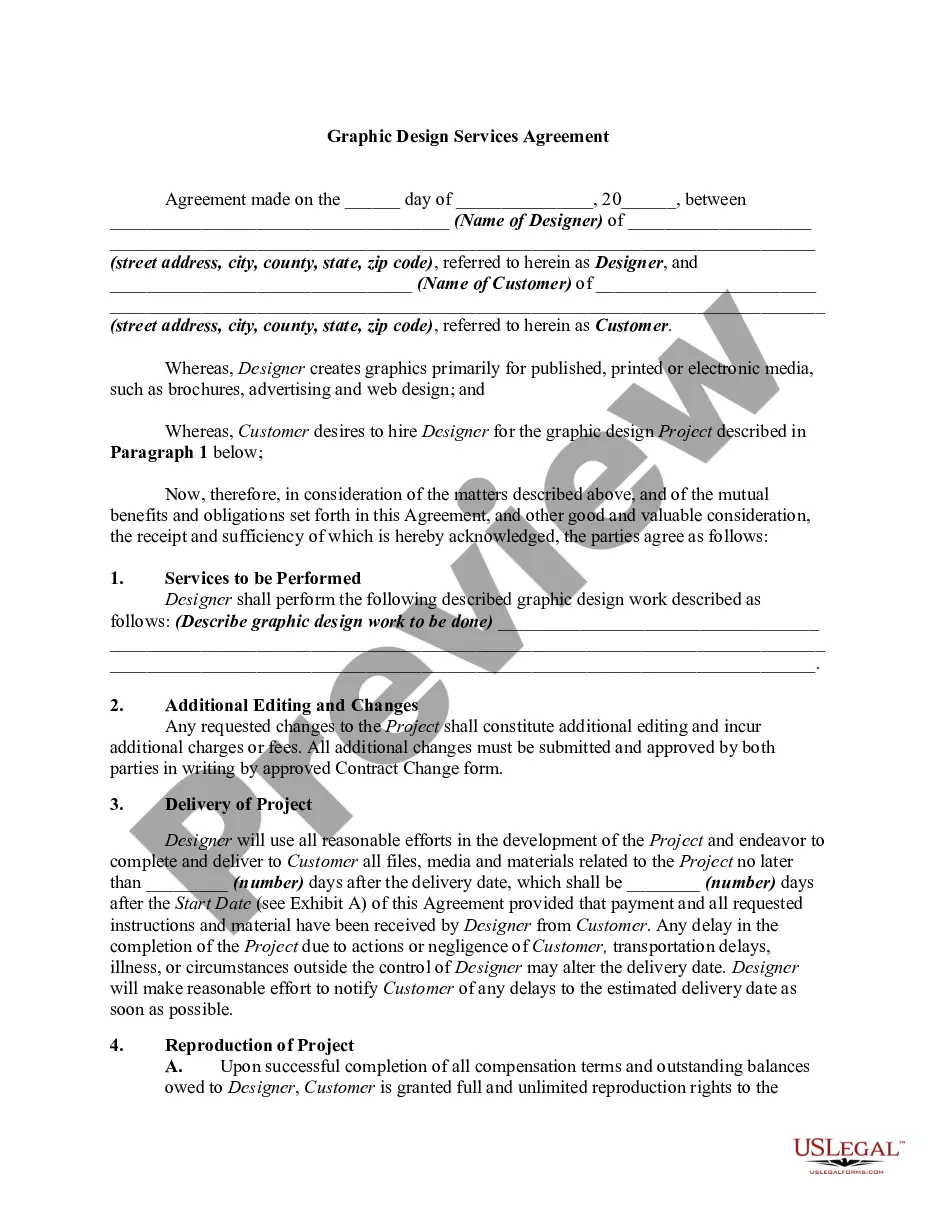
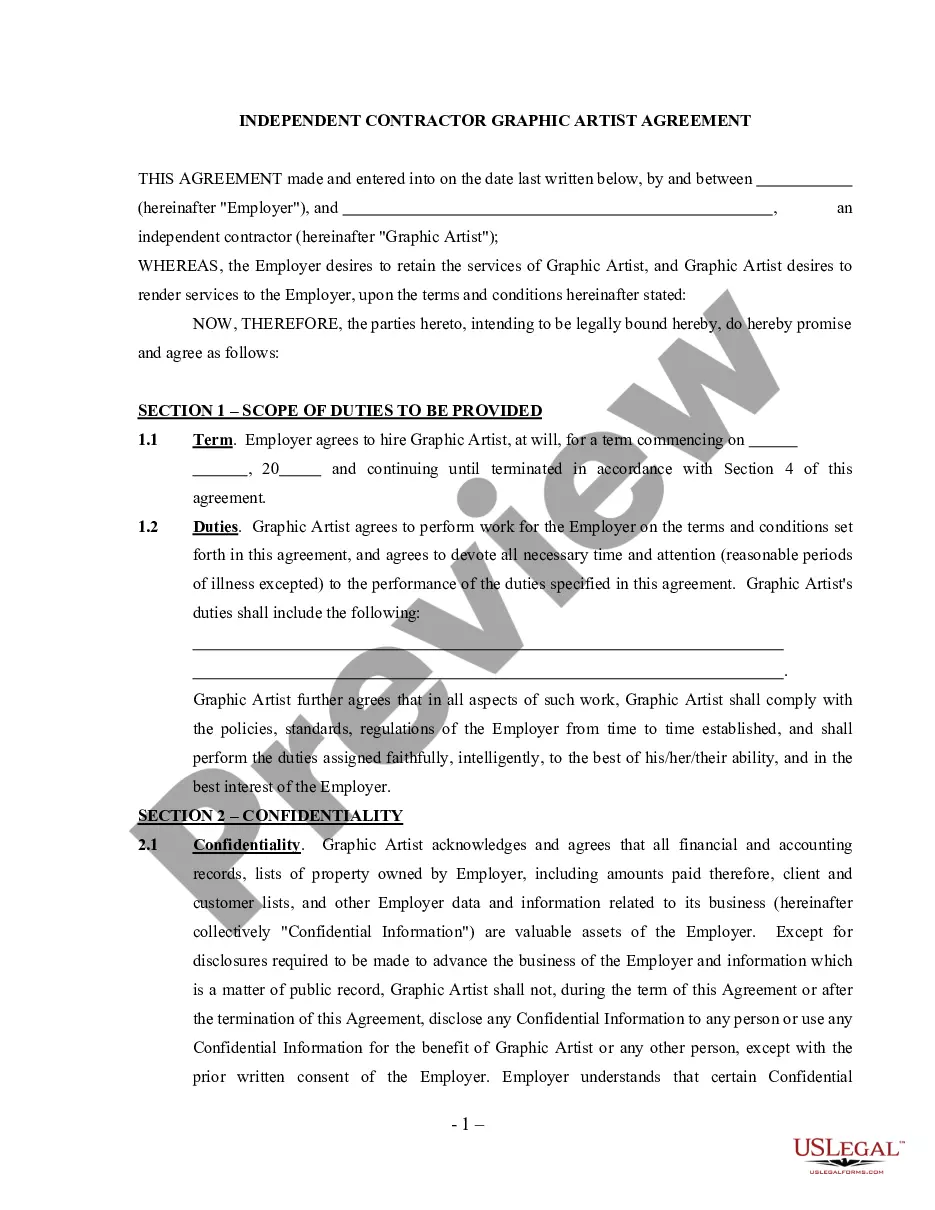
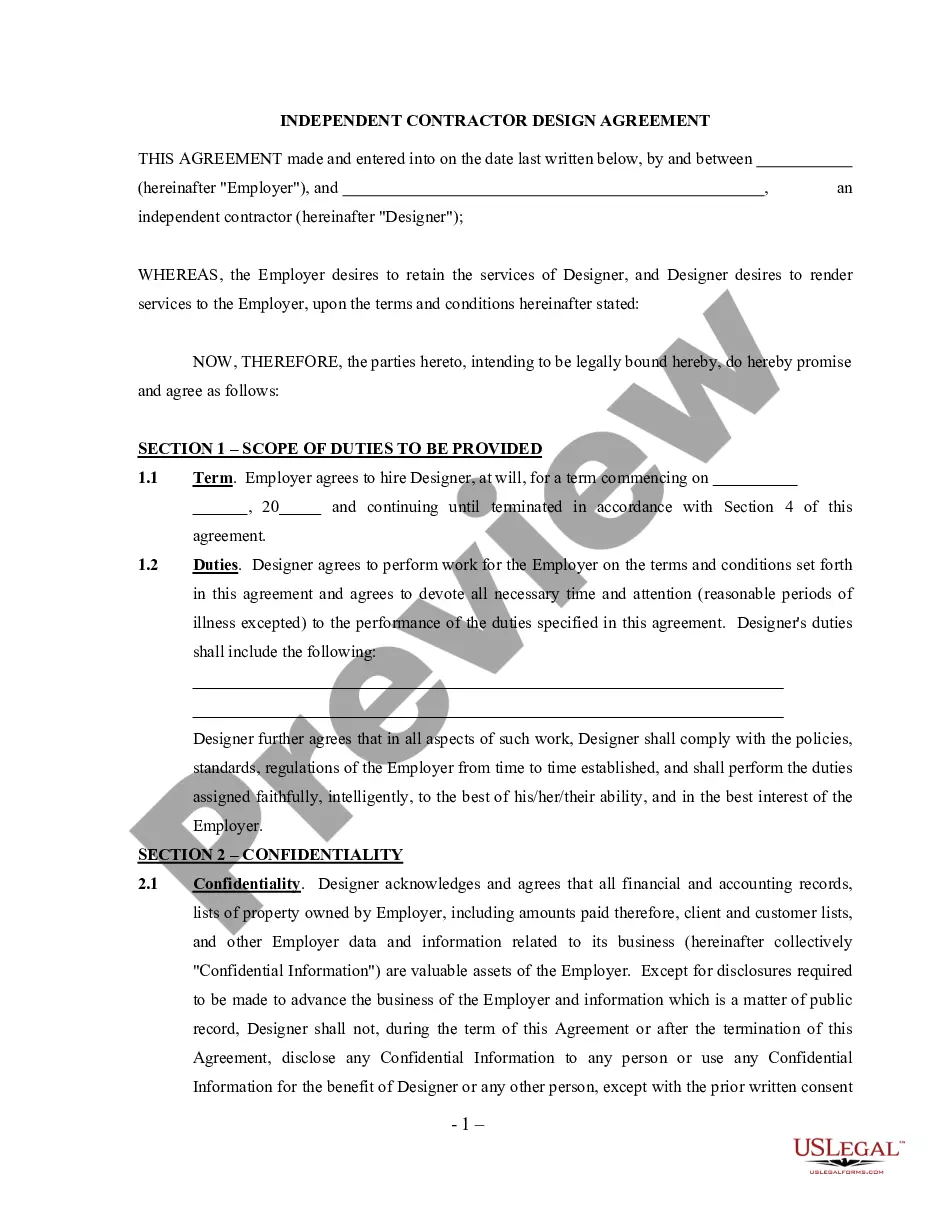
Get your form ready online
Our built-in tools help you complete, sign, share, and store your documents in one place.
Make edits, fill in missing information, and update formatting in US Legal Forms—just like you would in MS Word.
Download a copy, print it, send it by email, or mail it via USPS—whatever works best for your next step.
Sign and collect signatures with our SignNow integration. Send to multiple recipients, set reminders, and more. Go Premium to unlock E-Sign.
If this form requires notarization, complete it online through a secure video call—no need to meet a notary in person or wait for an appointment.
We protect your documents and personal data by following strict security and privacy standards.

Make edits, fill in missing information, and update formatting in US Legal Forms—just like you would in MS Word.

Download a copy, print it, send it by email, or mail it via USPS—whatever works best for your next step.

Sign and collect signatures with our SignNow integration. Send to multiple recipients, set reminders, and more. Go Premium to unlock E-Sign.

If this form requires notarization, complete it online through a secure video call—no need to meet a notary in person or wait for an appointment.

We protect your documents and personal data by following strict security and privacy standards.
Looking for another form?
How to fill out Employment Agreement With Graphic Designer To Do Graphic Design And Animation?
Whether for business purposes or for personal affairs, everybody has to deal with legal situations sooner or later in their life. Filling out legal papers requires careful attention, starting with picking the right form sample. For example, when you pick a wrong version of a Agreement Graphic Designer With Linkedin, it will be declined when you send it. It is therefore essential to get a trustworthy source of legal files like US Legal Forms.
If you have to obtain a Agreement Graphic Designer With Linkedin sample, follow these simple steps:
- Get the sample you need by using the search field or catalog navigation.
- Look through the form’s information to ensure it fits your situation, state, and region.
- Click on the form’s preview to examine it.
- If it is the wrong document, get back to the search function to find the Agreement Graphic Designer With Linkedin sample you need.
- Get the file if it matches your needs.
- If you already have a US Legal Forms profile, simply click Log in to access previously saved templates in My Forms.
- In the event you do not have an account yet, you can obtain the form by clicking Buy now.
- Pick the appropriate pricing option.
- Complete the profile registration form.
- Select your payment method: use a credit card or PayPal account.
- Pick the document format you want and download the Agreement Graphic Designer With Linkedin.
- After it is saved, you are able to complete the form by using editing applications or print it and complete it manually.
With a large US Legal Forms catalog at hand, you don’t have to spend time looking for the appropriate sample across the internet. Make use of the library’s easy navigation to find the proper form for any occasion.
Form popularity
FAQ
What needs to be included in your freelance graphic design contract? Basic description of the project. ... Project scope description. ... Details about the deliverables. ... Client responsibilities. ... Payment details. ... Copyright ownership terms. ... Revision details. ... Client approval process.
Read on for hot tips on optimizing your LinkedIn profile to show potential employers how stellar your work really is! Appropriate photo or image. ... Current status and contact information. ... Strong headline with keywords. ... Updated and relevant experience. ... Linked resume and portfolio. ... Abbreviated job descriptions.
So, you might try to save money by writing your own contract instead of consulting with a professional. While your own contract may work well for some of your clients, it can also open the door to legal challenges. That's because contracts are legal documents and are often written in very precise legal terms.
Essential elements of a graphic designer LinkedIn profile include a professional headshot, banner image, detailed work and educational history, relevant links to other professional webpages, and a narrative of your work as a designer.
How to make a graphic designer contract for freelancers. Identify the parties. ... Outline project details. ... Define payment terms. ... Protect intellectual property. ... Include revisions and approval process. ... Address termination clause. ... Incorporate confidentiality and nondisclosure. ... Specify dispute resolution.