Certificate Memorandum With Enclosures
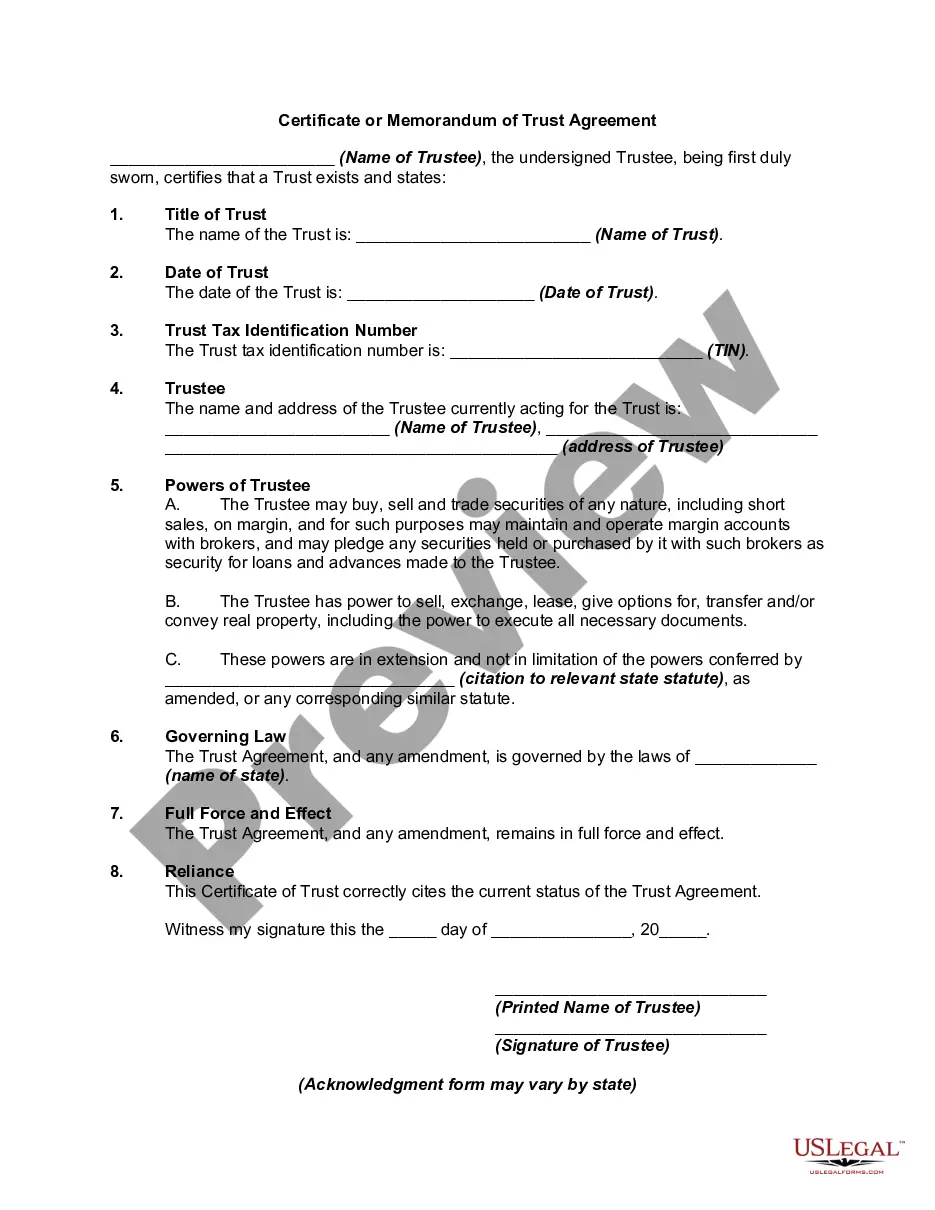
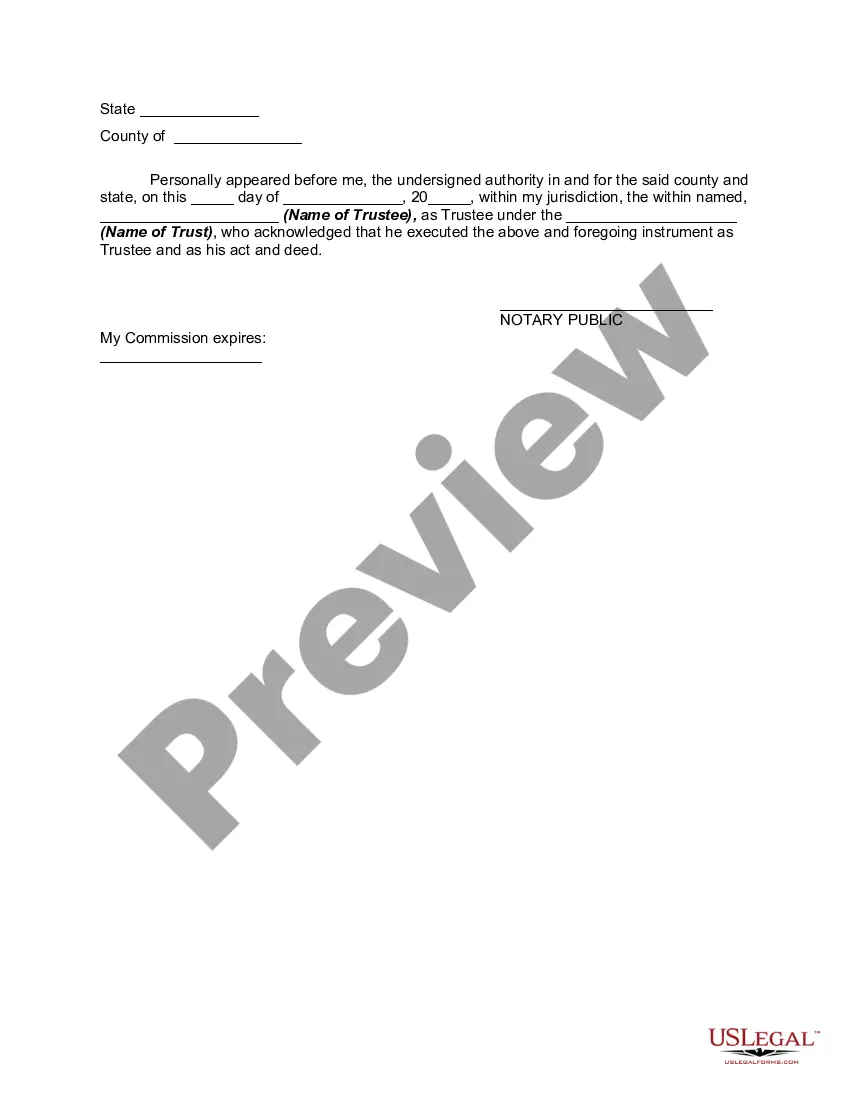
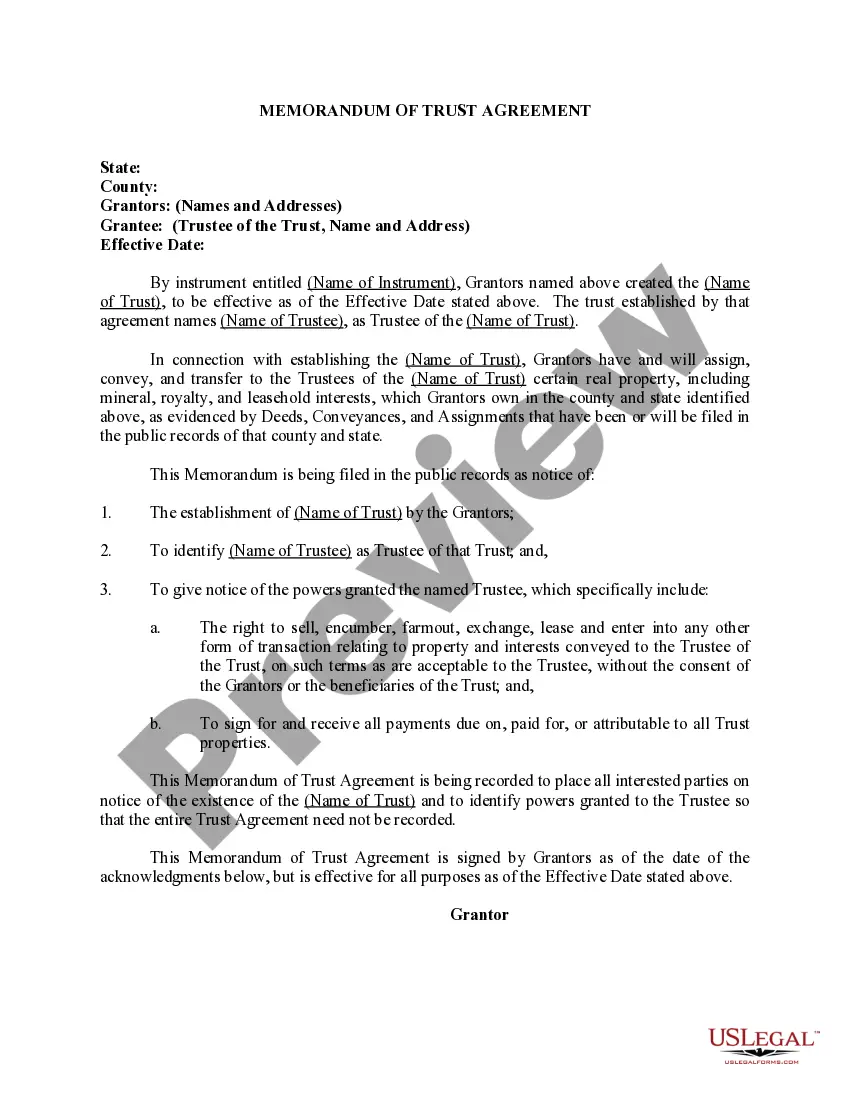
Description
Get your form ready online
Our built-in tools help you complete, sign, share, and store your documents in one place.
Make edits, fill in missing information, and update formatting in US Legal Forms—just like you would in MS Word.
Download a copy, print it, send it by email, or mail it via USPS—whatever works best for your next step.
Sign and collect signatures with our SignNow integration. Send to multiple recipients, set reminders, and more. Go Premium to unlock E-Sign.
If this form requires notarization, complete it online through a secure video call—no need to meet a notary in person or wait for an appointment.
We protect your documents and personal data by following strict security and privacy standards.

Make edits, fill in missing information, and update formatting in US Legal Forms—just like you would in MS Word.

Download a copy, print it, send it by email, or mail it via USPS—whatever works best for your next step.

Sign and collect signatures with our SignNow integration. Send to multiple recipients, set reminders, and more. Go Premium to unlock E-Sign.

If this form requires notarization, complete it online through a secure video call—no need to meet a notary in person or wait for an appointment.

We protect your documents and personal data by following strict security and privacy standards.
Looking for another form?




How to fill out Certificate Or Memorandum Of Trust Agreement?
Finding a go-to place to take the most recent and appropriate legal samples is half the struggle of dealing with bureaucracy. Finding the right legal papers demands accuracy and attention to detail, which explains why it is vital to take samples of Certificate Memorandum With Enclosures only from reliable sources, like US Legal Forms. An improper template will waste your time and hold off the situation you are in. With US Legal Forms, you have little to be concerned about. You may access and view all the details concerning the document’s use and relevance for your situation and in your state or region.
Take the listed steps to complete your Certificate Memorandum With Enclosures:
- Make use of the catalog navigation or search field to find your template.
- Open the form’s information to see if it fits the requirements of your state and region.
- Open the form preview, if there is one, to make sure the template is the one you are searching for.
- Resume the search and look for the correct template if the Certificate Memorandum With Enclosures does not match your needs.
- If you are positive about the form’s relevance, download it.
- If you are an authorized user, click Log in to authenticate and gain access to your selected templates in My Forms.
- If you do not have a profile yet, click Buy now to get the template.
- Select the pricing plan that fits your needs.
- Go on to the registration to finalize your purchase.
- Finalize your purchase by choosing a payment method (credit card or PayPal).
- Select the file format for downloading Certificate Memorandum With Enclosures.
- When you have the form on your gadget, you can modify it with the editor or print it and complete it manually.
Eliminate the inconvenience that accompanies your legal documentation. Discover the extensive US Legal Forms library to find legal samples, examine their relevance to your situation, and download them immediately.
Form popularity
FAQ
A memo is usually a page or two long, single spaced and left justified. Instead of using indentations to show new paragraphs, skip a line between sentences. Business materials should be concise and easy to read. Therefore it is beneficial to use headings and lists to help the reader pinpoint certain information.
A memo (also known as a memorandum, or "reminder") is used for internal communications regarding procedures or official business within an organization. Unlike an email, a memo is a message you send to a large group of employees, like your entire department or everyone at the company.
How to format a memo Heading. To. From. Date. Subject. Opening statement. Context. Call to action and task statement. Discussion. Closing.
At most, leave one line space and then restate initials. Enclosures: If there are any enclosures, first, write "Encl." or "Enclosures," leave one line of space, then, write the title of the enclosure.
The notations Enclosure(s), Encl., Attachment(s) and Att. indicate that the envelope contains one or more documents in addition to the letter or attached to the letter. The number of such documents, if there are more than one, should appear after the notation.