Permission Use Photos With Iphone
Description
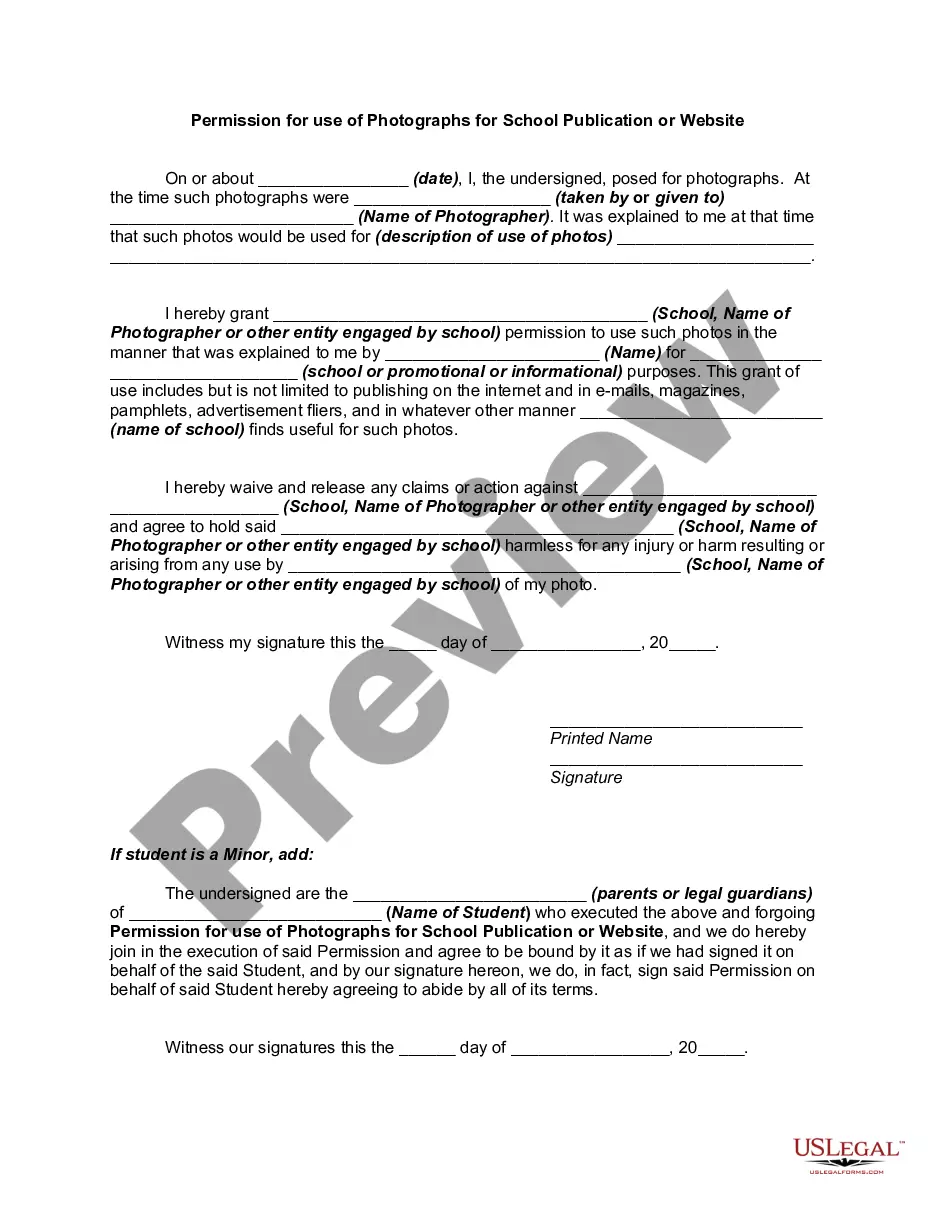
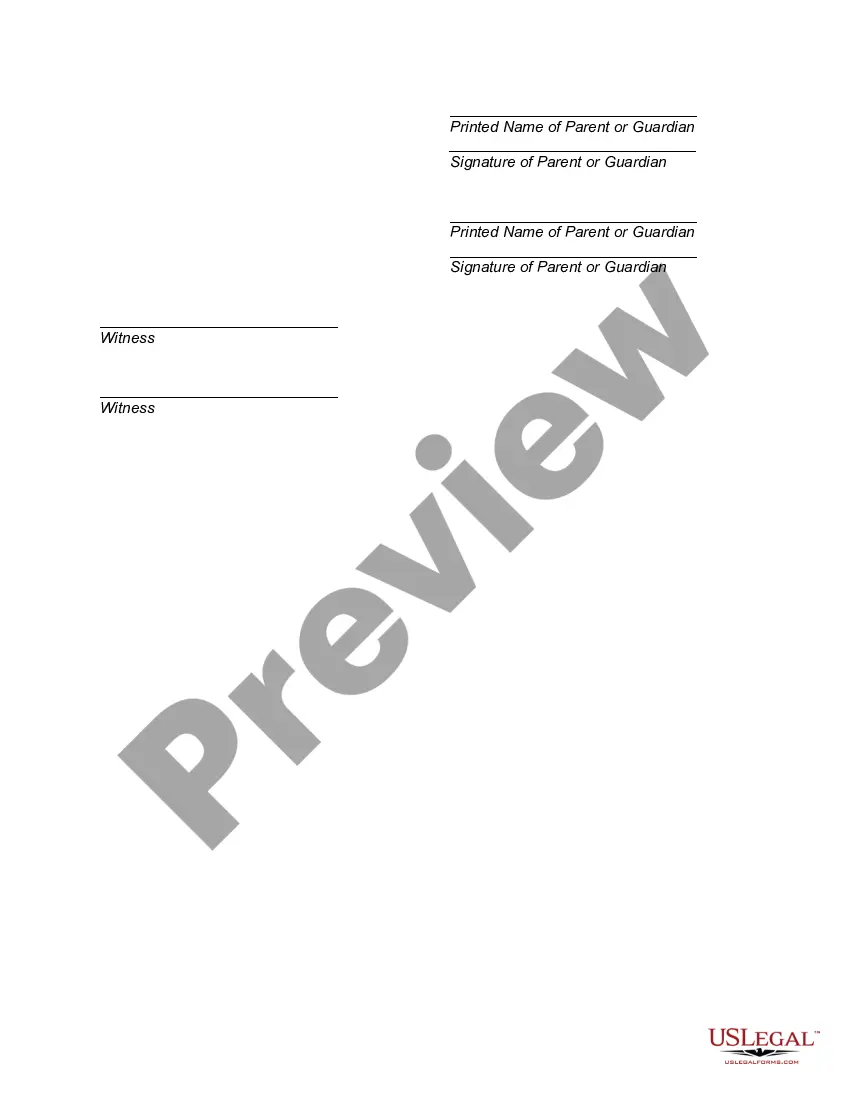
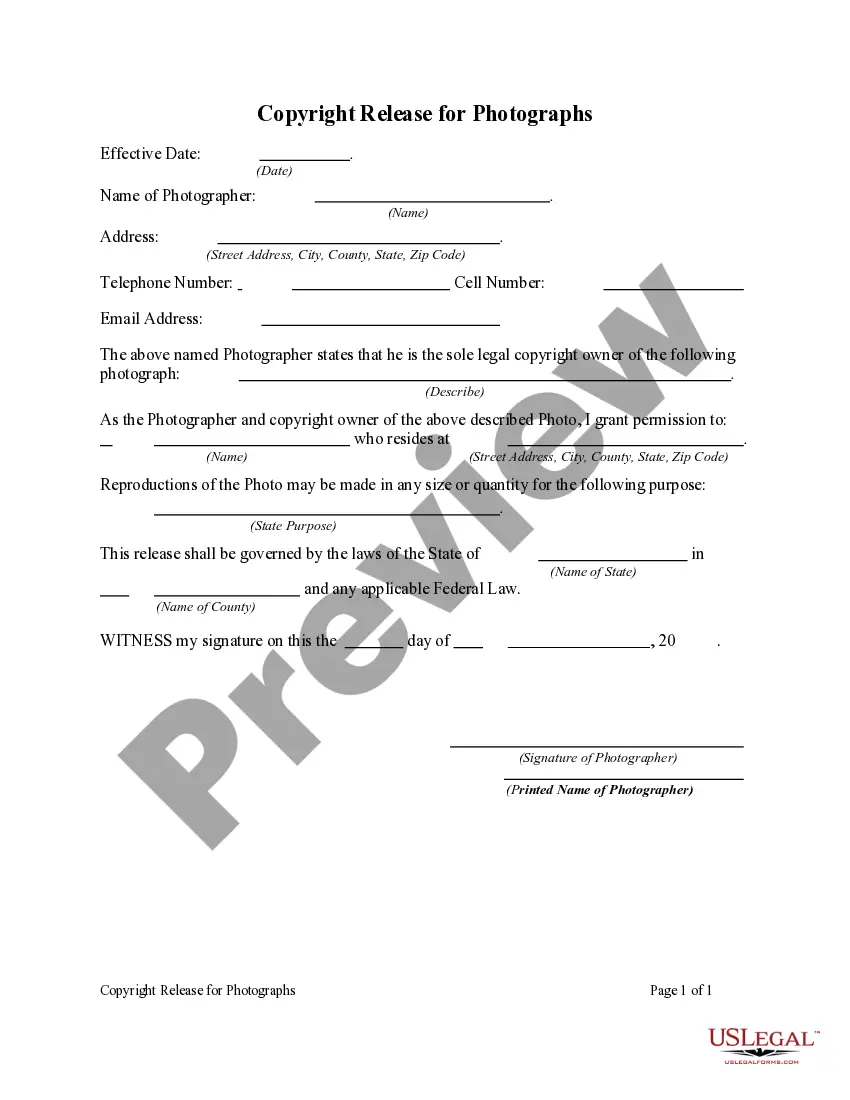
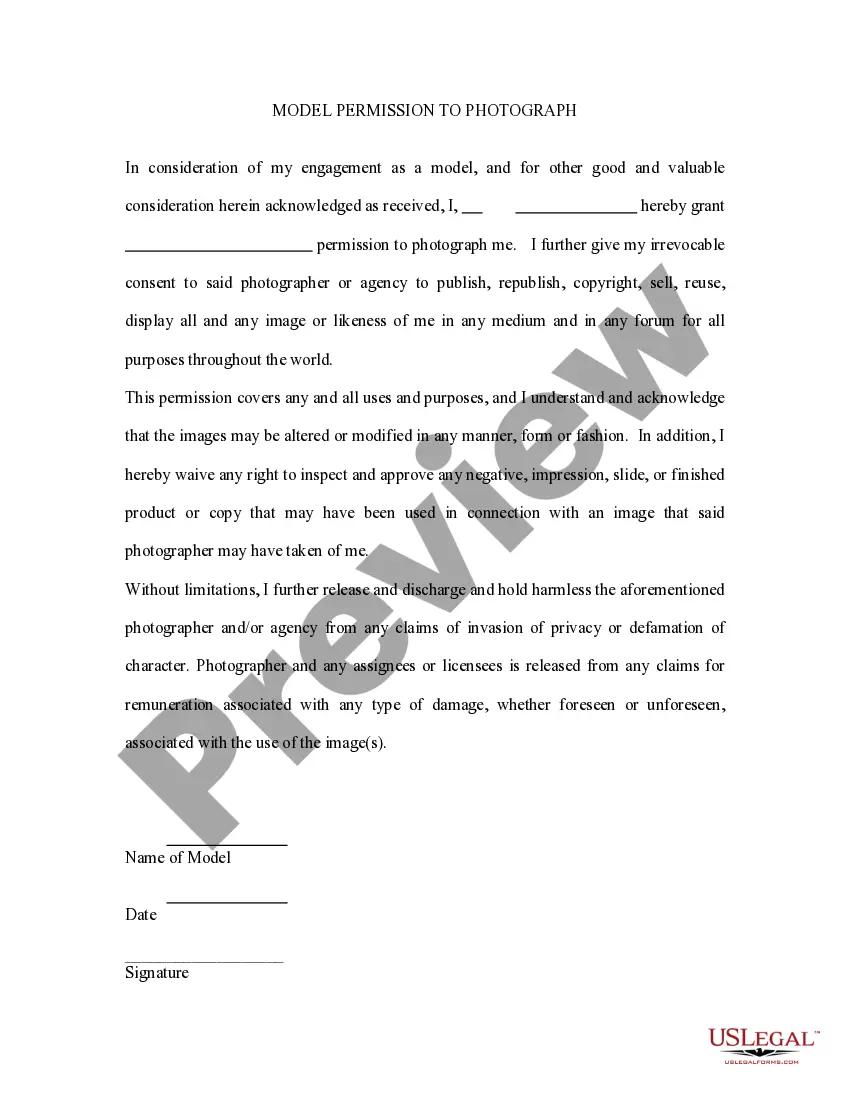
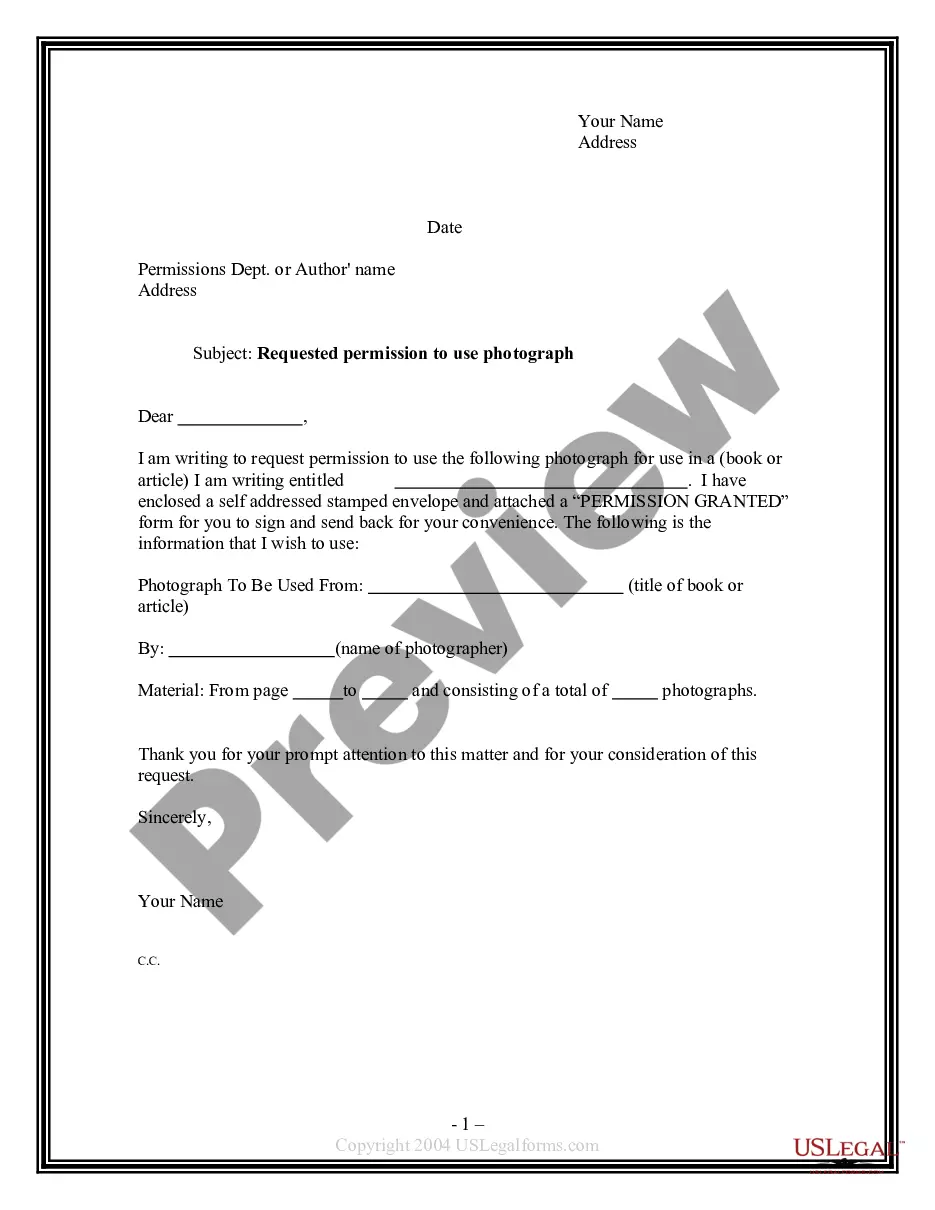
Get your form ready online
Our built-in tools help you complete, sign, share, and store your documents in one place.
Make edits, fill in missing information, and update formatting in US Legal Forms—just like you would in MS Word.
Download a copy, print it, send it by email, or mail it via USPS—whatever works best for your next step.
Sign and collect signatures with our SignNow integration. Send to multiple recipients, set reminders, and more. Go Premium to unlock E-Sign.
If this form requires notarization, complete it online through a secure video call—no need to meet a notary in person or wait for an appointment.
We protect your documents and personal data by following strict security and privacy standards.

Make edits, fill in missing information, and update formatting in US Legal Forms—just like you would in MS Word.

Download a copy, print it, send it by email, or mail it via USPS—whatever works best for your next step.

Sign and collect signatures with our SignNow integration. Send to multiple recipients, set reminders, and more. Go Premium to unlock E-Sign.

If this form requires notarization, complete it online through a secure video call—no need to meet a notary in person or wait for an appointment.

We protect your documents and personal data by following strict security and privacy standards.
Looking for another form?



How to fill out Permission For Use Of Photographs For School Publication Or Website?
Regardless of whether it is for professional objectives or personal matters, everyone must confront legal scenarios at some point in their lives.
Filling out legal documents requires meticulous care, starting with selecting the correct form template.
Once it is saved, you can complete the form using editing software or print it to fill it out by hand. With a vast catalog from US Legal Forms available, you won’t have to waste time looking for the right template online. Take advantage of the library’s easy navigation to find the appropriate template for any occasion.
- For example, if you select an incorrect version of a Permission Use Photos With Iphone, it will be rejected upon submission.
- Thus, it is vital to have a reliable source for legal paperwork like US Legal Forms.
- If you need to acquire a Permission Use Photos With Iphone template, follow these straightforward steps.
- Access the template you require by employing the search bar or catalog browsing.
- Review the form’s details to confirm it aligns with your circumstances, state, and locality.
- Click on the form’s preview to inspect it.
- If it is the wrong document, return to the search feature to locate the Permission Use Photos With Iphone template you need.
- Obtain the template if it fits your specifications.
- If you already possess a US Legal Forms account, simply click Log in to access previously saved documents in My documents.
- In case you do not have an account yet, you can download the form by clicking Buy now.
- Select the suitable pricing plan.
- Complete the account registration form.
- Choose your payment option: utilize a credit card or PayPal account.
- Select the document format you prefer and download the Permission Use Photos With Iphone.
Form popularity
FAQ
How to Change App Permissions on iPhone or iPad (iOS) - YouTube YouTube Start of suggested clip End of suggested clip And then scroll down and select privacy. And security from the list. Within here look for theMoreAnd then scroll down and select privacy. And security from the list. Within here look for the permission. You want to change. For. Example you could choose camera or microphone.
You can change your photo permissions at any time. On your iPhone or iPad, open Settings. Tap Photos. Select a permission option.
Tap a shape or text box to select it, or select multiple objects. , tap Style, then tap Fill. Choose one of the following: A preset color or gradient: Tap Preset, swipe left or right to see all choices, then tap a color.
Change app permissions On your device, open the Settings app. Tap Apps. Tap the app you want to change. If you can't find it, tap See all apps. ... Tap Permissions. If you allowed or denied any permissions for the app, you'll find them here. To change a permission setting, tap it, then choose Allow or Don't allow.
Go to Photos and select the photo you want. Tap Edit, then tap the Markup button . Tap the Add button to add text, shapes, and more. Tap Done, then tap Done again.