Permission Use Photographs Without Permission
Description
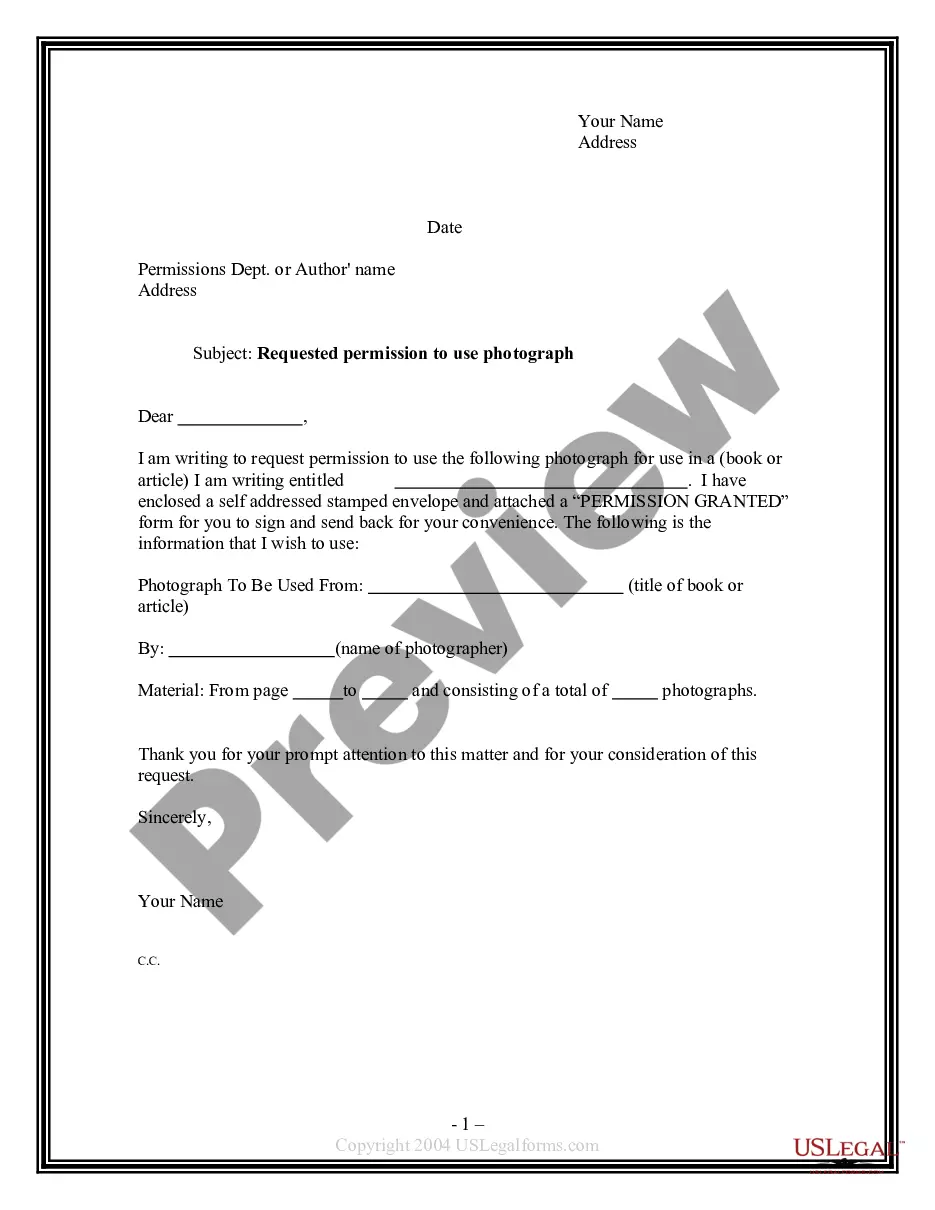
Get your form ready online
Our built-in tools help you complete, sign, share, and store your documents in one place.
Make edits, fill in missing information, and update formatting in US Legal Forms—just like you would in MS Word.
Download a copy, print it, send it by email, or mail it via USPS—whatever works best for your next step.
Sign and collect signatures with our SignNow integration. Send to multiple recipients, set reminders, and more. Go Premium to unlock E-Sign.
If this form requires notarization, complete it online through a secure video call—no need to meet a notary in person or wait for an appointment.
We protect your documents and personal data by following strict security and privacy standards.

Make edits, fill in missing information, and update formatting in US Legal Forms—just like you would in MS Word.

Download a copy, print it, send it by email, or mail it via USPS—whatever works best for your next step.

Sign and collect signatures with our SignNow integration. Send to multiple recipients, set reminders, and more. Go Premium to unlock E-Sign.

If this form requires notarization, complete it online through a secure video call—no need to meet a notary in person or wait for an appointment.

We protect your documents and personal data by following strict security and privacy standards.
Looking for another form?

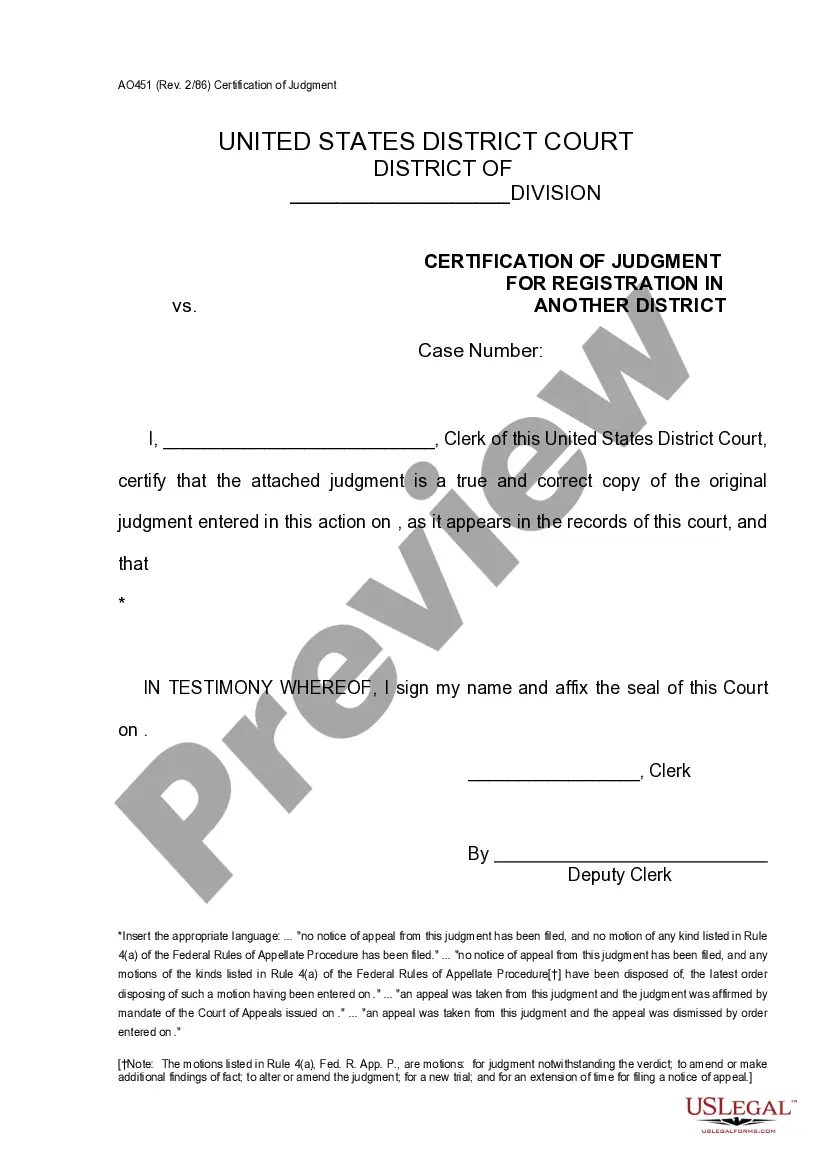
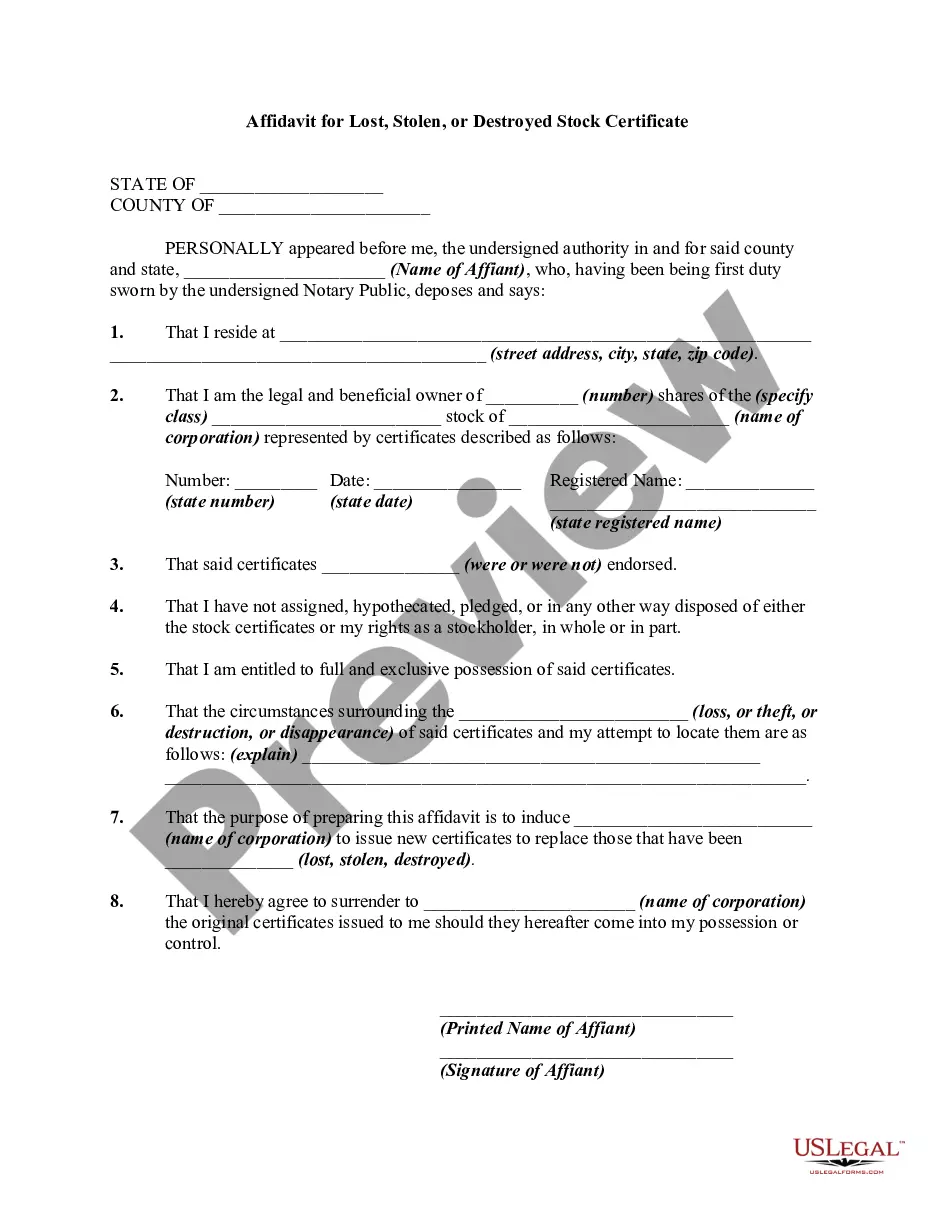
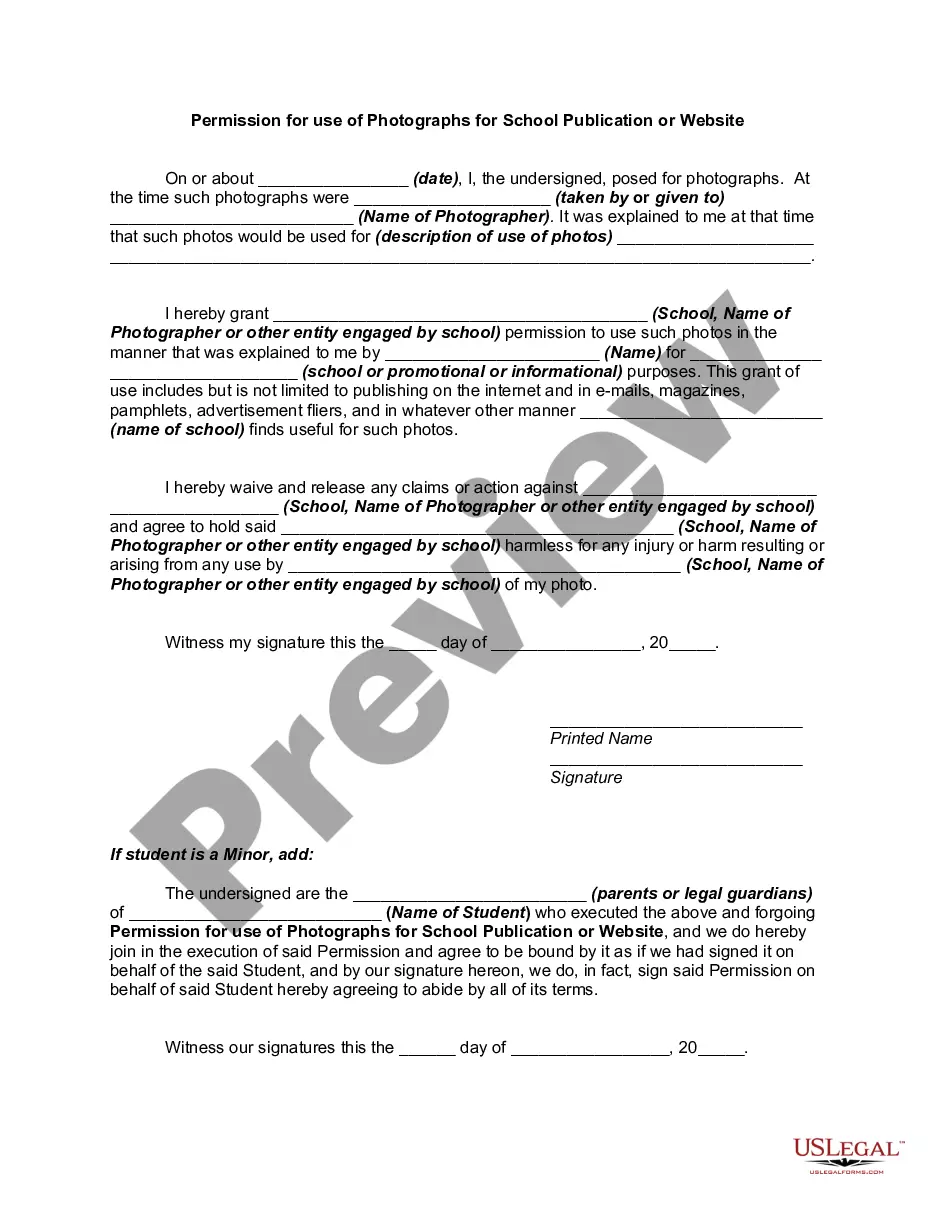
How to fill out Permission For Use Of Photographs For School Publication Or Website?
Handling legal documents and processes can be a lengthy addition to your day.
Permissions to Utilize Photos Without Authorization and forms similar to it frequently necessitate a search for them and understanding how to fill them out accurately.
For this reason, if you are managing financial, legal, or personal affairs, possessing a comprehensive and functional online repository of forms when required will significantly help.
US Legal Forms is the premier online platform for legal templates, featuring over 85,000 state-specific documents and various tools to help you finish your paperwork swiftly.
Simply Log In to your account, locate Permission to Utilize Photos Without Authorization, and download it directly from the My documents section. You may also access previously downloaded documents.
- Explore the library of relevant documents accessible with just a single click.
- US Legal Forms provides you with state- and county-specific documents available for download at any time.
- Safeguard your document management processes using a high-quality service that enables you to prepare any document within minutes without additional or hidden fees.
Form popularity
FAQ
You can generally use images without permission if they fall under fair use, such as in commentary, news reporting, or educational contexts. Public domain images, or those with a Creative Commons license that permits usage, can also be used freely. Just be cautious to verify the specific terms associated with the image. Understanding these nuances helps clarify when permission use photographs without permission is not necessary.
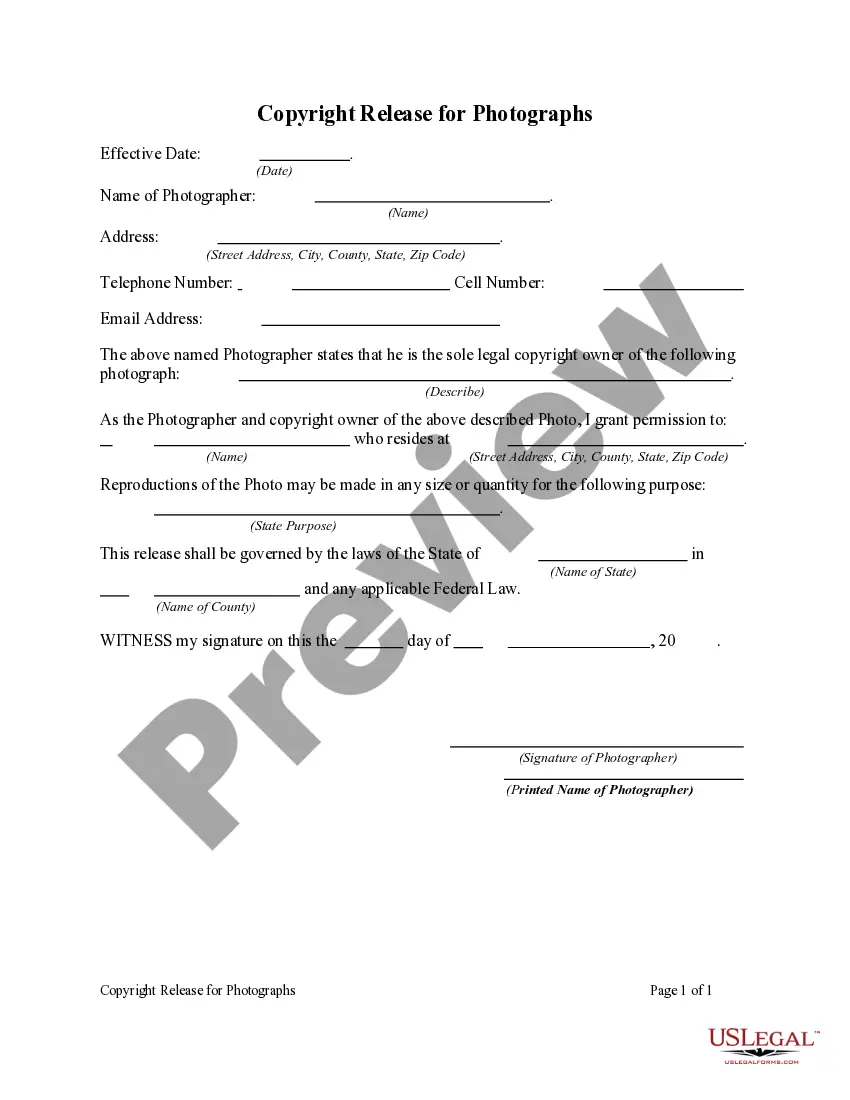
Photographs, illustrations and other images will generally be protected by copyright as artistic works. This means that a user will usually need the permission of the copyright owner(s) if they want to perform certain acts, such as copying the image or sharing it on the internet.
The only way to legally use a copyrighted image is to obtain a license or an assignment from the copyright owner. ?It's online, so it's free, right?? In a word ? NO. Online images are protected by copyright as much as a picture hanging in an art gallery is.
You could let them know that you own the copyright and you would like them to take it down. If they do not agree to this, you could ask the website operator where your photo has been posted to take it down. If this also doesn't work, you could think about taking legal action for copyright infringement.
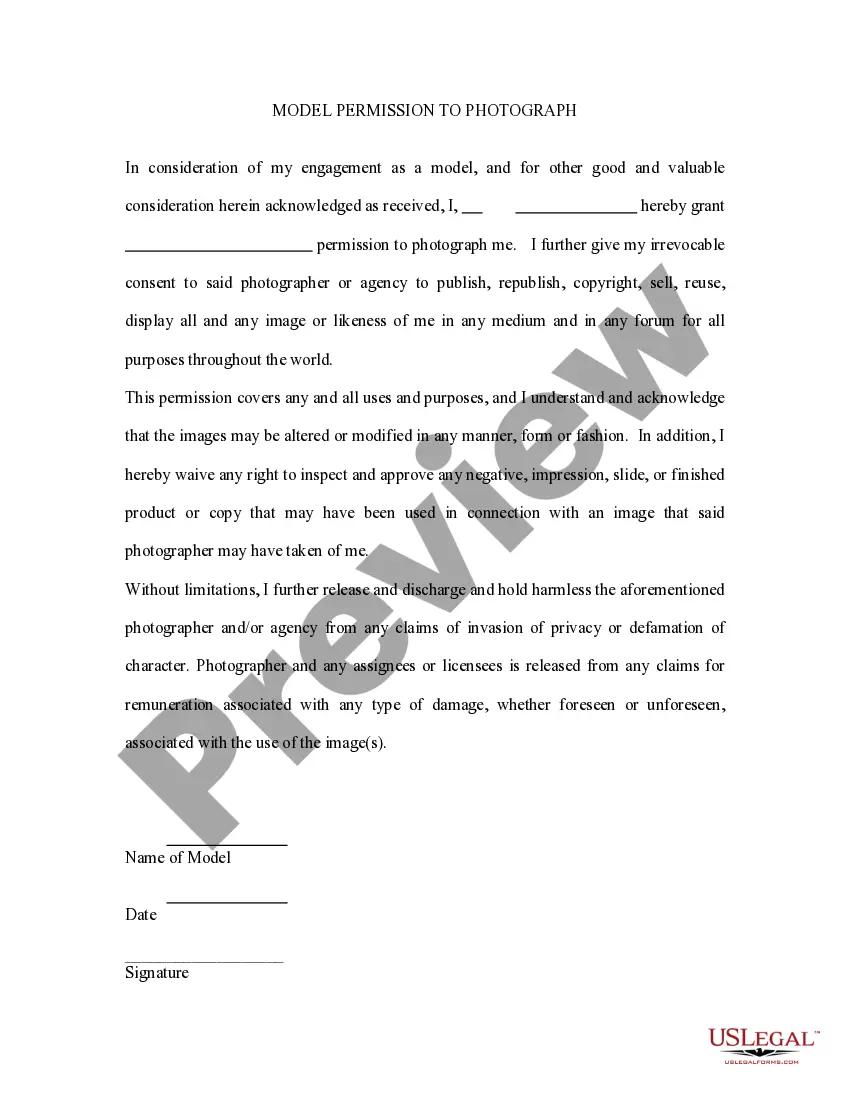
A photo consent form is filled out by an individual consenting to the release of images captured of them, or images under their ownership, to someone else. Typically, the person(s) asking for consent wishes to use the individual's photos/images for media publication (social media, television, YouTube, etc.).
6 Best Practices for Legally Using Google Images Always Assume the Image is Protected by Copyright. ... Linking. ... Use Your Own Photos and Images. ... Use Creative Commons-Licensed Images. ... Use Images From Stock Photo Agencies. ... Confirm Who Owns the Copyright in the Image.