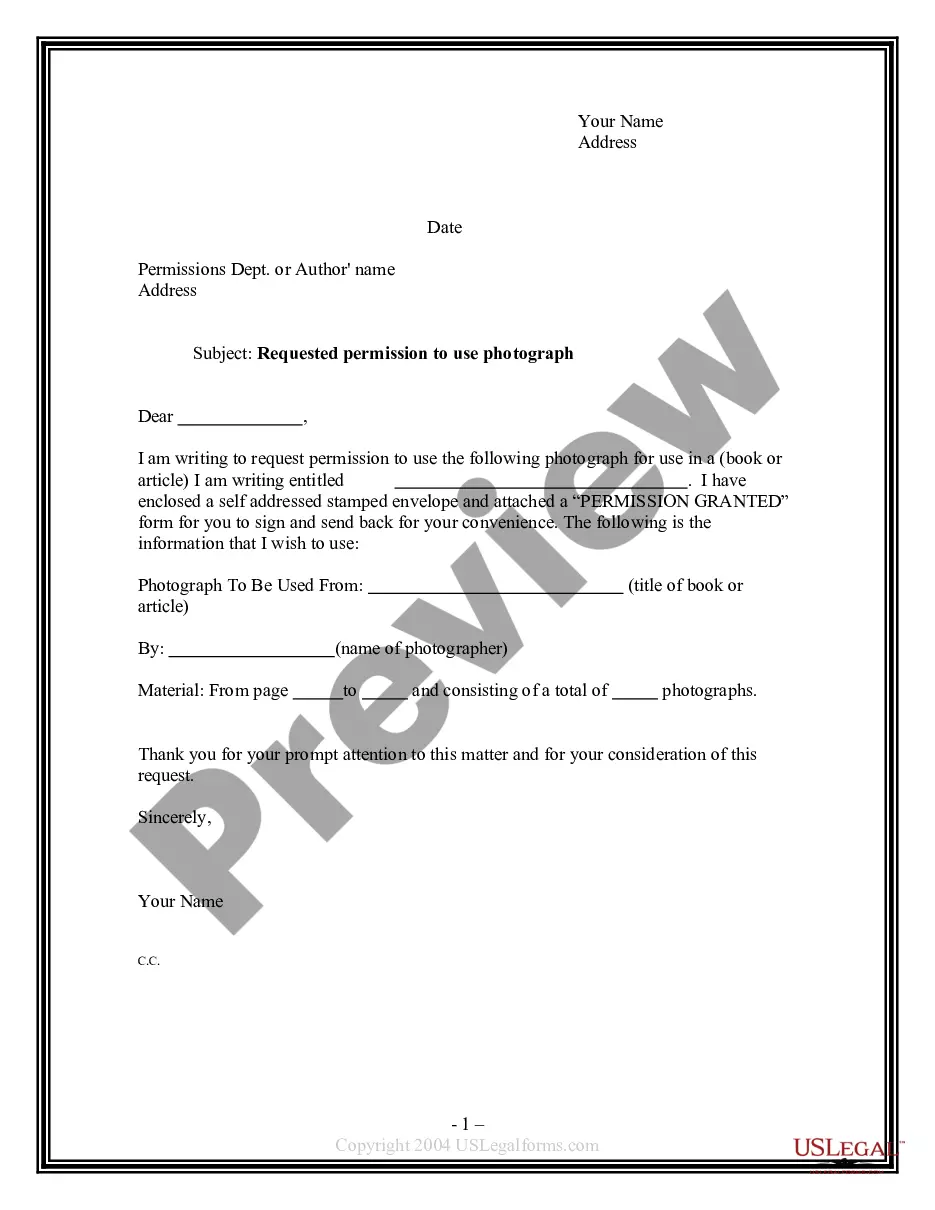
Permission Use Photographs For The Application
Description
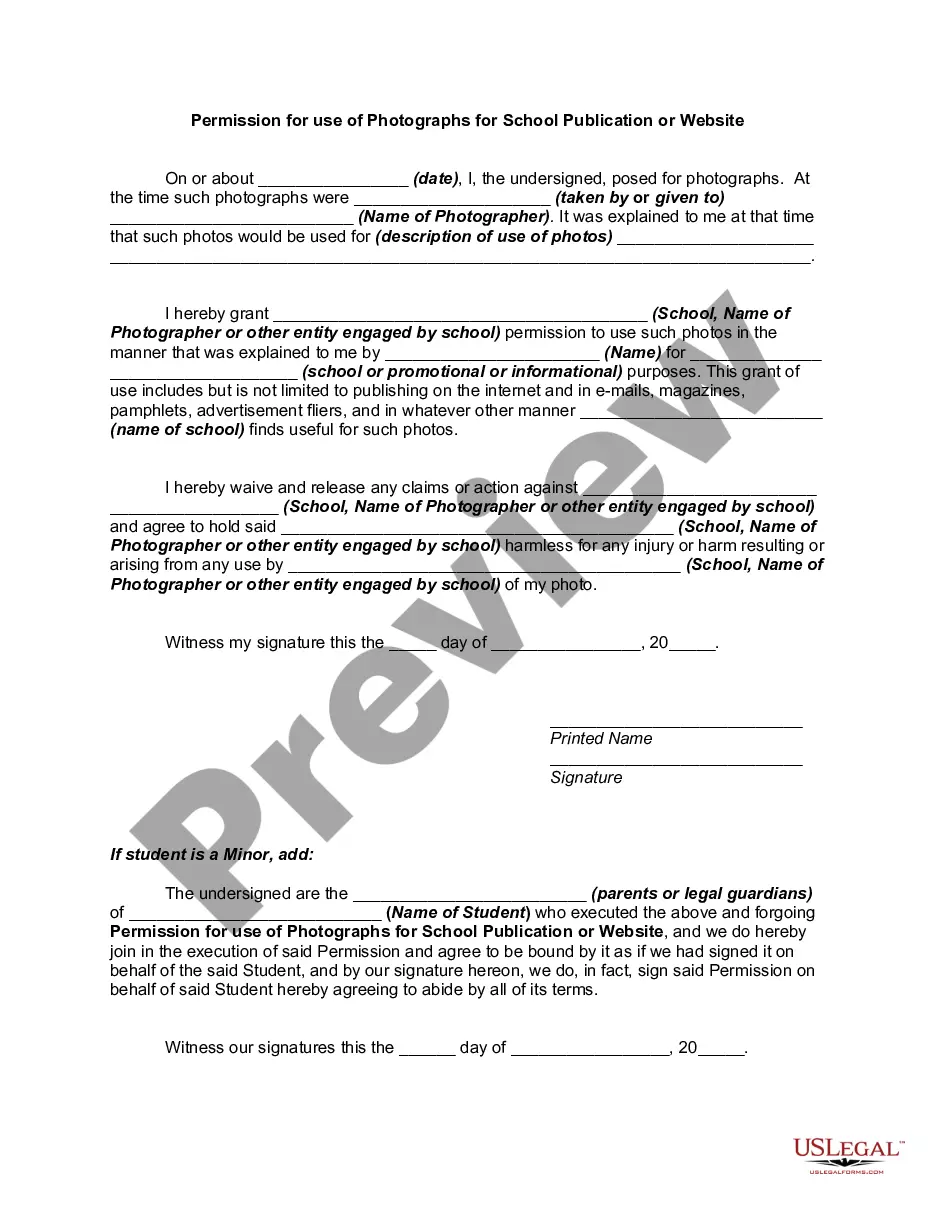
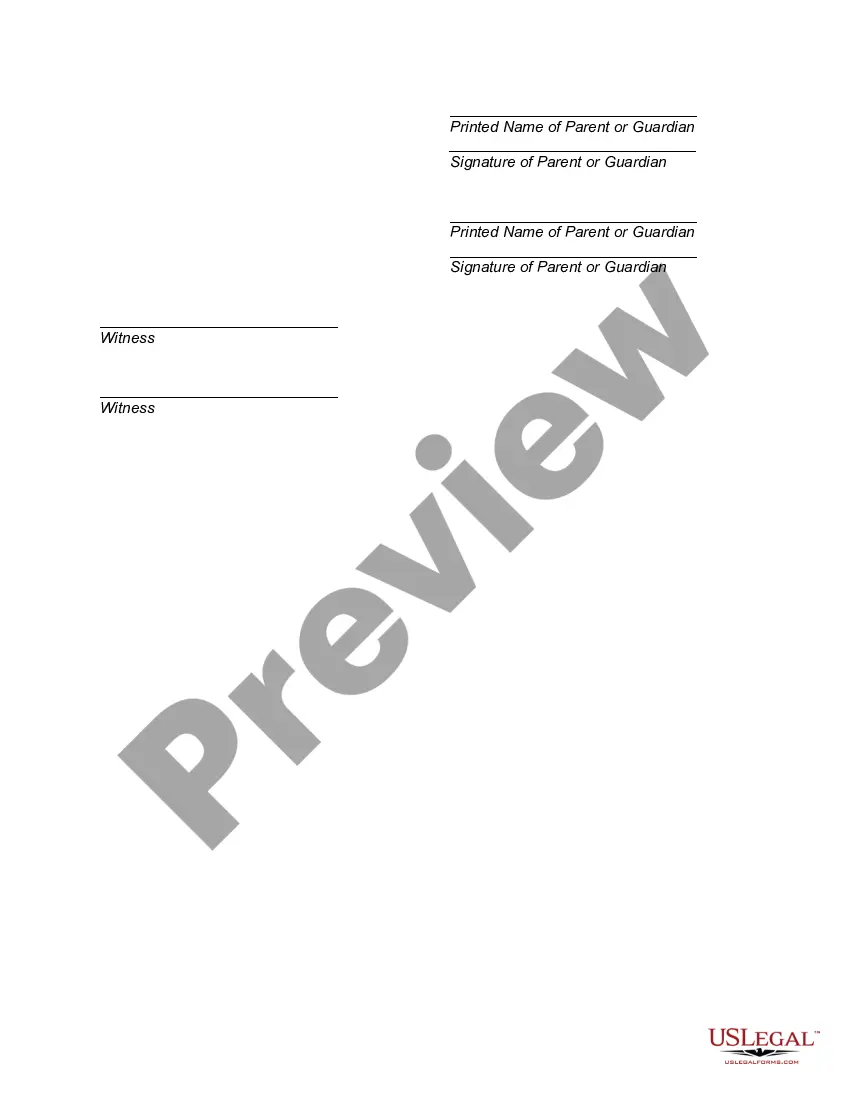
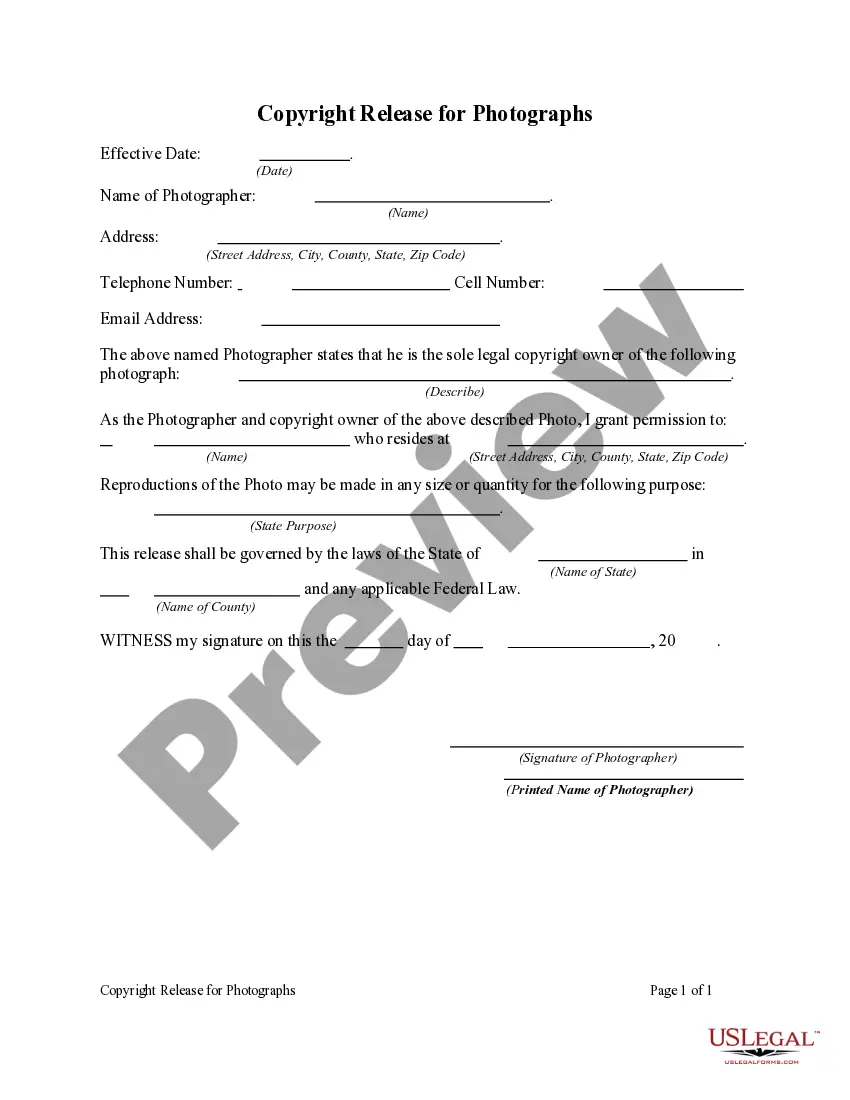
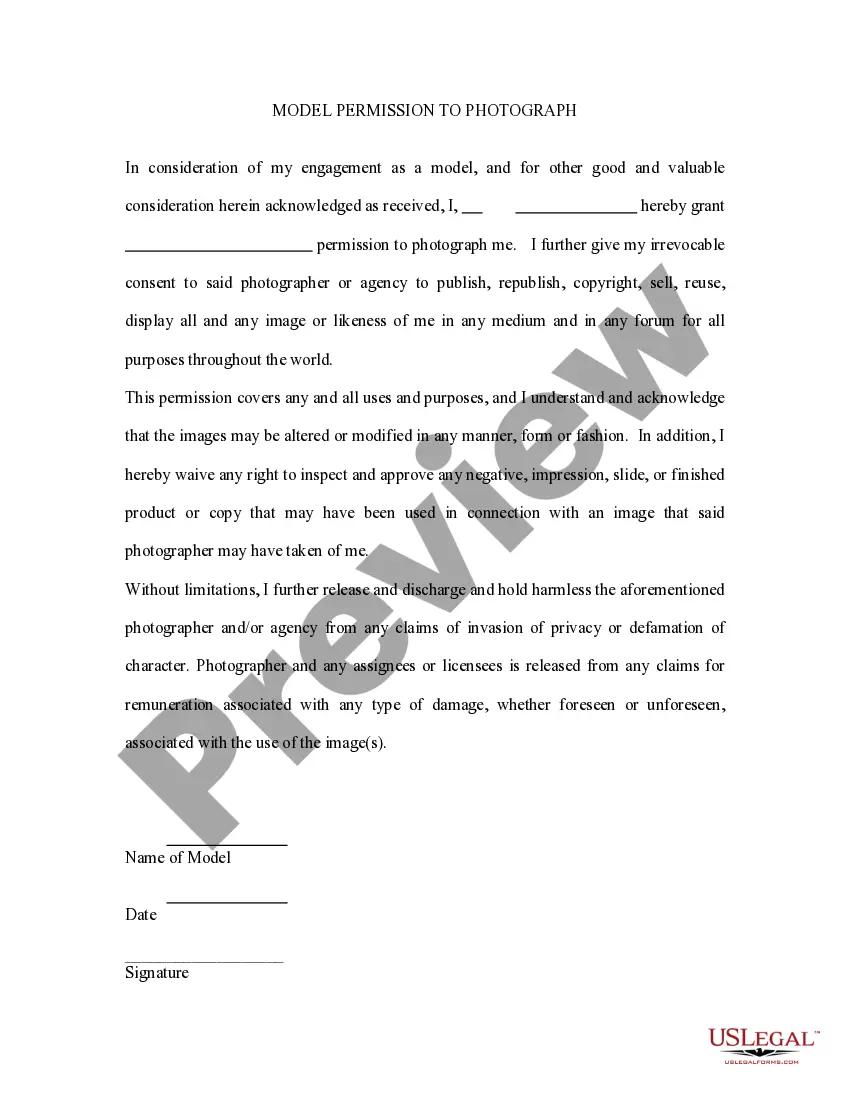
Get your form ready online
Our built-in tools help you complete, sign, share, and store your documents in one place.
Make edits, fill in missing information, and update formatting in US Legal Forms—just like you would in MS Word.
Download a copy, print it, send it by email, or mail it via USPS—whatever works best for your next step.
Sign and collect signatures with our SignNow integration. Send to multiple recipients, set reminders, and more. Go Premium to unlock E-Sign.
If this form requires notarization, complete it online through a secure video call—no need to meet a notary in person or wait for an appointment.
We protect your documents and personal data by following strict security and privacy standards.

Make edits, fill in missing information, and update formatting in US Legal Forms—just like you would in MS Word.

Download a copy, print it, send it by email, or mail it via USPS—whatever works best for your next step.

Sign and collect signatures with our SignNow integration. Send to multiple recipients, set reminders, and more. Go Premium to unlock E-Sign.

If this form requires notarization, complete it online through a secure video call—no need to meet a notary in person or wait for an appointment.

We protect your documents and personal data by following strict security and privacy standards.
Looking for another form?
How to fill out Permission For Use Of Photographs For School Publication Or Website?
- Log into your US Legal Forms account if you're an existing user. Ensure your subscription is current; renew it if necessary.
- Review the preview mode and description of the desired form. Confirm it aligns with your needs and local jurisdiction.
- Use the Search feature if you need to find a different template. Adjust your search based on any inconsistencies you identify.
- Select the form by clicking the Buy Now button. Choose a subscription plan that fits your requirements, and create an account if you haven’t already.
- Complete your purchase by entering your credit card information or utilizing your PayPal account for payment.
- Download your document. Save it to your device, allowing you to complete the form and access it later from your account under My Forms. Invite additional assistance if needed.
- Access expert guidance within the US Legal Forms platform for help with form completion, ensuring accuracy and legal compliance.
Using US Legal Forms is a smart choice for both individuals and attorneys, providing quick access to a wide range of legal documents. The service offers unmatched flexibility and support, allowing users to create legally sound forms effortlessly.
Start simplifying your application process today by visiting US Legal Forms and taking advantage of its vast collection of legal resources!
Form popularity
FAQ
Yes, consent is often required when using photographs, especially if they feature identifiable individuals. This rule ensures that the rights and privacy of the subjects are respected. When considering using photos for your application, always check if you have the right to use them, as obtaining permission is crucial. Platforms like uslegalforms can help navigate these requirements and ensure compliance.
Using photos without permission can be risky and may violate copyright laws. Even if you find a photo online, it doesn’t mean you can use it freely. Remember that permission is required to use photographs for the application to ensure you're on the right side of the law. It’s wise to seek photographs from reliable sources or consider platforms like uslegalforms to ensure you have the necessary permissions.
Using someone's photo without consent can lead to legal issues. Generally, if you own the copyright, you control how your photographs are used. It's essential to understand that permission is required to use photographs for the application, as unauthorized usage may infringe on someone's rights. Always obtain permission before using any photographs to avoid complications.
When asking for photography consent, it is important to approach the subject respectfully and professionally. You can start by introducing yourself and explaining the project. Clearly outline how you intend to use the photographs for the application, and offer to send a consent form for their review. Being transparent about your intentions encourages trust and increases the likelihood of receiving consent.
To give an app photo permissions, navigate to your device settings and find the application in question. Select the option to manage permissions, and then enable the required access for photos. This process may vary slightly between devices, but it is straightforward. Ensuring that the app has permission to use photographs will enhance its functionality and user experience.
Consent for the use of photographs refers to the agreement obtained from the image owner to allow you to use their content. This agreement protects both parties and ensures that you respect copyright laws. It is crucial to obtain this consent, especially when it comes to using images in applications, marketing materials, or social media. Clear documentation of this consent can safeguard your use of photographs for the application.
To ask for permission to use photographs for the application, you should start by identifying the owner of the content. Reach out via email or a direct message, clearly stating your intent to use the photograph. Be specific about how you plan to use it and for what duration. Including the context can help expedite the process and increase your chances of a positive response.
To write permission to use photos on social media, create a clear and straightforward consent statement. Specify that the person gives permission for their photographs to be shared on your social media platforms, including the purpose of using the images. Mention that this permission allows you to use photographs for the application, ensuring transparency and clarity.
When writing a photography consent form, start with a title that indicates its purpose, followed by an introduction explaining why you're taking the photos. Include sections for the individual's information, a description of the intended use, and a statement indicating that they grant permission to use photographs for the application. This thoroughness ensures all necessary aspects of consent are covered.
To write a simple consent form, you should include your name, the purpose of the photographs, and a clear statement granting permission. Keep it concise, using direct language that specifies how you intend to use the photos. Including a signature line allows individuals to easily provide their consent, making it easier to obtain permission to use photographs for the application.