Sample Title Form With File Upload
Description
Get your form ready online
Our built-in tools help you complete, sign, share, and store your documents in one place.
Make edits, fill in missing information, and update formatting in US Legal Forms—just like you would in MS Word.
Download a copy, print it, send it by email, or mail it via USPS—whatever works best for your next step.
Sign and collect signatures with our SignNow integration. Send to multiple recipients, set reminders, and more. Go Premium to unlock E-Sign.
If this form requires notarization, complete it online through a secure video call—no need to meet a notary in person or wait for an appointment.
We protect your documents and personal data by following strict security and privacy standards.

Make edits, fill in missing information, and update formatting in US Legal Forms—just like you would in MS Word.

Download a copy, print it, send it by email, or mail it via USPS—whatever works best for your next step.

Sign and collect signatures with our SignNow integration. Send to multiple recipients, set reminders, and more. Go Premium to unlock E-Sign.

If this form requires notarization, complete it online through a secure video call—no need to meet a notary in person or wait for an appointment.

We protect your documents and personal data by following strict security and privacy standards.
Looking for another form?
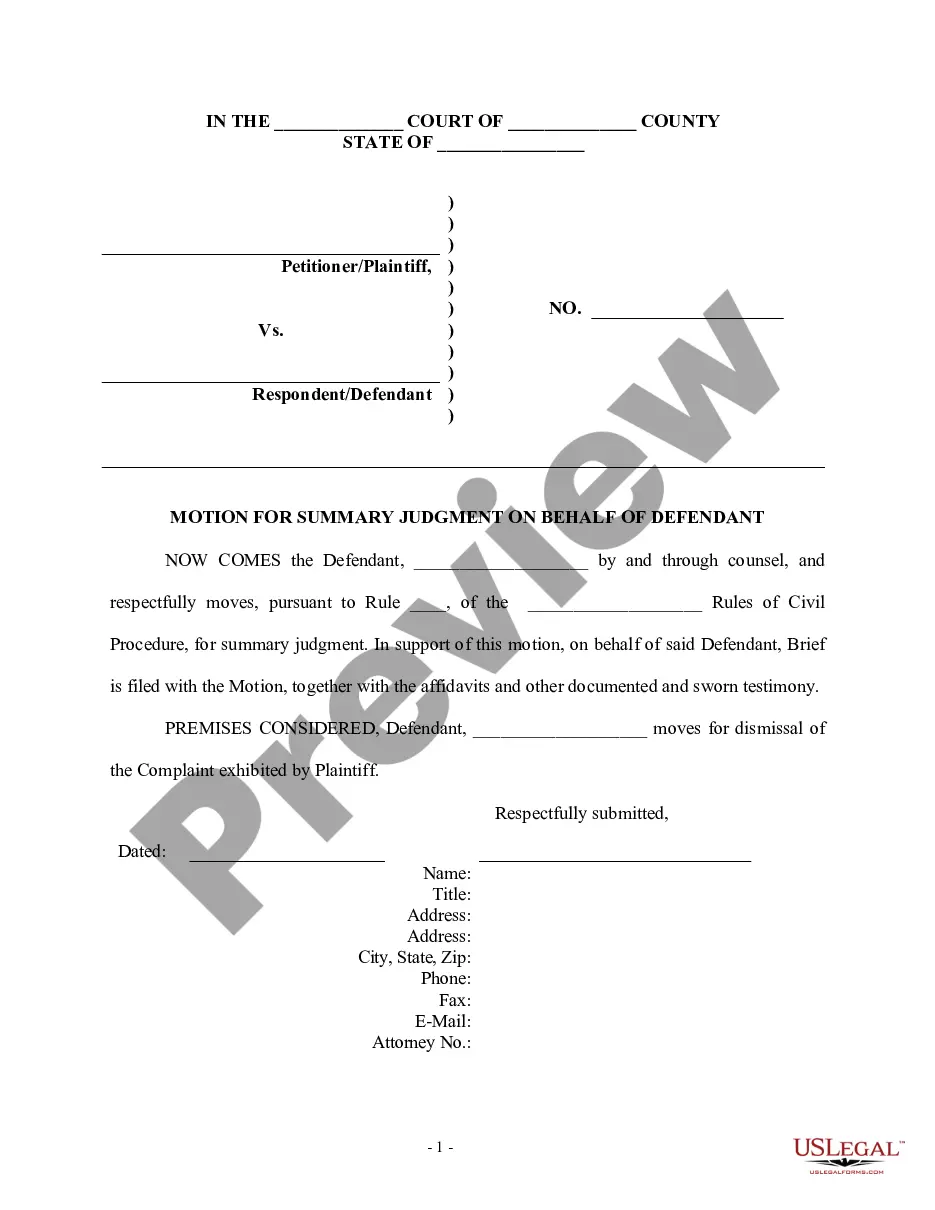

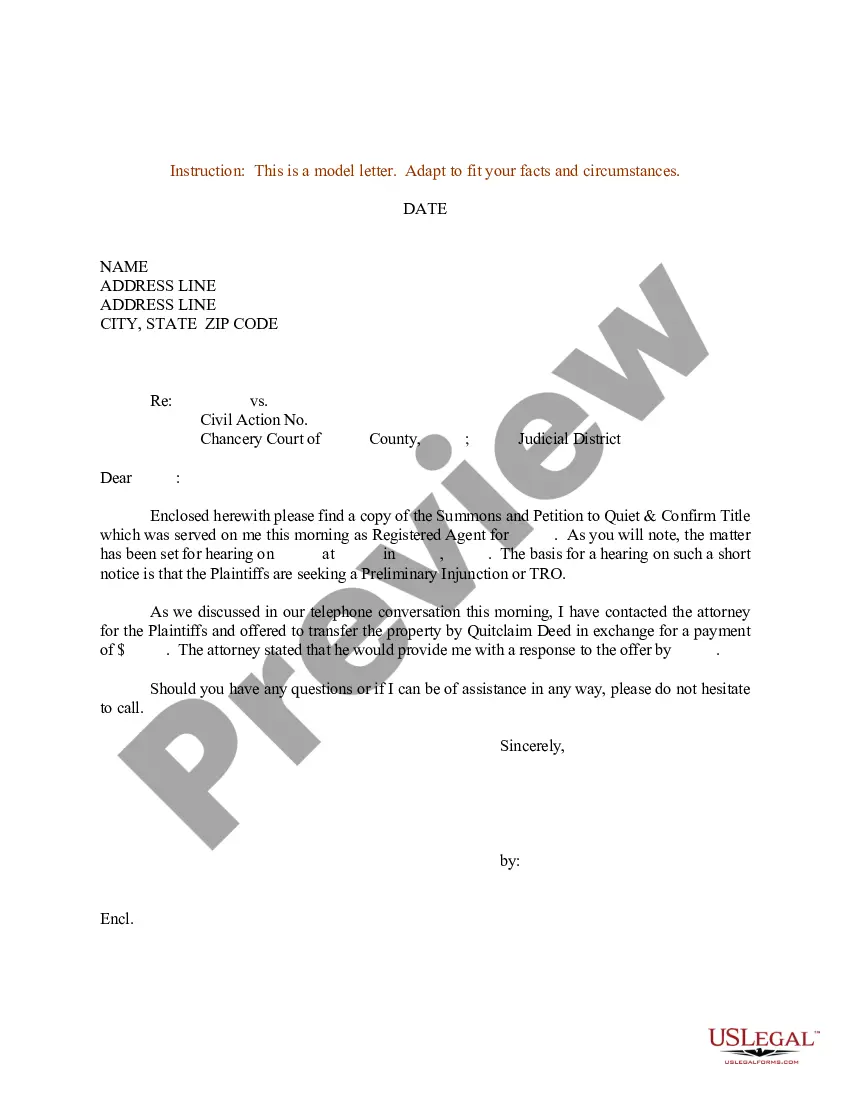
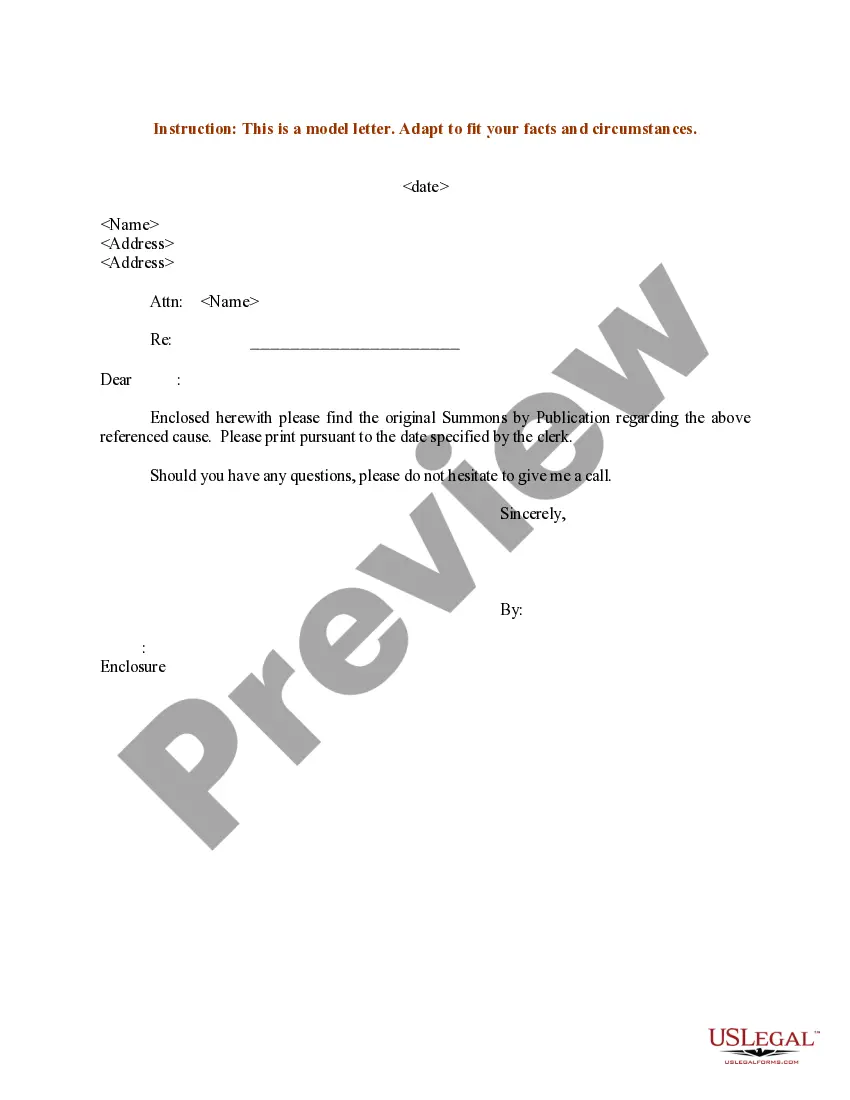
How to fill out Sample Letter For Summons And Petition To Quiet And Confirm Title?
Dealing with legal documentation and processes can be a lengthy addition to your day.
Sample Title Form With File Upload and similar forms generally necessitate that you search for them and comprehend how to fill them out correctly.
Thus, whether you are managing financial, legal, or personal affairs, utilizing a thorough and convenient online directory of forms when needed will be beneficial.
US Legal Forms is the premier online platform for legal templates, featuring over 85,000 state-specific forms and various resources that will assist you in completing your documents swiftly.
Is it your first time using US Legal Forms? Register and create an account in just a few minutes, and you’ll gain access to the form catalog and Sample Title Form With File Upload. Then, follow the steps below to complete your form: Ensure you have located the correct form using the Review feature and examining the form details. Select Buy Now when ready, and choose the subscription plan that suits you best. Click Download and then fill out, sign, and print the form. US Legal Forms has twenty-five years of experience assisting clients in managing their legal documents. Obtain the form you need today and streamline any process effortlessly.
- Explore the selection of relevant documents available to you with just a single click.
- US Legal Forms provides you with state- and county-specific forms available for download at any time.
- Protect your document management processes with a superior service that enables you to prepare any form in minutes without extra or concealed charges.
- Simply Log In to your account, find Sample Title Form With File Upload, and obtain it instantly from the My documents section.
- You can also access previously saved forms.
Form popularity
FAQ
In Forms, open a form or quiz. and enter your request for information. and select File upload. If prompted, review the uploading information and click Continue.
Create the form Go to forms.google.com and click Blank add. Click Untitled form and rename the form to Upload files to Drive. Click Untitled question and rename the question to Subfolder. On the Subfolder question, click More more_vert > Description. For Description, enter Select the subfolder to store your files in.
Hear this out loud PauseWhile the 'file upload failed' issue on Google Forms can have various causes, some of the common reasons include: You're using a shared Google account to access the Google Form. Your web browser may be incompatible or out-of-date with the uploading of the file with an incompatible file format. Outdated cached data.
In Microsoft Forms, open the form you want to edit. Add new. , and then select File upload. Note: File upload is only available when ?Only people in my organization can respond? or ?Specific people in my organization can respond? is the selected setting.
Step 2: go to Google Forms. Step 3: create a new form or use existing templates from the template gallery. Step 4: edit your questions. ... Step 5: add more form field options (as necessary). ... Step 6: add the file upload option. ... Step 7: edit the file upload requirements. ... Step 8: make final design and setting changes.