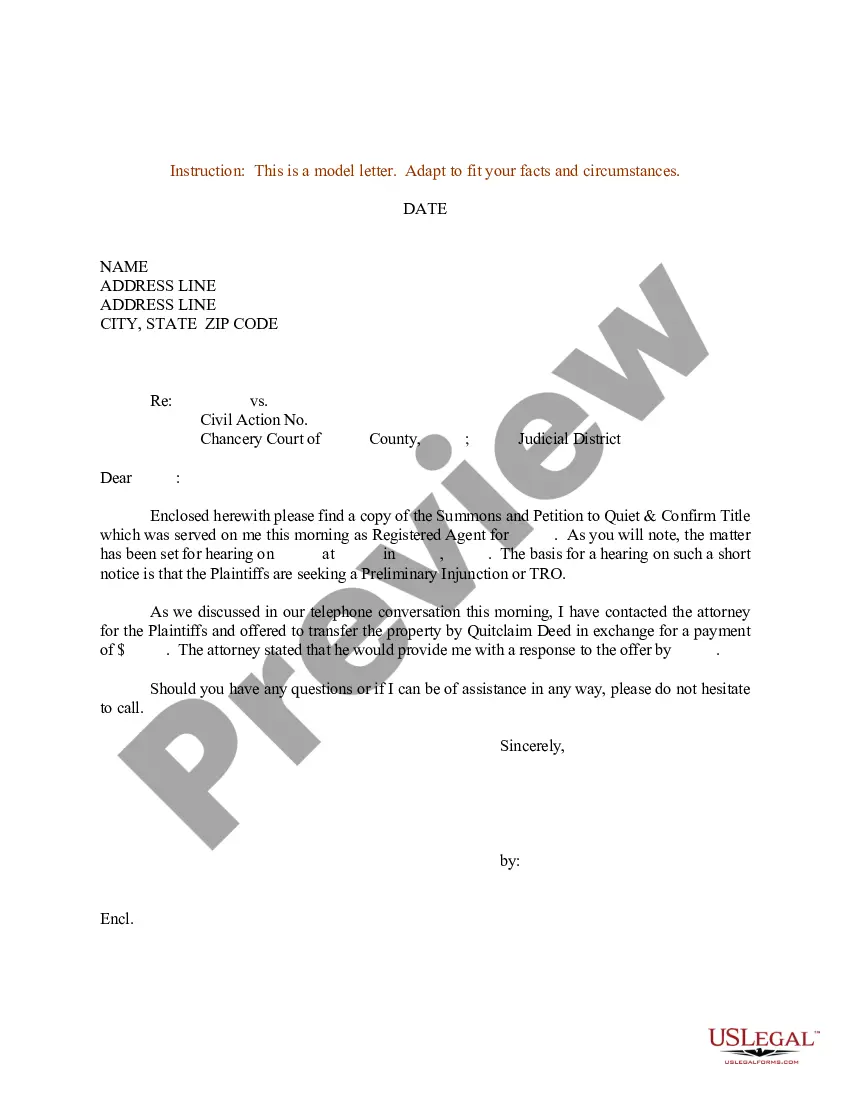
Sample Summons Form With Notice New York
Description
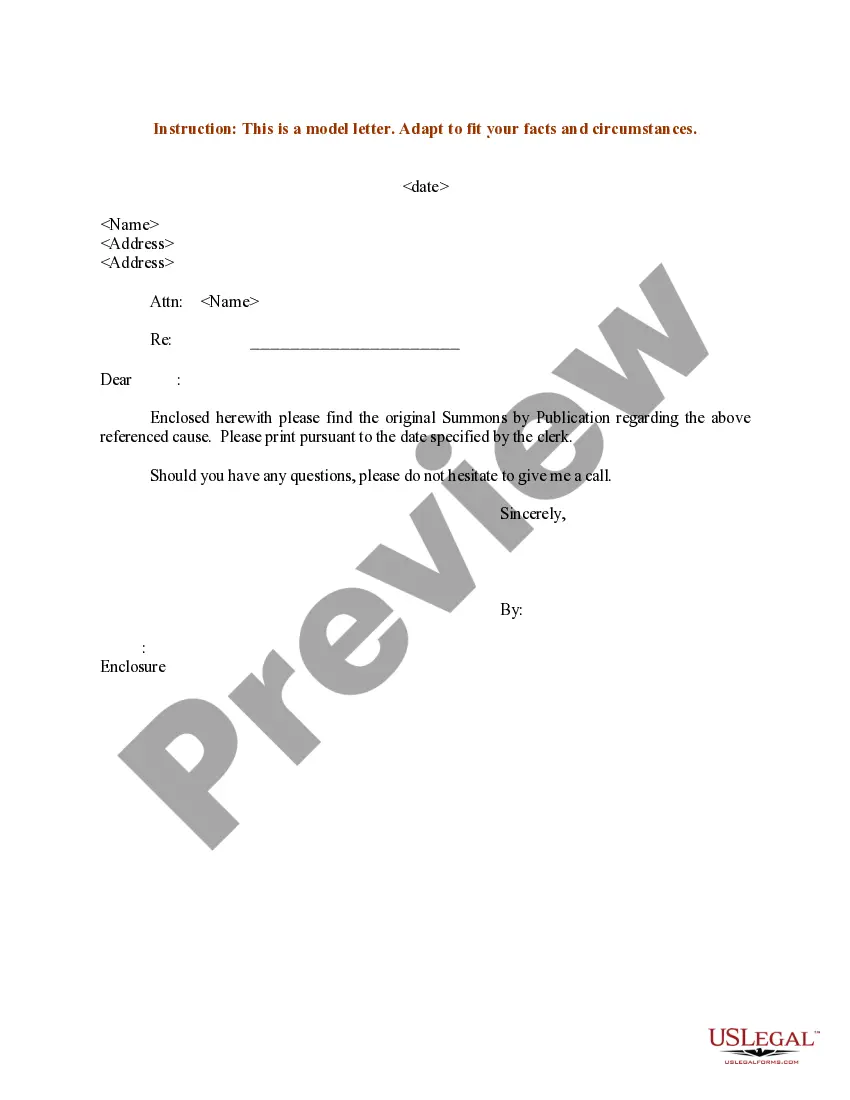
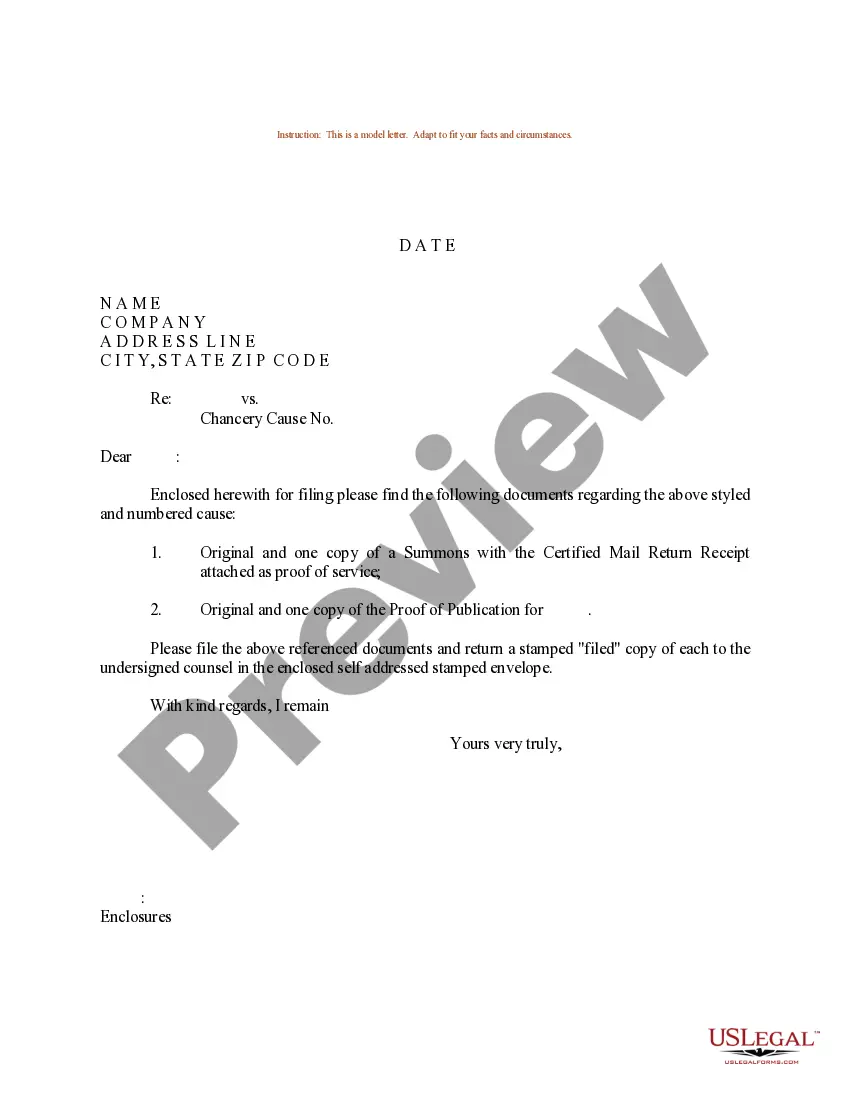
Get your form ready online
Our built-in tools help you complete, sign, share, and store your documents in one place.
Make edits, fill in missing information, and update formatting in US Legal Forms—just like you would in MS Word.
Download a copy, print it, send it by email, or mail it via USPS—whatever works best for your next step.
Sign and collect signatures with our SignNow integration. Send to multiple recipients, set reminders, and more. Go Premium to unlock E-Sign.
If this form requires notarization, complete it online through a secure video call—no need to meet a notary in person or wait for an appointment.
We protect your documents and personal data by following strict security and privacy standards.

Make edits, fill in missing information, and update formatting in US Legal Forms—just like you would in MS Word.

Download a copy, print it, send it by email, or mail it via USPS—whatever works best for your next step.

Sign and collect signatures with our SignNow integration. Send to multiple recipients, set reminders, and more. Go Premium to unlock E-Sign.

If this form requires notarization, complete it online through a secure video call—no need to meet a notary in person or wait for an appointment.

We protect your documents and personal data by following strict security and privacy standards.
Looking for another form?




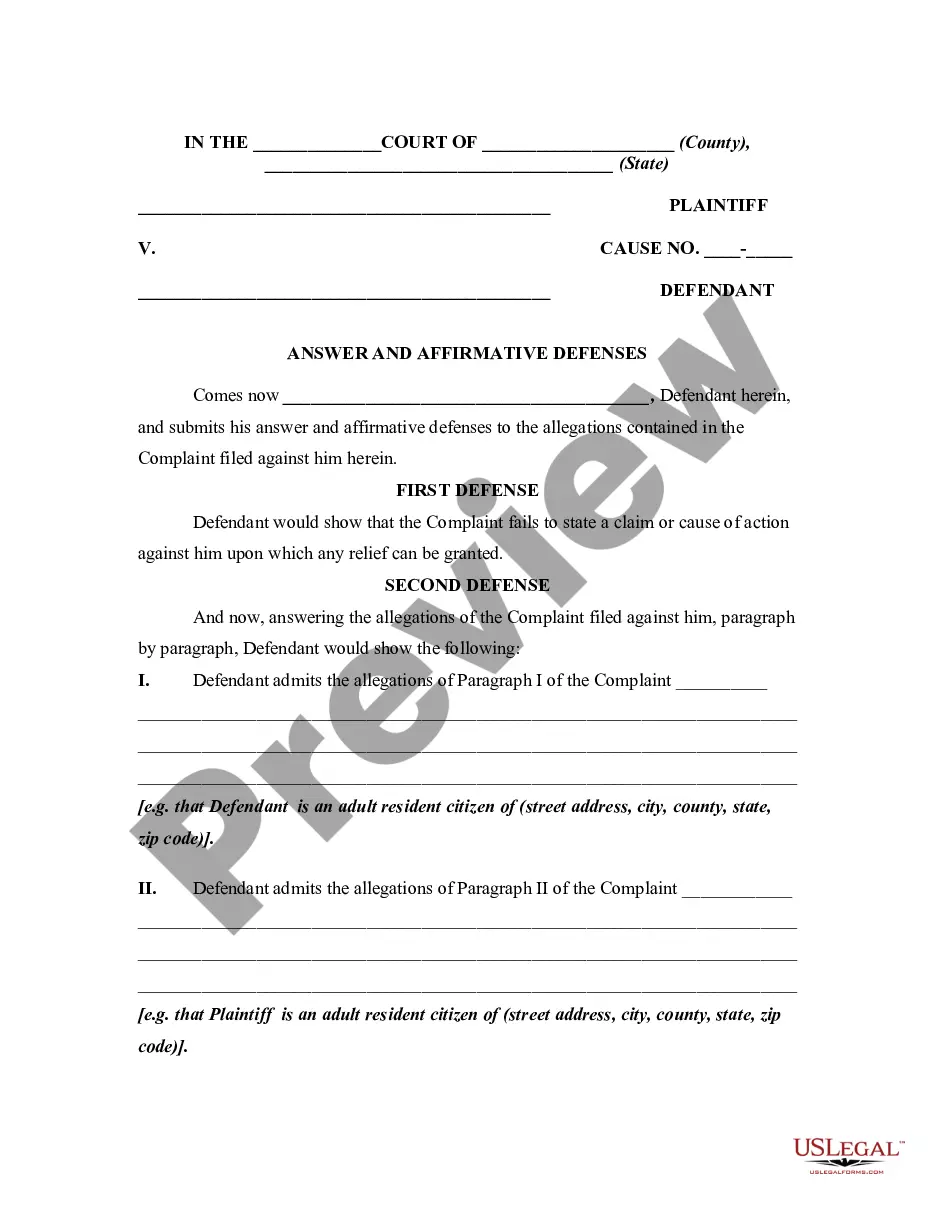
How to fill out Sample Letter For Summons And Petition To Quiet And Confirm Title?
Managing legal documents can be exasperating, even for the most adept professionals.
When you are looking for a Sample Summons Form With Notice New York and lack the time to invest in finding the correct and current version, the process can be overwhelming.
Gain access to a repository of articles, guides, handbooks, and resources pertinent to your situation and needs.
Save time and energy searching for the documents you require, and utilize US Legal Forms’ advanced search and Review feature to locate the Sample Summons Form With Notice New York and obtain it.
Enjoy the US Legal Forms online library, bolstered by 25 years of expertise and trustworthiness. Change your daily document management into a straightforward and user-friendly experience today.
- If you have a subscription, Log In to your US Legal Forms account, find the form, and obtain it.
- Check your My documents tab to view the documents you downloaded in the past and to organize your folders as needed.
- If this is your first experience with US Legal Forms, create a free account and gain unrestricted access to all the benefits of the library.
- Here are the steps to follow after downloading the form you desire.
- Verify that this is the correct form by previewing it and reviewing its details.
- Access state- or county-specific legal and business documents.
- US Legal Forms meets any requirements you might have, from personal to corporate paperwork, all in one place.
- Utilize advanced tools to complete and manage your Sample Summons Form With Notice New York.
Form popularity
FAQ
Serving "Notice of Entry" Click on Notice of Entry to download the form. Complete the Notice of Entry form. Make several copies of the Judgment and Notice of Entry form. Attach a copy of the Judgment to the completed Notice of Entry form.
Once a summons and complaint or summons with notice have been served, a defendant must respond in writing within a limited period of time. The response is sent to the plaintiff's attorney or directly to the plaintiff, if the plaintiff is appearing is self represented.
Your response should cover every paragraph in the complaint and whether you admit or deny each point raised. If you can't remember whether part of the complaint is correct, it may be safer to deny it and avoid relying on your memory. For each point that you admit or deny, include a brief reason why.
A summons with notice is a type of summons. The summons with notice is not served with the complaint. It contains all of the information described above for the summons, plus a brief description of the type of case and the relief the plaintiff is asking the court to grant.
A summons with notice or summons and complaint must be served within 120 days of filing with the County Clerk.