Mobile Park Fees
Description
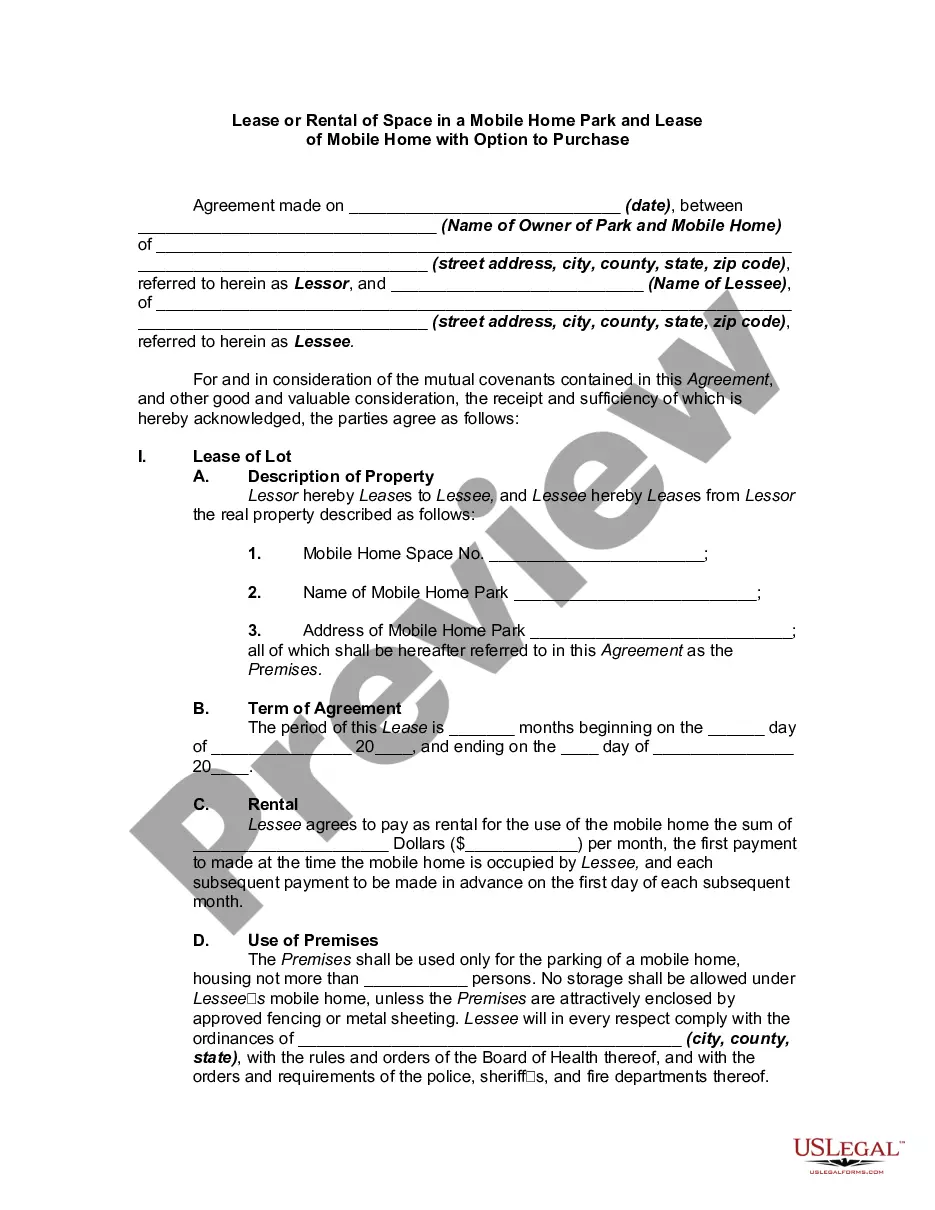
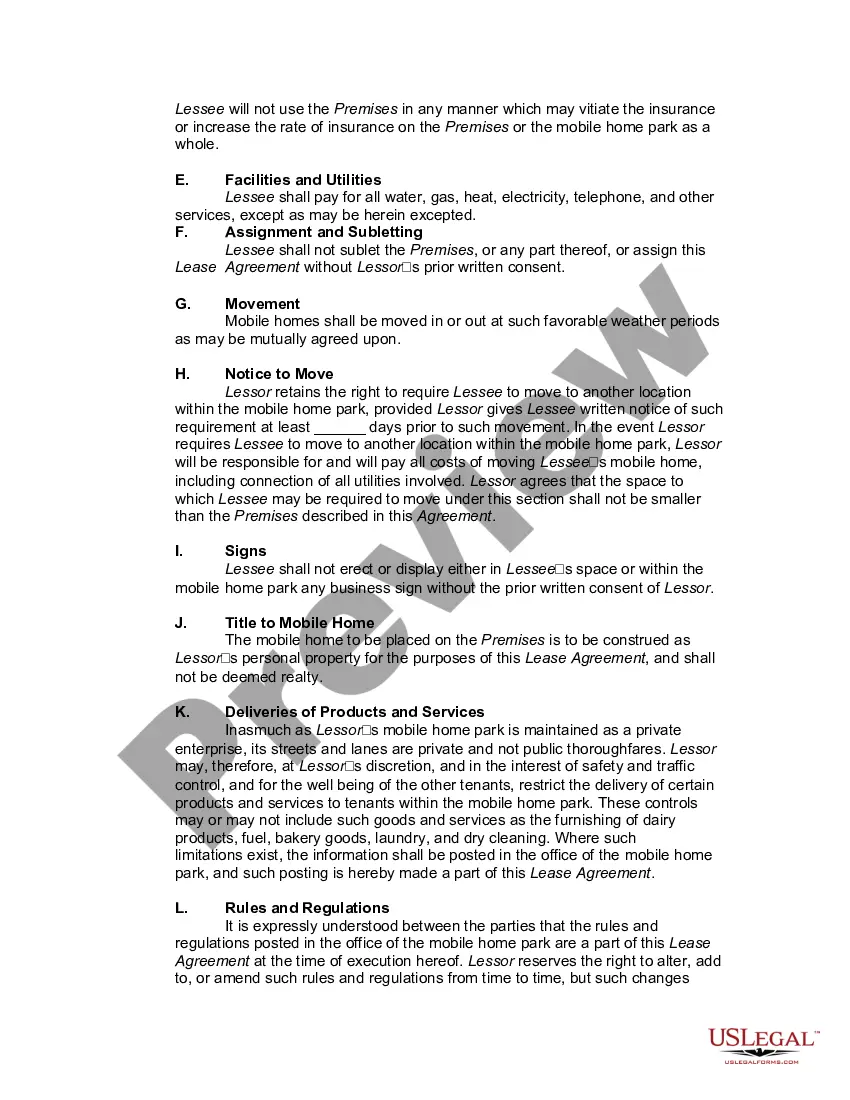
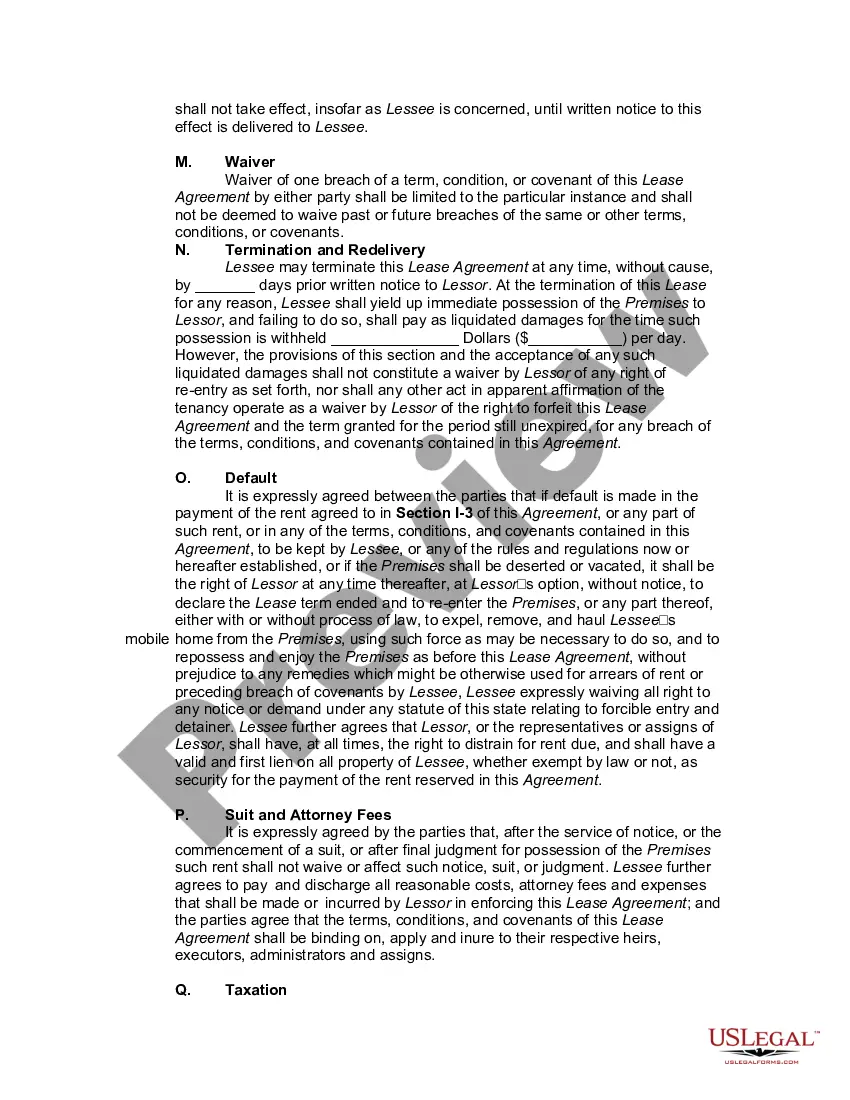
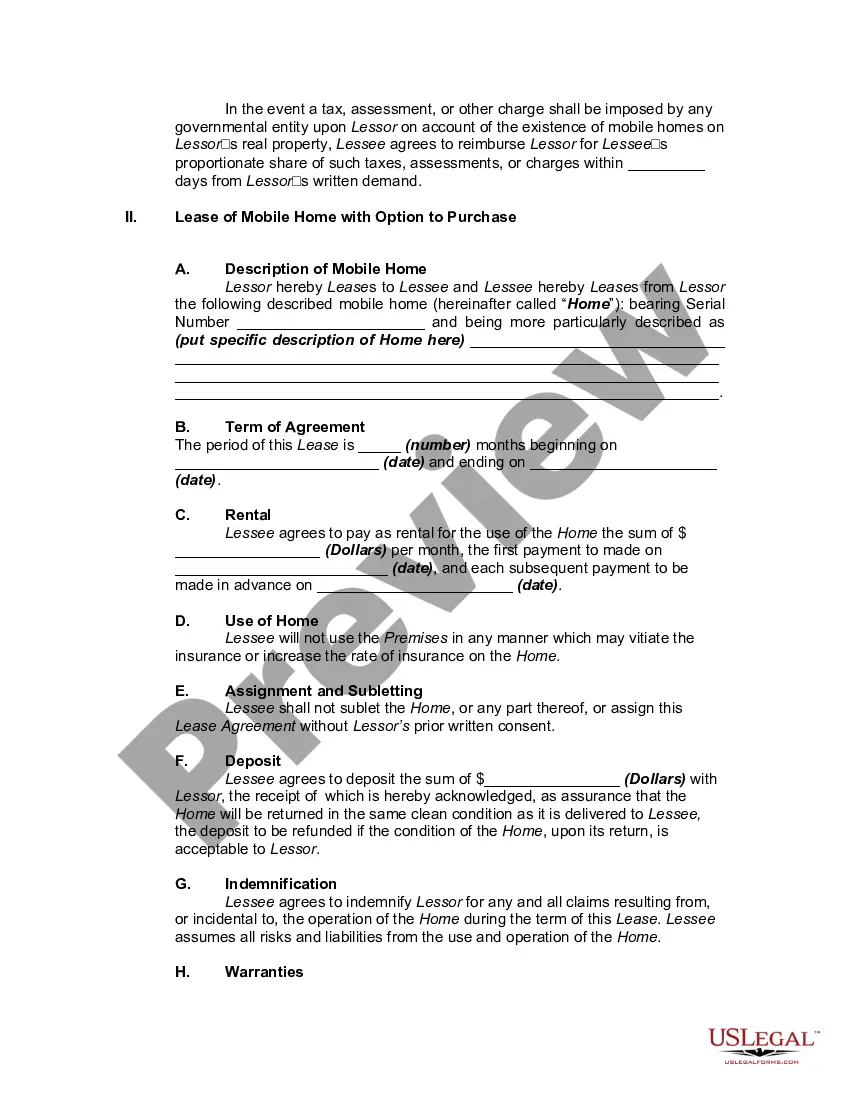
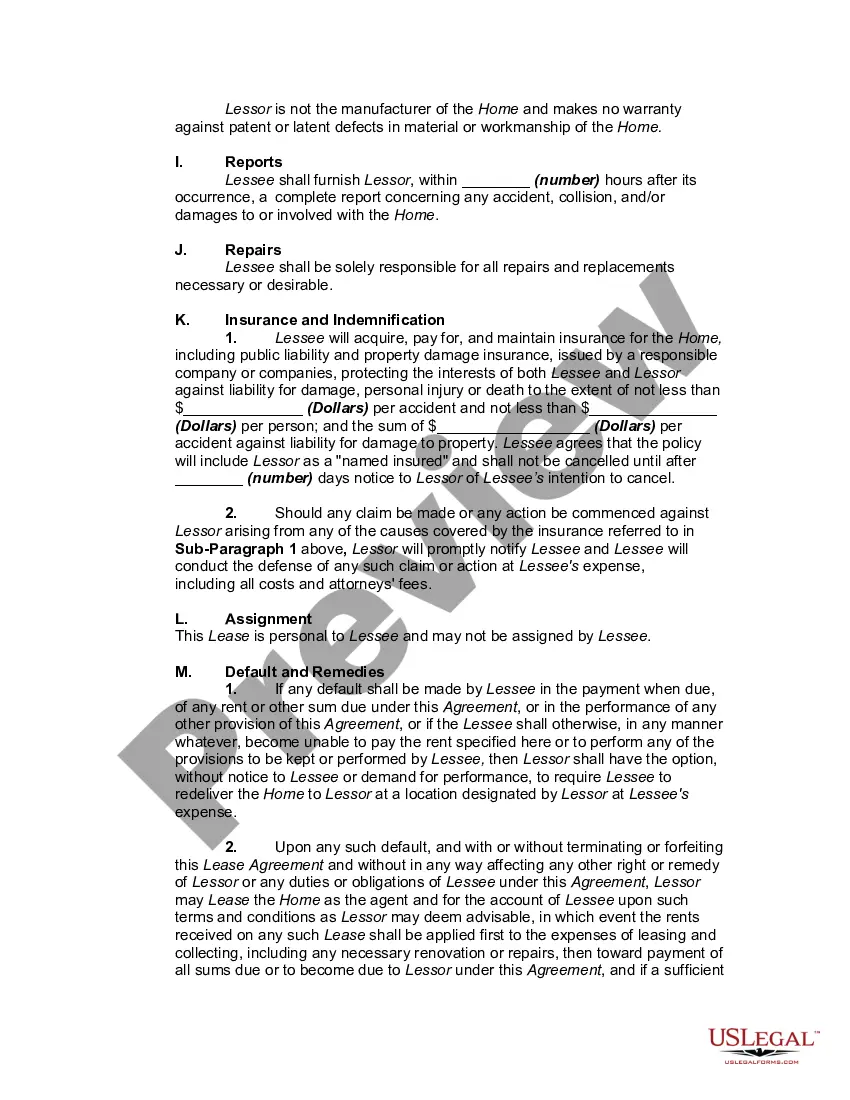
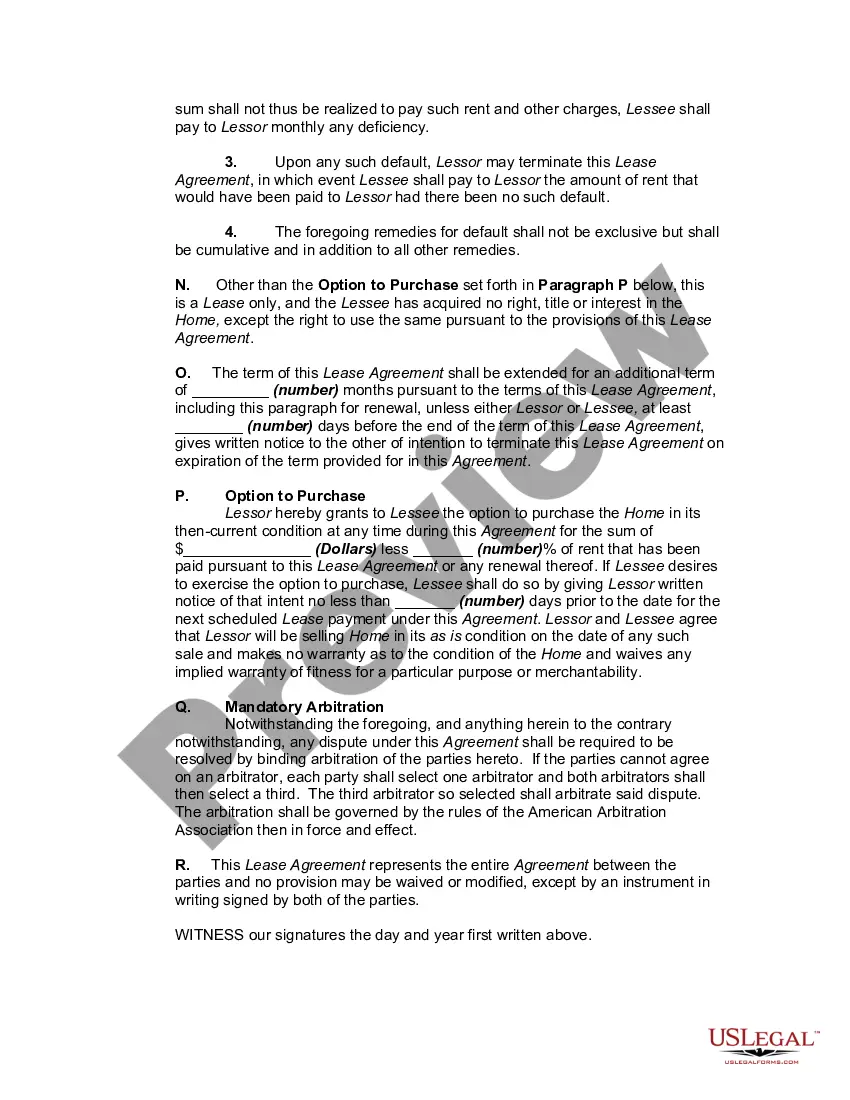
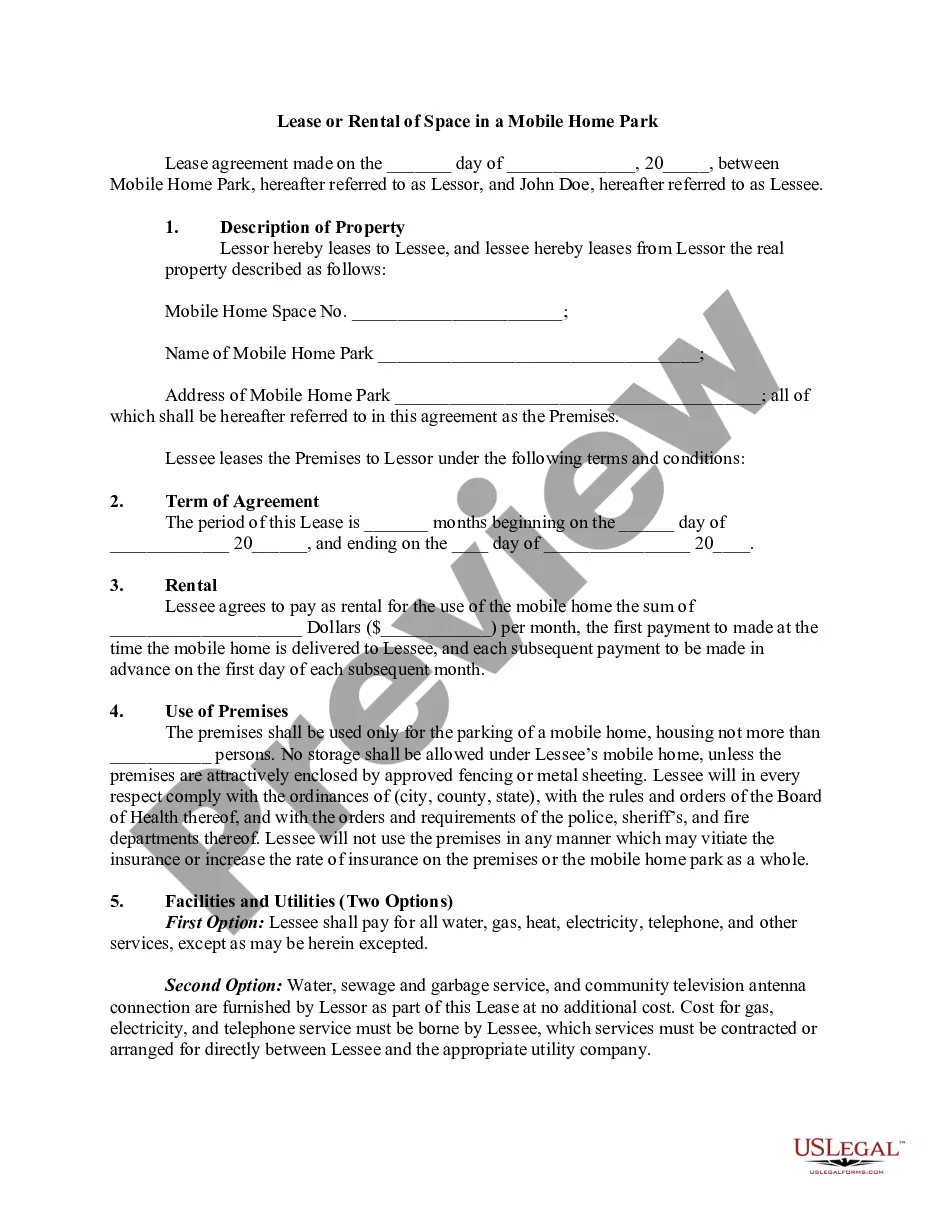
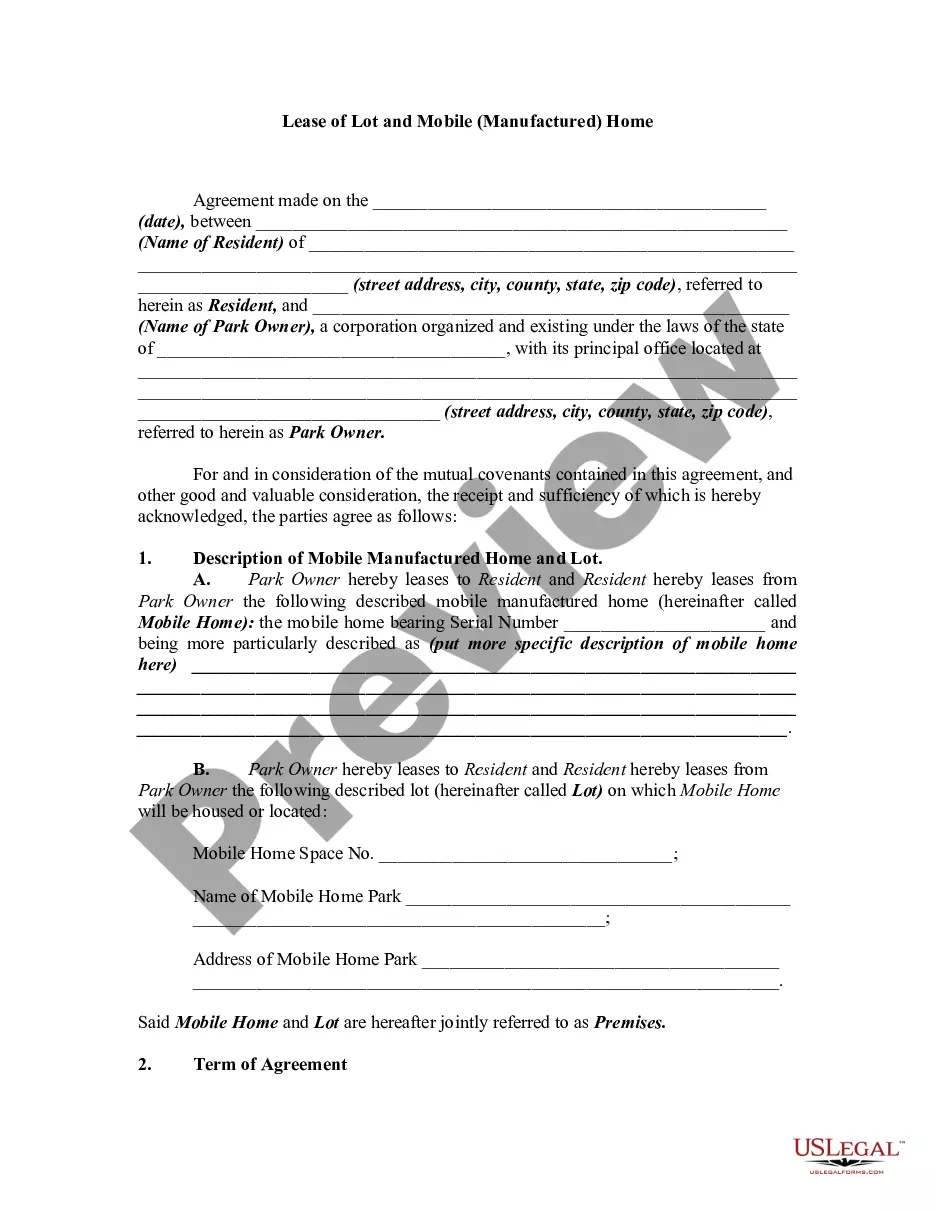
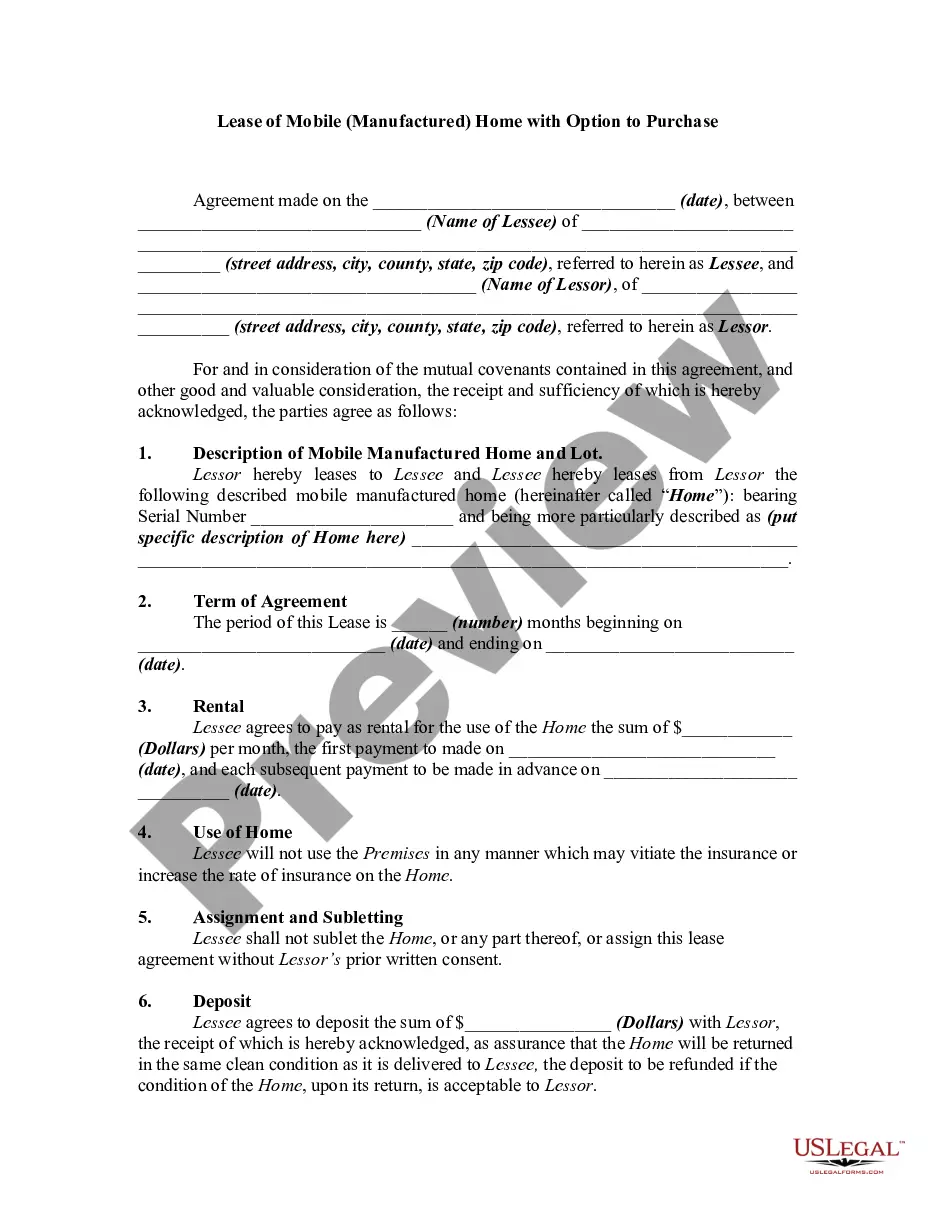
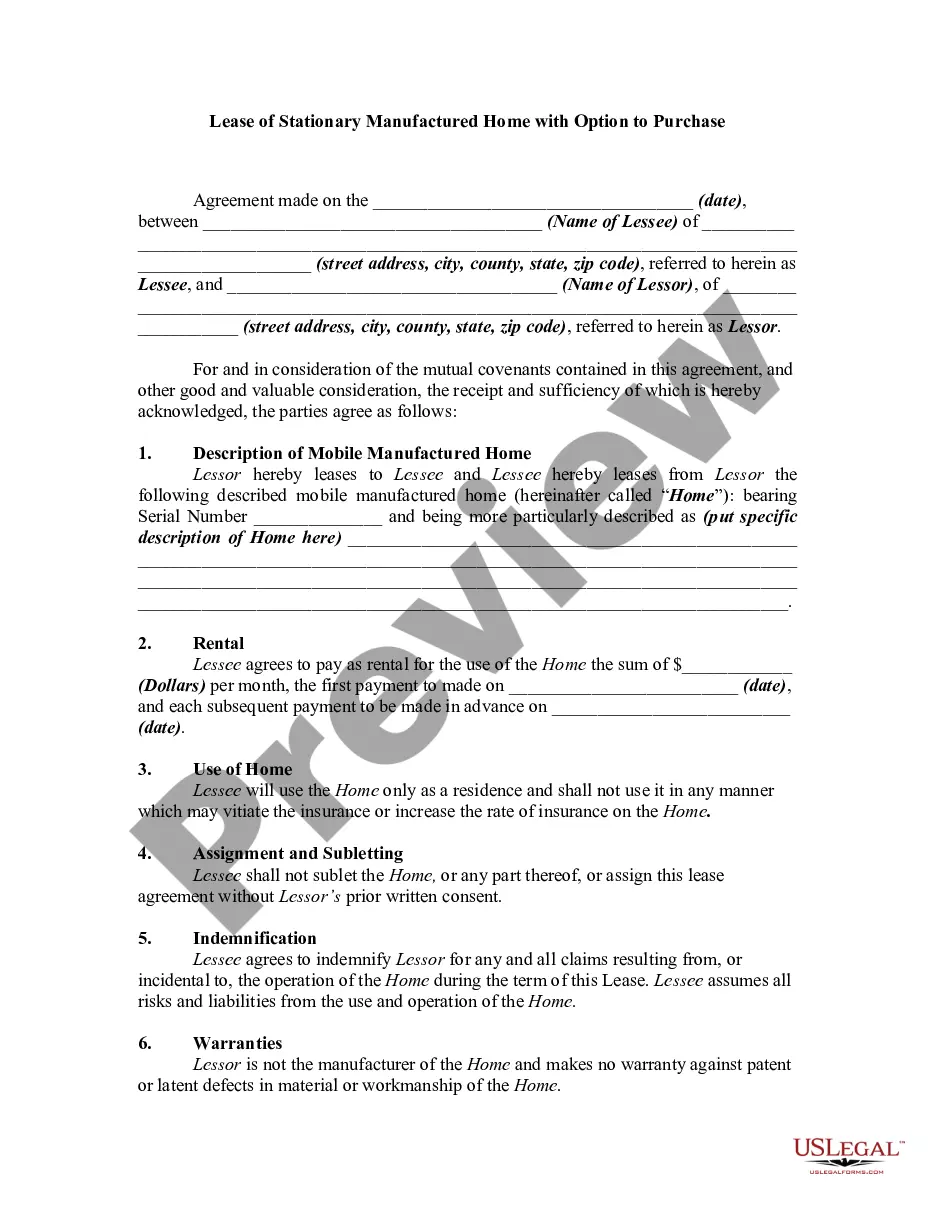
Get your form ready online
Our built-in tools help you complete, sign, share, and store your documents in one place.
Make edits, fill in missing information, and update formatting in US Legal Forms—just like you would in MS Word.
Download a copy, print it, send it by email, or mail it via USPS—whatever works best for your next step.
Sign and collect signatures with our SignNow integration. Send to multiple recipients, set reminders, and more. Go Premium to unlock E-Sign.
If this form requires notarization, complete it online through a secure video call—no need to meet a notary in person or wait for an appointment.
We protect your documents and personal data by following strict security and privacy standards.

Make edits, fill in missing information, and update formatting in US Legal Forms—just like you would in MS Word.

Download a copy, print it, send it by email, or mail it via USPS—whatever works best for your next step.

Sign and collect signatures with our SignNow integration. Send to multiple recipients, set reminders, and more. Go Premium to unlock E-Sign.

If this form requires notarization, complete it online through a secure video call—no need to meet a notary in person or wait for an appointment.

We protect your documents and personal data by following strict security and privacy standards.
Looking for another form?


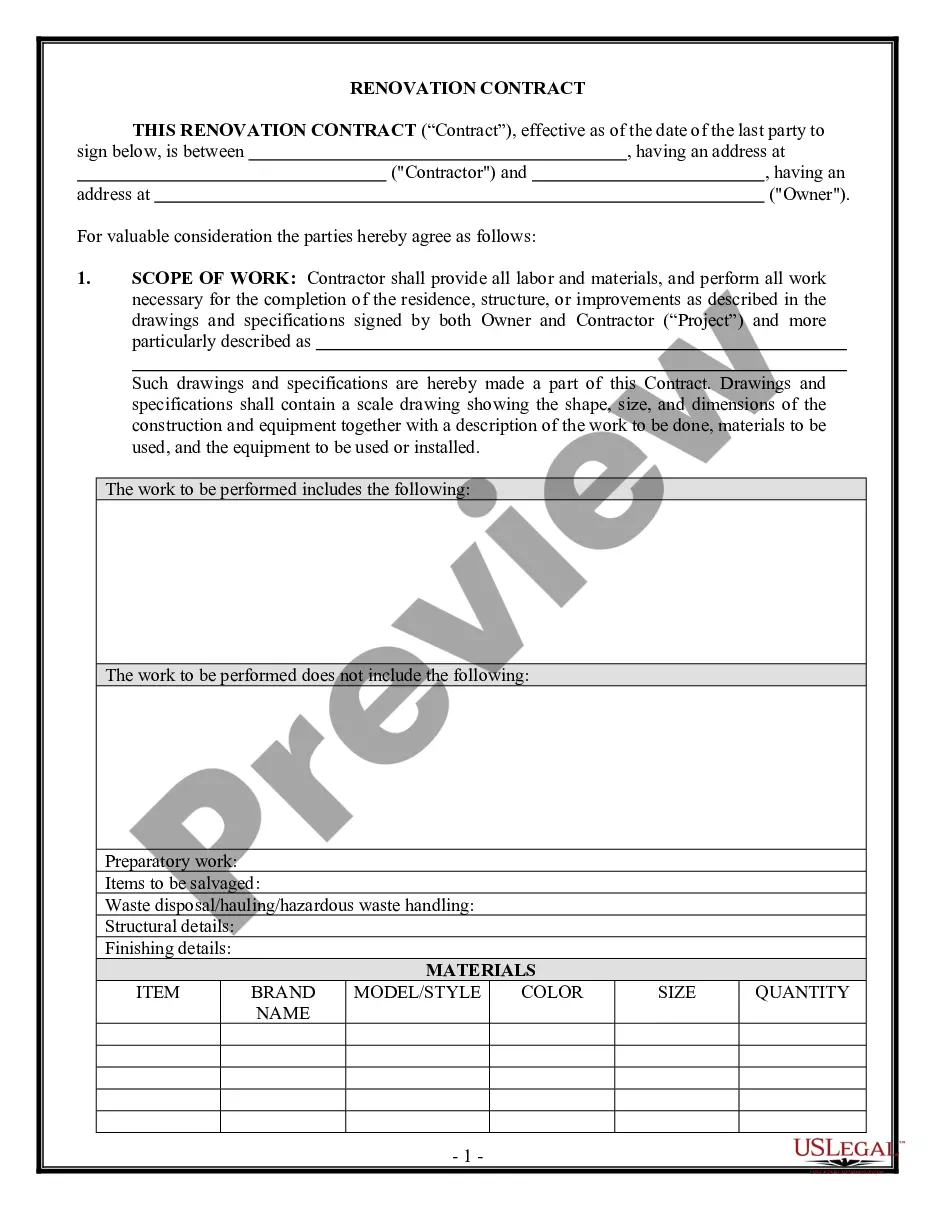
How to fill out Lease Or Rental Of Space In A Mobile Home Park And Lease Of Mobile Home With Option To Purchase - Lease Or Rent To Own?
Whether for commercial purposes or for personal matters, everyone must confront legal circumstances at some point in their lives.
Completing legal documents necessitates meticulous consideration, starting with selecting the correct form template.
After it is downloaded, you can fill out the form using editing software or print it to complete it manually.
- For example, when you choose an incorrect version of a Mobile Park Fees, it will be rejected upon submission.
- Thus, it is vital to find a reliable source of legal documents like US Legal Forms.
- If you wish to obtain a Mobile Park Fees template, follow these straightforward steps.
- Acquire the template you require via the search bar or catalog navigation.
- Review the form's description to confirm it corresponds with your situation, state, and area.
- Click on the form's preview to examine it.
- If it is the wrong form, return to the search feature to find the Mobile Park Fees template you need.
- Obtain the template when it aligns with your specifications.
- If you already possess a US Legal Forms account, simply click Log in to access templates you've previously saved in My documents.
- In the instance that you do not have an account yet, you can acquire the form by clicking Buy now.
- Select the appropriate pricing option.
- Complete the profile registration form.
- Choose your payment method: you can use a credit card or a PayPal account.
- Select the document format you desire and download the Mobile Park Fees.
Form popularity
FAQ
Forms, which Microsoft set free for consumers in 2020, isn't going away. But on Teams, the Forms app is being replaced with a new app called "Polls" via Microsoft Forms, with a Teams-branded icon.
The difference between creating a new Form vs a new Quiz is that in Quizzes you can add answers and scores, as well as math equations, you can also provide feedback on the users selected answer - explaining why it is right or wrong.
Re: Restoring a prior version of your Form that has been edited and autosaved. @MarciAngela there's no way to restore a previous version of a form.
Microsoft Forms Pro is now Microsoft Dynamics 365 Customer Voice.
Microsoft Forms is available in the following plans: Microsoft 365 business basic, standard, and premium; Microsoft 365 A3/A5 and E3/E5; Office 365 A1/A3/A5 and E1/E3/E5; and Microsoft 365/Office 365 F3.
Microsoft Forms supports multiple levels of Undo and Redo commands. This means you can undo a series of actions, not just a single action. CTRL+Z is the shortcut key for Undo; CTRL+Y is the shortcut key for Redo. You cannot undo or redo layering commands, such as Send To Back or Bring To Front.
There is also no version history which makes it very difficult to reset the questions that have been overwritten.
MS Forms will let you build forms for general purposes, get feedback, generate QR codes, and other nice features. Forms Pro enhances your capability to create surveys, automatically send those surveys based on triggers, build customized email templates (more on those shortly), and advanced response analysis.