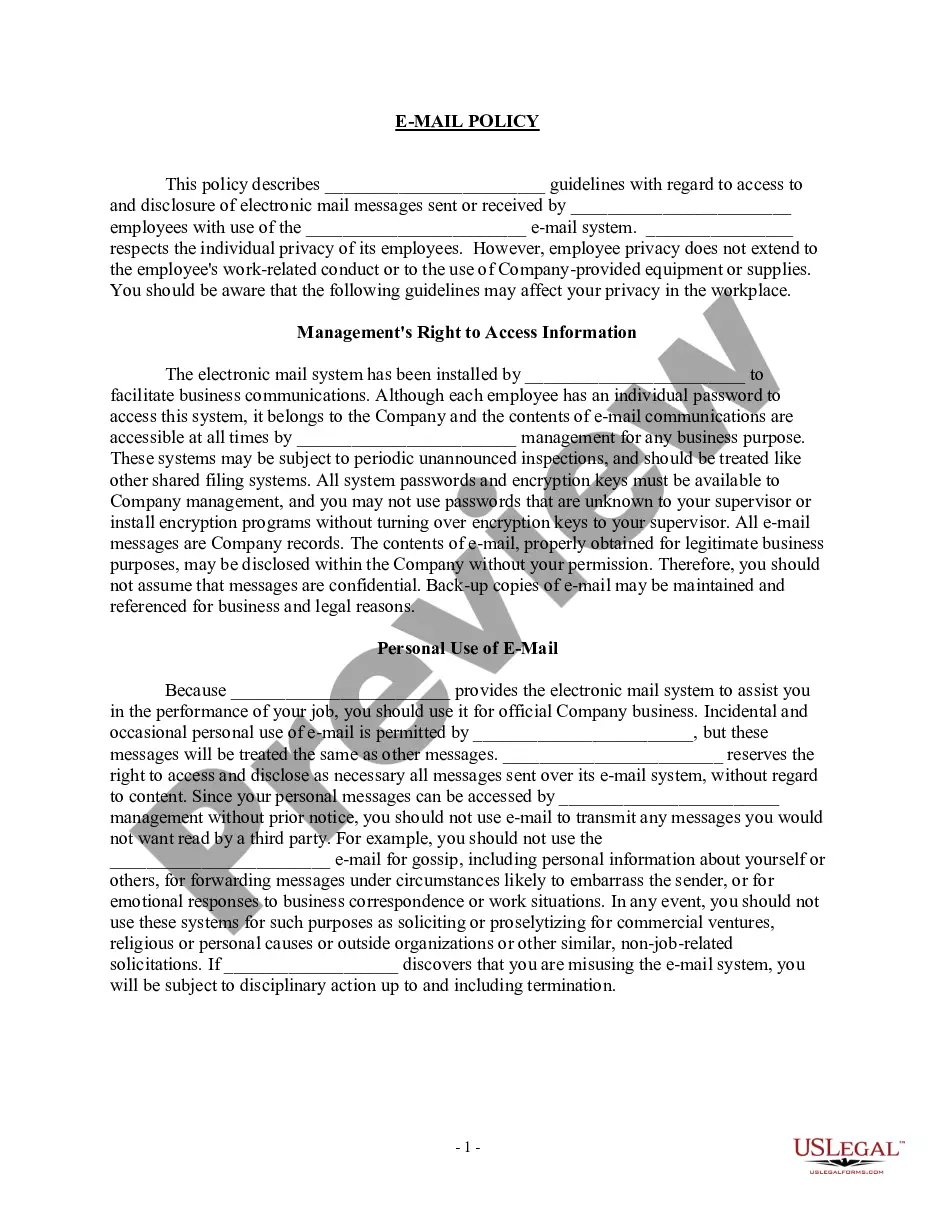
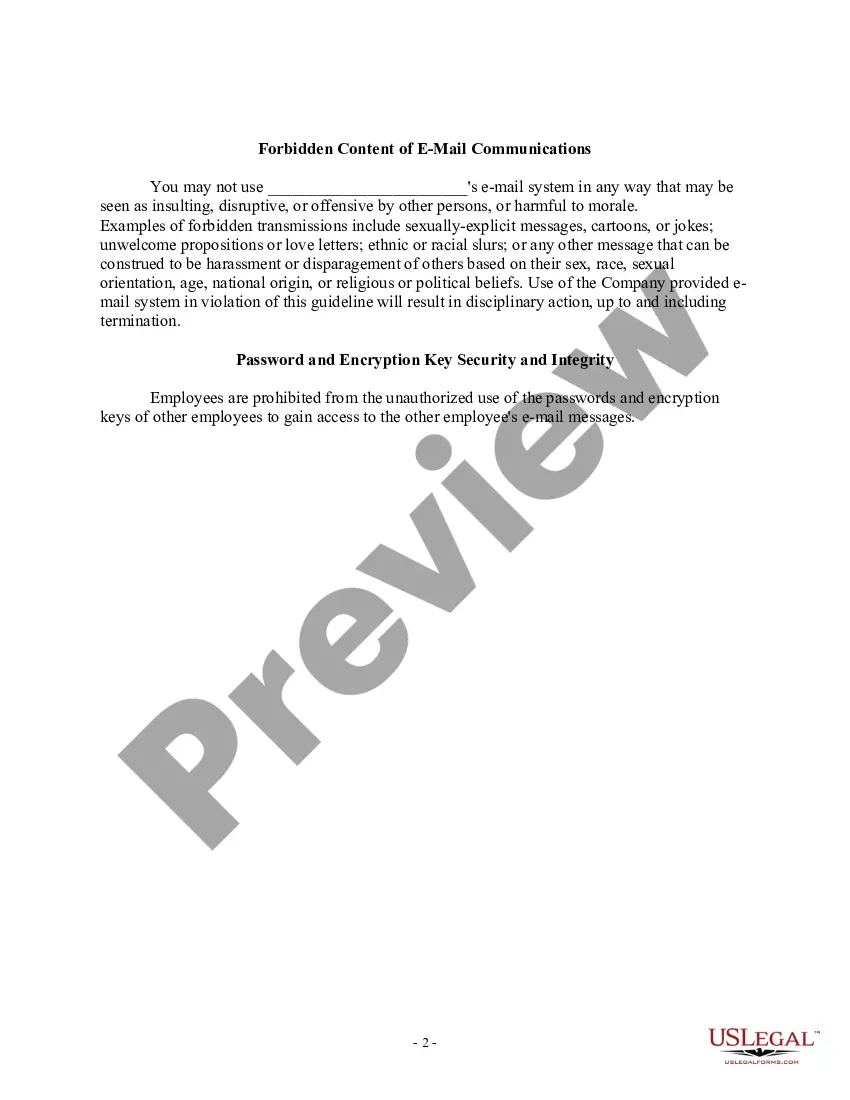
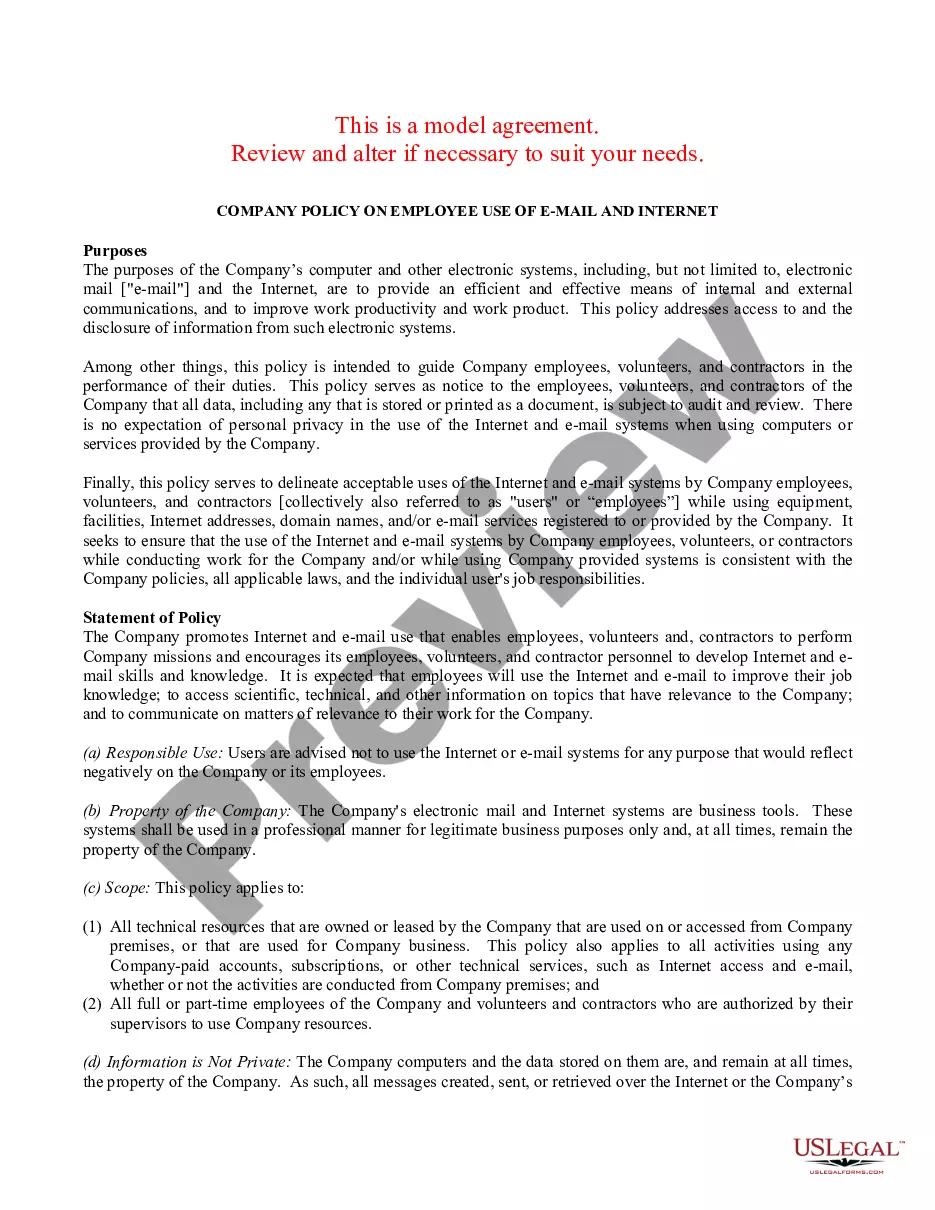
Sample Email Template For Marketing
Description
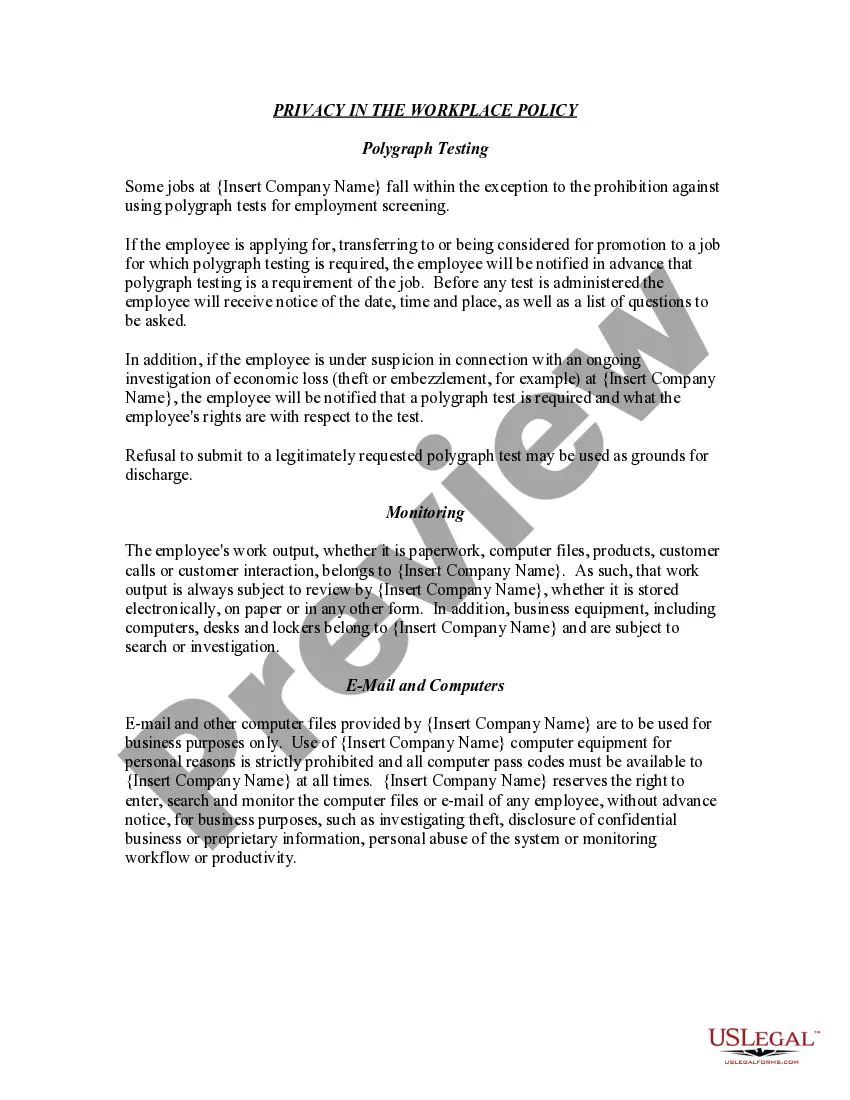
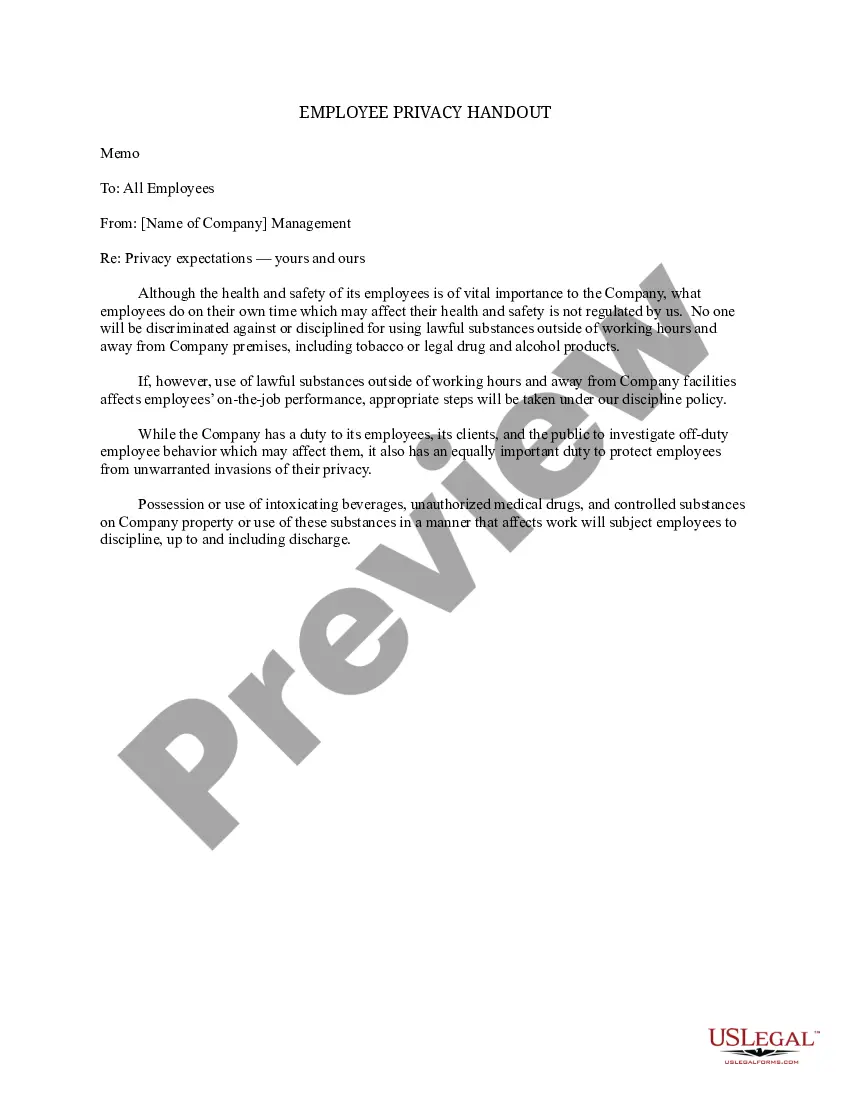
Get your form ready online
Our built-in tools help you complete, sign, share, and store your documents in one place.
Make edits, fill in missing information, and update formatting in US Legal Forms—just like you would in MS Word.
Download a copy, print it, send it by email, or mail it via USPS—whatever works best for your next step.
Sign and collect signatures with our SignNow integration. Send to multiple recipients, set reminders, and more. Go Premium to unlock E-Sign.
If this form requires notarization, complete it online through a secure video call—no need to meet a notary in person or wait for an appointment.
We protect your documents and personal data by following strict security and privacy standards.

Make edits, fill in missing information, and update formatting in US Legal Forms—just like you would in MS Word.

Download a copy, print it, send it by email, or mail it via USPS—whatever works best for your next step.

Sign and collect signatures with our SignNow integration. Send to multiple recipients, set reminders, and more. Go Premium to unlock E-Sign.

If this form requires notarization, complete it online through a secure video call—no need to meet a notary in person or wait for an appointment.

We protect your documents and personal data by following strict security and privacy standards.
Looking for another form?






How to fill out Sample EMail Policy?
Managing legal documents and processes can be a lengthy addition to your day.
Examples like Email Template For Marketing typically require you to search for them and comprehend the optimal method to finish them accurately.
Thus, whether you are handling financial, legal, or personal affairs, utilizing a thorough and user-friendly online library of documents at your fingertips will be immensely beneficial.
US Legal Forms stands as the premier online resource for legal templates, featuring over 85,000 state-specific documents and a variety of tools that will assist you in completing your paperwork with ease.
Is it your first experience using US Legal Forms? Sign up and create an account in just a few minutes, granting you access to the document library and Email Template For Marketing. Then, follow the steps outlined below to complete your document.
- Explore the collection of relevant documents available to you with just one click.
- US Legal Forms offers you state- and county-specific documents accessible at any time for downloading.
- Protect your document management process with top-notch support that enables you to fill out any form in minutes without extra or hidden charges.
- Simply Log In to your account, locate Email Template For Marketing, and obtain it immediately from the My documents section.
- You can also access previously saved documents.
Form popularity
FAQ
Make sure your email is well organized and flows well. Your readers should be able to skim through and get the full gist of the email first. They can always go back and read specific parts in more detail later. If it's too hard to digest they are likely to move on to the next email without finishing it.
Sample email marketing templates Promotional. There are endless ways to create a promotional email?however, one of the most effective is one including a discount code. ... Seasonal. Seasonal emails also make a lot of sense for brands. ... Transactional. ... Feedback. ... Reengagement.
Tips to create a successful email marketing campaign Choose a relevant email list. ... Design your email. ... Personalize your email subject line and content. ... Be conversational. ... Create follow-ups. ... Send emails from a real person. ... A/B test your emails. ... Follow email or spam regulations.
How to Write an Email Establish relevance. Just like the email subject line should strive to establish relevance through personalization, so should the copy in the email's message. ... Write in the second person. ... Talk about benefits, not features. ... Be brief. ... Be lovable. ... Use actionable language in your call-to-action.
Here are the essential components you need to know! Establish relevance. ... Write in the second person. ... Talk about benefits, not features. ... Be brief. ... Be lovable. ... Use actionable language in your call-to-action.