Form Employment Agreement With Eva
Description
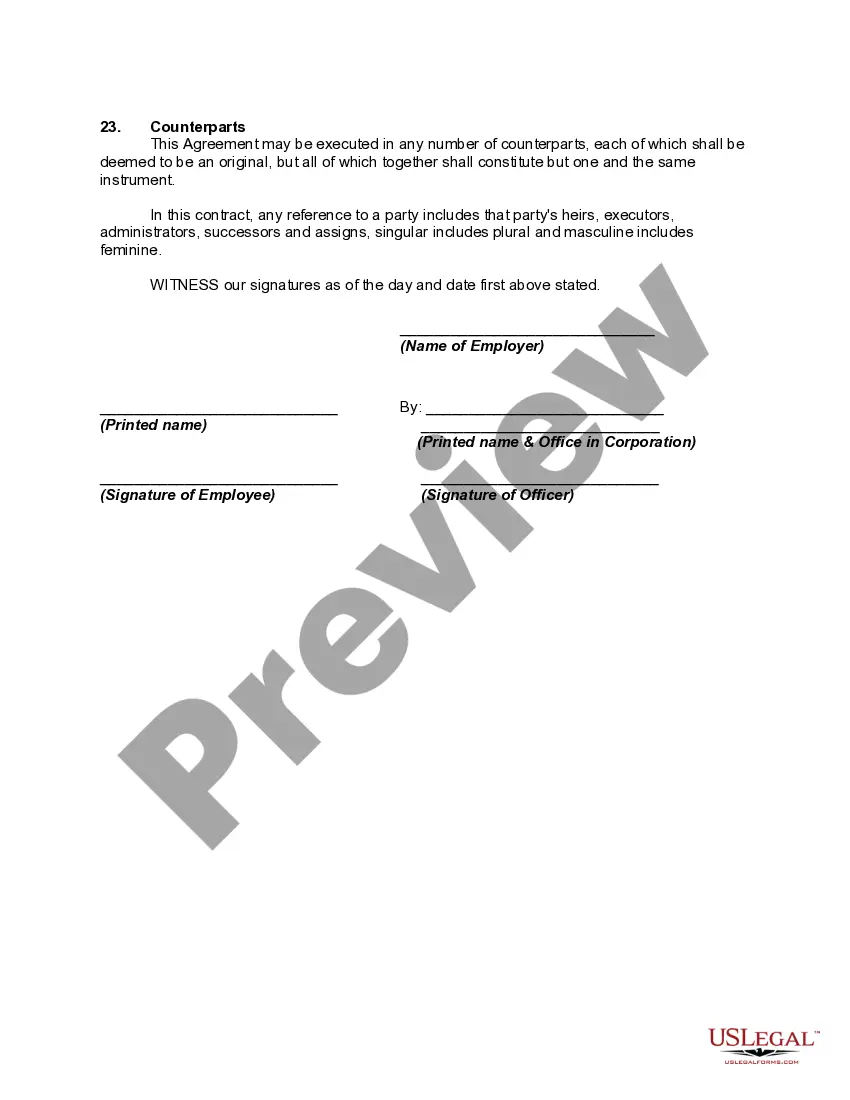
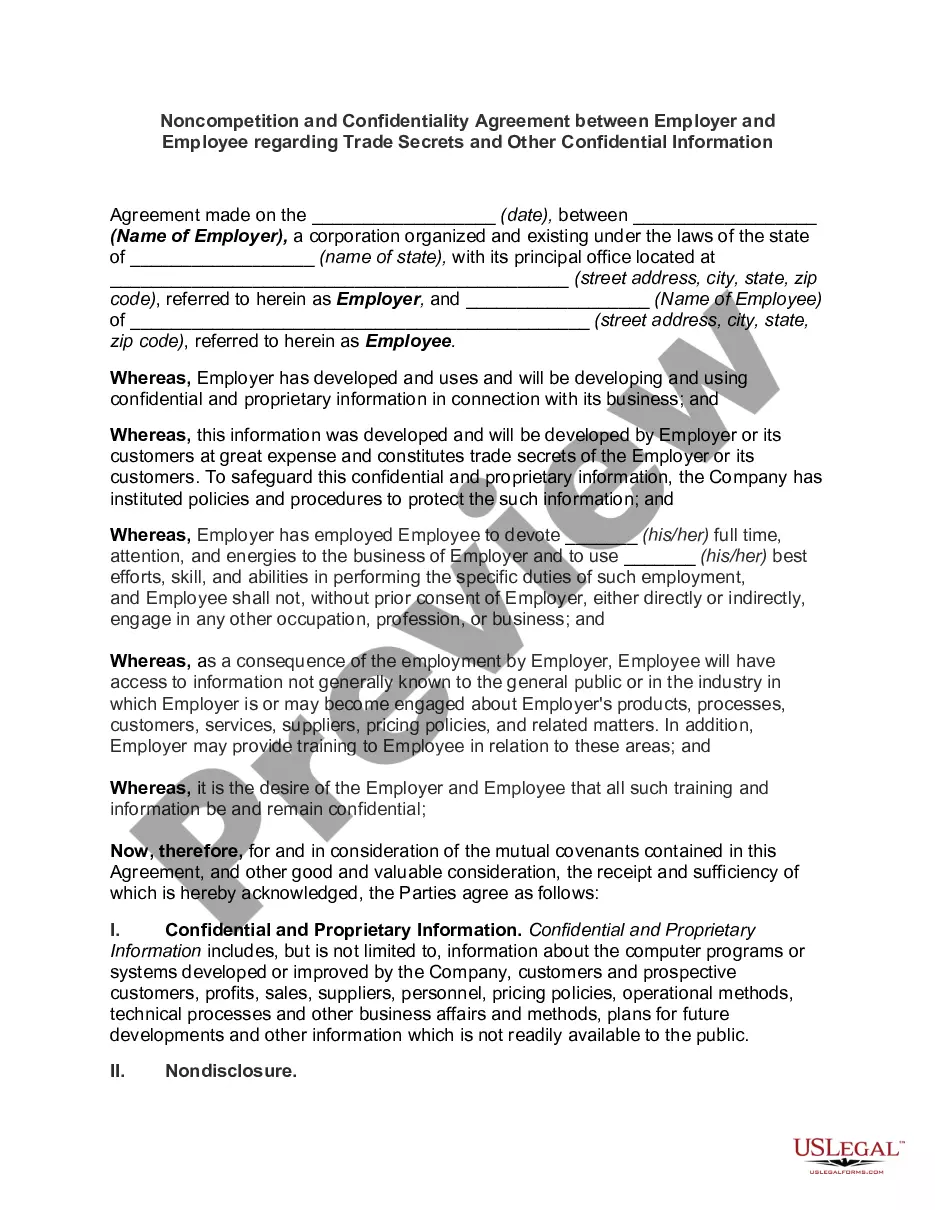
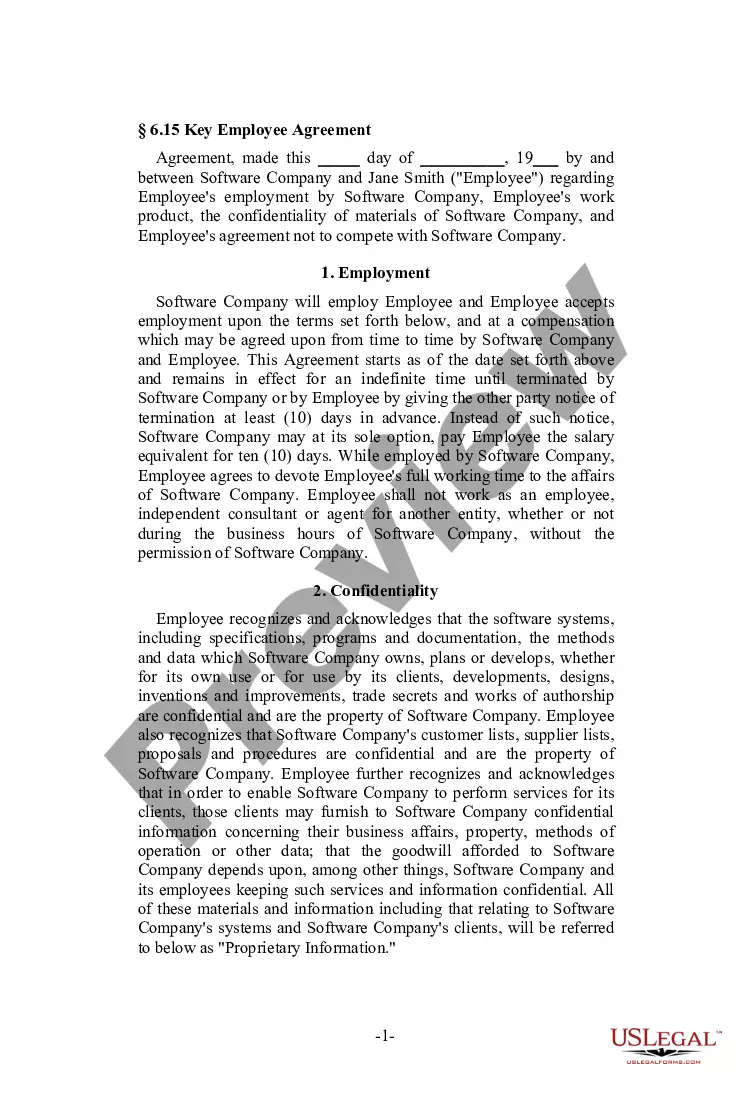
Get your form ready online
Our built-in tools help you complete, sign, share, and store your documents in one place.
Make edits, fill in missing information, and update formatting in US Legal Forms—just like you would in MS Word.
Download a copy, print it, send it by email, or mail it via USPS—whatever works best for your next step.
Sign and collect signatures with our SignNow integration. Send to multiple recipients, set reminders, and more. Go Premium to unlock E-Sign.
If this form requires notarization, complete it online through a secure video call—no need to meet a notary in person or wait for an appointment.
We protect your documents and personal data by following strict security and privacy standards.

Make edits, fill in missing information, and update formatting in US Legal Forms—just like you would in MS Word.

Download a copy, print it, send it by email, or mail it via USPS—whatever works best for your next step.

Sign and collect signatures with our SignNow integration. Send to multiple recipients, set reminders, and more. Go Premium to unlock E-Sign.

If this form requires notarization, complete it online through a secure video call—no need to meet a notary in person or wait for an appointment.

We protect your documents and personal data by following strict security and privacy standards.
Looking for another form?
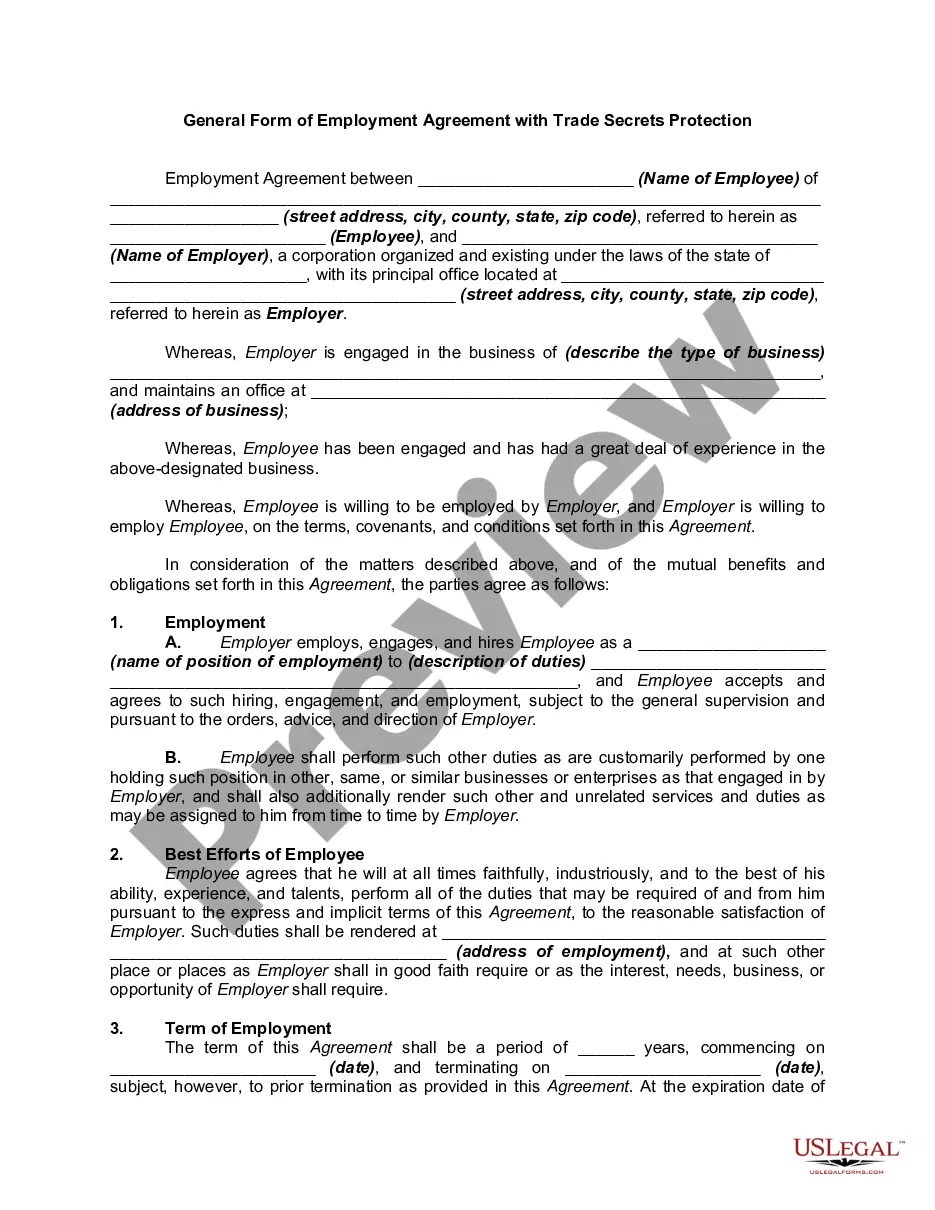
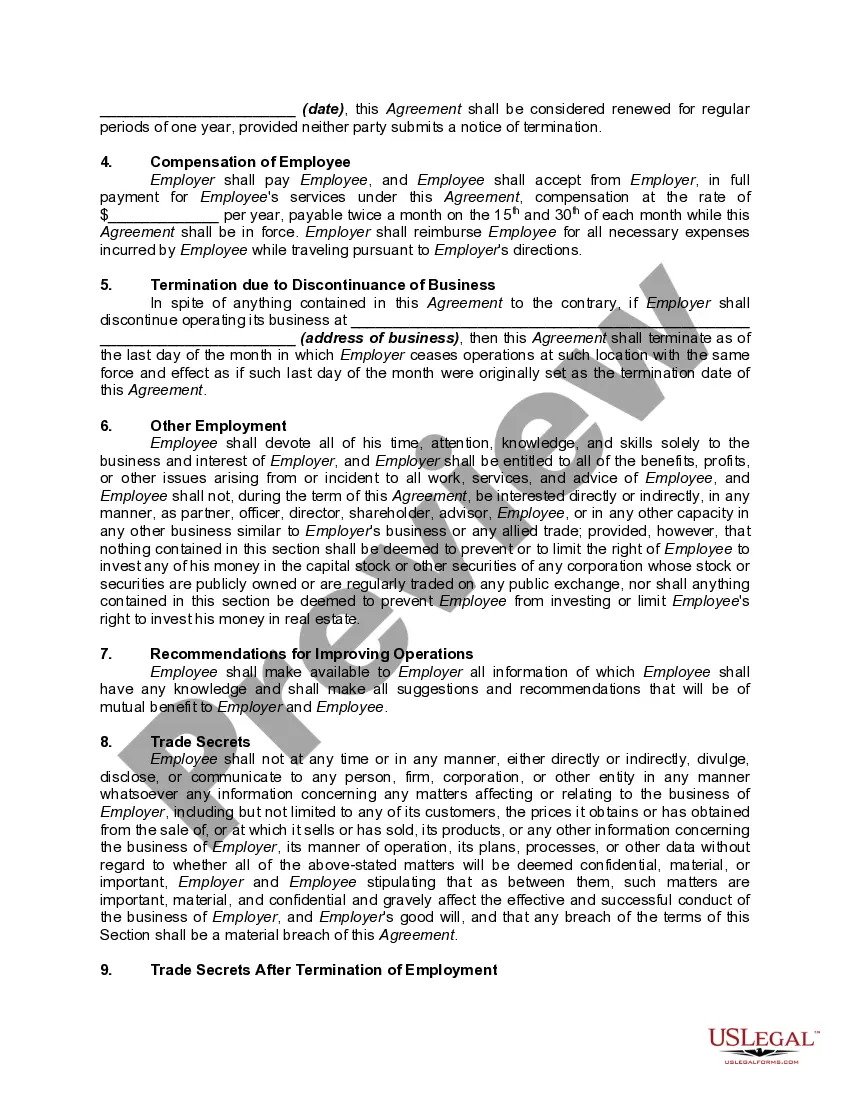
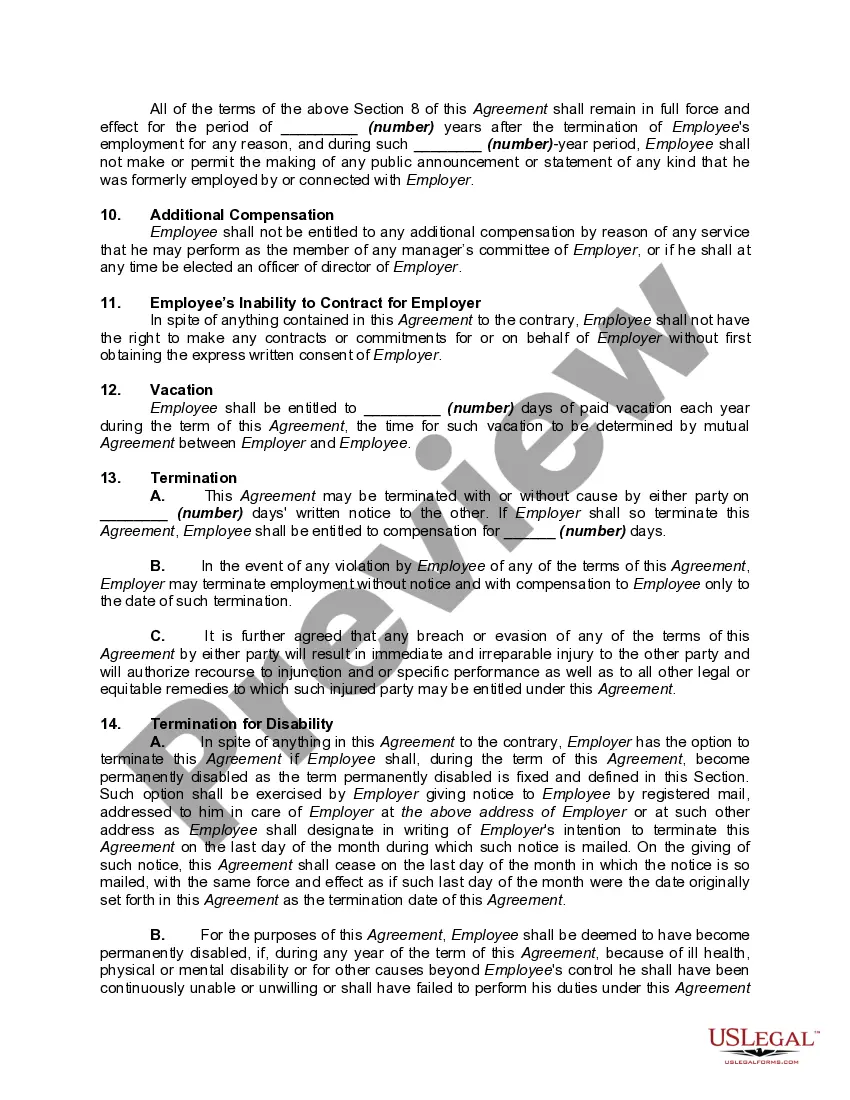
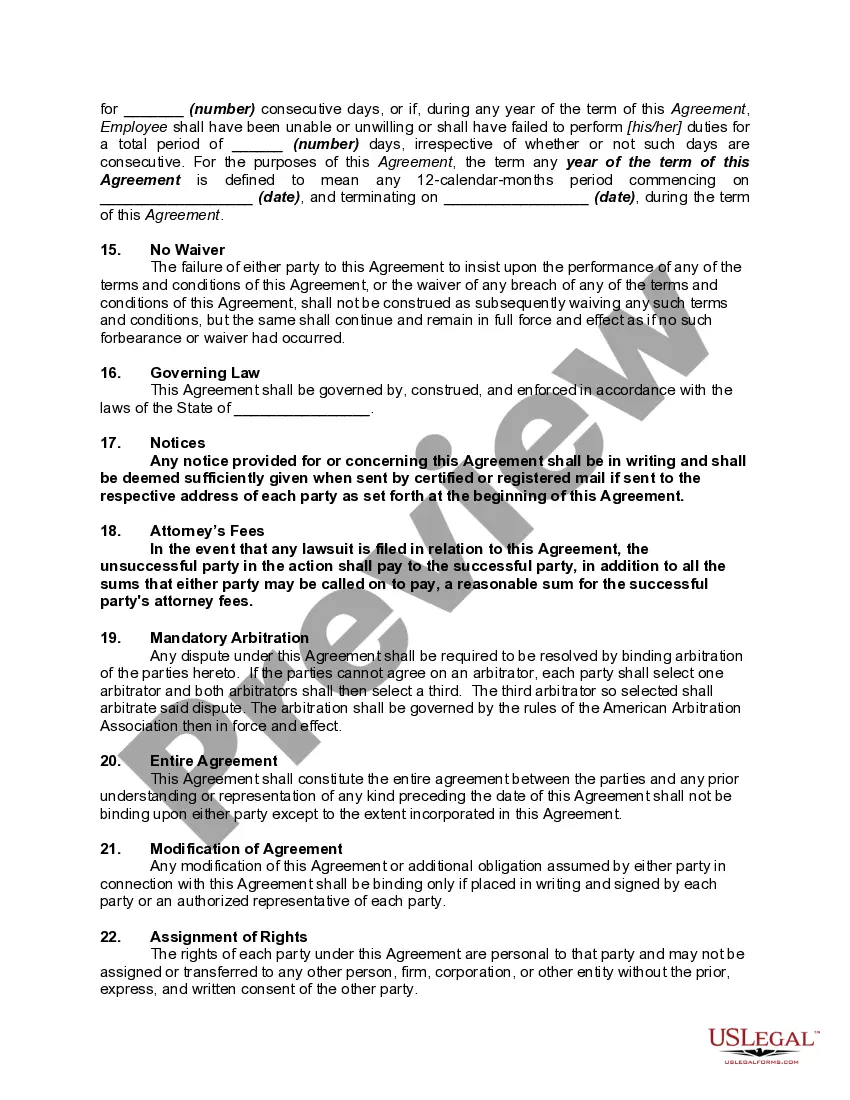
How to fill out General Form Of Employment Agreement With Trade Secrets Protection?
Creating legal documents from the ground up can at times be overwhelming. Certain situations may require extensive research and significant financial investment.
If you’re looking for a more straightforward and economical approach to preparing the Form Employment Agreement With Eva or any other documents without unnecessary complications, US Legal Forms is readily available.
Our online database of over 85,000 current legal templates covers nearly every aspect of your financial, legal, and personal affairs. With just a few clicks, you can swiftly obtain state- and county-compliant forms meticulously prepared by our legal experts.
Utilize our service whenever you need a dependable and trustworthy platform to quickly find and download the Form Employment Agreement With Eva. If you are already familiar with our site and have made an account, simply Log In, find the template, and download it or access it again anytime in the My documents section.
Ensure the selected form meets the specifications of your state and county. Select the appropriate subscription plan to obtain the Form Employment Agreement With Eva. Download the document, then fill it out, verify, and print it. US Legal Forms has a strong reputation and over 25 years of expertise. Join us today and make document execution easy and efficient!
- Don’t have an account? No problem.
- It takes minimal time to create one and browse the catalog.
- Before directly downloading the Form Employment Agreement With Eva, consider these suggestions.
- Review the form preview and descriptions to confirm you have located the correct form.
Form popularity
FAQ
Here are some steps you may use to guide you when you write an employment contract: Title the employment contract. ... Identify the parties. ... List the term and conditions. ... Outline the job responsibilities. ... Include compensation details. ... Use specific contract terms. ... Consult with an employment lawyer.
Other downsides to having a written contract can include: Limiting Your Ability To Change the Terms of Employment: Once both parties sign the contract, they must agree before any terms change.
The employment agreement spells out the rules, rights, and responsibilities of both the employer and the employee and includes any special obligations or terms that are unique to the position. Employees can negotiate the terms of their employment, including salary and benefits, before signing an employment contract.
Role requirements: Job title and job duties. Employment duration: Contract start date and end date (if contracted), and probationary period (usually 90 days) Compensation: Pay rate (hourly or annual salary), bonus structure, stock options, and pay dates.
An employment agreement is a contract between an employer and employee that outlines the terms and conditions of the working relationship. An employment agreement is also referred to as an employment contract, contract of employment, job contract, or employee contract.