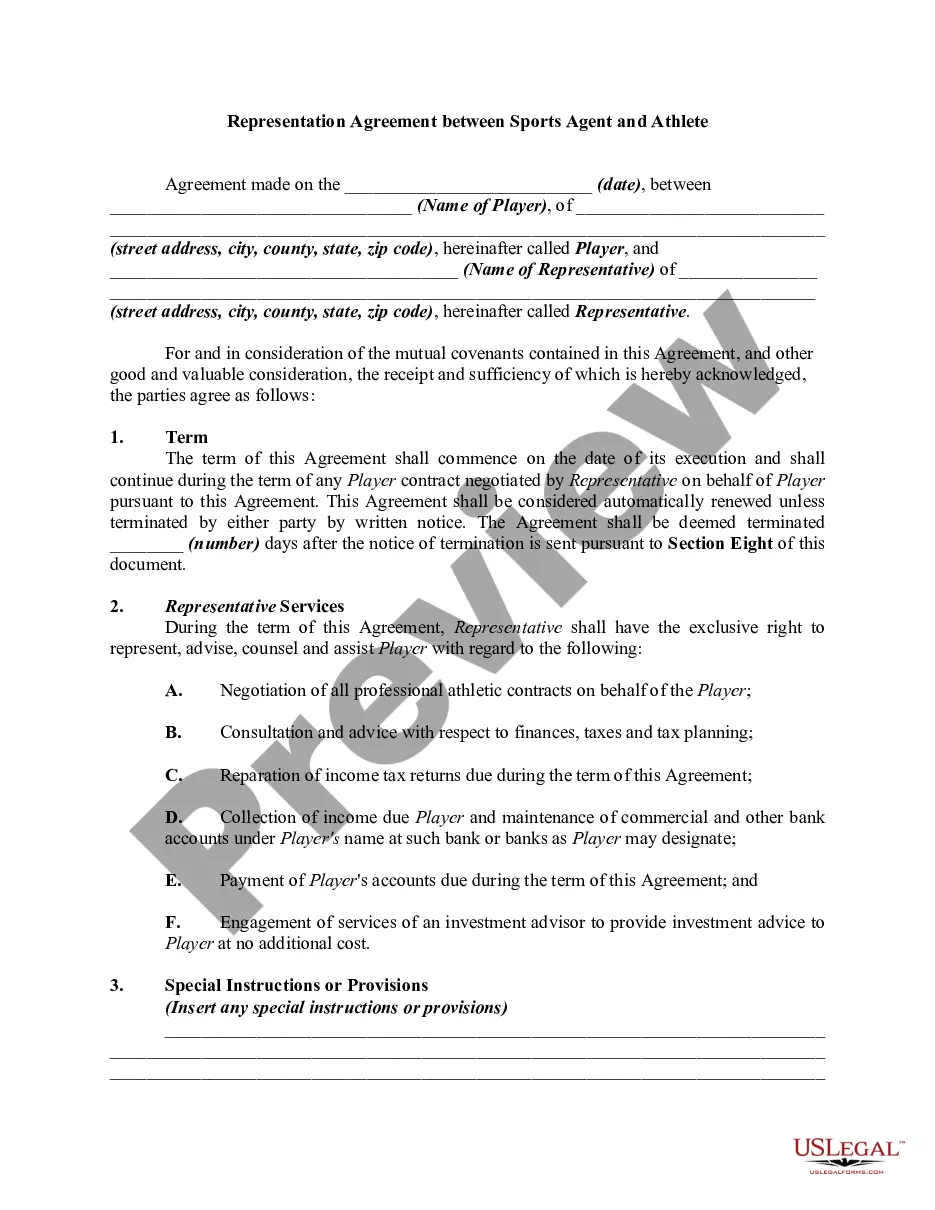
Agreement Sports Template With Team
Description
Get your form ready online
Our built-in tools help you complete, sign, share, and store your documents in one place.
Make edits, fill in missing information, and update formatting in US Legal Forms—just like you would in MS Word.
Download a copy, print it, send it by email, or mail it via USPS—whatever works best for your next step.
Sign and collect signatures with our SignNow integration. Send to multiple recipients, set reminders, and more. Go Premium to unlock E-Sign.
If this form requires notarization, complete it online through a secure video call—no need to meet a notary in person or wait for an appointment.
We protect your documents and personal data by following strict security and privacy standards.

Make edits, fill in missing information, and update formatting in US Legal Forms—just like you would in MS Word.

Download a copy, print it, send it by email, or mail it via USPS—whatever works best for your next step.

Sign and collect signatures with our SignNow integration. Send to multiple recipients, set reminders, and more. Go Premium to unlock E-Sign.

If this form requires notarization, complete it online through a secure video call—no need to meet a notary in person or wait for an appointment.

We protect your documents and personal data by following strict security and privacy standards.
Looking for another form?
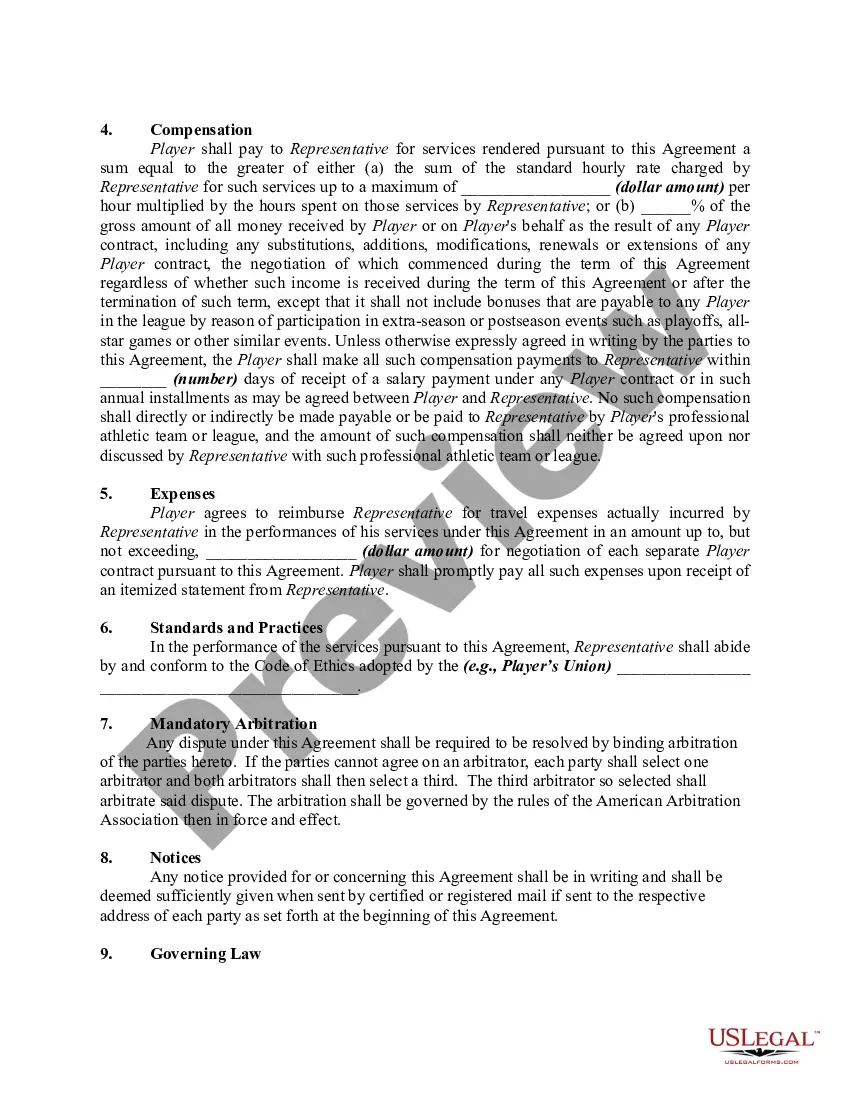
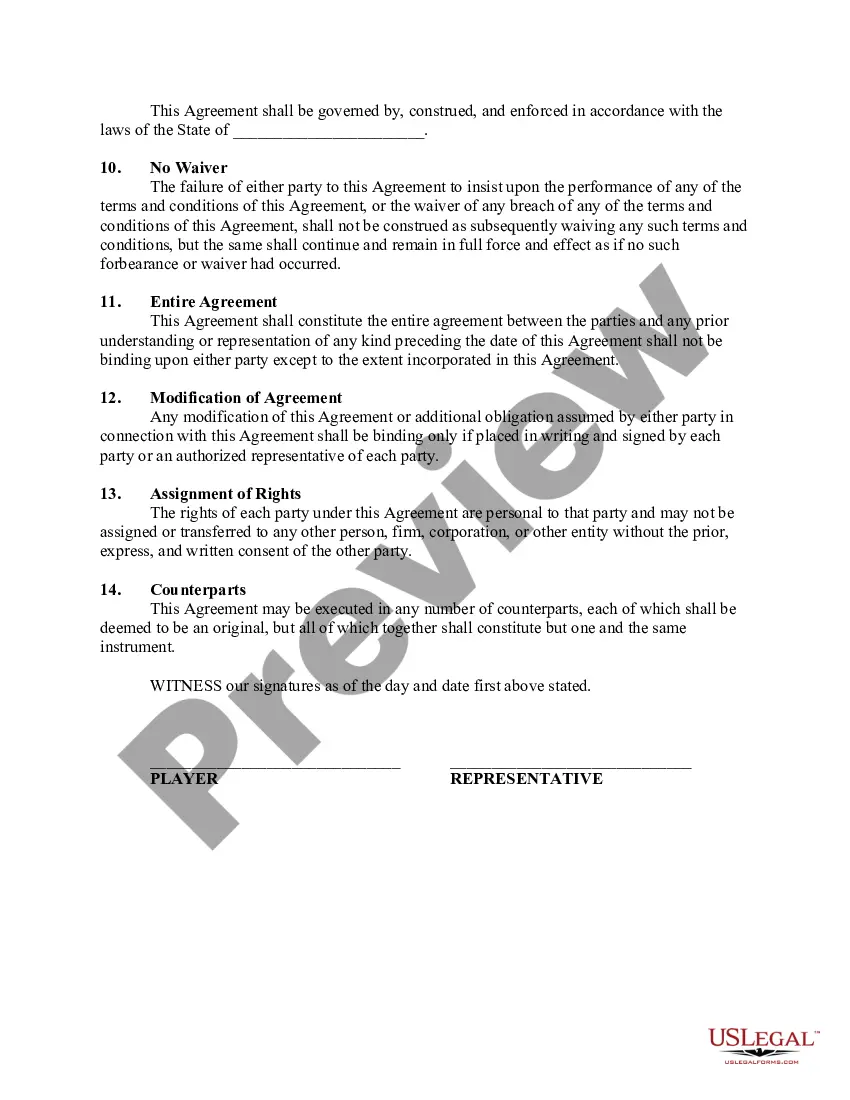
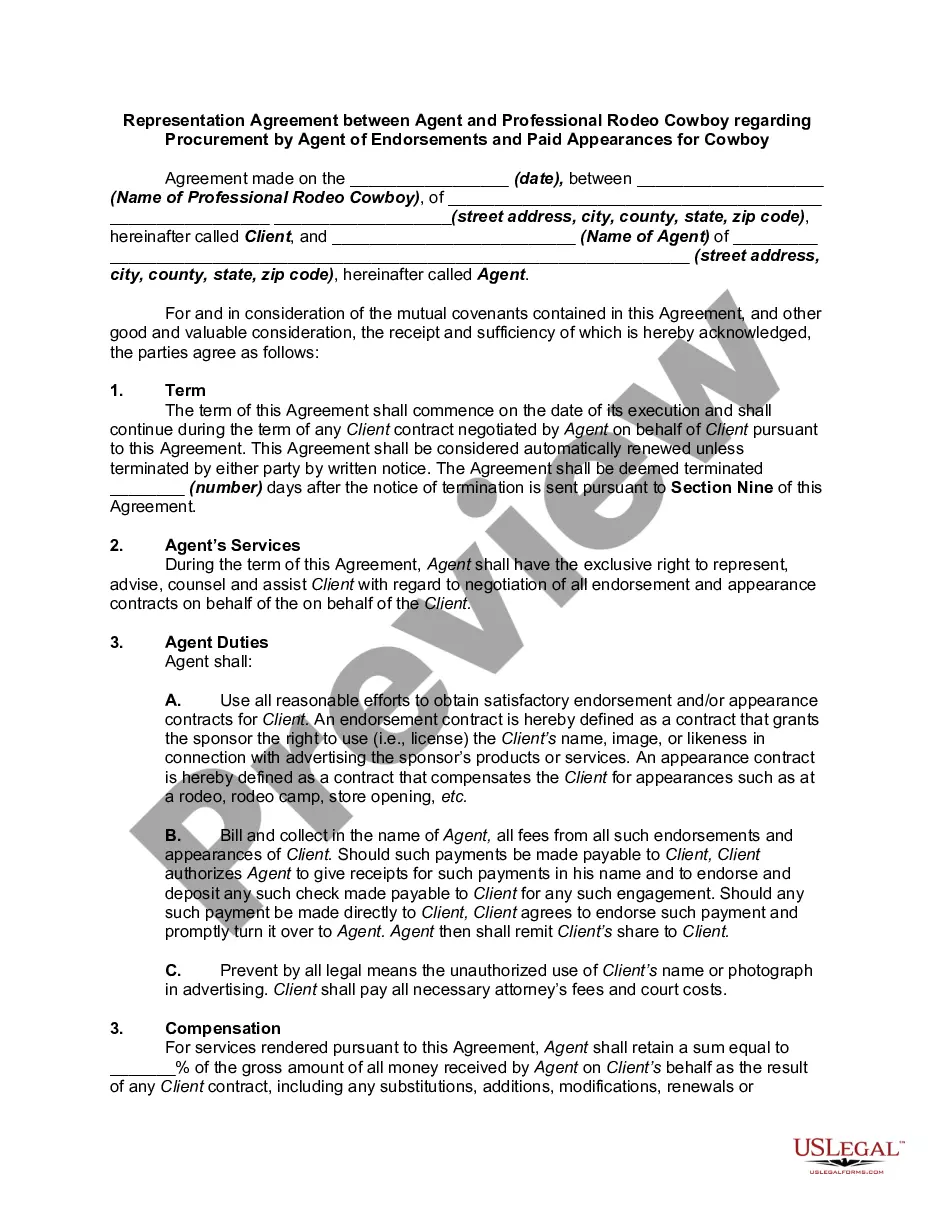
How to fill out Representation Agreement Between Sports Agent And Athlete?
The Agreement Sports Template With Team featured on this page is a reusable legal framework crafted by expert attorneys in compliance with federal and state laws.
For over 25 years, US Legal Forms has supplied individuals, organizations, and lawyers with more than 85,000 validated, state-specific documents for any business and personal needs. It’s the quickest, simplest, and most reliable method to acquire the forms you require, as the service ensures bank-level data protection and anti-malware safeguards.
Select the format you desire for your Agreement Sports Template With Team (PDF, DOCX, RTF) and download the sample onto your device. Complete and sign the documents. Print the template to fill it out manually. Alternatively, use an online multi-functional PDF editor to quickly and accurately complete and sign your form with an electronic signature. Download your documents again whenever necessary. Access the My documents tab in your profile to redownload any previously purchased forms. Subscribe to US Legal Forms to have verified legal templates for all of life’s scenarios readily available.
- Search for the document you require and examine it.
- Browse through the file you searched and preview it or assess the form description to verify it meets your criteria. If it doesn't, utilize the search feature to locate the correct one. Click Buy Now when you have identified the template you need.
- Register and Log In.
- Choose the pricing plan that fits you and create an account. Use PayPal or a credit card to make a swift payment. If you already possess an account, Log In and verify your subscription to proceed.
- Obtain the fillable template.
Form popularity
FAQ
To create a team agreement, follow these steps: Surface team preferences. ... Discuss team preferences. ... Surface team goals. ... Discuss team goals. ... Capture trends and themes. ... Propose agreements. ... Discuss and build consensus. ... Display your agreements.
We agree to keep the entire office clean, neat, and organized. We agree to be attentive to ways to help our colleagues optimize the efficiencies for the entire office. We agree to maintain a professional atmosphere through office appearance, our attire, and our verbal and nonverbal communication.
Those seven elements are: Identification (Defining all the parties involved) Offer (The agreement) Acceptance (Agreement mirrored by other parties) Mutual consent (Signatory consent of all parties) Consideration (The value exchanged for the offer) Capacity (Legal/mental competence of all parties)
The following is a checklist of matters to be considered in drafting a contract for the employment of an athlete: Names of parties. Addresses of parties. Statement of hiring. Term of contract. Duties and obligations of athlete. Attendance at training camp. Amount of compensation. Times at which compensation payable.
To create a complete agreement, both parties must first have a clear understanding of all the terms involved in the contract. Once all essentialterms have been mutually agreed upon, both parties should signthe document to make it legally binding.