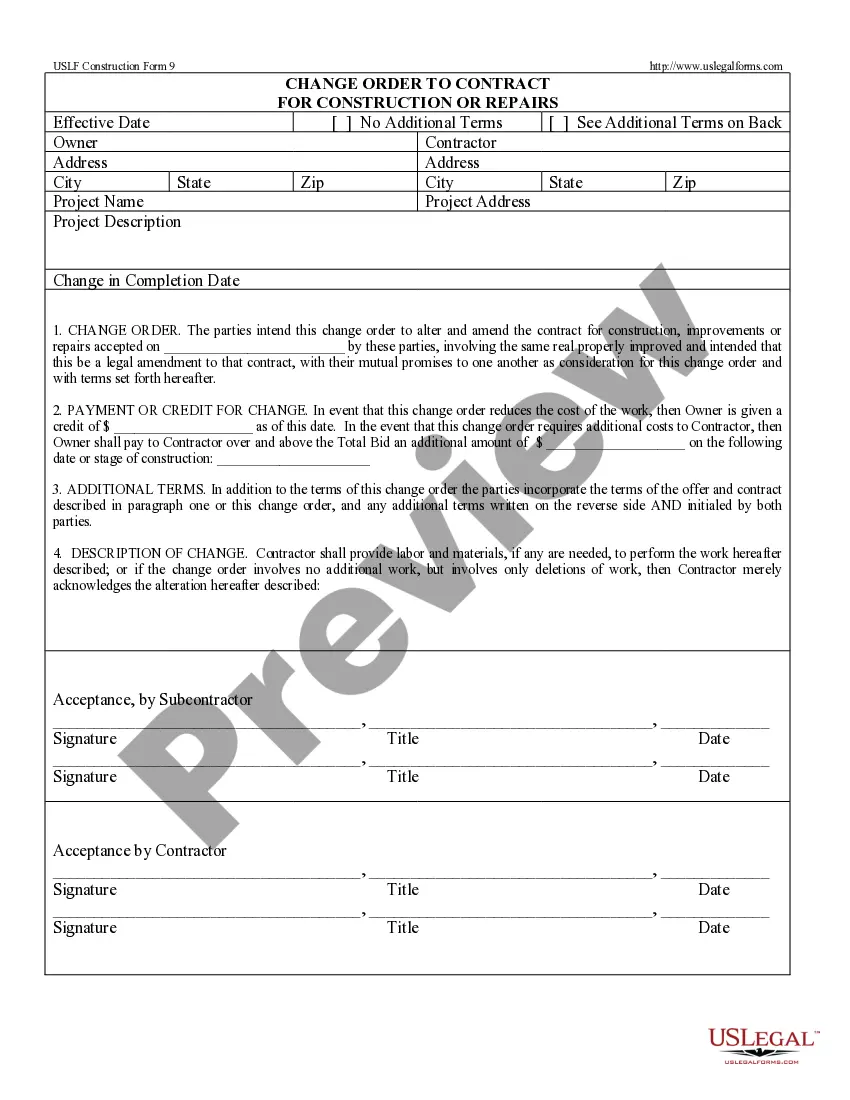
Change Order Form Template With Text
Description
Get your form ready online
Our built-in tools help you complete, sign, share, and store your documents in one place.
Make edits, fill in missing information, and update formatting in US Legal Forms—just like you would in MS Word.
Download a copy, print it, send it by email, or mail it via USPS—whatever works best for your next step.
Sign and collect signatures with our SignNow integration. Send to multiple recipients, set reminders, and more. Go Premium to unlock E-Sign.
If this form requires notarization, complete it online through a secure video call—no need to meet a notary in person or wait for an appointment.
We protect your documents and personal data by following strict security and privacy standards.

Make edits, fill in missing information, and update formatting in US Legal Forms—just like you would in MS Word.

Download a copy, print it, send it by email, or mail it via USPS—whatever works best for your next step.

Sign and collect signatures with our SignNow integration. Send to multiple recipients, set reminders, and more. Go Premium to unlock E-Sign.

If this form requires notarization, complete it online through a secure video call—no need to meet a notary in person or wait for an appointment.

We protect your documents and personal data by following strict security and privacy standards.
Looking for another form?








How to fill out Change Order For Construction Or Repairs By Contractor?
Acquiring legal templates that align with federal and state regulations is crucial, and the web provides countless choices to select from.
However, what’s the purpose of expending time hunting for the accurately created Change Order Form Template With Text example online if the US Legal Forms digital library already compiles such templates in one location.
US Legal Forms is the most comprehensive online legal directory with more than 85,000 fillable templates crafted by attorneys for any business and life situation.
Review the template using the Preview function or through the text outline to ensure it fulfills your needs.
- They are easy to navigate with all documents categorized by state and intended use.
- Our specialists keep up with legal changes, so you can always feel assured your form is current and compliant when acquiring a Change Order Form Template With Text from our site.
- Obtaining a Change Order Form Template With Text is swift and straightforward for both existing and new users.
- If you already possess an account with an active subscription, Log In and retrieve the document sample you need in the desired format.
- If you are new to our platform, follow the steps below.
Form popularity
FAQ
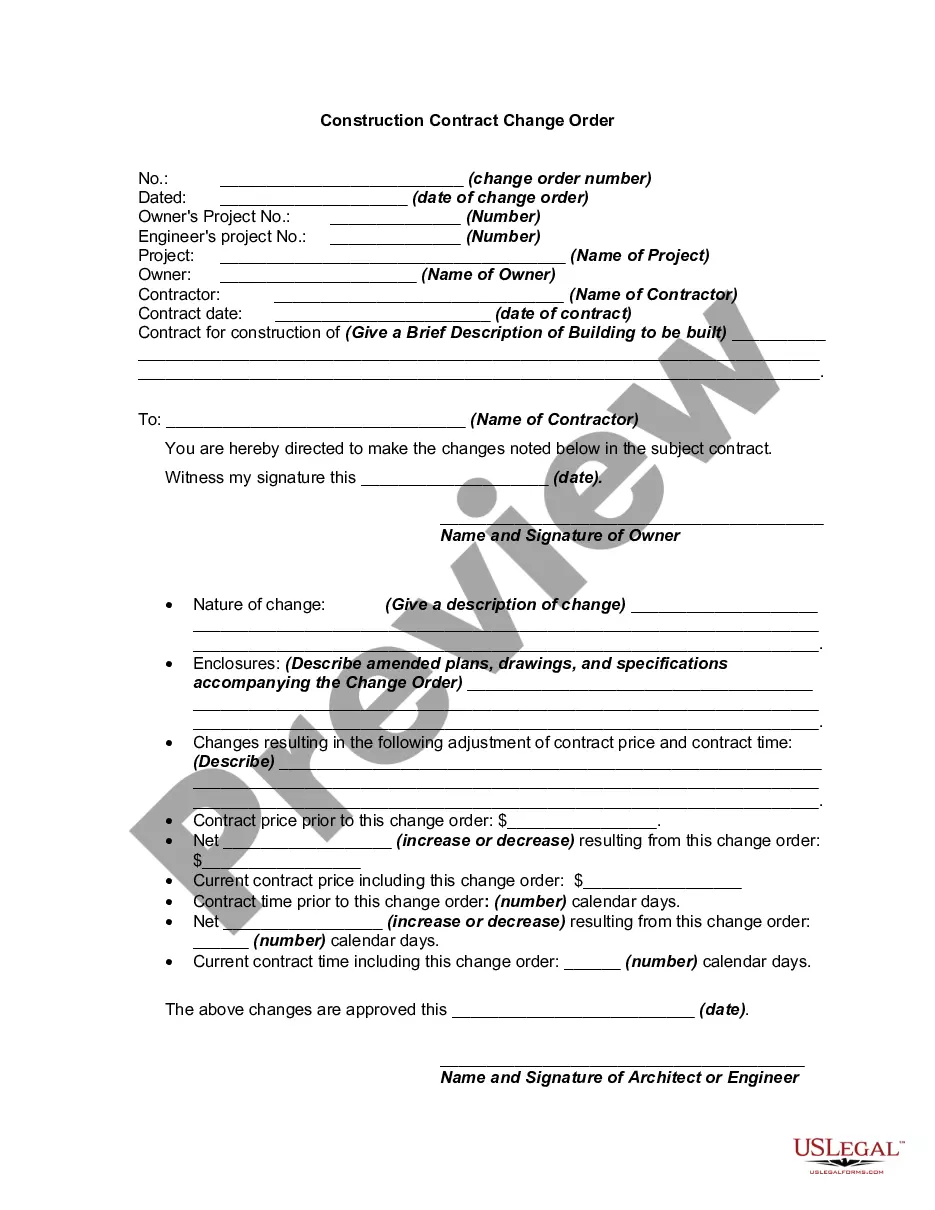
To make a change order form, begin by outlining the changes you want to request. Use a change order form template with text to ensure you include all necessary fields, such as project details, reasons for changes, and approval sections. By following this structured approach, you can create a clear and effective form. For convenience, you might want to check out US Legal Forms, where you can find ready-made templates tailored to your needs.
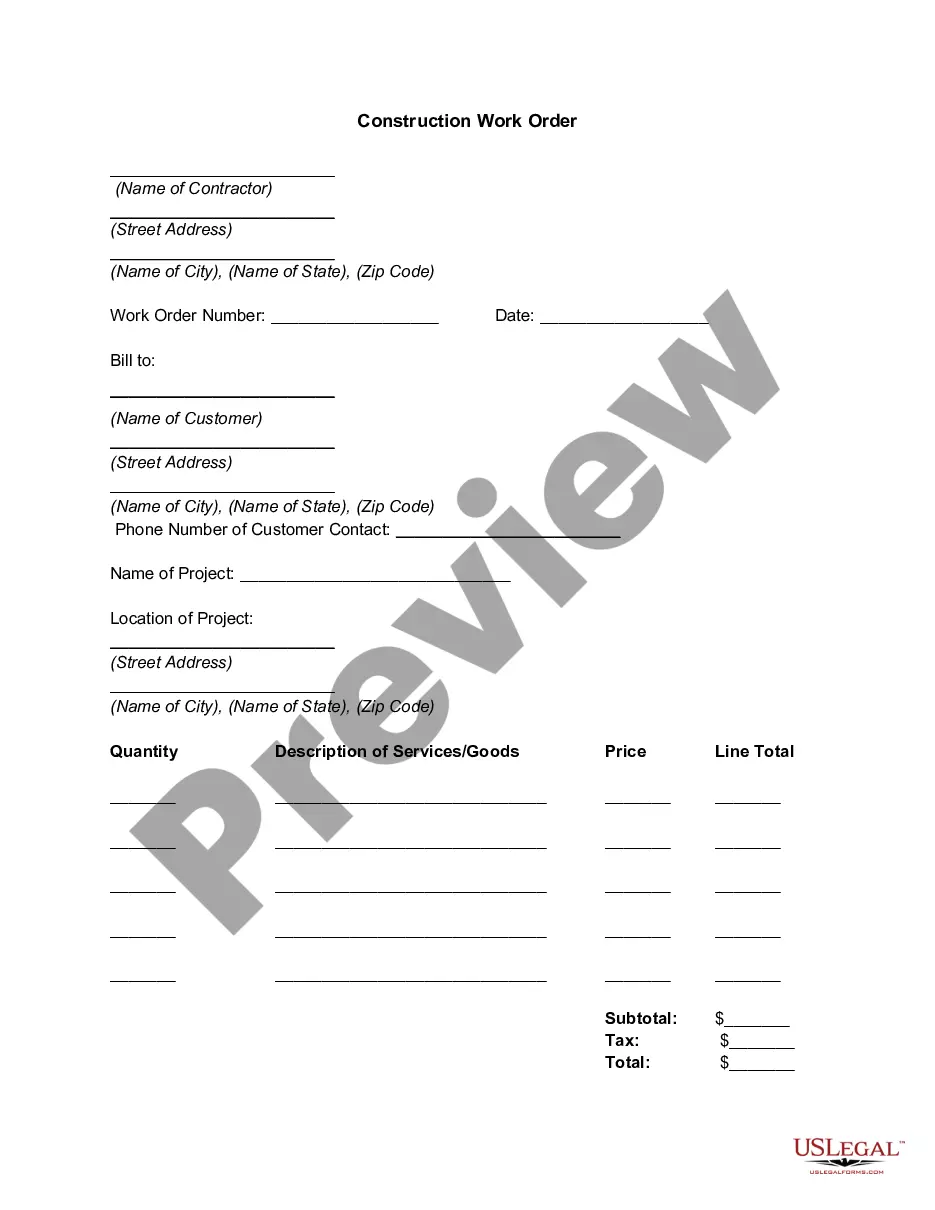
Google does not offer a specific order form template. However, you can find various templates online, including a change order form template with text that suits your requirements. These templates are designed to help you capture all essential details, ensuring a smooth order process. Consider exploring platforms like US Legal Forms for professionally crafted templates.
Yes, you can create an order form in Word. Start by using a change order form template with text, which simplifies the process. This template provides a structured layout that helps you organize the necessary information effectively. Once you customize it to fit your needs, you can easily save and share it with others.
Writing a change request form involves stating the reason for the change, detailed descriptions of the requested adjustments, and the impact on the project timeline and budget. Start with a clear title, followed by sections for project details and the change description. By using a change order form template with text, you can simplify the writing process and ensure all necessary information is included. US Legal Forms provides templates that make this process straightforward and efficient.
Creating a custom order form begins with defining your specific needs and the information required from your clients. Use templates that allow for easy customization, ensuring you include necessary fields like product descriptions, quantities, and payment options. Additionally, consider utilizing a change order form template with text to streamline your process and ensure clarity. Platforms like US Legal Forms offer user-friendly solutions for this task.
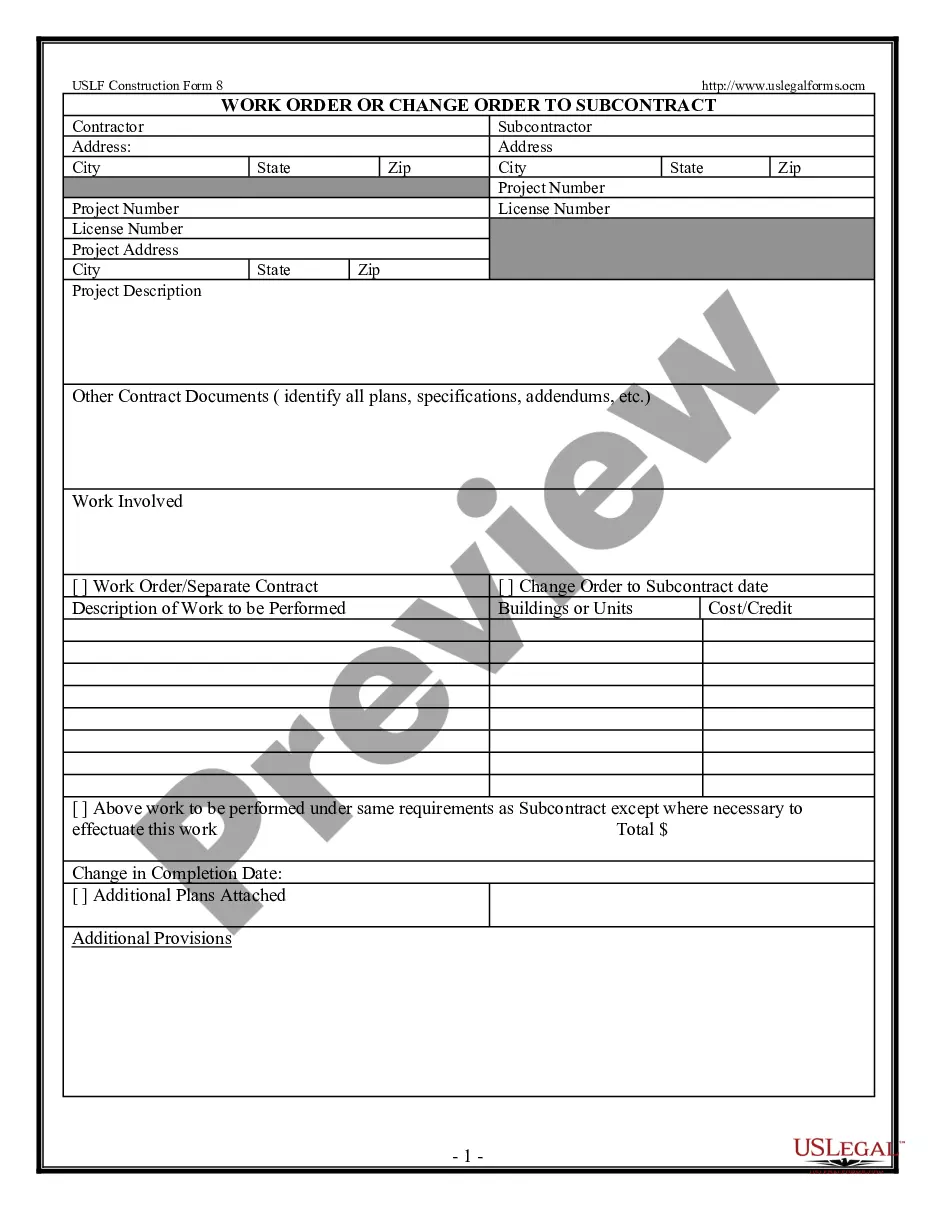
To format a change order, start by clearly labeling the document as a 'Change Order Form.' Include essential details such as the project name, date, and contact information. Next, outline the original contract terms, specify the changes, and provide a section for signatures. For a quick start, consider using a change order form template with text available on platforms like US Legal Forms.
Change orders typically consist of three parts: the project information, the changes to the contract, and the change in cost and time for performance. Project information includes the project name and the owner's and contractor's information.
6 things every change order should include Project and contact information. The change order form should include: ... Dates of the change. The change order form should include the date that you complete the change order. ... Details of the work. ... Updated schedule. ... Cost of the change. ... Updated contract value.
A written change order protects an owner from having to pay for unwanted work, and it also protects a contractor by evidencing changes that require an adjustment of contract price and or completion time.
6 things every change order should include Project and contact information. Dates of the change. Details of the work. Updated schedule. Cost of the change. Updated contract value. Match the payment application. Get it in writing ? and save it.