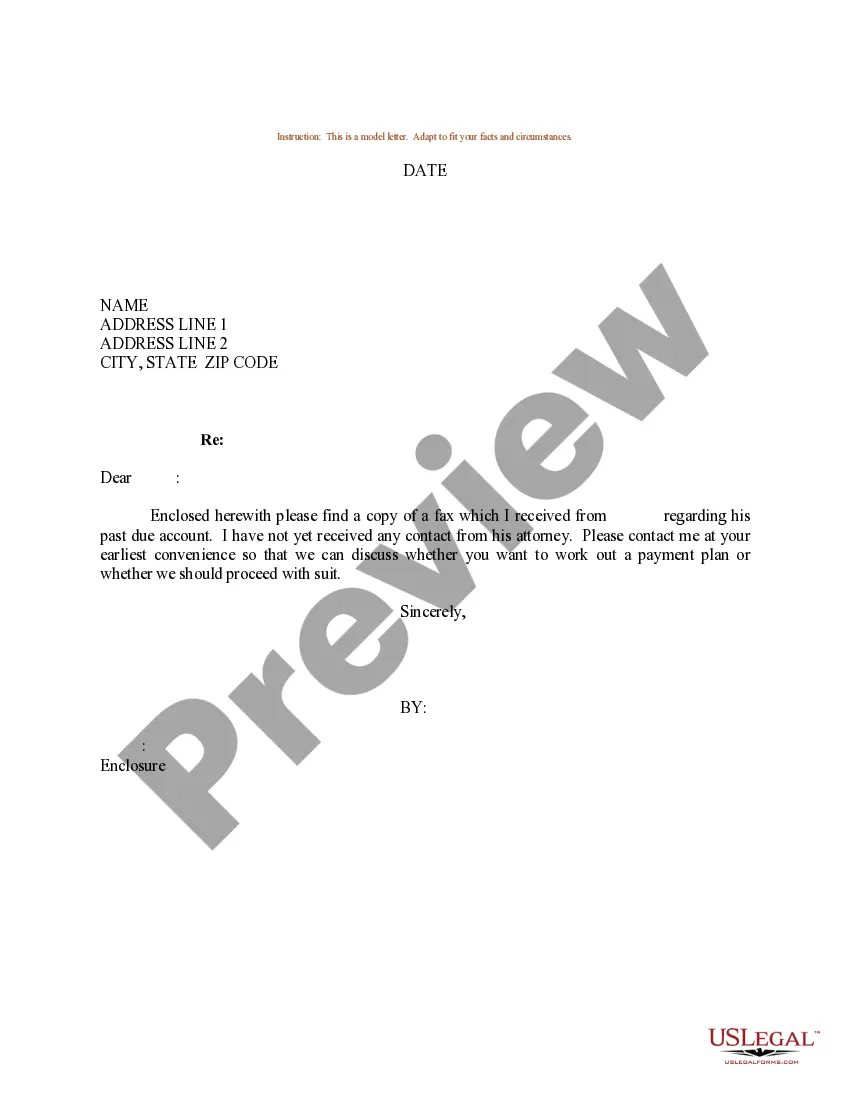
Please Contact Our Office Letter Template With Logo
Description
Get your form ready online
Our built-in tools help you complete, sign, share, and store your documents in one place.
Make edits, fill in missing information, and update formatting in US Legal Forms—just like you would in MS Word.
Download a copy, print it, send it by email, or mail it via USPS—whatever works best for your next step.
Sign and collect signatures with our SignNow integration. Send to multiple recipients, set reminders, and more. Go Premium to unlock E-Sign.
If this form requires notarization, complete it online through a secure video call—no need to meet a notary in person or wait for an appointment.
We protect your documents and personal data by following strict security and privacy standards.

Make edits, fill in missing information, and update formatting in US Legal Forms—just like you would in MS Word.

Download a copy, print it, send it by email, or mail it via USPS—whatever works best for your next step.

Sign and collect signatures with our SignNow integration. Send to multiple recipients, set reminders, and more. Go Premium to unlock E-Sign.

If this form requires notarization, complete it online through a secure video call—no need to meet a notary in person or wait for an appointment.

We protect your documents and personal data by following strict security and privacy standards.
Looking for another form?
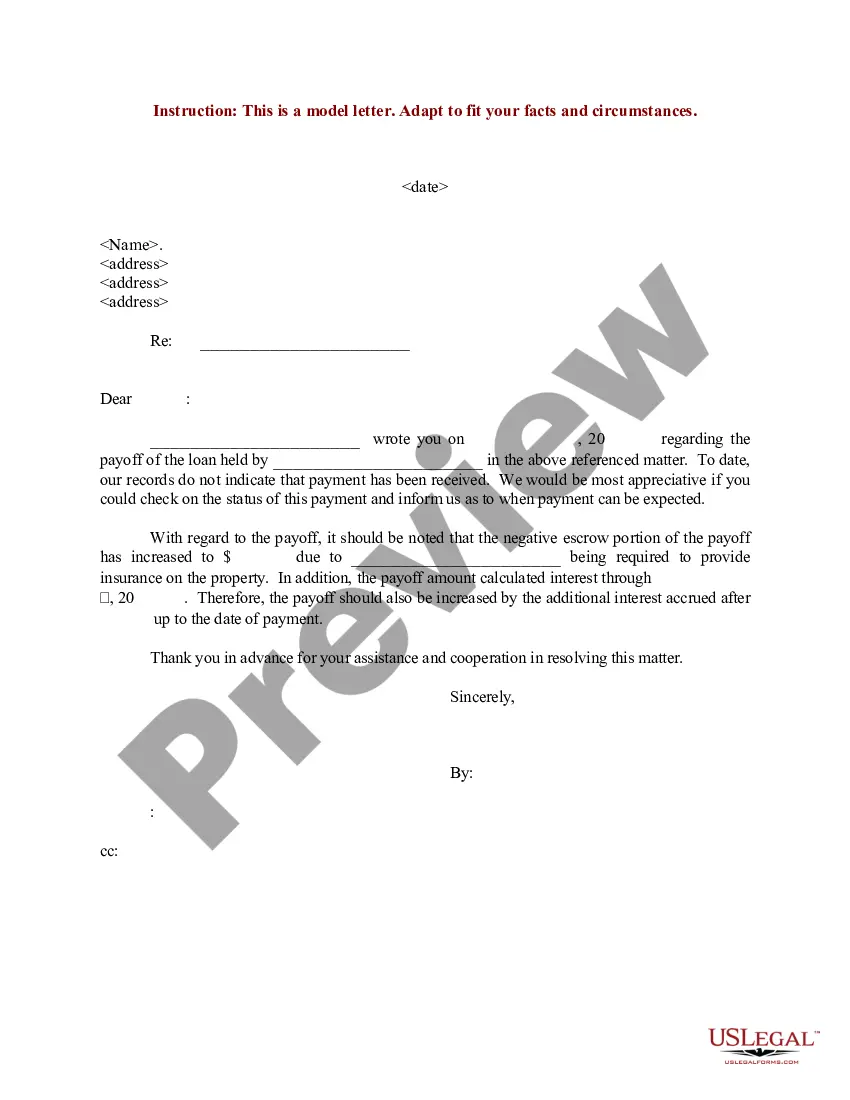
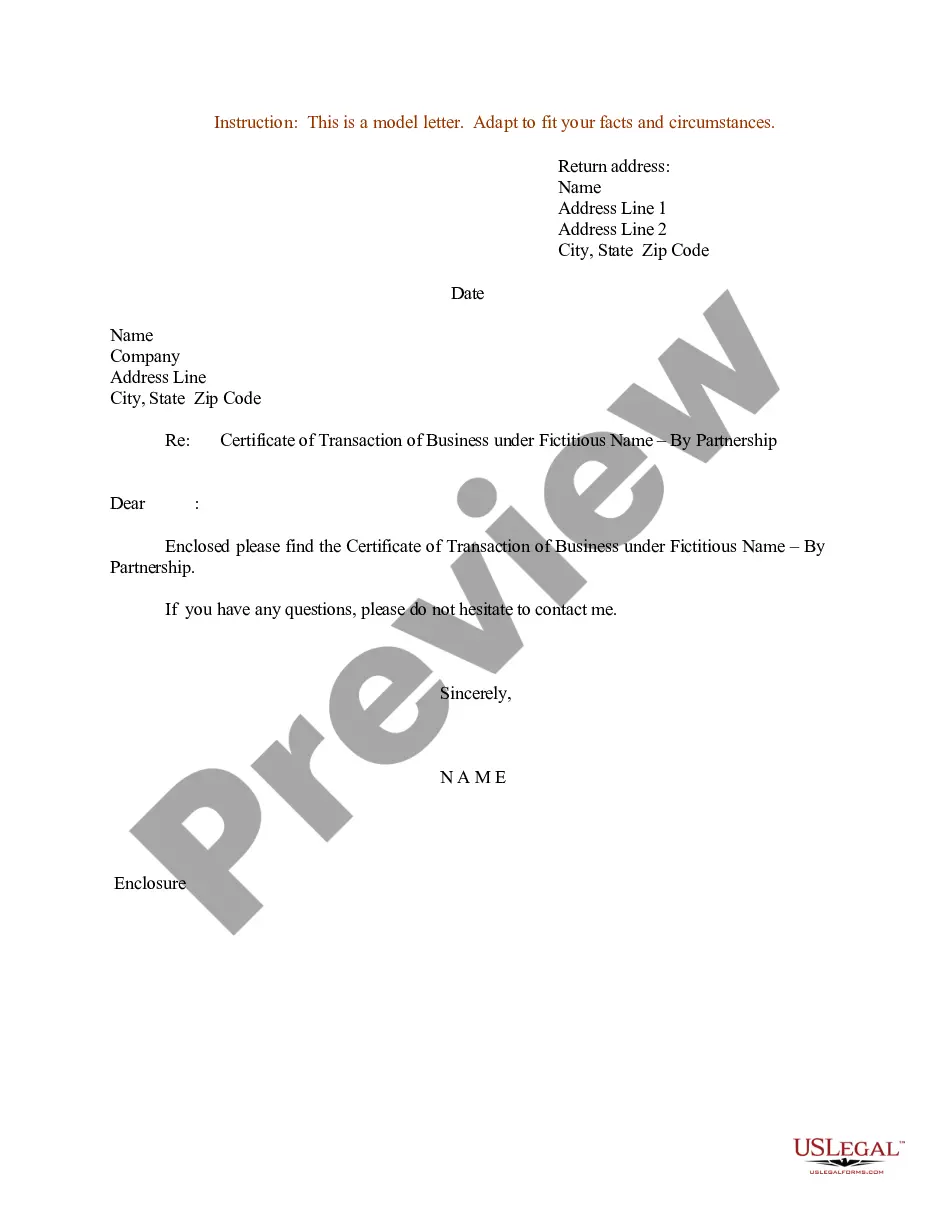
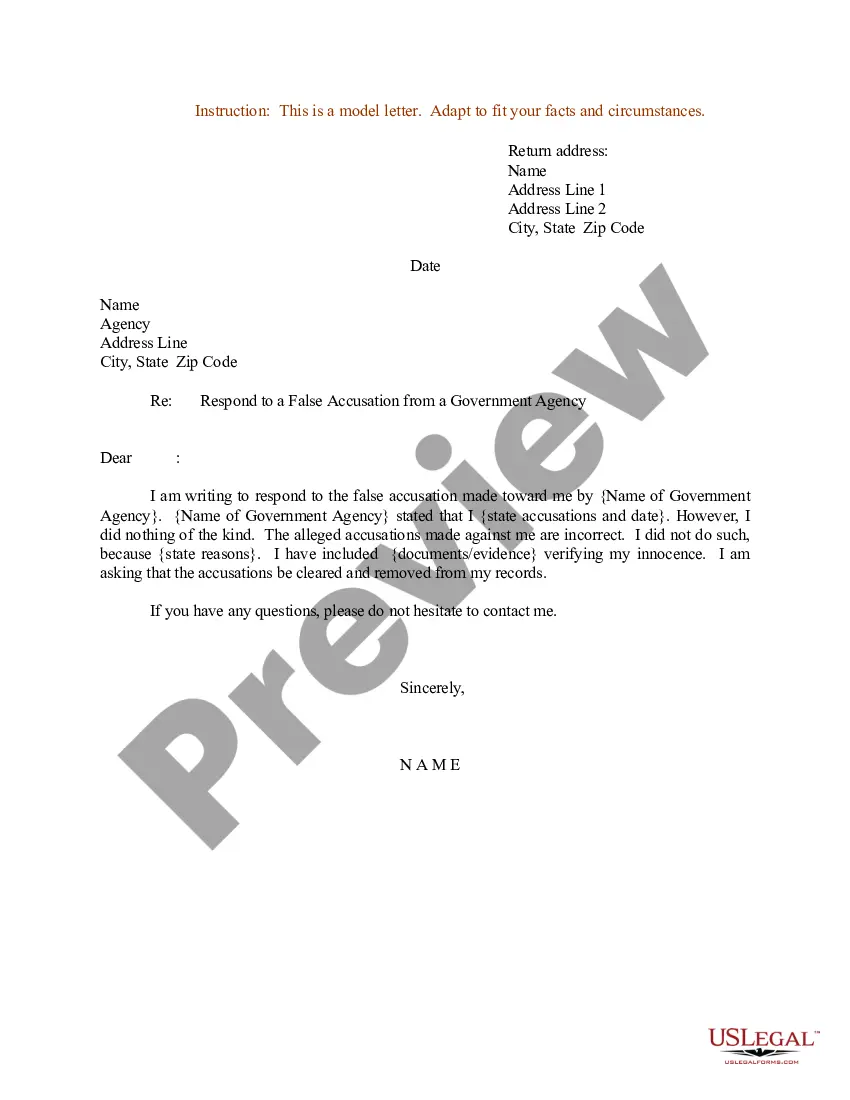
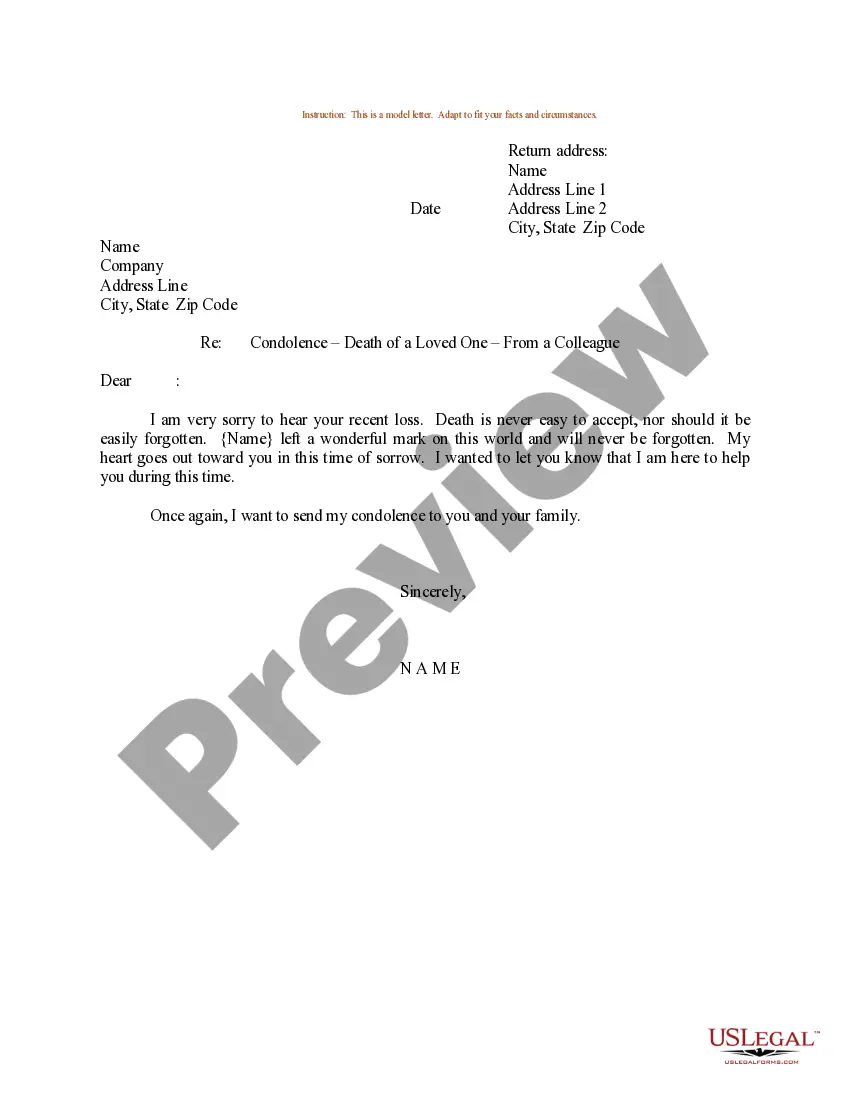
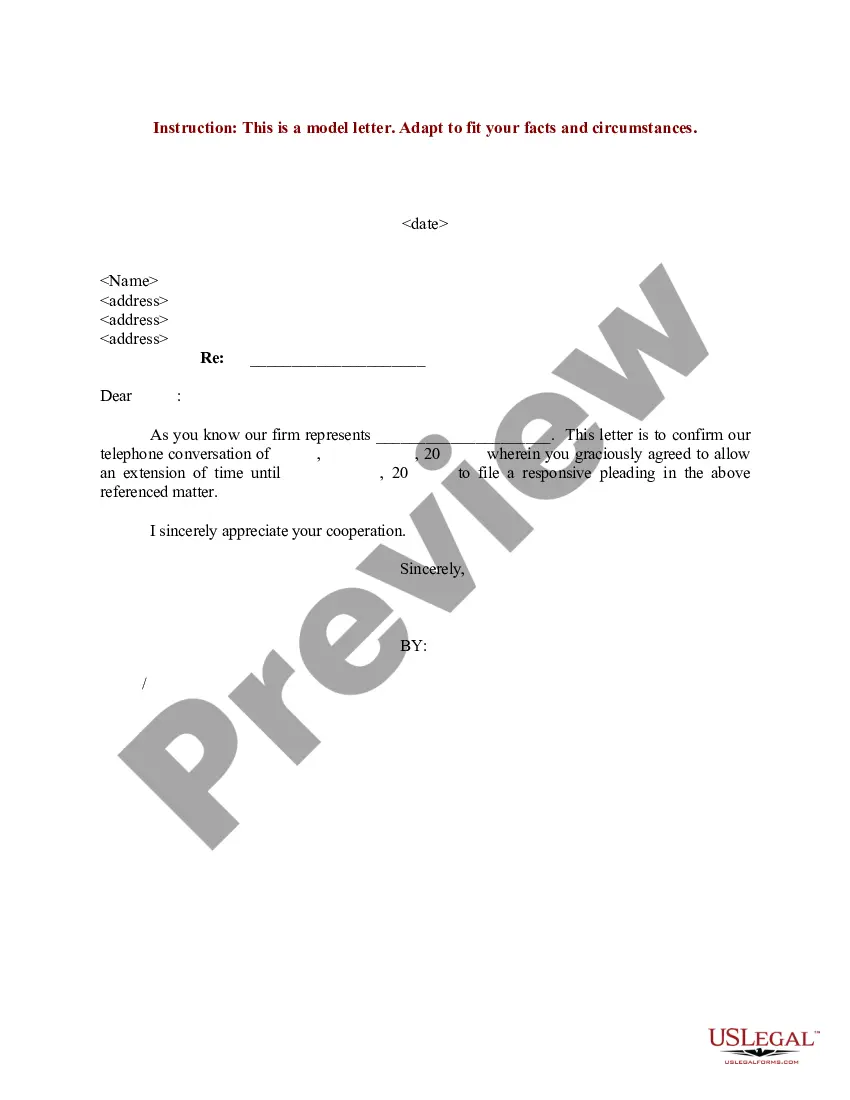
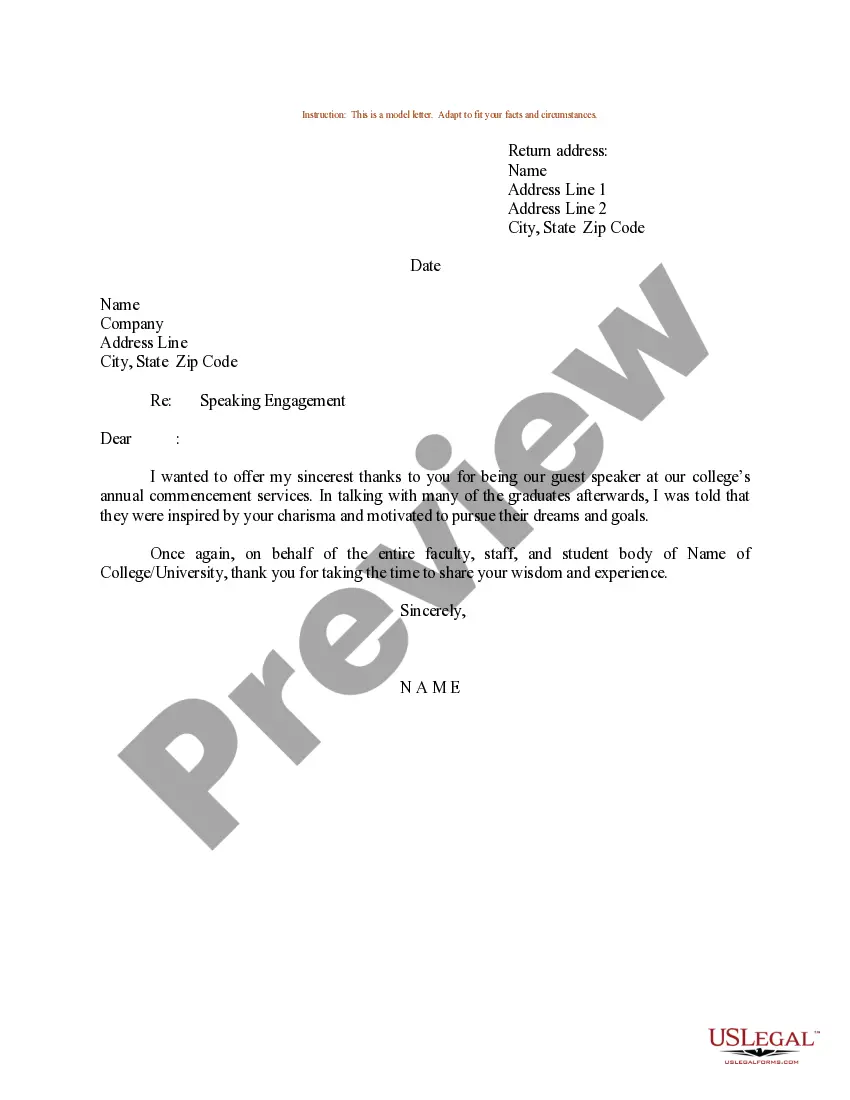
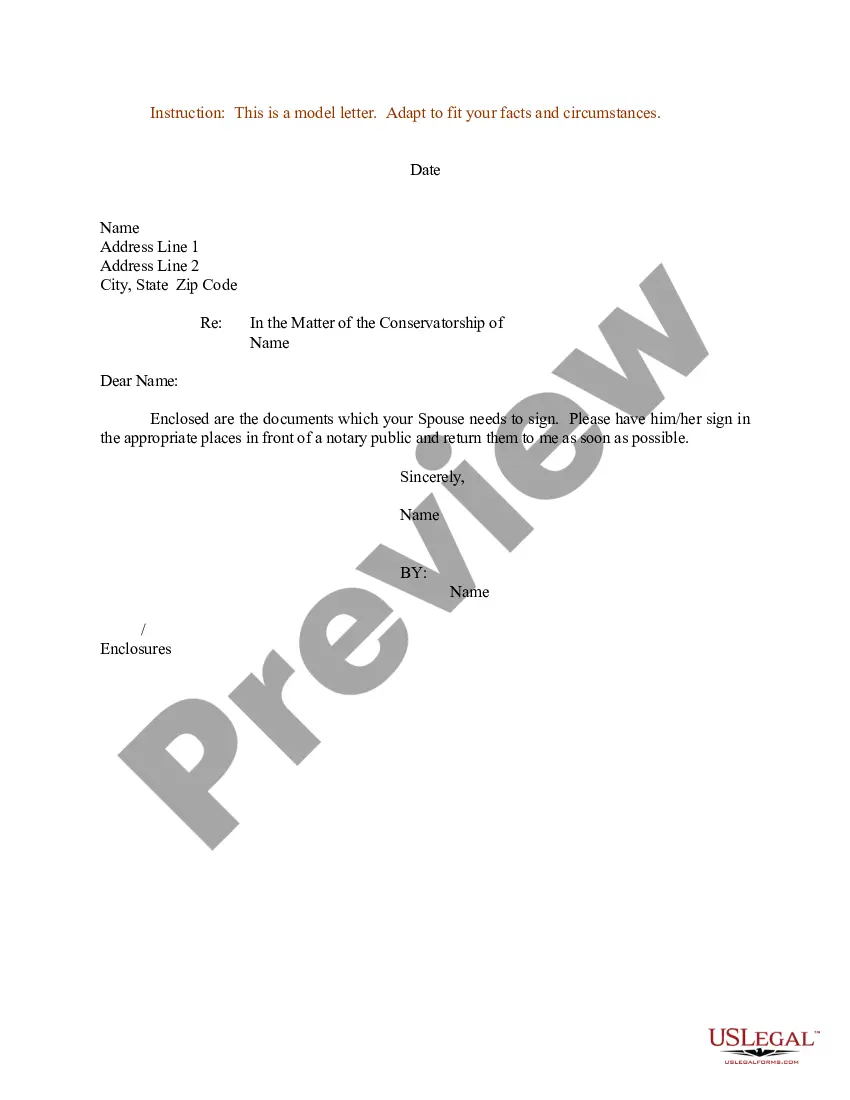
How to fill out Sample Letter For Request For Client Contact?
It’s widely known that you cannot become a legal authority overnight, nor can you quickly learn how to efficiently create Please Contact Our Office Letter Template With Logo without possessing a tailored skill set.
Assembling legal documents is a lengthy undertaking that necessitates specific training and expertise. Therefore, why not entrust the composition of the Please Contact Our Office Letter Template With Logo to skilled professionals.
With US Legal Forms, one of the most extensive collections of legal templates, you can discover everything from court documents to in-house communication templates. We understand how vital it is to comply with both federal and local regulations. That’s the reason all templates on our platform are region-specific and current.
You can regain entry to your documents through the My documents section at any time. If you are a current client, you can easily Log In and find and download the template from the same location.
Regardless of the intent behind your forms—be it financial, legal, or personal—our platform has you covered. Experience US Legal Forms today!
- Initiate your search for the document you require by utilizing the search feature at the top of the page.
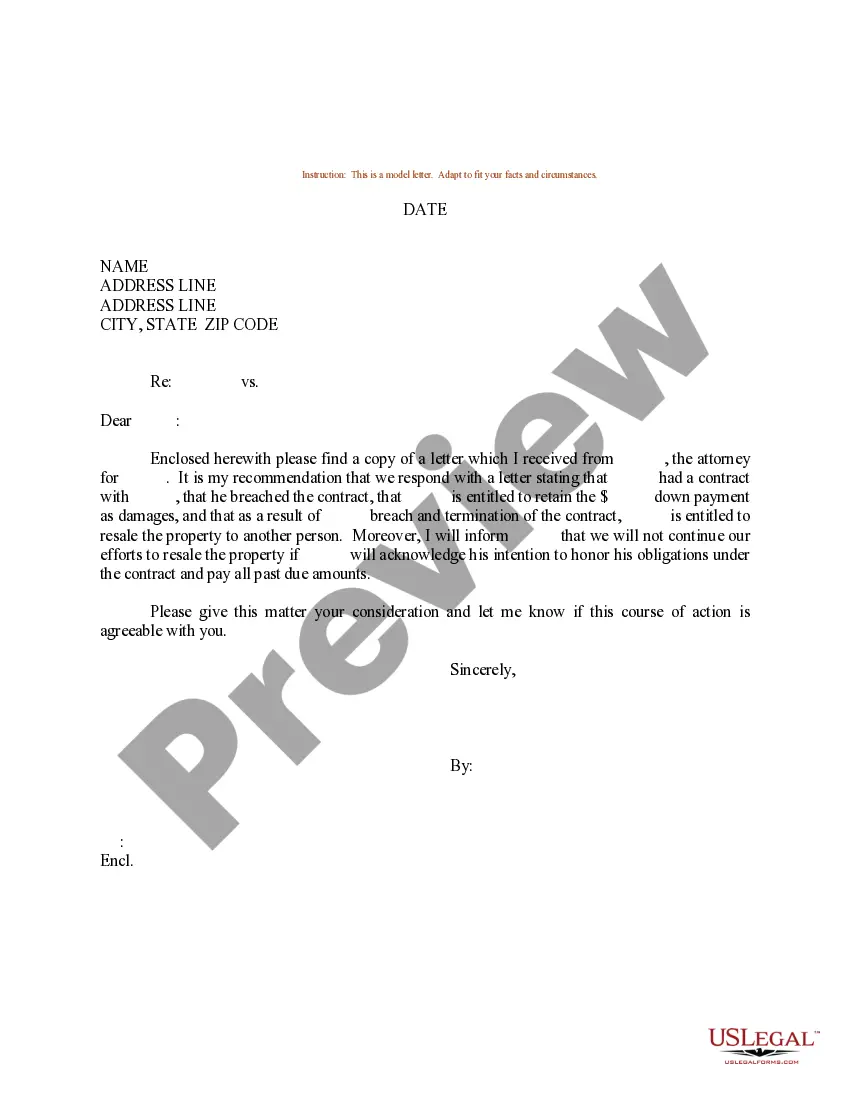
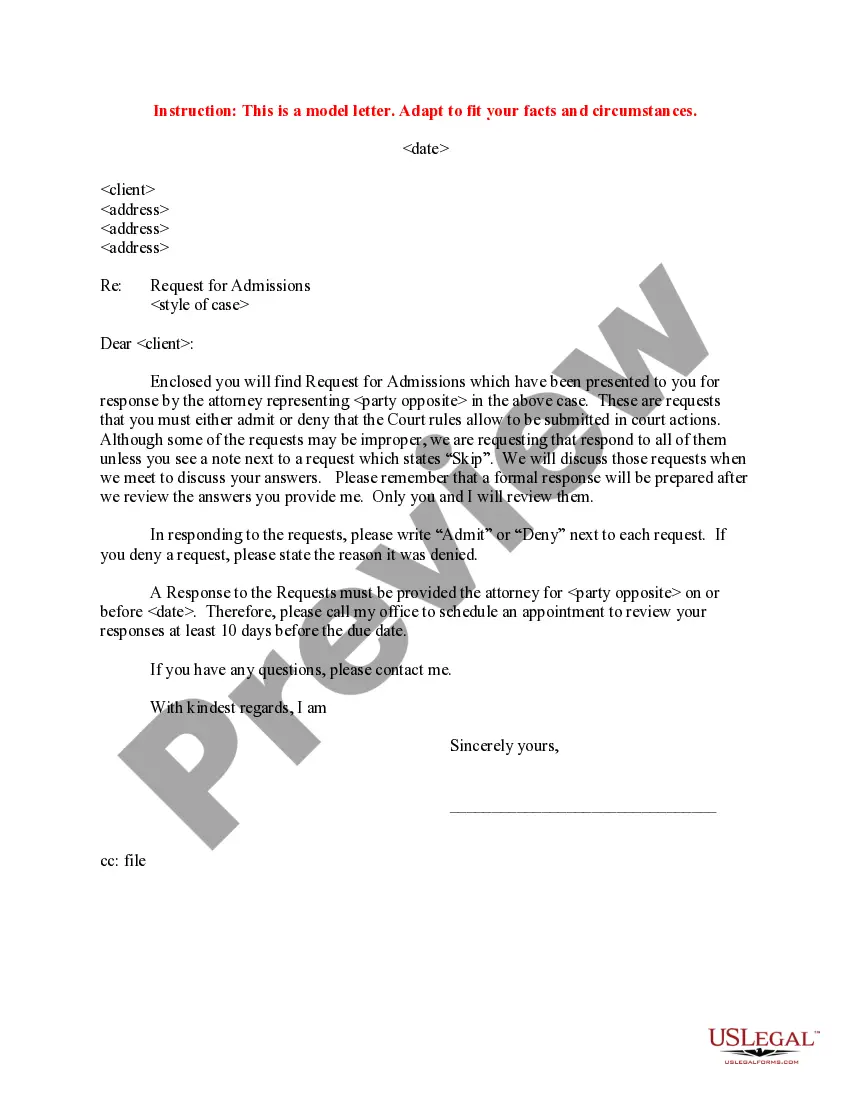
- If available, preview the document and read the accompanying description to establish if Please Contact Our Office Letter Template With Logo meets your needs.
- Commence your search anew if you require an alternate template.
- Create a complimentary account and choose a subscription plan to acquire the form.
- Select Buy now. Once your payment is processed, you can access the Please Contact Our Office Letter Template With Logo, fill it out, print it, and send or mail it to the intended recipients or organizations.
Form popularity
FAQ
To include a company logo on a letter, first, insert the image by using the 'Insert' function of your word processor. You can adjust its size and position it in a way that complements your letter's design. Maintaining consistency with a 'Please contact our office letter template with logo' can enhance your brand’s visibility in all your correspondence.
In formal letters, the logo generally belongs at the top of the document, above the greeting. This positioning captures attention while maintaining a professional appearance. Ensure the logo is large enough to be recognizable but not overpowering. Incorporating a 'Please contact our office letter template with logo' standardizes this approach across all your communications.
Typically, the company logo should be placed at the top of the letter, either centered or aligned left. This placement helps to establish brand identity right from the start. Make sure there is enough white space around the logo for a clean look. A 'Please contact our office letter template with logo' can guide you on this layout for maximum impact.
When writing a letter requesting contact details, start by introducing yourself and stating your purpose clearly. Be polite and express why you need the information. It's essential to include a way for them to respond easily, such as your email address or phone number. Utilizing a 'Please contact our office letter template with logo' can make your request appear more formal and trustworthy.
To place a company logo on a Word document, navigate to the 'Insert' menu and select 'Pictures'. You can then upload your logo file from your computer. Adjust the size and alignment to make sure it fits seamlessly with your content. Using a 'Please contact our office letter template with logo' can simplify this process and create a polished letter.
To add a logo to a letter, start by inserting the logo image into your document. Most word processors have an 'Insert' option where you can choose to add images. Once your logo appears, you can resize and position it according to your needs. A well-placed logo enhances the overall look of your letter and can be included in a 'Please contact our office letter template with logo' for professional touch.
To create a letterhead in Word with your logo, first open a new document and select the 'Insert' tab. From there, choose 'Header' and format it to include your logo by selecting 'Picture' and uploading the image file. Finally, remember to add your business name, address, and any other relevant details. Ensure that you save this as a template, allowing easy access for future use, especially when you need a 'Please contact our office letter template with logo.'
Filling out a letter template is straightforward. Open your template, like the 'Please contact our office letter template with logo', and simply replace the placeholder text with your specific information. It's helpful to double-check the details for accuracy before printing or sending. This process ensures your communication is clear and professional.
To create a fillable letter template in Word, start by opening a new document. You can insert placeholders for the information you want to include, such as the recipient's name, address, and date. Be sure to save your document as a template, so you can easily reuse it. If you need a professional touch, consider using a 'Please contact our office letter template with logo' for a polished look.