Authorization Form To Pull Credit With Cvv Code
Description
Get your form ready online
Our built-in tools help you complete, sign, share, and store your documents in one place.
Make edits, fill in missing information, and update formatting in US Legal Forms—just like you would in MS Word.
Download a copy, print it, send it by email, or mail it via USPS—whatever works best for your next step.
Sign and collect signatures with our SignNow integration. Send to multiple recipients, set reminders, and more. Go Premium to unlock E-Sign.
If this form requires notarization, complete it online through a secure video call—no need to meet a notary in person or wait for an appointment.
We protect your documents and personal data by following strict security and privacy standards.

Make edits, fill in missing information, and update formatting in US Legal Forms—just like you would in MS Word.

Download a copy, print it, send it by email, or mail it via USPS—whatever works best for your next step.

Sign and collect signatures with our SignNow integration. Send to multiple recipients, set reminders, and more. Go Premium to unlock E-Sign.

If this form requires notarization, complete it online through a secure video call—no need to meet a notary in person or wait for an appointment.

We protect your documents and personal data by following strict security and privacy standards.
Looking for another form?

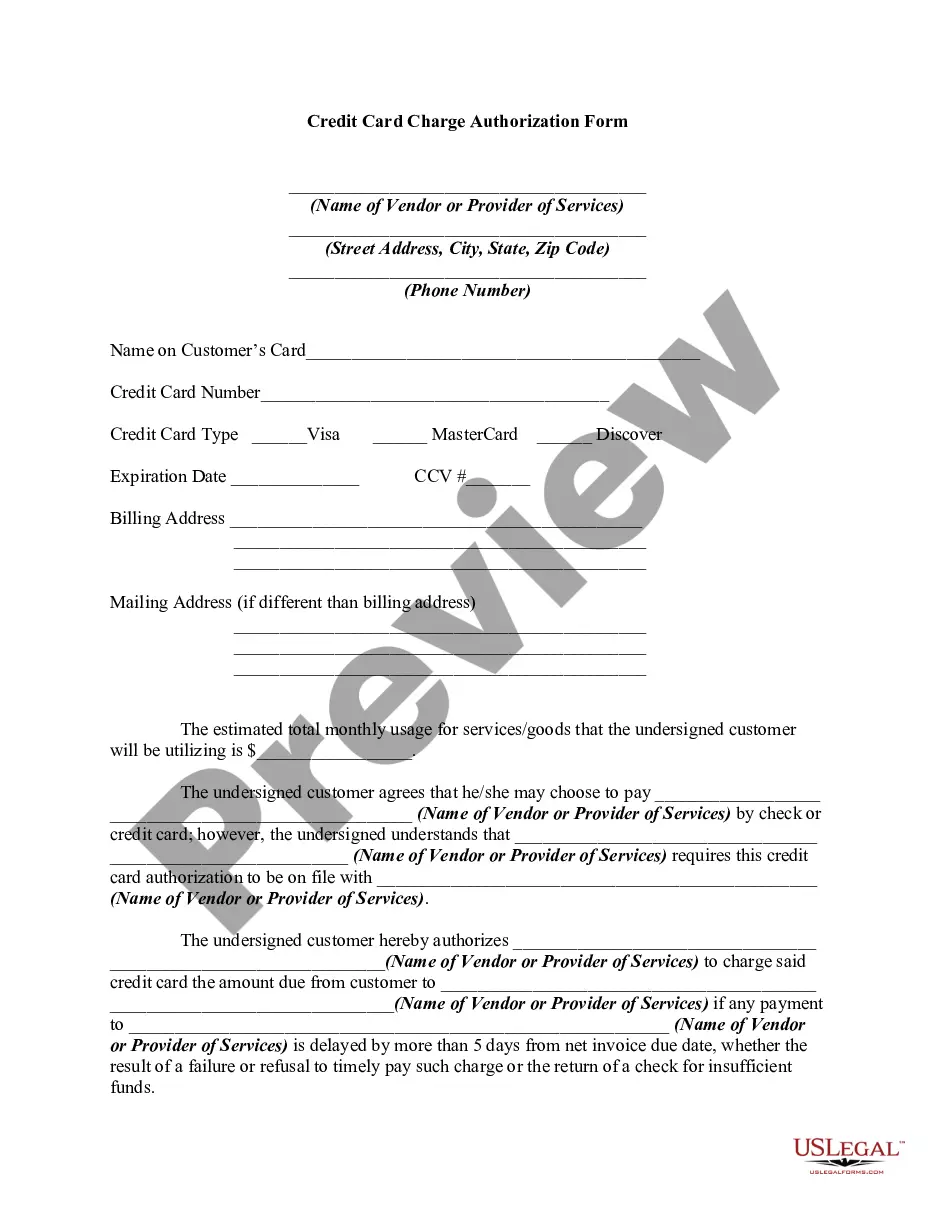
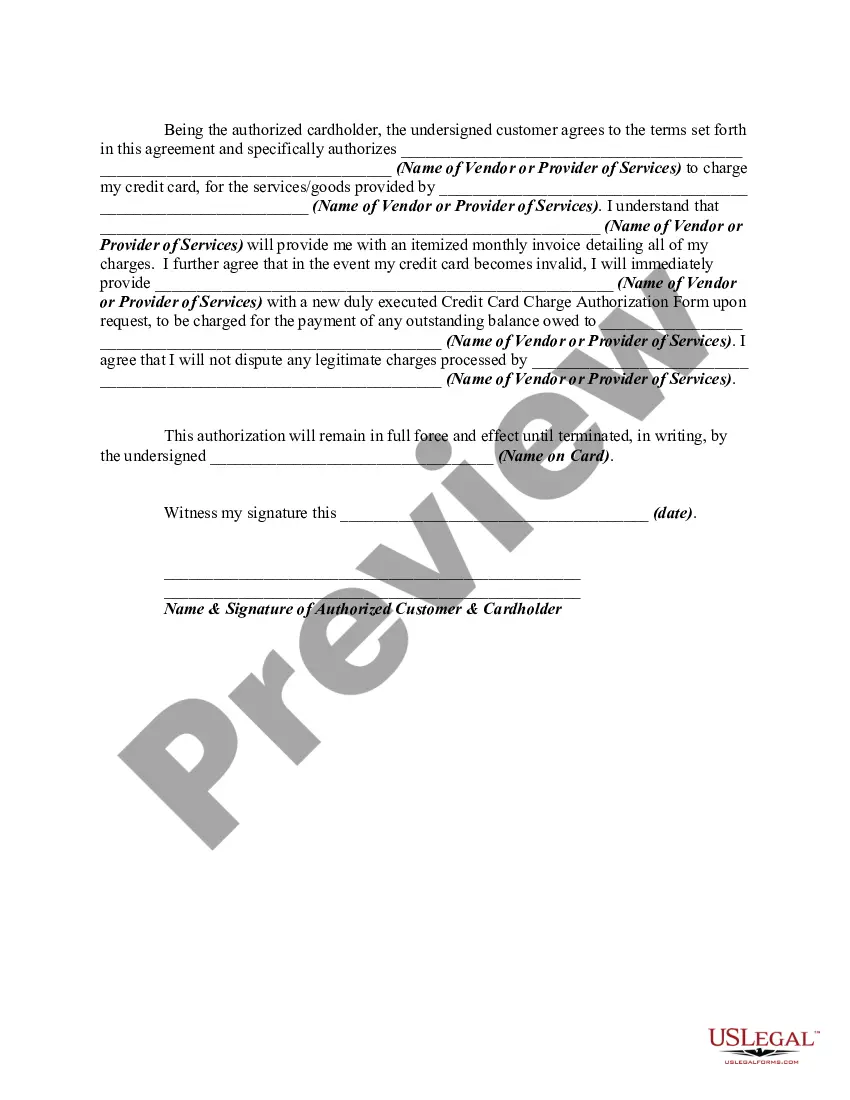
How to fill out Credit Card Charge Authorization Form?
Managing legal documents can be exasperating, even for the most experienced professionals.
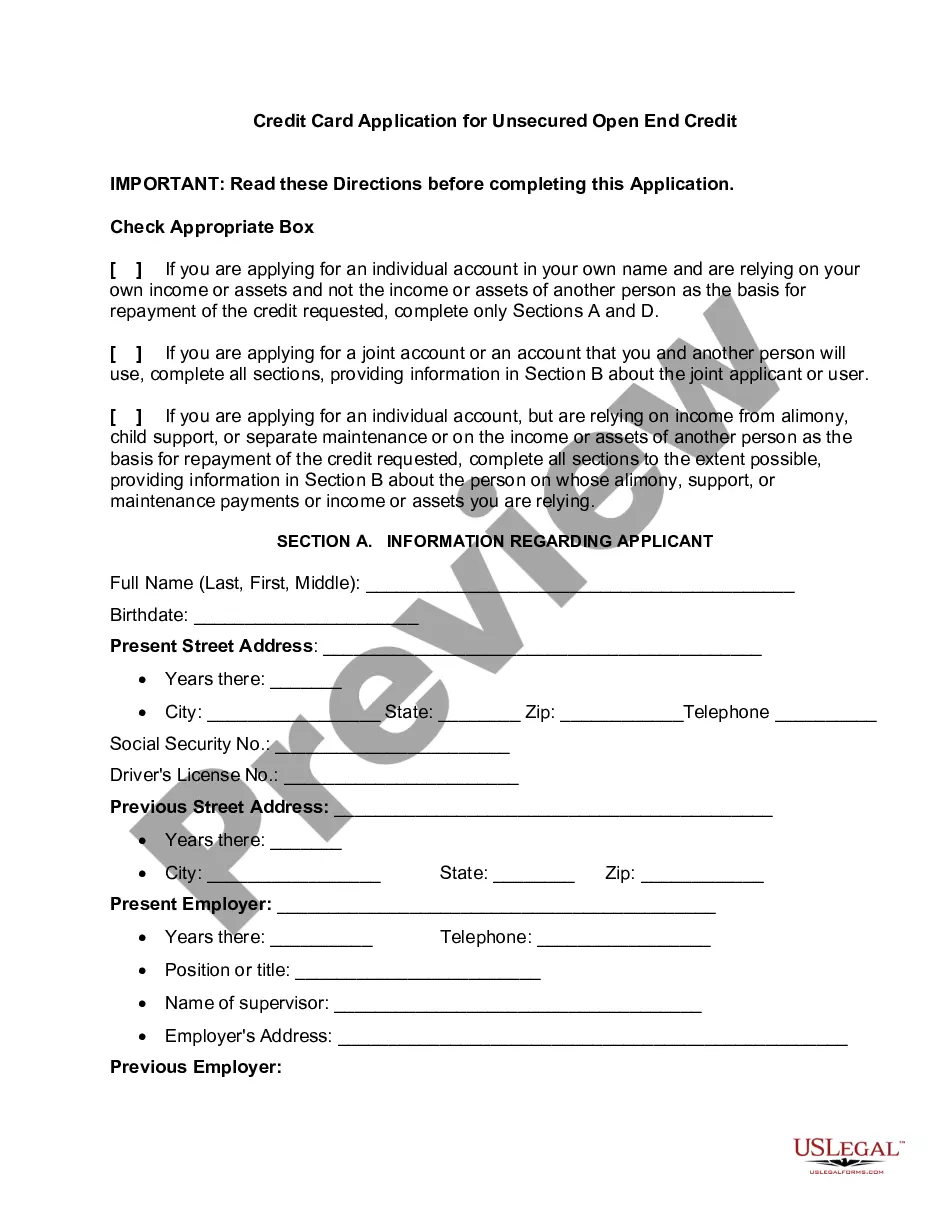
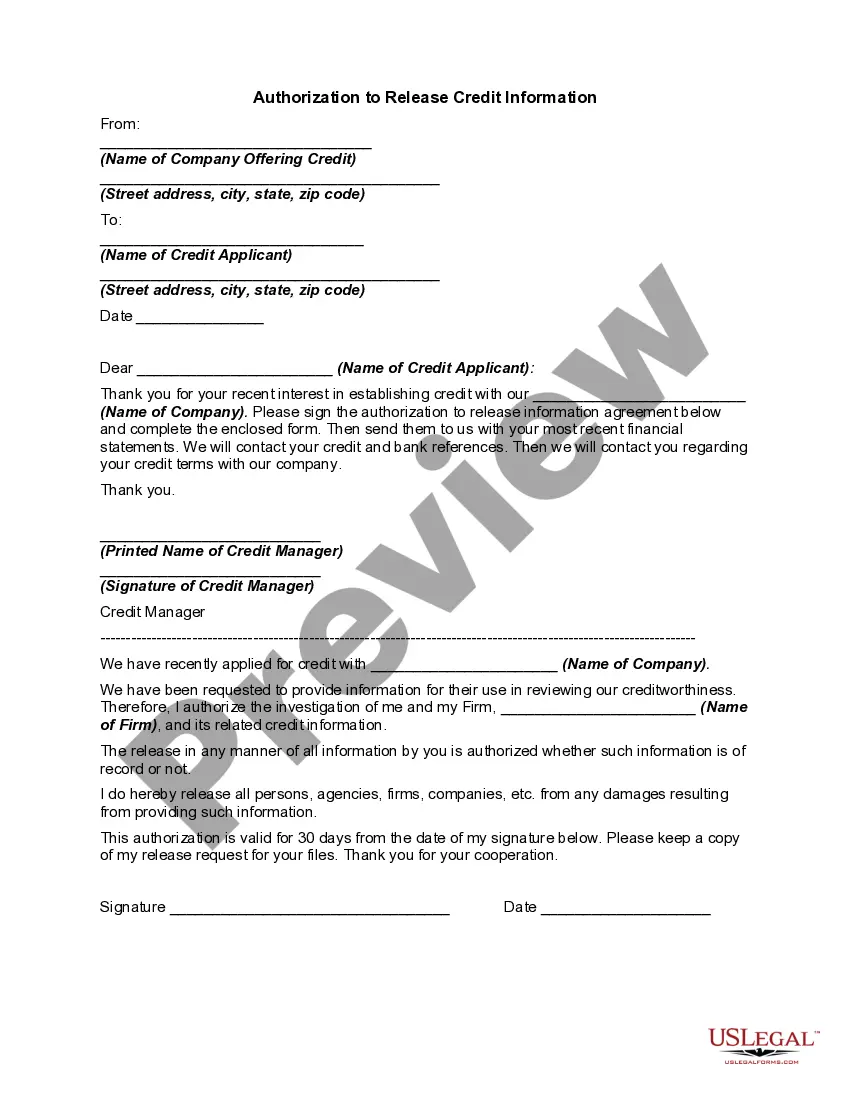
When you’re looking for an Authorization Form To Pull Credit With Cvv Code and lack the time to hunt for the correct and up-to-date version, the process may be overwhelming.
Utilize a repository of articles, guides, and manuals that are pertinent to your situation and needs.
Conserve effort and time searching for the documents you need, and leverage US Legal Forms’ sophisticated search and Preview feature to acquire the Authorization Form To Pull Credit With Cvv Code.
Ensure that the sample is accepted in your state or county.
- If you possess a monthly subscription, Log Into your US Legal Forms account, locate the form, and acquire it.
- Check your My documents tab to review the documents you have previously downloaded and to manage your folders as preferred.
- If it is your first experience with US Legal Forms, create an account to gain unlimited access to all the platform’s advantages.
- Here are the steps to follow after accessing the form you need.
- Verify that this is the correct form by previewing it and reviewing its description.
- Access state- or county-specific legal and business forms.
- US Legal Forms caters to all requirements you might have, from personal to business documents, all in one location.
- Employ advanced tools to complete and manage your Authorization Form To Pull Credit With Cvv Code.
Form popularity
FAQ
A credit card authorization code is obtained during a transaction when a merchant requests approval from the bank that issued the credit card. Once the bank verifies the card information, including the cvv code, it provides an authorization code for the transaction. To streamline this process, you can use an authorization form to pull credit with cvv code, simplifying the transaction and ensuring compliance with security standards.
If you trust the business you are dealing with, then you should have no problem with using this payment processing method; however, always make sure that you fully understand the document before authorizing any payments.
To start using credit card authorization forms, you simply need to make it part of your payment process. For the types of transactions that require an authorization form, incorporate it at the beginning of your checkout process. Be sure to explain to the customer the purpose of the form.
A credit card authorization typically contains: The cardholder's credit card information (Card type, Name on card, Card number, Expiration date) The merchant's business information. Cardholder's billing address.
Typically it contains: The cardholder's credit card information: Card type, Name on card, Card number, Expiration date. The merchant's business information. Cardholder's billing address. Language authorizing the merchant to charge the customer's card on file. Name and signature of the cardholder. Date.
You should avoid sending your credit card info by email. Email accounts are frequently breached because it's challenging to keep track of all the devices an email is logged in on. Furthermore, cybercriminals can access email accounts during password hacks. Therefore, it's not safe to send credit card info by email.