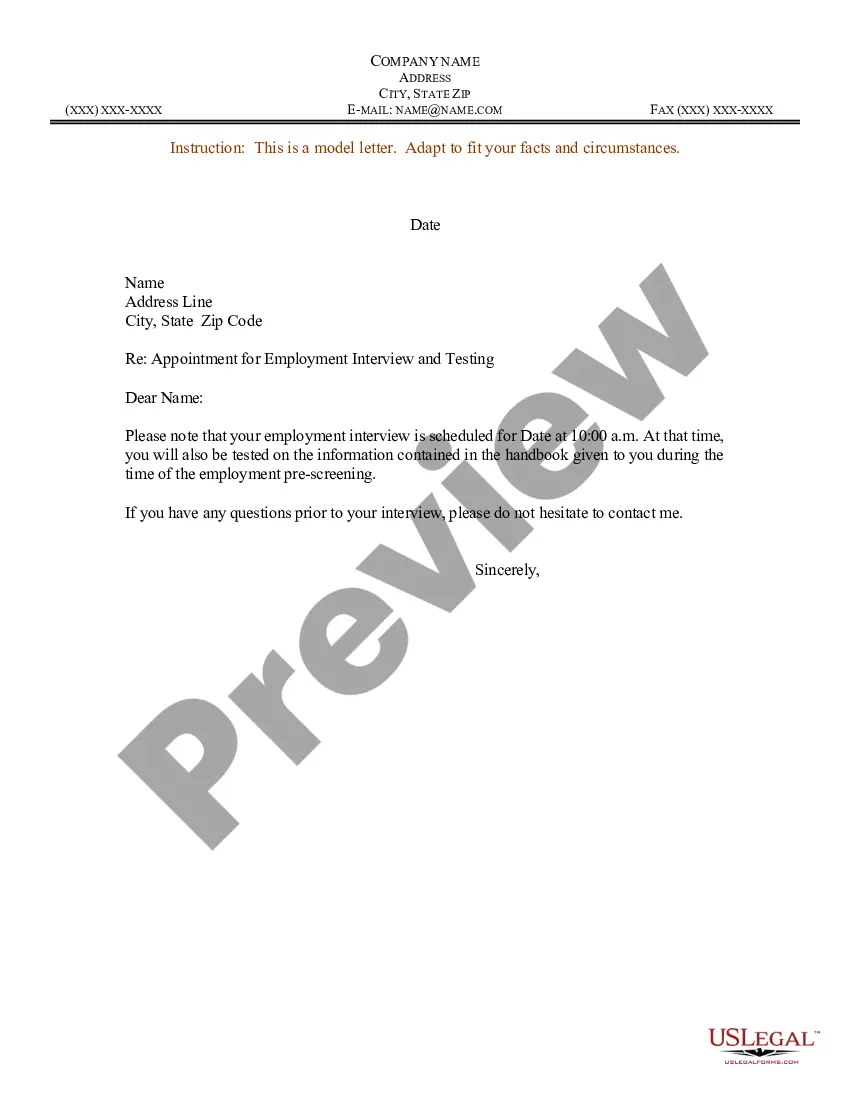
Appointment Letter With Doctor
Description
Get your form ready online
Our built-in tools help you complete, sign, share, and store your documents in one place.
Make edits, fill in missing information, and update formatting in US Legal Forms—just like you would in MS Word.
Download a copy, print it, send it by email, or mail it via USPS—whatever works best for your next step.
Sign and collect signatures with our SignNow integration. Send to multiple recipients, set reminders, and more. Go Premium to unlock E-Sign.
If this form requires notarization, complete it online through a secure video call—no need to meet a notary in person or wait for an appointment.
We protect your documents and personal data by following strict security and privacy standards.

Make edits, fill in missing information, and update formatting in US Legal Forms—just like you would in MS Word.

Download a copy, print it, send it by email, or mail it via USPS—whatever works best for your next step.

Sign and collect signatures with our SignNow integration. Send to multiple recipients, set reminders, and more. Go Premium to unlock E-Sign.

If this form requires notarization, complete it online through a secure video call—no need to meet a notary in person or wait for an appointment.

We protect your documents and personal data by following strict security and privacy standards.
Looking for another form?

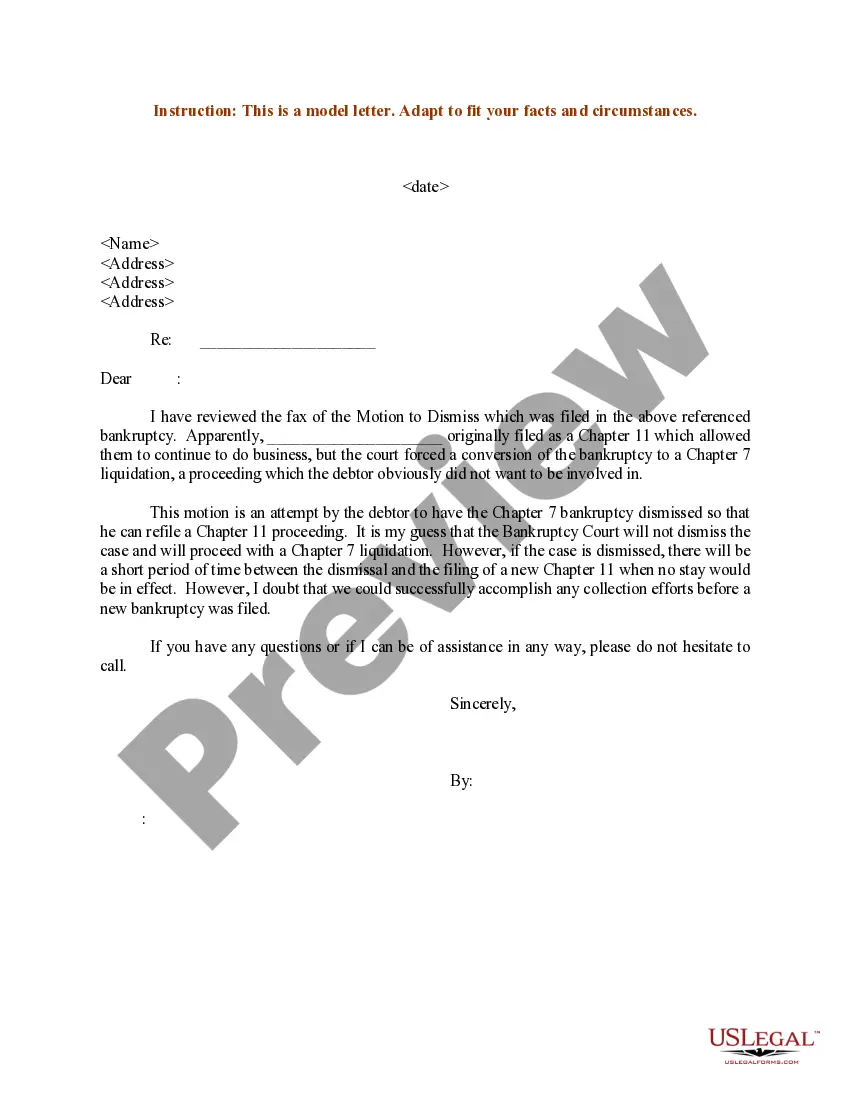




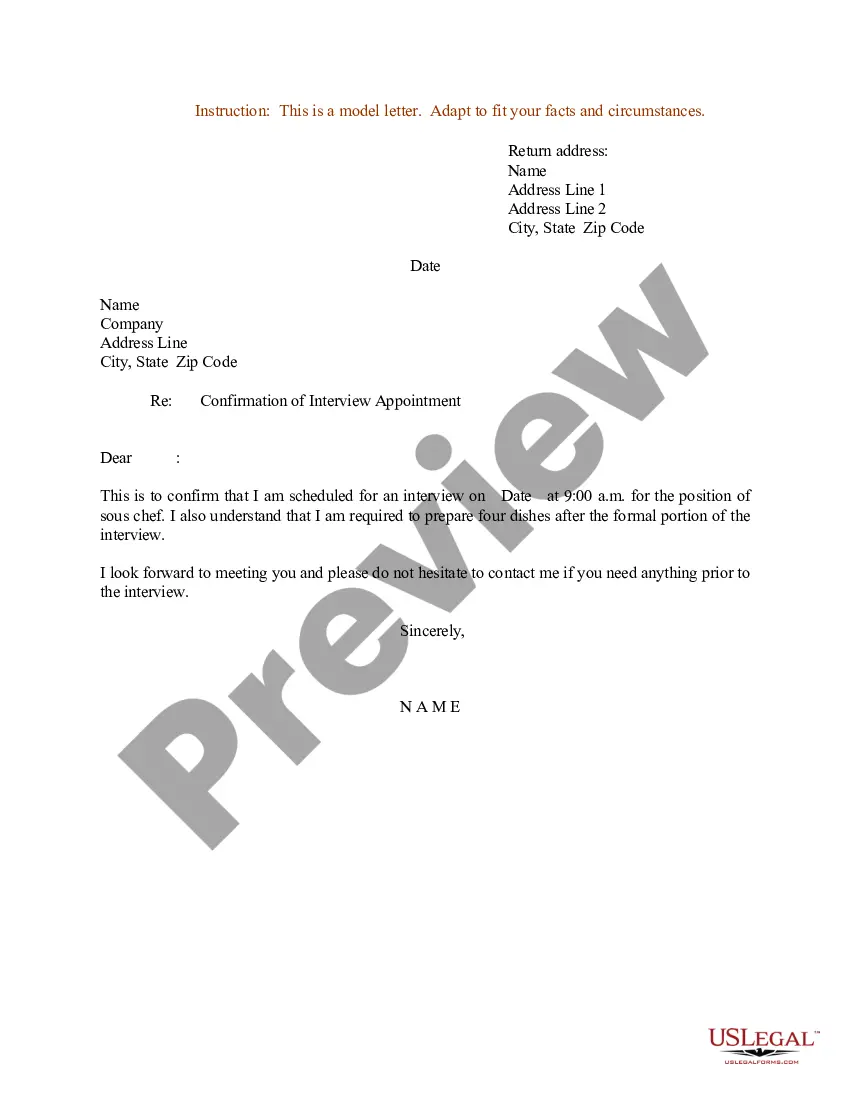
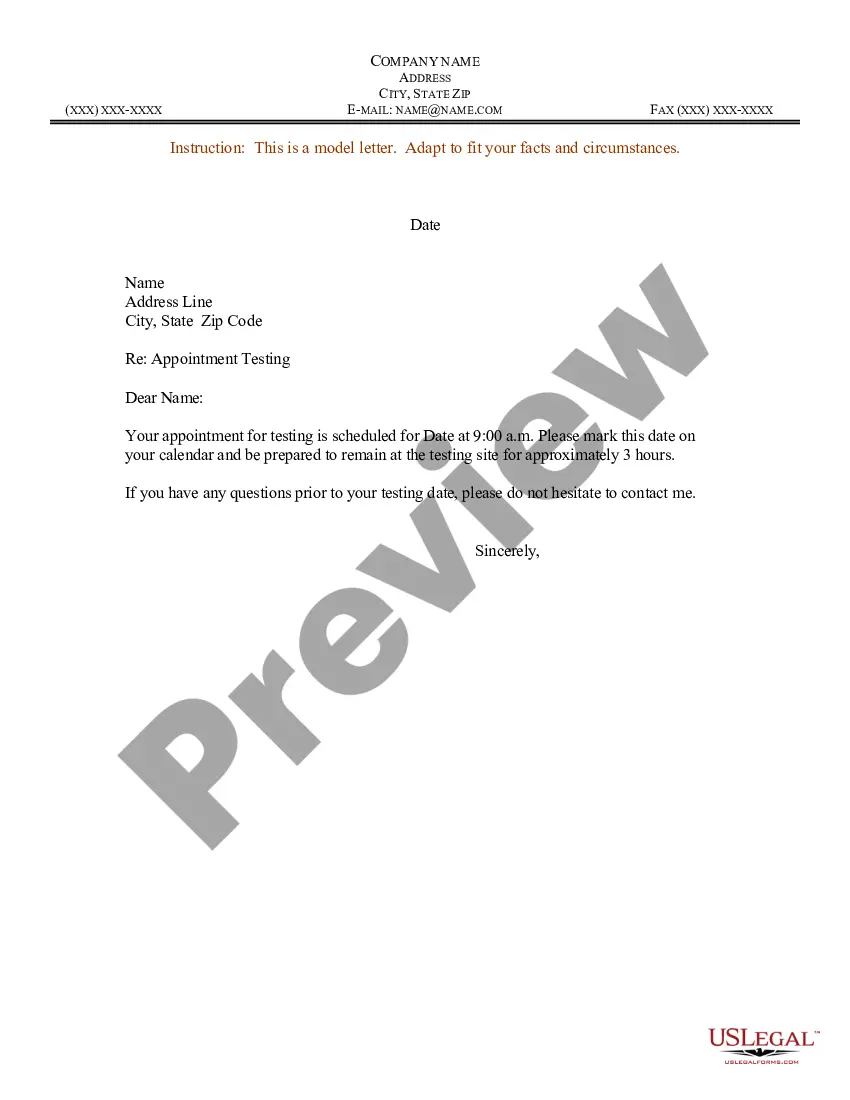
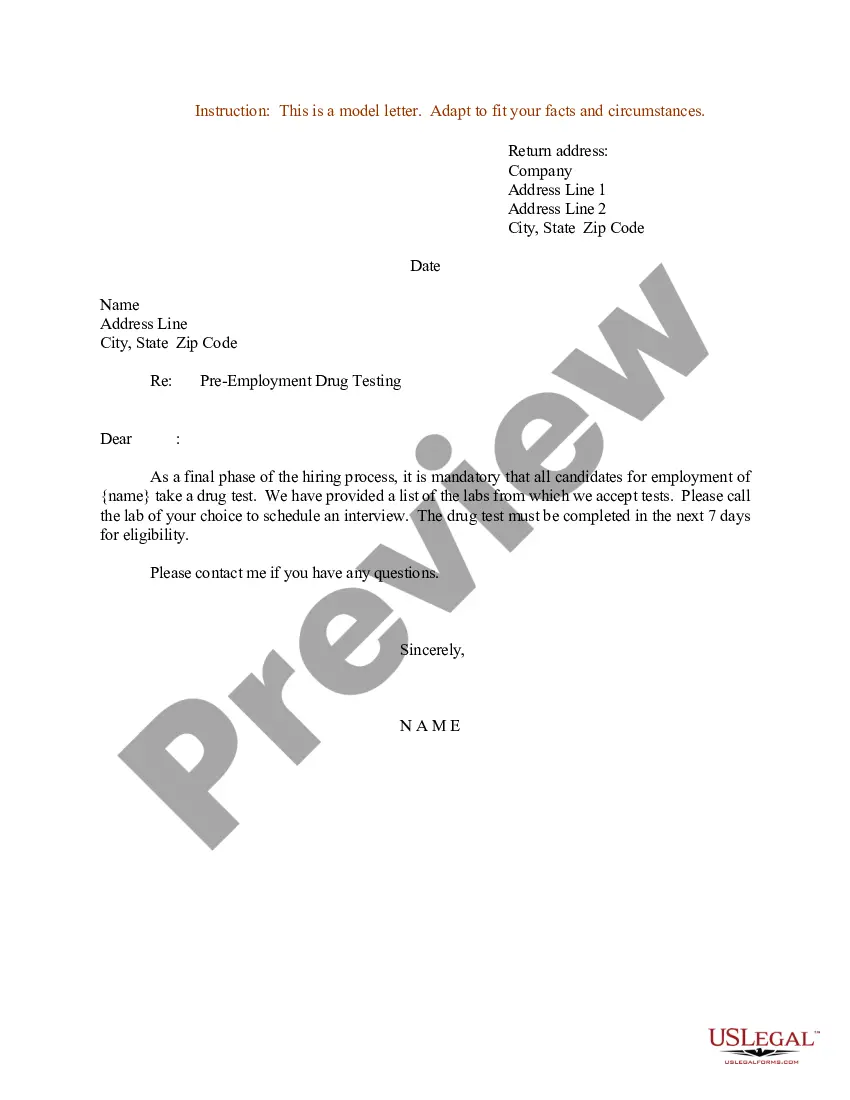
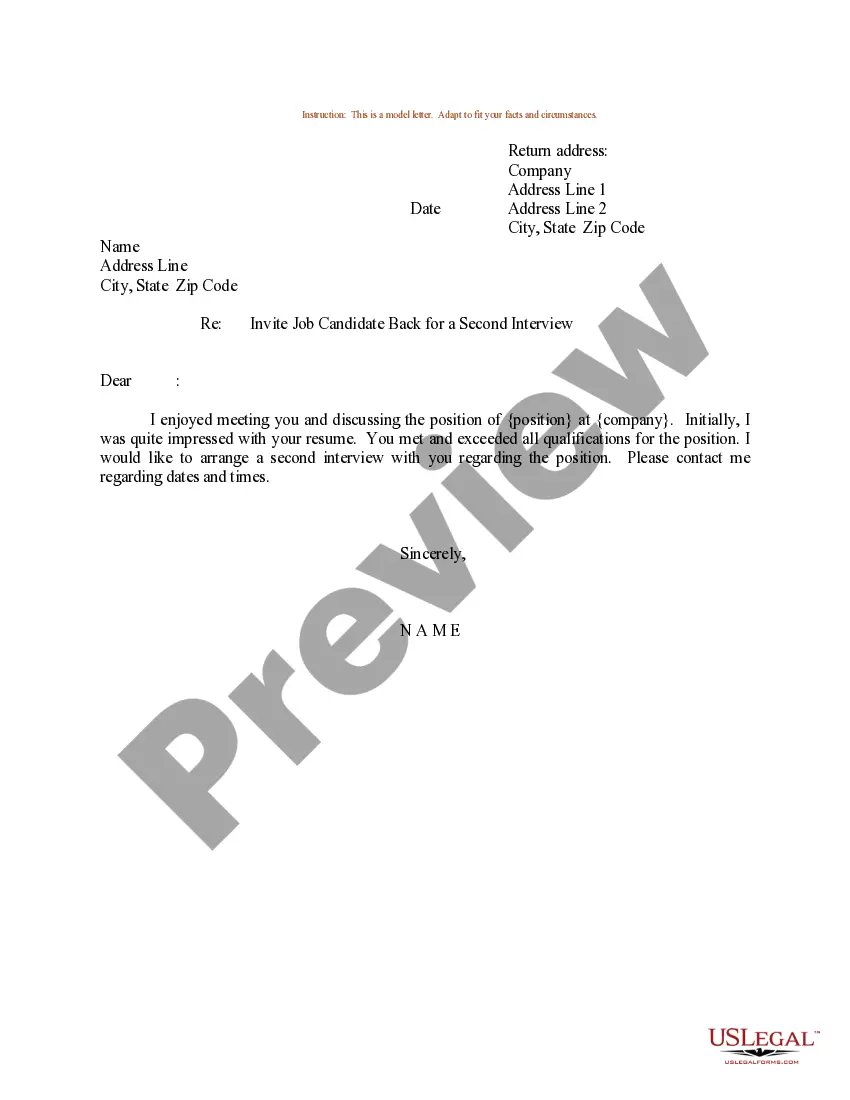
How to fill out Sample Letter For Appointment For Employment Interview And Testing?
It’s well-known that you cannot transform into a legal expert in a single night, nor can you swiftly acquire the skills needed to draft an Appointment Letter With Doctor without a specialized education. Drafting legal documents is a lengthy process that necessitates specific training and abilities. Therefore, why not entrust the development of the Appointment Letter With Doctor to the specialists.
With US Legal Forms, which boasts one of the largest collections of legal documents, you can find everything from court forms to templates for corporate correspondence. We recognize how crucial it is to comply with federal and state laws and regulations. That’s why all forms on our site are tailored to specific locations and are regularly updated.
Here’s how you can begin using our platform and obtain the form you need in just a few minutes.
You can access your forms again from the My documents section at any time. If you are an existing customer, you can simply Log In, and find and download the template from the same section.
No matter the intent of your documents—whether they are for financial, legal, or personal purposes—our platform has everything you need. Explore US Legal Forms today!
- Use the search bar at the top of the page to locate the document you require.
- Preview it (if this option is available) and read the accompanying description to determine if the Appointment Letter With Doctor meets your requirements.
- Restart your search if you are looking for a different template.
- Create a free account and choose a subscription plan to purchase the form.
- Click Buy now. Once your payment is processed, you can download the Appointment Letter With Doctor, complete it, print it, and send or mail it to the intended recipients.
Form popularity
FAQ
Here are all of the steps: Write a clear subject line. An email should have ?glance-value?. ... Use a salutation. ... Introduce yourself (if necessary). ... Explain why you want to meet. ... Be flexible about time and place. ... Request a reply or confirmation. ... Send a reminder.
[RECIPIENT NAME], I am writing this letter to request an appointment with you on [DATE 1] [TIME]. I have had a severe backache for several weeks now and have recently visited my regular physician. I had some relief in my back after several days of treatment but, for some reason, it has returned.
An appointment letter should include the following: The date on which the appointment letter is issued. The name, address and contact details of the selected candidate. The salutation. The body of the letter stating the job title, emoluments, job location, probation period and other details.
Appointment letters are usually provided after offer letter on the first day of the candidate starting work. The appointment letter describes in length the position offered, salary, benefits, confidentiality policy, work policy, starting date, and important information about the employment.
I'm calling to book an appointment with Dr [name of GP] as soon as possible please. Thanks, I'd like to come at 3pm on Tuesday. Thanks, Goodbye. If you need a mental health care plan or you have a lot of mental health concerns to discuss with a GP you'll need to book a long appointment.