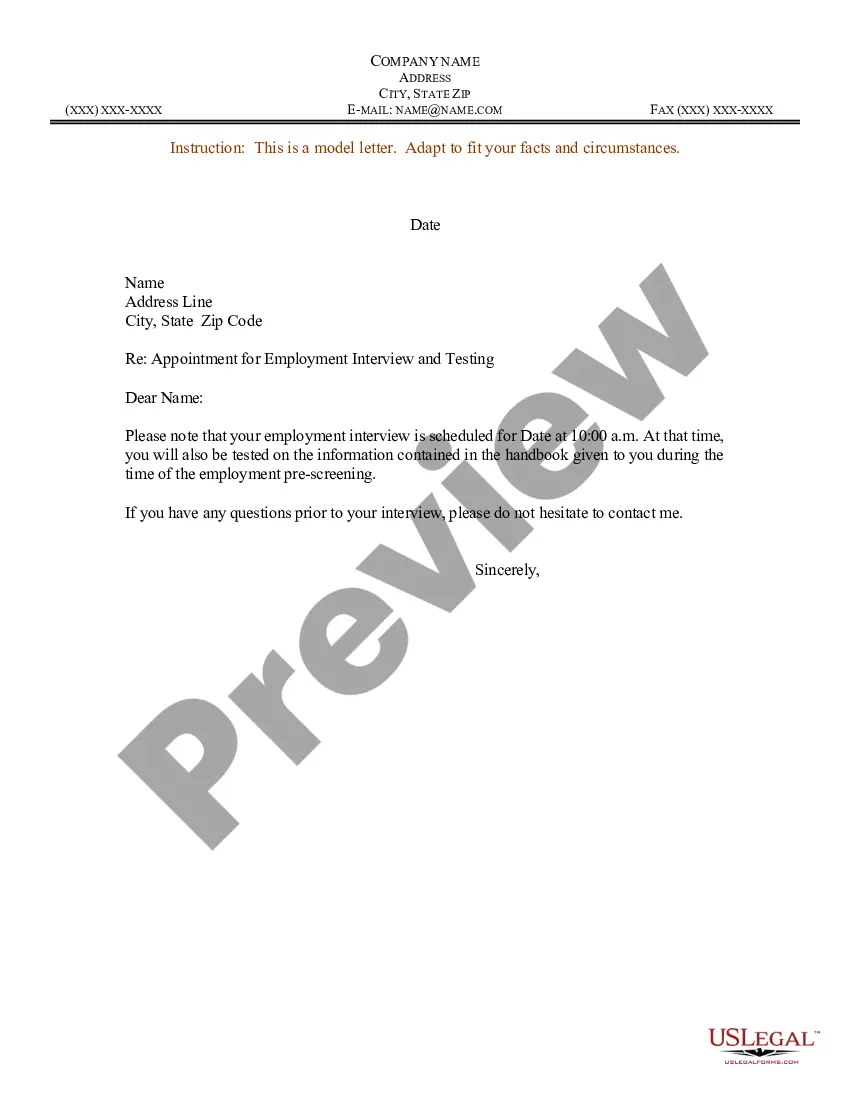
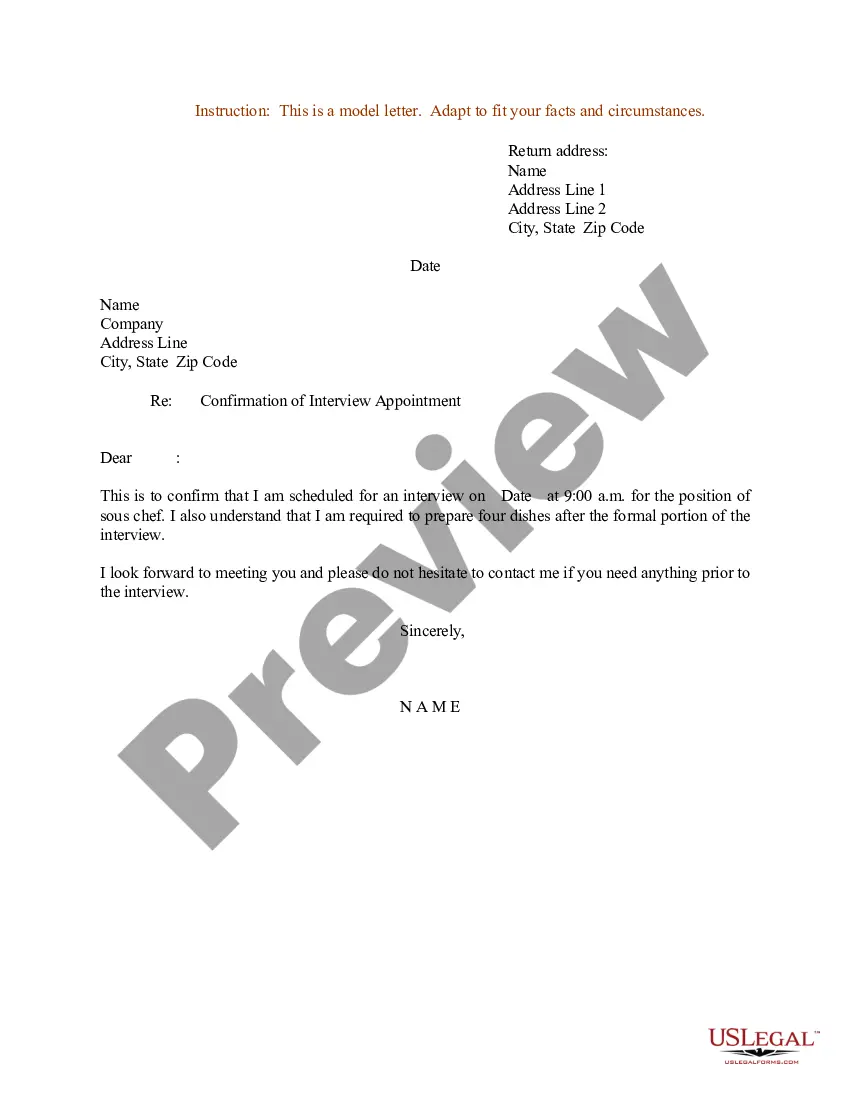
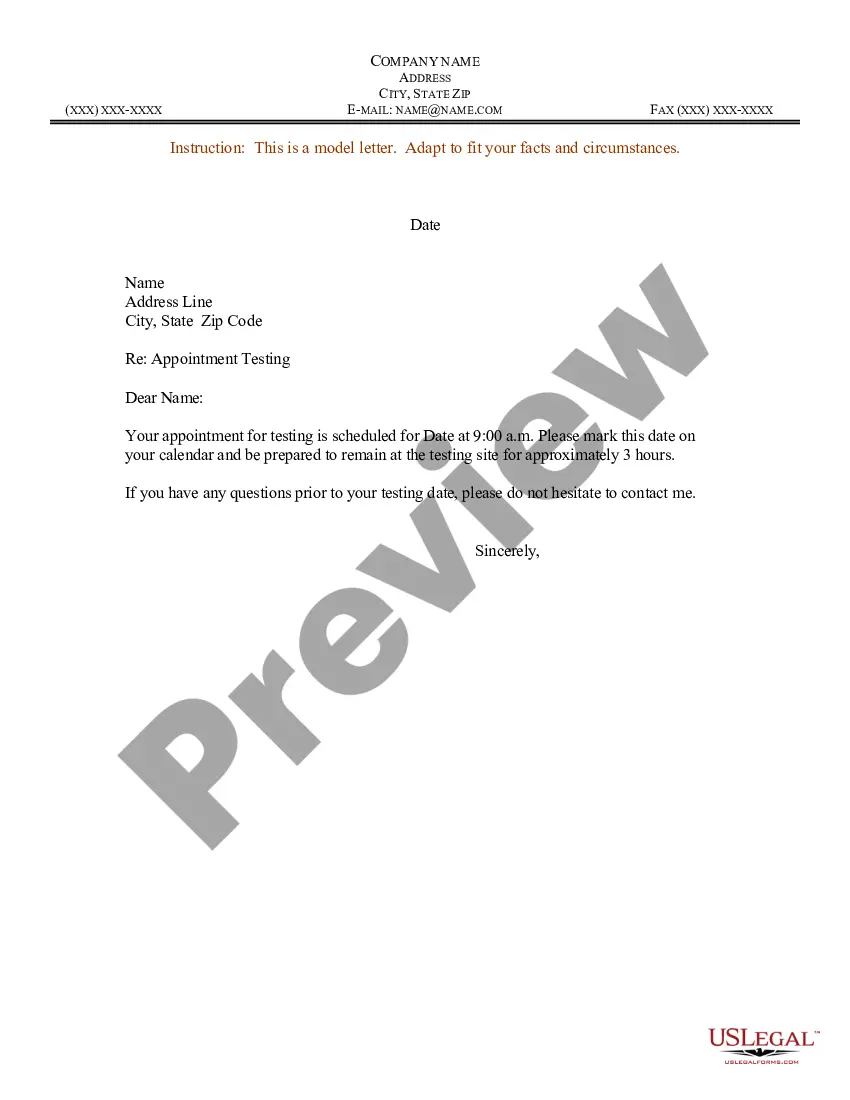
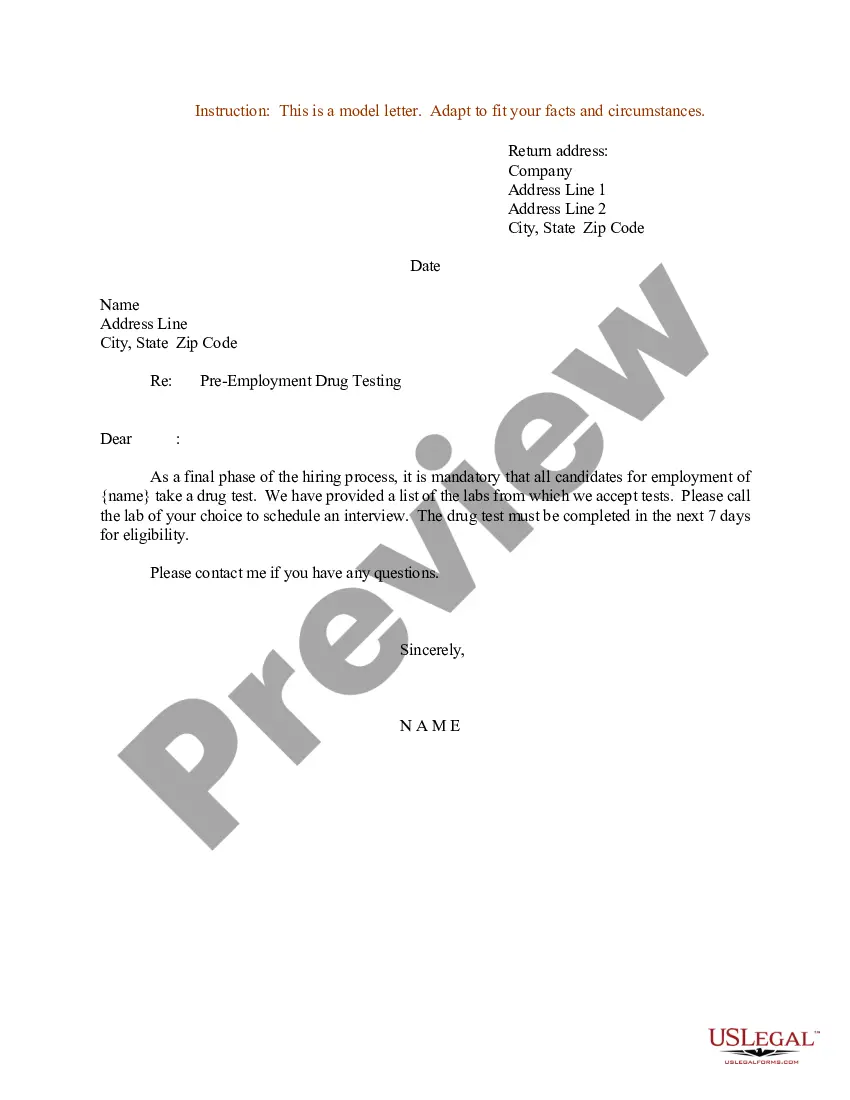
Appointment Letter For Meeting
Description
Get your form ready online
Our built-in tools help you complete, sign, share, and store your documents in one place.
Make edits, fill in missing information, and update formatting in US Legal Forms—just like you would in MS Word.
Download a copy, print it, send it by email, or mail it via USPS—whatever works best for your next step.
Sign and collect signatures with our SignNow integration. Send to multiple recipients, set reminders, and more. Go Premium to unlock E-Sign.
If this form requires notarization, complete it online through a secure video call—no need to meet a notary in person or wait for an appointment.
We protect your documents and personal data by following strict security and privacy standards.

Make edits, fill in missing information, and update formatting in US Legal Forms—just like you would in MS Word.

Download a copy, print it, send it by email, or mail it via USPS—whatever works best for your next step.

Sign and collect signatures with our SignNow integration. Send to multiple recipients, set reminders, and more. Go Premium to unlock E-Sign.

If this form requires notarization, complete it online through a secure video call—no need to meet a notary in person or wait for an appointment.

We protect your documents and personal data by following strict security and privacy standards.
Looking for another form?




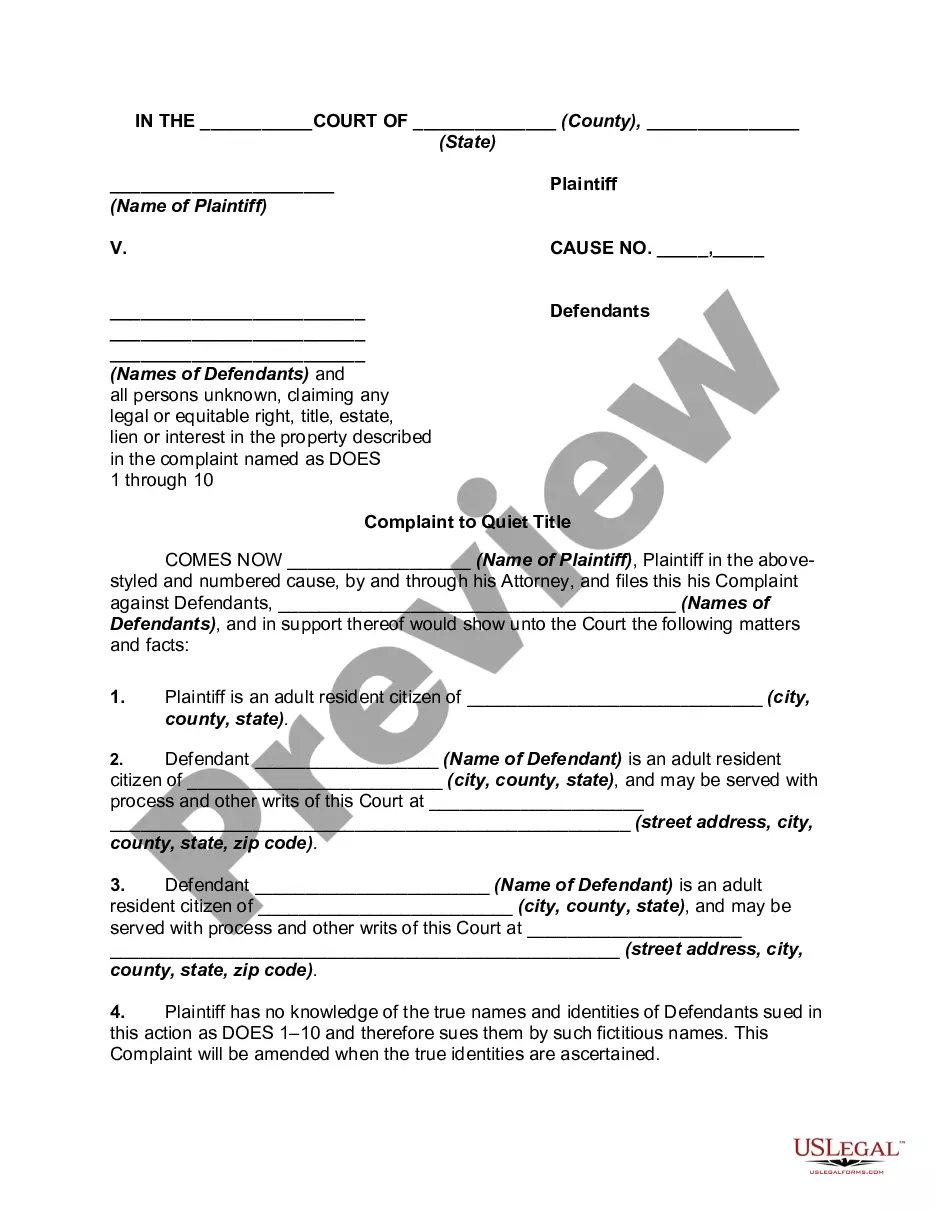
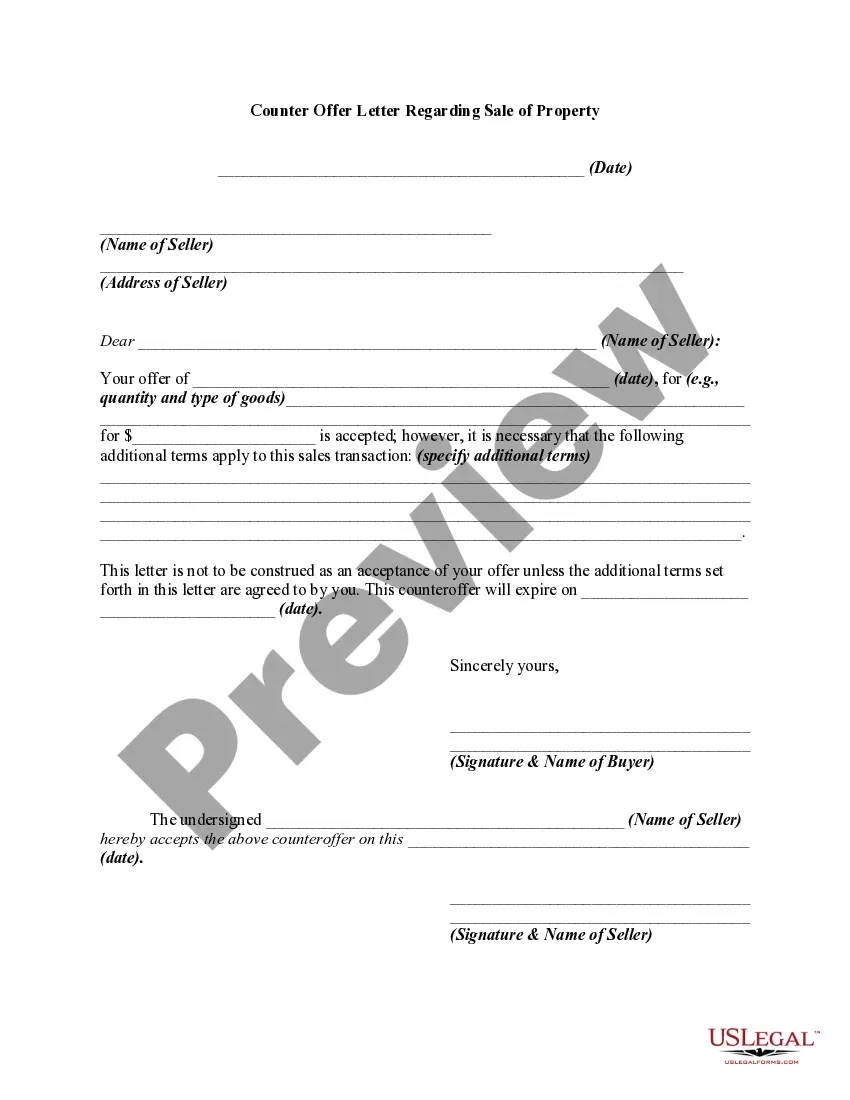
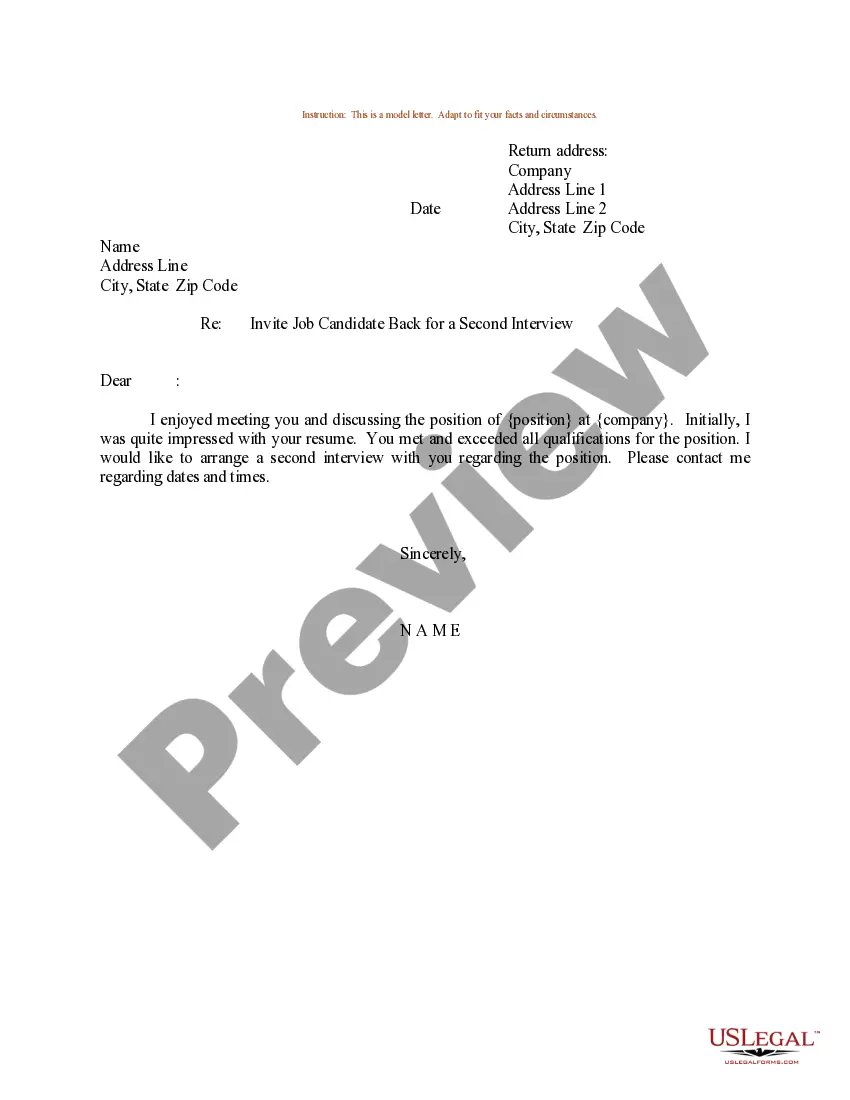
How to fill out Sample Letter For Appointment For Employment Interview And Testing?
Dealing with legal paperwork and processes can be a lengthy addition to your day.
Documents like the Appointment Letter For Meeting often require you to look for them and navigate the most effective way to fill them out correctly.
Thus, whether you are managing financial, legal, or personal affairs, utilizing a comprehensive and accessible online catalog of forms will be extremely beneficial.
US Legal Forms is the premier online platform for legal templates, offering more than 85,000 state-specific documents and a variety of tools to help you complete your paperwork easily.
Is this your first time using US Legal Forms? Sign up and set up your account in just a few minutes and you’ll gain access to the form catalog and the Appointment Letter For Meeting. Then, follow the steps below to fill out your form: Ensure you have the correct document using the Preview feature and review the form description. Select Buy Now when ready, and choose the subscription plan that suits you best. Click Download, then complete, eSign, and print the document. US Legal Forms has 25 years of experience helping users manage their legal paperwork. Obtain the document you need today and streamline any process with ease.
- Explore the collection of suitable documents available to you with a single click.
- US Legal Forms provides you with state- and county-specific documents ready for download at any time.
- Protect your document handling processes with a high-quality service that allows you to create any form in minutes without extra or undisclosed fees.
- Simply Log In to your account, find the Appointment Letter For Meeting and download it directly from the My documents section.
- You can also access forms you have downloaded previously.
Form popularity
FAQ
How to ask for a meeting politely? Start by introducing yourself and explaining your reason for requesting the appointment. ... Ask if the person you are speaking with is available to schedule an appointment and if so, when they might be available.
In an appointment letter, it is important to mention the name, address, contact details and email address of the employee at the beginning of the letter. You have to clearly state the date of joining, job location, designation, emoluments, period of probation/employment, etc.
Hi (Recipient's name), I have a personal matter I would like to discuss with you and wanted to arrange a meeting. I've always valued being able to talk to you about anything and would welcome this opportunity. Please let me know suitable dates and times for us to meet.
To determine how to write a meeting request email, follow these steps: Start with an explanatory subject line. ... Use a professional salutation. ... Introduce yourself. ... State the purpose of the meeting. ... Suggest a possible date and time. ... Request for a reply. ... Proofread before sending. ... Follow up and remind.
Appointment Letter Example. Dear [Employee's Name], We are happy to extend our heartfelt congratulations on your selection for the position of [Job Title] at [Company Name]. We believe your skills, experience, and qualifications make you a valuable addition to our team.