Contract Manufacturing Work Format In Excel
Description
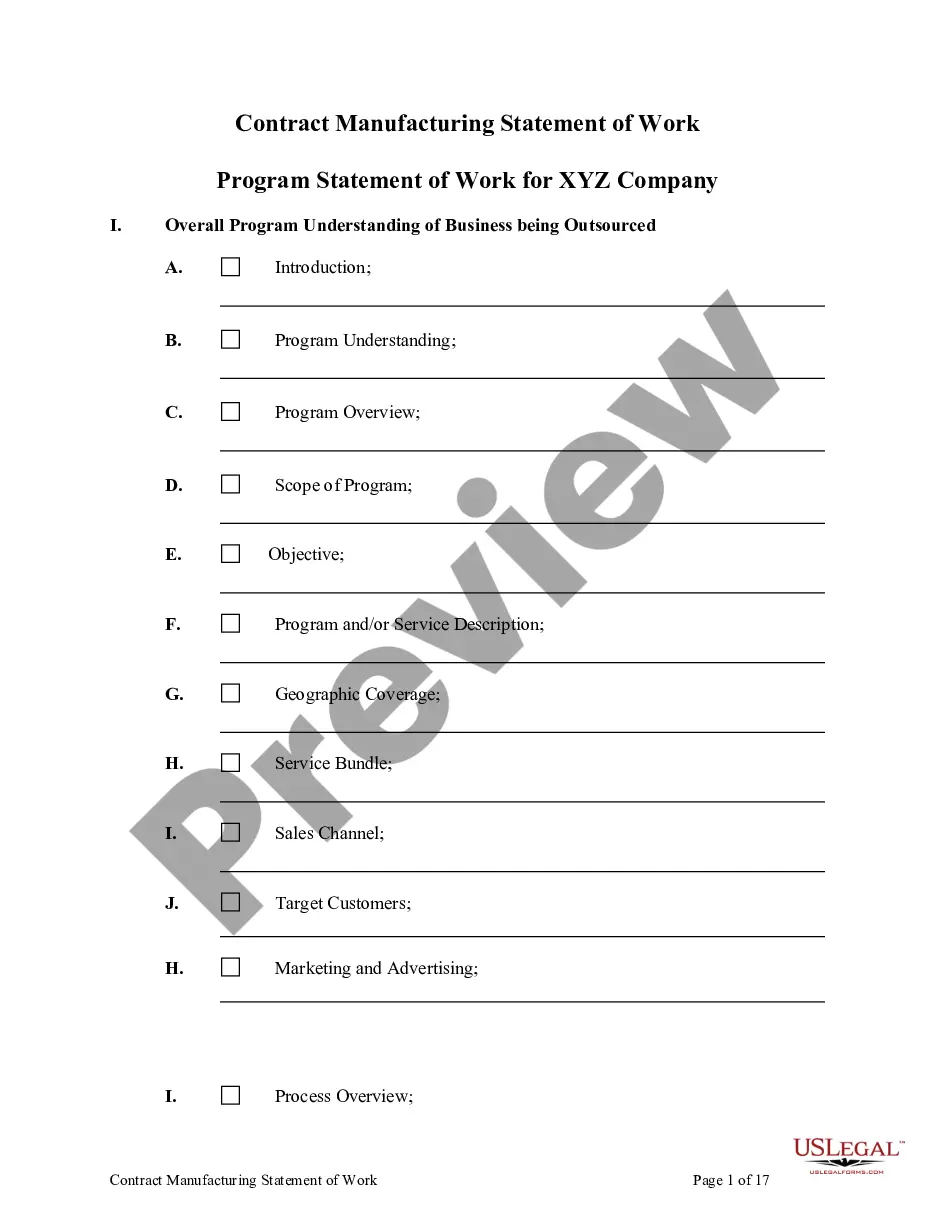
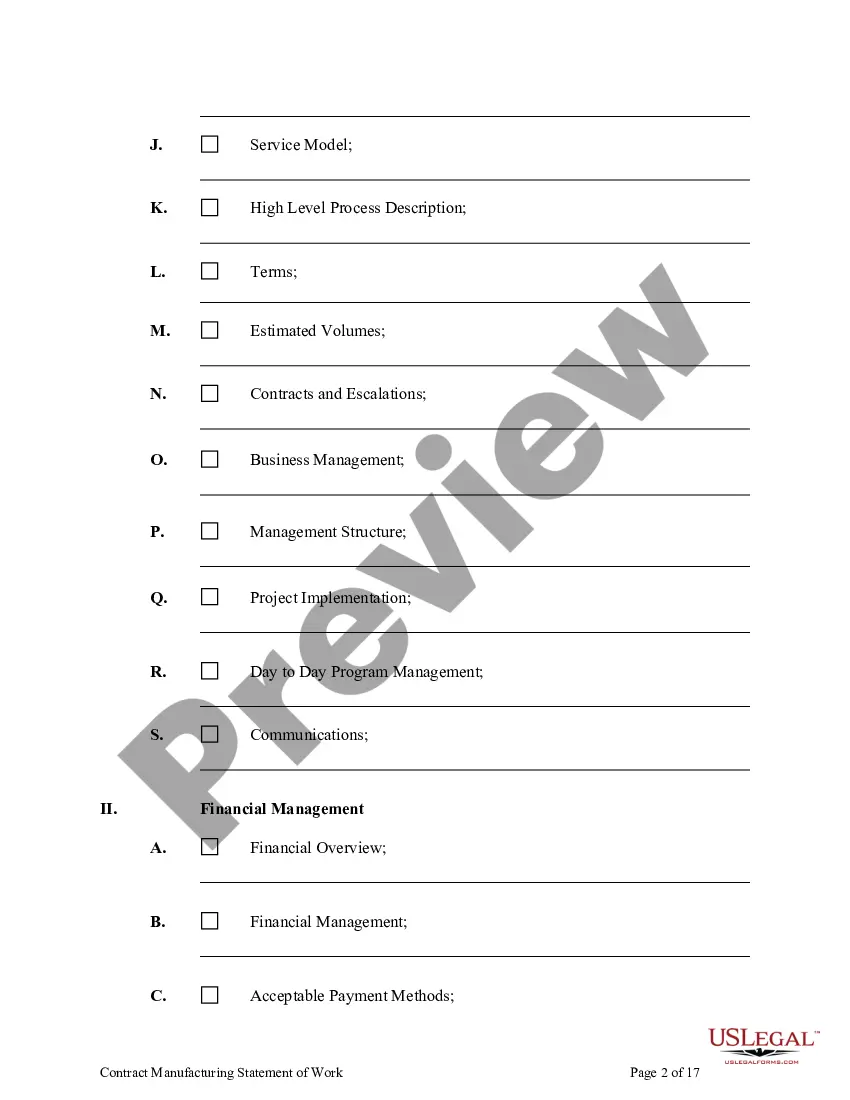
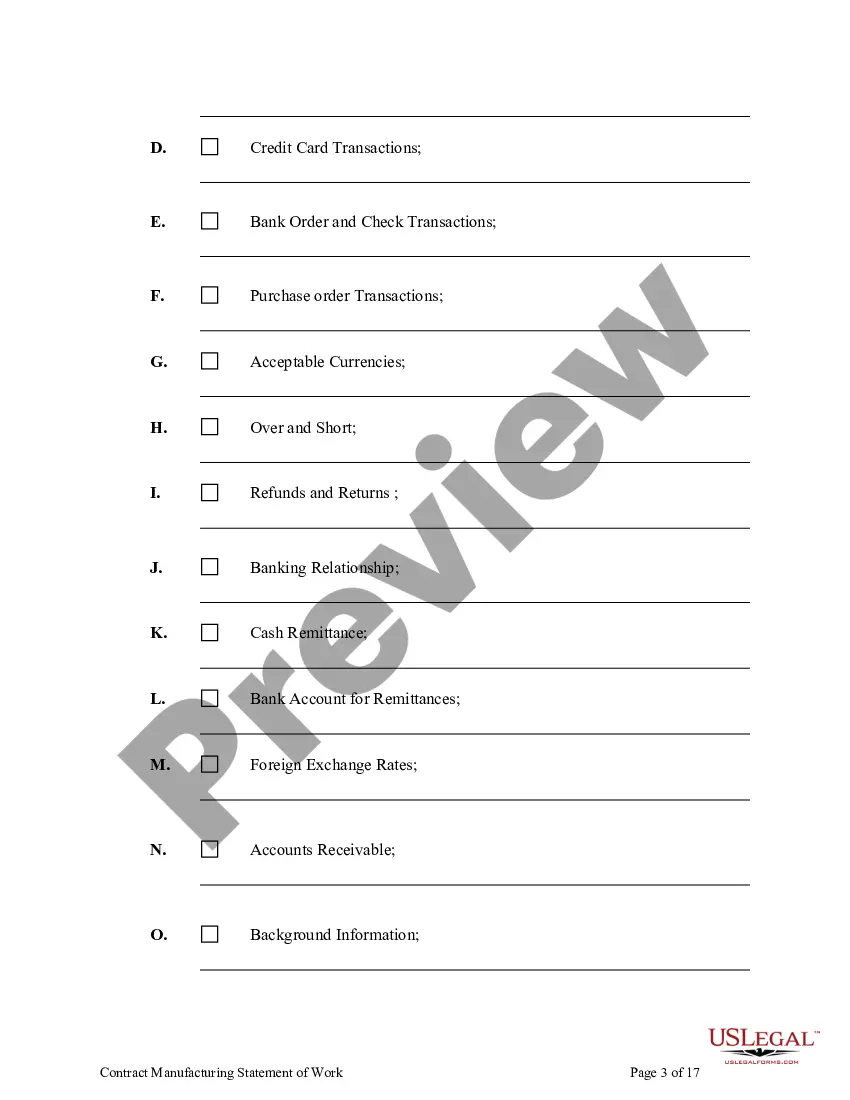
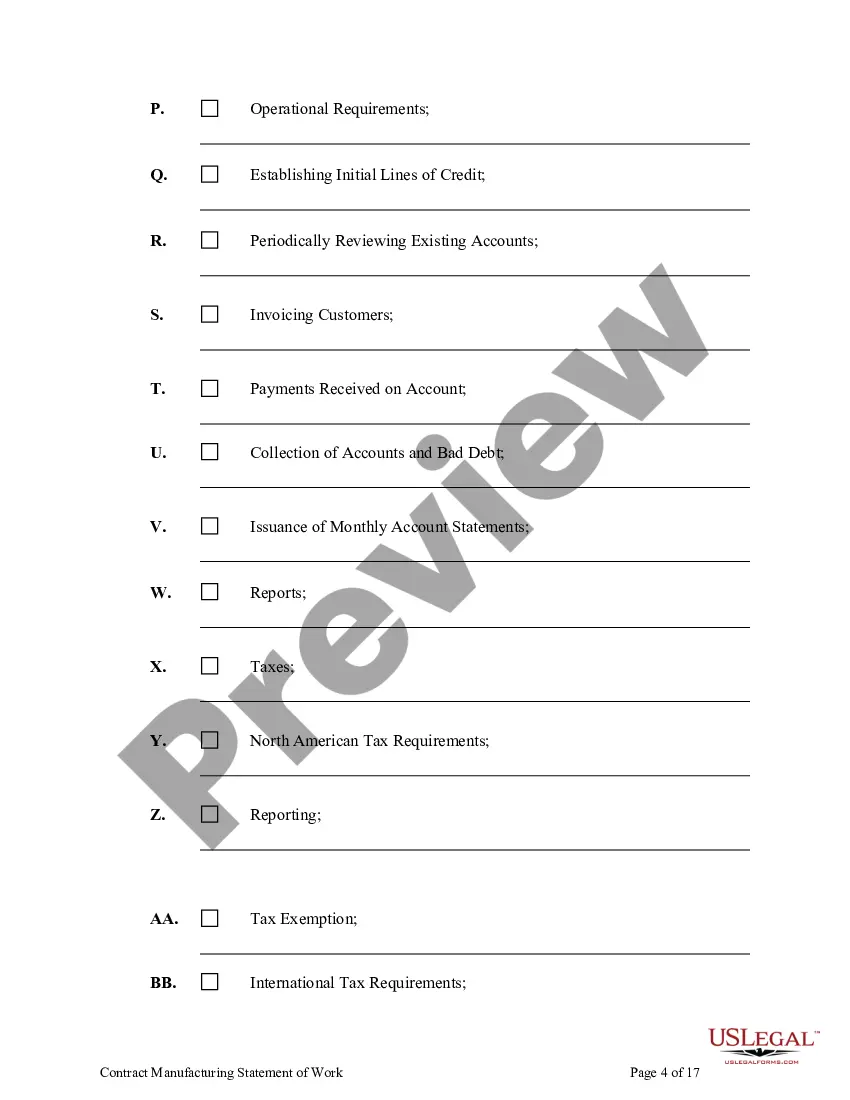
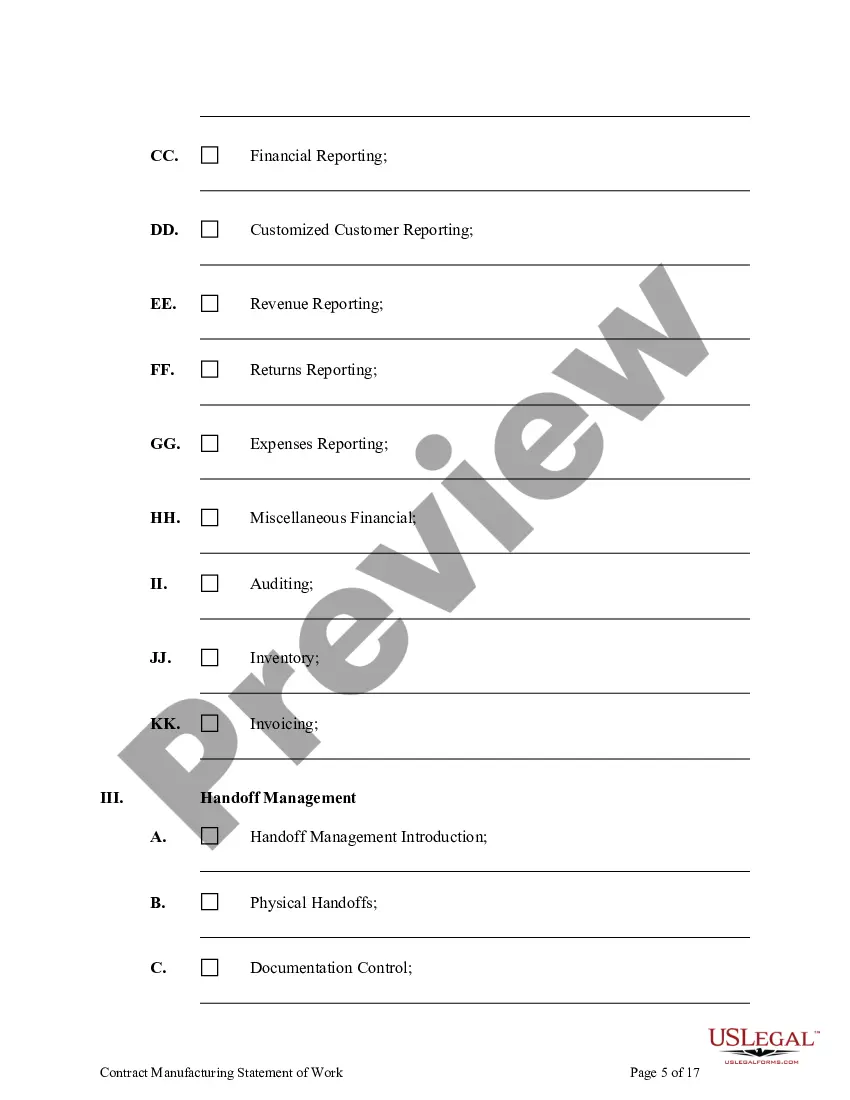
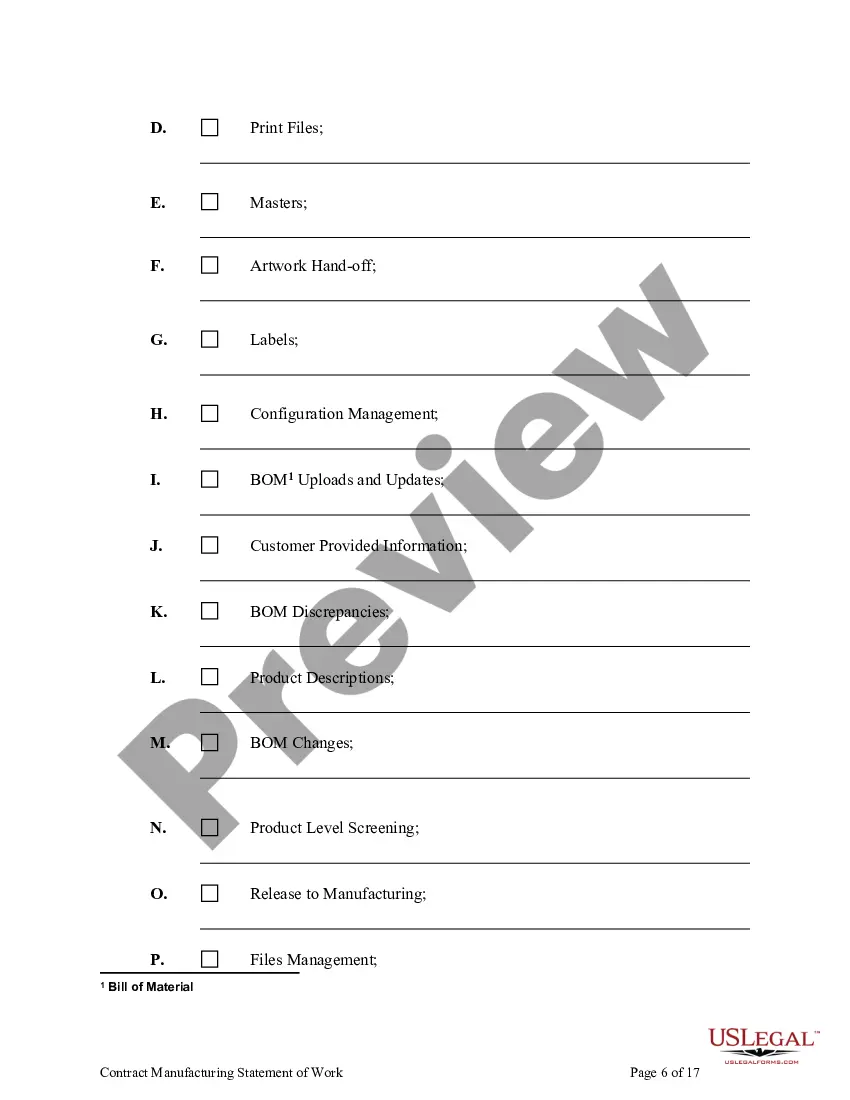
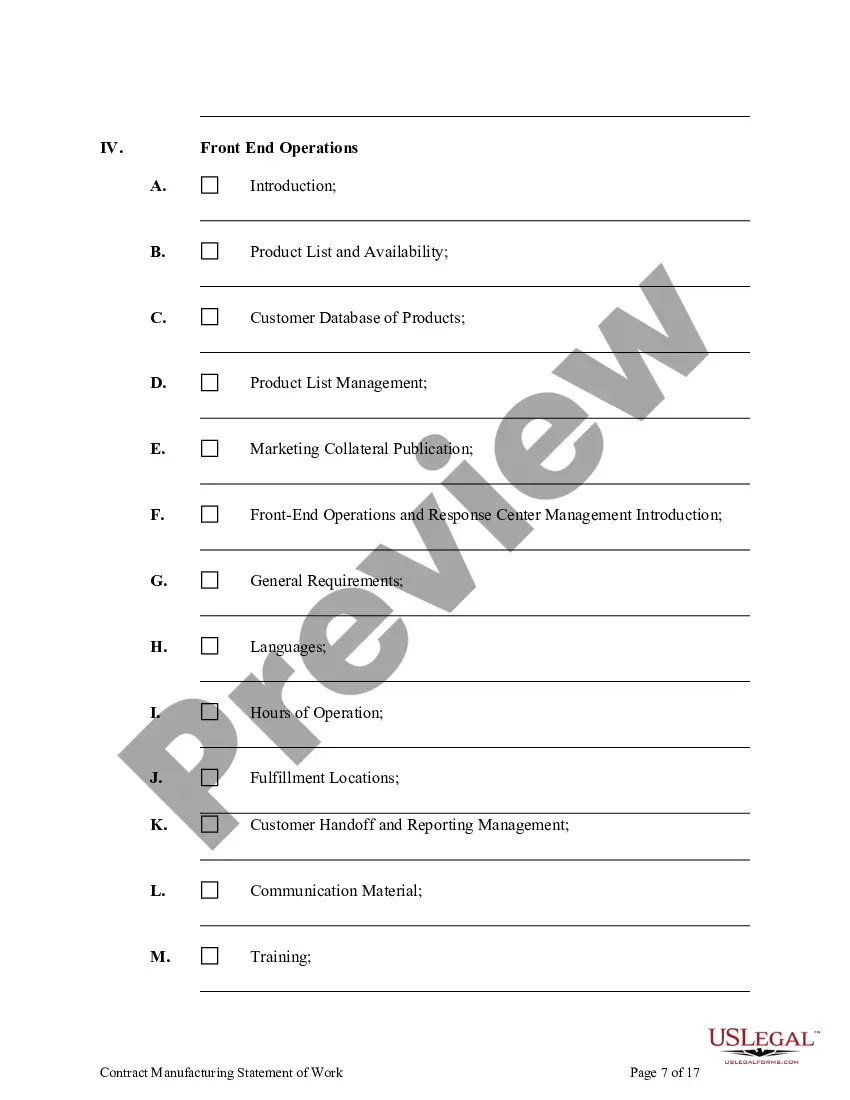
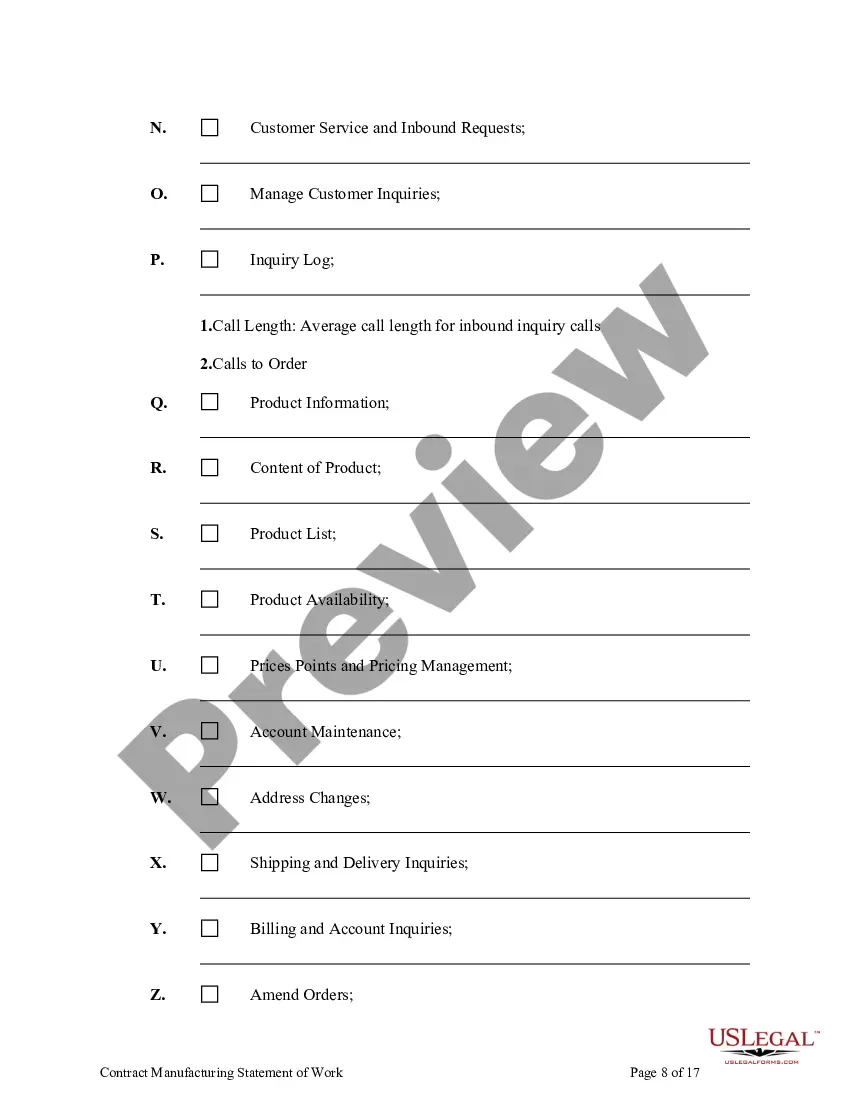


How to fill out Contract Manufacturing Statement Of Work?
Regardless of whether for commercial reasons or personal matters, everyone must confront legal circumstances at some point in their lives. Completing legal documents demands meticulous focus, starting with choosing the appropriate form template. For instance, if you select an incorrect version of the Contract Manufacturing Work Format In Excel, it will be rejected upon submission. Therefore, it is crucial to have a reliable source of legal documents such as US Legal Forms.
If you need to acquire a Contract Manufacturing Work Format In Excel template, adhere to these straightforward steps.
With a vast US Legal Forms catalog available, you will never need to waste time searching for the suitable sample across the internet. Take advantage of the library’s user-friendly navigation to find the correct template for any scenario.
- Locate the sample you require using the search bar or catalog browsing.
- Review the form’s description to confirm it corresponds with your situation, state, and county.
- Select the form’s preview to examine it.
- If it is the incorrect form, return to the search feature to find the Contract Manufacturing Work Format In Excel sample you need.
- Obtain the template if it fulfills your criteria.
- If you already possess a US Legal Forms account, simply click Log in to access previously saved documents in My documents.
- If you do not have an account yet, you can acquire the form by clicking Buy now.
- Choose the appropriate pricing option.
- Fill out the account registration form.
- Select your payment method: you can use a credit card or PayPal account.
- Choose the file format you prefer and download the Contract Manufacturing Work Format In Excel.
- Once it is downloaded, you can complete the form using editing software or print it out and fill it in manually.
Form popularity
FAQ
To effectively track contracts in Excel, utilize built-in templates or create your own. Include contract details like parties involved, dates, and terms. Use filters and sorting functions to locate specific documents or track expiration dates and due dates.
Creating a construction program in Excel is relatively easy. Open Excel, click the File tab, and select New. Scroll through the templates until you find the Project timelines, Agile Gantt chart, and Gantt project planner templates.
Here are the steps: Open a new Excel workbook and create a new sheet for your production report. In the first row, create headers for the following columns: Date, Shift, Product, Units Produced, Total Time, Downtime, and Efficiency. In the "Date" column, enter the date for which the report is being created.
1 Real time production updates Excel facilitates the tracking and reporting of key performance indicators (KPIs) in the manufacturing industry. It allows manufacturers to create performance dashboards, scorecards, and reports to monitor metrics such as production output, efficiency, scrap rates, and downtime.
THE FRONT Production Title. The name of your project and company. ... Date and Days. The date (Monday, August 15, 2016) and the day number (Day 5 of 20) Key people. ... Start and estimated finish dates. ... Script and schedule version. ... Key times for the day. ... Scheduled vs Actual days. ... Scenes shot.