Facsimile Signature Vs Electronic Signature
Description


Get your form ready online
Our built-in tools help you complete, sign, share, and store your documents in one place.
Make edits, fill in missing information, and update formatting in US Legal Forms—just like you would in MS Word.
Download a copy, print it, send it by email, or mail it via USPS—whatever works best for your next step.
Sign and collect signatures with our SignNow integration. Send to multiple recipients, set reminders, and more. Go Premium to unlock E-Sign.
If this form requires notarization, complete it online through a secure video call—no need to meet a notary in person or wait for an appointment.
We protect your documents and personal data by following strict security and privacy standards.

Make edits, fill in missing information, and update formatting in US Legal Forms—just like you would in MS Word.

Download a copy, print it, send it by email, or mail it via USPS—whatever works best for your next step.

Sign and collect signatures with our SignNow integration. Send to multiple recipients, set reminders, and more. Go Premium to unlock E-Sign.

If this form requires notarization, complete it online through a secure video call—no need to meet a notary in person or wait for an appointment.

We protect your documents and personal data by following strict security and privacy standards.
Looking for another form?




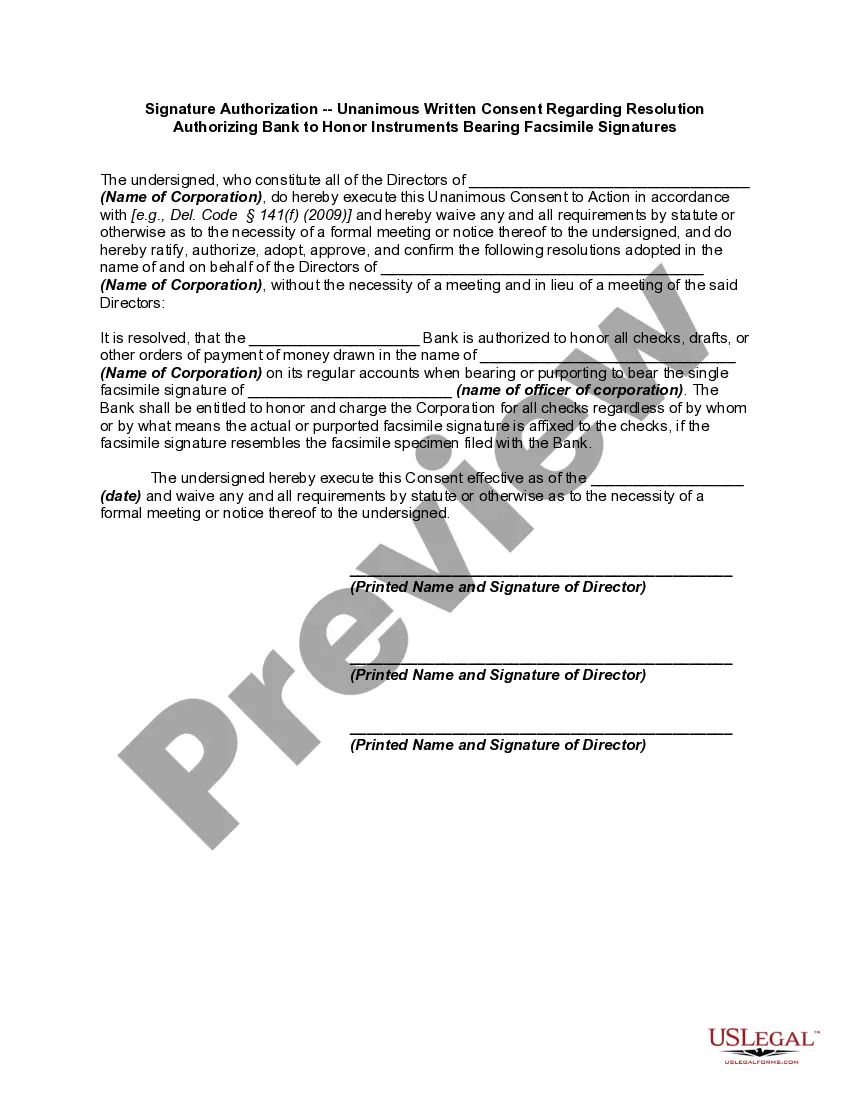
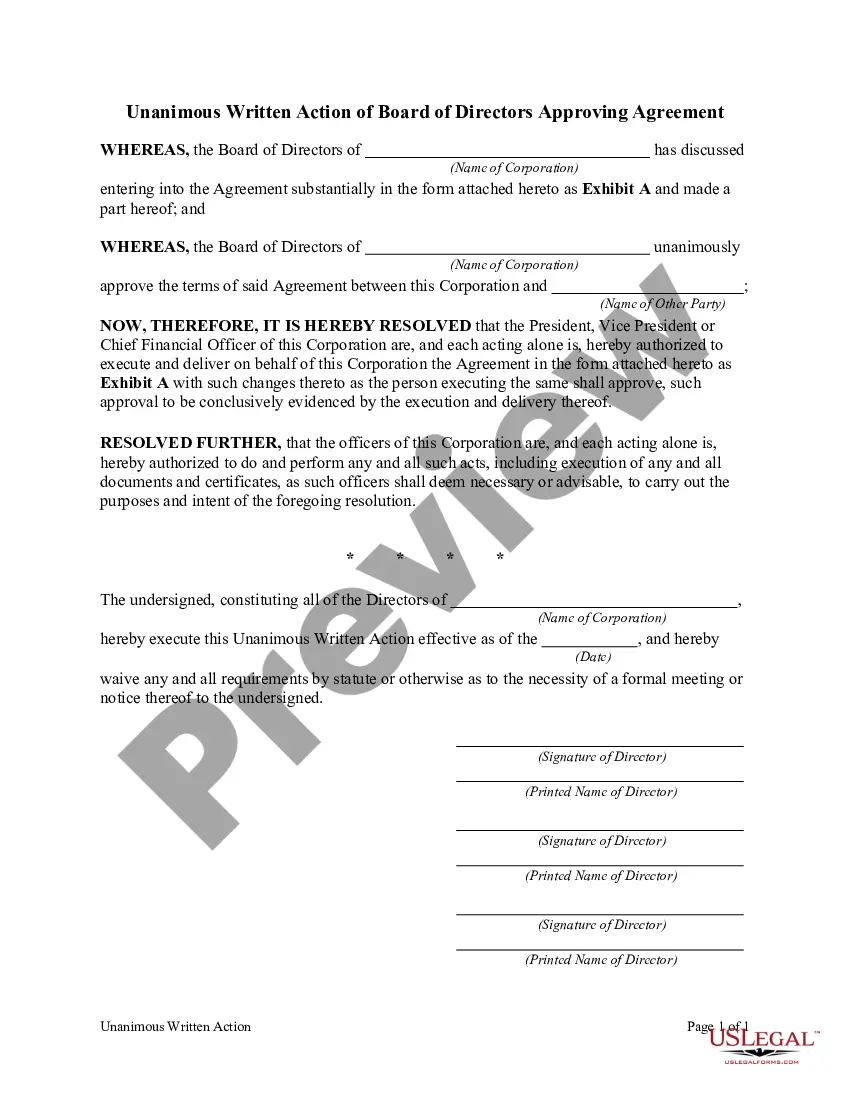
How to fill out Signature Authorization - Unanimous Written Consent Regarding Resolution Authorizing Bank To Honor Instruments Bearing Facsimile Signatures?
Securing legal templates that comply with federal and state statutes is essential, and the web provides numerous alternatives to choose from.
However, why spend time searching for the accurately prepared Facsimile Signature Vs Electronic Signature example online when the US Legal Forms digital library has already gathered such templates in one location.
US Legal Forms is the largest virtual legal repository with over 85,000 customizable templates created by lawyers for any business and life circumstance. They are straightforward to navigate with all documents categorized by state and intended use. Our experts keep track of legal changes, ensuring that your form is always current and adheres to regulations when acquiring a Facsimile Signature Vs Electronic Signature from our site.
Click Buy Now once you’ve found the correct form and choose a subscription plan. Create an account or Log In and complete the payment via PayPal or a credit card. Select the format for your Facsimile Signature Vs Electronic Signature and download it. All documents you find through US Legal Forms are multi-usable. To re-download and complete previously acquired forms, access the My documents section in your account. Enjoy the most comprehensive and user-friendly legal document service!
- Acquiring a Facsimile Signature Vs Electronic Signature is quick and easy for both existing and new users.
- If you already possess an account with an active subscription, Log In and save the document sample you require in the desired format.
- If you are new to our website, follow these steps.
- Review the template using the Preview feature or through the text description to confirm it meets your needs.
- Search for another template using the search function at the top of the page if needed.
Form popularity
FAQ
One of the most commonly used electronic signatures today is the Text Typed signature; meaning that one has used a keyboard to type their name, with the intent to sign ?something?. Although Text Typed is the most common, electronic signatures are not limited to this method.
How to create an electronic signature 1 of 7. Click review and sign link in email. Click review and sign link in email. ... 2 of 7. Click prompt in document. Click prompt in document. ... 3 of 7. Create electronic signature. ... 4 of 7. Select signature option. ... 5 of 7. Sign document. ... 6 of 7. Finalize signature. ... 7 of 7. Send.
The exchange of copies of this Agreement and of signature pages by facsimile, pdf or other electronic transmission shall constitute effective execution and delivery of this Agreement as to the parties and may be used in lieu of the original Agreement for all purposes.
A facsimile signature can be created when a document is copied on a copy machine, when it is scanned, or when it is transmitted via email or a facsimile (fax) machine. A "Digital Signature" is a type of electronic signature that encrypts documents with digital codes that are particularly difficult to duplicate.
To a layman, the only difference between typed signatures and those involving signing on paper using a pen is that for the former you write your name on the document through an electronic device. They also get referred to as electronic signatures.