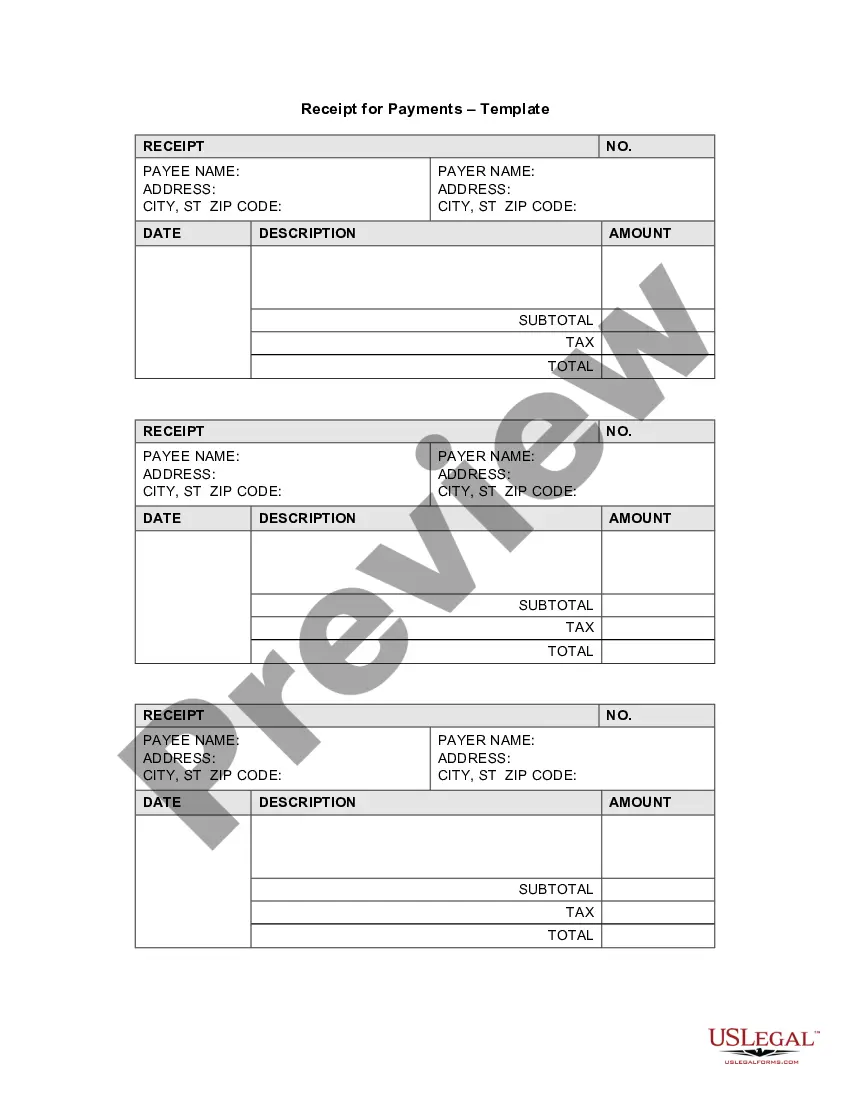
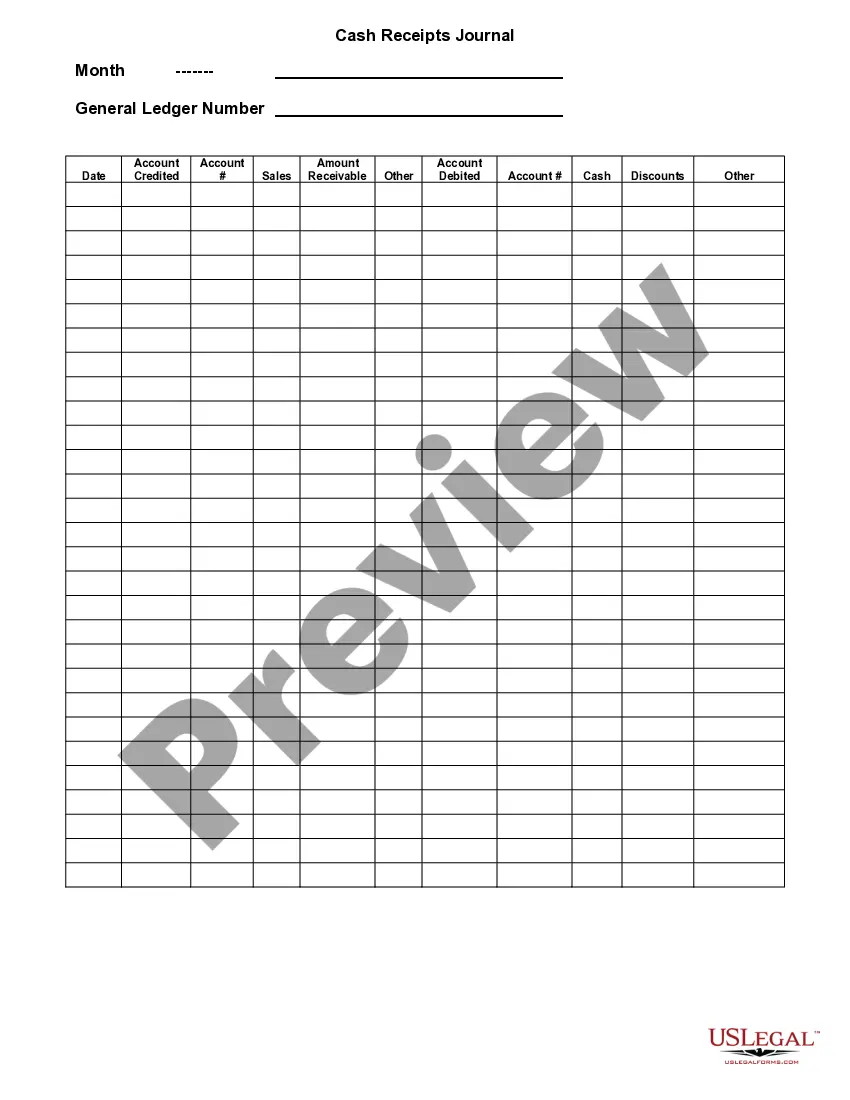
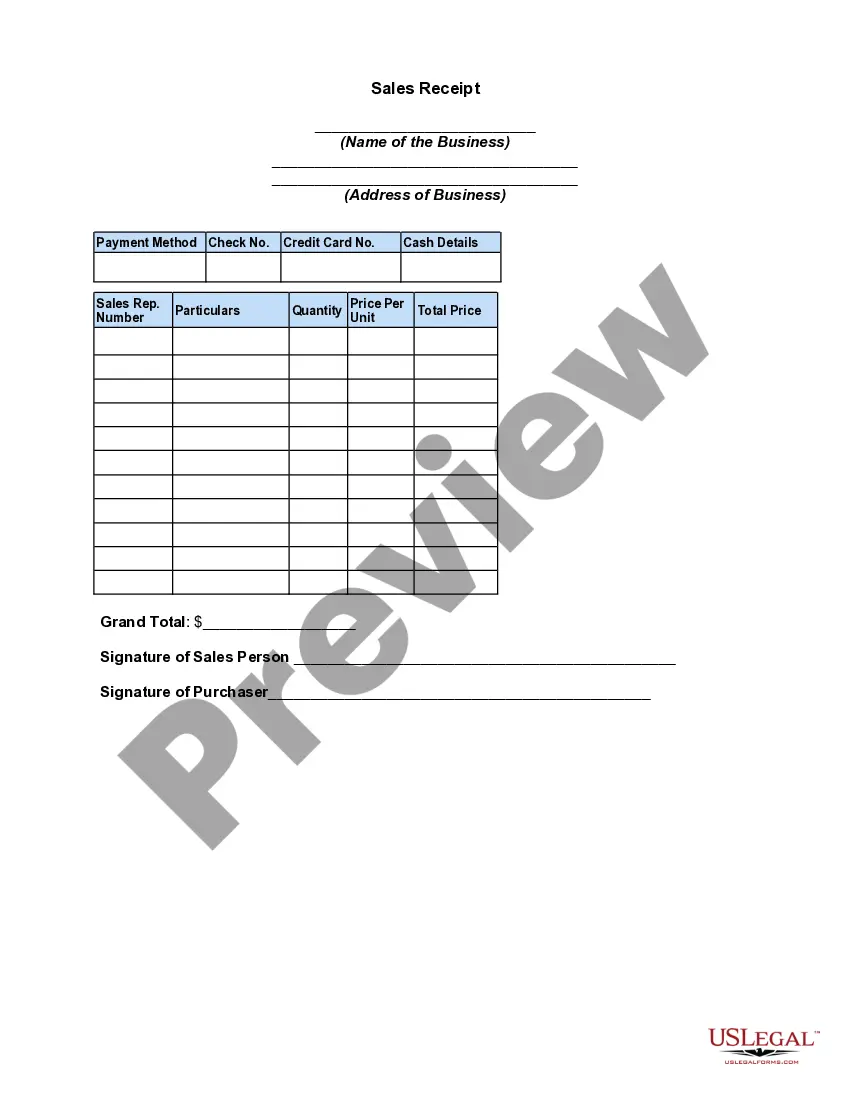
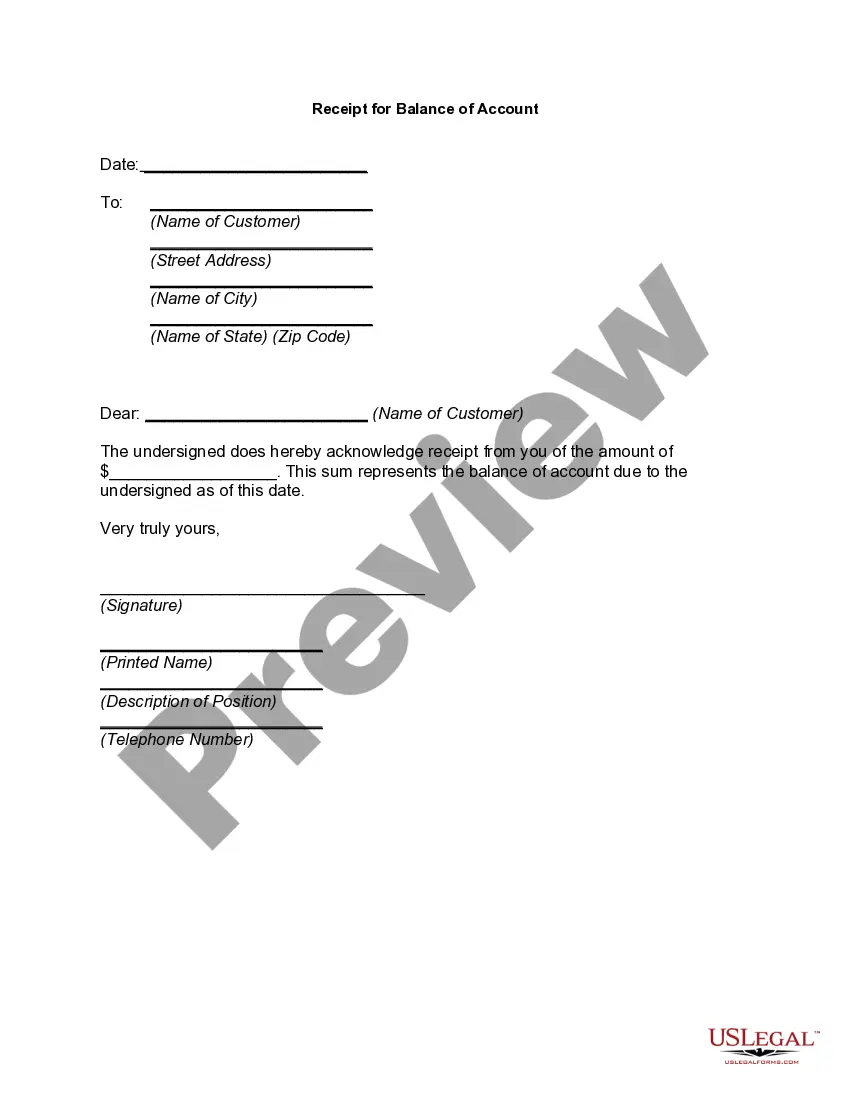
Receipt Business Form For A Small Business
Description
Get your form ready online
Our built-in tools help you complete, sign, share, and store your documents in one place.
Make edits, fill in missing information, and update formatting in US Legal Forms—just like you would in MS Word.
Download a copy, print it, send it by email, or mail it via USPS—whatever works best for your next step.
Sign and collect signatures with our SignNow integration. Send to multiple recipients, set reminders, and more. Go Premium to unlock E-Sign.
If this form requires notarization, complete it online through a secure video call—no need to meet a notary in person or wait for an appointment.
We protect your documents and personal data by following strict security and privacy standards.

Make edits, fill in missing information, and update formatting in US Legal Forms—just like you would in MS Word.

Download a copy, print it, send it by email, or mail it via USPS—whatever works best for your next step.

Sign and collect signatures with our SignNow integration. Send to multiple recipients, set reminders, and more. Go Premium to unlock E-Sign.

If this form requires notarization, complete it online through a secure video call—no need to meet a notary in person or wait for an appointment.

We protect your documents and personal data by following strict security and privacy standards.
Looking for another form?




How to fill out Receipt For Payments - Template?
Creating legal documents from the beginning can occasionally be somewhat daunting.
Certain situations may require extensive research and significant financial investment.
If you’re seeking a simpler and more cost-effective method for generating Receipt Business Form For A Small Business or other documents without hassle, US Legal Forms is always accessible.
Our online database featuring over 85,000 current legal forms encompasses nearly every aspect of your financial, legal, and personal matters. With just a few clicks, you can swiftly obtain state- and county-compliant forms meticulously prepared by our legal professionals.
Examine the document preview and descriptions to ensure you’ve located the correct form. Confirm that the form you choose conforms to the regulations of your state and county. Select the most suitable subscription plan to acquire the Receipt Business Form For A Small Business. Download the file, then fill it out, certify it, and print it. US Legal Forms enjoys an excellent reputation and boasts over 25 years of expertise. Join us now and transform document completion into a straightforward and efficient experience!
- Utilize our platform whenever you require a dependable and reputable service to easily locate and download the Receipt Business Form For A Small Business.
- If you’re already familiar with our services and have previously registered with us, simply Log In to your account, find the form, and download it immediately or re-download it later in the My documents section.
- Not registered yet? No worries. Registering takes only a few minutes, and you can browse the catalog right away.
- However, before downloading the Receipt Business Form For A Small Business, consider these suggestions.
Form popularity
FAQ
No matter how you're making your receipt, every receipt you issue should include: The number, date, and time of the purchase. Invoice number or receipt number. The number of items purchased and price totals. The name and location of the business the items have been bought from. Any tax charged. The method of payment.
How to use a receipt book: Essential items to fill out in a receipt Fill in the date. ... Fill in the company name and contact information. ... Include other related details. ... Include product details. ... Include the price. ... Add the subtotal amount. ... Add taxes, additional charges, and the grand total.
How to write a receipt - YouTube YouTube Start of suggested clip End of suggested clip So i will write for lock rental. Here with the circles. Most often it will be cash or check. But ifMoreSo i will write for lock rental. Here with the circles. Most often it will be cash or check. But if the student is paying in cash.
What information must I put on a receipt? your company's details including name, address, phone number and/or email address. the date of transaction showing date, month and year. a list of products or services showing a brief description of the product and quantity sold.
Arrange your receipts by categories, such as office supplies, travel expenses, or meals and entertainment. You may also choose to categorize them by month, client, or project. This can make it easier to find specific receipts when needed.