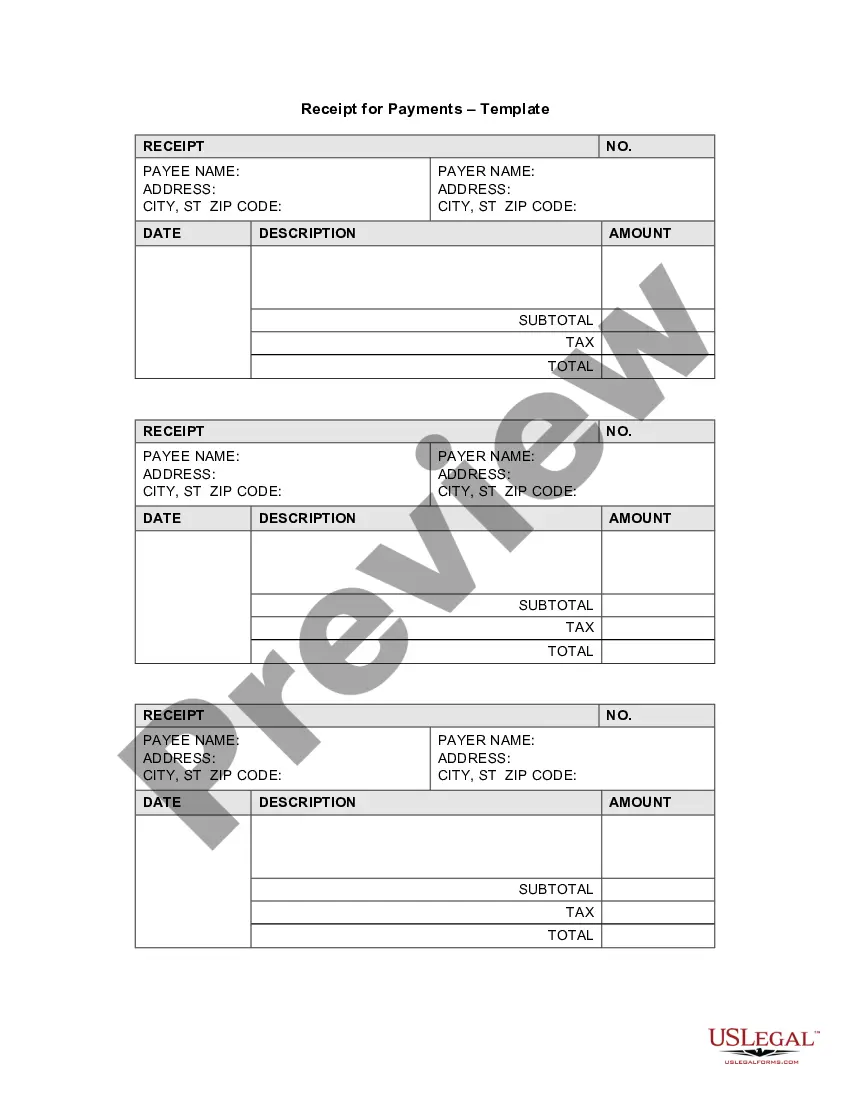
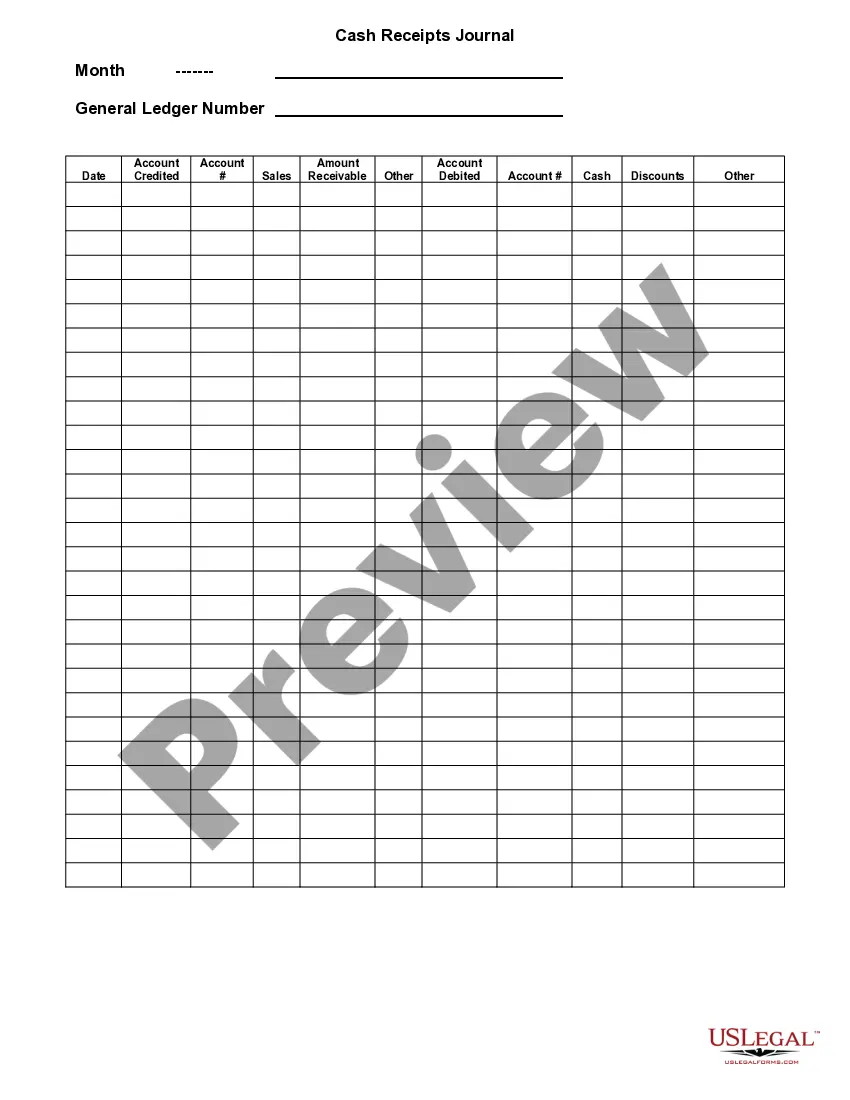
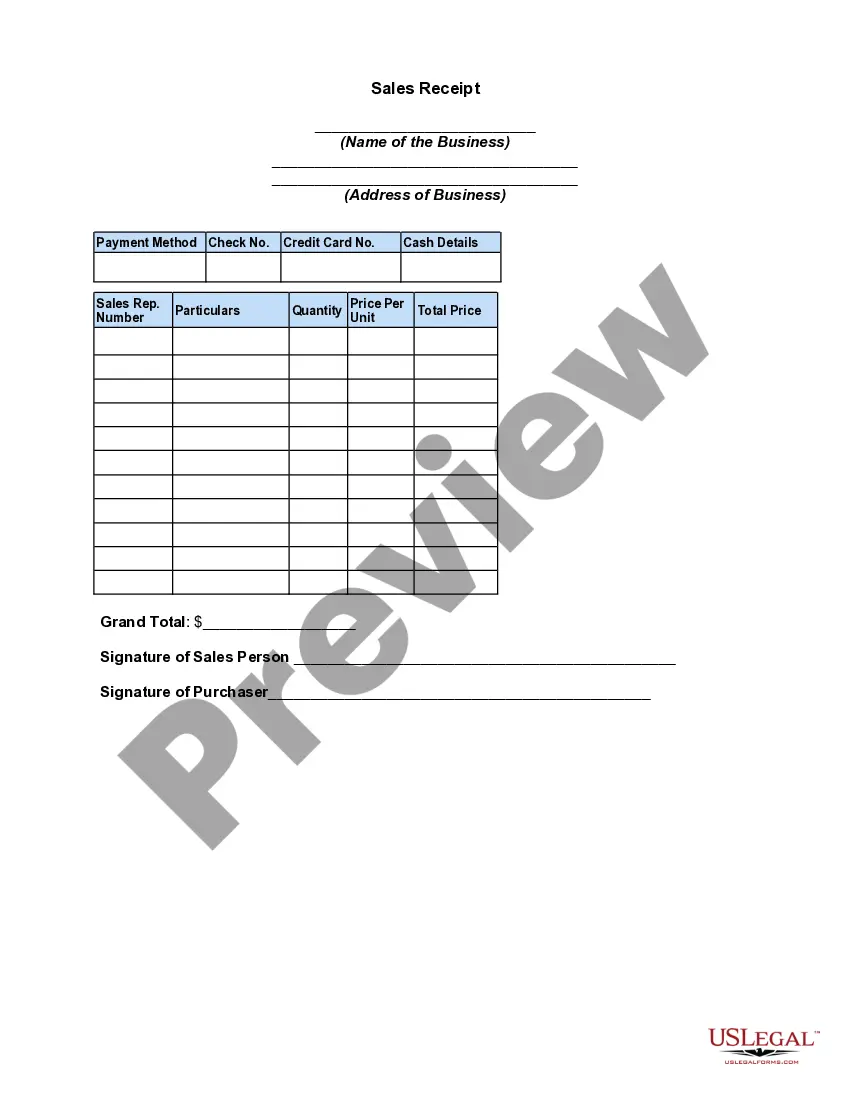
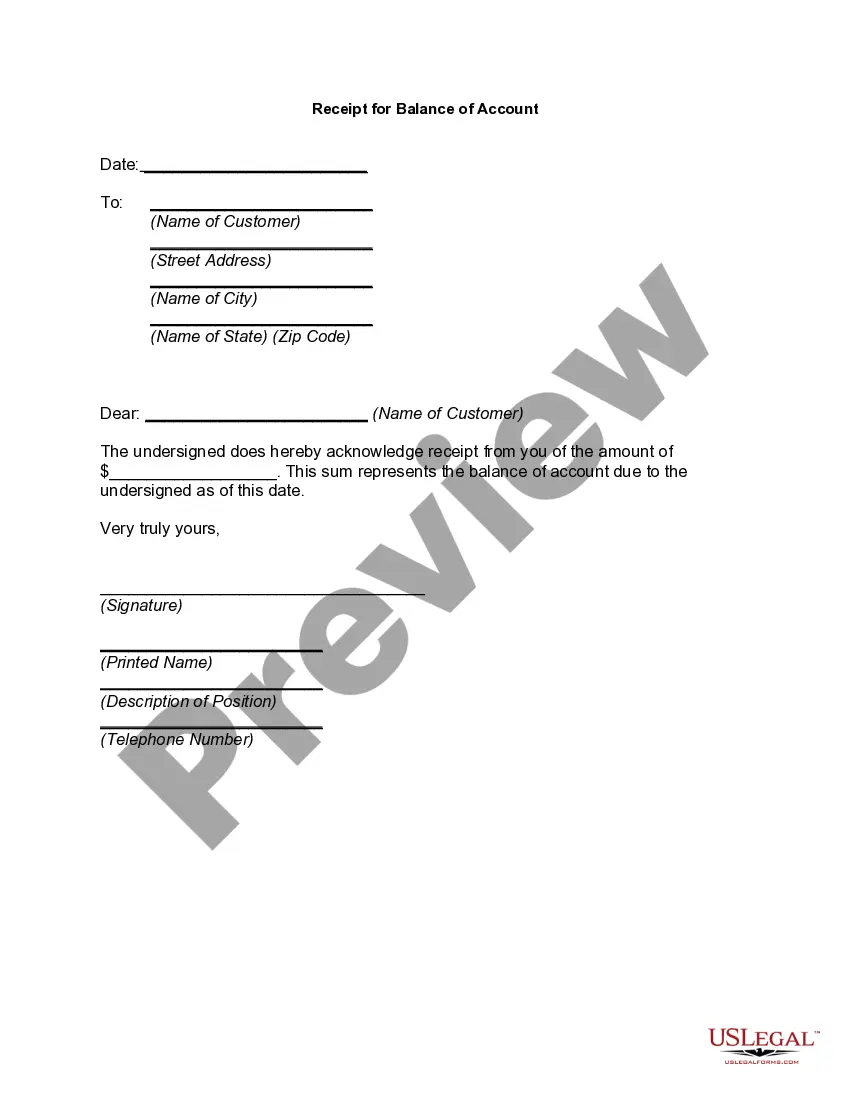
Payments Template Document With Revision History
Description
Get your form ready online
Our built-in tools help you complete, sign, share, and store your documents in one place.
Make edits, fill in missing information, and update formatting in US Legal Forms—just like you would in MS Word.
Download a copy, print it, send it by email, or mail it via USPS—whatever works best for your next step.
Sign and collect signatures with our SignNow integration. Send to multiple recipients, set reminders, and more. Go Premium to unlock E-Sign.
If this form requires notarization, complete it online through a secure video call—no need to meet a notary in person or wait for an appointment.
We protect your documents and personal data by following strict security and privacy standards.

Make edits, fill in missing information, and update formatting in US Legal Forms—just like you would in MS Word.

Download a copy, print it, send it by email, or mail it via USPS—whatever works best for your next step.

Sign and collect signatures with our SignNow integration. Send to multiple recipients, set reminders, and more. Go Premium to unlock E-Sign.

If this form requires notarization, complete it online through a secure video call—no need to meet a notary in person or wait for an appointment.

We protect your documents and personal data by following strict security and privacy standards.
Looking for another form?
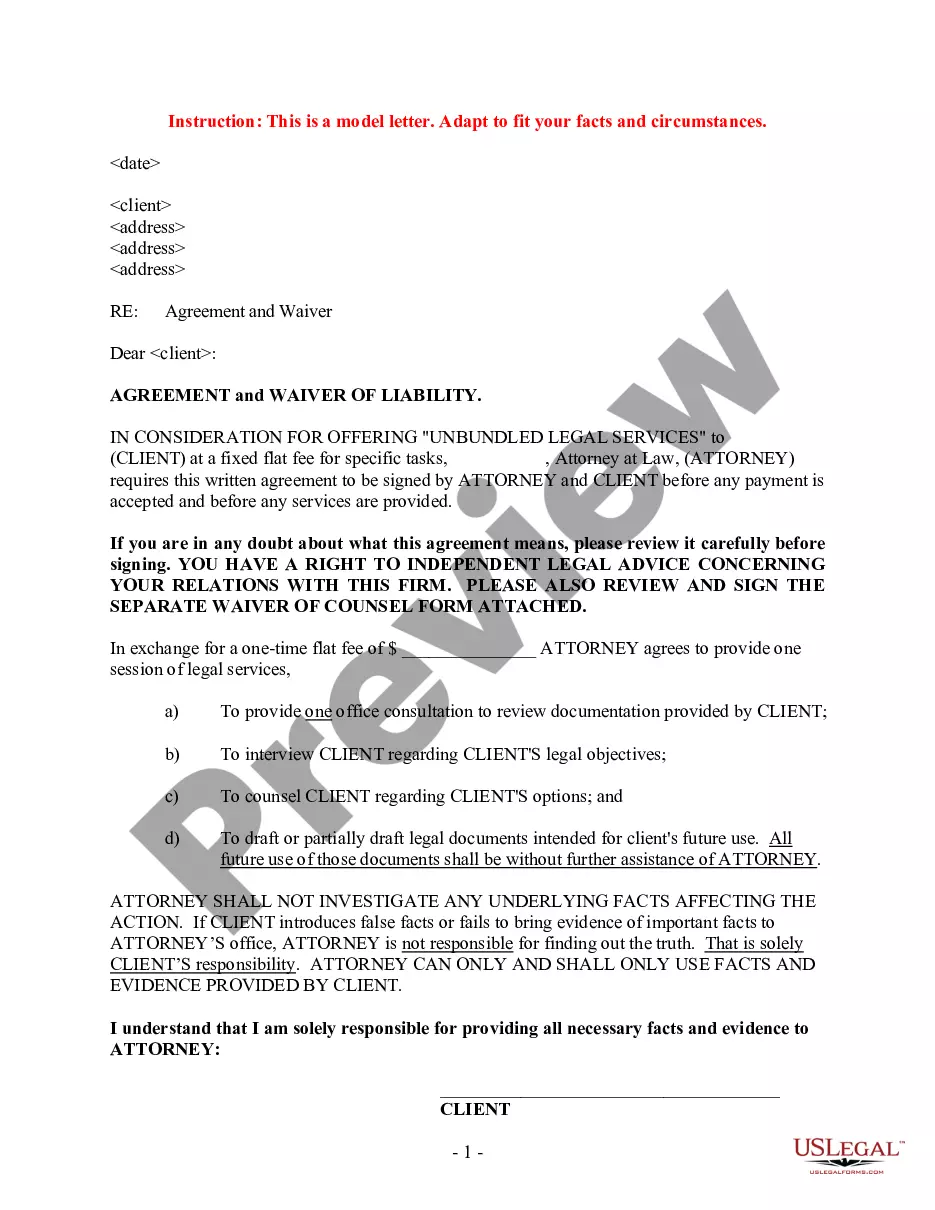


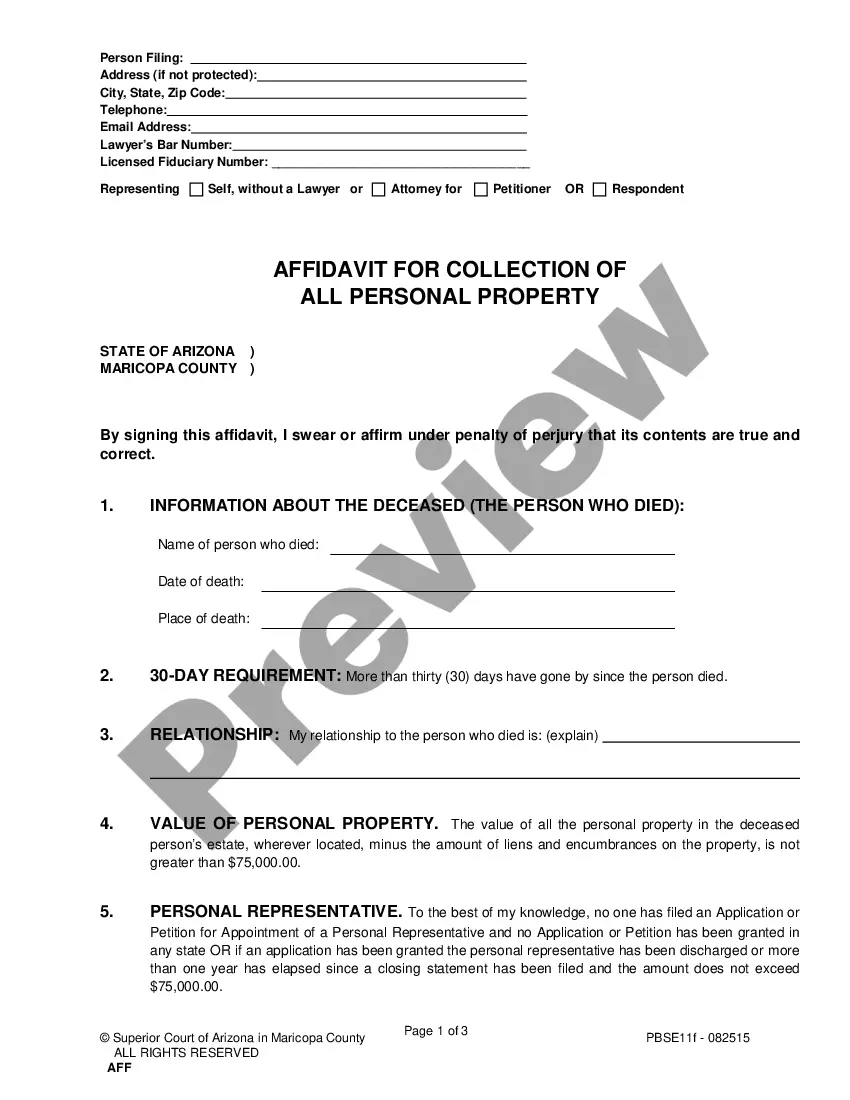
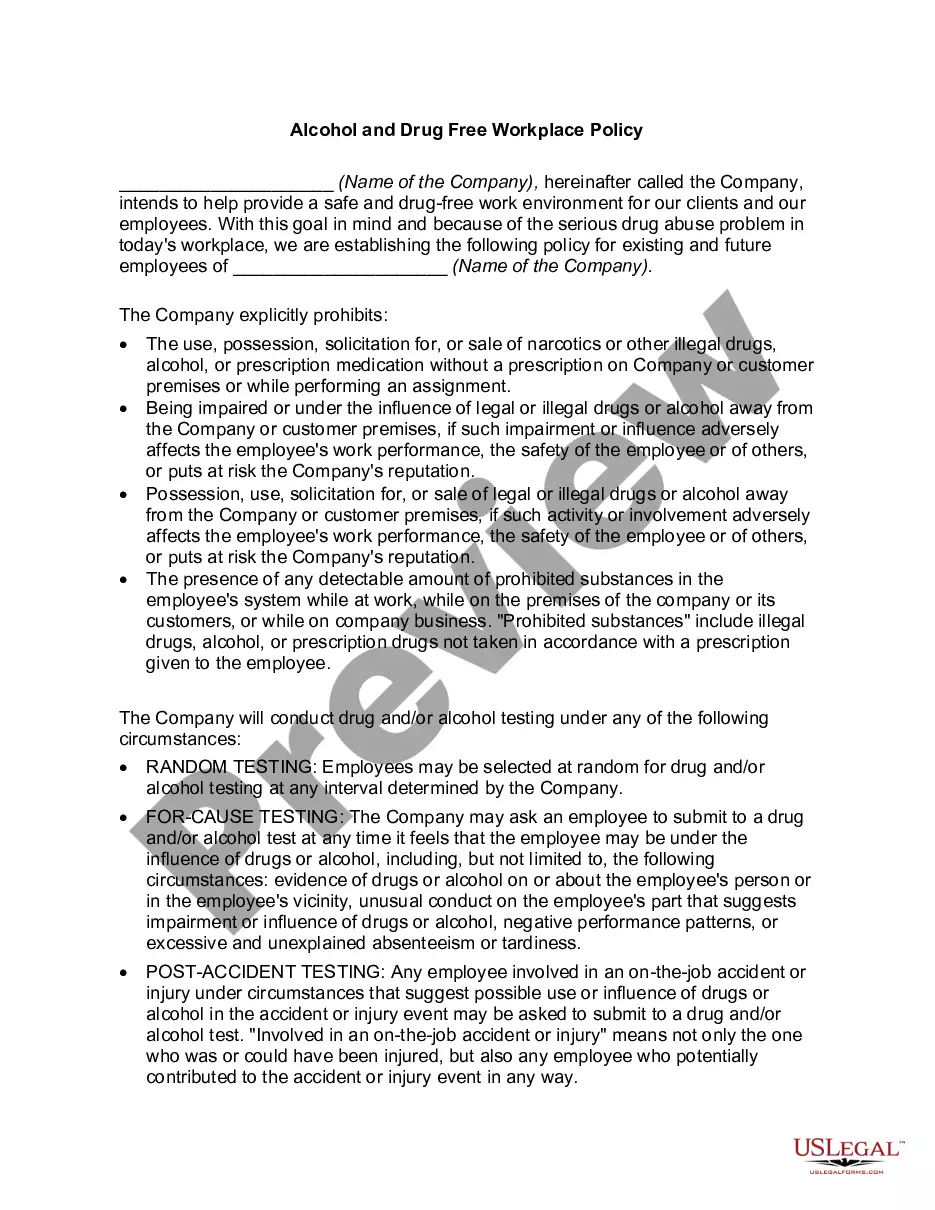
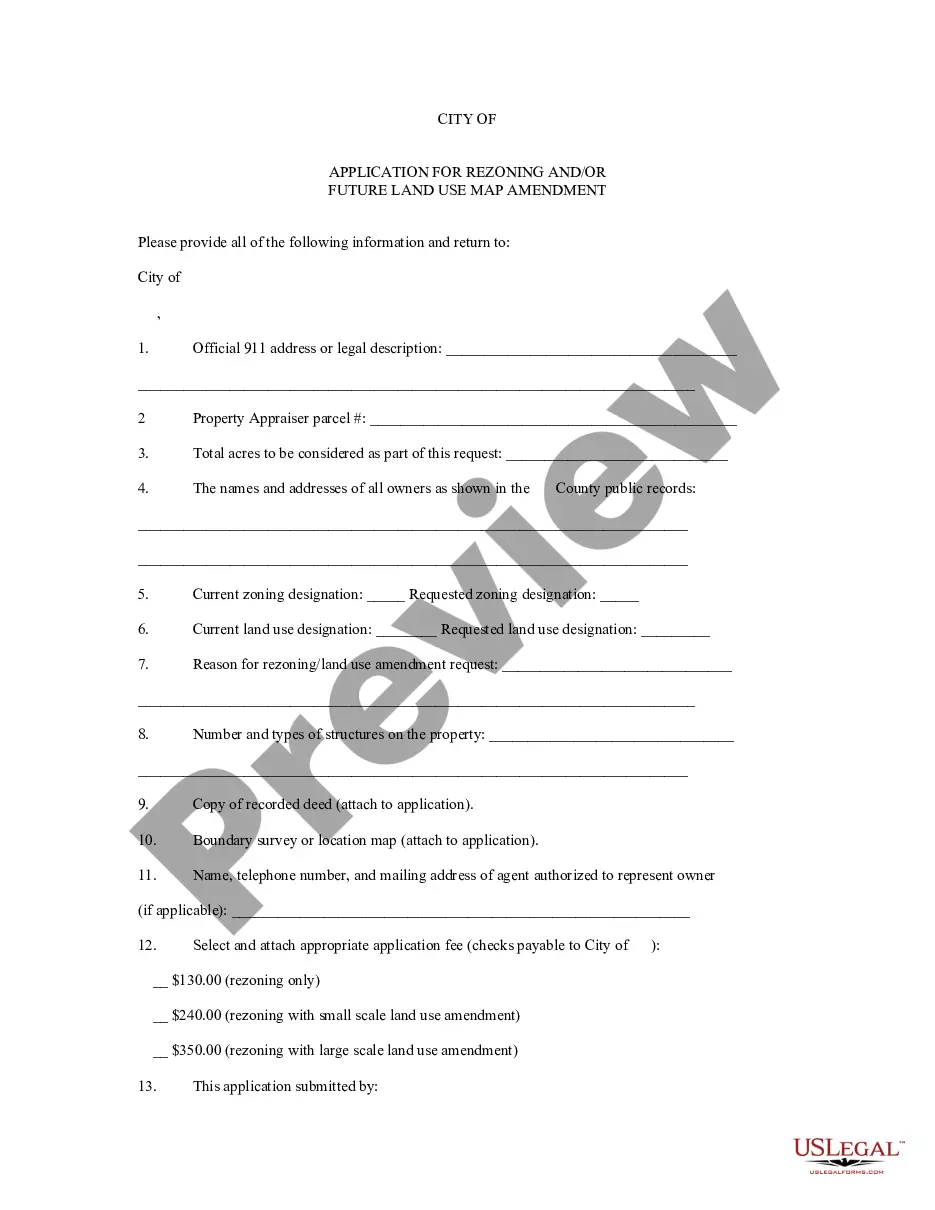
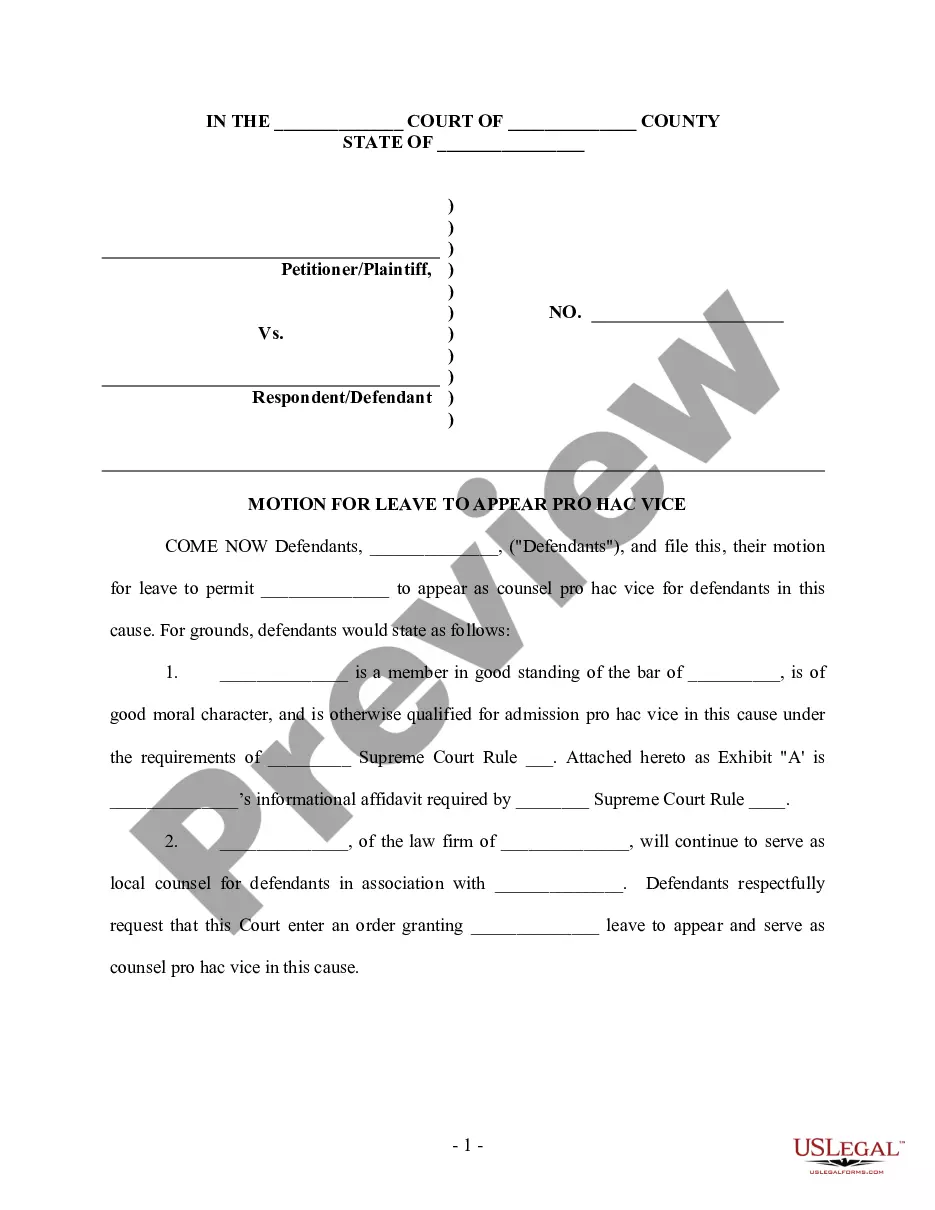
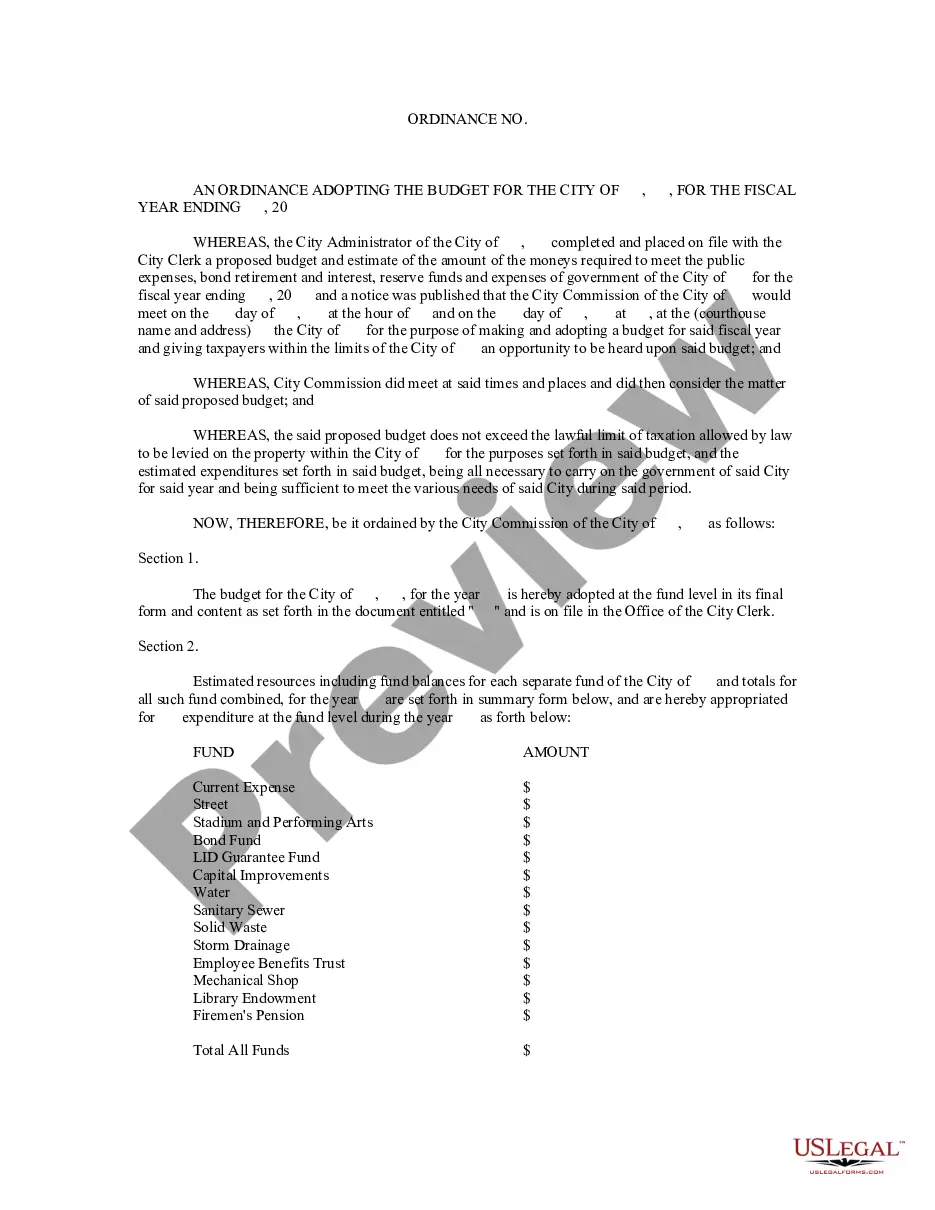


How to fill out Receipt For Payments - Template?
Regardless of whether for commercial reasons or personal matters, everyone must confront legal circumstances at some stage in their existence. Filling out legal documentation requires meticulous focus, beginning with selecting the appropriate form template. For example, if you select an incorrect version of the Payments Template Document With Revision History, it will be rejected upon submission. Thus, it is vital to have a trustworthy source of legal documents like US Legal Forms.
If you need to acquire a Payments Template Document With Revision History template, adhere to these straightforward steps: Obtain the sample you require by using the search bar or catalog navigation. Review the form’s details to confirm it aligns with your circumstances, state, and locality. Click on the form’s preview to examine it. If it is the incorrect form, return to the search feature to find the Payments Template Document With Revision History sample you need. Download the file if it fulfills your requirements. If you already possess a US Legal Forms account, just click Log in to access previously stored templates in My documents. If you do not have an account yet, you can download the form by clicking Buy now. Select the suitable pricing option. Complete the account registration form. Choose your payment method: you can utilize a credit card or PayPal account. Select the document format you prefer and download the Payments Template Document With Revision History. Once it is downloaded, you can fill out the form using editing software or print it and complete it manually.
With a vast US Legal Forms catalog available, you don’t have to waste time searching for the appropriate sample online. Utilize the library’s straightforward navigation to locate the correct template for any circumstance.
- Regardless of whether for commercial reasons or personal matters, everyone must confront legal circumstances at some stage in their existence.
- Filling out legal documentation requires meticulous focus, beginning with selecting the appropriate form template.
- For example, if you select an incorrect version of the Payments Template Document With Revision History, it will be rejected upon submission.
- Thus, it is vital to have a trustworthy source of legal documents like US Legal Forms.
- If you need to acquire a Payments Template Document With Revision History template, adhere to these straightforward steps.
- Obtain the sample you require by using the search bar or catalog navigation.
- Review the form’s details to confirm it aligns with your circumstances, state, and locality.
- Click on the form’s preview to examine it.
- If it is the incorrect form, return to the search feature to find the Payments Template Document With Revision History sample you need.
- Download the file if it fulfills your requirements.
- If you already possess a US Legal Forms account, just click Log in to access previously stored templates in My documents.
- If you do not have an account yet, you can download the form by clicking Buy now.
Form popularity
FAQ
Revision history allows you to see what was revised, who made the revision, compare two revisions, and revert to another revision if necessary. You can see Revision History for all content pages made from new page templates and within template directory such as header and footer templates.
The simple definitions are Version History is maintained by SOLIDWORKS PDM automatically for each file, whereas Revision History is specific versions of files created by moving the file through the workflow and set ing to your company's approval process.
Turn on Track Changes to show edits made in a document, and use Show Markup to show the types of revisions you'd like to display. Select Review > Track Changes to turn it on. Make edits in your document and Word captures any edits you make. Select Review > Track Changes to turn it off.
Like any important and constantly changing document the Project Plan should contain a "Revision History Table". The purpose of the table is to record version number, version date, name of the person making the change and a short revision description, see sample in Figure 1.
In Microsoft Word, the revision number is a feature that keeps track of the number of times a document has been edited.