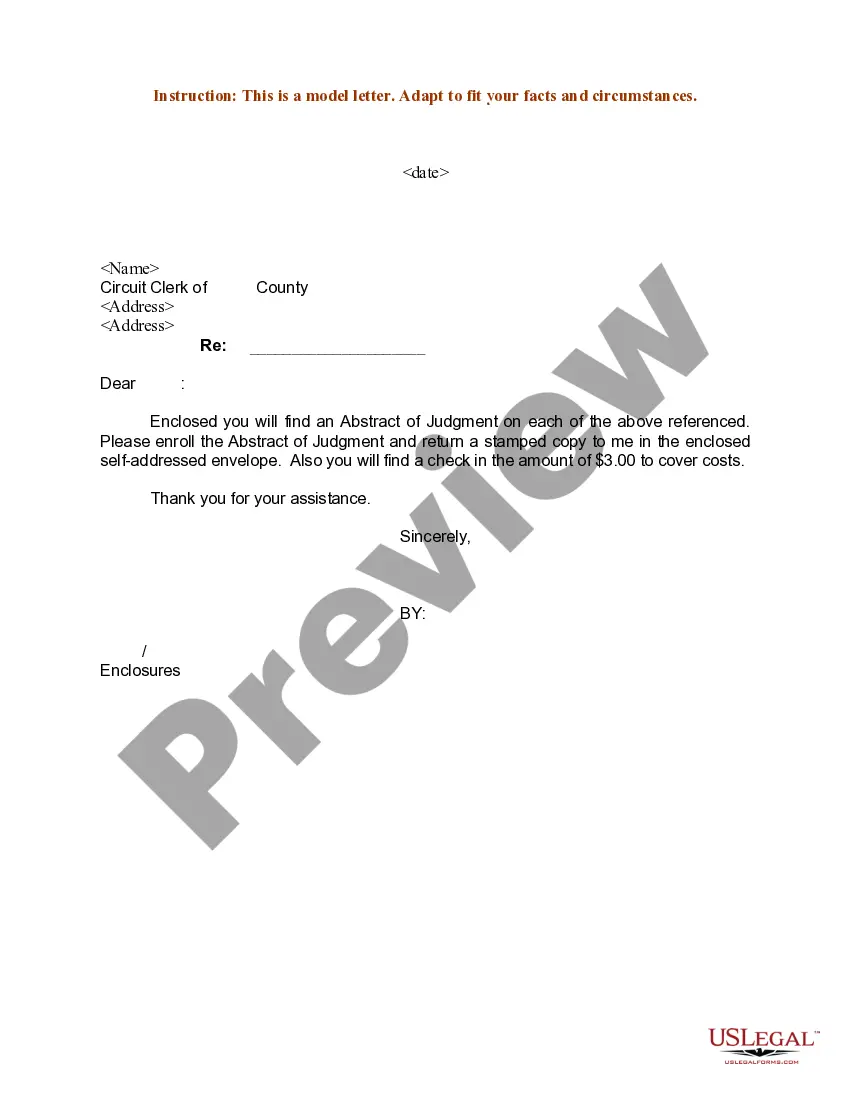
Sample Request Letter For Form 16 From Current Employer
Description


Get your form ready online
Our built-in tools help you complete, sign, share, and store your documents in one place.
Make edits, fill in missing information, and update formatting in US Legal Forms—just like you would in MS Word.
Download a copy, print it, send it by email, or mail it via USPS—whatever works best for your next step.
Sign and collect signatures with our SignNow integration. Send to multiple recipients, set reminders, and more. Go Premium to unlock E-Sign.
If this form requires notarization, complete it online through a secure video call—no need to meet a notary in person or wait for an appointment.
We protect your documents and personal data by following strict security and privacy standards.

Make edits, fill in missing information, and update formatting in US Legal Forms—just like you would in MS Word.

Download a copy, print it, send it by email, or mail it via USPS—whatever works best for your next step.

Sign and collect signatures with our SignNow integration. Send to multiple recipients, set reminders, and more. Go Premium to unlock E-Sign.

If this form requires notarization, complete it online through a secure video call—no need to meet a notary in person or wait for an appointment.

We protect your documents and personal data by following strict security and privacy standards.
Looking for another form?


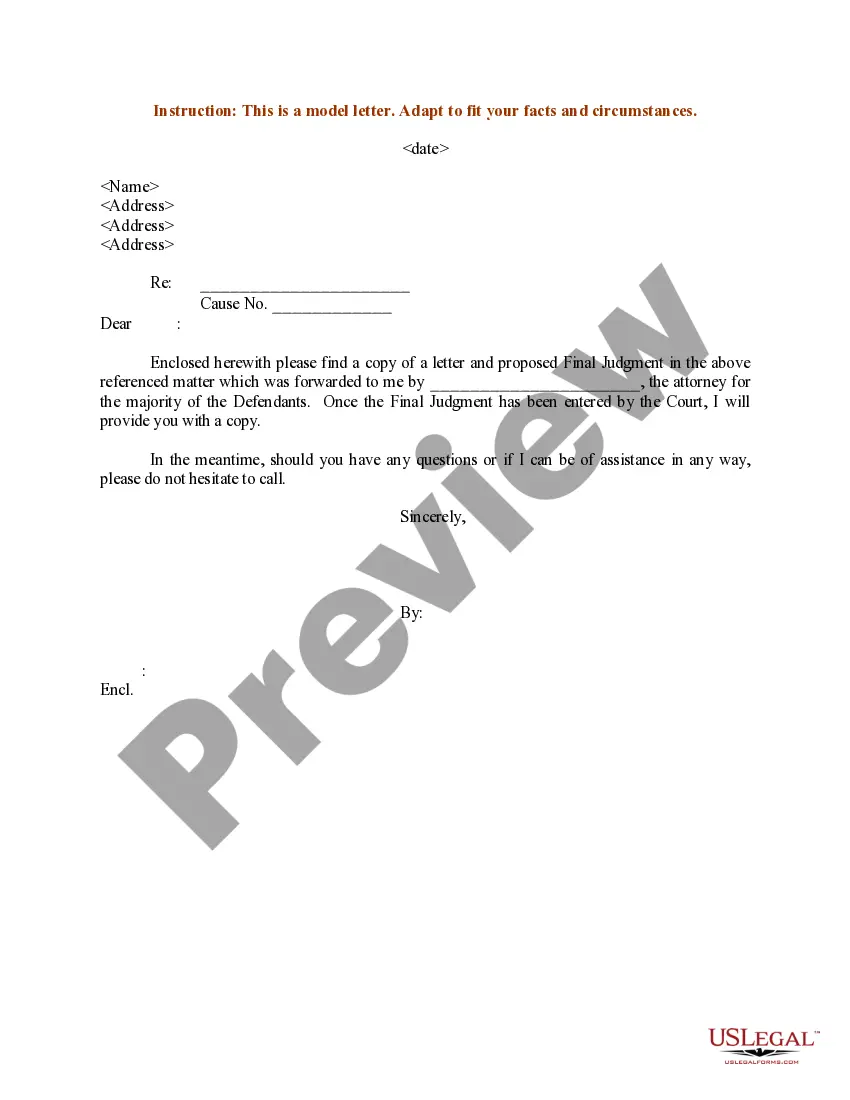
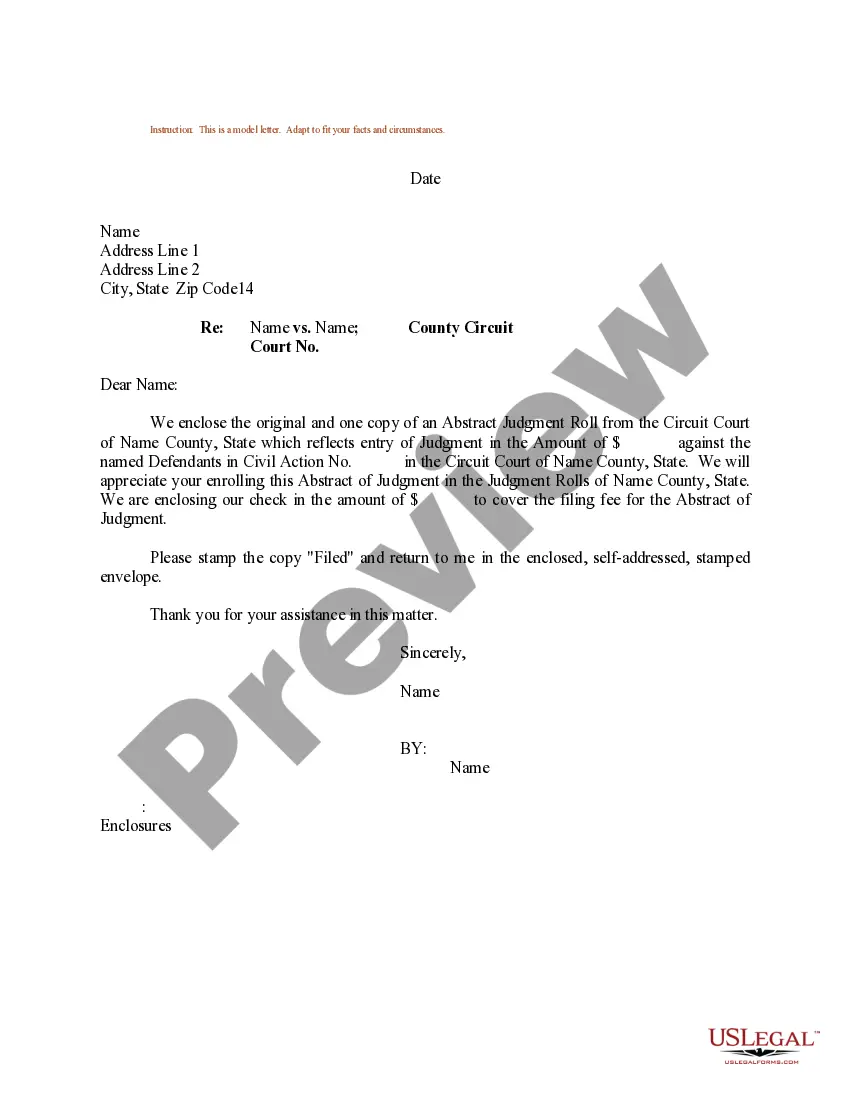
How to fill out Sample Letter For Abstract Of Judgment?
- Visit the US Legal Forms website and log in to your account if you are an existing user. Ensure your subscription is active; renew it if necessary.
- If you are a new user, start by exploring the vast library. Use the Preview mode and read the form description carefully to find the appropriate sample request letter for your needs.
- Should you need further assistance, utilize the Search tab to locate alternative templates that suit your requirements before proceeding.
Once you've selected the right document, click the Buy Now button and choose your preferred subscription plan. Remember to create an account to access all resources effectively.
Proceed with your payment using your credit card or PayPal. After the transaction, you can easily download the form and keep it accessible in the My Forms menu for future use. US Legal Forms simplifies the legal process, ensuring you have accurate documents for your needs. Don't hesitate—start using US Legal Forms today!
Form popularity
FAQ
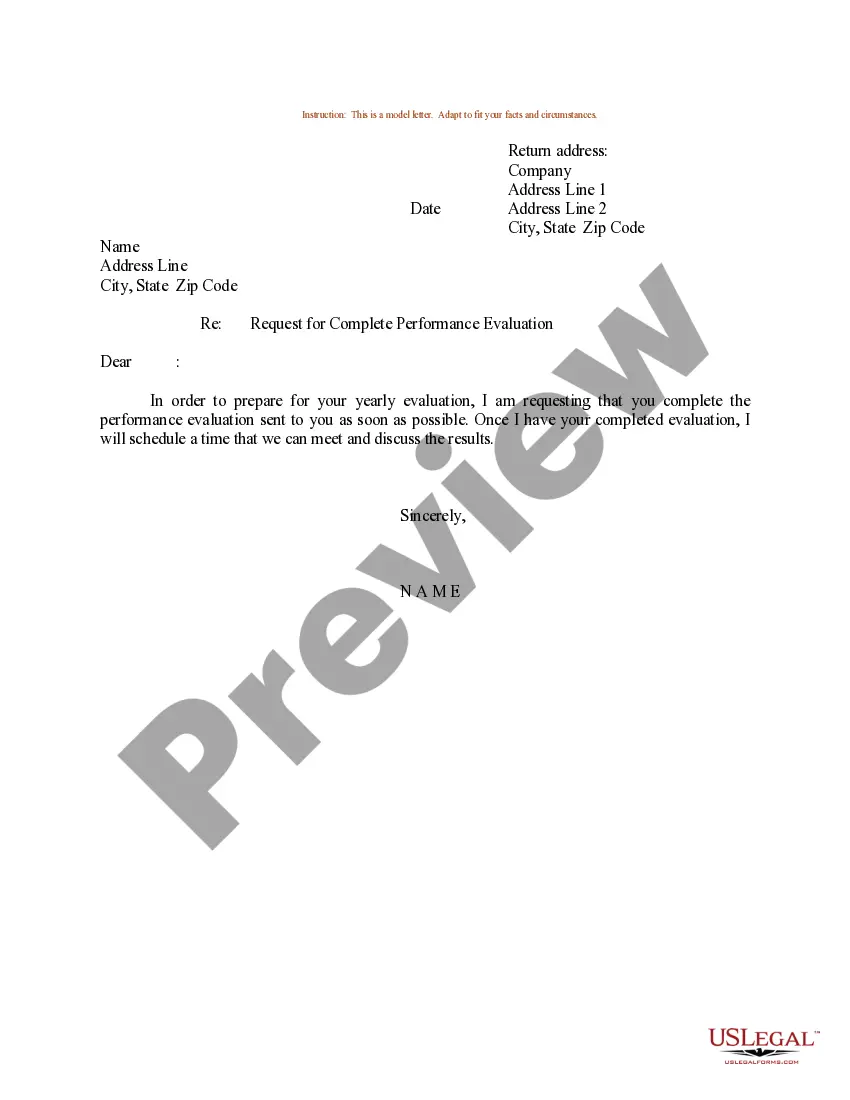
If you discover mistakes on your Form 16, it's essential to address them swiftly as they can affect your tax return filing. First, notify your employer about the errors and provide them with the correct information. Your employer can then issue a corrected Form 16. To initiate this process smoothly, you might want to refer to a sample request letter for form 16 from current employer. This will help you articulate your request clearly.
Form 16 is a vital document that serves as proof of income and tax deductions for salaried individuals. Typically, it remains valid for the assessment year for which it is issued. If you're seeking to claim deductions or file your taxes, this form can play a crucial role. Therefore, when requesting this document, consider using a sample request letter for form 16 from current employer to ensure clarity and proper communication.
To write a good request form, be specific about your needs. Start with a clear title and instructions if needed, then provide fields for necessary information. Ensure that your request is straightforward, for example, asking for a sample request letter for form 16 from current employer. Clarity is key, so the recipient understands your request immediately.
Format your letter of request by using a standard business layout. Begin with your address and the date, then include the recipient's address. Use a professional greeting, followed by a few concise paragraphs that explain your request, such as asking for a sample request letter for form 16 from current employer. Finally, end with a courteous closing and your signature.
A formal request might look like this: 'Dear Recipient's Name, I am writing to request a sample request letter for form 16 from my current employer. This document is essential for my tax filing purposes. I appreciate your assistance in this matter, and I look forward to your prompt response.' Using clear language sets the right tone for your request.
To write a simple letter of request, start with your address and the date at the top. Next, include the recipient's name and address, followed by a respectful greeting. Clearly state your request, such as a sample request letter for form 16 from current employer, and provide any relevant details to support your request. Finally, close the letter with a polite sign-off.
For Non-Resident Indians (NRIs), Form 16A functions similarly to how it does for residents, confirming the TDS deducted on income earned in India. It is crucial for NRIs to possess this document for accurate tax filing. If you face difficulties obtaining it, consider using a sample request letter for form 16 from current employer to ease your request process.
Form 16A is a certificate issued by your employer that details the tax deducted at source from your income. It serves as evidence of tax payment and is essential for filing your income tax return. Understanding how to use this form can enhance your tax filing process, and in case you need it, refer to a sample request letter for form 16 from current employer to obtain yours.
To make a request for Form 16A, you should draft a formal letter to your employer or HR department. In this letter, state the reasons for your request clearly and include relevant details like your employee ID and the months for which you need the form. You can use a sample request letter for form 16 from current employer to structure your request effectively.
When you download Form 16A from the TRACES portal, it is secured with a password. The password format is usually the TAN of the deductor followed by your date of birth in DDMMYYYY format. If you have trouble opening it, refer to the details provided when you received your form or use a sample request letter for form 16 from current employer to seek assistance from your employer.