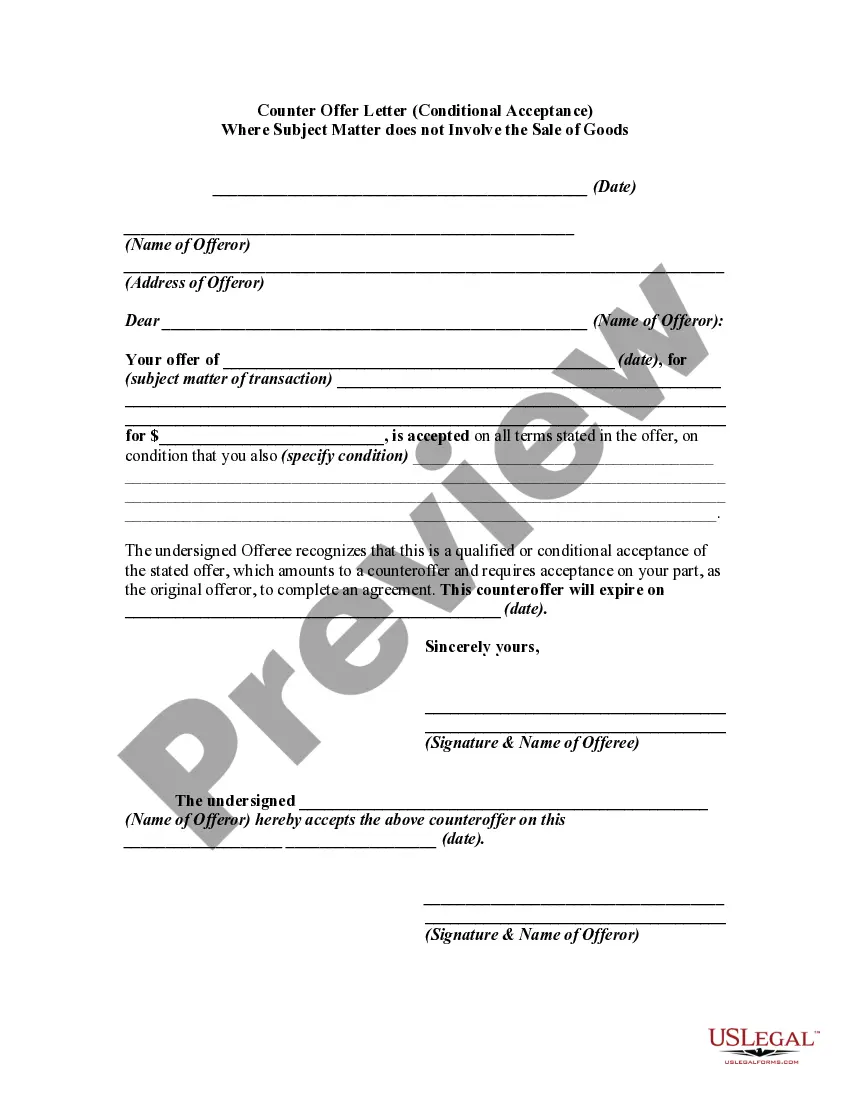
Acceptance Subject Application With Clsid
Description
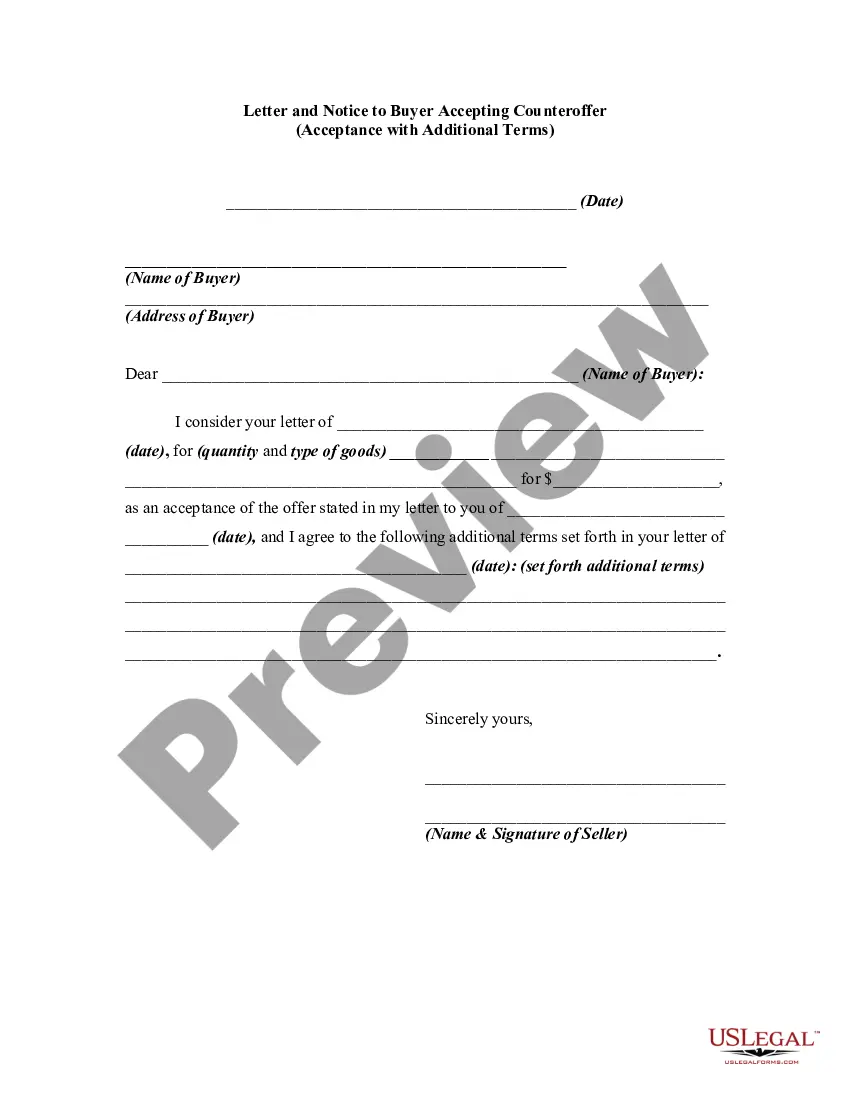
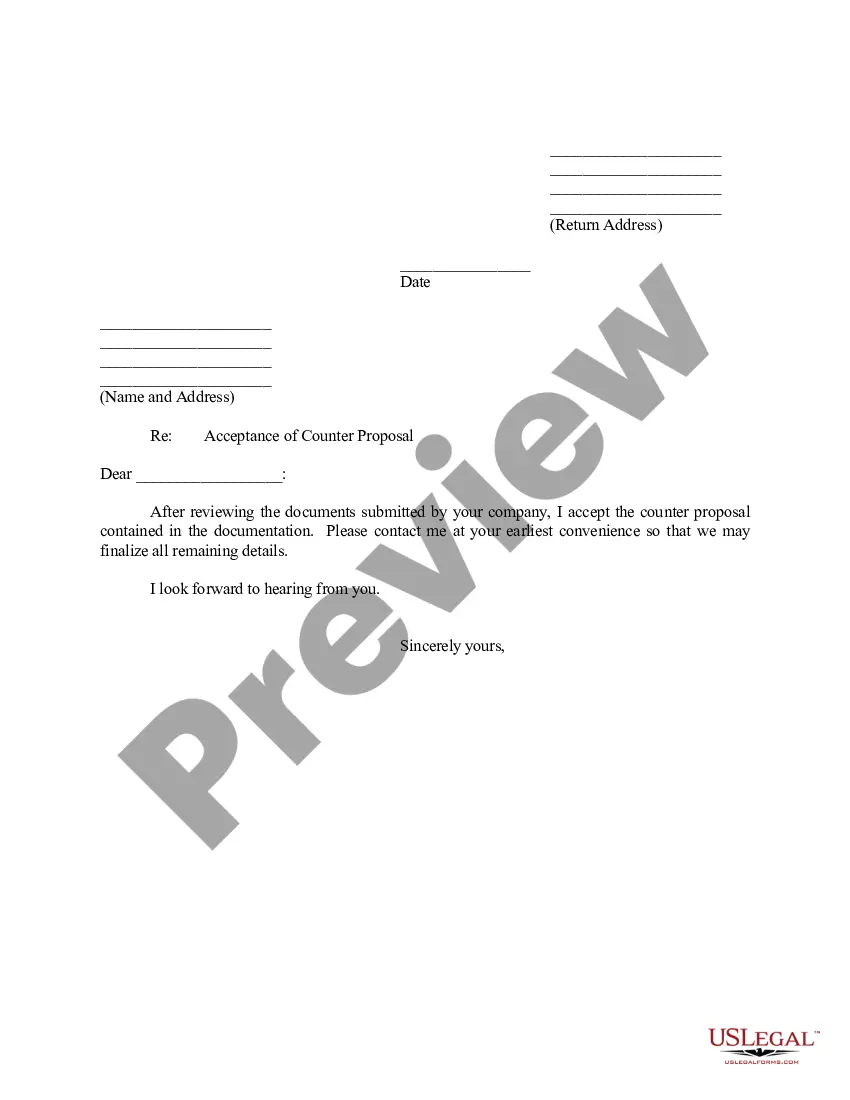
Get your form ready online
Our built-in tools help you complete, sign, share, and store your documents in one place.
Make edits, fill in missing information, and update formatting in US Legal Forms—just like you would in MS Word.
Download a copy, print it, send it by email, or mail it via USPS—whatever works best for your next step.
Sign and collect signatures with our SignNow integration. Send to multiple recipients, set reminders, and more. Go Premium to unlock E-Sign.
If this form requires notarization, complete it online through a secure video call—no need to meet a notary in person or wait for an appointment.
We protect your documents and personal data by following strict security and privacy standards.

Make edits, fill in missing information, and update formatting in US Legal Forms—just like you would in MS Word.

Download a copy, print it, send it by email, or mail it via USPS—whatever works best for your next step.

Sign and collect signatures with our SignNow integration. Send to multiple recipients, set reminders, and more. Go Premium to unlock E-Sign.

If this form requires notarization, complete it online through a secure video call—no need to meet a notary in person or wait for an appointment.

We protect your documents and personal data by following strict security and privacy standards.
Looking for another form?

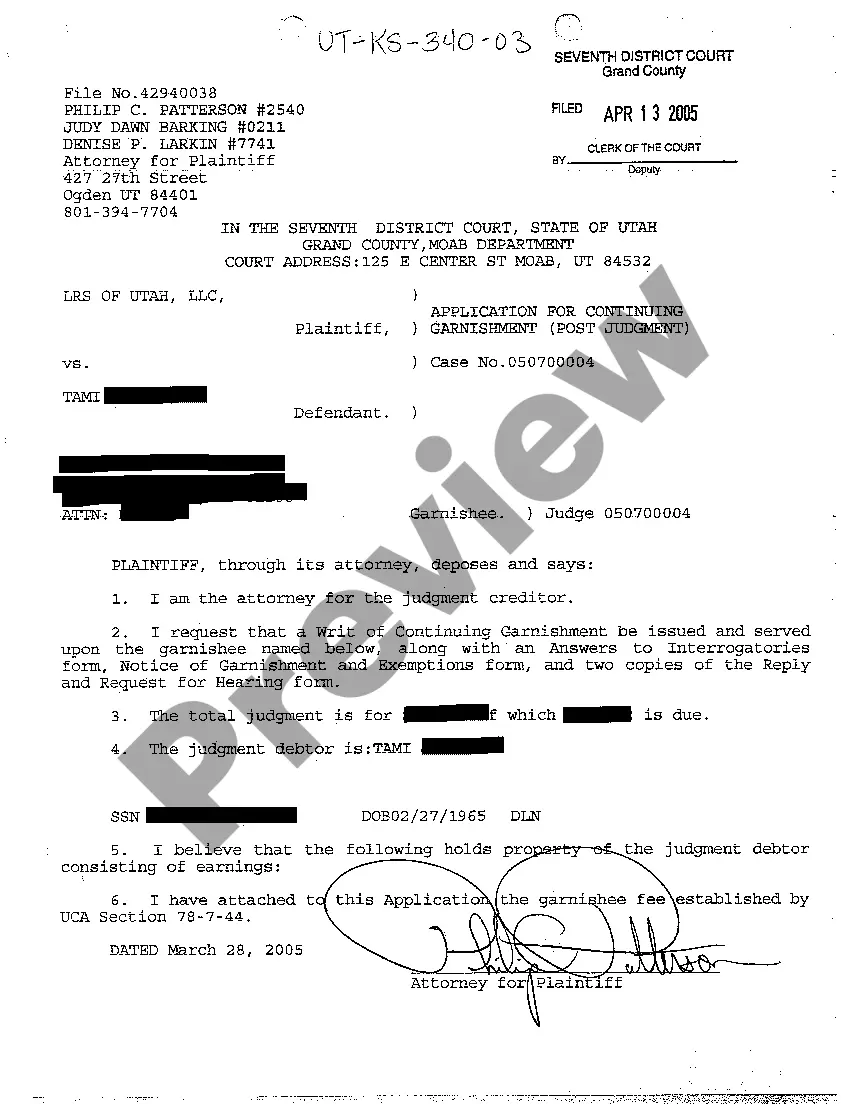
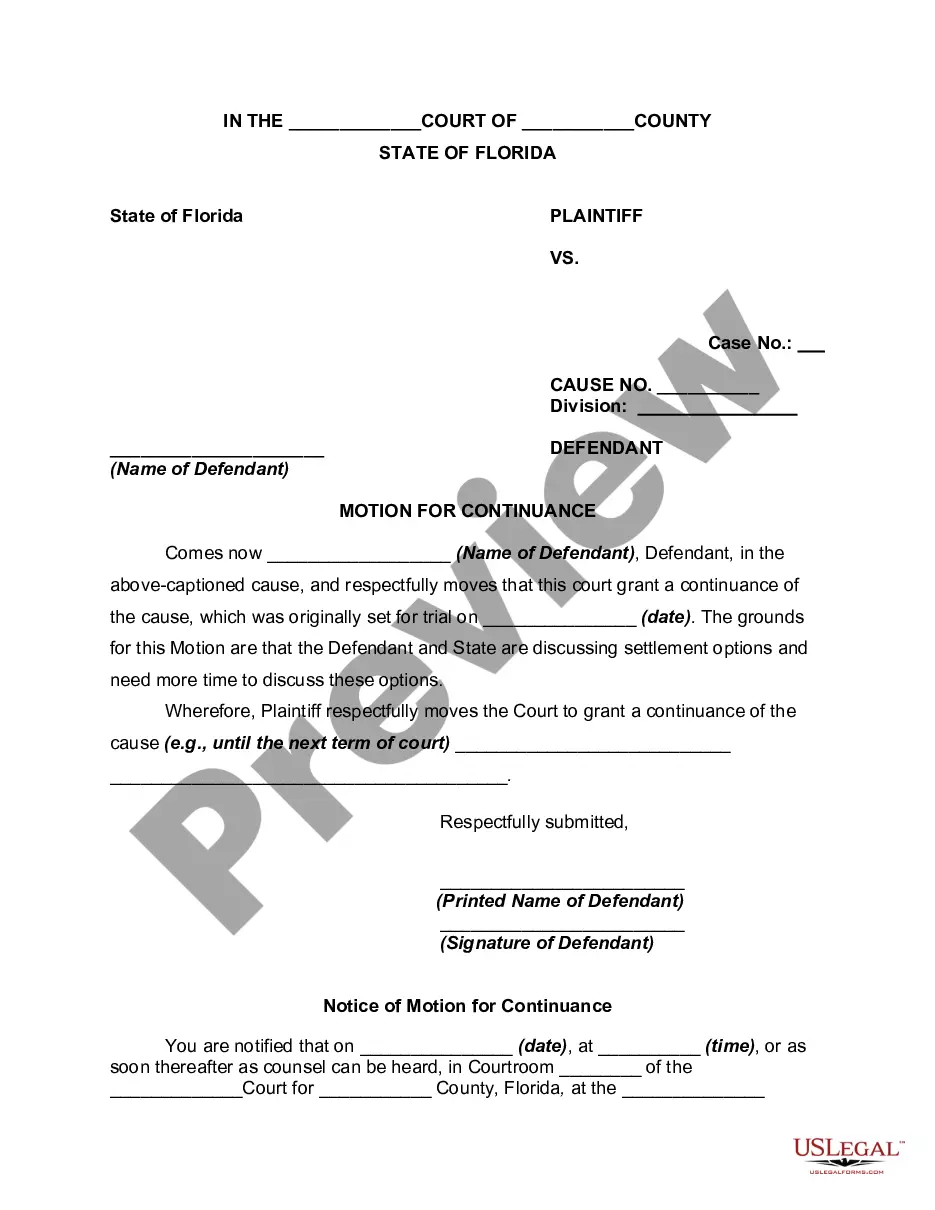

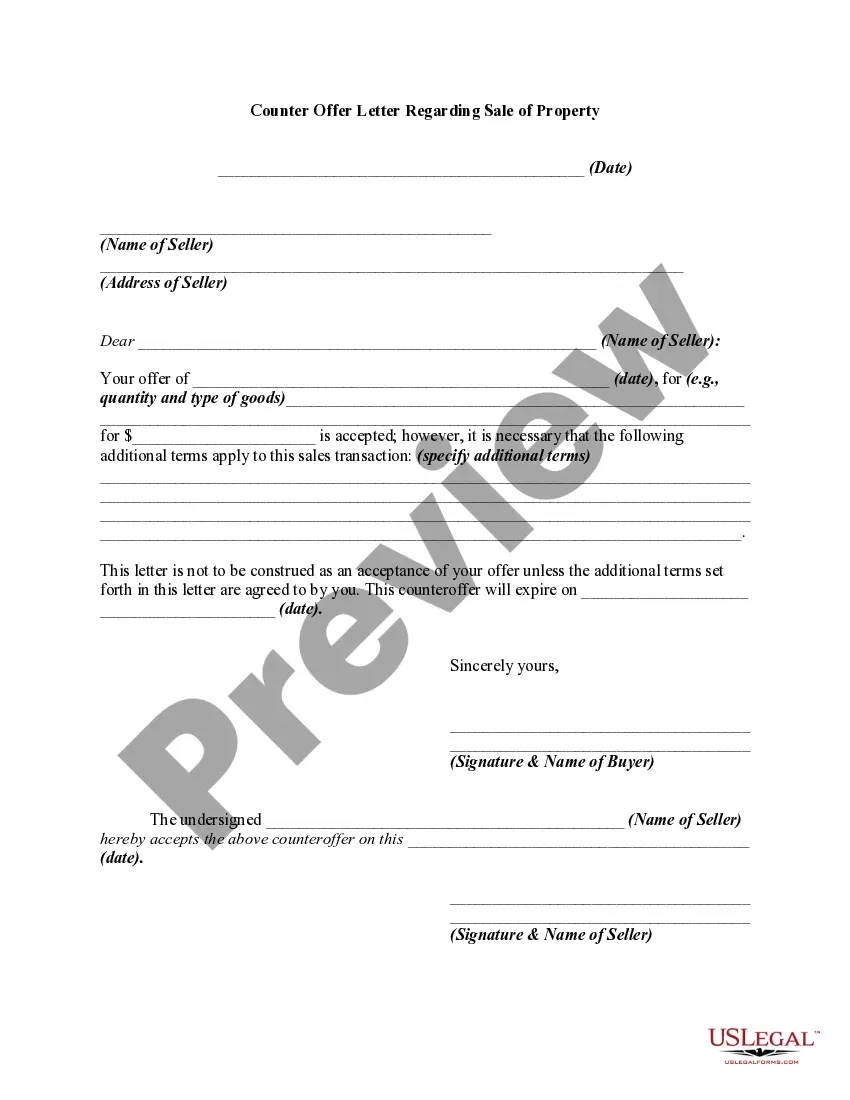
How to fill out Counter Offer Letter - Conditional Acceptance Where Subject Matter Does Not Involve The Sale Of Goods?
Creating legal documents from the beginning can occasionally be daunting. Certain situations may require extensive research and significant expenses.
If you’re searching for a simpler and more economical method of preparing Acceptance Subject Application With Clsid or any other papers without unnecessary hurdles, US Legal Forms is always available to assist you.
Our online collection of more than 85,000 current legal documents encompasses nearly every aspect of your financial, legal, and personal matters. With just a few clicks, you can promptly access state- and county-specific templates meticulously crafted by our legal experts.
Utilize our service whenever you require a dependable and trustworthy resource through which you can swiftly locate and download the Acceptance Subject Application With Clsid. If you’re already familiar with our site and have previously registered an account with us, simply Log In to your account, find the template, and download it or re-download it anytime in the My documents section.
Ensure the form you select meets the criteria of your state and county. Choose the most appropriate subscription plan to acquire the Acceptance Subject Application With Clsid. Download the file, then complete, authenticate, and print it out. US Legal Forms has a strong reputation and over 25 years of experience. Join us today and simplify your document completion process!
- Don’t have an account? No worries.
- It takes very little time to sign up and explore the library.
- Before proceeding to download Acceptance Subject Application With Clsid, follow these suggestions.
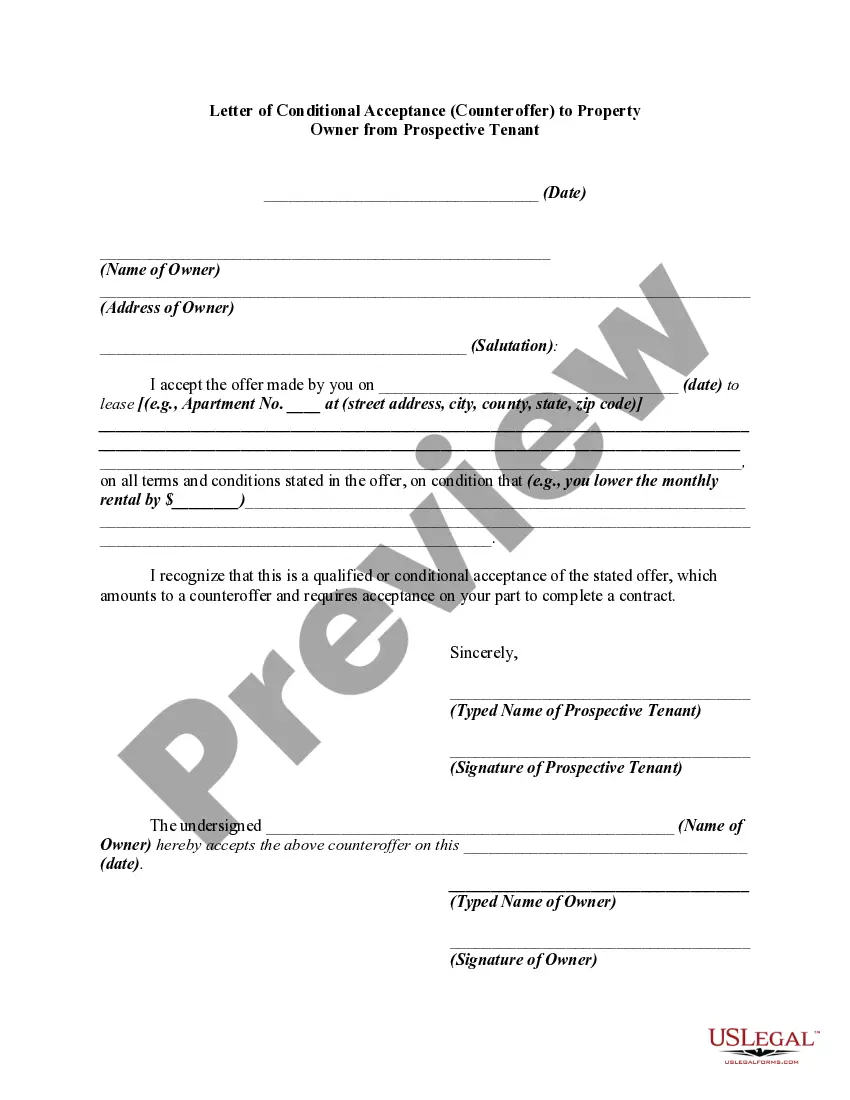
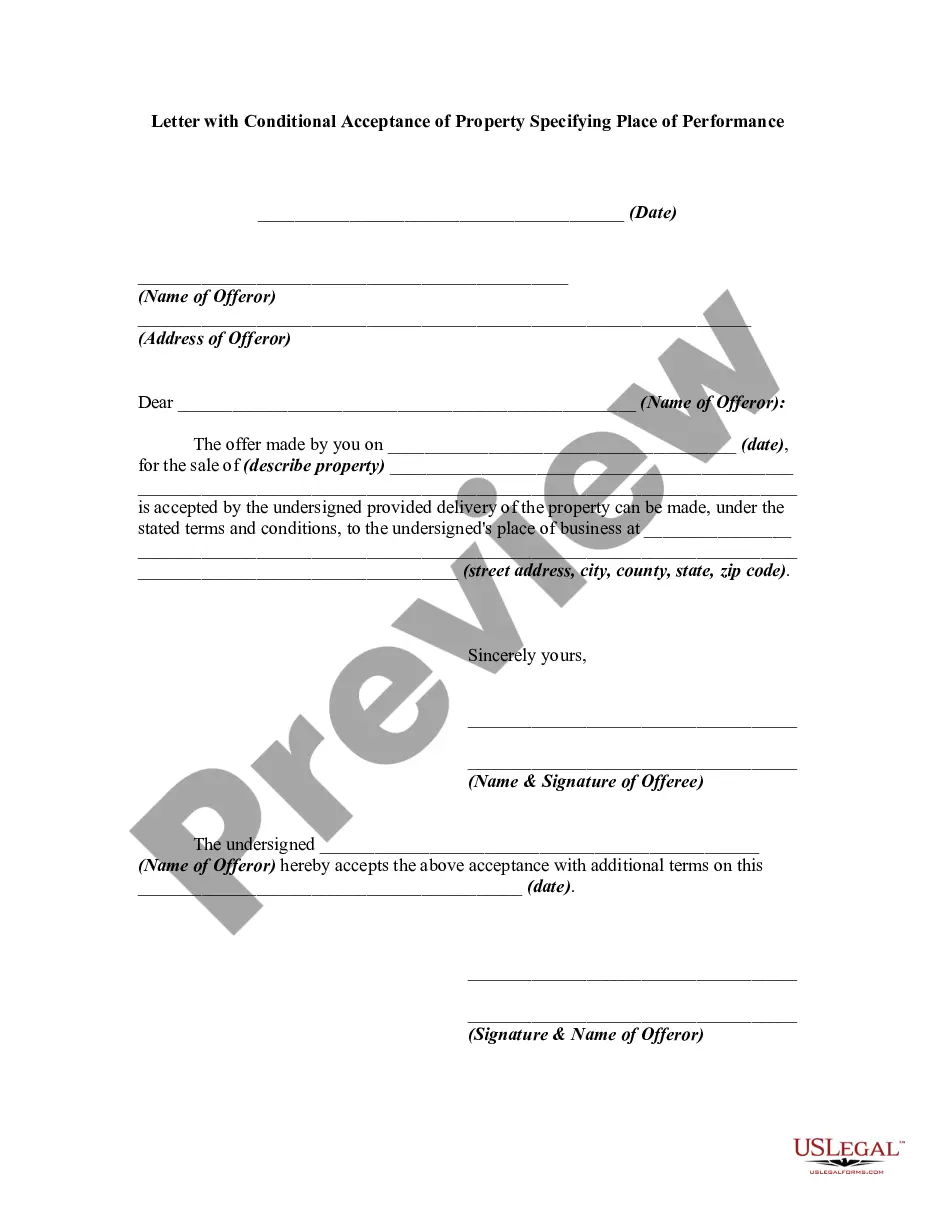
- Review the document preview and descriptions to confirm that you are on the correct form.
Form popularity
FAQ
An application that is installed for per user can be registered under HKEY_CURRENT_USER\Software\Microsoft\Windows\CurrentVersion\App Paths. An application that is installed for all users of the computer can be registered under HKEY_LOCAL_MACHINE\Software\Microsoft\Windows\CurrentVersion\App Paths.
The Class ID, or CLSID, is a serial number that represents a unique ID for any application component in Windows. In practice, this means all registry entries for an application component can usually be found under the registry key HKEY_CLASSES_ROOT\CLSID\{CLSID value}.
An application that is installed for per user can be registered under HKEY_CURRENT_USER\Software\Microsoft\Windows\CurrentVersion\App Paths. An application that is installed for all users of the computer can be registered under HKEY_LOCAL_MACHINE\Software\Microsoft\Windows\CurrentVersion\App Paths.
A CLSID is a globally unique identifier that identifies a COM class object. If your server or container allows linking to its embedded objects, you need to register a CLSID for each supported class of objects.
InProcServer32 points to the library where the class is actually implemented (where the computer code lives). ThreadingModel is the COM threading model that results in STA, NTA or MTA.