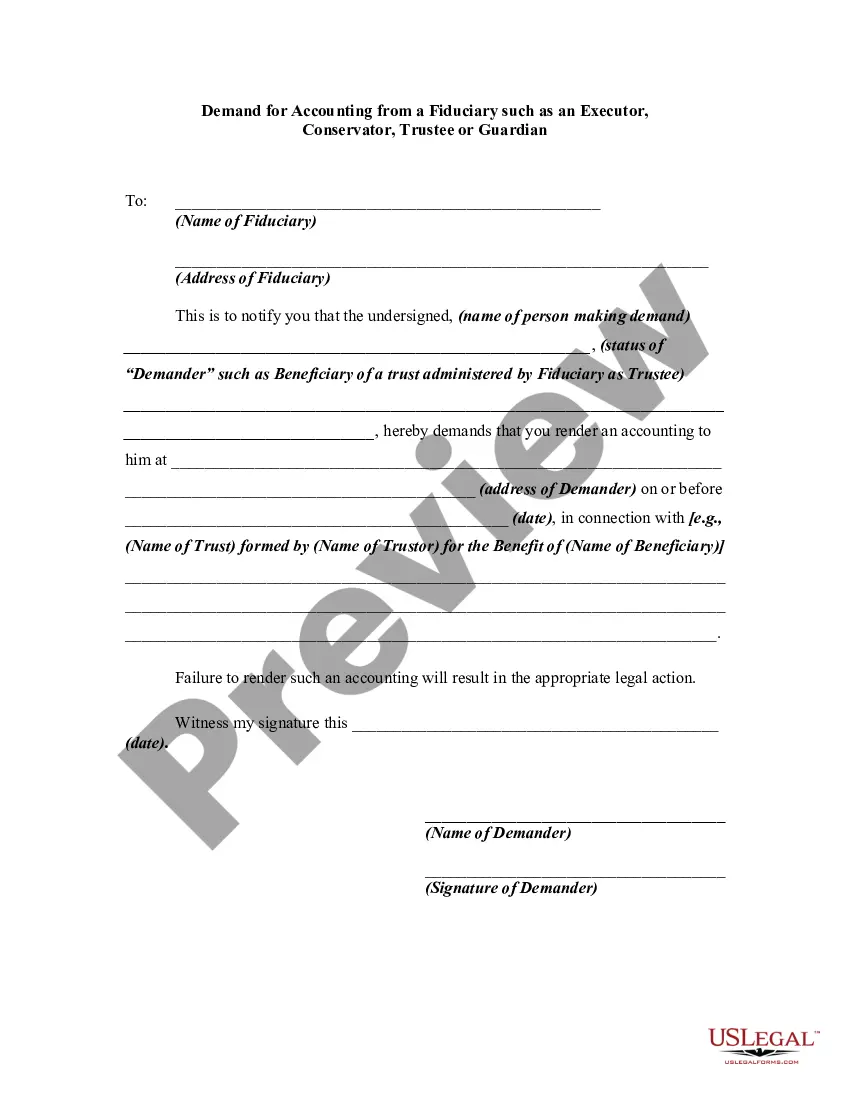
Accounting For Legal Practitioners
Description
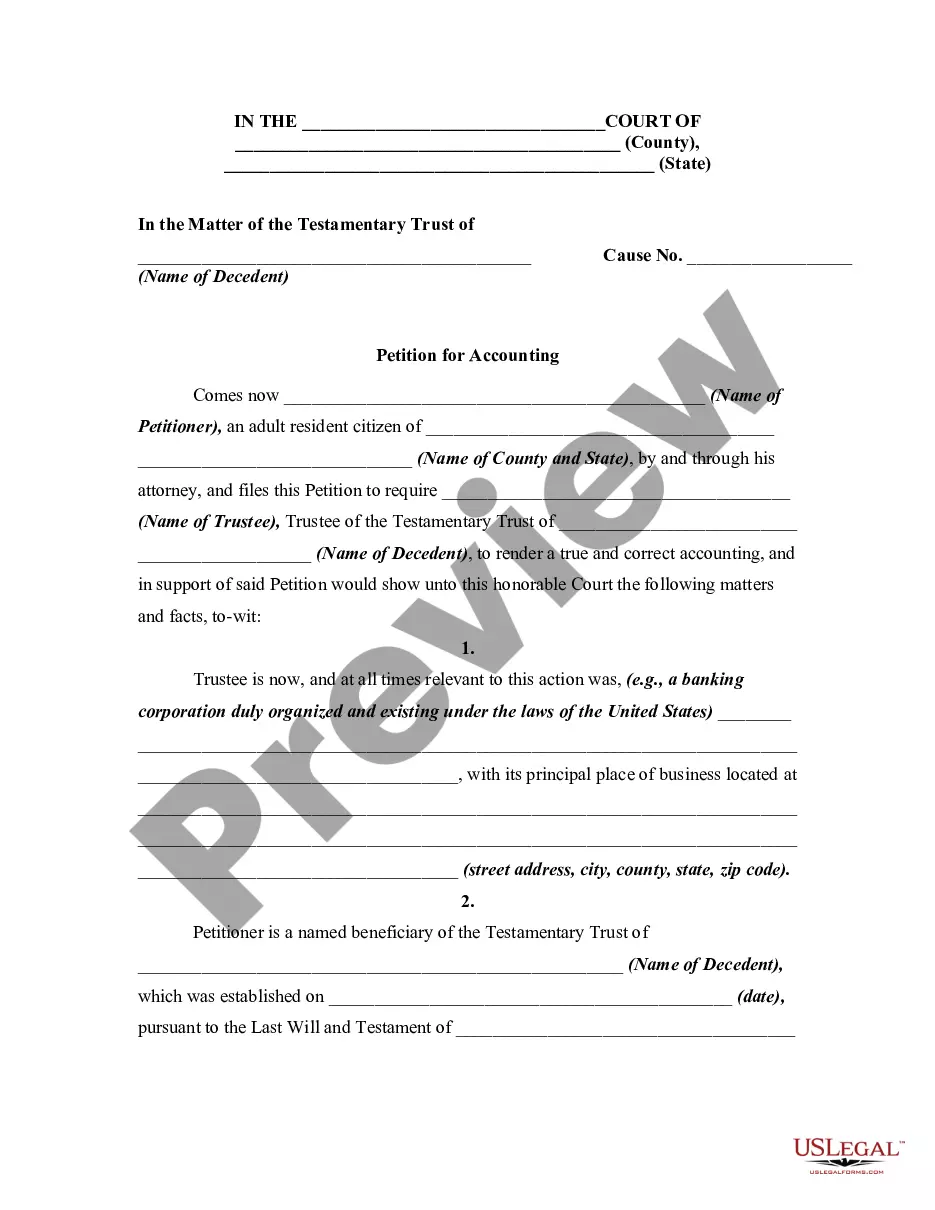
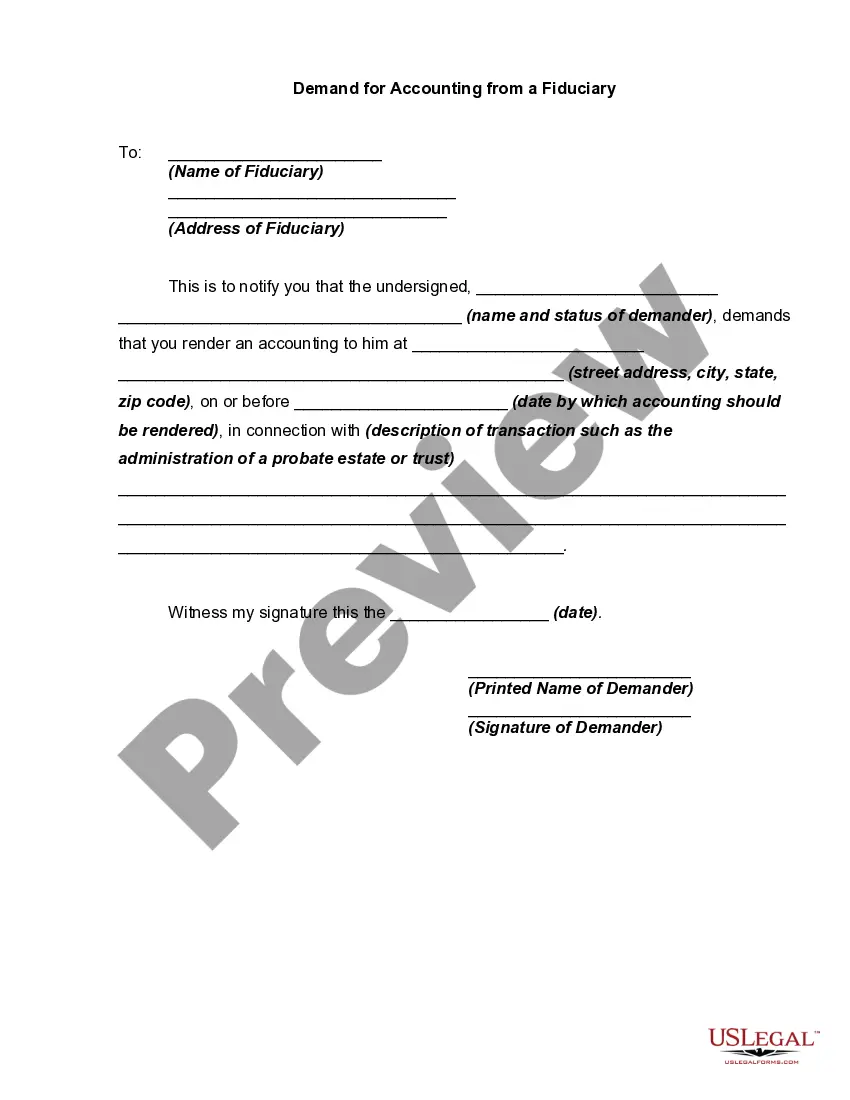
Get your form ready online
Our built-in tools help you complete, sign, share, and store your documents in one place.
Make edits, fill in missing information, and update formatting in US Legal Forms—just like you would in MS Word.
Download a copy, print it, send it by email, or mail it via USPS—whatever works best for your next step.
Sign and collect signatures with our SignNow integration. Send to multiple recipients, set reminders, and more. Go Premium to unlock E-Sign.
If this form requires notarization, complete it online through a secure video call—no need to meet a notary in person or wait for an appointment.
We protect your documents and personal data by following strict security and privacy standards.

Make edits, fill in missing information, and update formatting in US Legal Forms—just like you would in MS Word.

Download a copy, print it, send it by email, or mail it via USPS—whatever works best for your next step.

Sign and collect signatures with our SignNow integration. Send to multiple recipients, set reminders, and more. Go Premium to unlock E-Sign.

If this form requires notarization, complete it online through a secure video call—no need to meet a notary in person or wait for an appointment.

We protect your documents and personal data by following strict security and privacy standards.
Looking for another form?

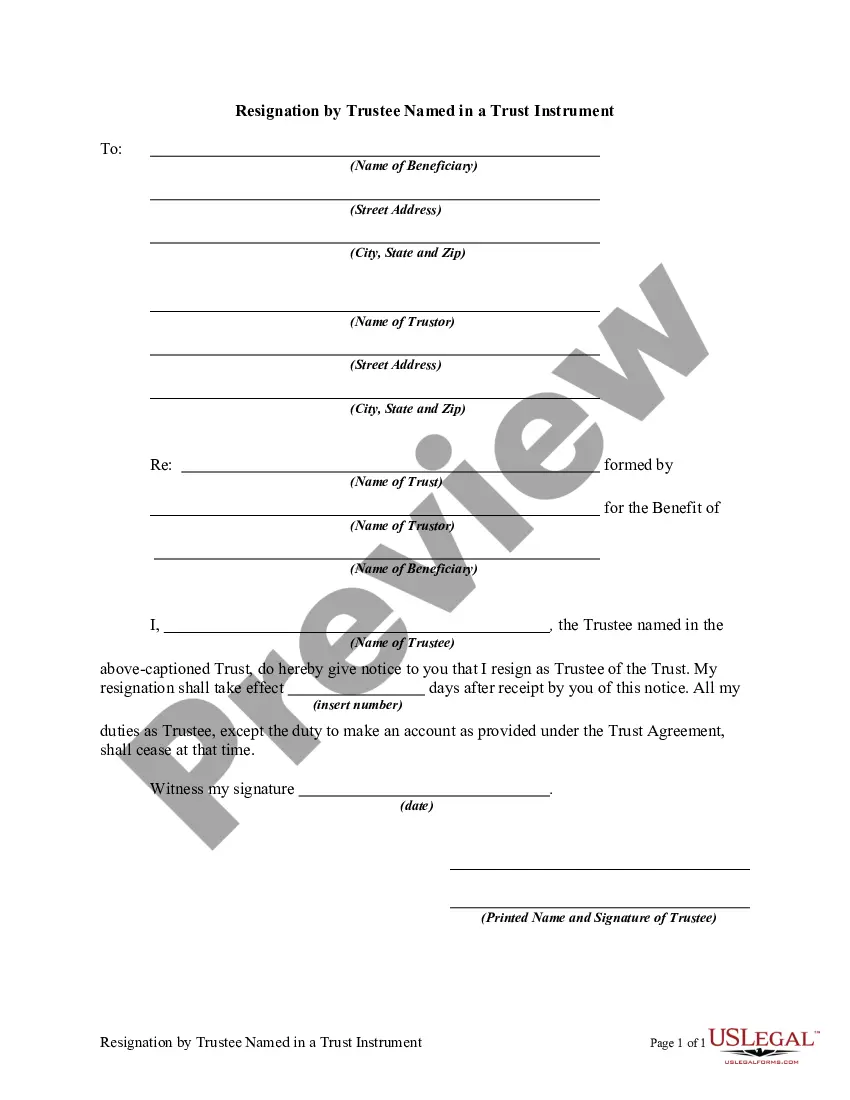






How to fill out Demand For Accounting From A Fiduciary Such As An Executor, Conservator, Trustee Or Legal Guardian?
Legal documentation administration can be perplexing, even for the most seasoned professionals.
When you are looking for an Accounting For Legal Practitioners and do not have the opportunity to spend time finding the correct and current version, the process can be stressful.
Access state- or county-specific legal and business documents.
US Legal Forms addresses any requirements you may have, from personal to commercial paperwork, all in one location.
If this is your initial experience with US Legal Forms, create an account and gain unrestricted access to all the advantages of the library. Below are the steps to follow after locating the form you require: Validate that this is the correct form by previewing it and reading its description. Ensure that the template is accepted in your state or county. Click Buy Now when you are ready. Choose a subscription plan. Find the format you need, and Download, complete, sign, print, and send your document. Enjoy the US Legal Forms online collection, supported by 25 years of experience and reliability. Transform your routine document management into a seamless and user-friendly process today.
- Utilize cutting-edge tools to complete and oversee your Accounting For Legal Practitioners.
- Access a valuable resource library of articles, guides, and materials pertinent to your situation and requirements.
- Save time and energy hunting for the documents you need, and use US Legal Forms’ advanced search and Preview function to locate Accounting For Legal Practitioners and acquire it.
- For those with a membership, Log In to your US Legal Forms account, search for the form, and obtain it.
- Check your My documents section to see the documents you have previously saved and to organize your folders as needed.
- A comprehensive online form directory can be transformative for anyone aiming to handle these matters effectively.
- US Legal Forms is a frontrunner in digital legal forms, with more than 85,000 state-specific legal templates available to you at any time.
- With US Legal Forms, you can.
Form popularity
FAQ
A worksheet consists of sections that list in a columnar format the company's original trial balance, adjustments to the trial balance, adjusted trial balance, income statement, balance sheet and statement of retained earnings. Each section of the worksheet must have a debit and credit column with balanced totals.
8 steps for preparing an accounting worksheet Write your company's name. ... Create column titles. ... Place the unadjusted trial balance. ... Enter your adjustments. ... Identify your adjusted trial balance. ... Record the income statement. ... Complete the balance sheet. ... Write your closing entries.
Knowledge of basic accounting concepts enables law firms to evaluate a practice from a business management perspective and gauge general performance to identify areas of improvement.
Law firms typically keep both client account records and firm account records. Client account records track the money the firm handles on behalf of its clients. Firm account records, however, track the firm's own financial transactions and expenses (such as salaries, rent, and utilities).
Trust accounting refers to the practice of keeping separate track of client funds given in trust and a law firm's operating funds. This ensures that funds are kept safe and managed with full transparency. The practice can be daunting, even for seasoned lawyers. Yet, it doesn't have to be.