Trust Amendment Template With Signature
Description

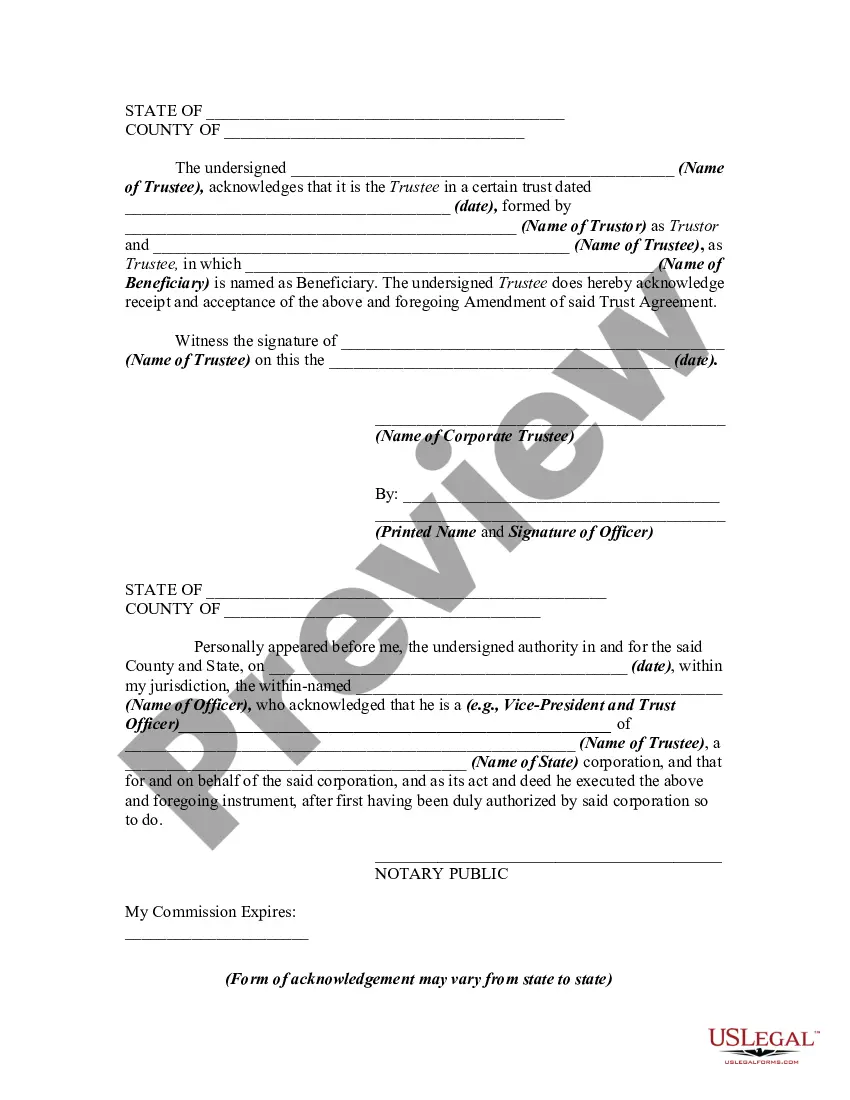


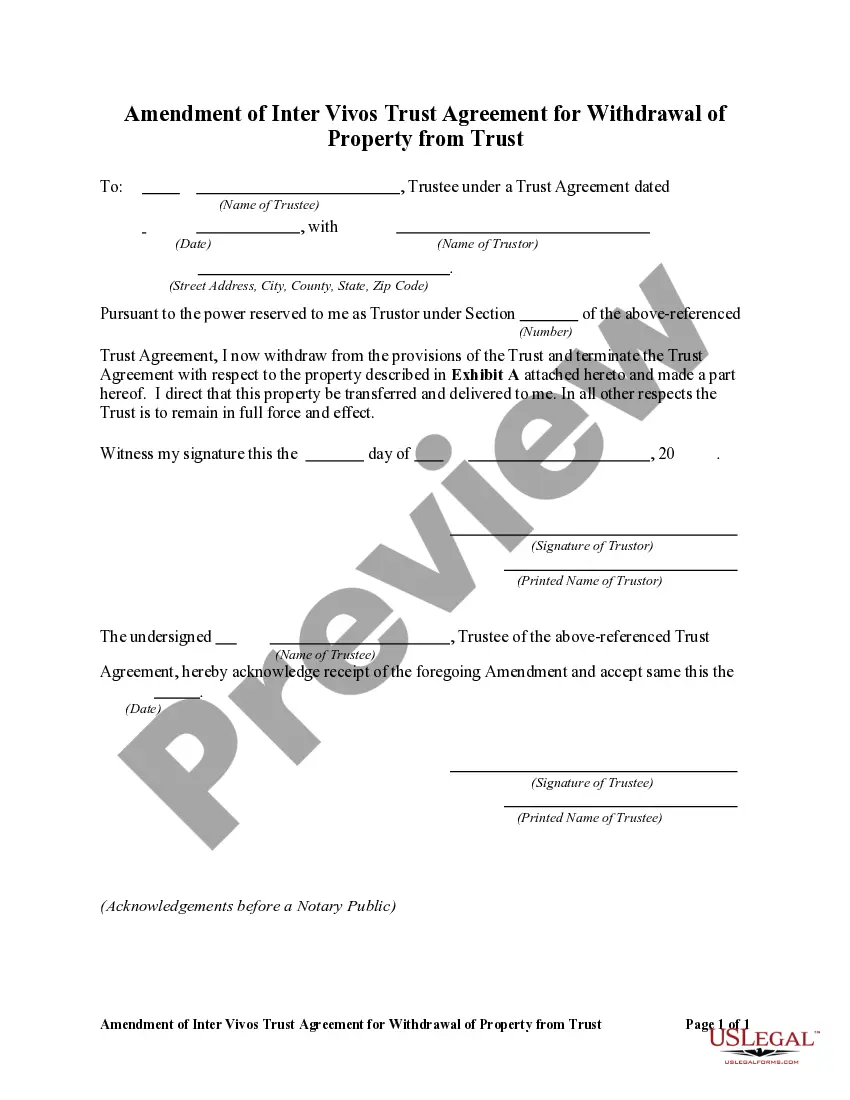
Get your form ready online
Our built-in tools help you complete, sign, share, and store your documents in one place.
Make edits, fill in missing information, and update formatting in US Legal Forms—just like you would in MS Word.
Download a copy, print it, send it by email, or mail it via USPS—whatever works best for your next step.
Sign and collect signatures with our SignNow integration. Send to multiple recipients, set reminders, and more. Go Premium to unlock E-Sign.
If this form requires notarization, complete it online through a secure video call—no need to meet a notary in person or wait for an appointment.
We protect your documents and personal data by following strict security and privacy standards.

Make edits, fill in missing information, and update formatting in US Legal Forms—just like you would in MS Word.

Download a copy, print it, send it by email, or mail it via USPS—whatever works best for your next step.

Sign and collect signatures with our SignNow integration. Send to multiple recipients, set reminders, and more. Go Premium to unlock E-Sign.

If this form requires notarization, complete it online through a secure video call—no need to meet a notary in person or wait for an appointment.

We protect your documents and personal data by following strict security and privacy standards.
Looking for another form?

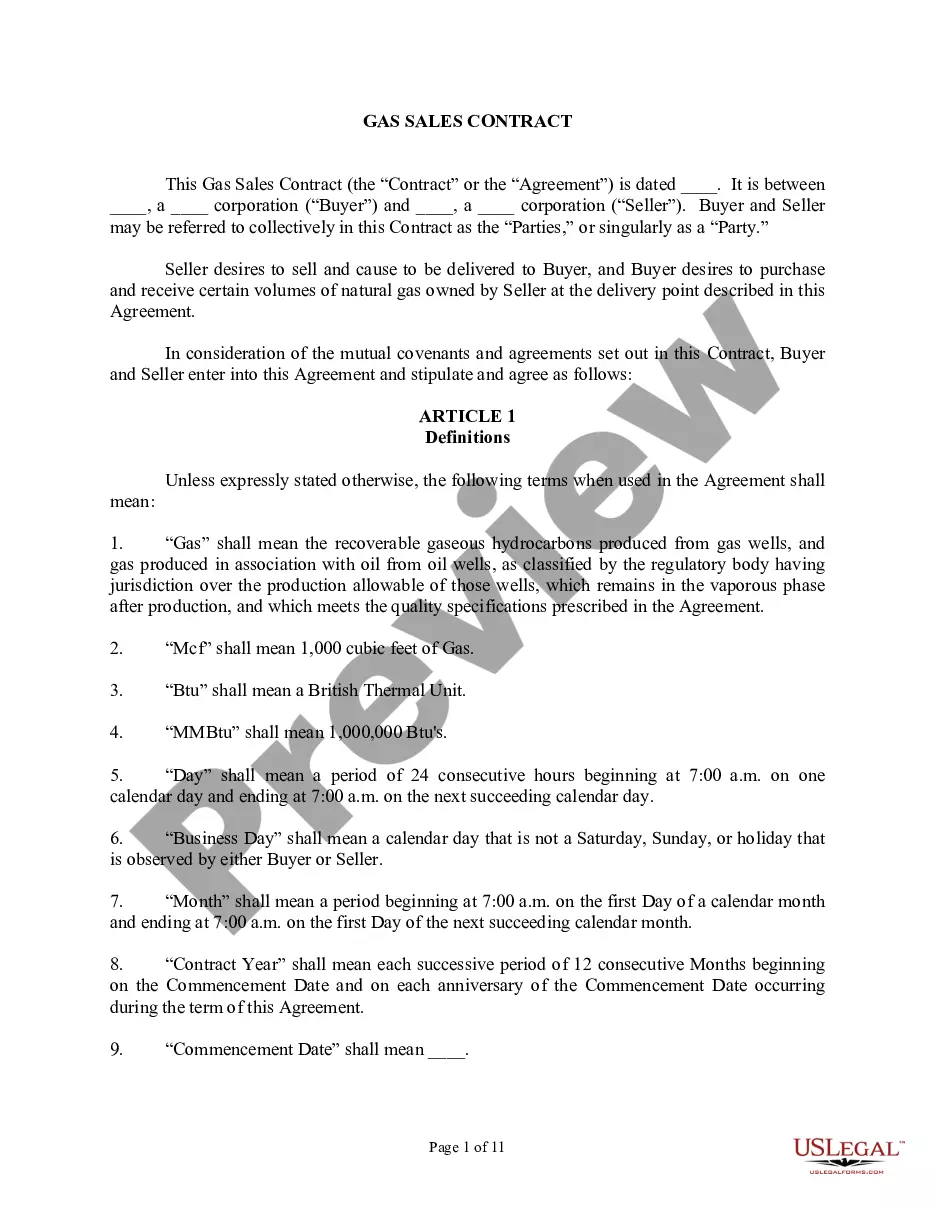



How to fill out Amendment Of Trust Agreement And Revocation Of Particular Provision?
Legal administration can be perplexing, even for seasoned professionals.
When you are seeking a Trust Amendment Template With Signature and lack the time to dedicate to locating the correct and updated version, the procedures can be overwhelming.
US Legal Forms caters to all your needs, from personal to commercial paperwork, all in one centralized location.
Utilize advanced tools to complete and manage your Trust Amendment Template With Signature.
Here are the steps to follow after obtaining the form you desire: Validate that this is the correct document by previewing it and reviewing its description.
- Access a valuable resource hub of articles, guides, and materials pertinent to your situation and requirements.
- Save time and effort in locating the documents you need, utilizing US Legal Forms’ sophisticated search and Preview feature to find Trust Amendment Template With Signature swiftly.
- If you have a monthly subscription, Log In to your US Legal Forms account, search for the form, and acquire it.
- Check the My documents tab to view documents you have saved and manage your folders as you desire.
- If this is your first experience with US Legal Forms, create a free account and gain unlimited access to the library's benefits.
- A comprehensive online form directory can transform the experience for anyone wanting to handle these scenarios effectively.
- US Legal Forms is a frontrunner in the online legal forms sector, offering over 85,000 state-specific legal templates accessible to you at any time.
- With US Legal Forms, you have the ability to access state or county-specific legal and business forms.
Form popularity
FAQ
Fill out the form with the name of your trust. If this is the first change you've made to the trust, state that. If you have made other changes to the trust, you will need to list them by date. Indicate if this amendment overrides those previous changes or if you want them to remain in effect.
The settlor will usually name those whom they wish to act as trustees and where the settlement is inter vivos, the trustees will normally be parties to the trust deed. Where the settlor simply declares an intention to henceforth hold some of their property on trust, they will themselves be the sole trustee.
So a Restatement would say ?I hereby take my entire trust named TRUST dated DATE and replace it with this whole new trust named TRUST dated TODAY'S DATE.? A restatement is generally cleaner, and a preferred way to amend trusts, as opposed to amendments.
The trust deed lists the trustees. Therefore, to change an individual trustee, you need to amend the trust deed. Most trust deeds permit a change of trustee by way of a trustee resolution and entry into a deed of variation. A trustee resolution is a signed statement of the actions taken by the trustee.
A revocable trust can be modified while the Grantor is alive. Revising the terms of a trust is known as ?amending? the trust. An amendment is generally appropriate when there are only a few minor changes to make, like rewording a certain paragraph, changing the successor trustee, or modifying beneficiaries.