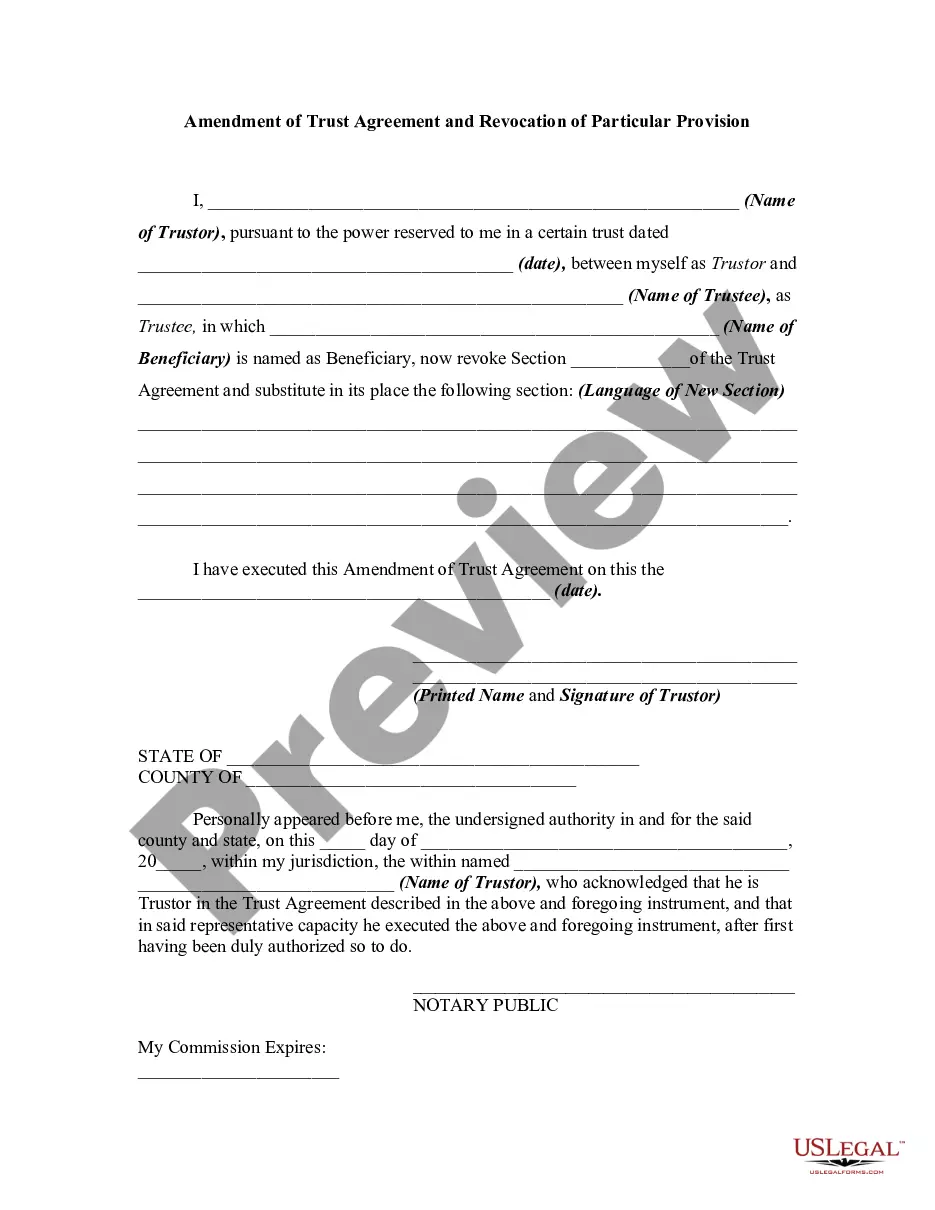
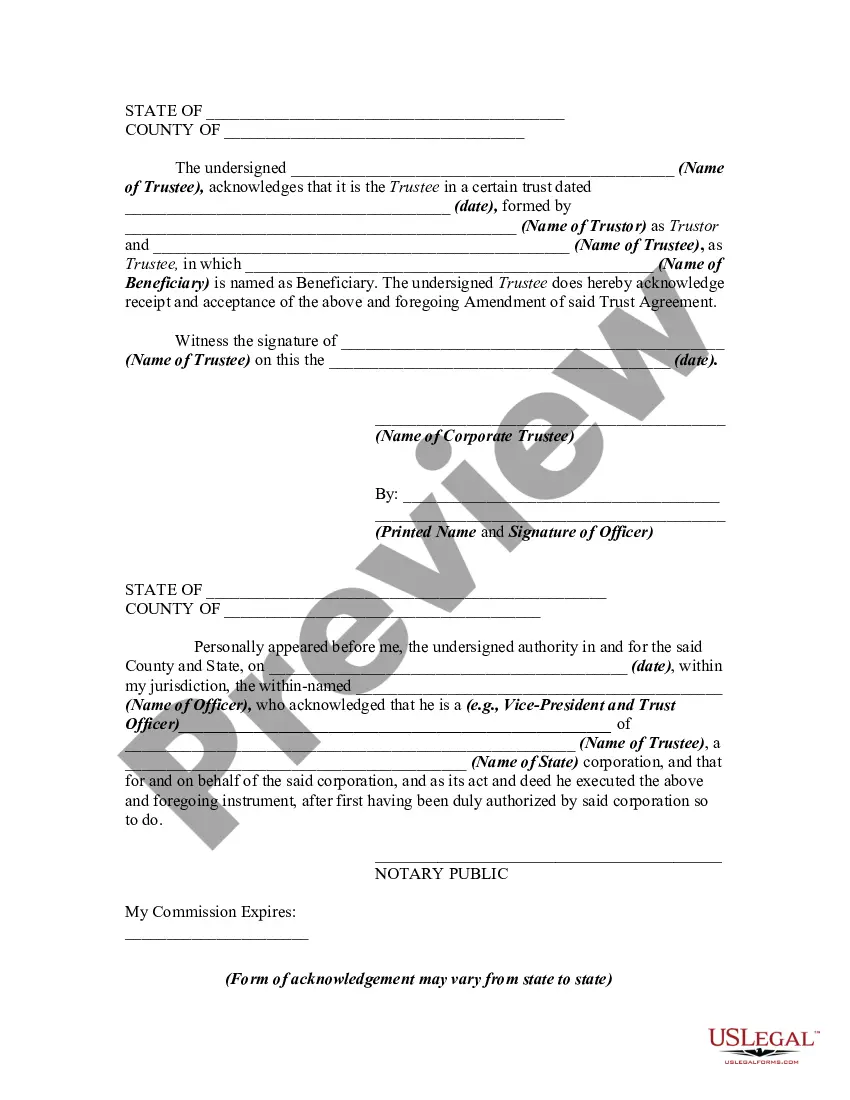
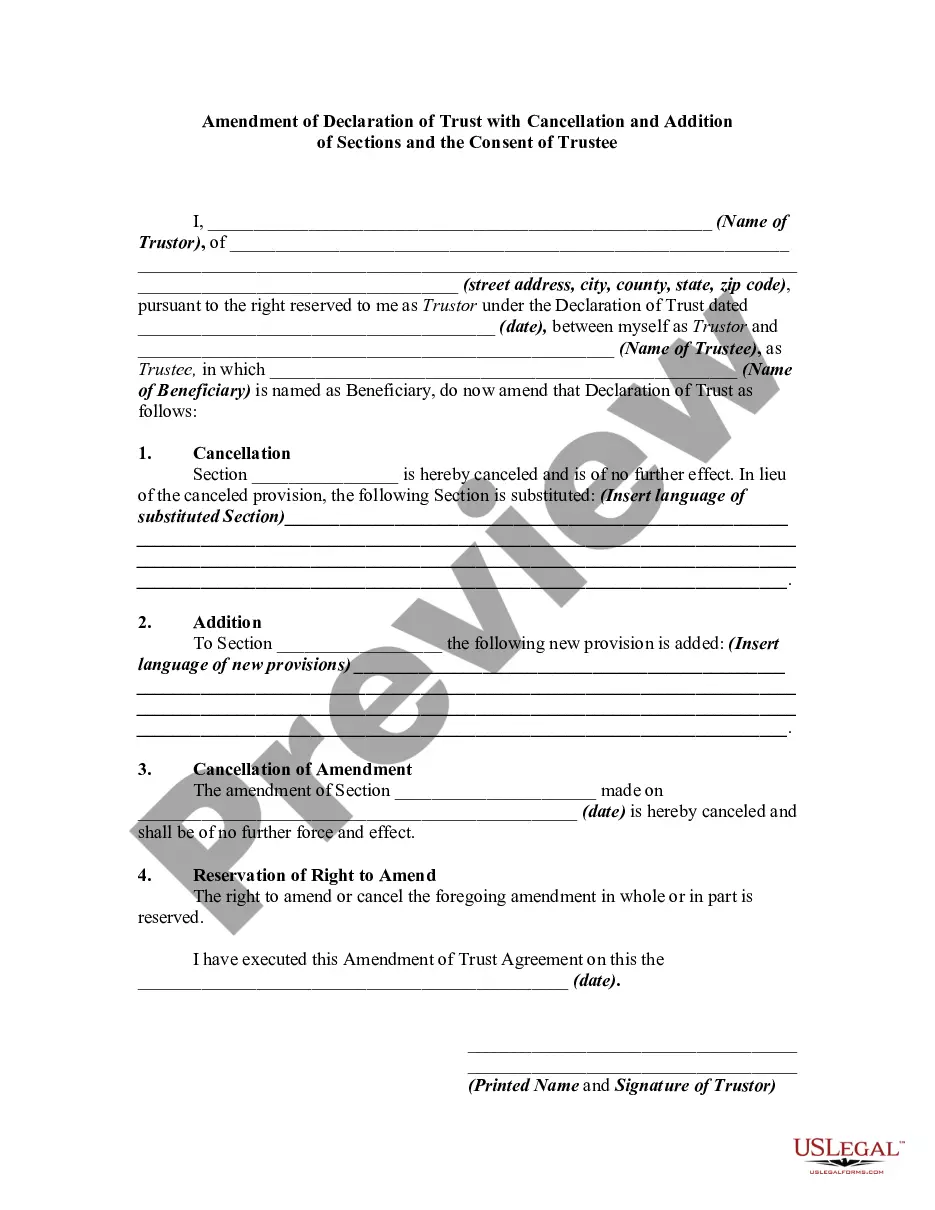
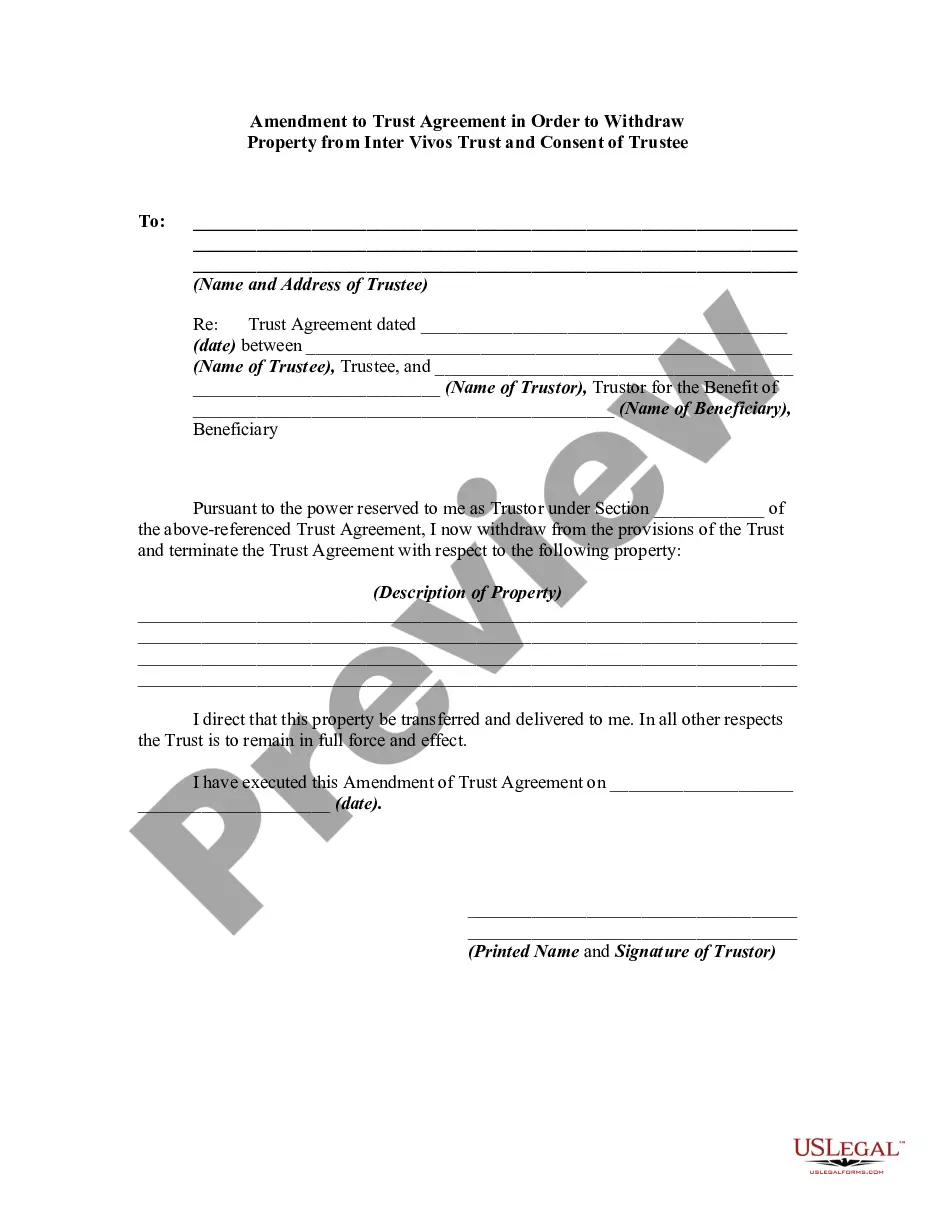
Amendment Of Trust Form With Decimals
Description
Get your form ready online
Our built-in tools help you complete, sign, share, and store your documents in one place.
Make edits, fill in missing information, and update formatting in US Legal Forms—just like you would in MS Word.
Download a copy, print it, send it by email, or mail it via USPS—whatever works best for your next step.
Sign and collect signatures with our SignNow integration. Send to multiple recipients, set reminders, and more. Go Premium to unlock E-Sign.
If this form requires notarization, complete it online through a secure video call—no need to meet a notary in person or wait for an appointment.
We protect your documents and personal data by following strict security and privacy standards.

Make edits, fill in missing information, and update formatting in US Legal Forms—just like you would in MS Word.

Download a copy, print it, send it by email, or mail it via USPS—whatever works best for your next step.

Sign and collect signatures with our SignNow integration. Send to multiple recipients, set reminders, and more. Go Premium to unlock E-Sign.

If this form requires notarization, complete it online through a secure video call—no need to meet a notary in person or wait for an appointment.

We protect your documents and personal data by following strict security and privacy standards.
Looking for another form?
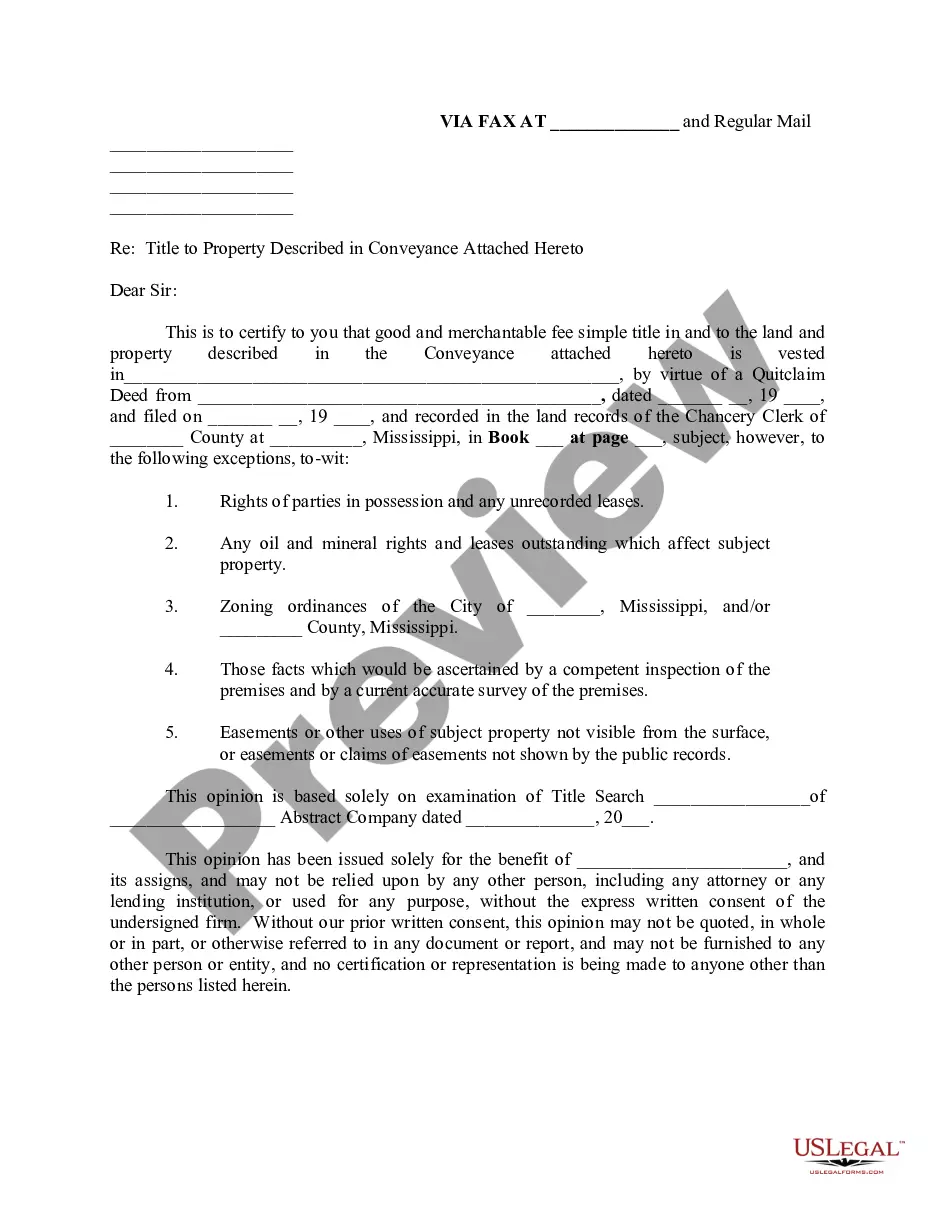

How to fill out Amendment Of Trust Agreement And Revocation Of Particular Provision?
Getting a go-to place to access the most current and relevant legal templates is half the struggle of working with bureaucracy. Finding the right legal documents needs accuracy and attention to detail, which explains why it is very important to take samples of Amendment Of Trust Form With Decimals only from trustworthy sources, like US Legal Forms. A wrong template will waste your time and delay the situation you are in. With US Legal Forms, you have little to worry about. You may access and see all the details regarding the document’s use and relevance for the circumstances and in your state or region.
Take the following steps to finish your Amendment Of Trust Form With Decimals:
- Utilize the library navigation or search field to locate your template.
- Open the form’s description to ascertain if it fits the requirements of your state and area.
- Open the form preview, if there is one, to ensure the form is definitely the one you are interested in.
- Resume the search and locate the right document if the Amendment Of Trust Form With Decimals does not fit your requirements.
- When you are positive about the form’s relevance, download it.
- If you are an authorized customer, click Log in to authenticate and access your picked forms in My Forms.
- If you do not have an account yet, click Buy now to obtain the template.
- Select the pricing plan that suits your needs.
- Go on to the registration to complete your purchase.
- Complete your purchase by choosing a transaction method (credit card or PayPal).
- Select the file format for downloading Amendment Of Trust Form With Decimals.
- Once you have the form on your gadget, you can alter it using the editor or print it and complete it manually.
Remove the headache that accompanies your legal paperwork. Check out the extensive US Legal Forms catalog to find legal templates, examine their relevance to your circumstances, and download them on the spot.
Form popularity
FAQ
Removing or replacing the trustee If a beneficiary feels that the trustee has mismanaged the trust, he may want to replace the trustee. The trust documentation must be read carefully to know if a beneficiary has the power to remove a trustee. Of course, the Court always has the power to remove a trustee.
The trust deed lists the trustees. Therefore, to change an individual trustee, you need to amend the trust deed. Most trust deeds permit a change of trustee by way of a trustee resolution and entry into a deed of variation. A trustee resolution is a signed statement of the actions taken by the trustee.
The general rule is both grantors must die for a revocable trust to become irrevocable. However, there are legal ways to change the general rule for co-grantors. This means the parties that established the revocable trust have the legal power to set the rules for the trust.
If you made a trust with your spouse or partner, then while both of you are alive, you both must agree to amend any provision of the trust document -- for example, to change a beneficiary, a successor trustee or the property management set up for a young beneficiary.
A revocable trust can be modified while the Grantor is alive. Revising the terms of a trust is known as ?amending? the trust. An amendment is generally appropriate when there are only a few minor changes to make, like rewording a certain paragraph, changing the successor trustee, or modifying beneficiaries.