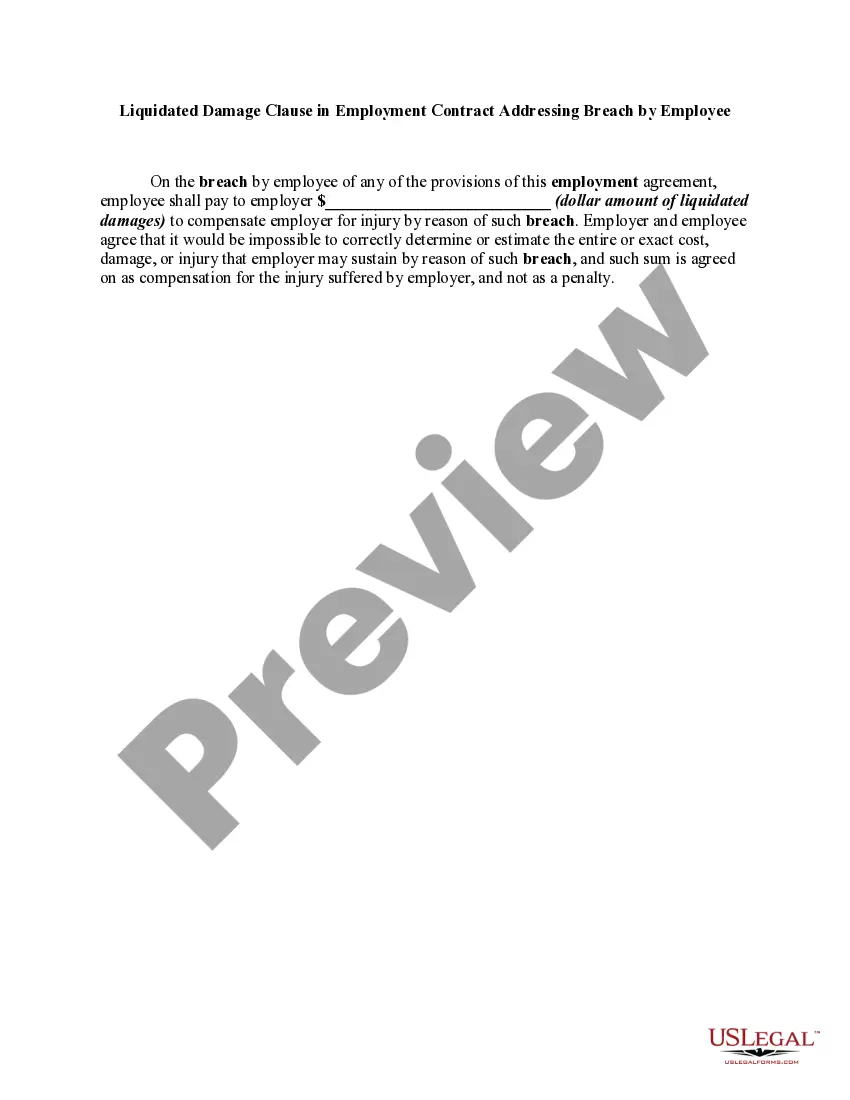
Liquidated Damages Clause In Non Disclosure Agreement
Description
Get your form ready online
Our built-in tools help you complete, sign, share, and store your documents in one place.
Make edits, fill in missing information, and update formatting in US Legal Forms—just like you would in MS Word.
Download a copy, print it, send it by email, or mail it via USPS—whatever works best for your next step.
Sign and collect signatures with our SignNow integration. Send to multiple recipients, set reminders, and more. Go Premium to unlock E-Sign.
If this form requires notarization, complete it online through a secure video call—no need to meet a notary in person or wait for an appointment.
We protect your documents and personal data by following strict security and privacy standards.

Make edits, fill in missing information, and update formatting in US Legal Forms—just like you would in MS Word.

Download a copy, print it, send it by email, or mail it via USPS—whatever works best for your next step.

Sign and collect signatures with our SignNow integration. Send to multiple recipients, set reminders, and more. Go Premium to unlock E-Sign.

If this form requires notarization, complete it online through a secure video call—no need to meet a notary in person or wait for an appointment.

We protect your documents and personal data by following strict security and privacy standards.
Looking for another form?
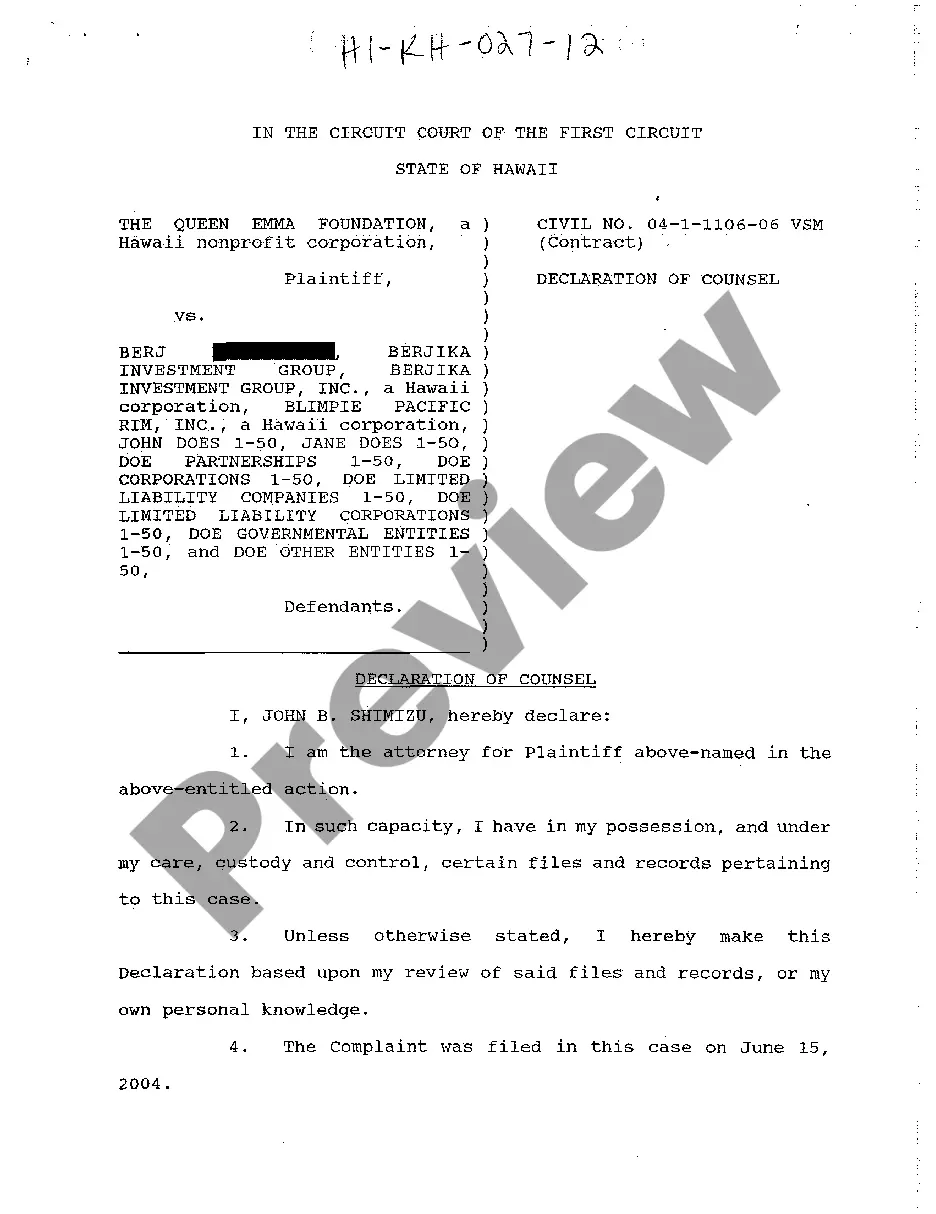
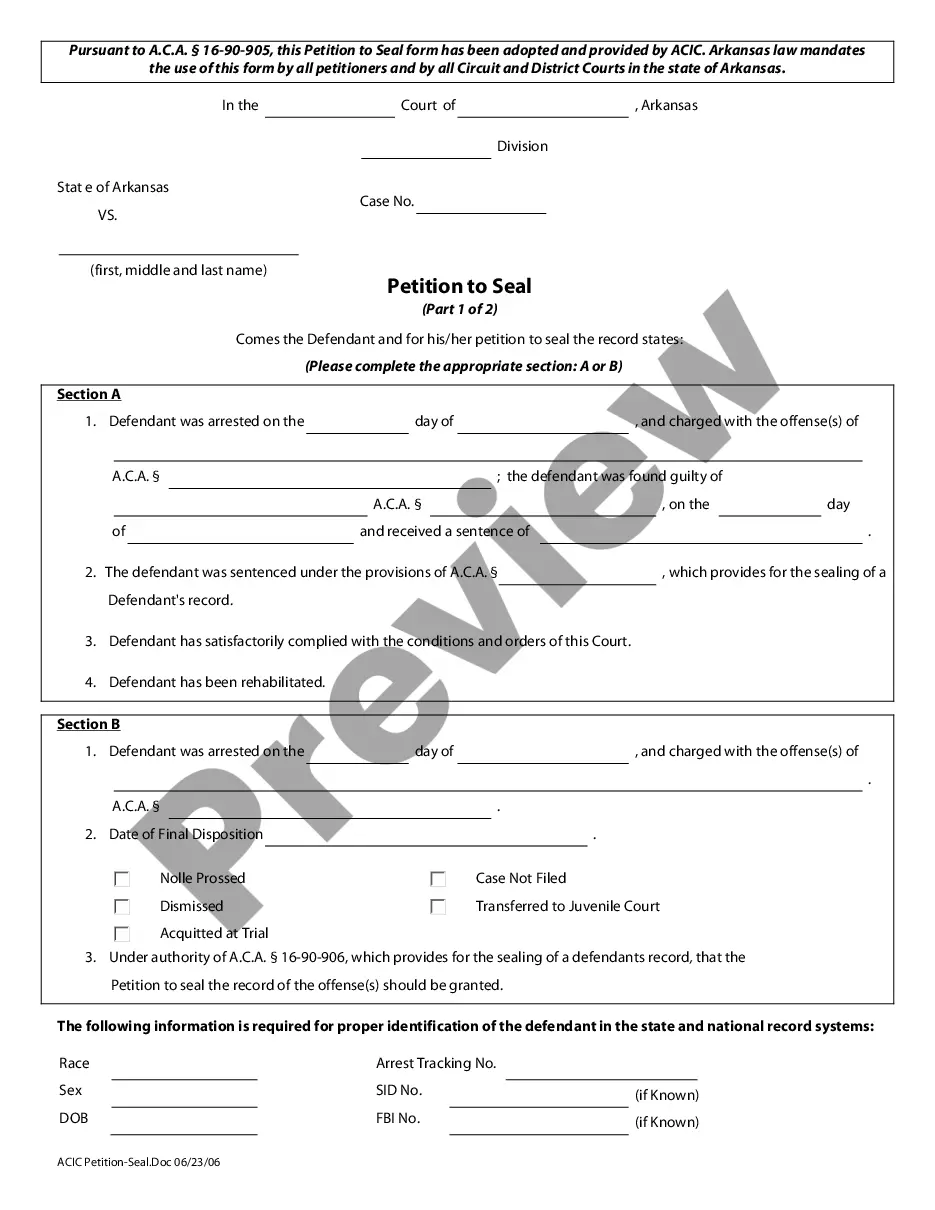
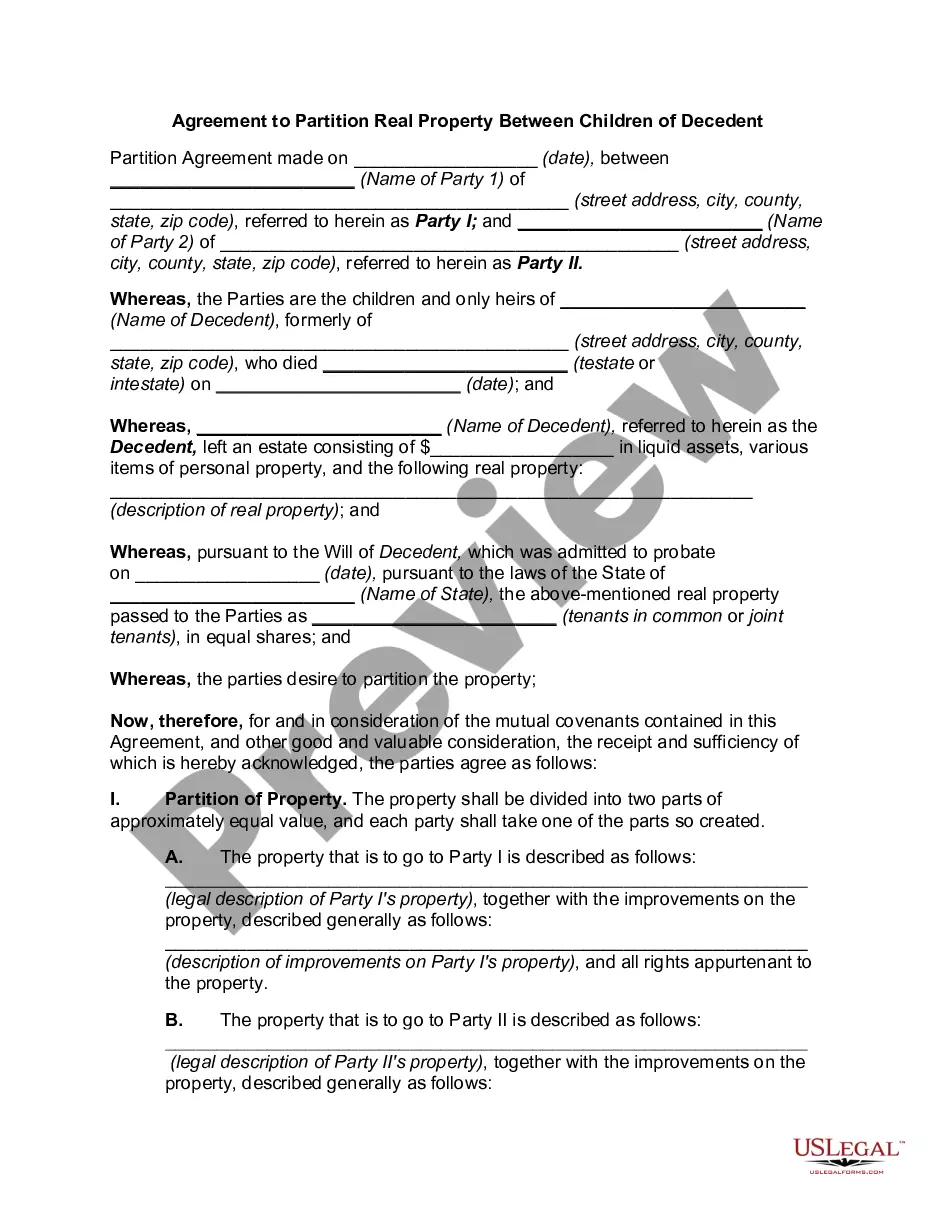
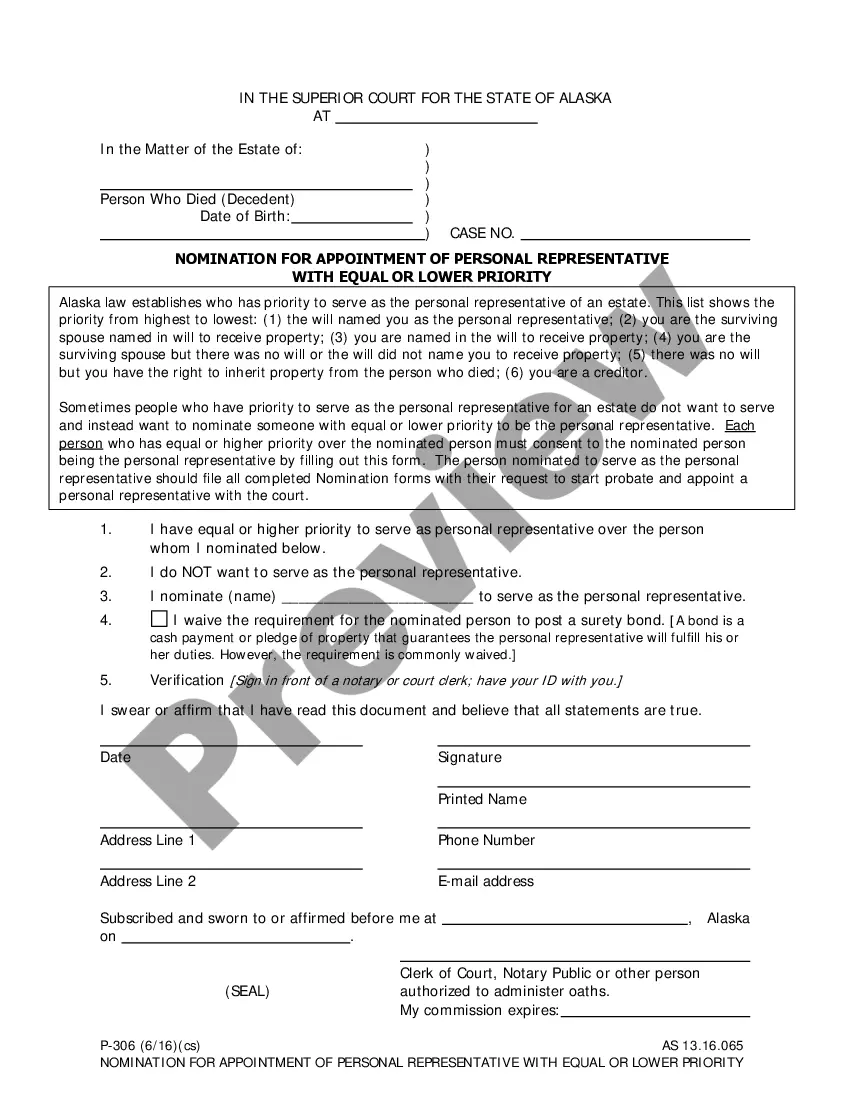
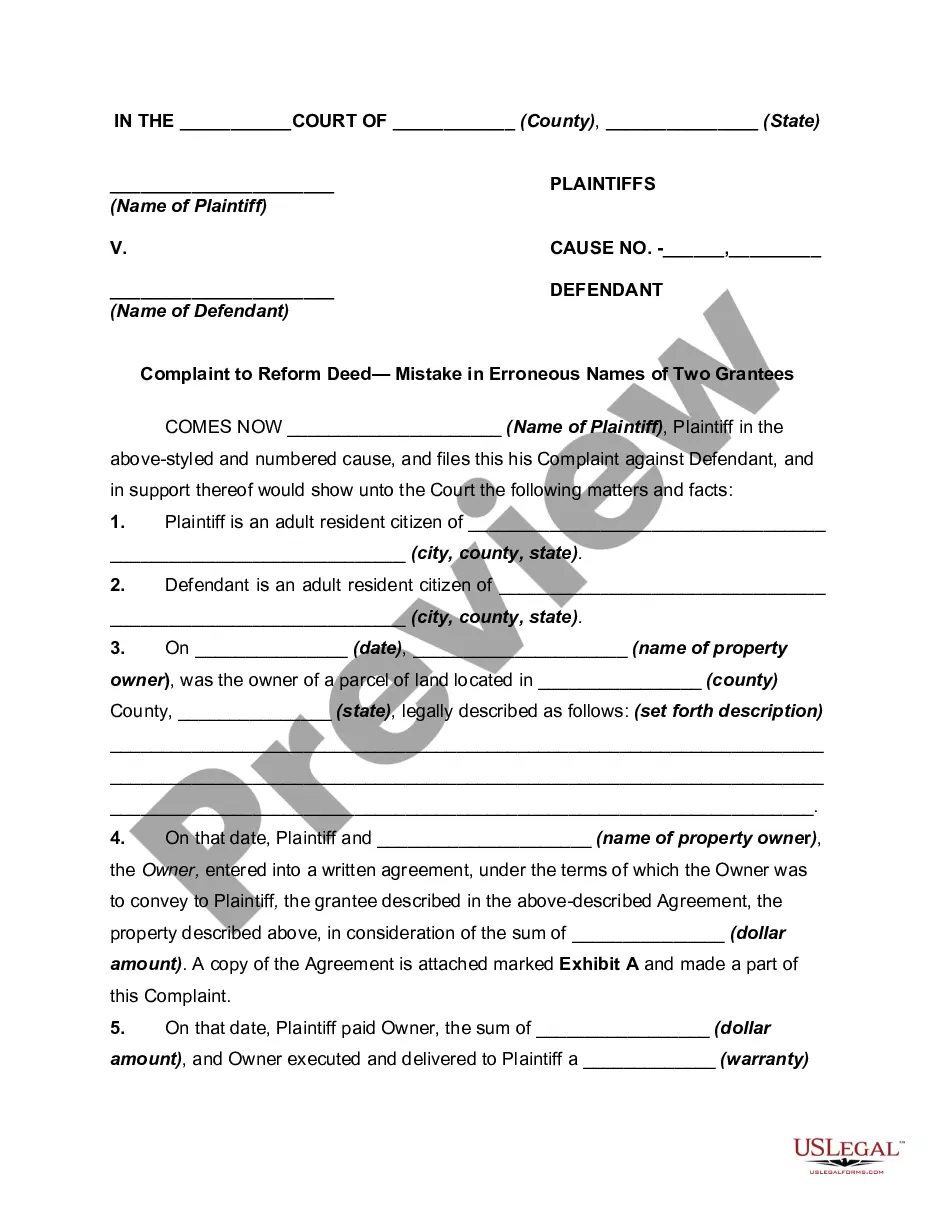
How to fill out Liquidated Damage Clause In Employment Contract Addressing Breach By Employee?
Handling legal paperwork and processes can be a lengthy addition to your day.
Liquidated Damages Clause in Non-Disclosure Agreements and similar documents frequently require you to locate and determine how to fill them out correctly.
For this reason, if you are managing financial, legal, or personal issues, having a comprehensive and user-friendly online repository of forms readily available will be extremely beneficial.
US Legal Forms is the premier online platform for legal templates, providing over 85,000 state-targeted forms along with various tools that facilitate the completion of your documents effortlessly.
Is this your first experience with US Legal Forms? Register and create your profile in just a few minutes, granting you access to the form repository and the Liquidated Damages Clause in Non-Disclosure Agreement. Then, follow these steps to complete your document.
- Explore the collection of pertinent documents accessible with just one click.
- US Legal Forms equips you with state- and county-specific formats ready for download at any time.
- Safeguard your document management procedures with a high-quality service that enables you to assemble any form in minutes, free of any additional or concealed charges.
- Simply Log In to your account, find the Liquidated Damages Clause in Non-Disclosure Agreement, and download it immediately from the My documents section.
- You can also access previously saved forms.
Form popularity
FAQ
Instead of using letter size set your Word document to legal paper size. Legal paper is preferred by lawyers because it allows lengthy details like you see in contracts. To set this up, go to Layout >Size> Legal.
Select Layout > Margins > Custom Margins. Set your margins. Select Set As Default.
Currently it is possible for the user to generate document templates through Microsoft Word, by using a pre-defined list of Legal One tags. These tags are presented and managed by this add in, in which the user can use the available Legal One fields and save the changes in the document template.
For example, California state courts require filings to use double line spacing (which works out to 28 lines per page), 12-point type, and line numbers in the left margin. I'll use this as a basic model and you can adapt it to the rules in your jurisdiction. Create a new document with 1? margins.
Currently it is possible for the user to generate document templates through Microsoft Word, by using a pre-defined list of Legal One tags. These tags are presented and managed by this add in, in which the user can use the available Legal One fields and save the changes in the document template.
You'll want to start with a standard page size (8.5 x 11 inches) with 1-inch margins. Keep the font simple, such as Times New Roman, and avoid the use of color. Remember to break up text with headers and paragraphs for readability.