Sale Storage Facility Purchase With Paypal
Description

Get your form ready online
Our built-in tools help you complete, sign, share, and store your documents in one place.
Make edits, fill in missing information, and update formatting in US Legal Forms—just like you would in MS Word.
Download a copy, print it, send it by email, or mail it via USPS—whatever works best for your next step.
Sign and collect signatures with our SignNow integration. Send to multiple recipients, set reminders, and more. Go Premium to unlock E-Sign.
If this form requires notarization, complete it online through a secure video call—no need to meet a notary in person or wait for an appointment.
We protect your documents and personal data by following strict security and privacy standards.

Make edits, fill in missing information, and update formatting in US Legal Forms—just like you would in MS Word.

Download a copy, print it, send it by email, or mail it via USPS—whatever works best for your next step.

Sign and collect signatures with our SignNow integration. Send to multiple recipients, set reminders, and more. Go Premium to unlock E-Sign.

If this form requires notarization, complete it online through a secure video call—no need to meet a notary in person or wait for an appointment.

We protect your documents and personal data by following strict security and privacy standards.
Looking for another form?

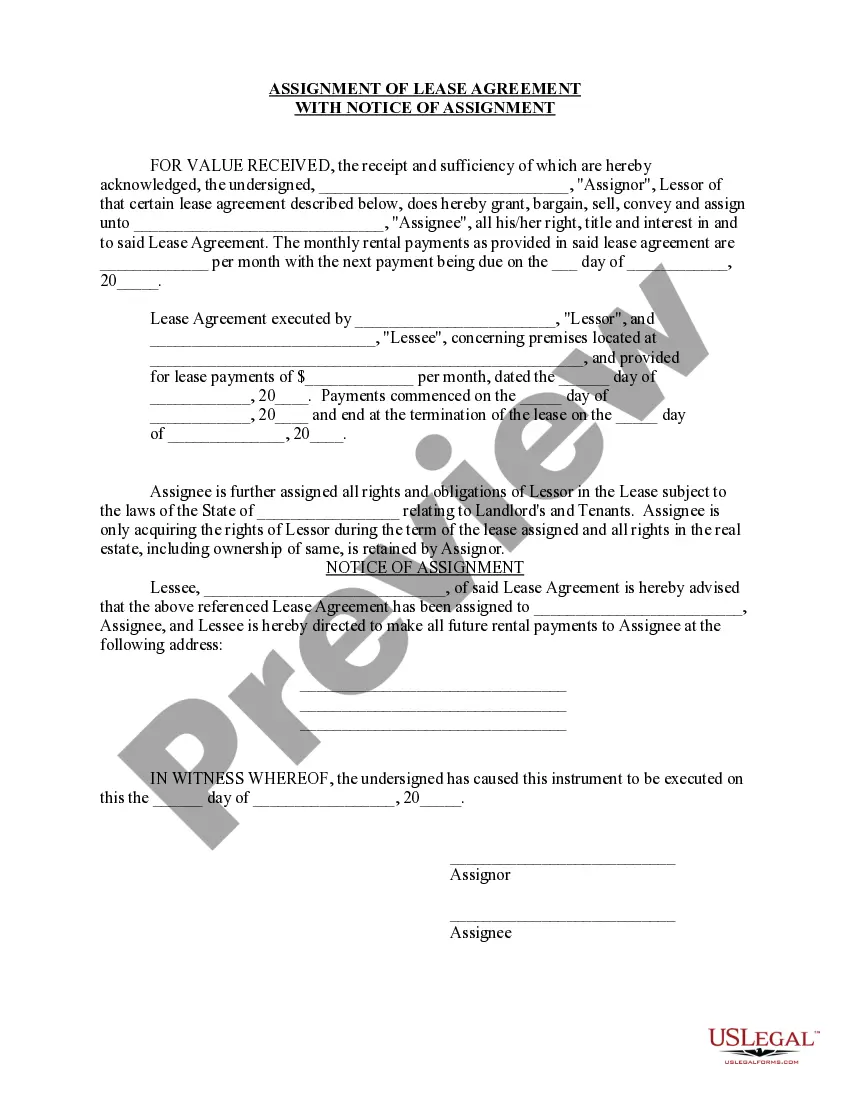
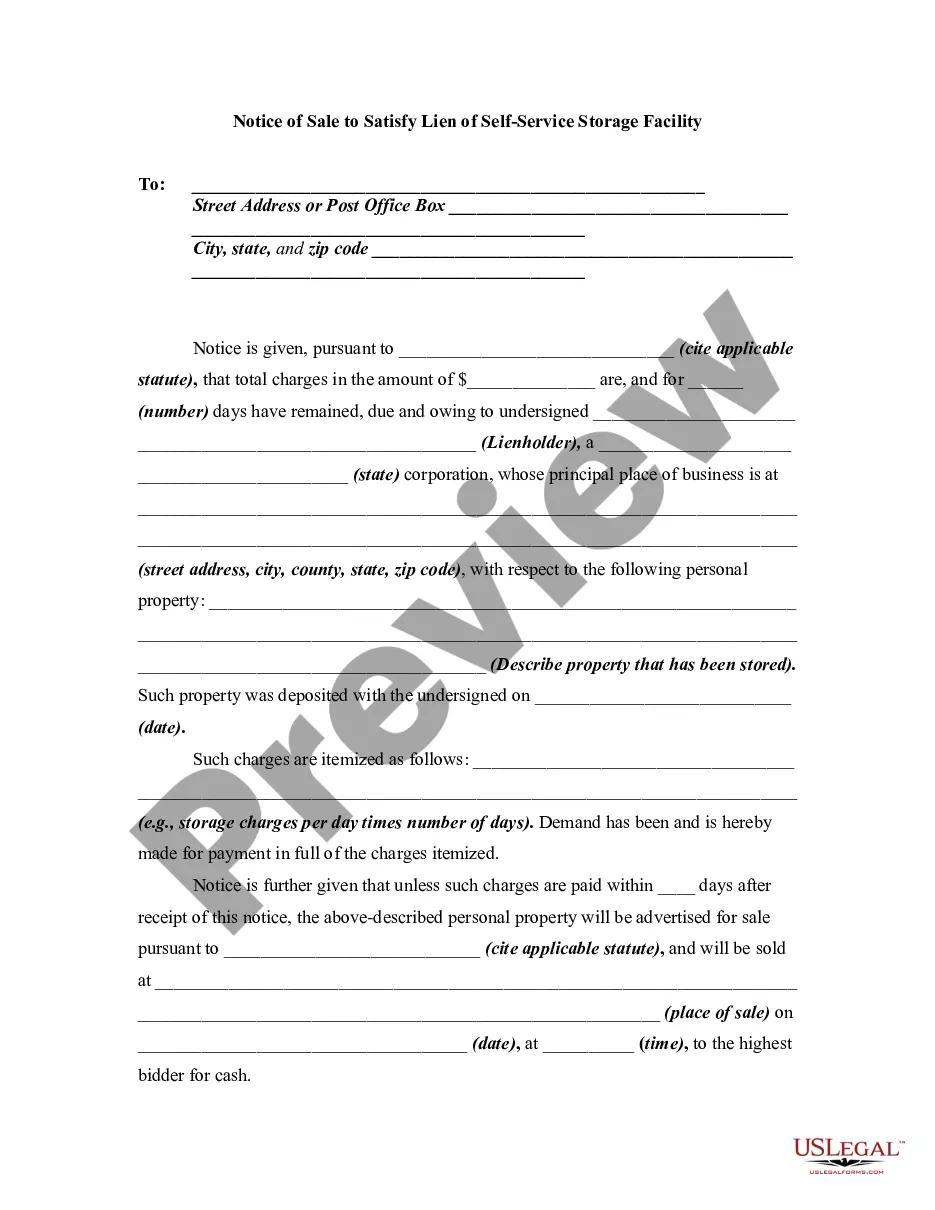
How to fill out Notice Of Sale To Satisfy Lien Of Self-Service Storage Facility?
Accessing legal document samples that comply with federal and state regulations is essential, and the internet provides many alternatives to select from.
However, why squander time searching for the appropriate Sale Storage Facility Purchase With PayPal template online when the US Legal Forms digital library has already compiled such documents in one location.
US Legal Forms is the premier online legal resource with over 85,000 editable templates prepared by legal professionals for any business or personal situation.
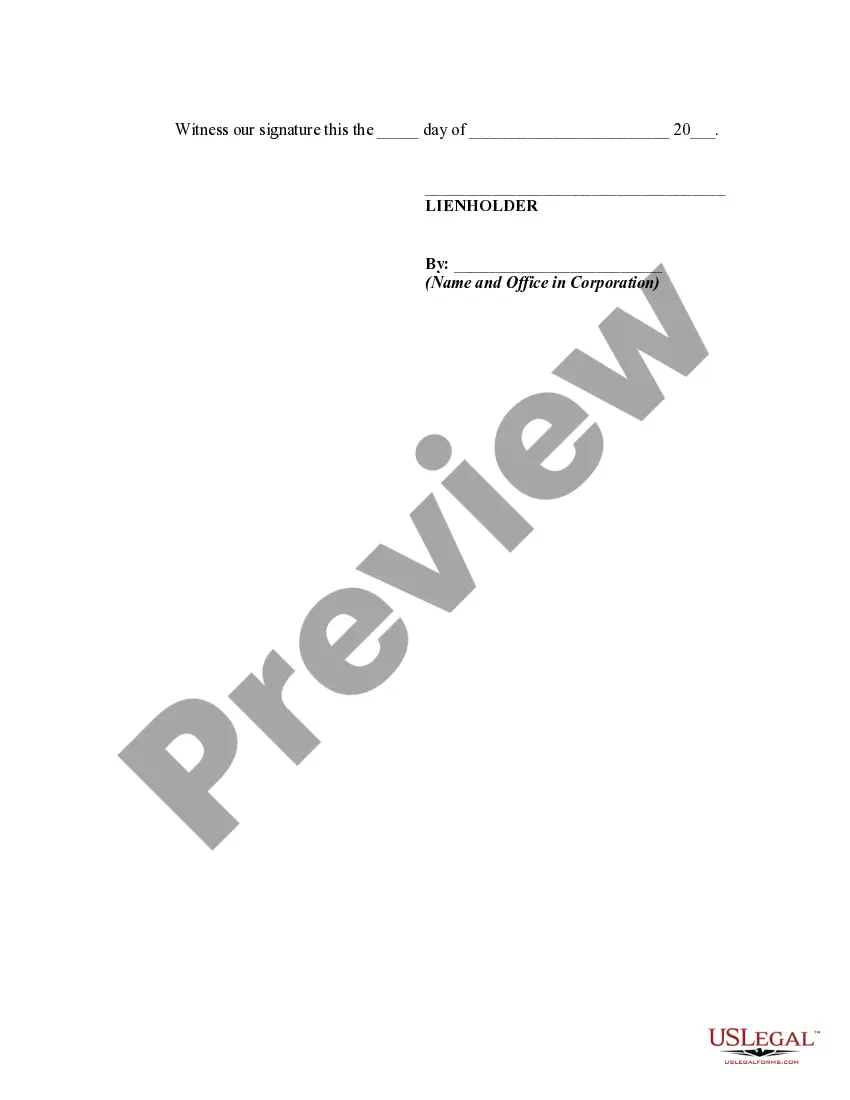
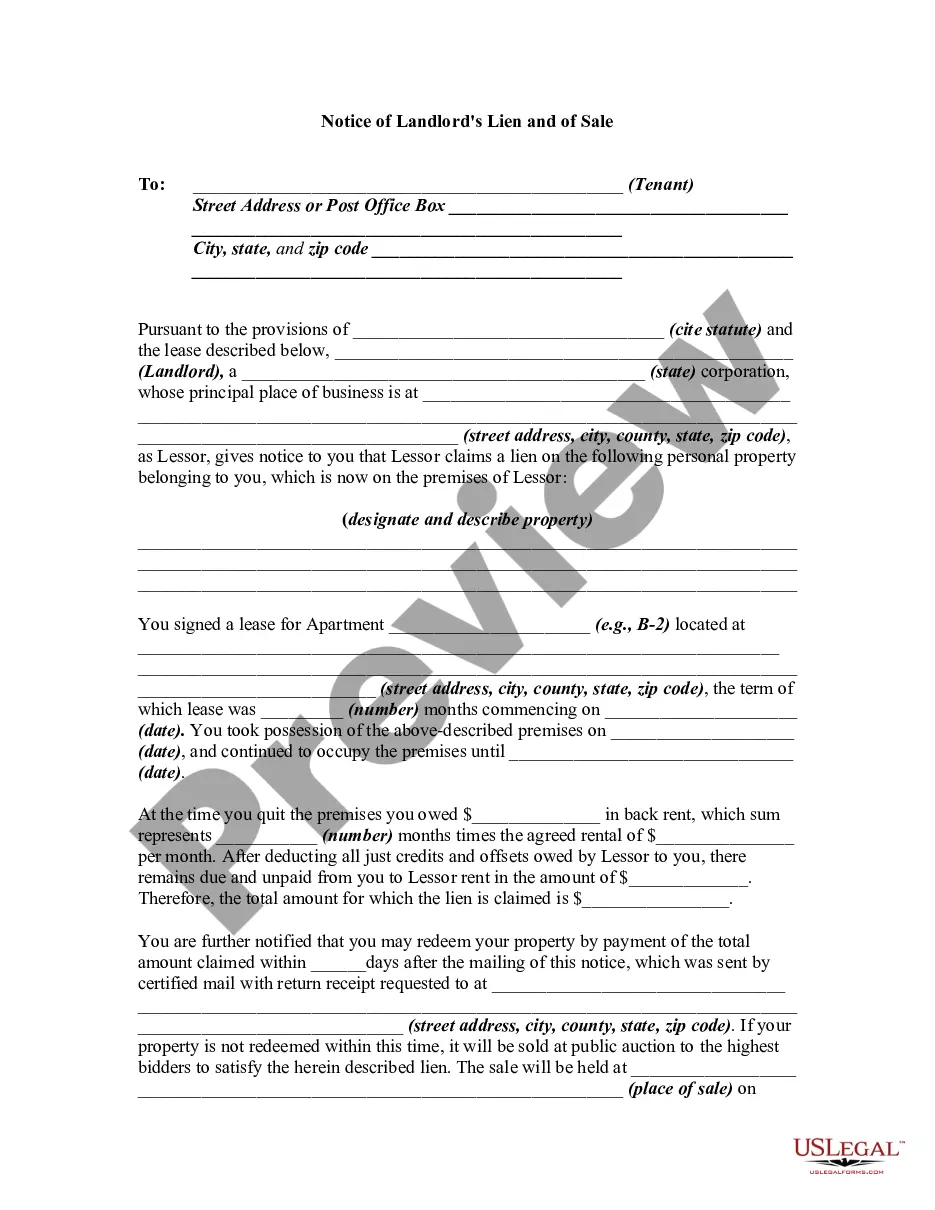
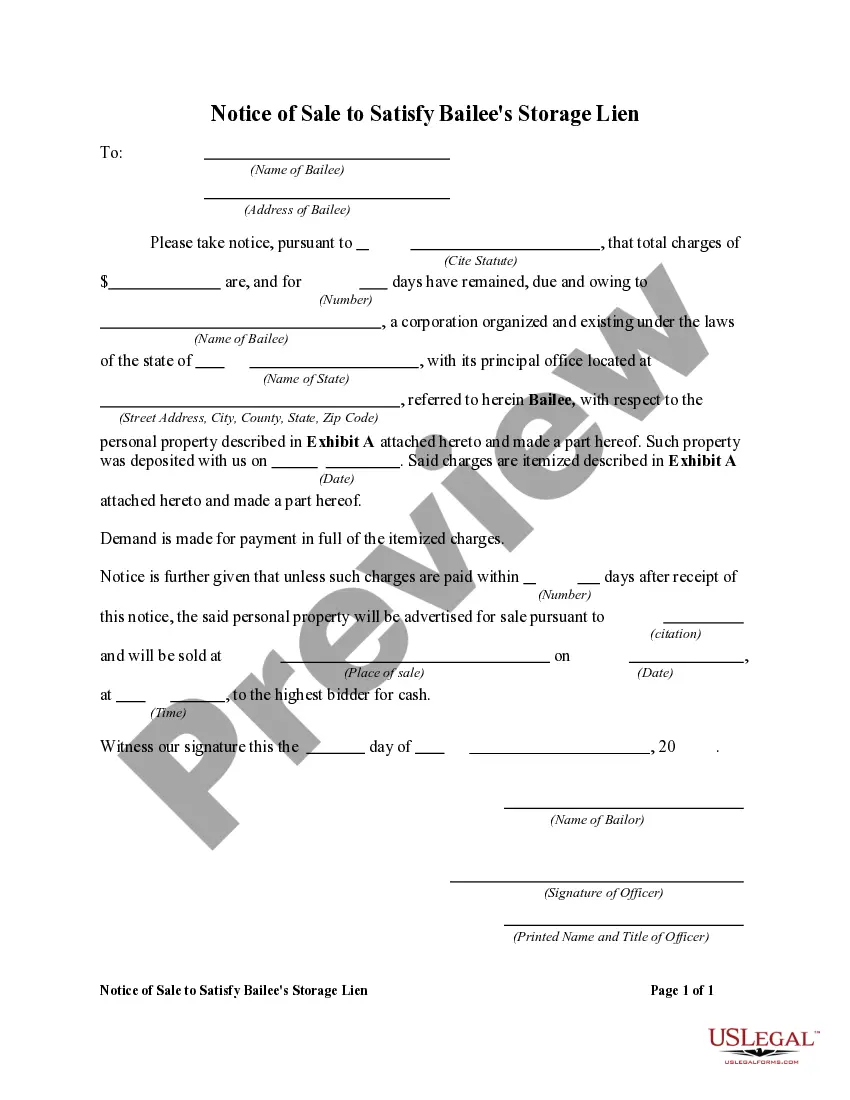
Review the template using the Preview feature or through the text outline to confirm it fulfills your requirements.
- They are easy to navigate with all forms categorized by state and intended use.
- Our professionals stay informed about legislative changes, ensuring your forms are always current and compliant when procuring a Sale Storage Facility Purchase With PayPal from our site.
- Acquiring a Sale Storage Facility Purchase With PayPal is quick and straightforward for both existing and new users.
- If you already possess an account with an active subscription, Log In and download the template you require in the appropriate format.
- If you are new to our platform, follow the outlined steps below.
Form popularity
FAQ
Using PayPal for in-store purchases involves linking your PayPal account with a compatible debit or credit card. At checkout, choose the PayPal option, and scan the QR code displayed at the register. This method is convenient for making purchases, including sale storage facility purchases with PayPal in physical stores.
With PayPal and tPago you can transfer funds from your local bank account to your PayPal account and shop without a credit card in more than 200 countries.
How to Accept Contactless or NFC Payments (PayPal Here) - YouTube YouTube Start of suggested clip End of suggested clip You'll also hear this sound. For some transactions a customer signature or pin may be required.MoreYou'll also hear this sound. For some transactions a customer signature or pin may be required.
In general, PayPal does not offer a platform or venue for listing and selling items. PayPal is a payments processor only. ECommerce websites like eBay, Etsy, and Amazon allow customers to list items for sale and they collect payments or they allow money to be forwarded to a PayPal account.
How To Pay With PayPal In-Store. There are a few ways to spend a PayPal balance at a brick-and-mortar store. These include: adding PayPal to compatible mobile wallet like Google Pay, using a PayPal-issued card, and using PayPal's QR code functionality.
Pay for Goods and Services: Step-by-step Open the PayPal site and login to your personal account. Click the 'Send and request' tab at the top of the page. Click on the button labeled 'Pay for Goods and Services'. Input the recipient's email address in the box and click 'Next'.