Rent Receipts Form With 2 Points
Description
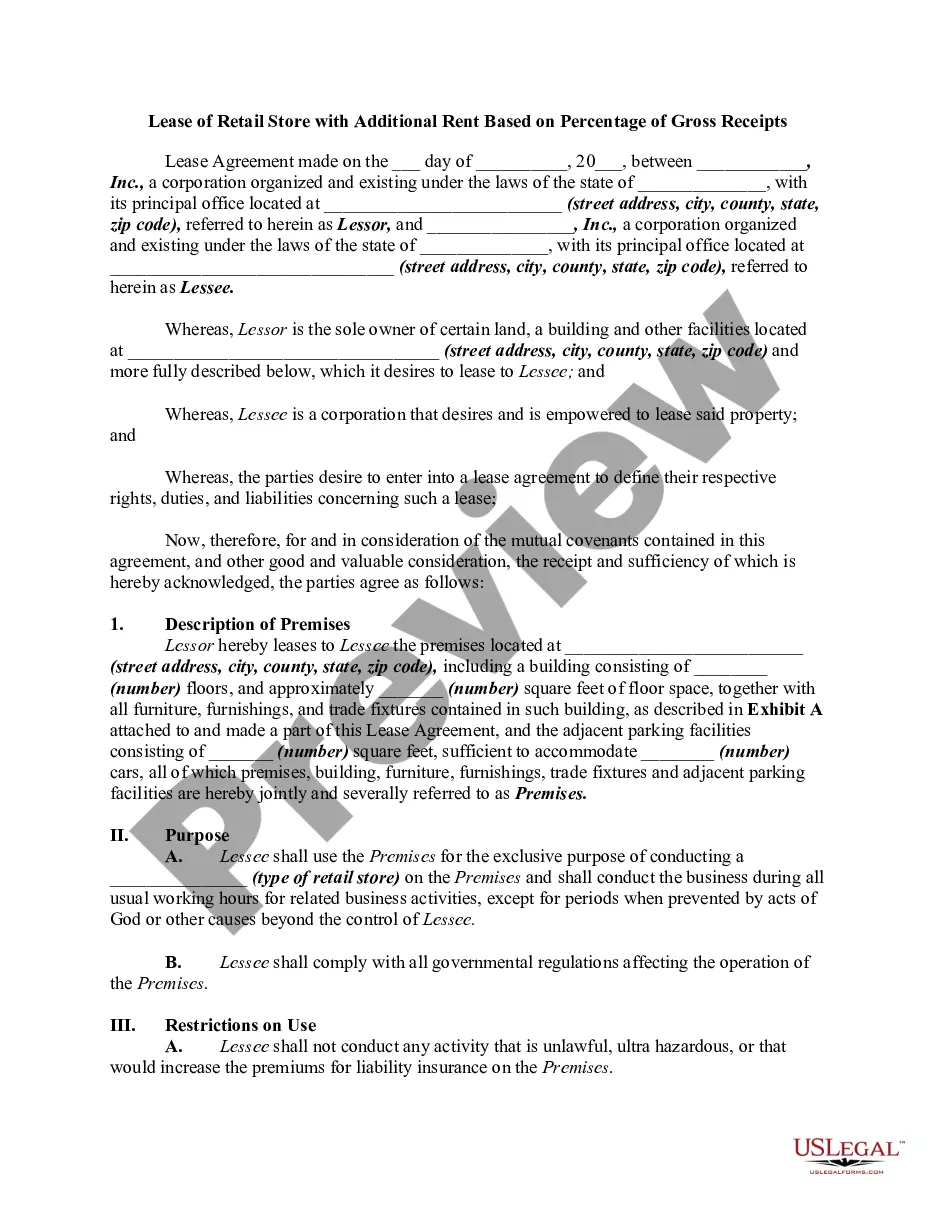
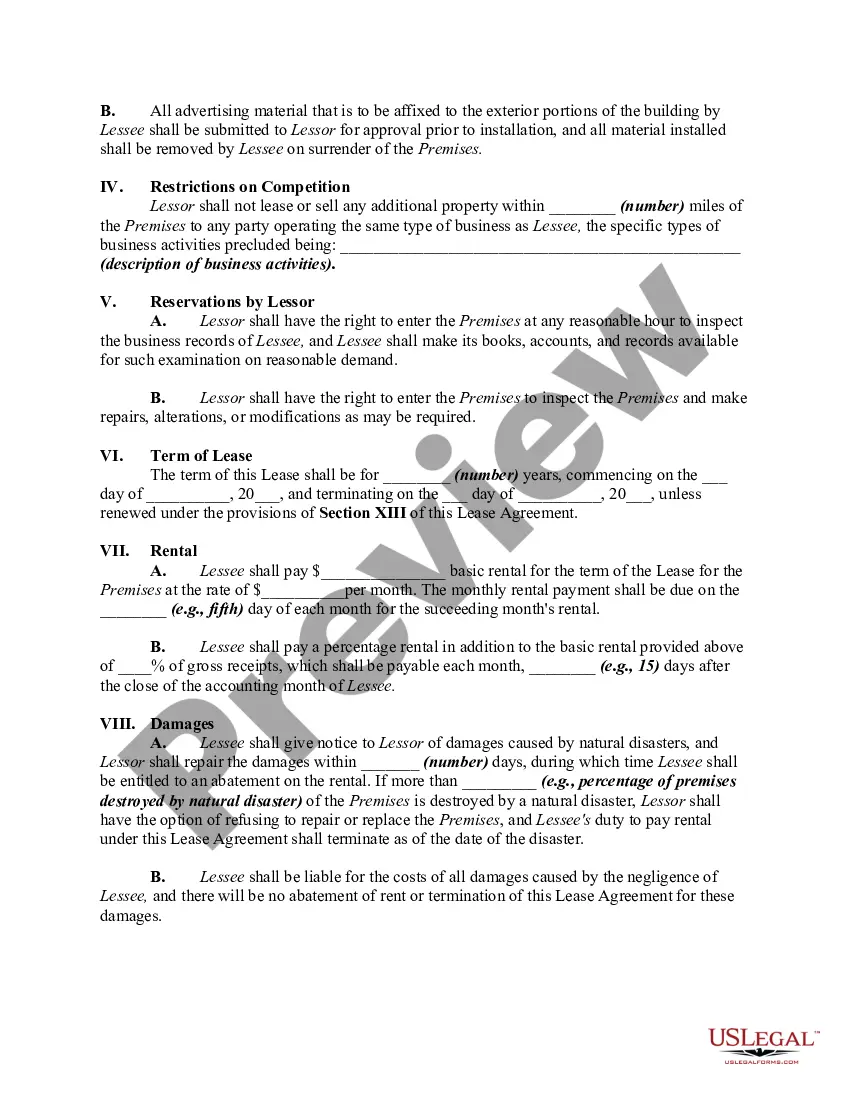
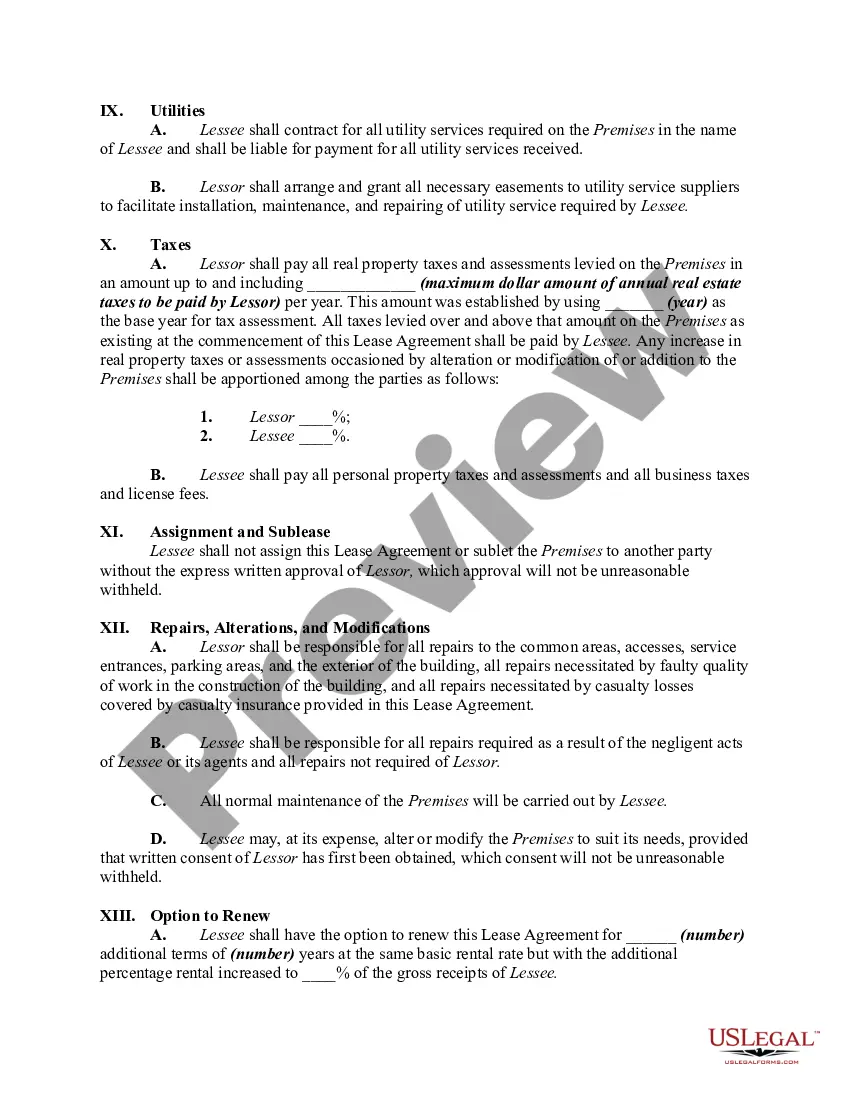
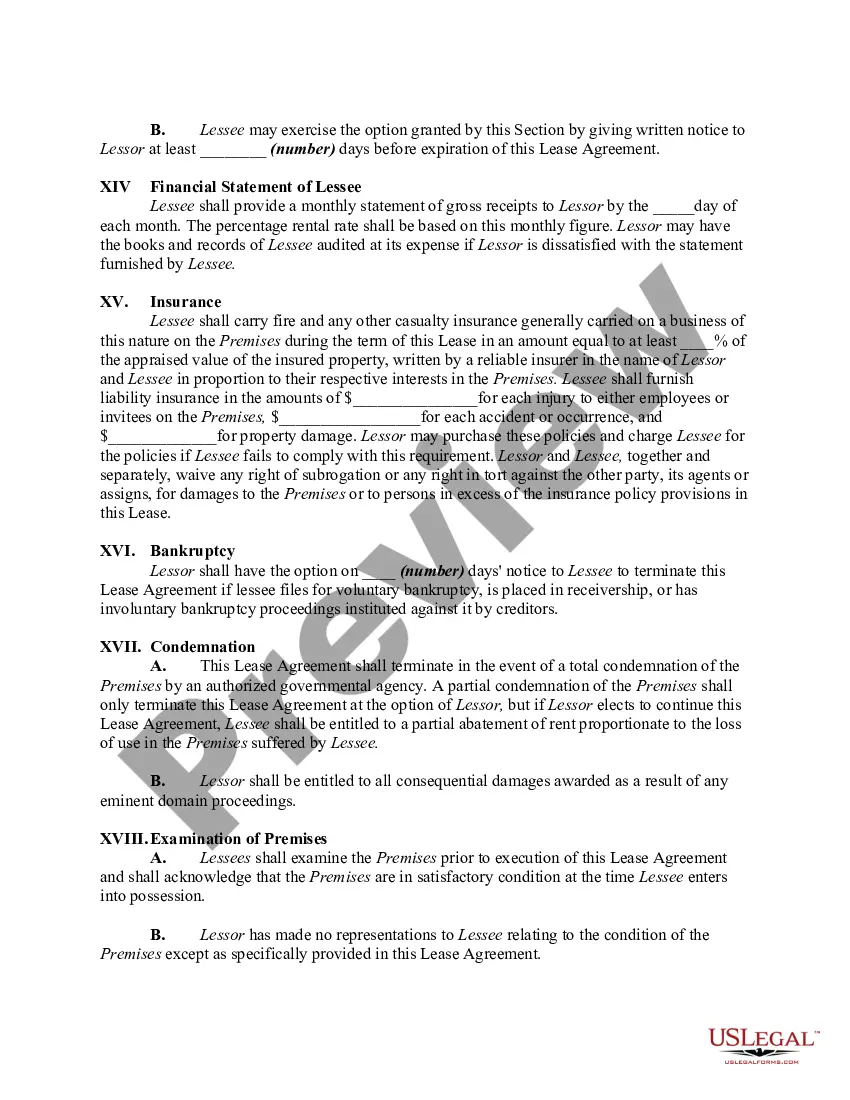
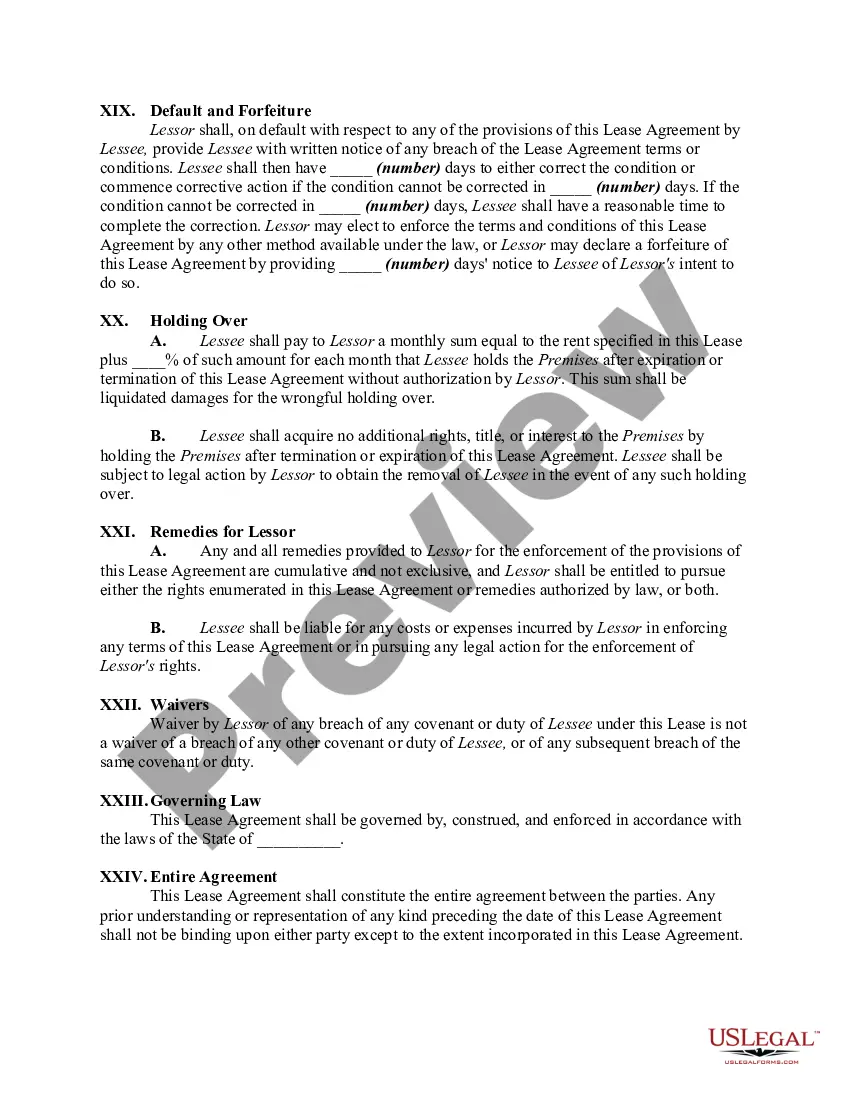
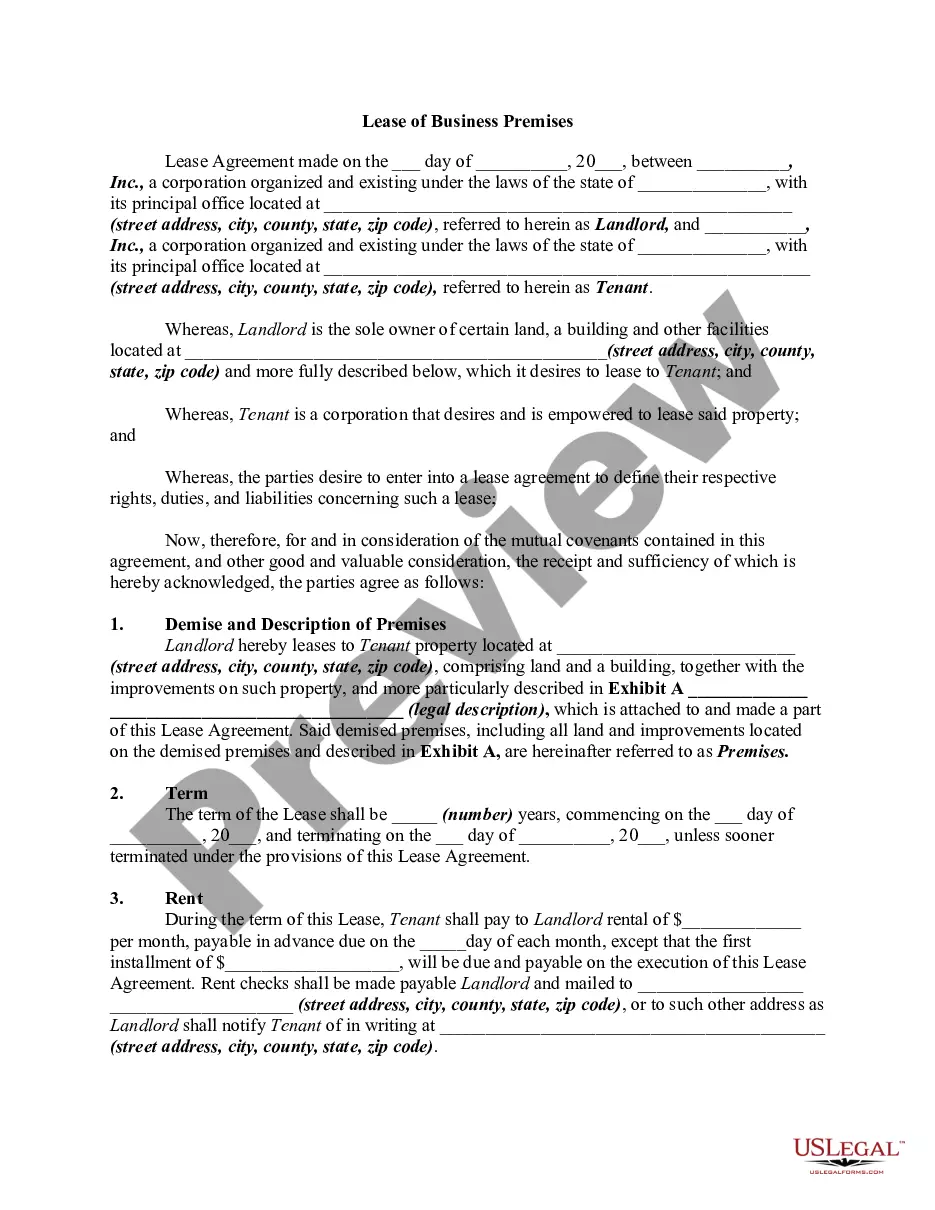
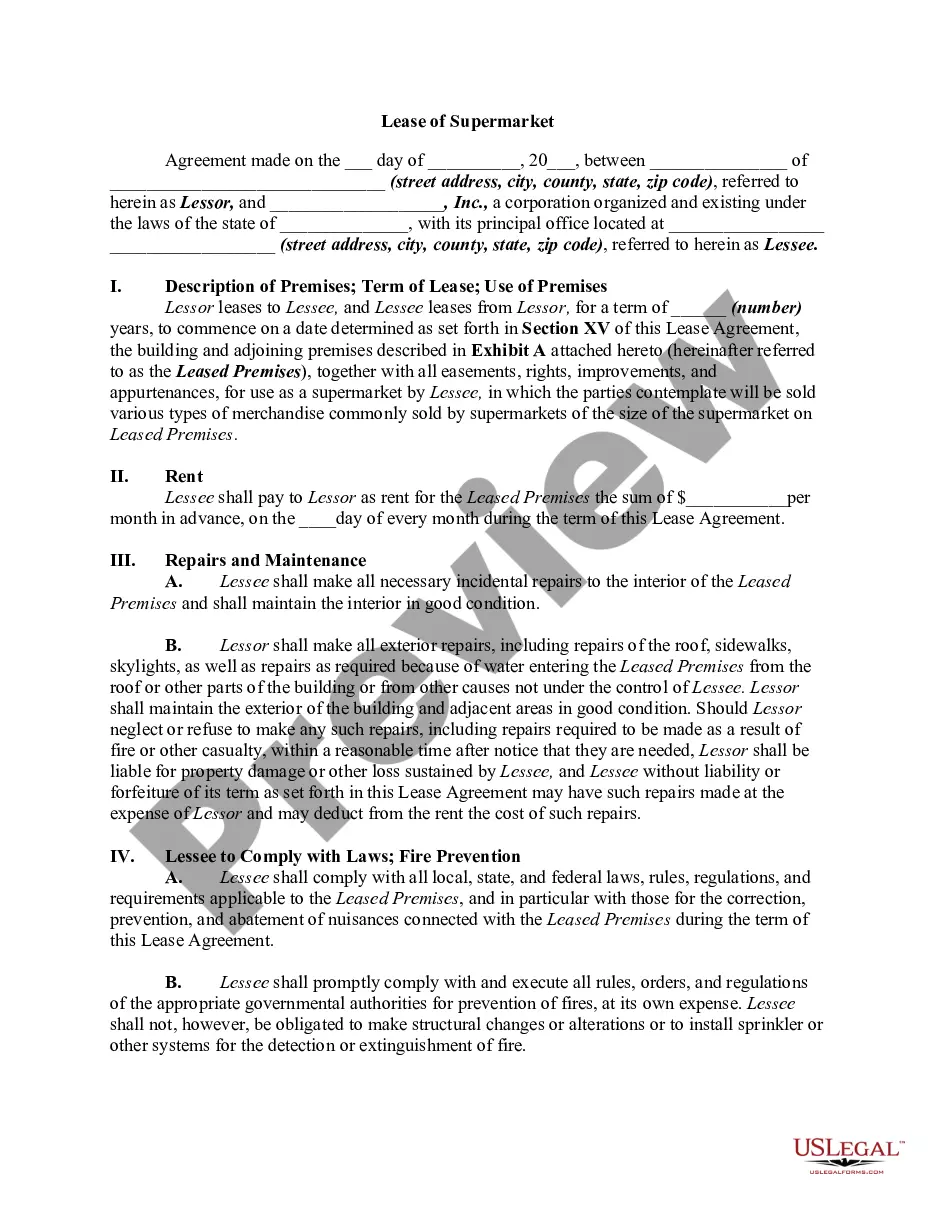
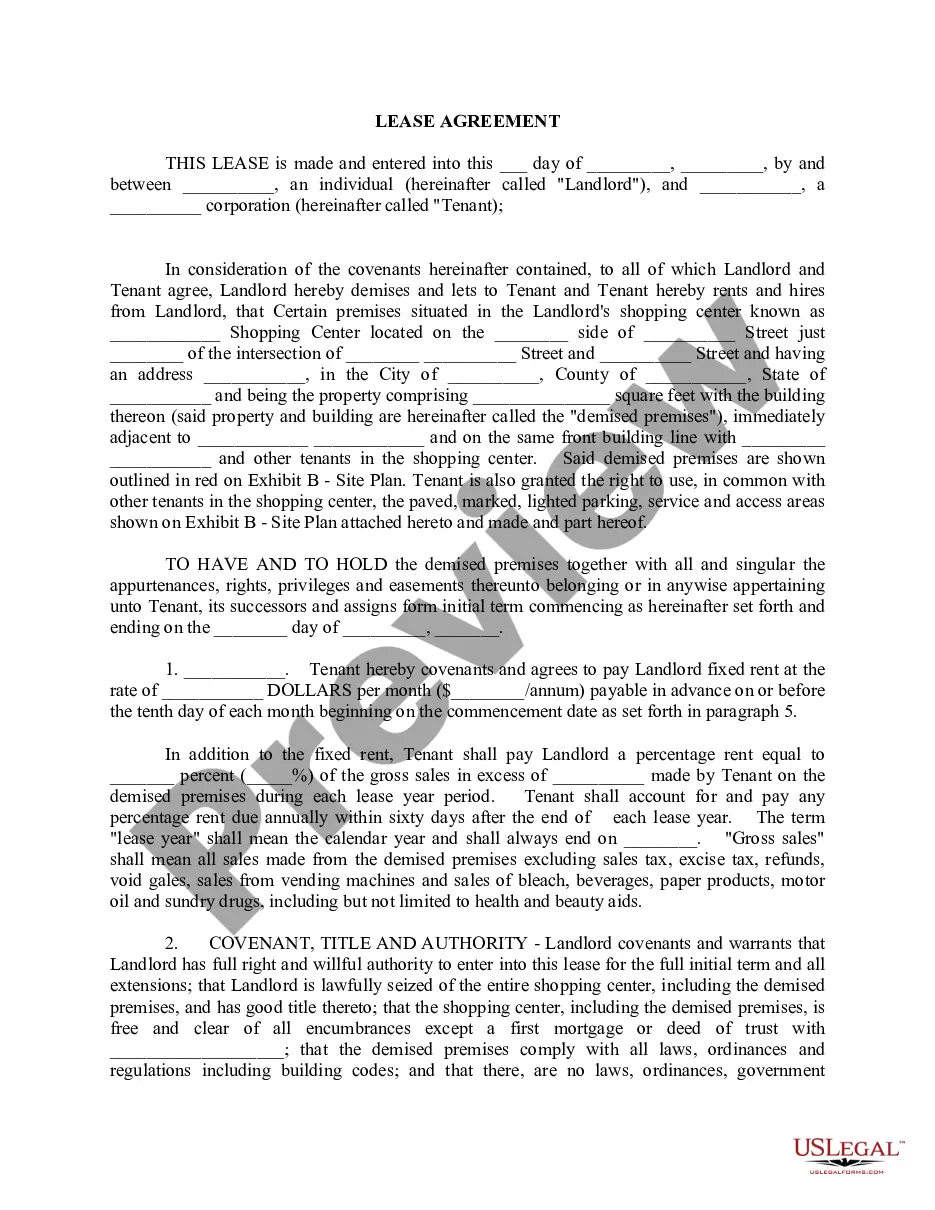
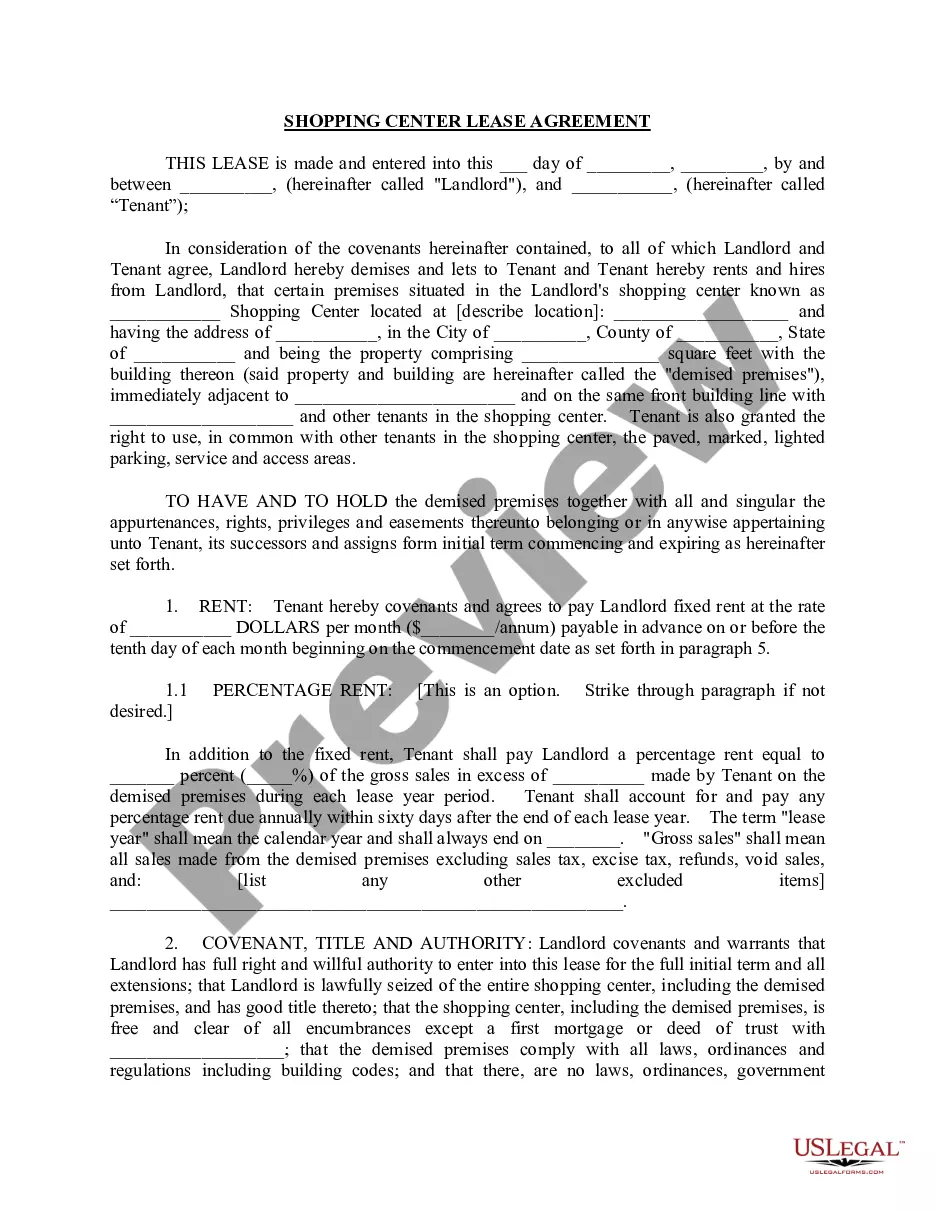
Get your form ready online
Our built-in tools help you complete, sign, share, and store your documents in one place.
Make edits, fill in missing information, and update formatting in US Legal Forms—just like you would in MS Word.
Download a copy, print it, send it by email, or mail it via USPS—whatever works best for your next step.
Sign and collect signatures with our SignNow integration. Send to multiple recipients, set reminders, and more. Go Premium to unlock E-Sign.
If this form requires notarization, complete it online through a secure video call—no need to meet a notary in person or wait for an appointment.
We protect your documents and personal data by following strict security and privacy standards.

Make edits, fill in missing information, and update formatting in US Legal Forms—just like you would in MS Word.

Download a copy, print it, send it by email, or mail it via USPS—whatever works best for your next step.

Sign and collect signatures with our SignNow integration. Send to multiple recipients, set reminders, and more. Go Premium to unlock E-Sign.

If this form requires notarization, complete it online through a secure video call—no need to meet a notary in person or wait for an appointment.

We protect your documents and personal data by following strict security and privacy standards.
Looking for another form?


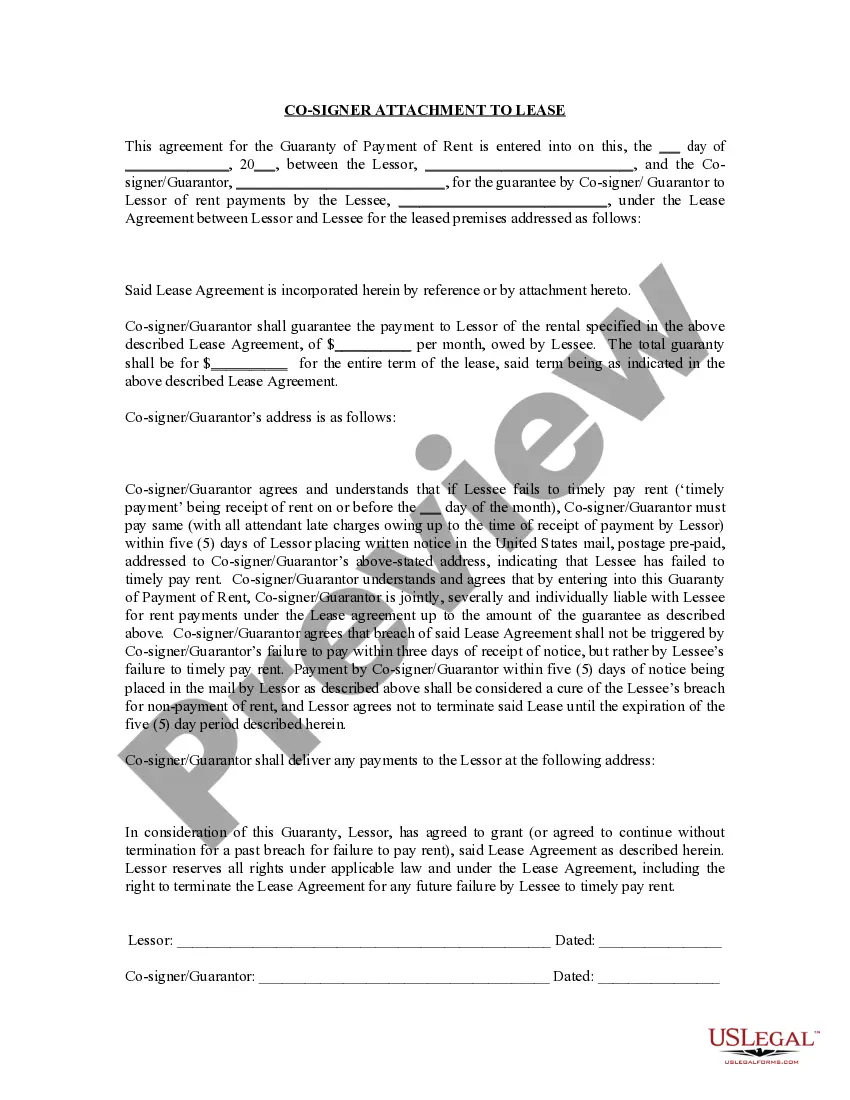





How to fill out Lease Of Retail Store With Additional Rent Based On Percentage Of Gross Receipts - Real Estate?
It’s clear that you cannot become a legal expert instantly, nor can you determine how to swiftly create a Rent Receipts Form With 2 Points without possessing a specialized skill set.
Compiling legal documents is a labor-intensive activity that demands specific training and expertise. Therefore, why not entrust the creation of the Rent Receipts Form With 2 Points to the professionals.
With US Legal Forms, one of the most extensive legal template collections, you can discover everything from court paperwork to templates for in-office correspondence.
Select Buy now. Once the payment is processed, you can obtain the Rent Receipts Form With 2 Points, fill it out, print it, and send or mail it to the appropriate individuals or organizations.
You can access your forms again from the My documents tab at any time. If you’re a current client, you can simply Log In and find and download the template from the same tab.
- Visit our website and acquire the form you need in just a few minutes.
- Locate the form you require using the search bar at the top of the page.
- Preview it (if this feature is available) and review the accompanying description to ascertain if Rent Receipts Form With 2 Points is what you’re looking for.
- Start your search again if you need another template.
- Create a free account and select a subscription option to purchase the template.
Form popularity
FAQ
What to Include in Your Receipt of Payment Your brand/business logo. Your business name, address, and contact information. The date payment is made. The receipt or order number. Your customer's full name and contact information. A list of all products or services purchased.
If you're a British or Irish citizen, you can prove your right to rent in England by showing your landlord one of the following: a British passport (current or expired) an Irish passport or passport card (current or expired) a certificate of registration or naturalisation as a British citizen.
How to fill out a Rent Receipt The payment method (e.g., cash, electronic funds transfer, money order, personal check, etc.) The payment date. The payment amount. The remaining balance, if the tenant makes a partial payment. The rental period in which the payment applies (e.g., April 1 - April 30)
No matter how you're making your receipt, every receipt you issue should include: The number, date, and time of the purchase. Invoice number or receipt number. The number of items purchased and price totals. The name and location of the business the items have been bought from. Any tax charged. The method of payment.
Changes to the private rented sector from 1 April 2023 Giving tenants information about a tenancy. Cash receipts. Limits on tenancy deposit amounts. Changes to deposit protection time frames. Not protecting a deposit becomes an ongoing offence. Future of the Private Tenancies Act (NI) 2022. Learn more about these changes.