Confidentiality Agreement For Hr Employees
Description
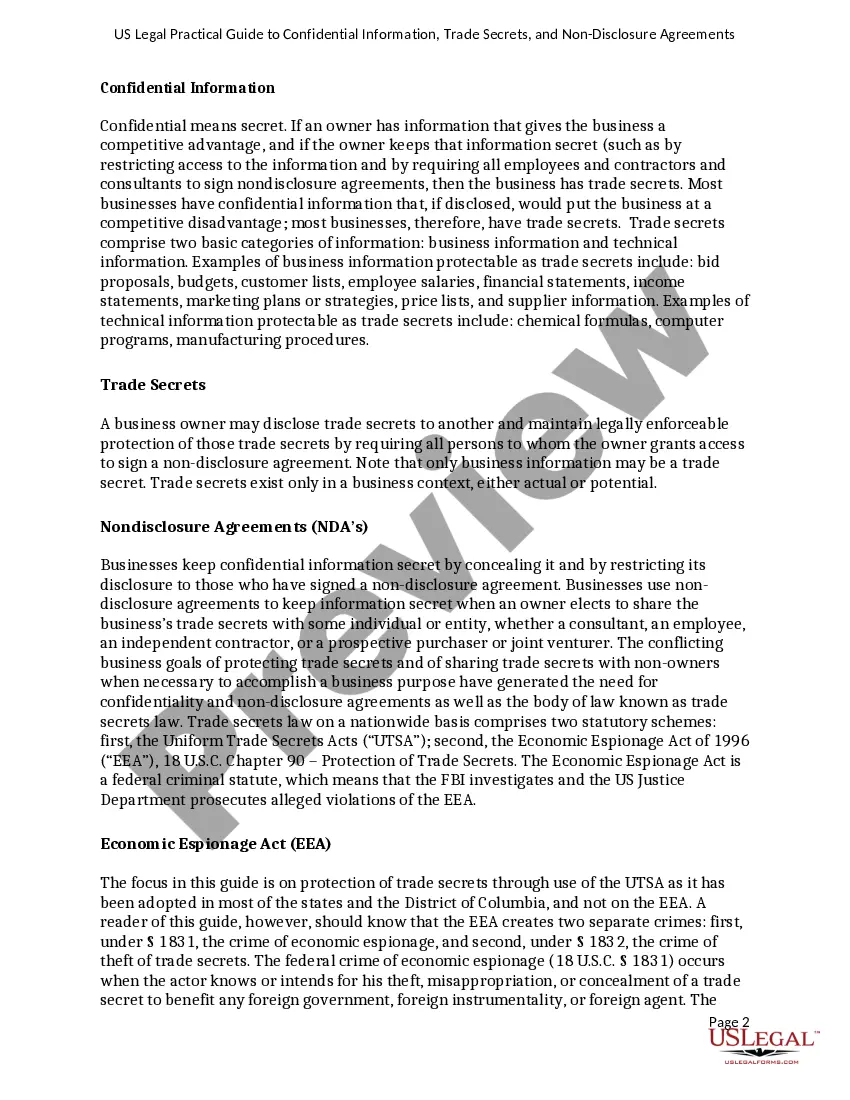
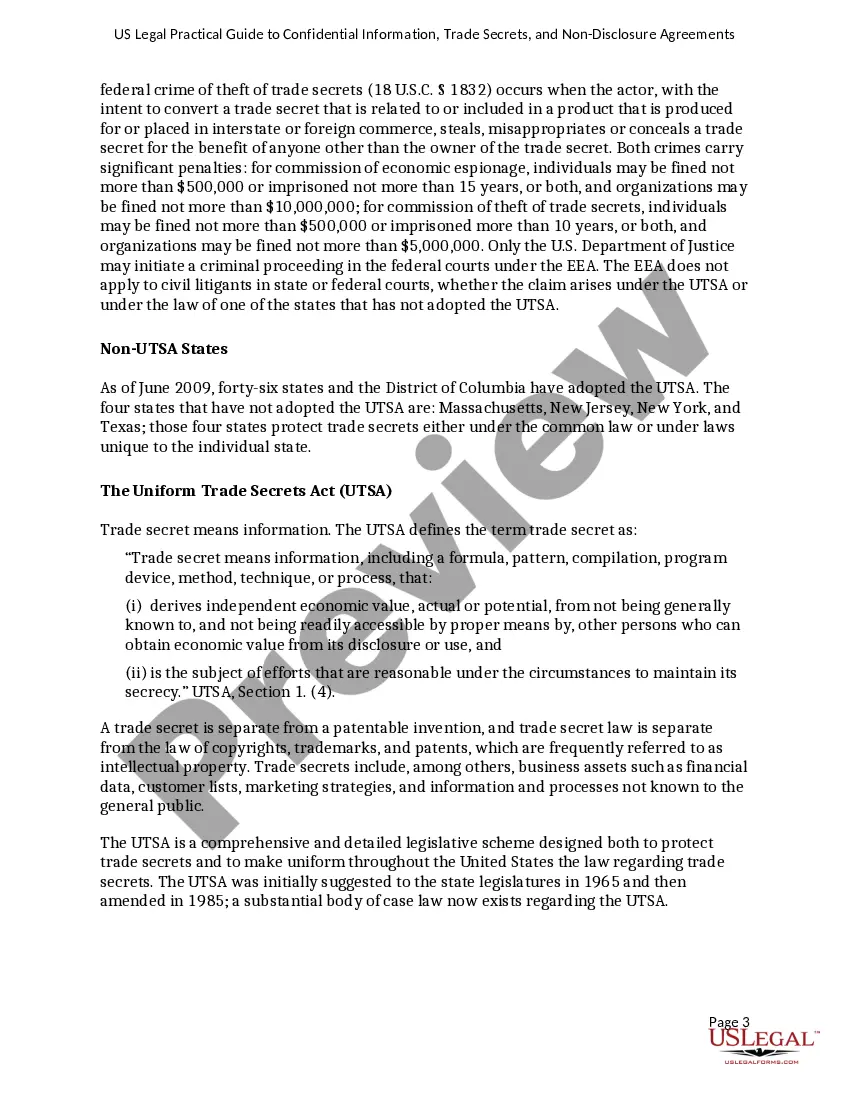
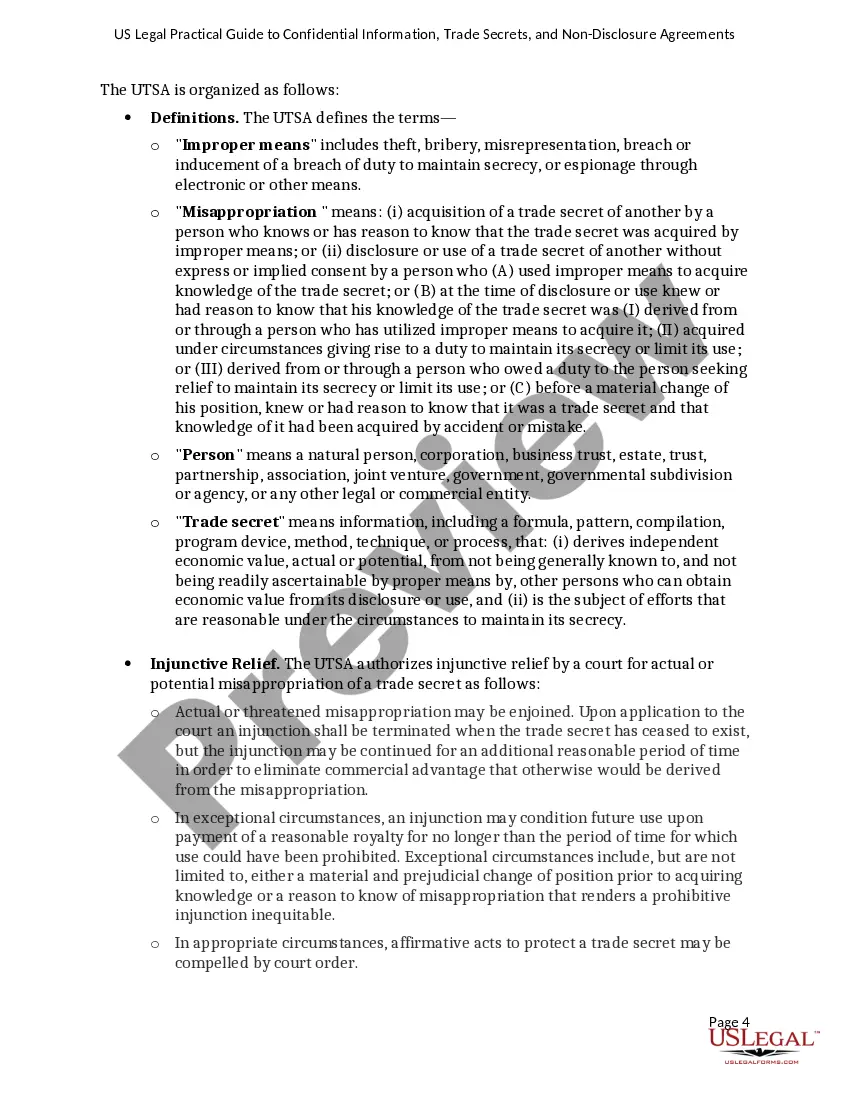
Get your form ready online
Our built-in tools help you complete, sign, share, and store your documents in one place.
Make edits, fill in missing information, and update formatting in US Legal Forms—just like you would in MS Word.
Download a copy, print it, send it by email, or mail it via USPS—whatever works best for your next step.
Sign and collect signatures with our SignNow integration. Send to multiple recipients, set reminders, and more. Go Premium to unlock E-Sign.
If this form requires notarization, complete it online through a secure video call—no need to meet a notary in person or wait for an appointment.
We protect your documents and personal data by following strict security and privacy standards.

Make edits, fill in missing information, and update formatting in US Legal Forms—just like you would in MS Word.

Download a copy, print it, send it by email, or mail it via USPS—whatever works best for your next step.

Sign and collect signatures with our SignNow integration. Send to multiple recipients, set reminders, and more. Go Premium to unlock E-Sign.

If this form requires notarization, complete it online through a secure video call—no need to meet a notary in person or wait for an appointment.

We protect your documents and personal data by following strict security and privacy standards.
Looking for another form?



How to fill out USLegal Practical Guide To Confidential Information, Trade Secrets And NonDisclosure Agreements?
Managing legal documents can be overwhelming, even for the most seasoned professionals.
When you seek a Confidentiality Agreement for HR Employees and lack the time to find the correct and current version, the process can be challenging.
US Legal Forms meets all your needs, from personal to business paperwork, all in one location.
Utilize advanced tools to create and manage your Confidentiality Agreement for HR Employees.
Here are the steps to follow after acquiring the form you need: Verify that it is the correct document by previewing it and reviewing its details. Ensure the template is accepted in your state or county. Click Buy Now when you are ready. Choose a subscription plan. Select the format you prefer, then Download, complete, sign, print, and send your documents. Enjoy the US Legal Forms online library, supported by 25 years of expertise and trustworthiness. Transform your daily document management into a straightforward and user-friendly process today.
- Access a repository of articles, guides, and resources relevant to your situation and requirements.
- Save time and effort searching for the documents you require, and use US Legal Forms’ sophisticated search and Preview feature to find the Confidentiality Agreement for HR Employees and obtain it.
- If you have a subscription, Log In to your US Legal Forms account, search for the form, and retrieve it.
- Check your My documents section to see the documents you've previously downloaded and to organize your folders as needed.
- If this is your first experience with US Legal Forms, create an account and gain unlimited access to all the platform's features.
- A comprehensive online form library could be transformative for anyone looking to handle these matters efficiently.
- US Legal Forms is a leading provider of online legal documents, offering over 85,000 state-specific legal forms at any given moment.
- With US Legal Forms, you can access state or county-specific legal and business documents.
Form popularity
FAQ
[INSERT DETAILS OF SERVICES] You shall treat all Confidential Information as confidential and use the Confidential Information only for providing the Services to me under the Agreement and you shall not disclose, publish or use the Confidential Information for any other purpose without my prior written consent. Example Confidentiality Agreement (Word ... - University of Strathclyde strath.ac.uk ? media ? committees ? ethics strath.ac.uk ? media ? committees ? ethics
Although HR professionals?unlike medical professionals, religious functionaries or attorneys?are not subject to any overarching legally mandated duty of confidentiality, they are required by laws regulating the workplace to ensure and maintain the confidentiality of some types of employee information.
An employee confidentiality agreement, or non-disclosure agreement or an ?NDA,? makes it crystal clear to an employee that he or she cannot under any circumstance, with the exception of prior written approval, disclose company secrets.
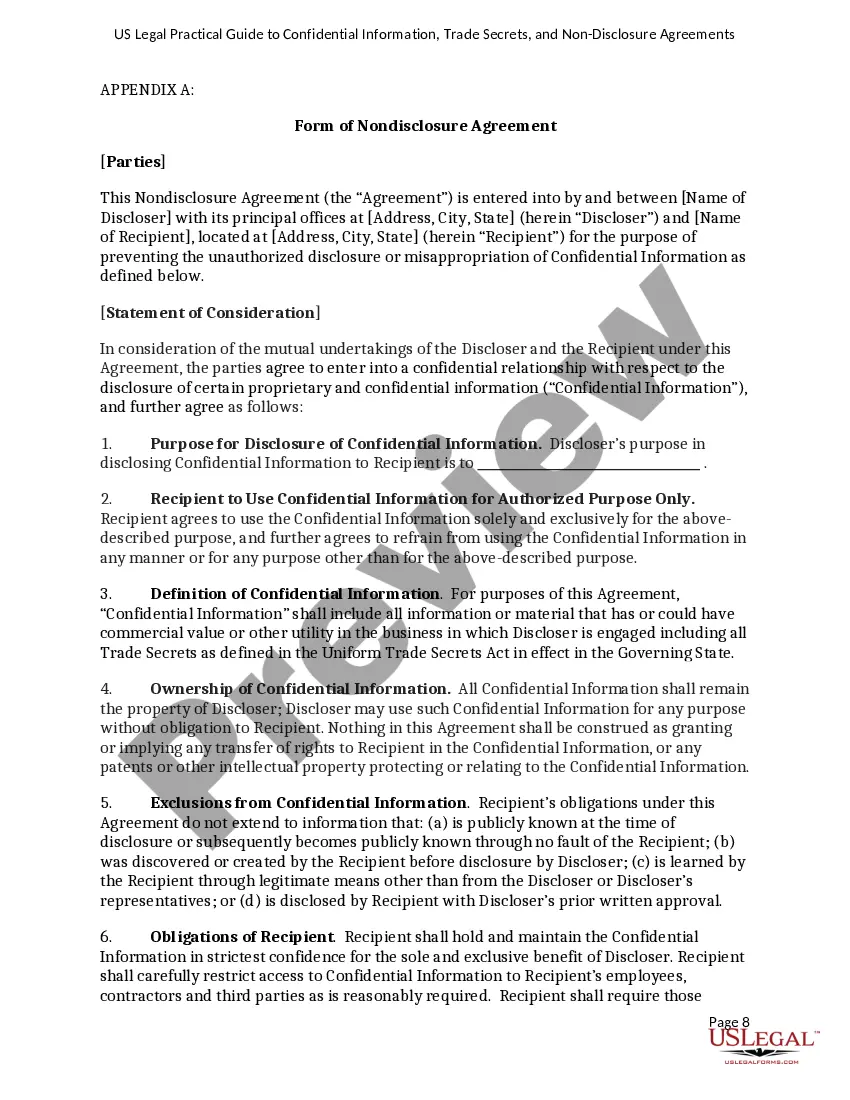
Ingly, to protect the Confidential Information that will be disclosed during employment, the Employee agrees as follows: Employee will hold the Confidential Information received from [Company Name] in strict confidence and will exercise a reasonable degree of care to prevent disclosure to others.
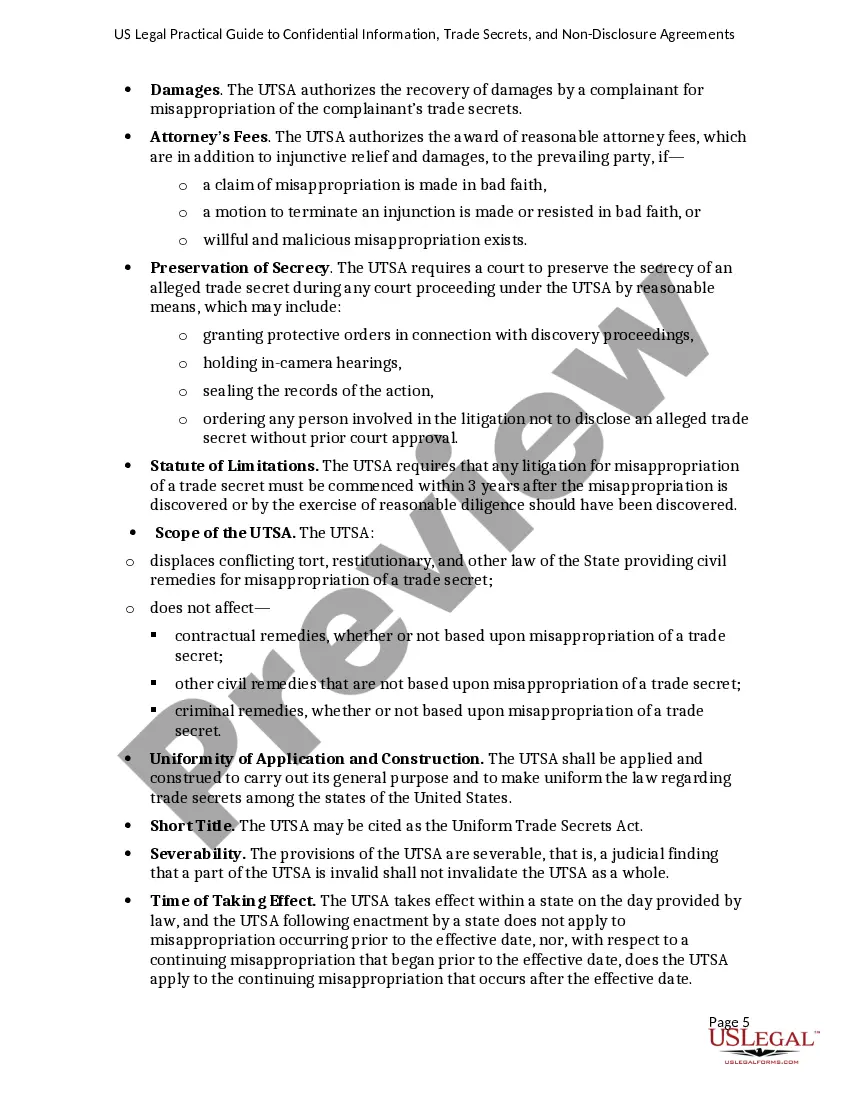
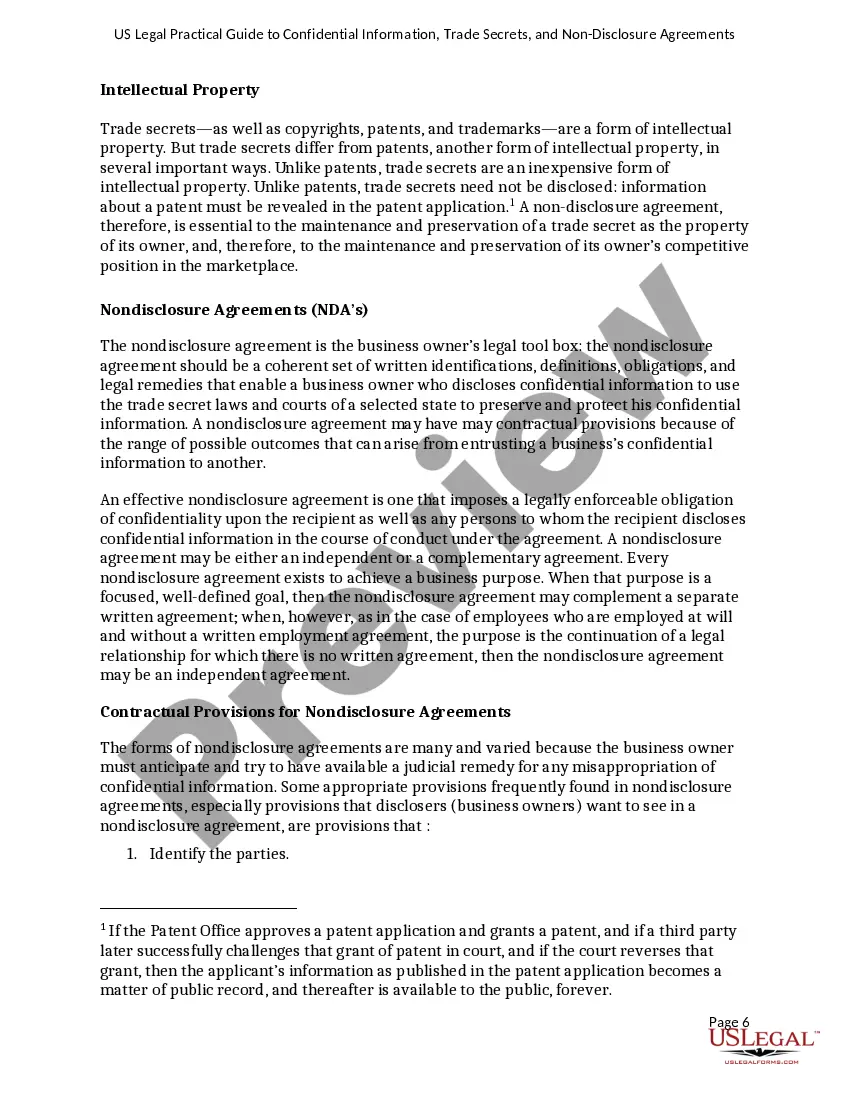
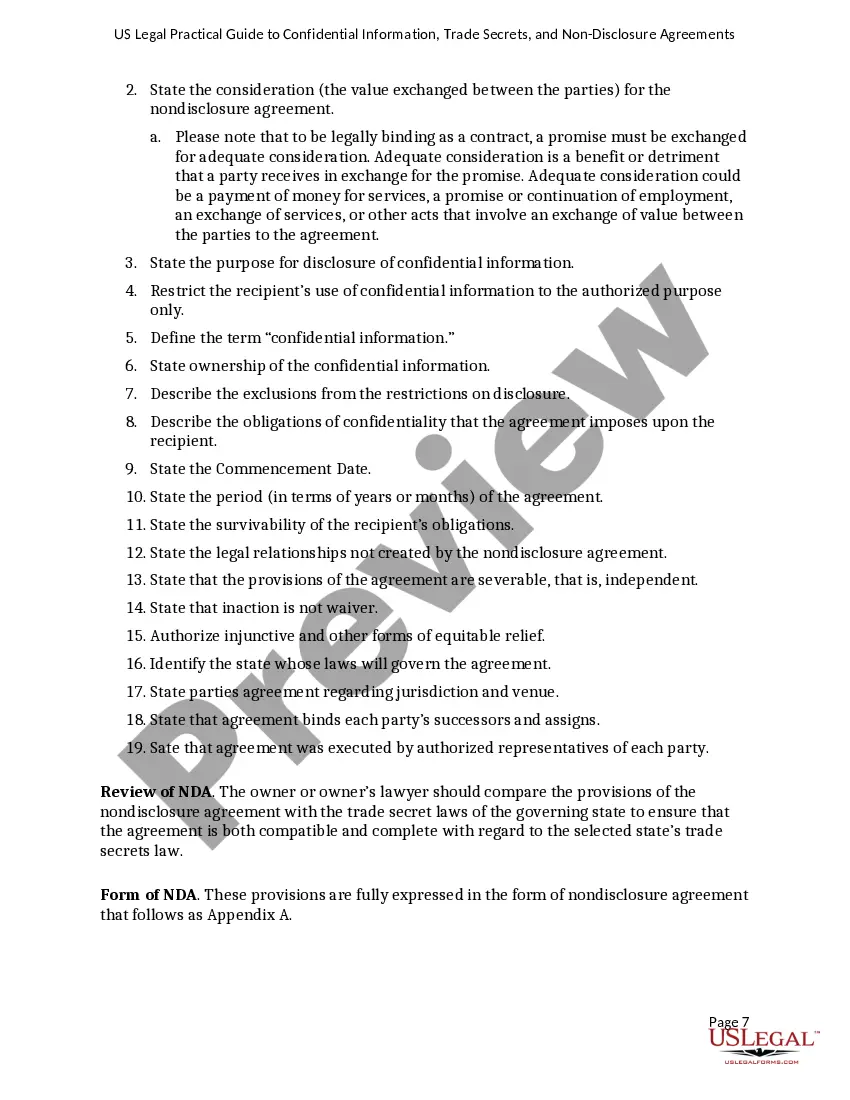
A confidentiality agreement should include a clear definition of the confidential information, scope of the agreement, obligations of the receiving party, the duration of the contract, any exceptions to confidentiality, and the consequences of a breach of the contract.