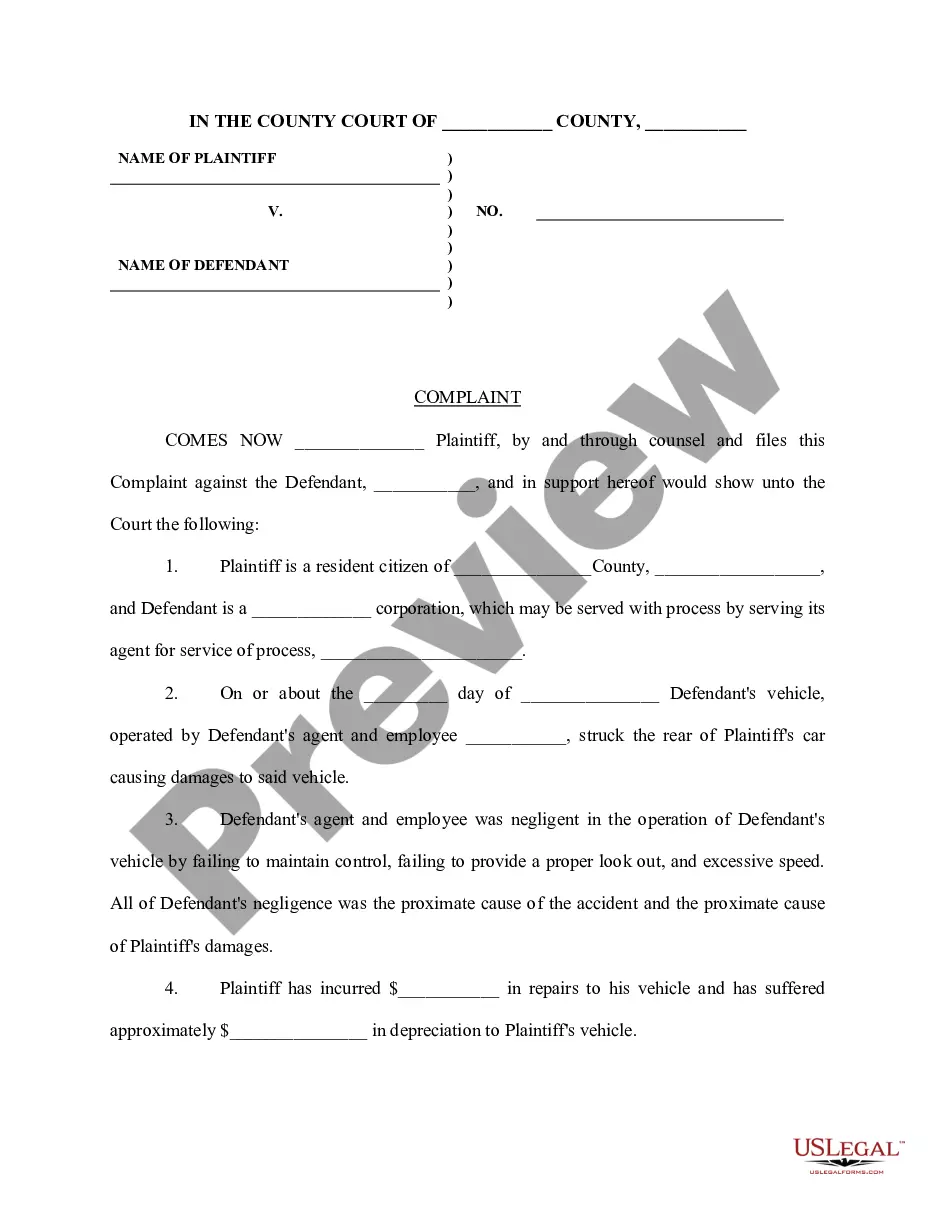
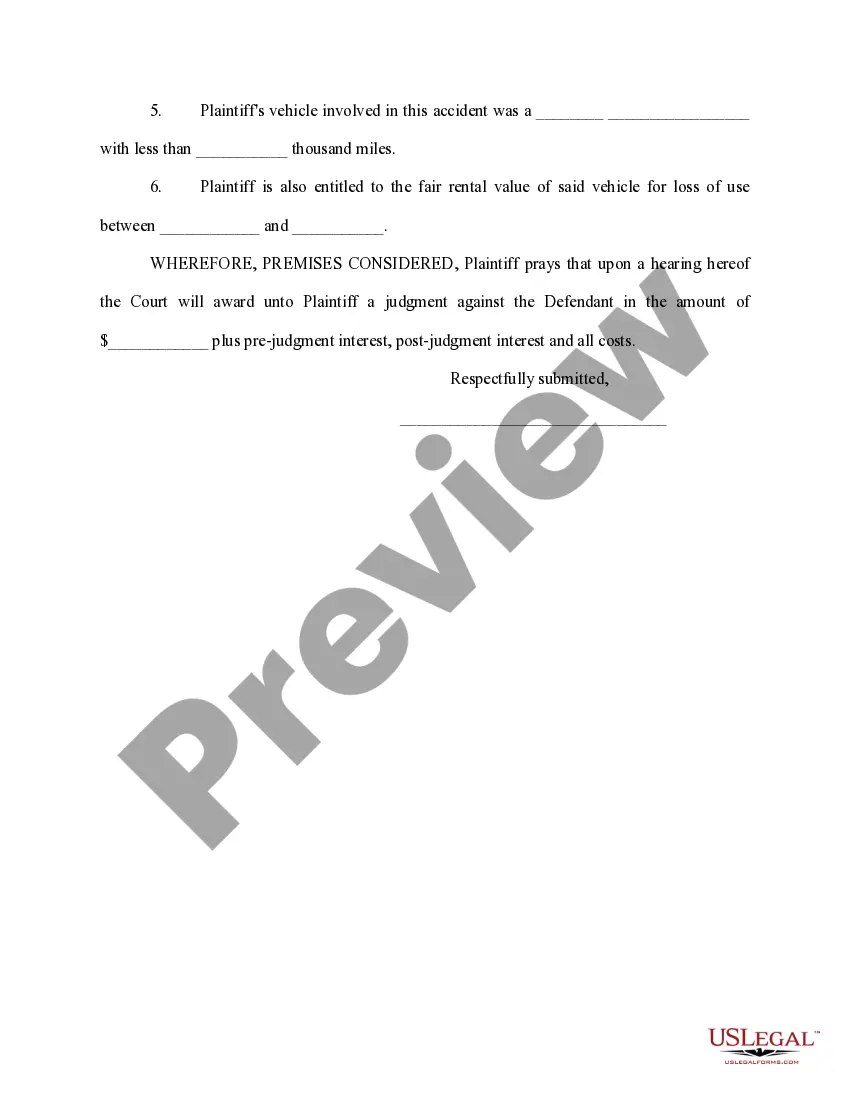
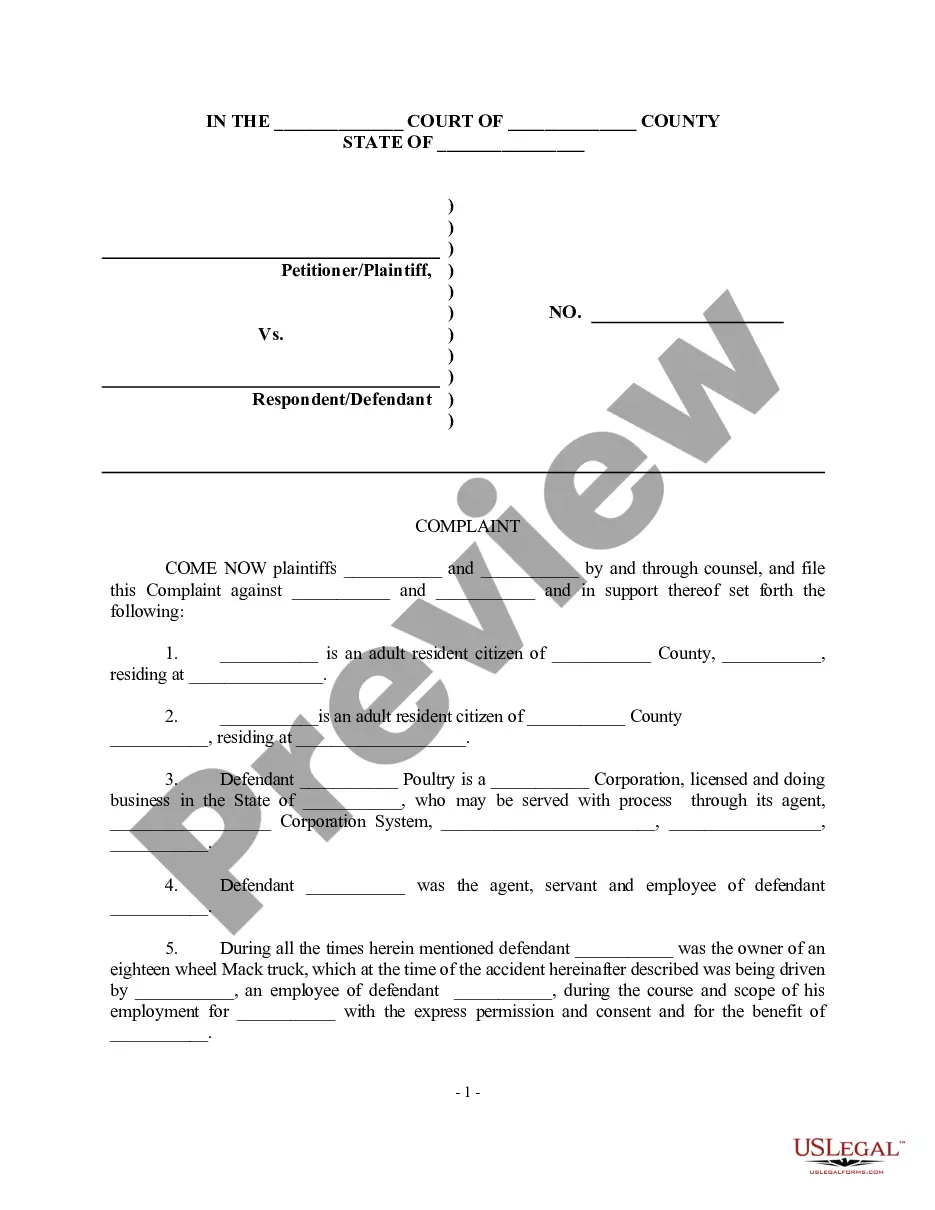
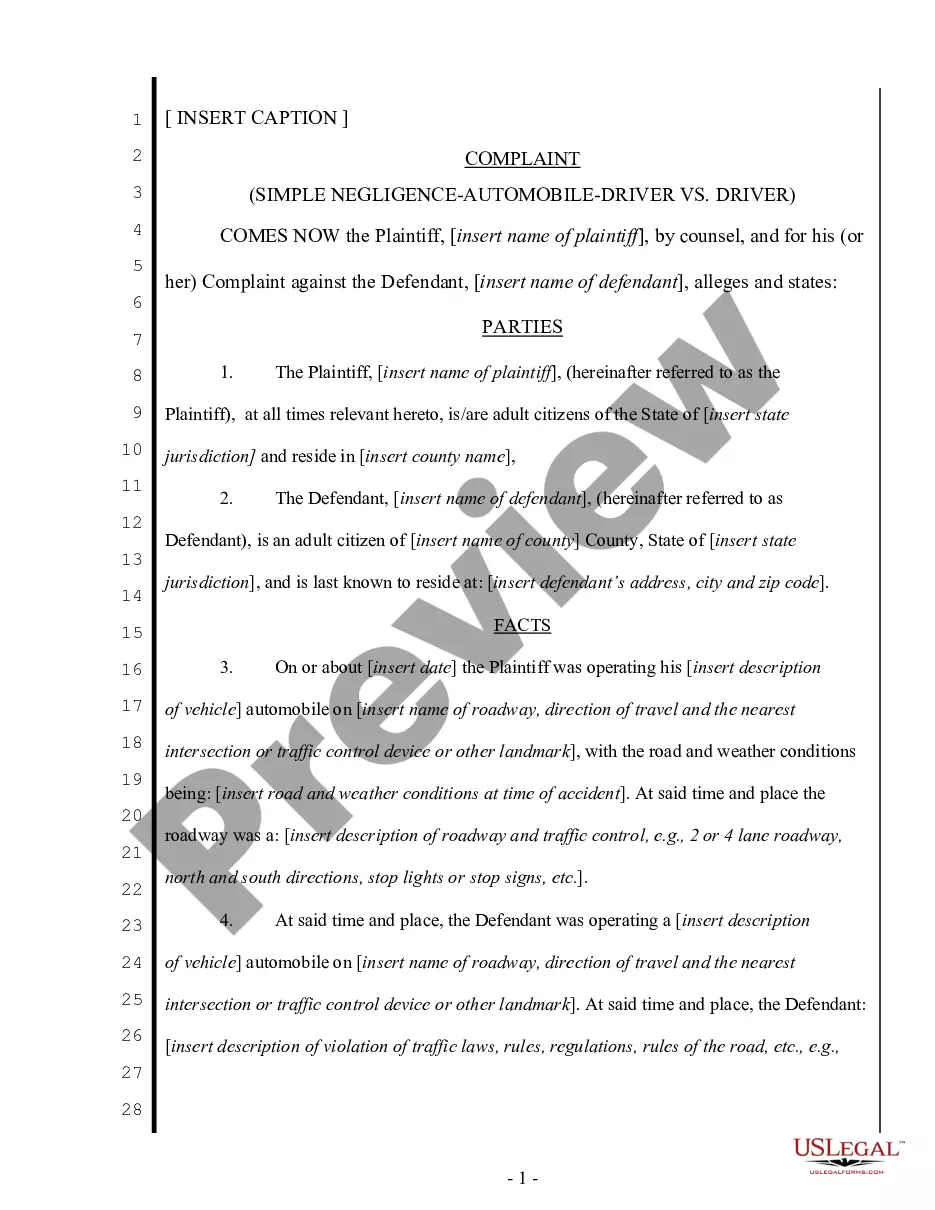
Vehicle Accident Form Template With Claim Number
Description
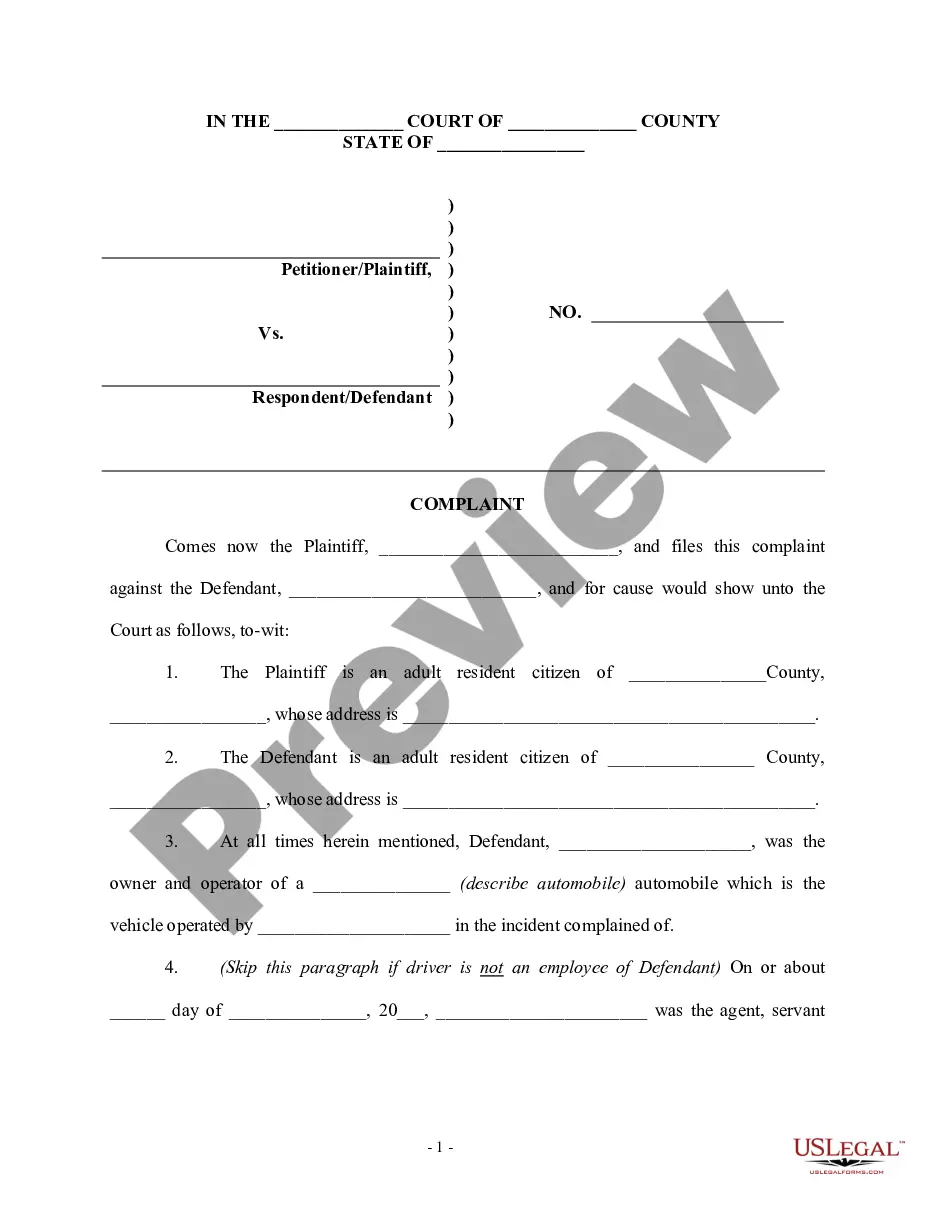
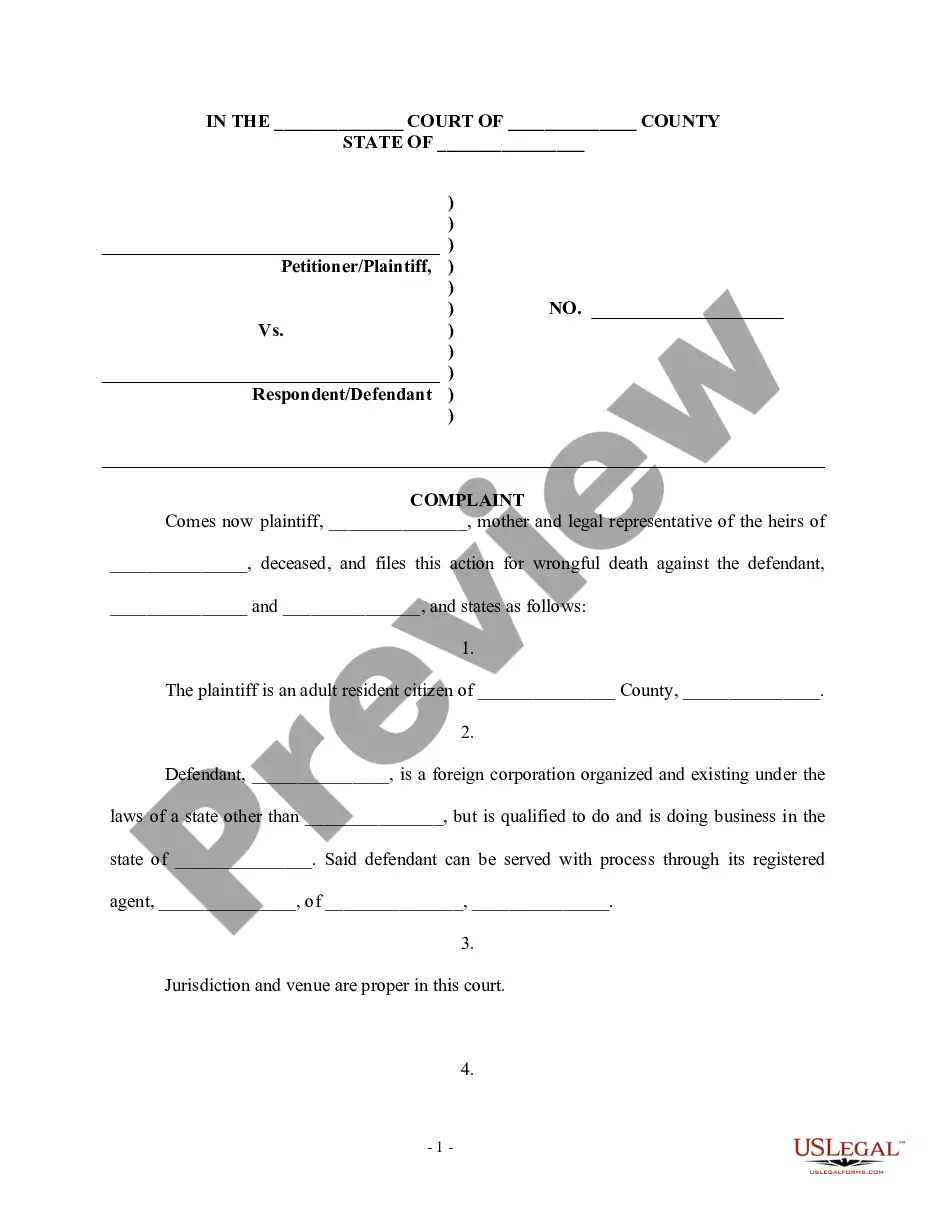
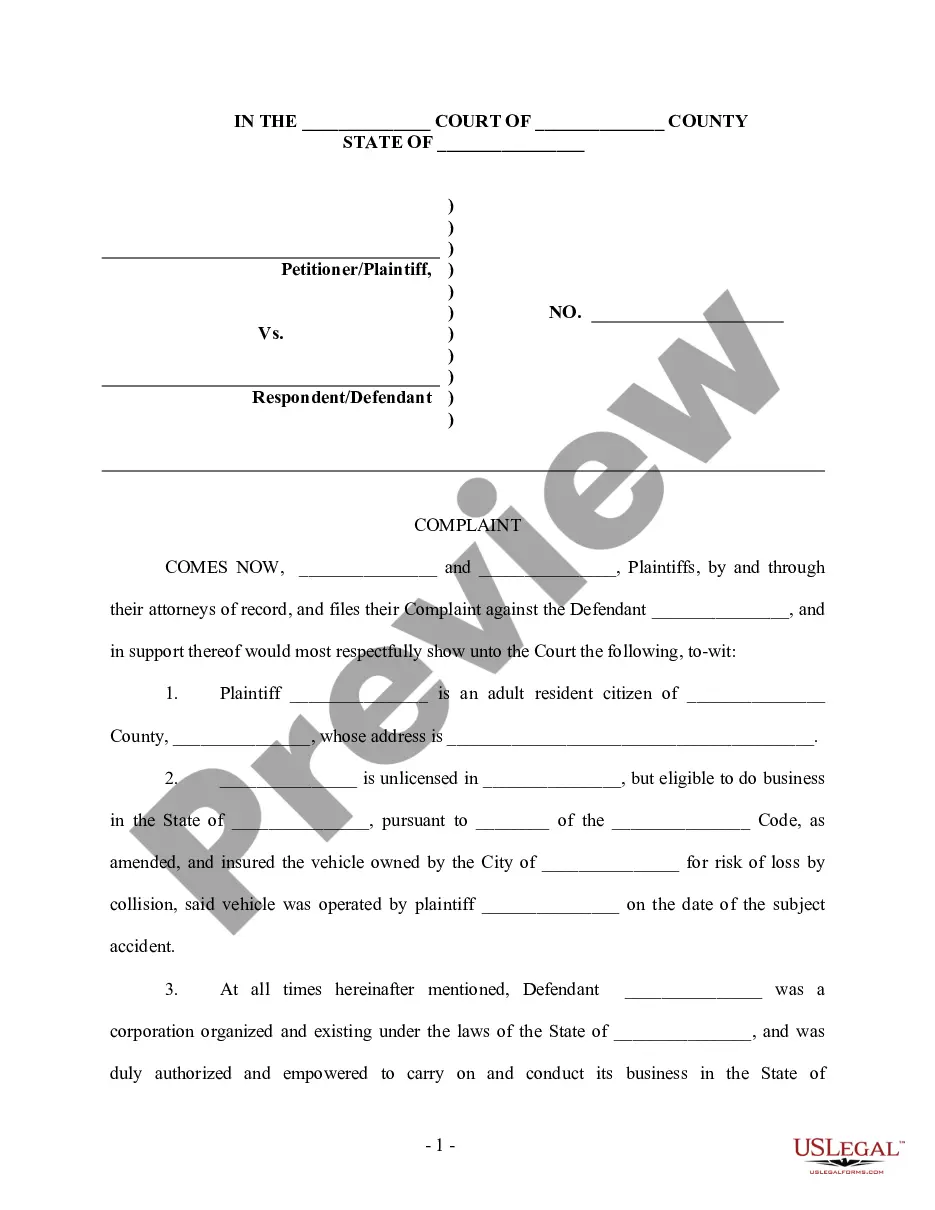
Get your form ready online
Our built-in tools help you complete, sign, share, and store your documents in one place.
Make edits, fill in missing information, and update formatting in US Legal Forms—just like you would in MS Word.
Download a copy, print it, send it by email, or mail it via USPS—whatever works best for your next step.
Sign and collect signatures with our SignNow integration. Send to multiple recipients, set reminders, and more. Go Premium to unlock E-Sign.
If this form requires notarization, complete it online through a secure video call—no need to meet a notary in person or wait for an appointment.
We protect your documents and personal data by following strict security and privacy standards.

Make edits, fill in missing information, and update formatting in US Legal Forms—just like you would in MS Word.

Download a copy, print it, send it by email, or mail it via USPS—whatever works best for your next step.

Sign and collect signatures with our SignNow integration. Send to multiple recipients, set reminders, and more. Go Premium to unlock E-Sign.

If this form requires notarization, complete it online through a secure video call—no need to meet a notary in person or wait for an appointment.

We protect your documents and personal data by following strict security and privacy standards.
Looking for another form?
How to fill out Complaint For Motor Vehicle Accident?
Regardless of whether it is for commercial reasons or personal affairs, everyone must confront legal matters at some point in their existence.
Filling out legal forms requires meticulous focus, starting with selecting the appropriate form template.
Once it is saved, you can complete the form using editing software or print it out and finish it by hand. With an extensive US Legal Forms catalog available, you will never have to waste time searching for the correct sample online. Use the library’s user-friendly navigation to find the right template for any circumstance.
- For example, if you select an incorrect version of the Vehicle Accident Form Template With Claim Number, it will be denied once submitted.
- Thus, it is crucial to have a trustworthy resource for legal documents such as US Legal Forms.
- If you wish to acquire a Vehicle Accident Form Template With Claim Number sample, follow these easy instructions.
- Obtain the sample you require using the search bar or catalog navigation.
- Review the form’s details to ensure it aligns with your circumstances, state, and locality.
- Click on the form’s preview to examine it.
- If it is the wrong document, return to the search feature to locate the Vehicle Accident Form Template With Claim Number sample you need.
- Download the template if it satisfies your criteria.
- If you already possess a US Legal Forms account, simply click Log in to retrieve previously stored documents in My documents.
- If you do not yet have an account, you can download the form by clicking Buy now.
- Choose the suitable pricing option.
- Fill out the account registration form.
- Select your payment method: you can use a credit card or PayPal account.
- Choose the desired file format and download the Vehicle Accident Form Template With Claim Number.
Form popularity
FAQ
Six steps for successful incident investigation STEP 1 ? IMMEDIATE ACTION. ... STEP 2 ? PLAN THE INVESTIGATION. ... STEP 3 ? DATA COLLECTION. ... STEP 4 ? DATA ANALYSIS. ... STEP 5 ? CORRECTIVE ACTIONS. ... STEP 6 ? REPORTING. ... TOOLS TO HELP.
What should you include in an incident report? When & where did it happen? Your report should contain the date, time and location where the accident took place. ... Who were involved? ... What did they do? ... Why did it happen? ... Were there any witnesses? ... What is the extent of damage to a person or property?
Completing an Accident Report form is essential. When an accident occurs, it is important to record accurate information about what happened on an Accident Report form. This will help ensure that everyone involved is safe, and that any necessary steps are taken to prevent future accidents from happening.
Writing any incident report involves four basic steps. Respond Immediately. Employees should notify their supervisor as soon as an accident or injury occurs. ... Find the Facts. ... Analyze. ... Complete Corrective Action Plan.
These documents are essential for your personal injury evidence. Official Reports. ... Photo Documentation. ... Statements. ... Medical Reports and Treatment Journal. ... Reports of Other Complaints or Accidents. ... Physical Evidence. ... Insurance Information. ... Work Information and Wages.