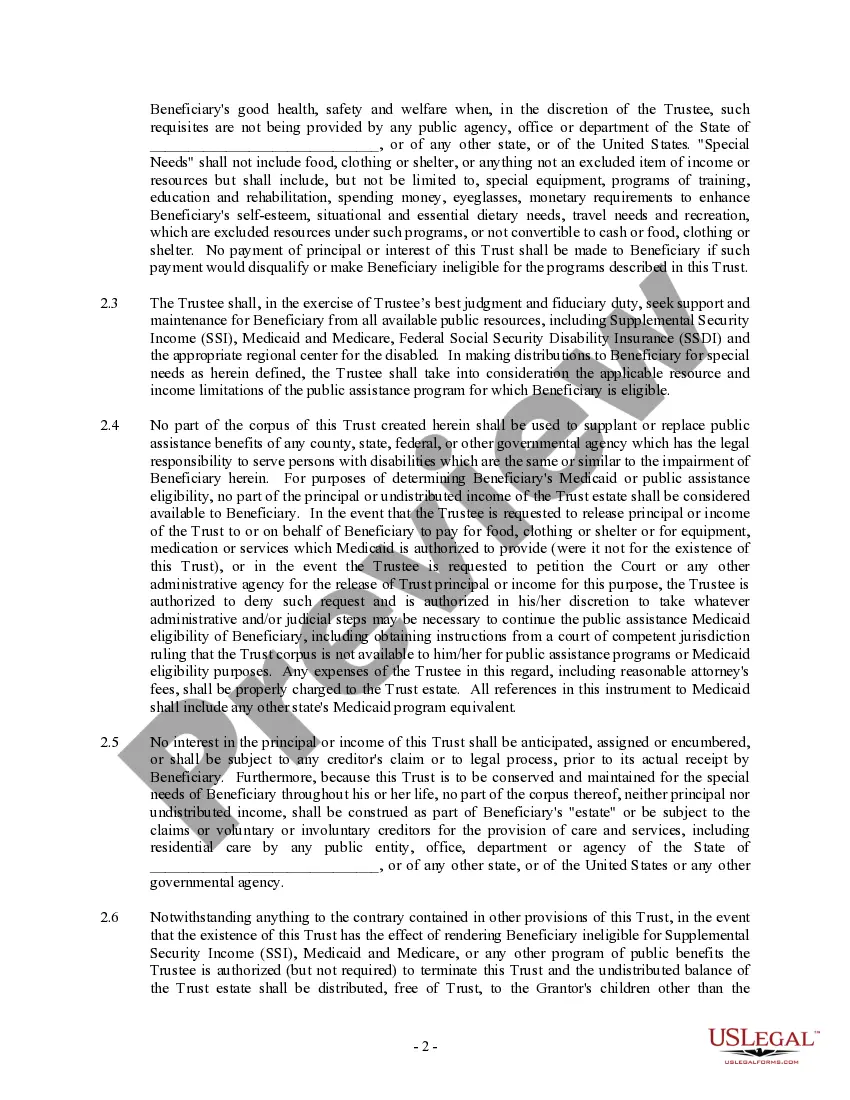
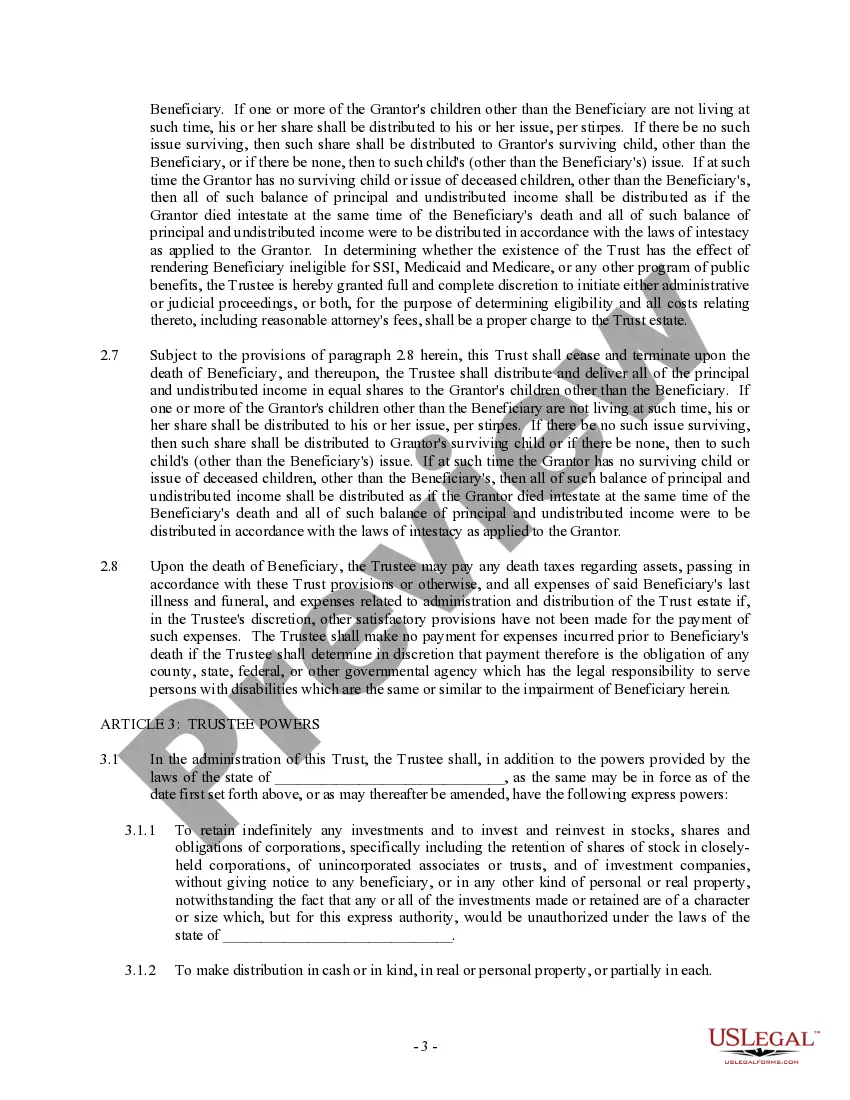
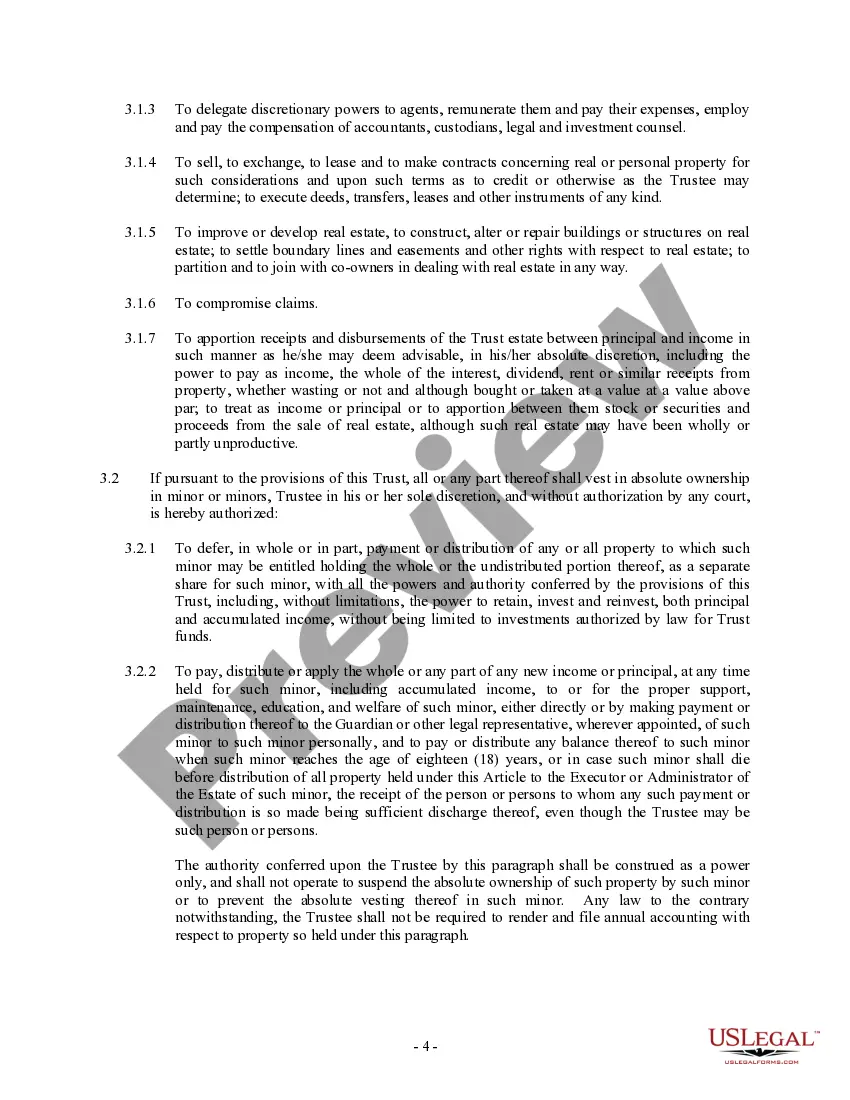
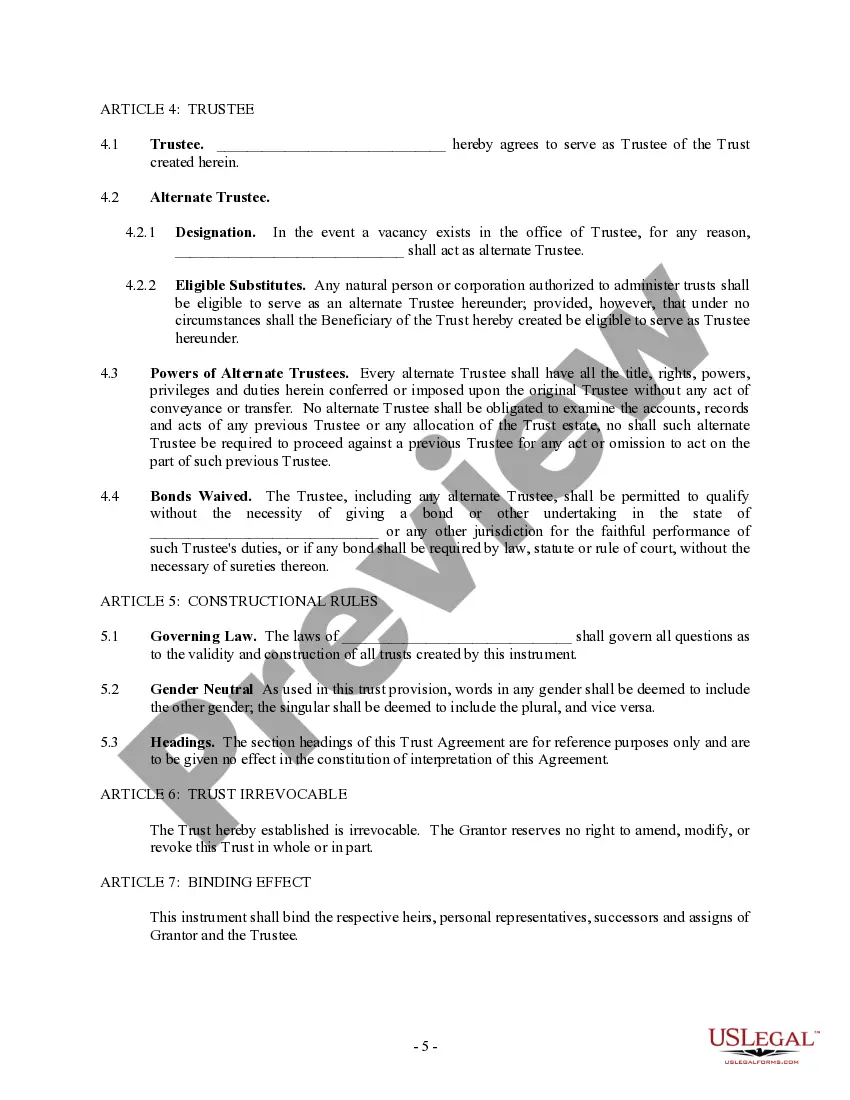
Special Needs Trust Oregon Withholding
Description




Get your form ready online
Our built-in tools help you complete, sign, share, and store your documents in one place.
Make edits, fill in missing information, and update formatting in US Legal Forms—just like you would in MS Word.
Download a copy, print it, send it by email, or mail it via USPS—whatever works best for your next step.
Sign and collect signatures with our SignNow integration. Send to multiple recipients, set reminders, and more. Go Premium to unlock E-Sign.
If this form requires notarization, complete it online through a secure video call—no need to meet a notary in person or wait for an appointment.
We protect your documents and personal data by following strict security and privacy standards.

Make edits, fill in missing information, and update formatting in US Legal Forms—just like you would in MS Word.

Download a copy, print it, send it by email, or mail it via USPS—whatever works best for your next step.

Sign and collect signatures with our SignNow integration. Send to multiple recipients, set reminders, and more. Go Premium to unlock E-Sign.

If this form requires notarization, complete it online through a secure video call—no need to meet a notary in person or wait for an appointment.

We protect your documents and personal data by following strict security and privacy standards.
Looking for another form?


How to fill out Trust Agreement - Family Special Needs?
It's common knowledge that you cannot become a legal authority instantly, nor can you easily learn how to swiftly create Special Needs Trust Oregon Withholding without possessing a unique set of abilities.
Assembling legal documents is a lengthy endeavor that necessitates specific training and expertise. So, why not entrust the development of the Special Needs Trust Oregon Withholding to the professionals.
With US Legal Forms, which boasts one of the most comprehensive libraries of legal templates, you can find everything from court papers to forms for internal communication.
If you require a different template, restart your search.
Create a free account and choose a subscription plan to purchase the form. Select Buy now. Once your payment is processed, you can access the Special Needs Trust Oregon Withholding, fill it out, print it, and send or mail it to the appropriate individuals or organizations.
- Understand how crucial adherence and compliance to federal and local laws are.
- That's why all forms on our site are tailored to specific locations and current.
- Start exploring our platform to obtain your needed document in just minutes.
- Locate the required document using the search bar at the top of the page.
- Preview it (if this feature is available) and review the accompanying description to determine if Special Needs Trust Oregon Withholding is what you need.
Form popularity
FAQ
The Oregon Form 40N is a tax-related document used for reporting income from a special needs trust in Oregon. This form is essential for ensuring that any income generated by the trust is properly reported and that the specific provisions regarding special needs trust Oregon withholding are adhered to. Filling out the 40N accurately helps protect the beneficiary’s eligibility for public benefits, such as Social Security or Medicaid. For individuals managing a special needs trust, using platforms like US Legal Forms can streamline the process, providing guidance and necessary forms.
While the permissible distributions depend on what types of public benefits are being received, generally a supplemental needs trust may make distributions for the beneficiary's education, recreation, counseling, and supplemental medical services.
First-Party or Self-Funded Special Needs Trusts Any income earned on the funds invested in the first-party trust is always taxable to the beneficiary in the year it is earned, regardless of when or if it is distributed to the beneficiary.
Income from a QDisT is reported on Internal Revenue Service (IRS) Form 1041, with a unique Employer Identification Number (EIN), while distributions to the beneficiary will be taxed on their own Form 1040 tax return.
Trusts (other than business trusts , trusts taxed as corporations under Oregon law, and trusts taxable as corporations for federal income tax purposes) and estates are subject to the same Oregon personal income tax as individuals. ( Sec. 316.267, ORS ; Sec. 316.272, ORS ; Sec.
Any income/losses and capital gains/ losses earned in the in-trust account will be taxed in the trust unless the income or capital gains are paid or made payable to the beneficiaries. Income taxed in the trust is taxable at the highest marginal tax rate.