Special Needs Trust Information With Social Security
Description

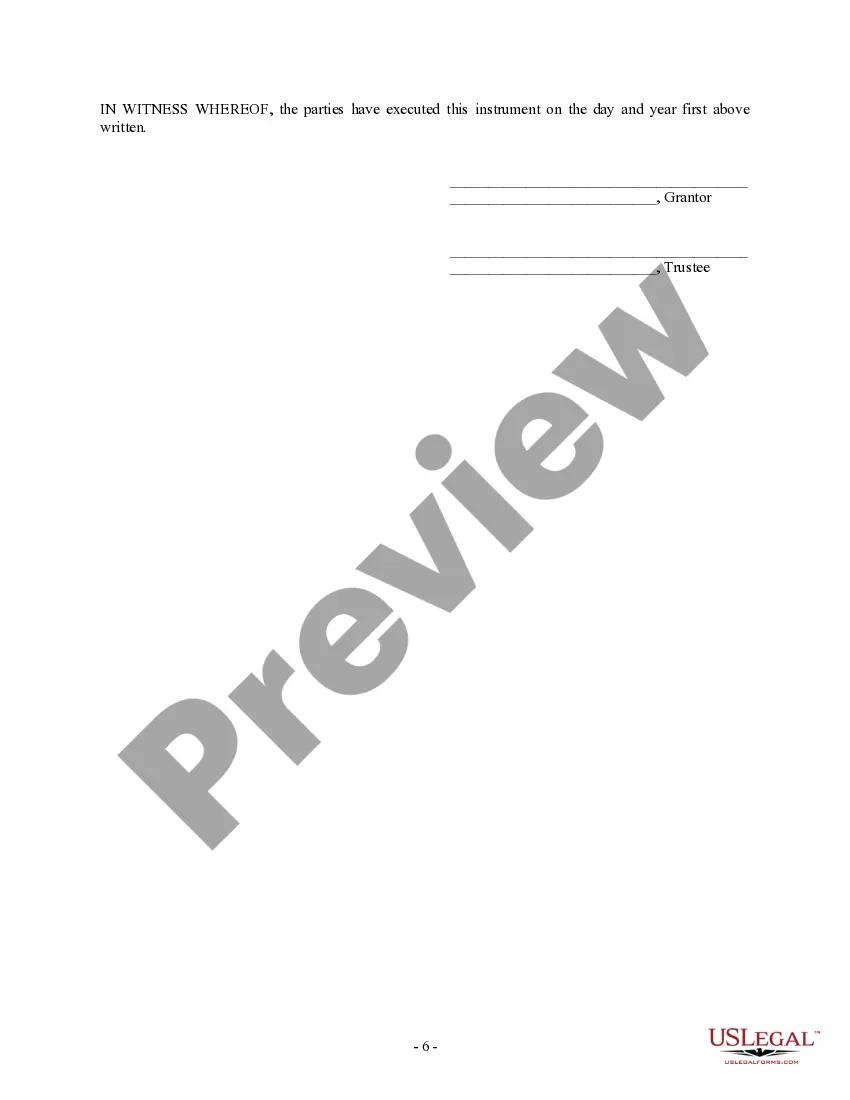
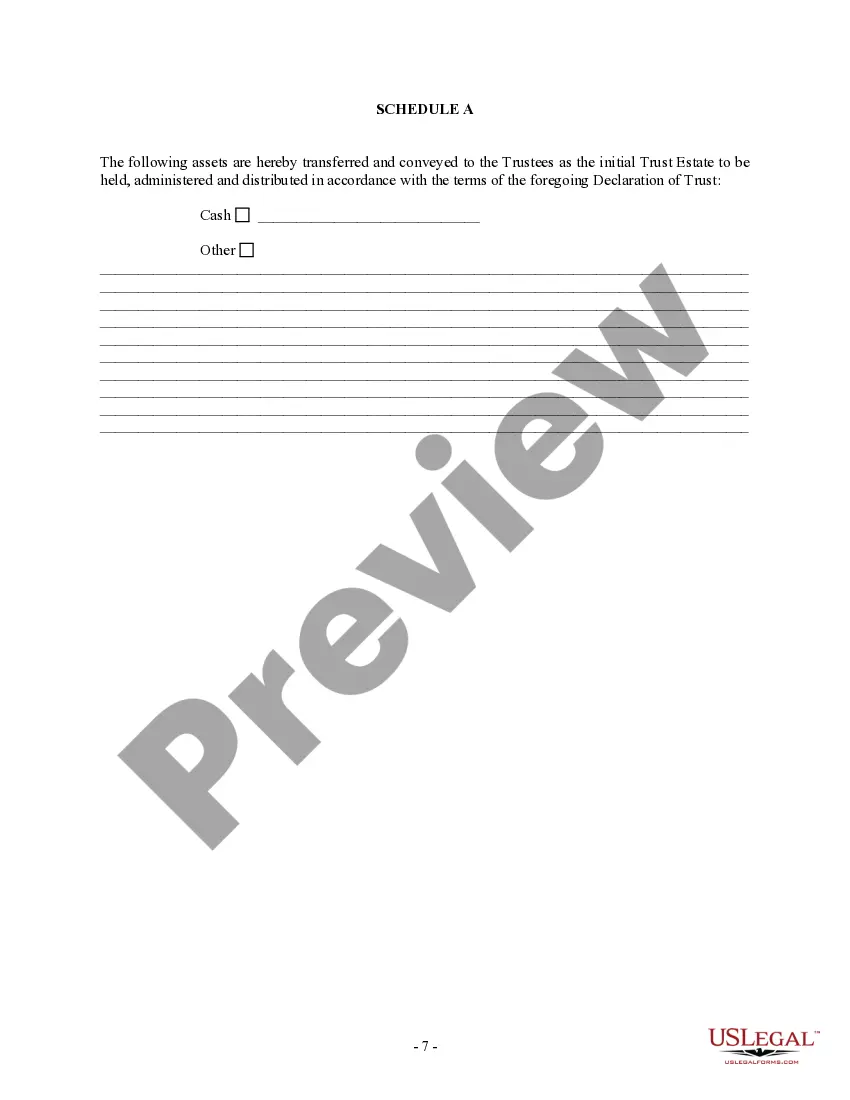
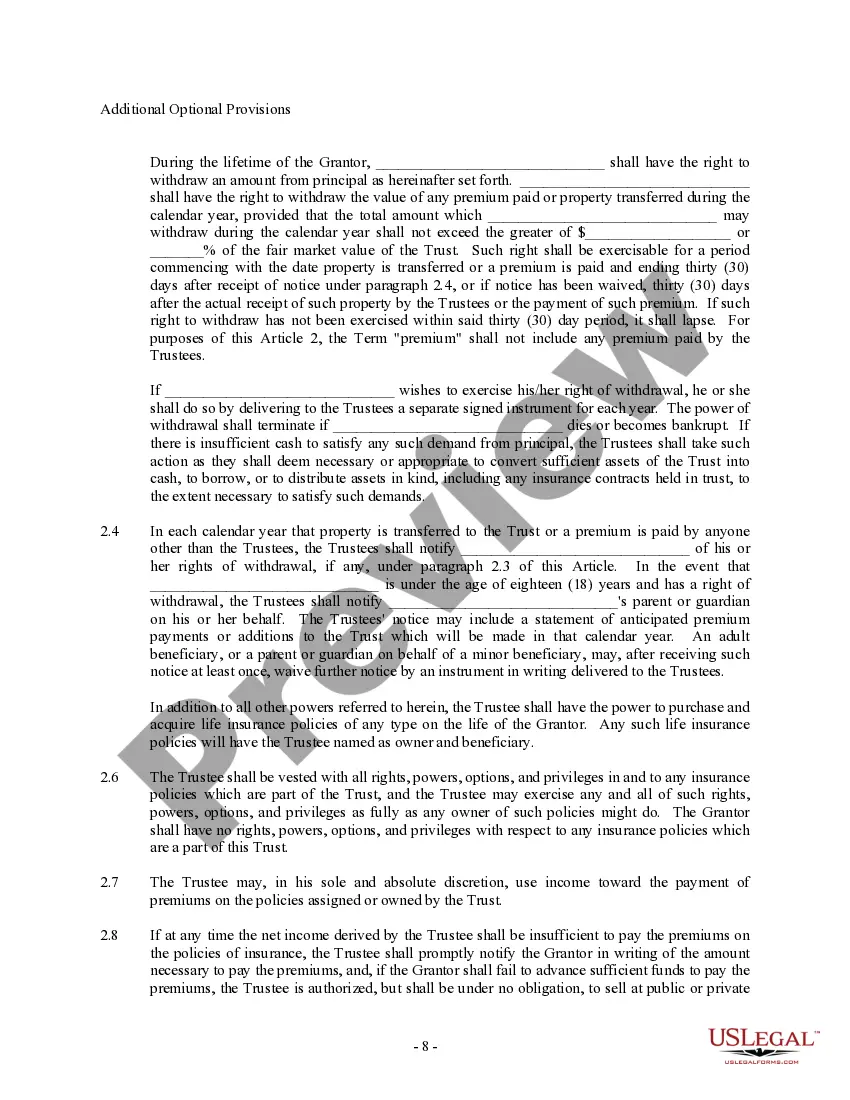
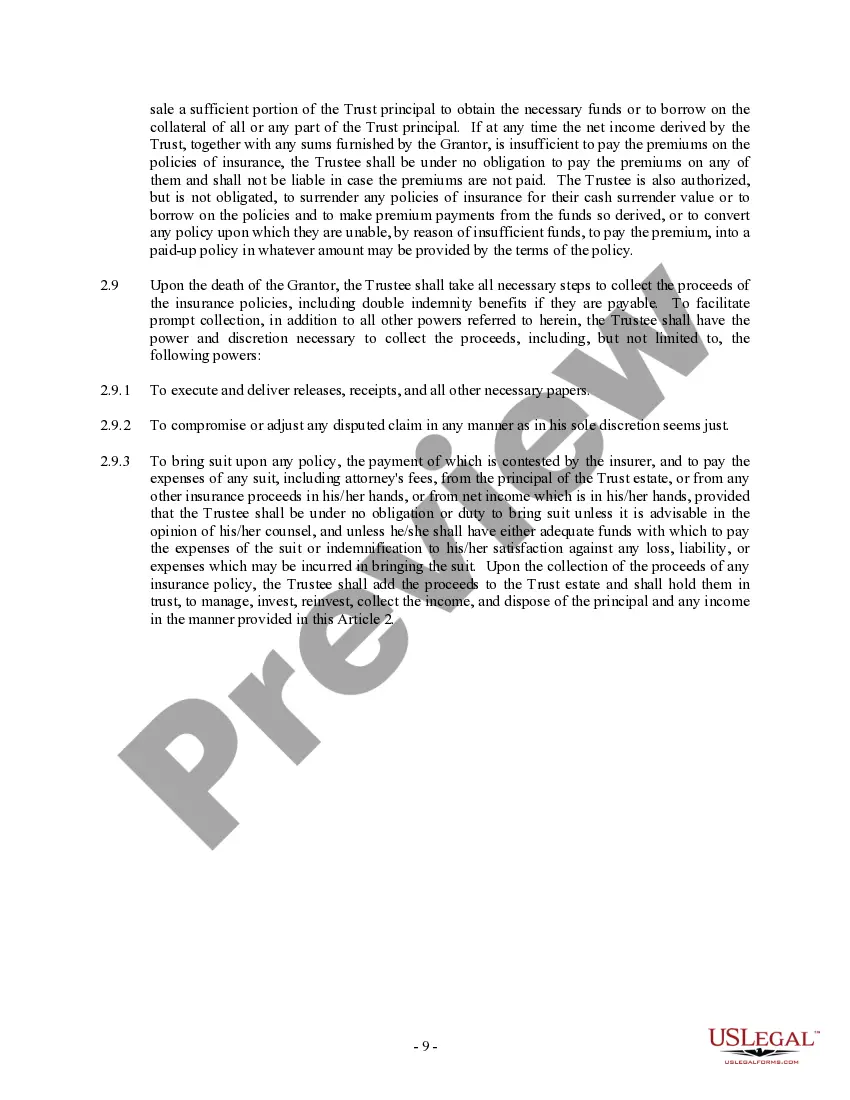
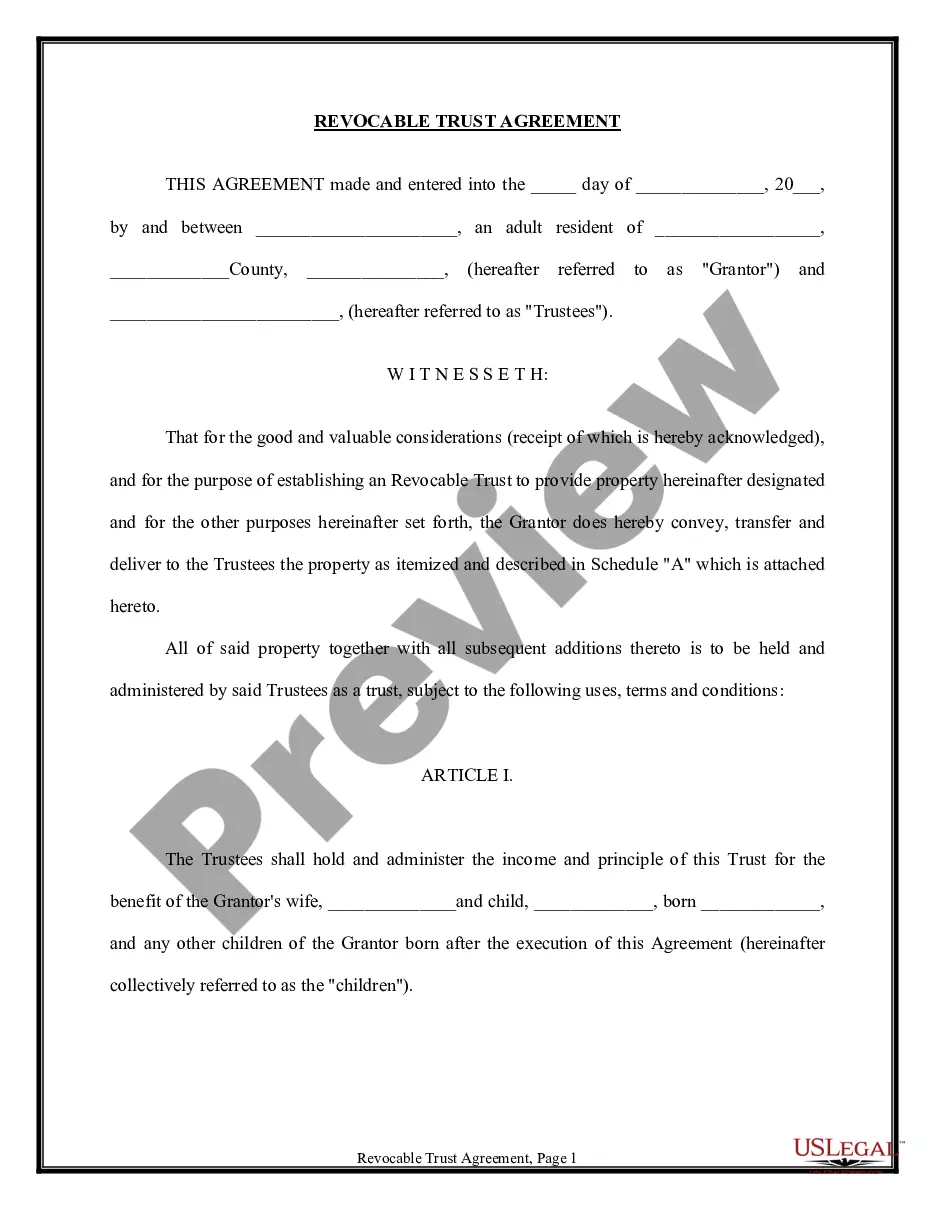


Get your form ready online
Our built-in tools help you complete, sign, share, and store your documents in one place.
Make edits, fill in missing information, and update formatting in US Legal Forms—just like you would in MS Word.
Download a copy, print it, send it by email, or mail it via USPS—whatever works best for your next step.
Sign and collect signatures with our SignNow integration. Send to multiple recipients, set reminders, and more. Go Premium to unlock E-Sign.
If this form requires notarization, complete it online through a secure video call—no need to meet a notary in person or wait for an appointment.
We protect your documents and personal data by following strict security and privacy standards.

Make edits, fill in missing information, and update formatting in US Legal Forms—just like you would in MS Word.

Download a copy, print it, send it by email, or mail it via USPS—whatever works best for your next step.

Sign and collect signatures with our SignNow integration. Send to multiple recipients, set reminders, and more. Go Premium to unlock E-Sign.

If this form requires notarization, complete it online through a secure video call—no need to meet a notary in person or wait for an appointment.

We protect your documents and personal data by following strict security and privacy standards.
Looking for another form?




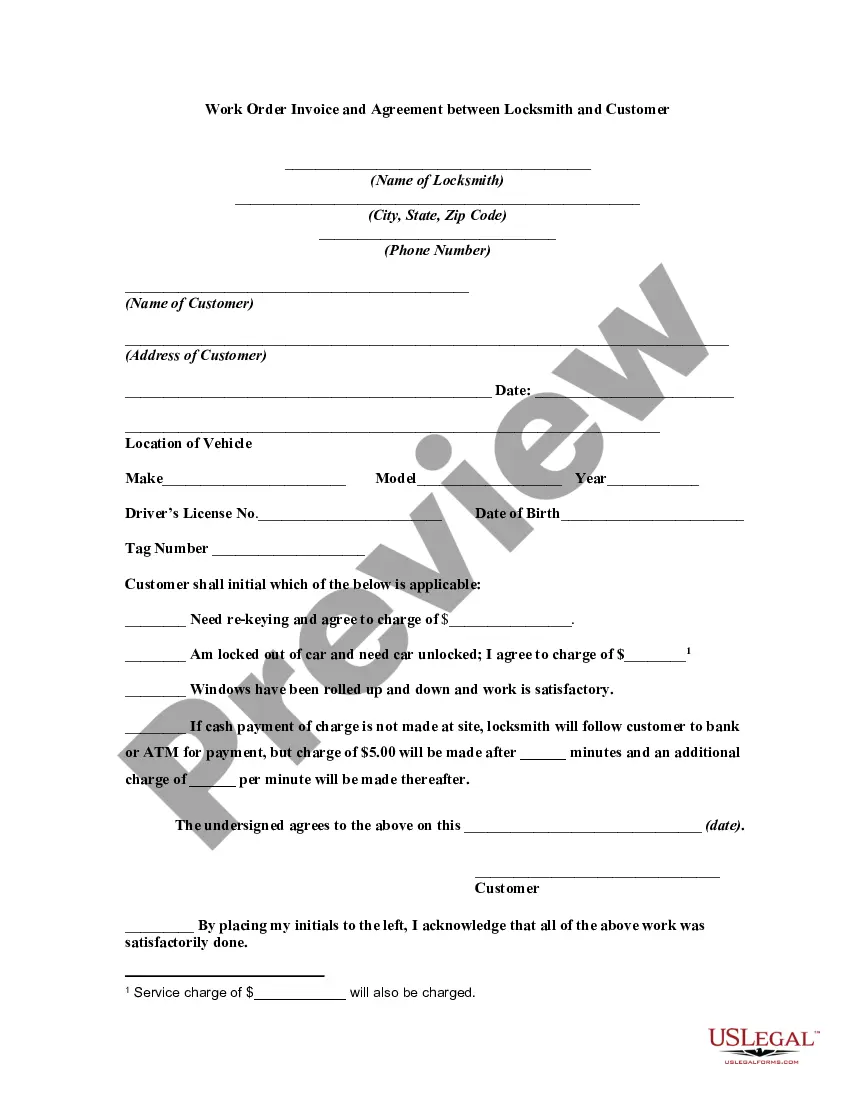





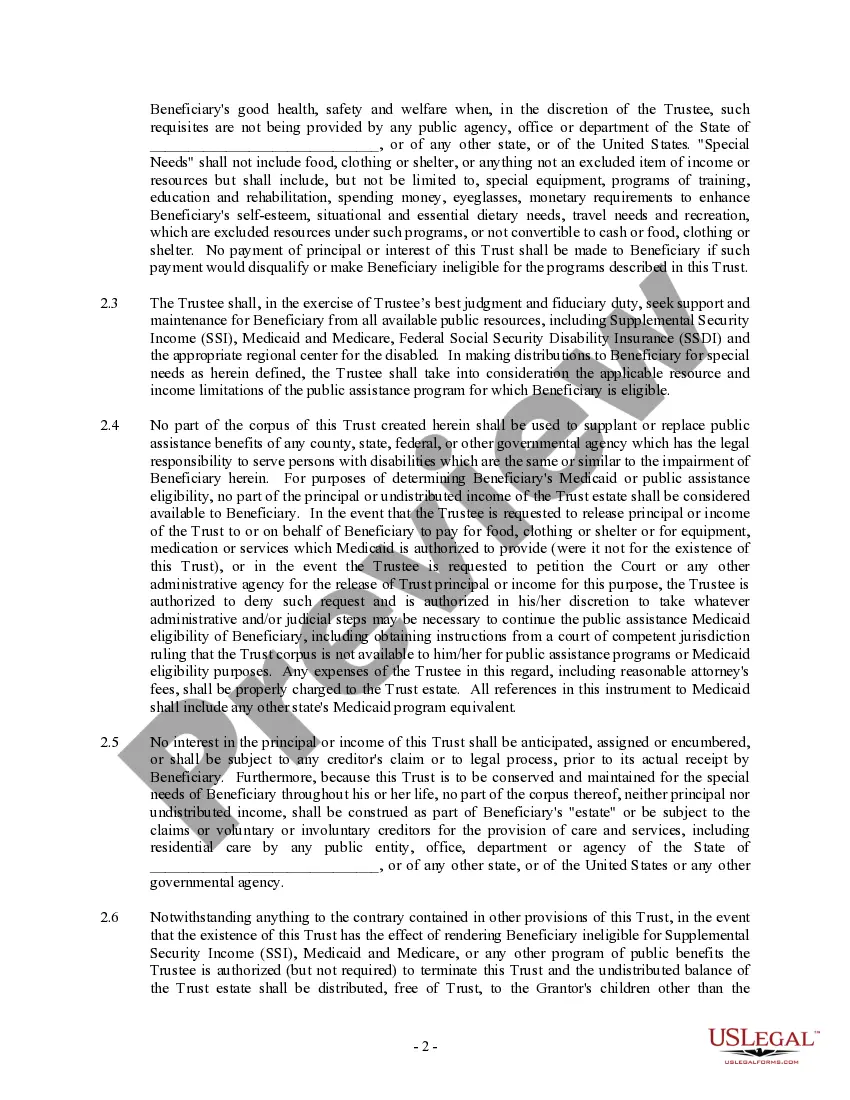
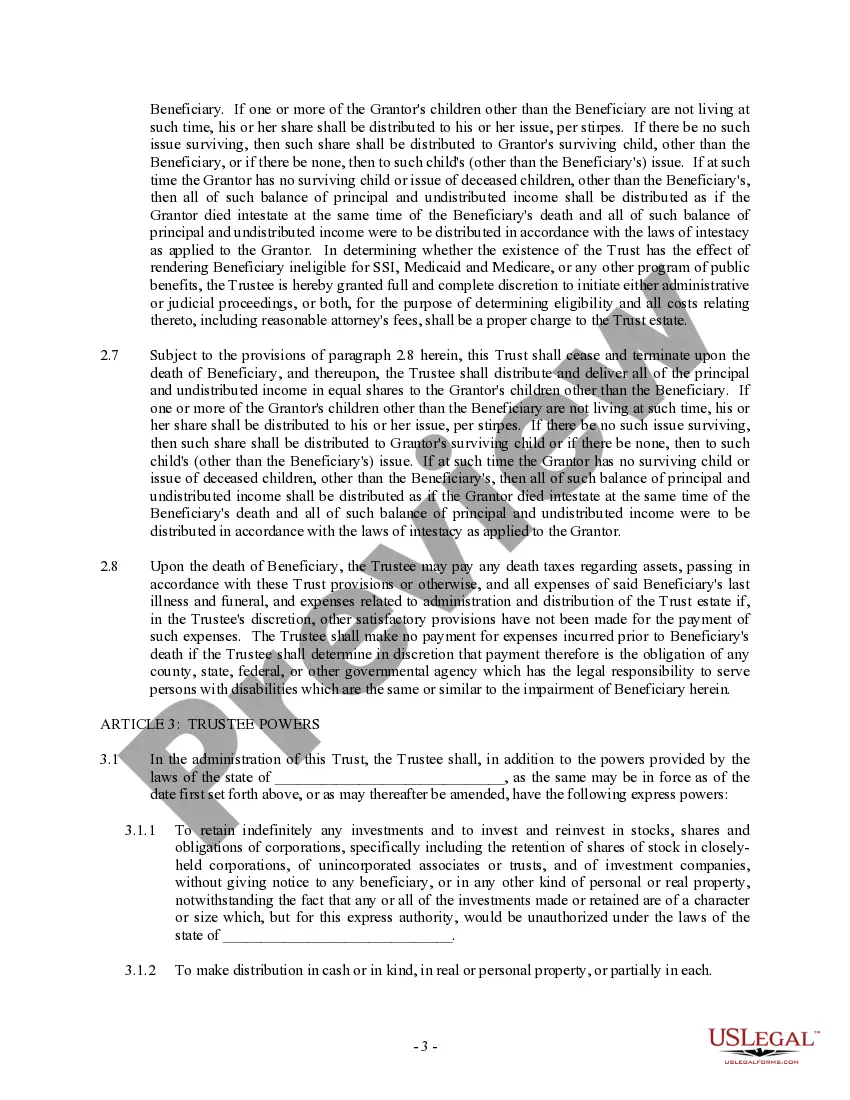
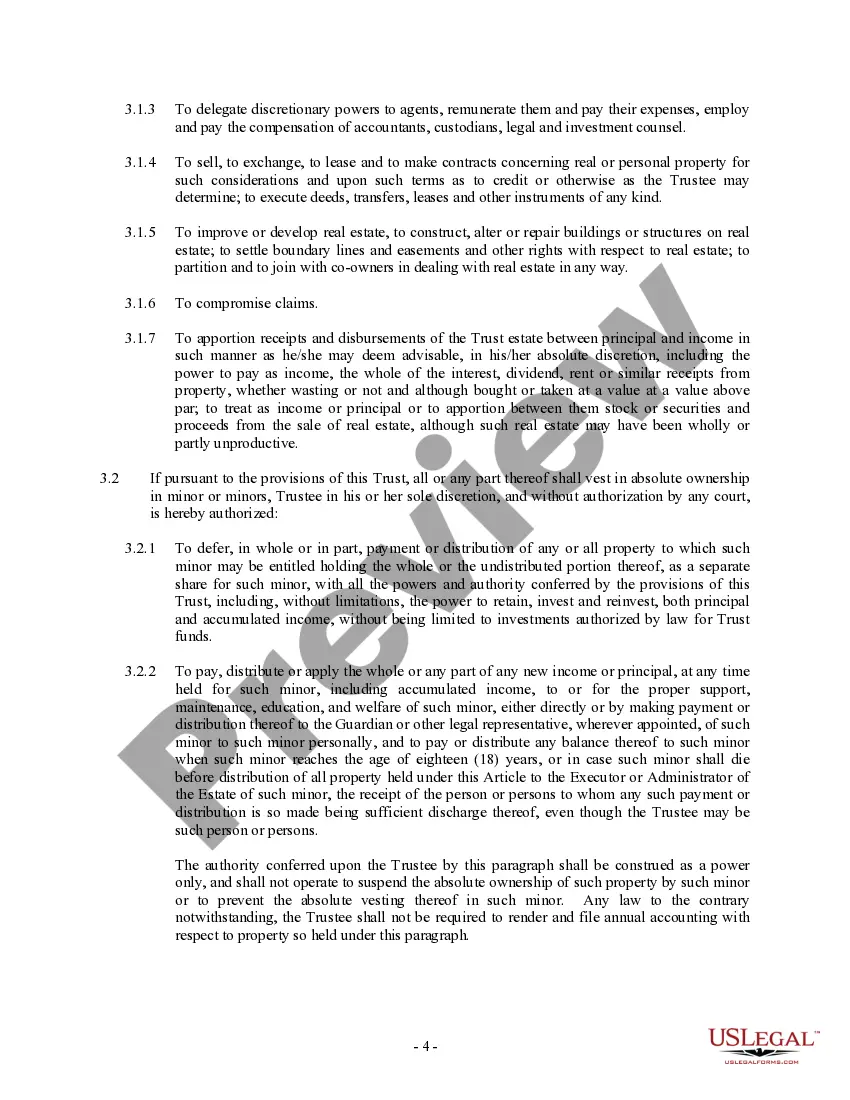
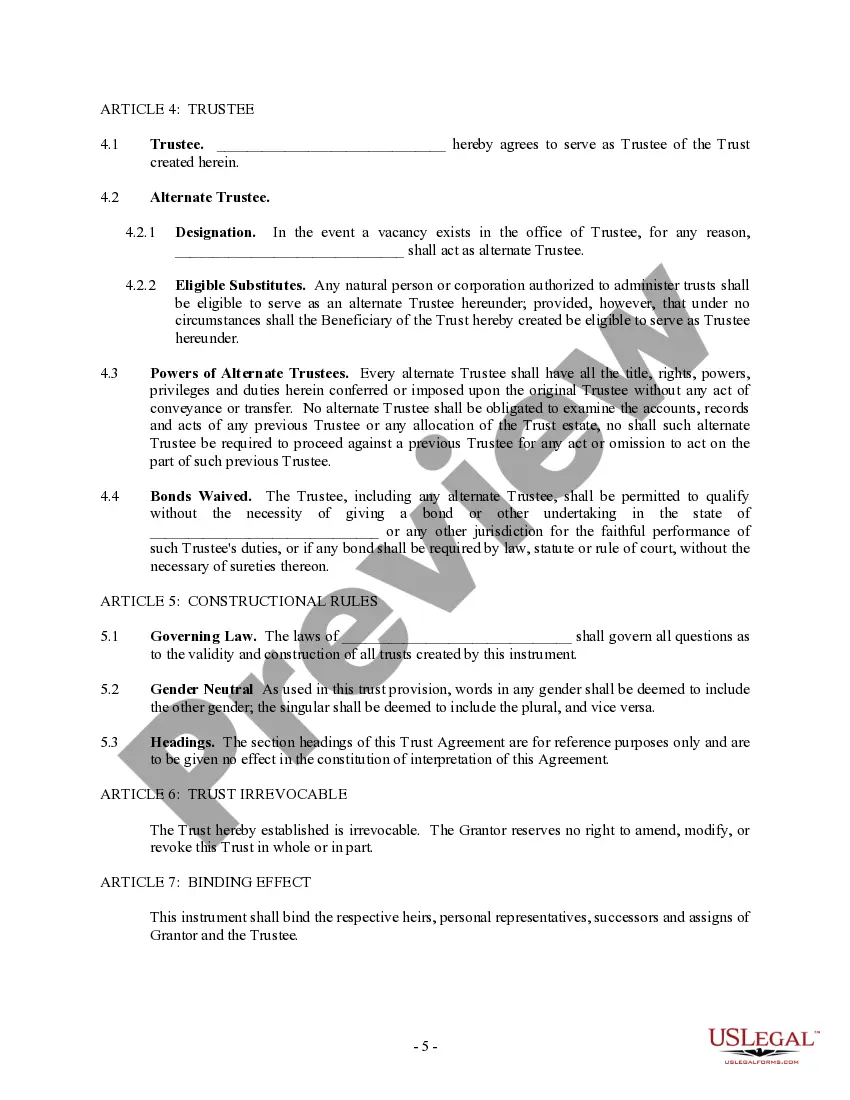
How to fill out Trust Agreement - Family Special Needs?
It’s clear that you cannot instantly become a legal authority, nor can you quickly learn how to draft Special Needs Trust Information With Social Security without a dedicated background.
Compiling legal documents is an extensive journey that necessitates targeted training and expertise.
So why not entrust the creation of the Special Needs Trust Information With Social Security to the professionals.
Click Buy now. Once your payment is completed, you can download the Special Needs Trust Information With Social Security, fill it out, print it, and send or deliver it to the required parties or institutions.
You can access your forms again from the My documents section whenever you need. If you’re an existing customer, just Log In, and find and download the template from the same section.
- Visit our website to find the form you need in just a few minutes.
- Use the search bar at the top of the page to locate the form you require.
- Preview it (if this feature is available) and read the accompanying description to see if Special Needs Trust Information With Social Security matches your needs.
- If you need a different form, begin your search once again.
- Create a free account and select a subscription plan to purchase the form.
Form popularity
FAQ
What Is a Beneficiary of Trust? A beneficiary of trust is the individual or group of individuals for whom a trust is created. The trust creator or grantor designates beneficiaries and a trustee, who has a fiduciary duty to manage trust assets in the best interests of beneficiaries as outlined in the trust agreement.
Disadvantages of Irrevocable Trusts Fairly Rigid terms: They are not very flexible. Once the terms are established, they can be difficult to change. The Three-Year Rule: If you include life insurance in an irrevocable trust and pass away within three years, the proceeds return to your estate and become taxable.
With an irrevocable trust, the transfer of assets is permanent. So once the trust is created and assets are transferred, they generally can't be taken out again. You can still act as the trustee but you'd be limited to withdrawing money only on an as-needed basis to cover necessary expenses.
The Deed is signed by the Trustees and Settlors, while an initial gift (usually $100) is required to make the Trust operative. The assets to be placed into the Trust are then transferred to the Trustee by 'selling' to the Trust at market value. The Trustee will usually sign an acknowledgment of debt to the Settlor.
The income beneficiary is the surviving spouse who wants you to make significant distributions to him or her and invest trust assets in his or her business. The remainder beneficiaries want less income to go the surviving spouse and do not want a risky investment to be made in the business of the income beneficiary.