Secure Notes For Ipad
Description
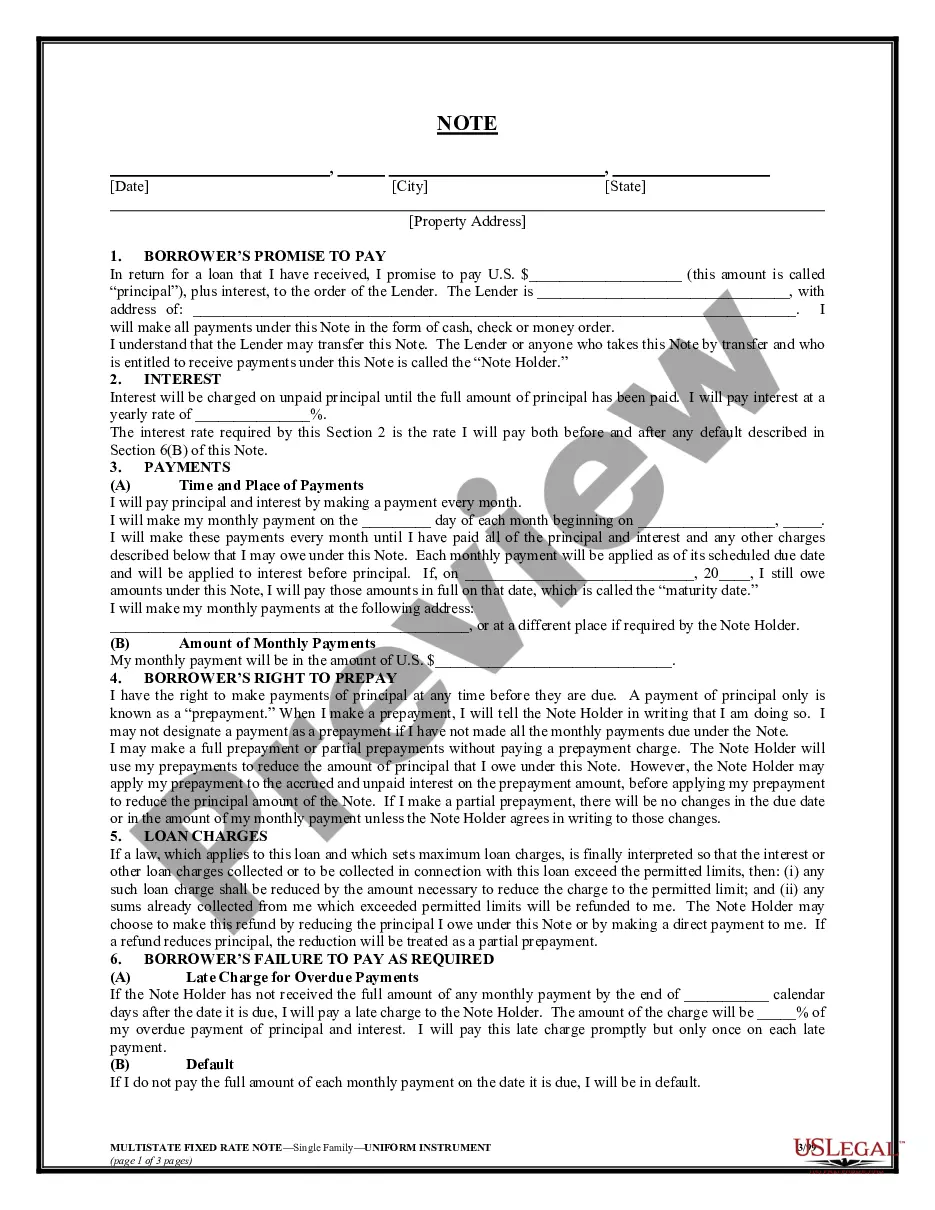
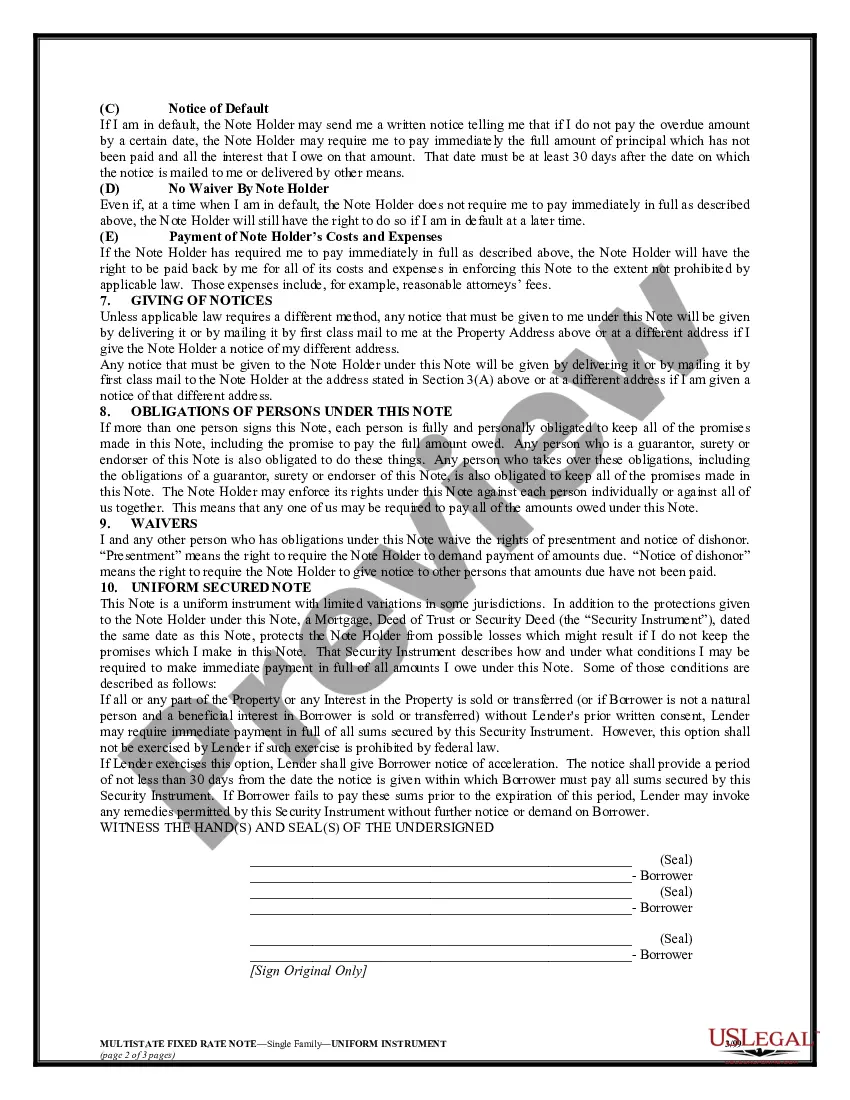
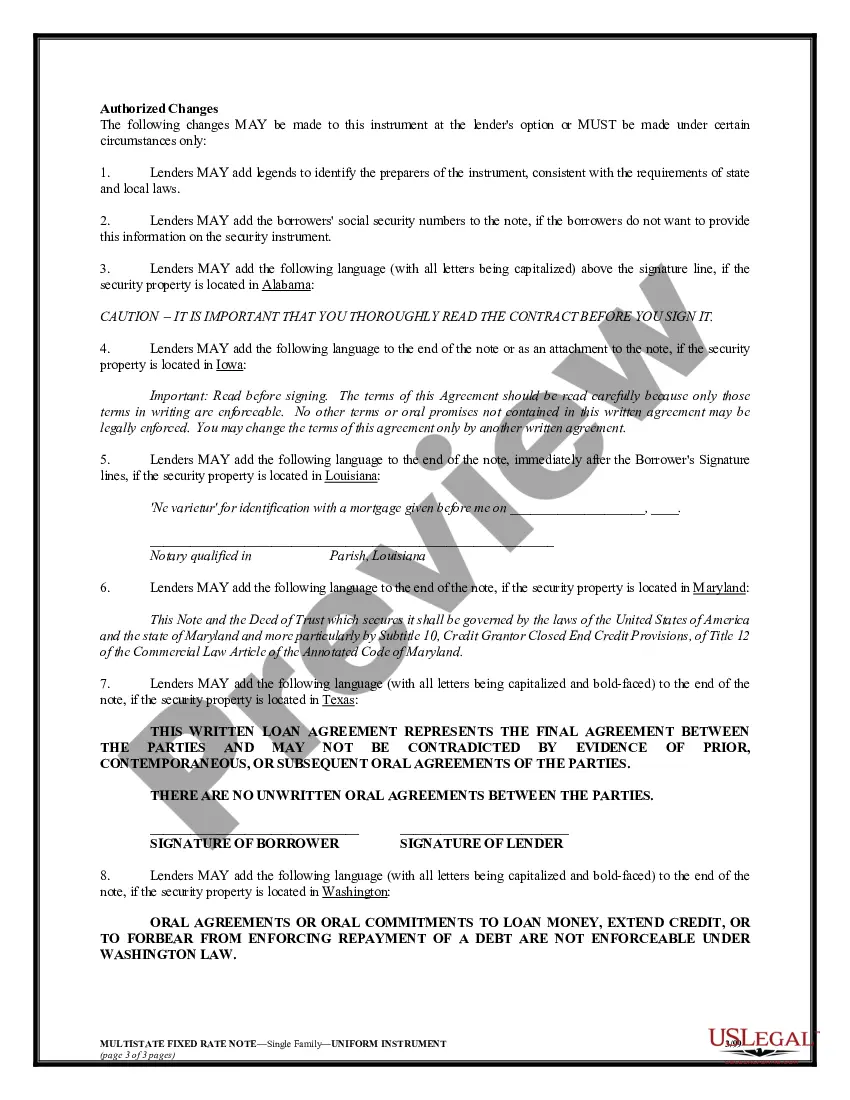
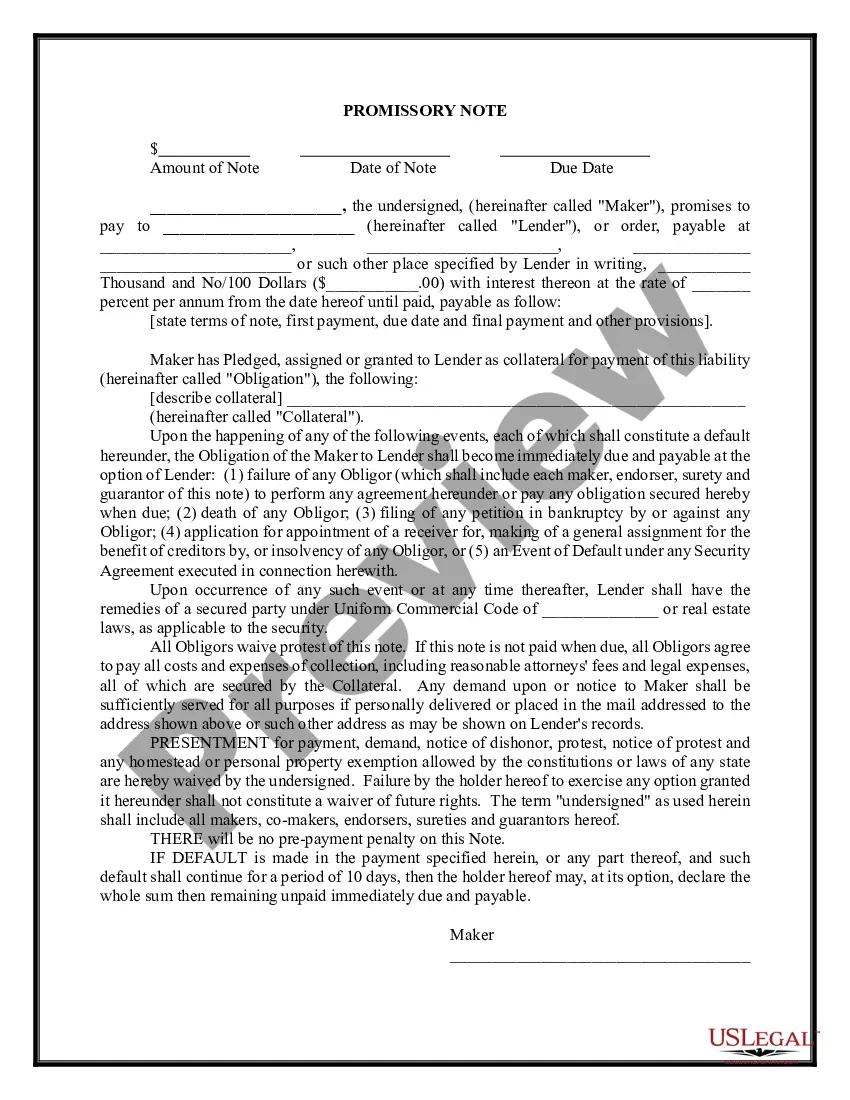
Get your form ready online
Our built-in tools help you complete, sign, share, and store your documents in one place.
Make edits, fill in missing information, and update formatting in US Legal Forms—just like you would in MS Word.
Download a copy, print it, send it by email, or mail it via USPS—whatever works best for your next step.
Sign and collect signatures with our SignNow integration. Send to multiple recipients, set reminders, and more. Go Premium to unlock E-Sign.
If this form requires notarization, complete it online through a secure video call—no need to meet a notary in person or wait for an appointment.
We protect your documents and personal data by following strict security and privacy standards.

Make edits, fill in missing information, and update formatting in US Legal Forms—just like you would in MS Word.

Download a copy, print it, send it by email, or mail it via USPS—whatever works best for your next step.

Sign and collect signatures with our SignNow integration. Send to multiple recipients, set reminders, and more. Go Premium to unlock E-Sign.

If this form requires notarization, complete it online through a secure video call—no need to meet a notary in person or wait for an appointment.

We protect your documents and personal data by following strict security and privacy standards.
Looking for another form?
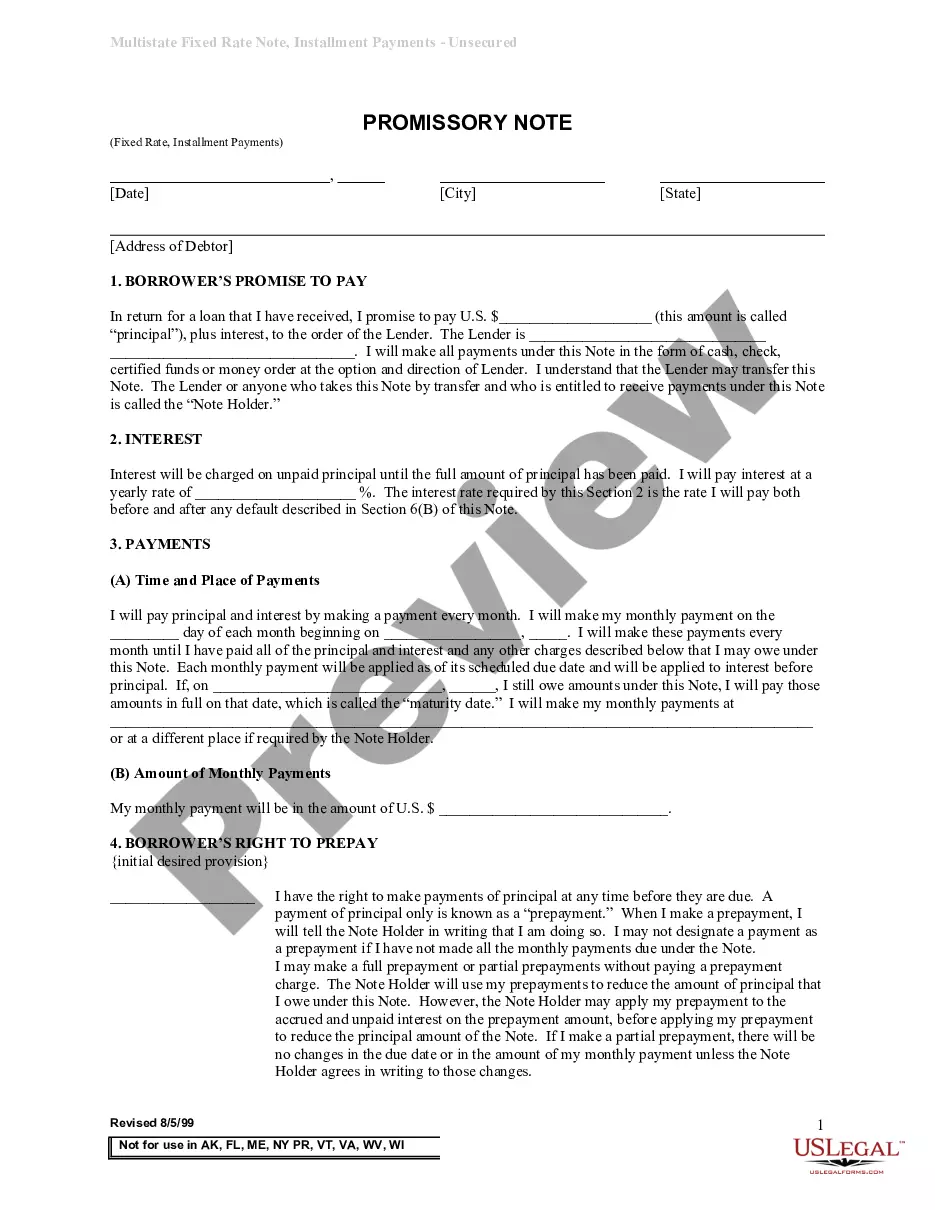
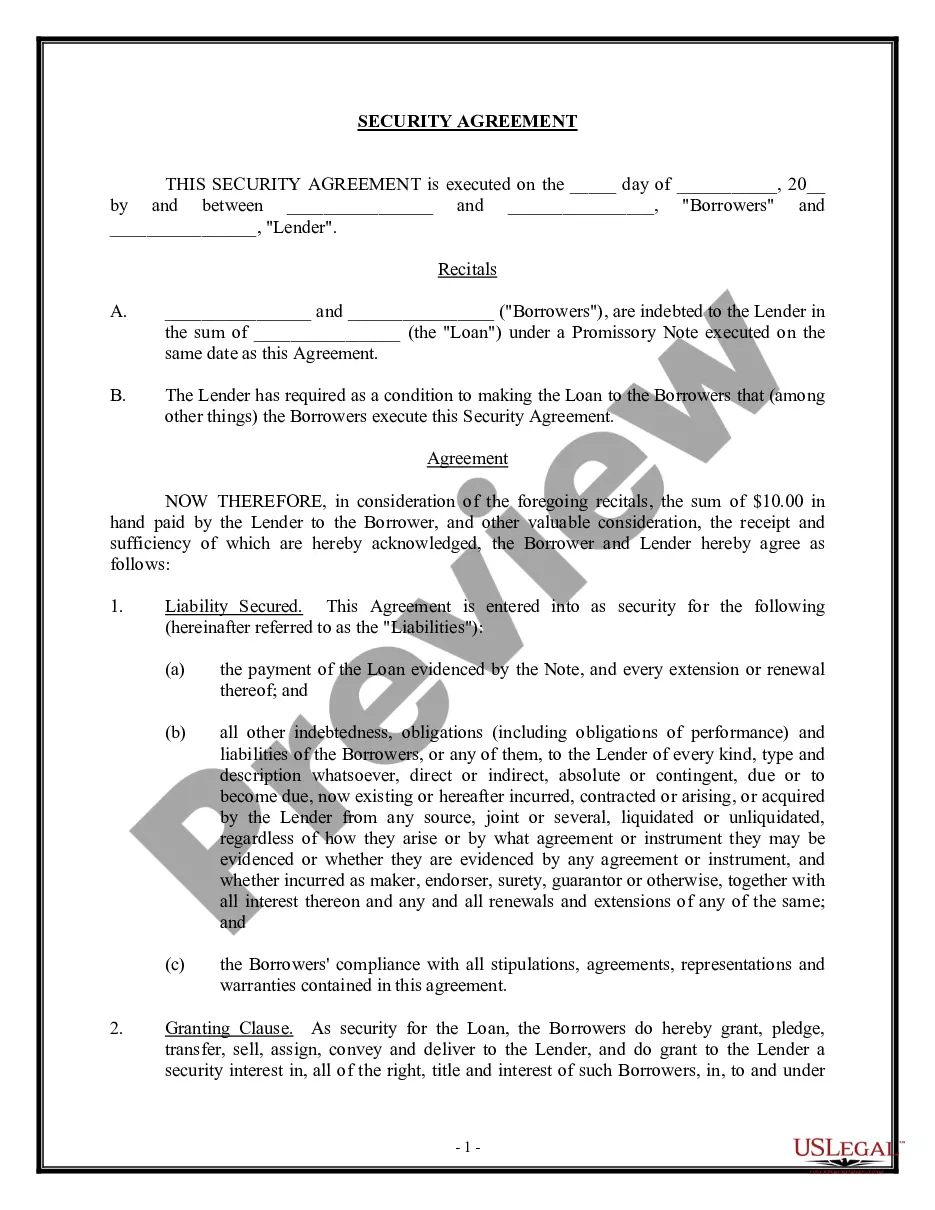
How to fill out Multistate Promissory Note - Secured?
It’s well known that you cannot transform into a legal expert instantly, nor can you swiftly learn how to draft Secure Notes For Ipad without a specialized background.
Producing legal documents is a labor-intensive endeavor that necessitates particular training and expertise. So why not entrust the creation of the Secure Notes For Ipad to the experts.
With US Legal Forms, one of the largest collections of legal documents, you can find everything from court forms to templates for internal business communication. We understand how important compliance and adherence to national and state laws and regulations are.
Create a free account and select a subscription plan to purchase the template.
Click Buy now. Once the payment is processed, you can access the Secure Notes For Ipad, complete it, print it, and send it by mail to the specified individuals or entities.
- That’s why, on our website, all templates are location-specific and current.
- Start by using our platform and obtain the form you need in just a few minutes.
- Search for the form you need using the search bar at the top of the page.
- Preview it (if this option is available) and read the accompanying description to determine if Secure Notes For Ipad is what you are looking for.
- If you need a different template, restart your search.
Form popularity
FAQ
Yes, the iPhone does have a secure notes feature that allows you to lock and protect your notes. By using this feature, you can easily manage your secure notes for iPad and iPhone, ensuring that only authorized users can view them. This functionality is especially useful for storing sensitive information, as it adds an extra layer of protection to your private content.
While no system is completely immune to hacking, Apple provides strong security features to protect your notes on the iPhone. Utilizing end-to-end encryption for notes that are locked helps safeguard your secure notes for iPad and iPhone. Always ensure that you keep your software updated and use strong passwords to further enhance your security measures.
To secure your Apple notes, start by using the built-in lock feature available on your iPad. Simply open the note you wish to secure, tap the share icon, and select 'Lock Note.' You can then create a password that will protect your notes. This feature ensures that only you can access sensitive information, making it a great way to keep your secure notes for iPad safe.
Currently, Apple Notes does not allow you to put a password directly on an entire folder. However, you can lock individual notes within that folder. This approach still provides a level of security for your sensitive information. For comprehensive protection, consider using third-party secure note apps that may offer folder-level password options.
Yes, there are several secure notes apps designed to protect your information. Apps like Evernote, Notion, or specialized secure note apps offer advanced encryption and security features. These applications can provide additional functionalities that may suit your needs better than the built-in options. Investing in a dedicated secure notes app can help you confidently manage your secure notes for iPad.
Yes, you can put a lock on your Apple Notes. This is a straightforward process that lets you secure specific notes within the app. By locking a note, you ensure that only those with the password can view its content. This feature is particularly useful for keeping your secure notes for iPad protected from prying eyes.
You can indeed password protect notes on your iPad. By using the Notes app, simply lock individual notes with a password of your choice. This feature allows you to maintain privacy for your sensitive information. Consequently, you can feel secure knowing your notes remain protected and easily accessible when needed.
Yes, Apple provides secure notes through its Notes app. This feature allows you to lock specific notes with a password, ensuring that only authorized users can view them. Moreover, the integration of Face ID or Touch ID further simplifies access while maintaining security. Thus, you can trust Apple's infrastructure for your secure notes for iPad.
To make Apple Notes secure, start by locking individual notes that contain sensitive information. You can do this by tapping the Share icon, selecting 'Lock Note,' and setting a password. Additionally, ensure your iPad is always updated with the latest software to benefit from security enhancements. This proactive approach helps you maintain secure notes for iPad with ease.
The best way to secure sensitive notes is to utilize the password protection feature in Apple Notes. By creating strong passwords and regularly updating them, you can enhance your security. Furthermore, consider using external secure note apps that offer advanced encryption. These options can provide an added layer of protection for your secure notes for iPad.