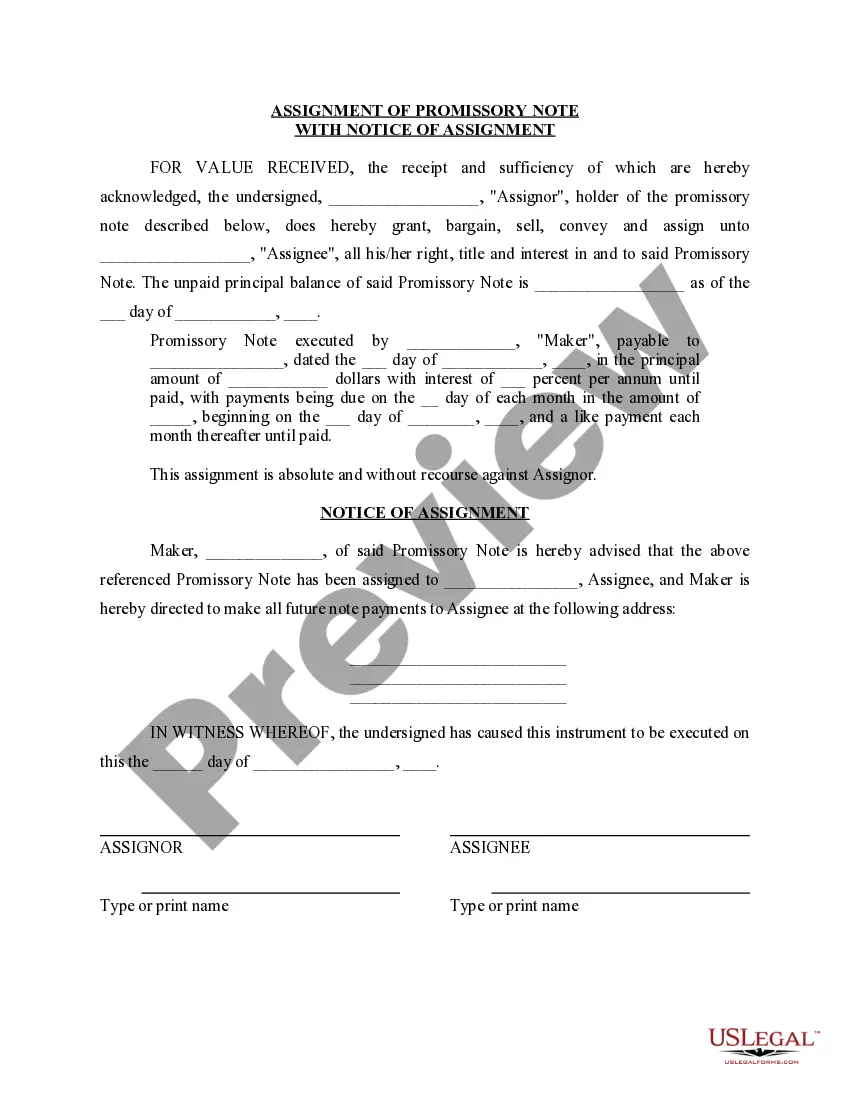
Form Assignment In Html
Description
Get your form ready online
Our built-in tools help you complete, sign, share, and store your documents in one place.
Make edits, fill in missing information, and update formatting in US Legal Forms—just like you would in MS Word.
Download a copy, print it, send it by email, or mail it via USPS—whatever works best for your next step.
Sign and collect signatures with our SignNow integration. Send to multiple recipients, set reminders, and more. Go Premium to unlock E-Sign.
If this form requires notarization, complete it online through a secure video call—no need to meet a notary in person or wait for an appointment.
We protect your documents and personal data by following strict security and privacy standards.

Make edits, fill in missing information, and update formatting in US Legal Forms—just like you would in MS Word.

Download a copy, print it, send it by email, or mail it via USPS—whatever works best for your next step.

Sign and collect signatures with our SignNow integration. Send to multiple recipients, set reminders, and more. Go Premium to unlock E-Sign.

If this form requires notarization, complete it online through a secure video call—no need to meet a notary in person or wait for an appointment.

We protect your documents and personal data by following strict security and privacy standards.
Looking for another form?
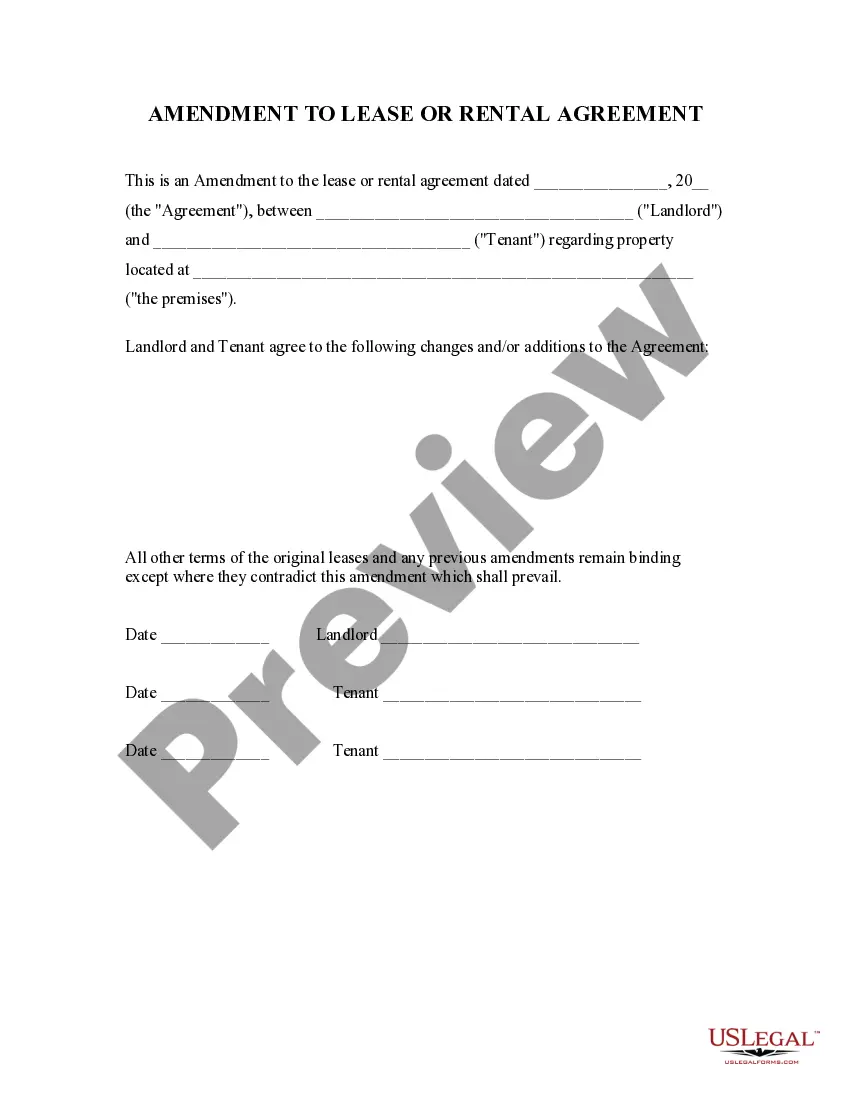

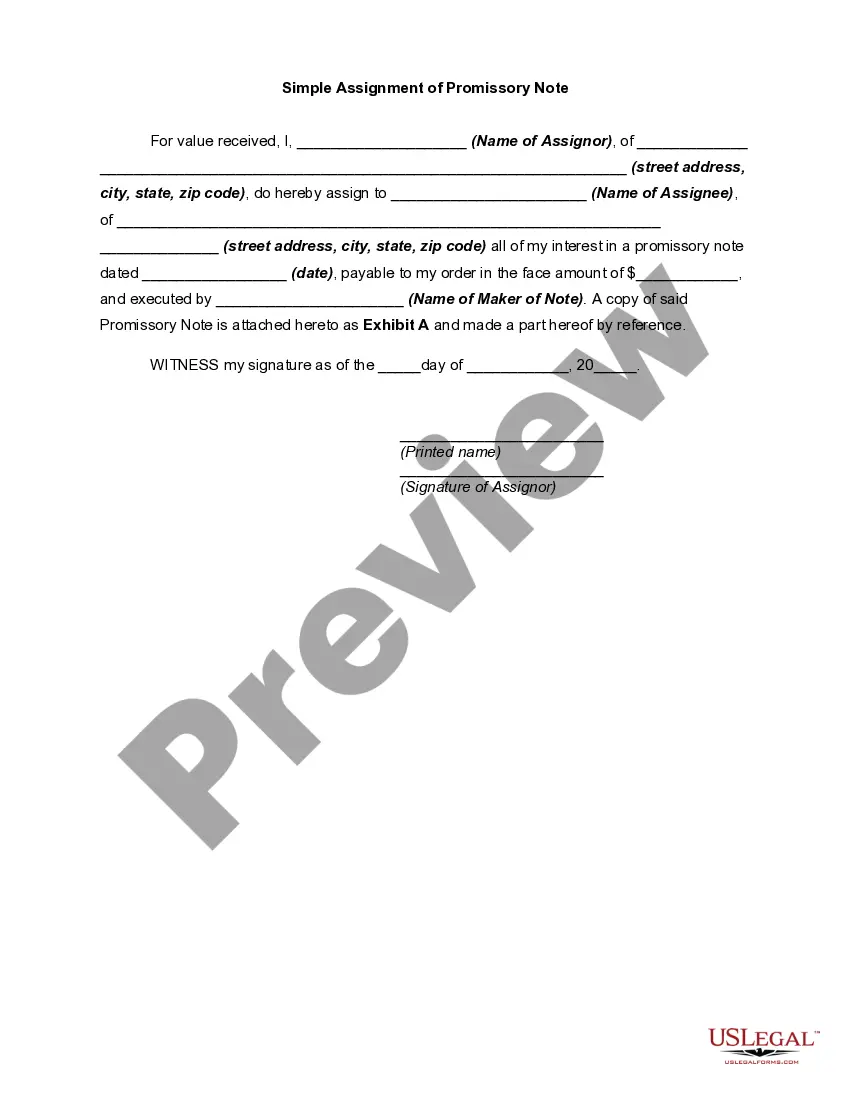
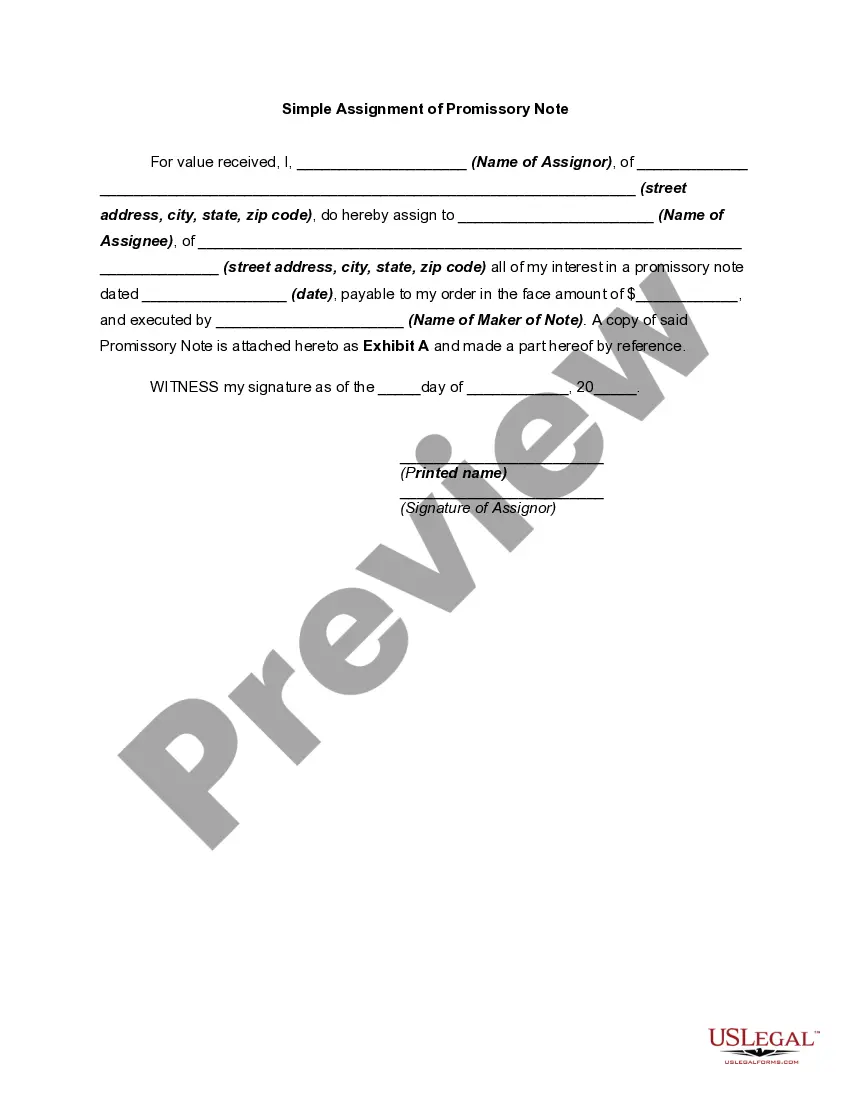
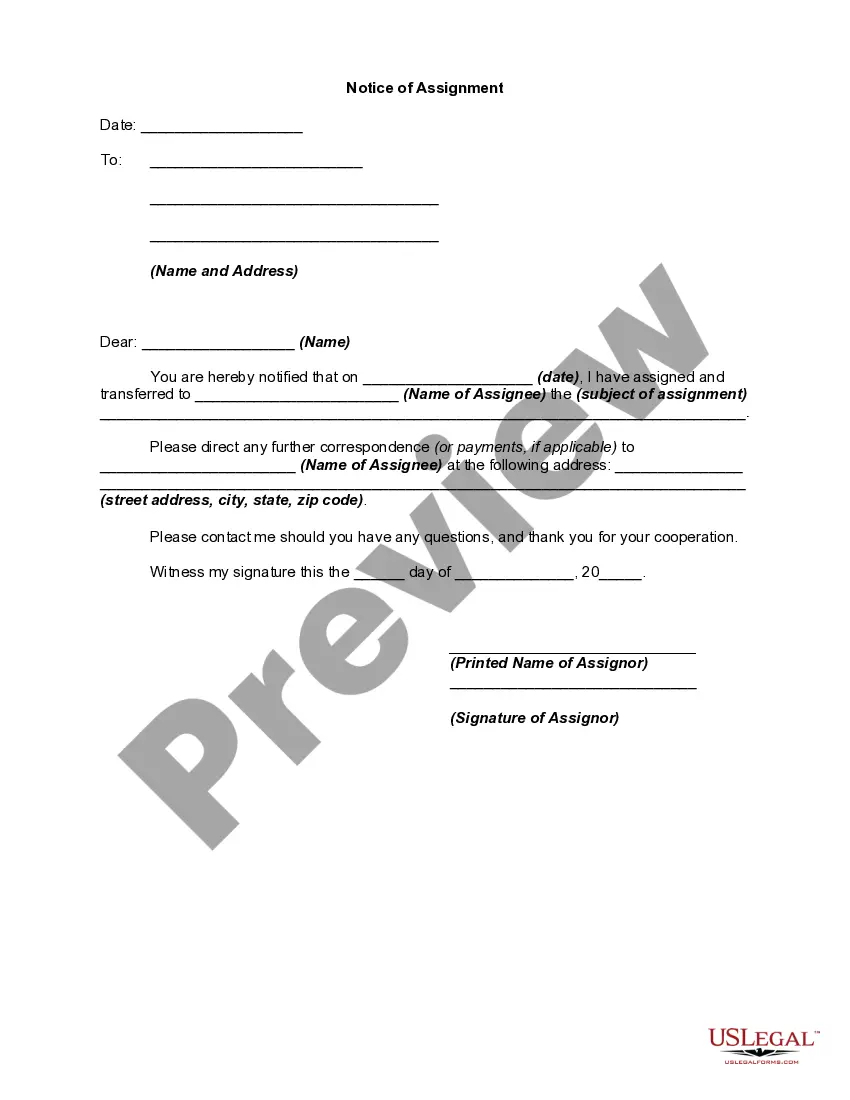
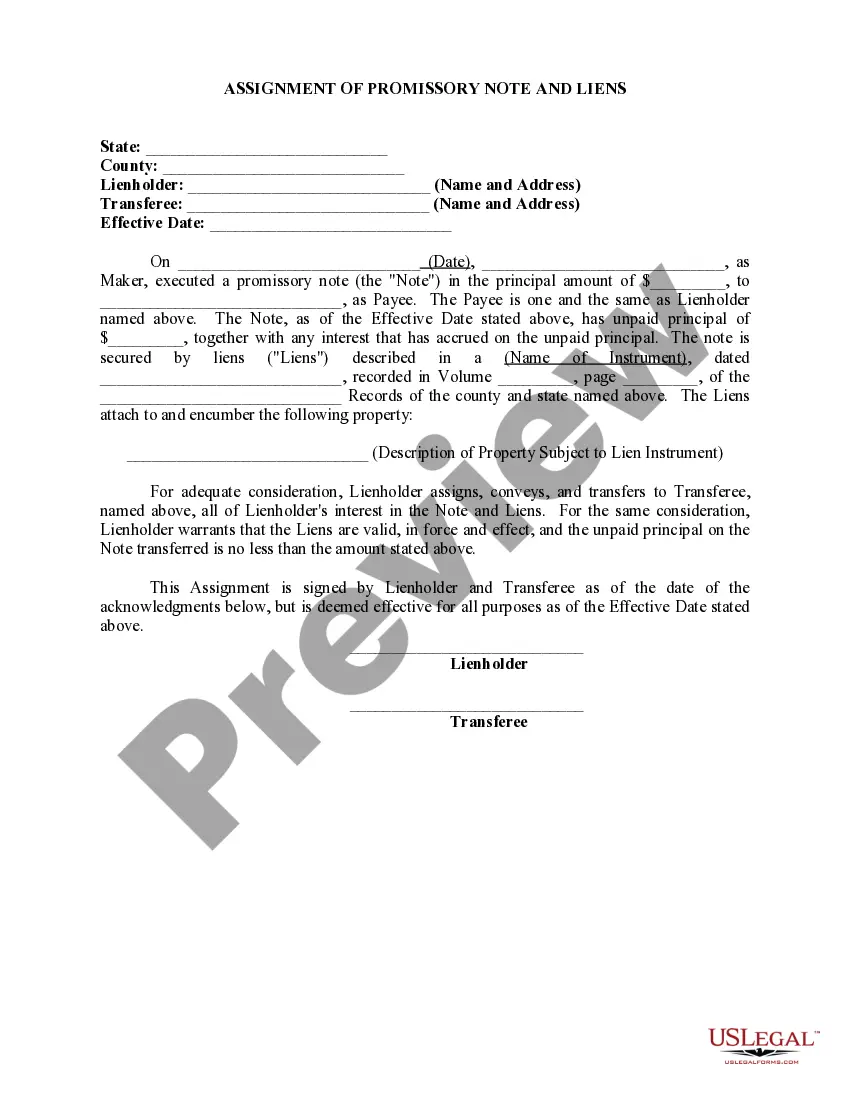
How to fill out Promissory Note Assignment And Notice Of Assignment?
It’s well-known that you cannot become a legal expert overnight, nor can you effectively learn to swiftly create Form Assignment In Html without possessing a specific set of abilities.
Assembling legal documents is a lengthy process that necessitates a certain level of education and proficiency. So why not entrust the drafting of the Form Assignment In Html to the experts.
With US Legal Forms, featuring one of the largest collections of legal templates, you can discover everything from court forms to internal corporate communication templates. We recognize how vital it is to comply with federal and local laws and regulations. That’s why, on our site, all forms are location-specific and current.
You can regain access to your forms from the My documents section at any time. If you’re a returning customer, you can simply Log In and find and download the template from the same area.
Regardless of the purpose of your documents—whether financial, legal, or personal—our platform has you covered. Give US Legal Forms a try now!
- Locate the document you’re looking for using the search bar at the top of the page.
- Preview it (if this option is available) and review the accompanying description to see if Form Assignment In Html is what you need.
- Restart your search if you require another form.
- Establish a free account and select a subscription plan to purchase the template.
- Click Buy now. Once the purchase is complete, you can download the Form Assignment In Html, fill it out, print it, and send or mail it to the intended recipients or organizations.
Form popularity
FAQ
The form tag in HTML, represented as <form>, is crucial for creating interactive elements where users can input data. This tag serves as the container for your form elements such as input fields, buttons, and checkboxes, which are fundamental in any form assignment in HTML. Understanding how to properly utilize the form tag can lead to more effective forms that capture user information seamlessly.
Typing ✔ can be straightforward, especially when dealing with form assignments in HTML. You can insert it by using the HTML code ✓ or simply by copying and pasting the symbol directly. This practice allows you to maintain consistency in your forms and provides visual cues that enhance user engagement.
To include the check mark symbol in your HTML, you can use the code ✓ or the Unicode equivalent &#10004;. This functionality is essential for form assignments in HTML, as using symbols can enhance your forms' effectiveness and improve user experience. By implementing these codes correctly, your forms will stand out and convey information more clearly.
Getting HTML assignment help is easier than ever. You can find resources and tutorials available online that guide you through form assignments in HTML. Additionally, platforms like US Legal Forms provide expert advice and templates tailored to your needs, making the learning process smoother and more effective.
The code for the check mark symbol, represented as ✅, can be included in your form assignment in HTML using Unicode or HTML entities. Typically, you can use the HTML entity ✔ or the Unicode character directly by copying it. By incorporating this in your HTML code, you enhance user interactions and visual clarity within your forms.
To get data in table form in HTML, you can structure your data into a table element using the <table>, <tr>, and <td> tags. Start by defining the table headers with the <th> tag to label each column. Then, loop through your data and fill the table rows with the respective values. This well-organized format supports clear data presentation, a key aspect of effective form assignment in HTML.
FormData in HTML is an interface that enables you to easily create and manipulate form data from user input. It allows you to construct a set of key/value pairs representing the form fields and their values. Developers commonly use FormData for AJAX requests and submitting forms without reloading the page. This simplified approach is vital for efficient form assignment in HTML.
To receive form data in HTML, you must set up a web server that can process the submitted information. You should specify the action attribute in your form tag to point to a server-side script. Once the form is submitted, the server captures the input to process the data. Understanding this process is essential for seamless form assignment in HTML.
The GET method in HTML forms is used to send data to the server via the URL. When a user submits a form with the GET method, the browser appends the data to the URL as a query string. This method is suitable for retrieving data and allows users to bookmark results. Using the GET method can be beneficial for form assignment in HTML when you want to share links containing user submissions.
To retrieve data from FormData, you first need to create a FormData object in your JavaScript. You can then use methods like 'get' or 'entries' to access individual form fields or all the data entries. This approach makes it easier to manage form submissions in JavaScript. By leveraging FormData, effective form assignment in HTML becomes achievable.