Affidavit To Amend A Record With Multiple Ip Addresses
Description
Get your form ready online
Our built-in tools help you complete, sign, share, and store your documents in one place.
Make edits, fill in missing information, and update formatting in US Legal Forms—just like you would in MS Word.
Download a copy, print it, send it by email, or mail it via USPS—whatever works best for your next step.
Sign and collect signatures with our SignNow integration. Send to multiple recipients, set reminders, and more. Go Premium to unlock E-Sign.
If this form requires notarization, complete it online through a secure video call—no need to meet a notary in person or wait for an appointment.
We protect your documents and personal data by following strict security and privacy standards.

Make edits, fill in missing information, and update formatting in US Legal Forms—just like you would in MS Word.

Download a copy, print it, send it by email, or mail it via USPS—whatever works best for your next step.

Sign and collect signatures with our SignNow integration. Send to multiple recipients, set reminders, and more. Go Premium to unlock E-Sign.

If this form requires notarization, complete it online through a secure video call—no need to meet a notary in person or wait for an appointment.

We protect your documents and personal data by following strict security and privacy standards.
Looking for another form?


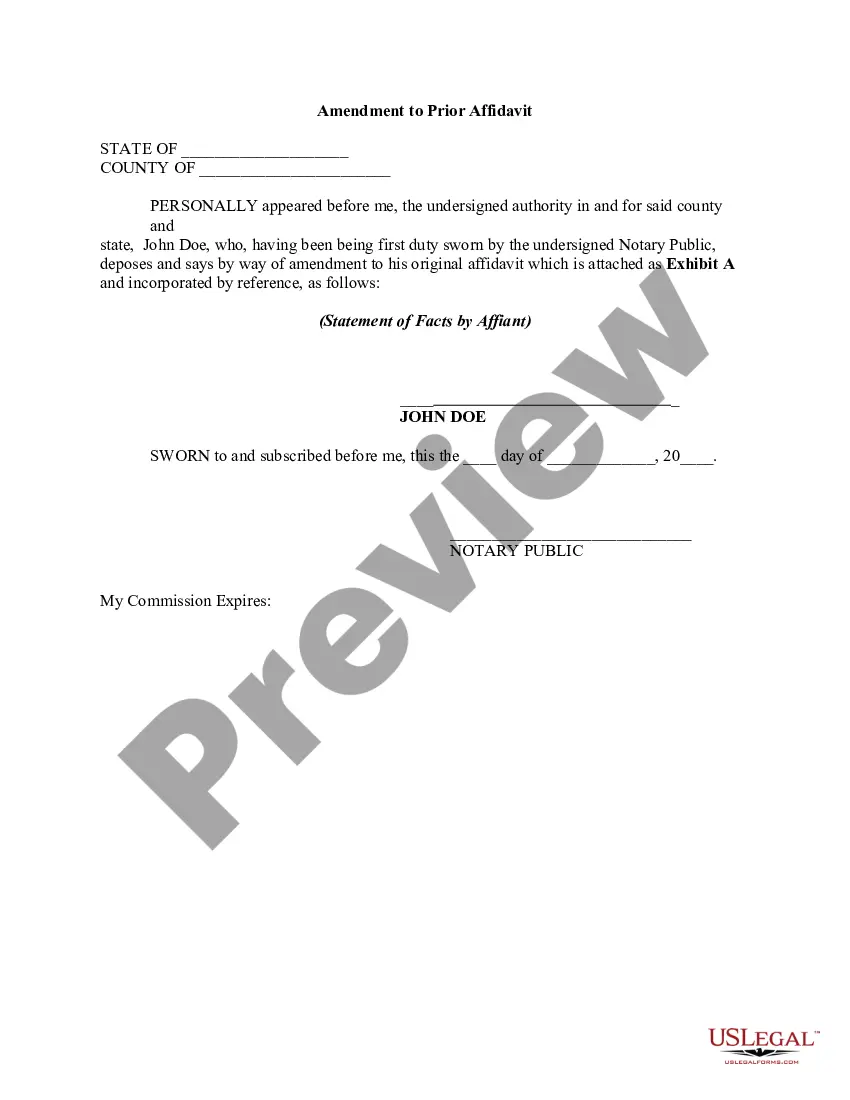
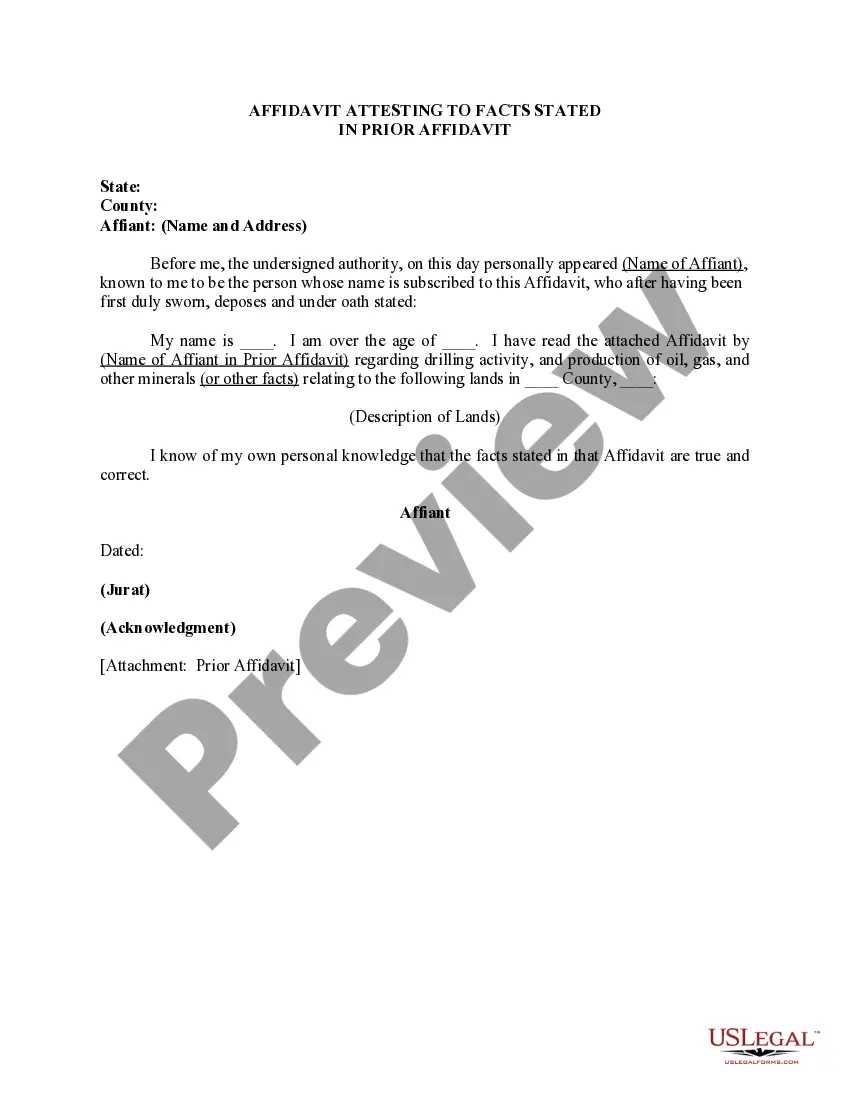
How to fill out Amendment To Prior Affidavit?
Bureaucracy demands exactness and correctness.
Unless you handle completing documents like Affidavit To Amend A Record With Multiple Ip Addresses daily, it may result in some confusions.
Choosing the appropriate sample from the outset will guarantee that your document submission proceeds without a hitch and avoid any hassles of resubmitting a document or repeating the same task from scratch.
Locating the correct and current samples for your documentation takes only a few minutes with an account at US Legal Forms. Eliminate the bureaucratic uncertainties and simplify your form management.
- Identify the template using the search bar.
- Ensure the Affidavit To Amend A Record With Multiple Ip Addresses you’ve found is applicable for your jurisdiction.
- Access the preview or consult the description containing the details on the use of the sample.
- If the outcome matches your inquiry, click the Buy Now button.
- Opt for the suitable choice from the available subscription plans.
- Sign in to your account or create a new one.
- Finalize the purchase using a credit card or PayPal payment method.
- Save the document in your preferred file format.
Form popularity
FAQ
To create multiple A (Host Records) with the same IP, simply create a new A (Host) record, and give it IP #1. Then create another A (Host) record, giving it the same IP address. You can add as many as you like. DNS Round Robin feature will rotate responses for each query.
To create multiple A (Host Records) with the same IP, simply create a new A (Host) record, and give it IP #1. Then create another A (Host) record, giving it the same IP address. You can add as many as you like. DNS Round Robin feature will rotate responses for each query.
In either mode, a DNS A record must be defined with more than one IP address (known as DNS A record failover). The first IP address should point to the default, production server, and the other IP addresses should point to identical (or frequently synchronized) redundant servers.
Yes. A computer can have more than one ip address at a time. You can specify those ip addresses by two ways as suggested by dinesh. You can specify the additional ip address in advanced properties of your network connection.
You can do a lot with A records, including using multiple A records for the same domain in order to provide redundancy and fallbacks. Additionally, multiple names could point to the same address, in which case each would have its own A record pointing to that same IP address. The DNS A record is specified by RFC 1035.