Transferring A Title
Description
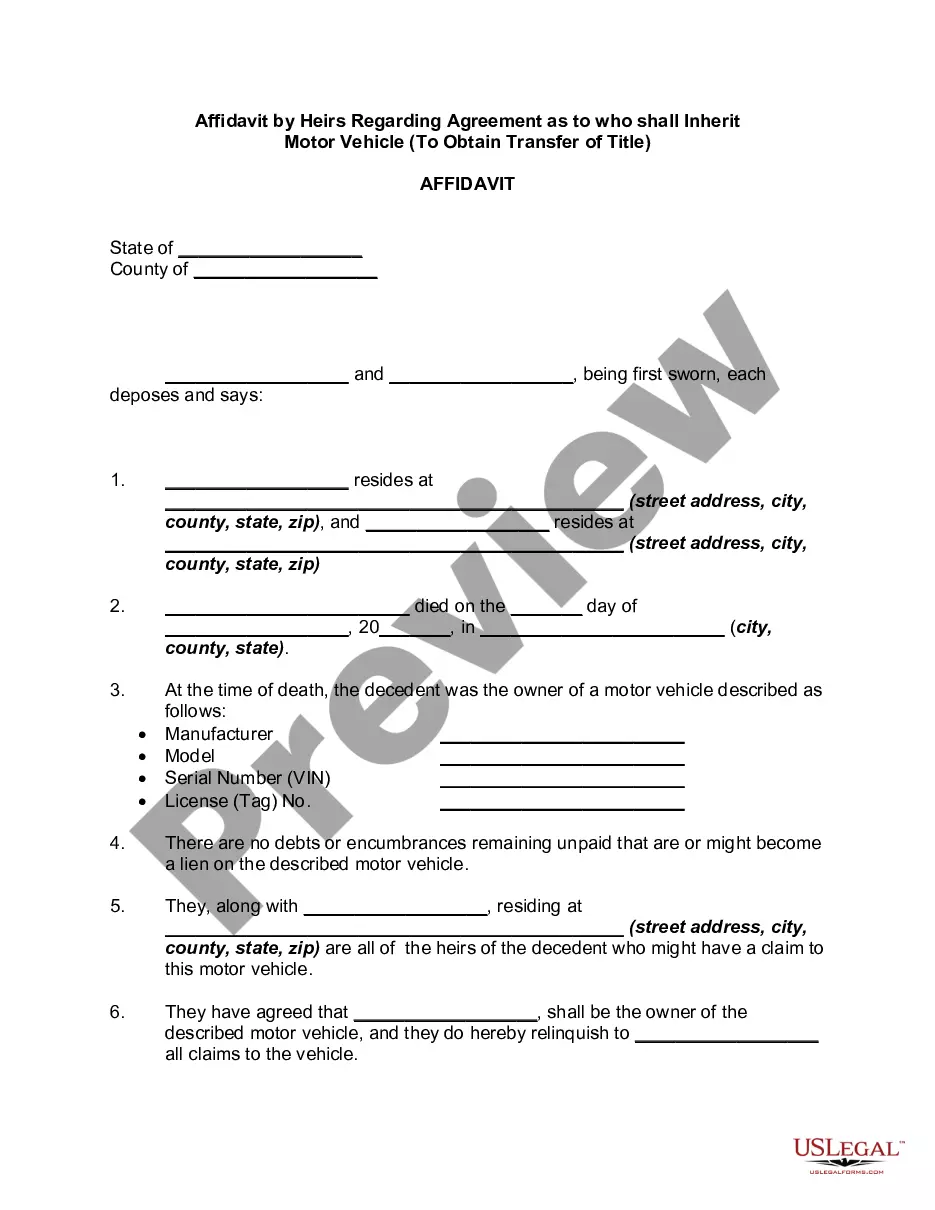
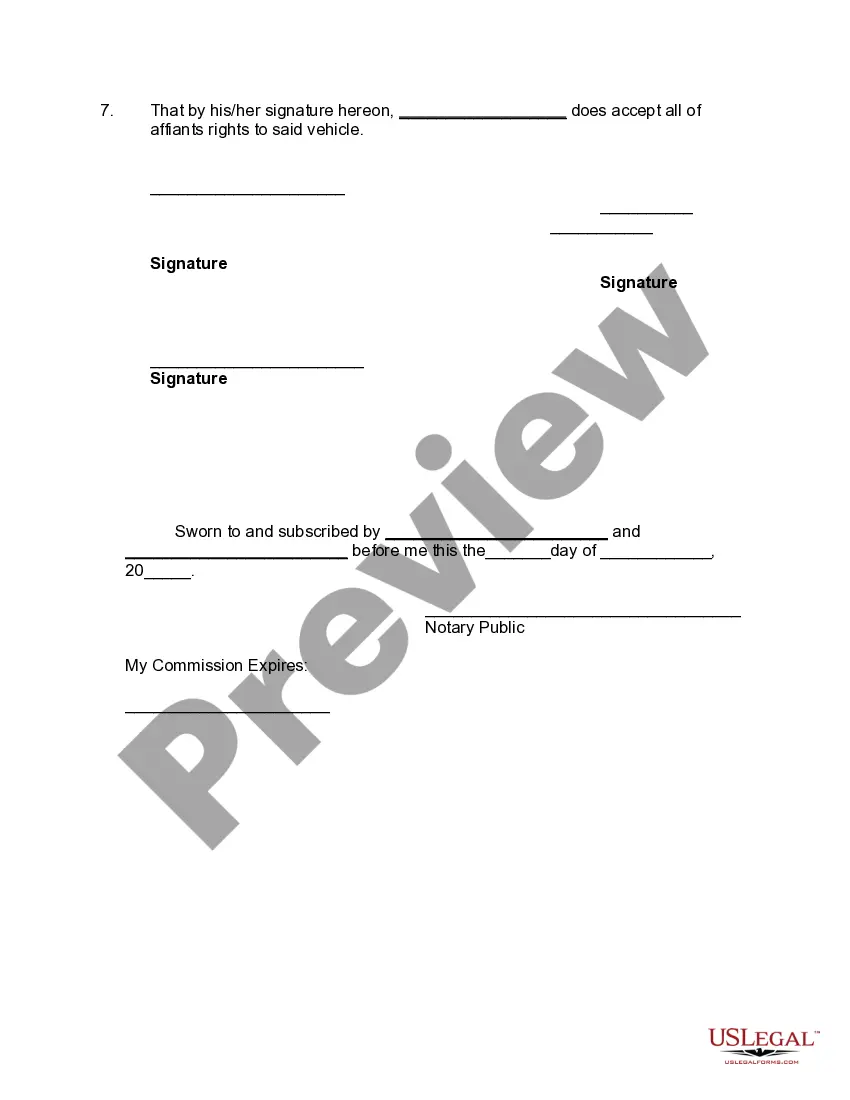
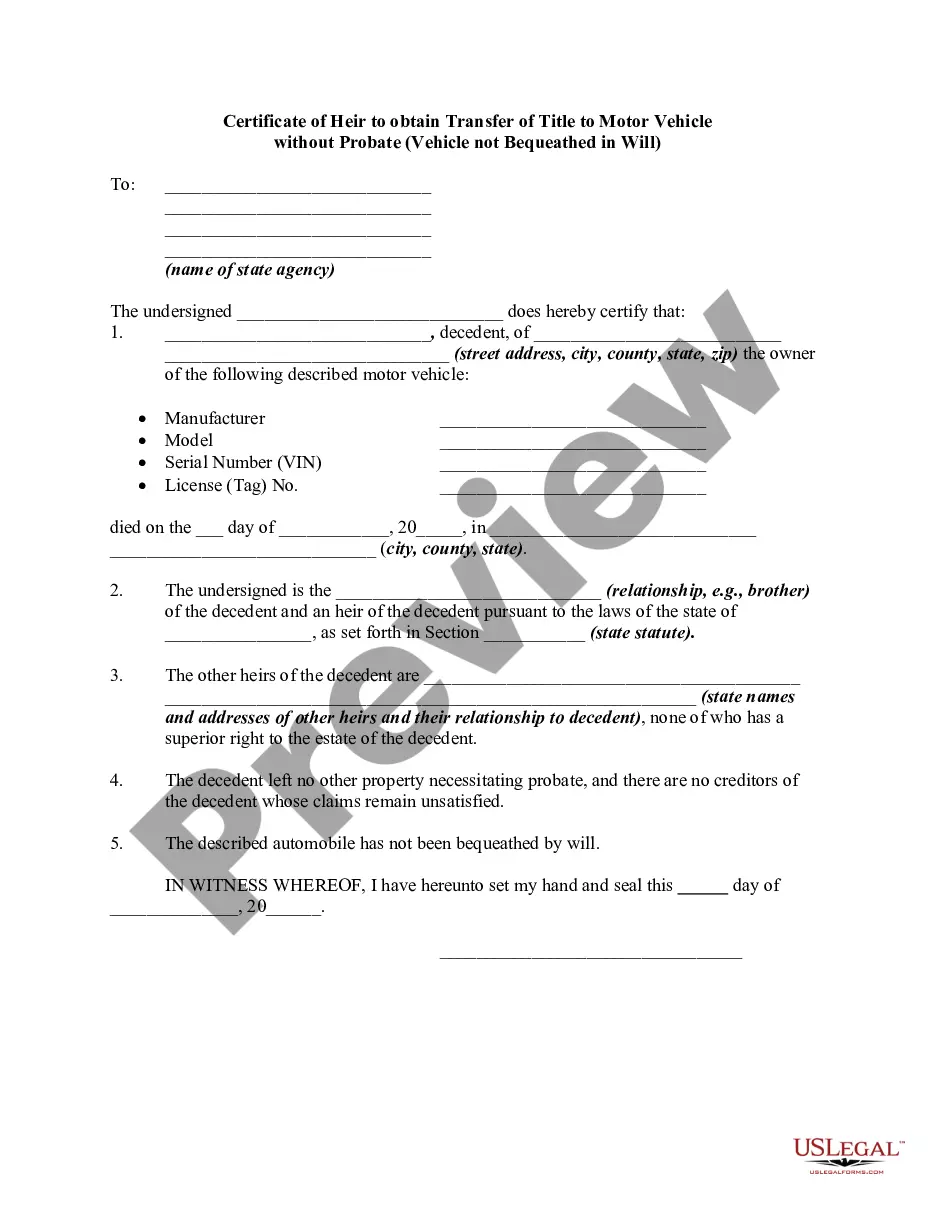
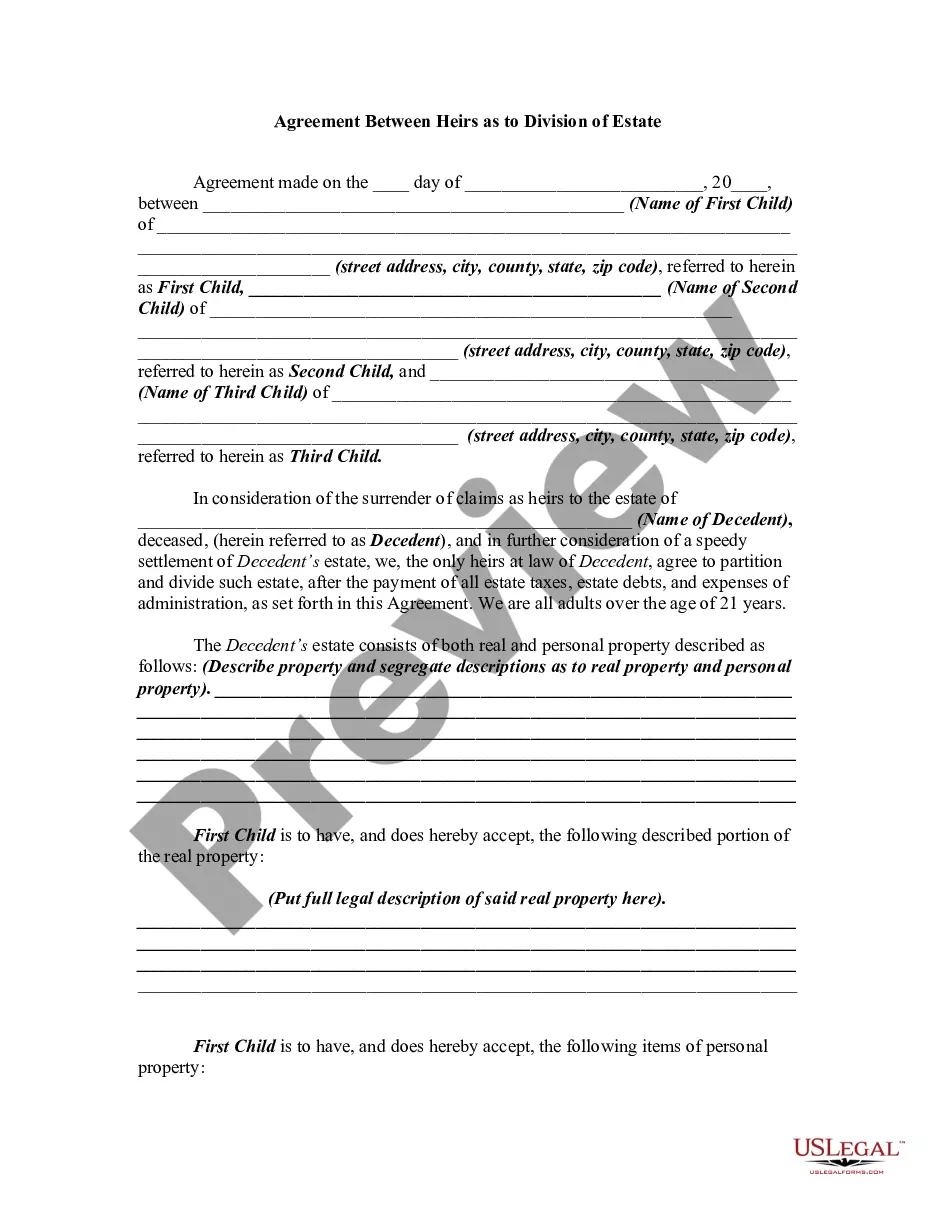
Get your form ready online
Our built-in tools help you complete, sign, share, and store your documents in one place.
Make edits, fill in missing information, and update formatting in US Legal Forms—just like you would in MS Word.
Download a copy, print it, send it by email, or mail it via USPS—whatever works best for your next step.
Sign and collect signatures with our SignNow integration. Send to multiple recipients, set reminders, and more. Go Premium to unlock E-Sign.
If this form requires notarization, complete it online through a secure video call—no need to meet a notary in person or wait for an appointment.
We protect your documents and personal data by following strict security and privacy standards.

Make edits, fill in missing information, and update formatting in US Legal Forms—just like you would in MS Word.

Download a copy, print it, send it by email, or mail it via USPS—whatever works best for your next step.

Sign and collect signatures with our SignNow integration. Send to multiple recipients, set reminders, and more. Go Premium to unlock E-Sign.

If this form requires notarization, complete it online through a secure video call—no need to meet a notary in person or wait for an appointment.

We protect your documents and personal data by following strict security and privacy standards.
Looking for another form?
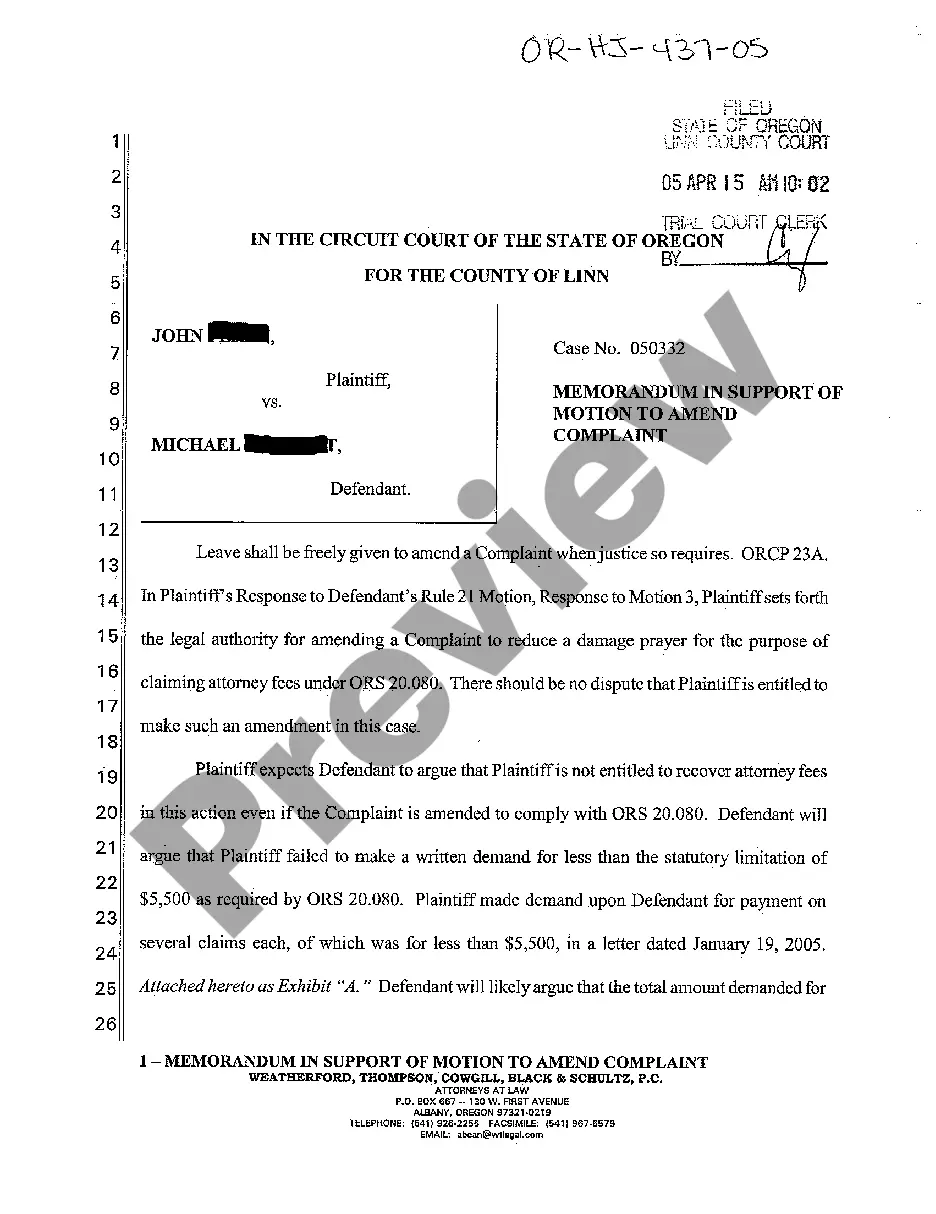
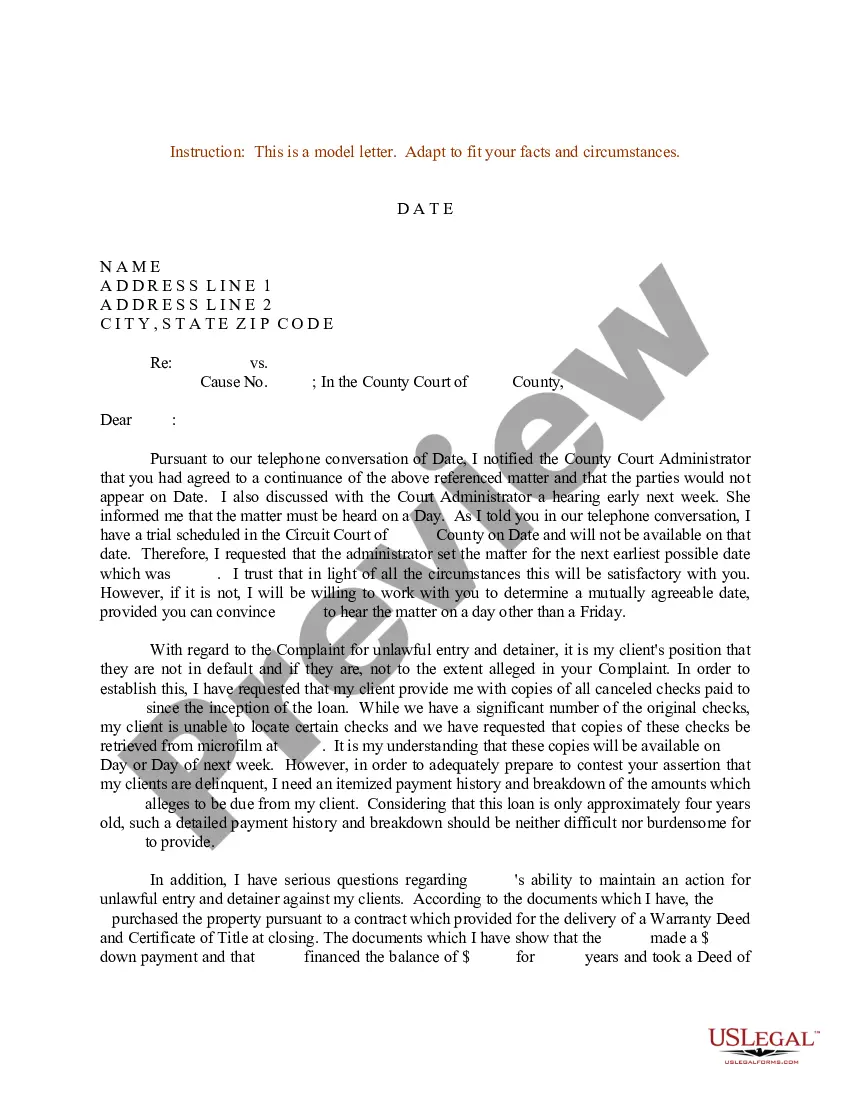
How to fill out Affidavit By Heirs Regarding Agreement As To Who Shall Inherit Motor Vehicle - To Obtain Transfer Of Title?
The Transferring A Title you observe on this page is a reusable official template created by expert attorneys in accordance with federal and local laws and regulations.
For over 25 years, US Legal Forms has supplied individuals, organizations, and lawyers with more than 85,000 validated, state-specific forms for any business and personal circumstance. It’s the quickest, easiest, and most dependable method to acquire the documents you require, as the service ensures the highest level of data security and anti-malware safeguards.
Select the format you wish for your Transferring A Title (PDF, DOCX, RTF) and download the example onto your device.
- Look for the document you need and review it.
- Search through the file you looked for and preview it or examine the form description to ensure it meets your needs. If it doesn’t, use the search bar to find the right one. Click Buy Now once you have located the template you need.
- Subscribe and Log In.
- Choose the pricing plan that fits you and set up an account. Use PayPal or a credit card to make a swift payment. If you already possess an account, Log In and verify your subscription to proceed.
- Get the editable template.
Form popularity
FAQ
On the back of the title you will fill out completely the upper block of information that says ASSIGNMENT OF TITLE in the left margin. Print the buyer(s) name and complete address on the first line. Fill in the odometer reading in the space provided. Enter your mileage EXACTLY AS IT APPEARS ON YOUR ODOMETER.
On the back of the title you will fill out completely the upper block of information that says ASSIGNMENT OF TITLE in the left margin. Print the buyer(s) name and complete address on the first line. Fill in the odometer reading in the space provided. Enter your mileage EXACTLY AS IT APPEARS ON YOUR ODOMETER.
Contact a vehicle licensing office to learn how much it will cost to transfer ownership of your new vehicle into your name. Gather the information and forms you need. Odometer Disclosure Form. ... Submit your forms and payment. ... Get your title. ... Get new license plates. ... Add the vehicle to your License eXpress account.
Give the new owner the endorsed certificate of title, the current certificate of registration and certificate of safety inspection. Complete a notice of transfer form and mail it within 10 days to the county motor vehicle registration office where the vehicle was last registered.
Morrison County DMV: How to transfer a title - YouTube YouTube Start of suggested clip End of suggested clip Information. Second please make sure that you have your sale date listed. And then the buyers orMoreInformation. Second please make sure that you have your sale date listed. And then the buyers or buyer just make sure you have that filled out and signed here as well. Then all these highlighted.