Fixed Price Contract In Upwork
Description


Get your form ready online
Our built-in tools help you complete, sign, share, and store your documents in one place.
Make edits, fill in missing information, and update formatting in US Legal Forms—just like you would in MS Word.
Download a copy, print it, send it by email, or mail it via USPS—whatever works best for your next step.
Sign and collect signatures with our SignNow integration. Send to multiple recipients, set reminders, and more. Go Premium to unlock E-Sign.
If this form requires notarization, complete it online through a secure video call—no need to meet a notary in person or wait for an appointment.
We protect your documents and personal data by following strict security and privacy standards.

Make edits, fill in missing information, and update formatting in US Legal Forms—just like you would in MS Word.

Download a copy, print it, send it by email, or mail it via USPS—whatever works best for your next step.

Sign and collect signatures with our SignNow integration. Send to multiple recipients, set reminders, and more. Go Premium to unlock E-Sign.

If this form requires notarization, complete it online through a secure video call—no need to meet a notary in person or wait for an appointment.

We protect your documents and personal data by following strict security and privacy standards.
Looking for another form?



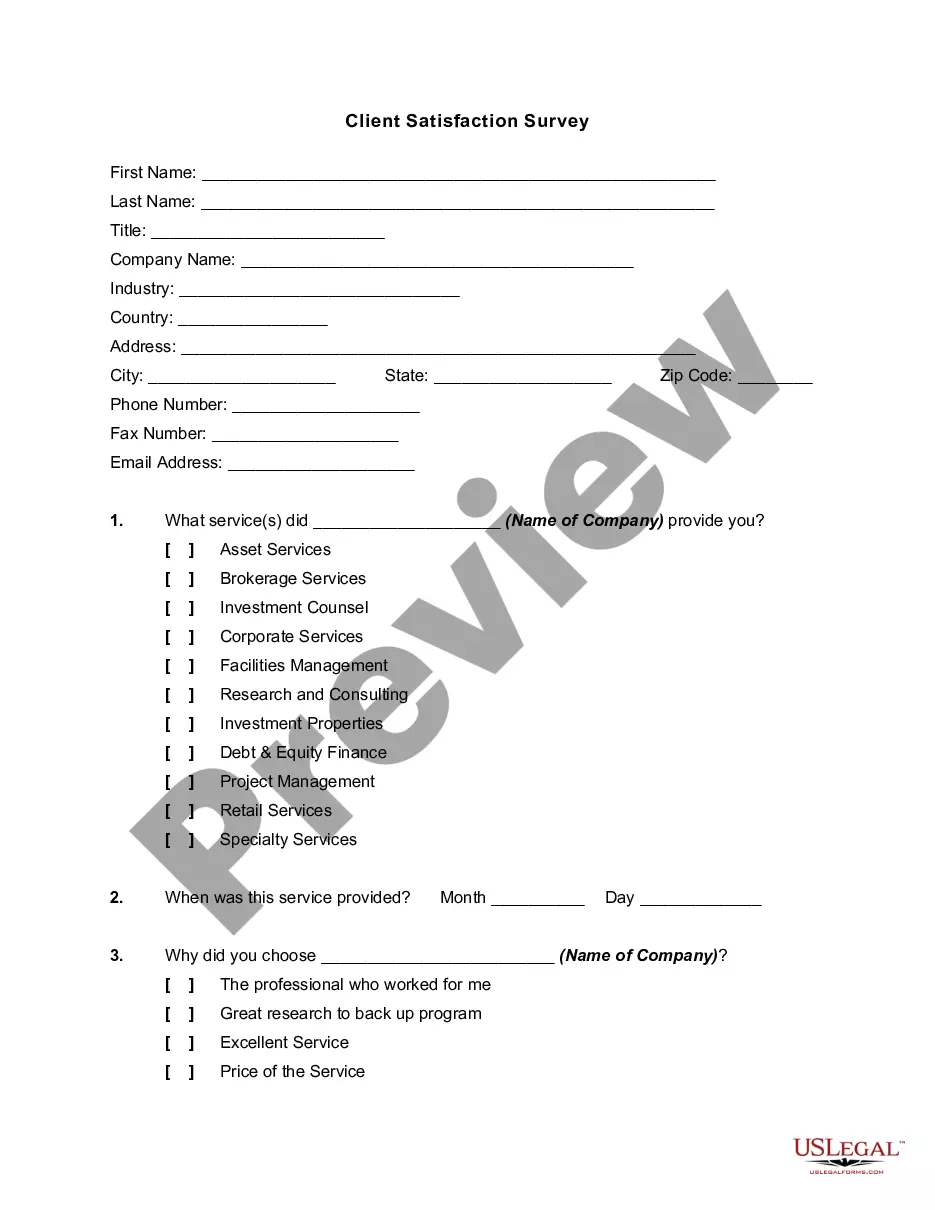

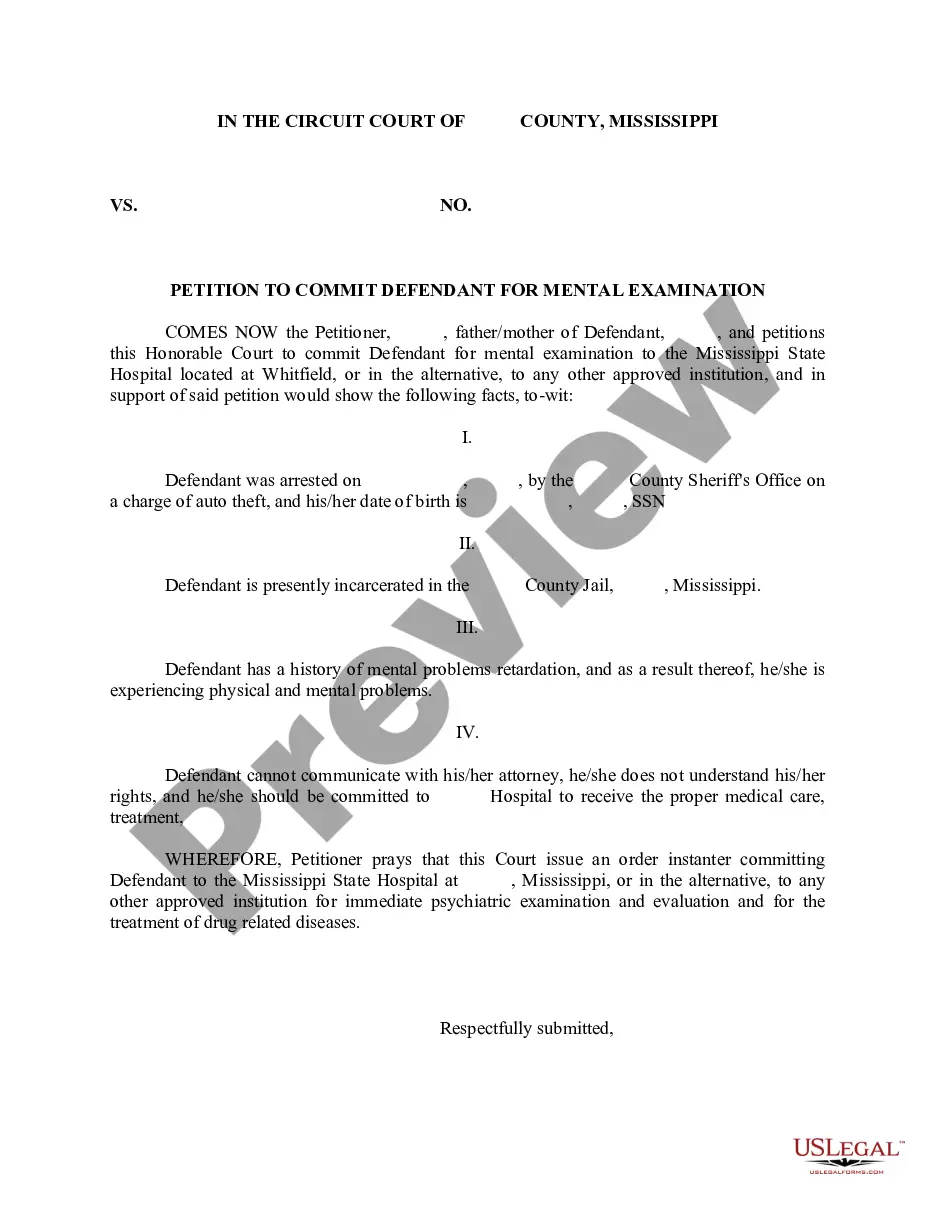

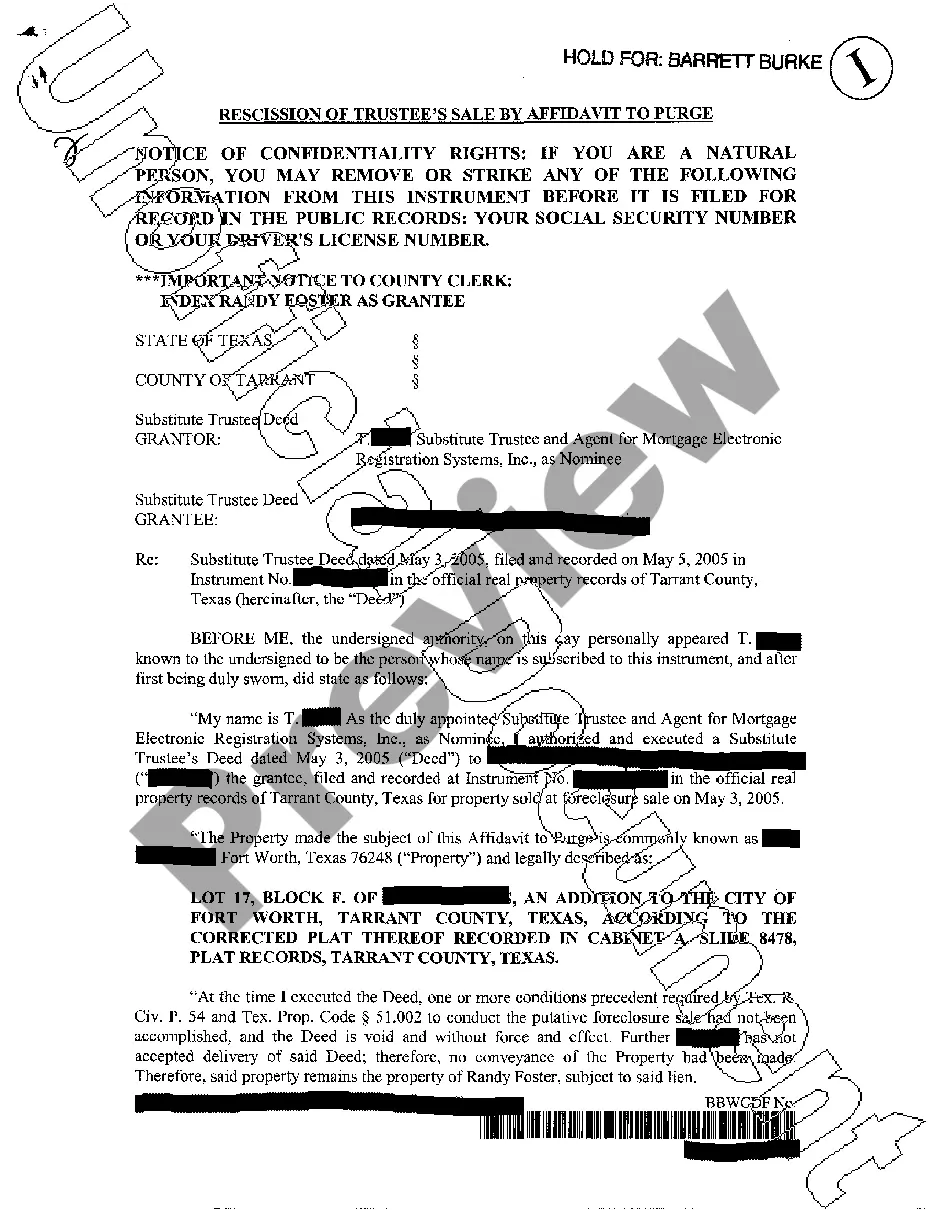


How to fill out Construction Contract For Home - Fixed Fee Or Cost Plus?
Finding a reliable destination to obtain the most up-to-date and pertinent legal documents is a significant part of dealing with red tape.
Identifying the appropriate legal forms requires accuracy and carefulness, which is why it is crucial to source samples of Fixed Price Contract In Upwork exclusively from trustworthy providers, such as US Legal Forms. An incorrect document can squander your time and postpone your current situation.
Eliminate the stress associated with your legal documentation. Explore the extensive US Legal Forms library where you can discover legal templates, verify their applicability to your circumstances, and download them instantly.
- Use the catalog browsing or search option to find your template.
- Check the form’s description to determine if it meets the criteria for your state and region.
- Preview the form, if available, to confirm that the template aligns with what you need.
- Return to the search results to locate the correct document if the Fixed Price Contract In Upwork does not fulfill your criteria.
- If you are confident about the form’s applicability, download it.
- As a registered user, click Log in to verify and access your chosen templates in My documents.
- If you do not have an account yet, click Buy now to acquire the template.
- Choose the pricing plan that fits your needs.
- Proceed with registration to complete your order.
- Finalize your purchase by selecting a payment method (credit card or PayPal).
- Choose the document format for downloading Fixed Price Contract In Upwork.
- Once you have the template on your device, you can edit it with the editor or print it and fill it out manually.
Form popularity
FAQ
Upwork Fixed-Price Protection uses escrow to help ensure that you get paid for the work you do and your clients get the work you've agreed to do. Under this program, clients deposit a milestone payment into escrow before you begin working.
How to Send an Offer and Fund the First Milestone on Upwork - YouTube YouTube Start of suggested clip End of suggested clip Click. On higher and then click yes to deposit funds your offer has now been sent to the freelancer.MoreClick. On higher and then click yes to deposit funds your offer has now been sent to the freelancer. And they can accept the offer or propose new terms we hope this information has been helpful.
To end the contract: Go to Jobs > My Jobs to locate the contract. Be sure to activate and release a milestone for any final payments before ending your contract. See above to learn how. Choose the End contract button. Hover over the (...) options menu and select End contract. Choose End Contract to confirm and close.
Create a Contract Find the paper airplane icon. The icon is in the upper right-hand corner on your screen, and will take you to the Direct Contracts page. ... Choose Create a Contract and add the details. ... Choose between a fixed-price or hourly contract and enter amounts. ... Review your contract. ... Send it off.
Upwork Fixed-Price Protection uses escrow to help ensure that you get paid for the work you do and your clients get the work you've agreed to do. Under this program, clients deposit a milestone payment into escrow before you begin working.