Corporation Any Loan Forgiveness Updates
Description

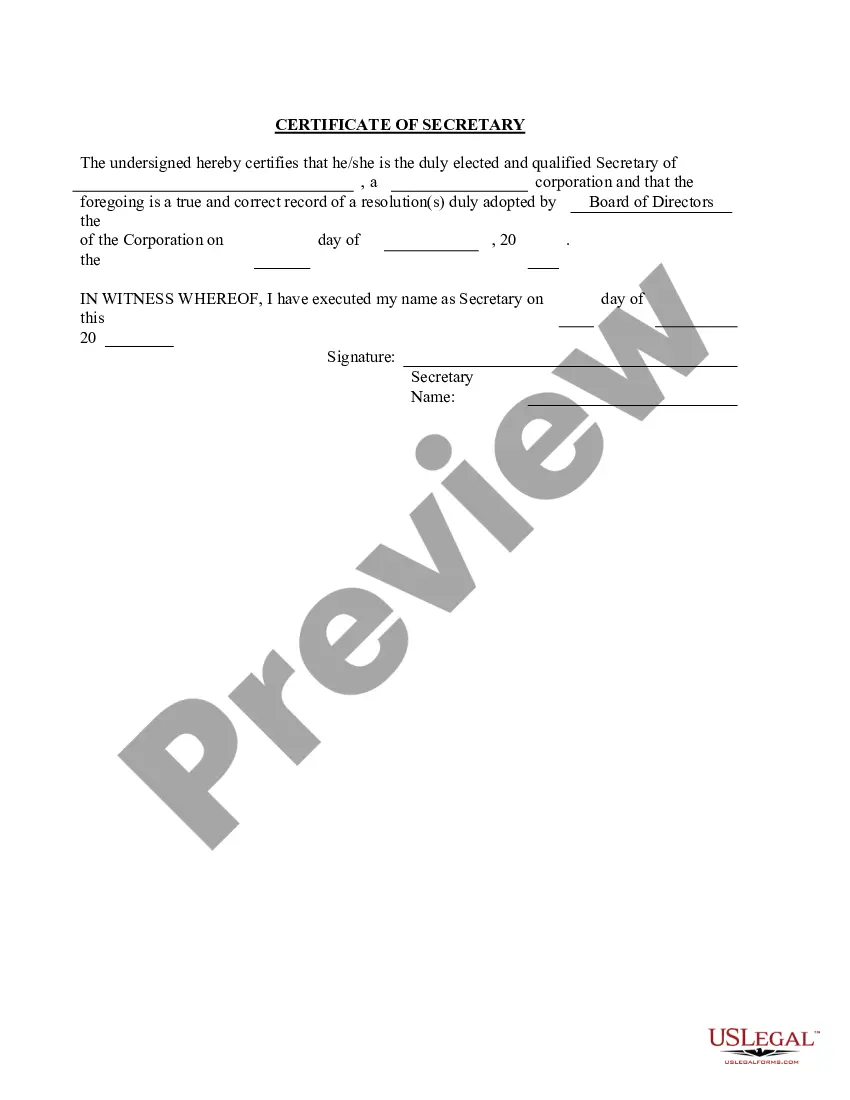
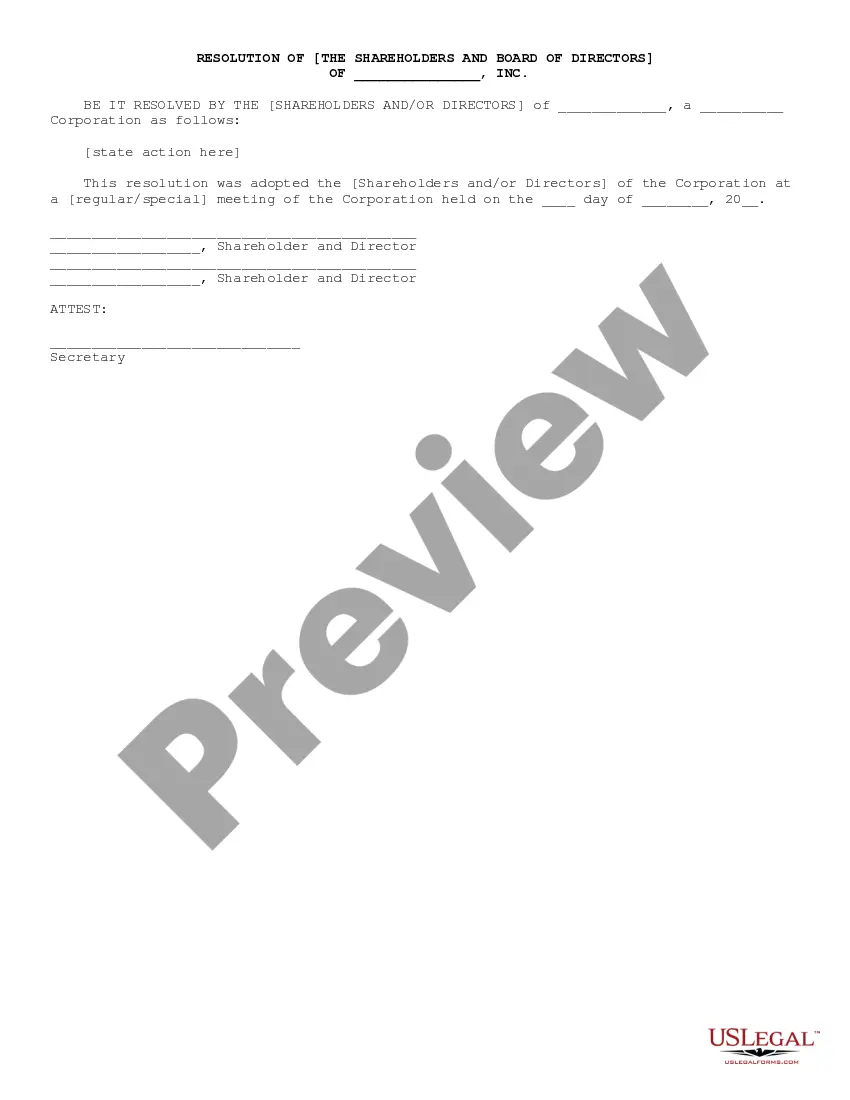
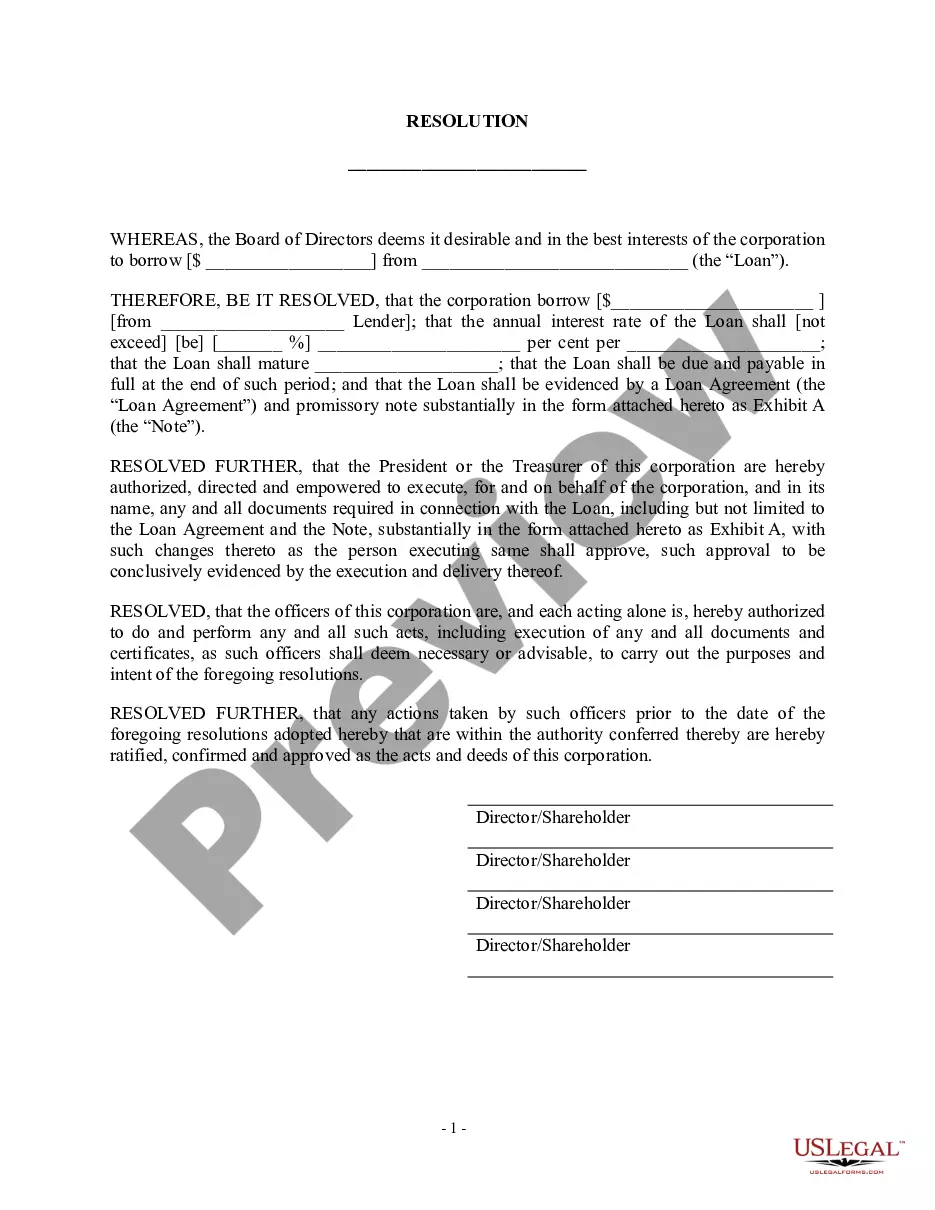

Get your form ready online
Our built-in tools help you complete, sign, share, and store your documents in one place.
Make edits, fill in missing information, and update formatting in US Legal Forms—just like you would in MS Word.
Download a copy, print it, send it by email, or mail it via USPS—whatever works best for your next step.
Sign and collect signatures with our SignNow integration. Send to multiple recipients, set reminders, and more. Go Premium to unlock E-Sign.
If this form requires notarization, complete it online through a secure video call—no need to meet a notary in person or wait for an appointment.
We protect your documents and personal data by following strict security and privacy standards.

Make edits, fill in missing information, and update formatting in US Legal Forms—just like you would in MS Word.

Download a copy, print it, send it by email, or mail it via USPS—whatever works best for your next step.

Sign and collect signatures with our SignNow integration. Send to multiple recipients, set reminders, and more. Go Premium to unlock E-Sign.

If this form requires notarization, complete it online through a secure video call—no need to meet a notary in person or wait for an appointment.

We protect your documents and personal data by following strict security and privacy standards.
Looking for another form?
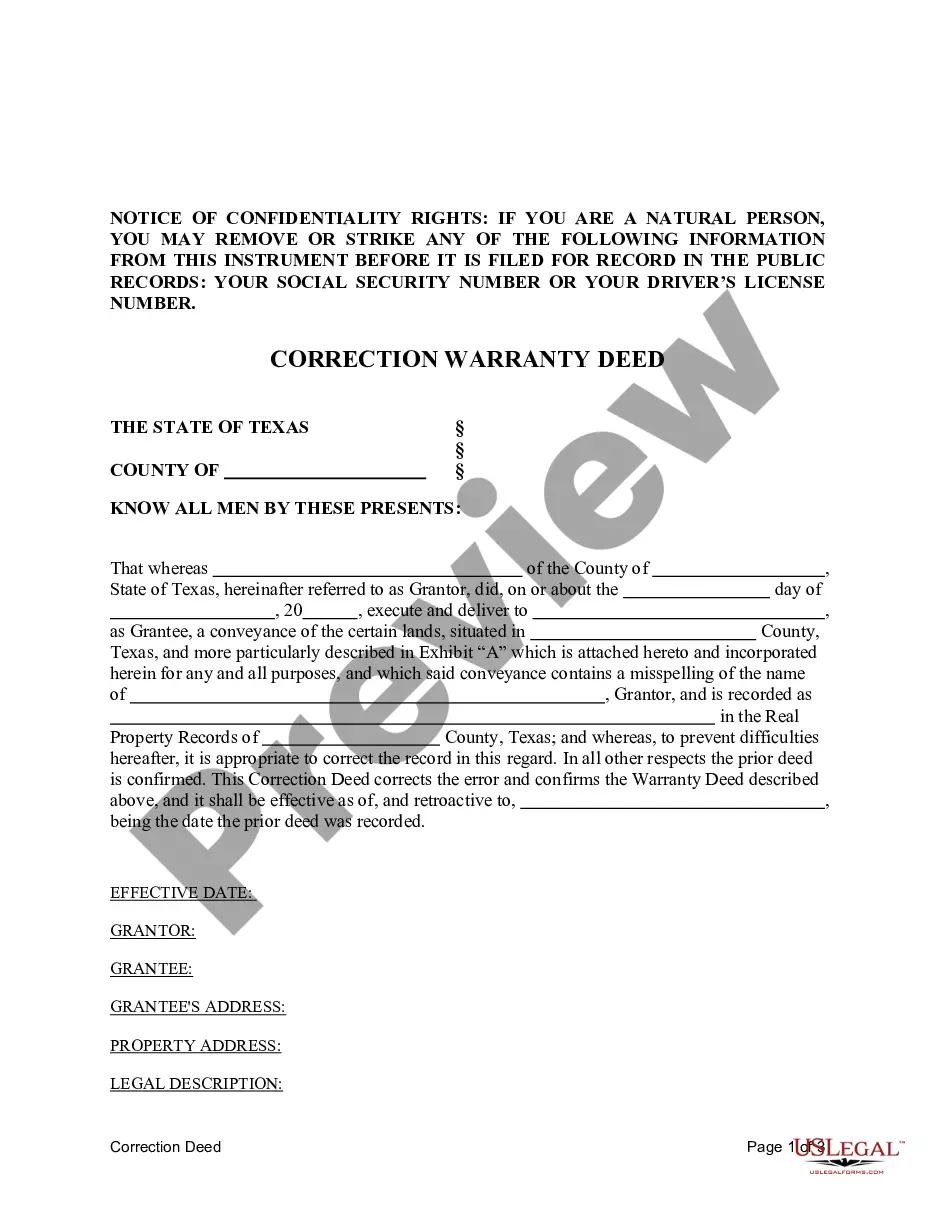


How to fill out Loan Form Corporation - Corporate Resolutions?
Whether for corporate reasons or individual issues, everyone eventually has to confront legal matters in their lifetime.
Filling out legal paperwork requires meticulous care, starting with selecting the correct form template.
With an extensive US Legal Forms catalog available, you will never have to waste time searching for the right template online. Utilize the library’s straightforward navigation to find the suitable form for any purpose.
- Locate the template you need using the search bar or browse through the catalog.
- Review the form’s details to confirm it aligns with your circumstances, state, and locality.
- Click on the form's preview to view it.
- If it is the wrong document, return to the search option to find the Corporation Any Loan Forgiveness Updates template you require.
- Obtain the template if it meets your specifications.
- If you already have a US Legal Forms account, simply click Log in to access documents you’ve saved in My documents.
- If you do not yet possess an account, you may download the form by selecting Buy now.
- Choose the correct payment option.
- Complete the registration form for an account.
- Select your payment method: use a credit card or PayPal account.
- Select the format of the document you desire and download the Corporation Any Loan Forgiveness Updates.
- Once it is saved, you can fill out the form using editing software or print it and complete it by hand.
Form popularity
FAQ
Recover a deleted form Go to the Deleted forms tab. This tab serves as your recycle bin. ... On the form you want to delete, select More options in the lower right corner of the form tile, and then click Restore. ... To see your recovered form, go to your All forms tab.
Revert a change View a list of version records for an object. (Optional) Compare the current version to the older version to ensure that you are reverting the desired changes. Right-click the older version and select Revert to this version. A confirmation dialog box appears. ... Click OK to confirm the action.
ServiceNow approval workflow In the event that subsequent approvals are rejected or tests or tasks fail, the Workflow Editor offers the Rollback To activity. This Activity allows the process designer to return to an earlier place in a process and restart.
If you want to revert the updates to records made through an update job, execute a rollback operation. Navigate to All > System Data Management > Update jobs. Select an update job that has been executed. Select the Rollback related link to revert the updated records.
You can only rollback completed data jobs. Navigate to Field Normalization > Data Jobs > All. Select the completed data job to rollback. The system displays the data normalization job record. From Related Links, select Rollback.
There is also no version history which makes it very difficult to reset the questions that have been overwritten.
Use the Script Execution History module to roll back a Scripts-Background execution Navigate to All > Rollback & Recovery > Script Execution History. Click the script execution to be rolled back. In the Related Links, click Rollback Script Execution.
Forms History lets you see if changes have been made to a Google Form, create back-up versions, and access previous copies. Use Forms History if: 1) You would like to see if someone has modified a Google Form. 2) You want to create and access back-up copies of Google Forms.