Employment Application Form Online Without Registration In Philadelphia
Description

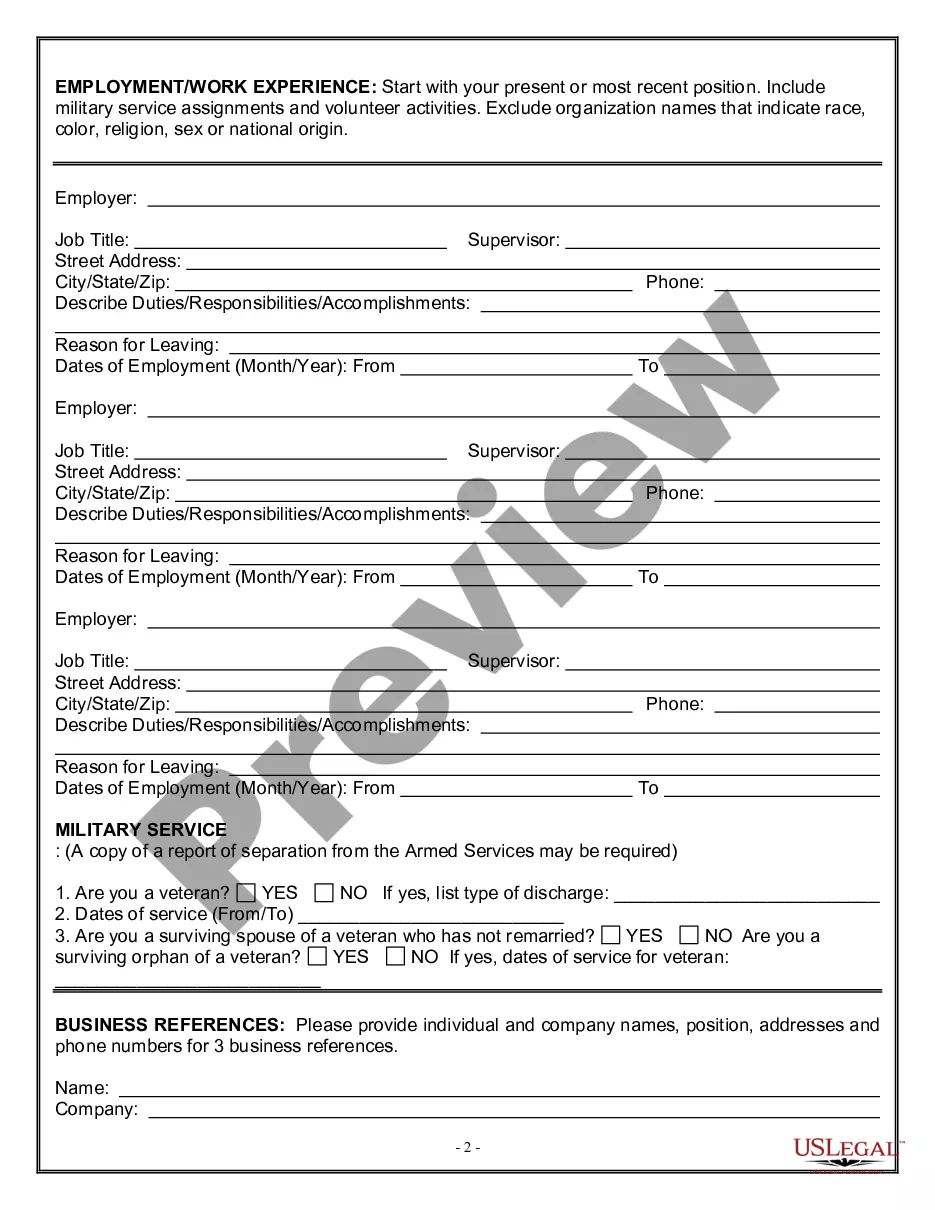
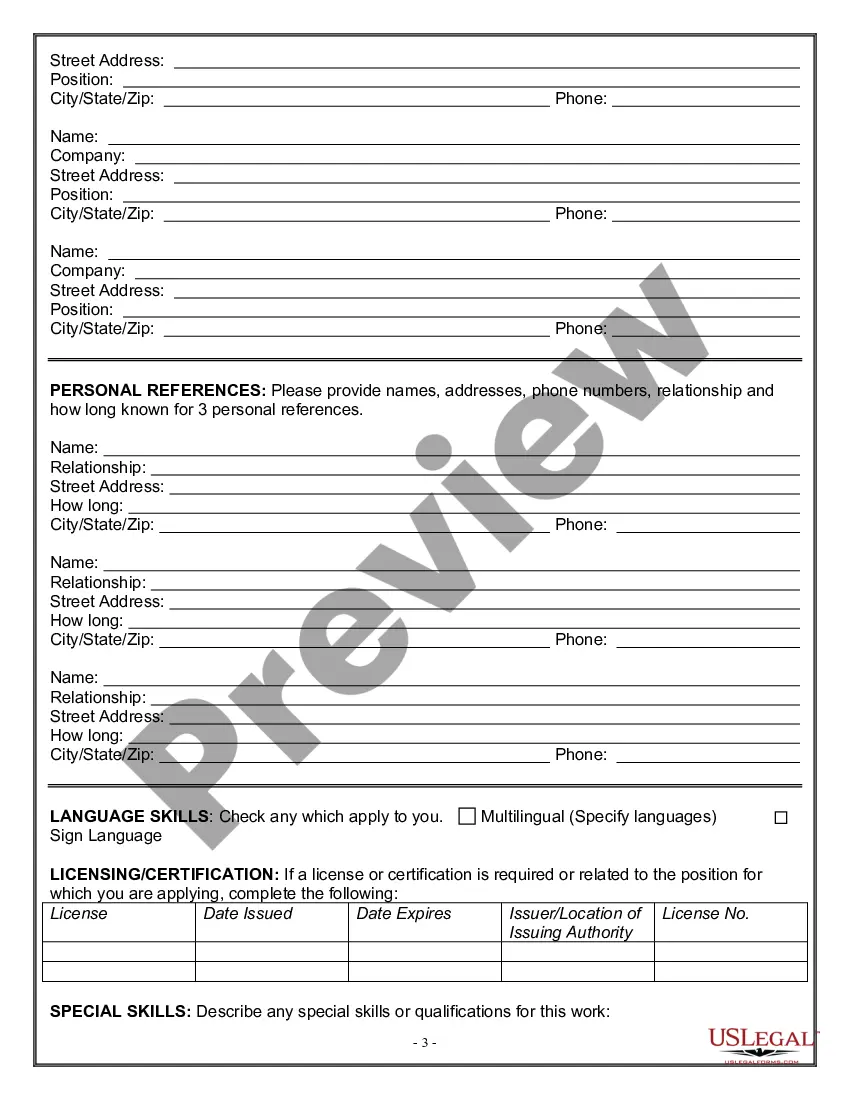
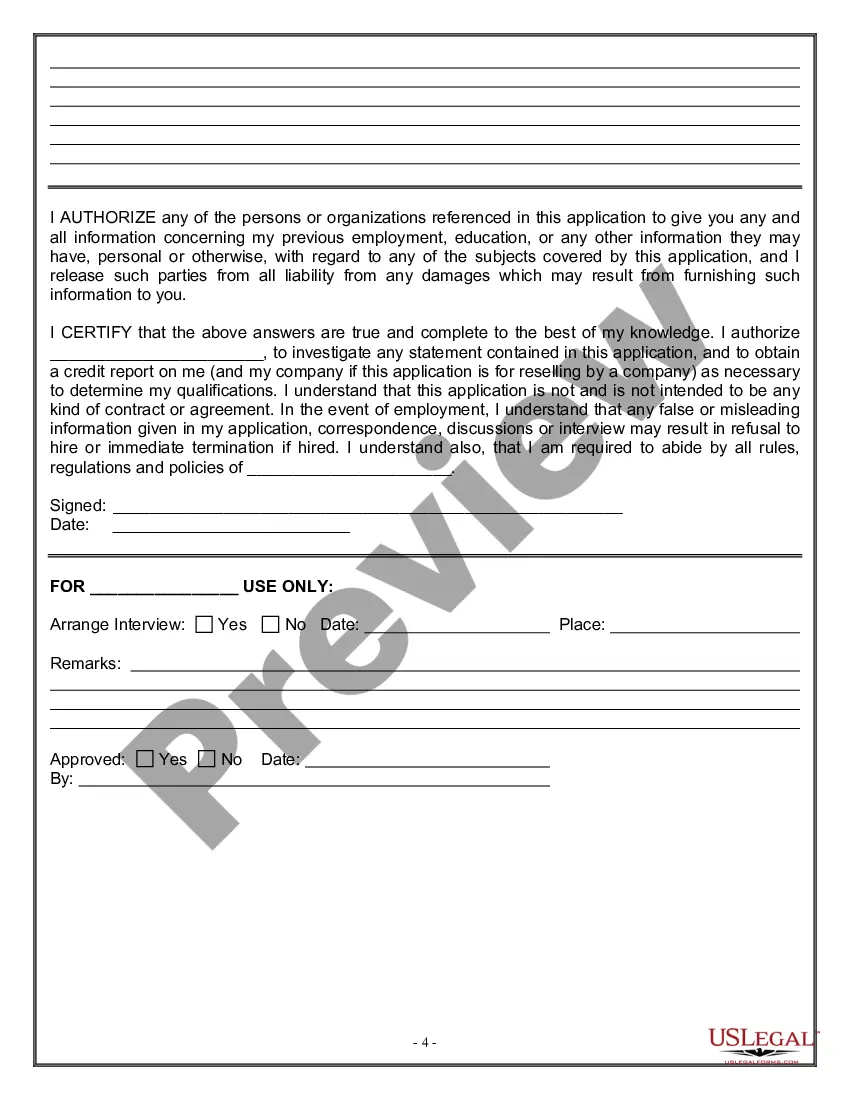
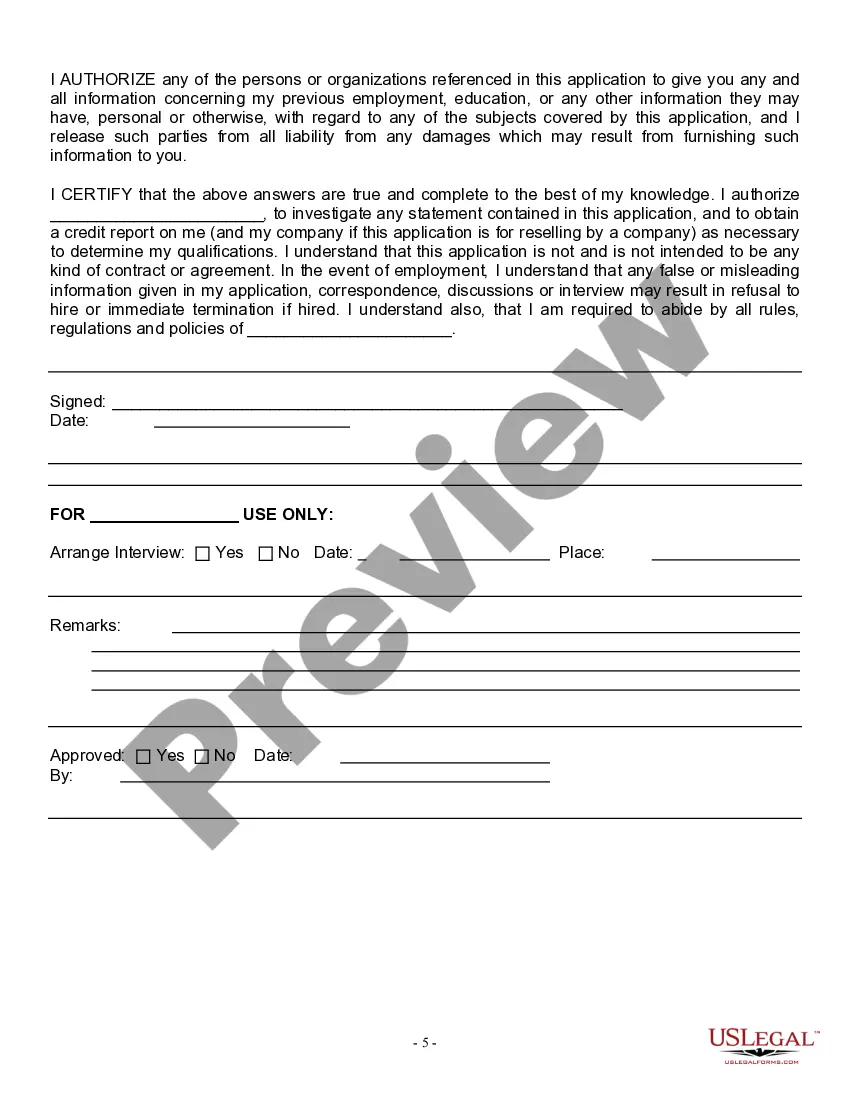
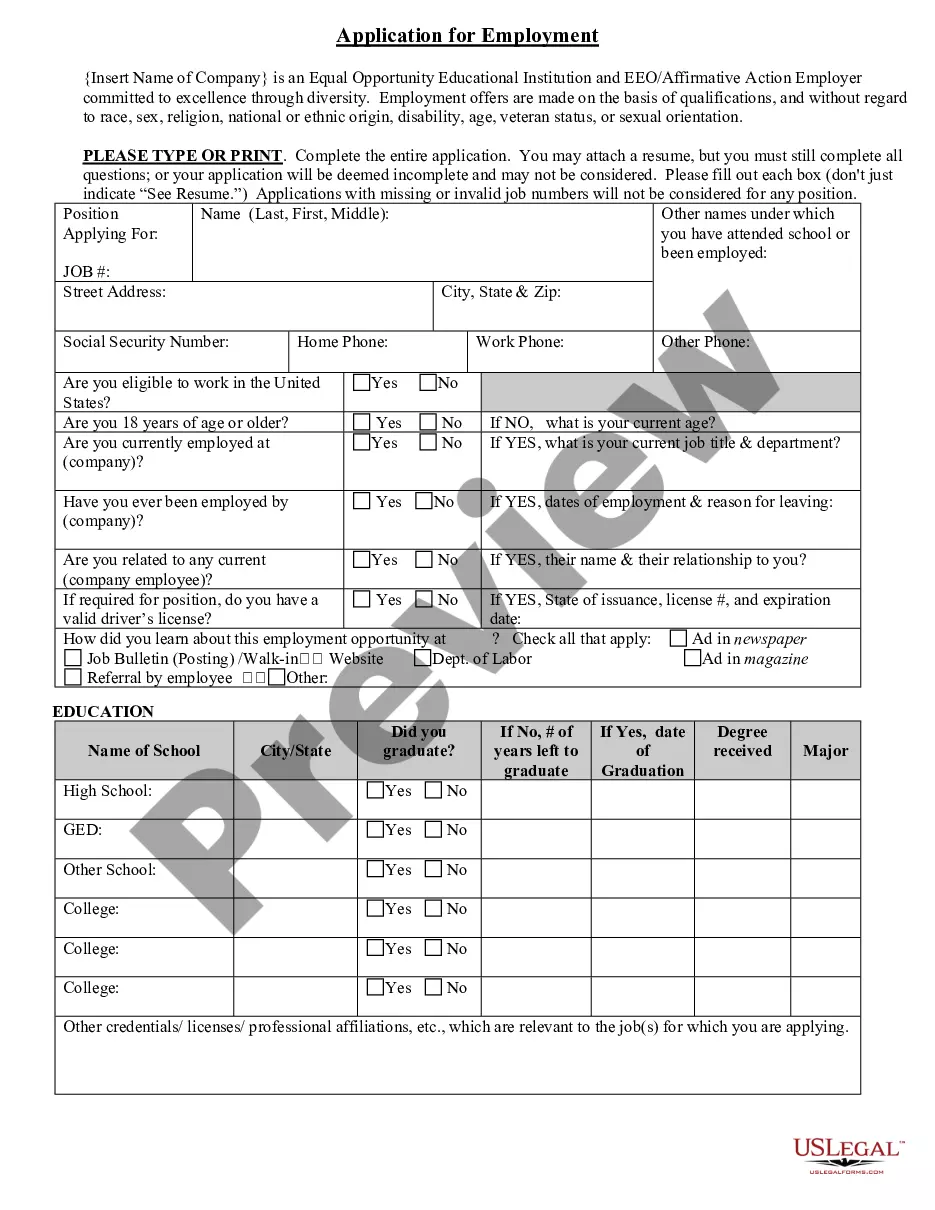
Get your form ready online
Our built-in tools help you complete, sign, share, and store your documents in one place.
Make edits, fill in missing information, and update formatting in US Legal Forms—just like you would in MS Word.
Download a copy, print it, send it by email, or mail it via USPS—whatever works best for your next step.
Sign and collect signatures with our SignNow integration. Send to multiple recipients, set reminders, and more. Go Premium to unlock E-Sign.
If this form requires notarization, complete it online through a secure video call—no need to meet a notary in person or wait for an appointment.
We protect your documents and personal data by following strict security and privacy standards.

Make edits, fill in missing information, and update formatting in US Legal Forms—just like you would in MS Word.

Download a copy, print it, send it by email, or mail it via USPS—whatever works best for your next step.

Sign and collect signatures with our SignNow integration. Send to multiple recipients, set reminders, and more. Go Premium to unlock E-Sign.

If this form requires notarization, complete it online through a secure video call—no need to meet a notary in person or wait for an appointment.

We protect your documents and personal data by following strict security and privacy standards.
Looking for another form?

Form popularity
FAQ
How to fill out online job applications Create an account (if required). Many companies use online application platforms that require you to create an account before you can apply. Fill out the application form. Upload your resume and cover letter. Proofread carefully. Submit your application.
Our application process can vary by position and department. In some cases, it can take up to three months to move to the next step (like in the private sector.) We're working hard to make the process faster and smoother!
Choose the form you want to fill out from your saved documents or upload a new form from your device. Click on the first field you want to fill in. A cursor will appear, allowing you to type in your information. Continue filling in the form by clicking on each field and entering the required information.
How to fill out a paper job application Include your personal information. Start by providing your personal information, including your name, address and phone number, in the correct fields. Describe your work history. Include your education. Identify your skills. Add your references. Provide your desired salary.
How to write a job application email Write a clear subject line. Include a salutation. Introduce yourself in the first sentence. Turn your cover letter into the body of your email. Close with details. Sign your email. Attach your materials. Proofread before you hit “send.”
An application form will usually ask for some personal information about you, such as your full name, date of birth, address, phone number and email address. The form might also ask you for a few sentences to introduce yourself. You can use this answer to say why you're interested in this job or training.
Civil service positions: You must live in Philadelphia for one year before your appointment date.
Ask whether you really want the job. We won't beat around the bush — filling out applications takes a lot of energy. Set aside the right amount of time. Read the questions carefully. Save your work in another document. Don't exceed the word count. Always consider the job requirements. Proofread and double-check the form.
Follow these steps Start Your Search. Go to employment.pa and click "Open Jobs" to view all available positions within the Commonwealth. Sign In or Create an Account. Apply to the Job Posting. Import Your Resume (Optional) ... Fill Out the Application. Add Skills. Add Attachments. Answer Supplemental Questions.
Is it hard to get hired at City of Philadelphia? Glassdoor users rated their interview experience at City of Philadelphia as 72.5% positive with a difficulty rating score of 2.51 out of 5 (where 5 is the highest level of difficulty).
