Corporate Resolution Form For Signing Authority In Santa Clara
Description



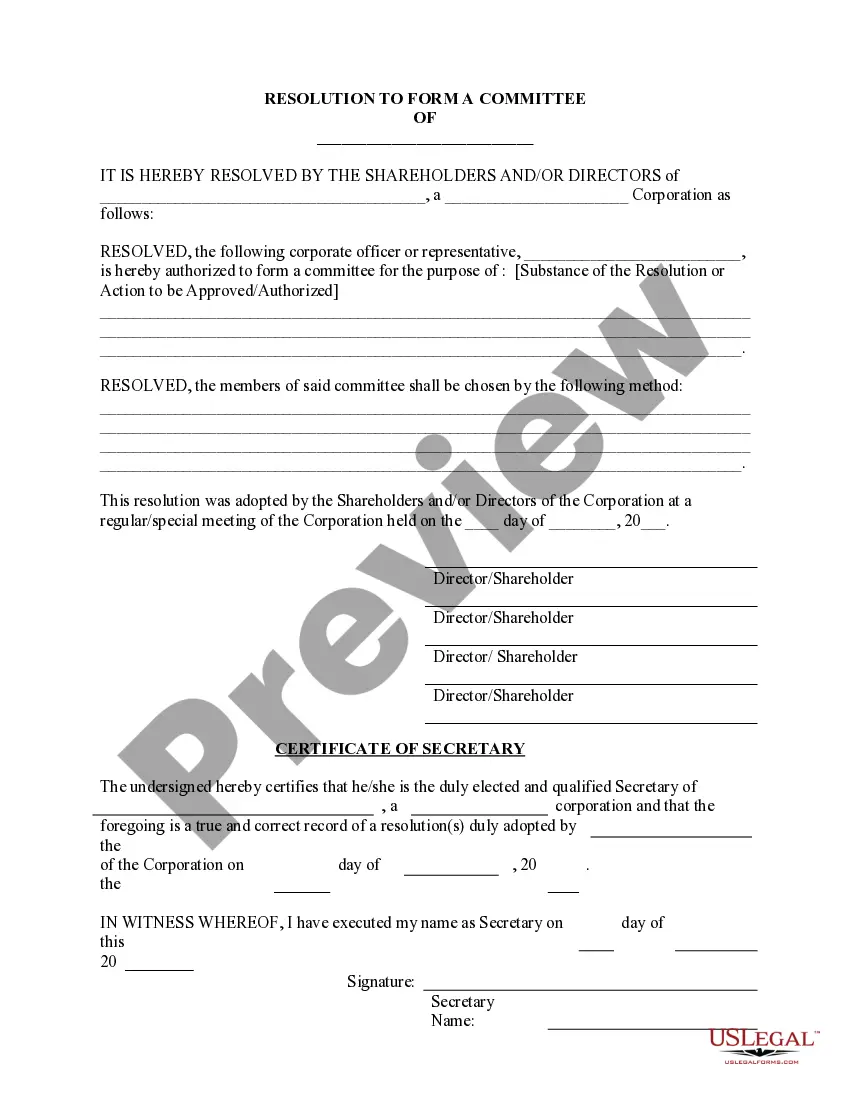


Get your form ready online
Our built-in tools help you complete, sign, share, and store your documents in one place.
Make edits, fill in missing information, and update formatting in US Legal Forms—just like you would in MS Word.
Download a copy, print it, send it by email, or mail it via USPS—whatever works best for your next step.
Sign and collect signatures with our SignNow integration. Send to multiple recipients, set reminders, and more. Go Premium to unlock E-Sign.
If this form requires notarization, complete it online through a secure video call—no need to meet a notary in person or wait for an appointment.
We protect your documents and personal data by following strict security and privacy standards.

Make edits, fill in missing information, and update formatting in US Legal Forms—just like you would in MS Word.

Download a copy, print it, send it by email, or mail it via USPS—whatever works best for your next step.

Sign and collect signatures with our SignNow integration. Send to multiple recipients, set reminders, and more. Go Premium to unlock E-Sign.

If this form requires notarization, complete it online through a secure video call—no need to meet a notary in person or wait for an appointment.

We protect your documents and personal data by following strict security and privacy standards.
Looking for another form?


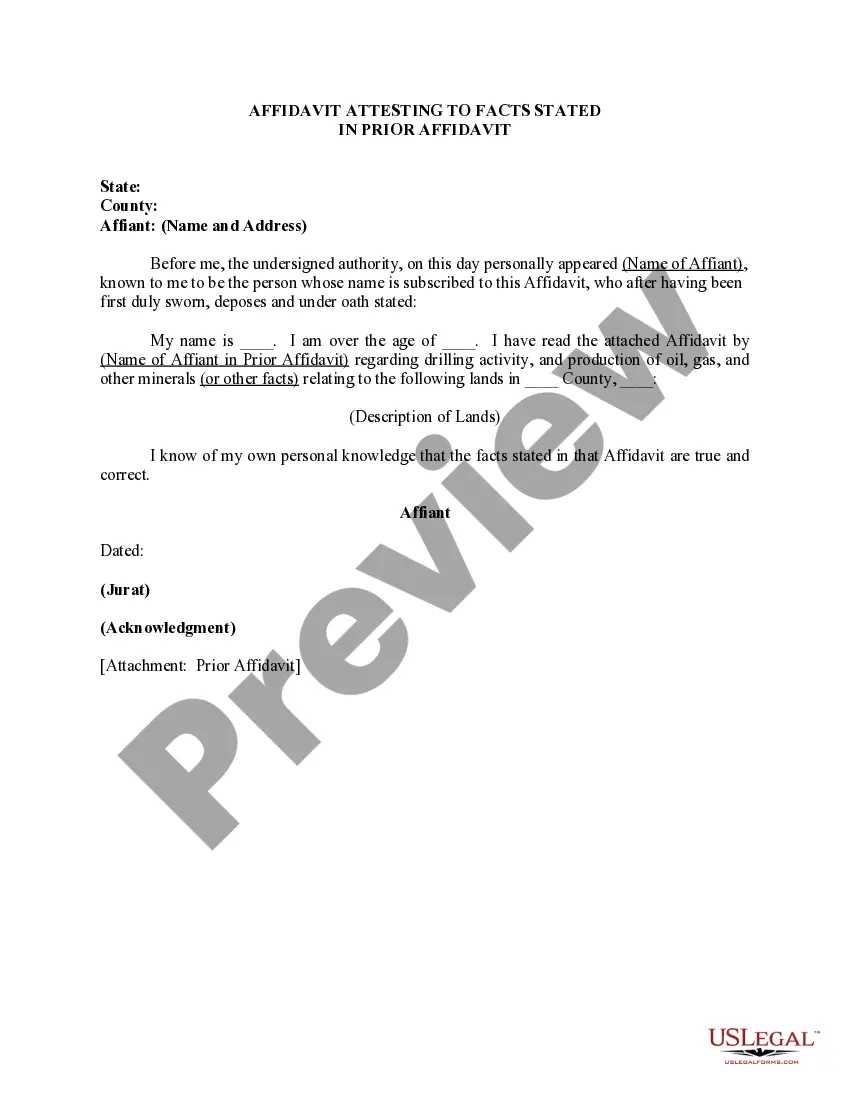
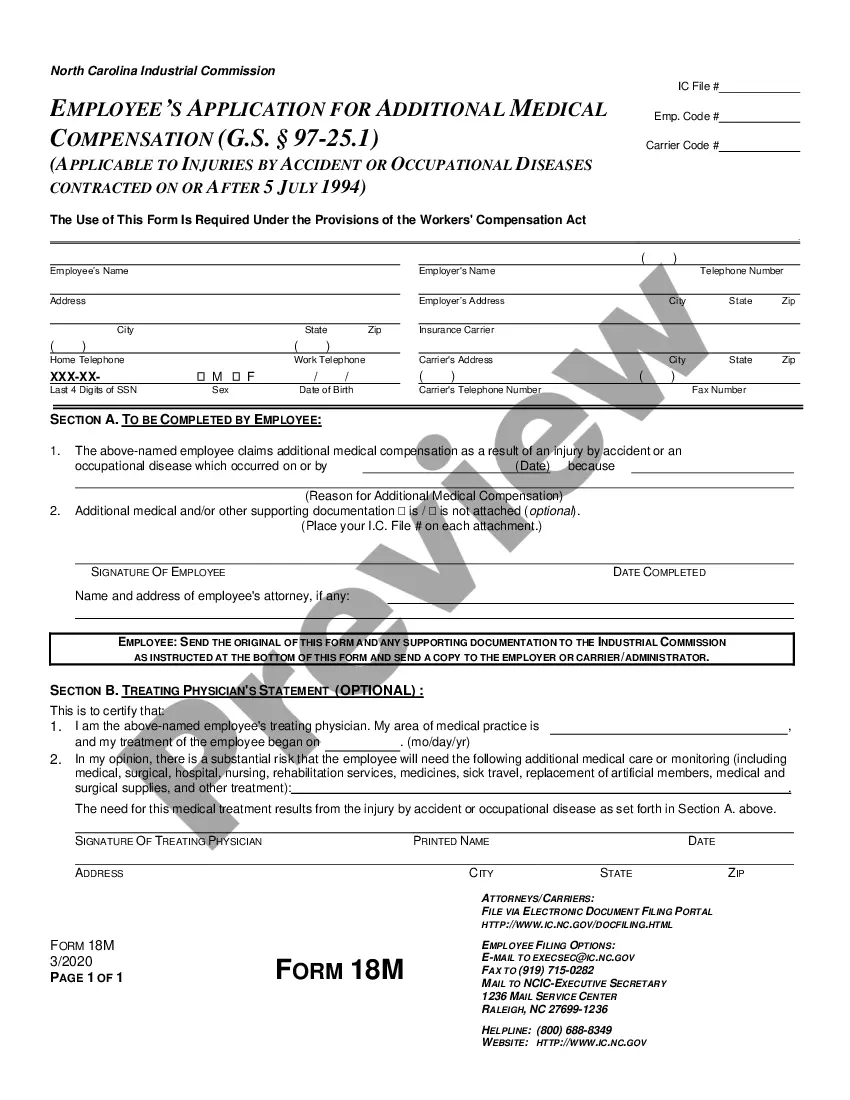
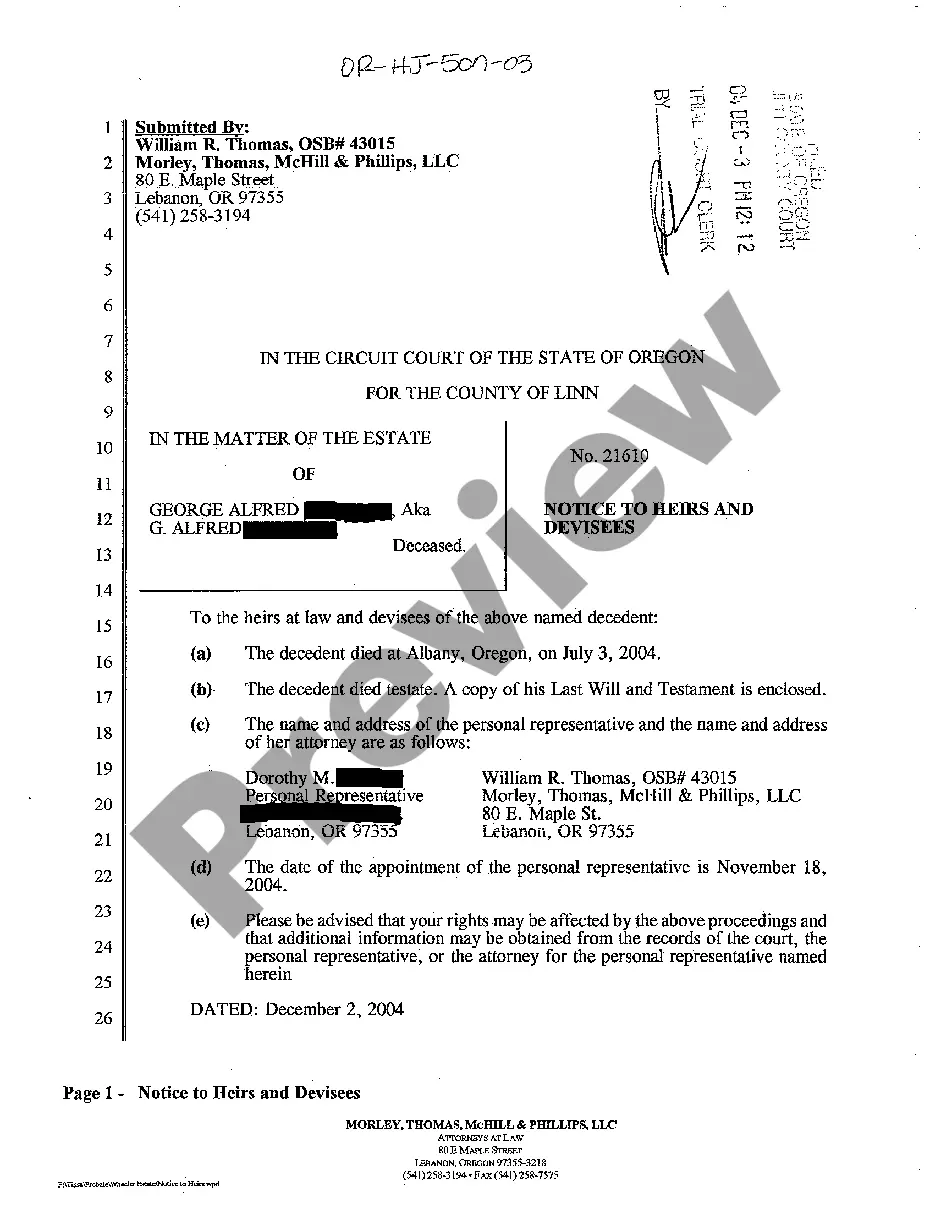
Form popularity
FAQ
Board Resolution Granting Signing Authority BE IT RESOLVED, that the board of directors hereunder authorizes Authorized Individual's Name, Position, to sign, execute, and endorse on behalf of Company Name for all financial transactions, legal documents, and other official agreements.
For example, the Director of Human Resources may be given the authority to enter into employment contracts with employees. Or the Director of Sales may have the authority to sign sales contracts.
This permission is typically designated by the board of directors or based on an employee's role, with the signatory's name recorded in official company records. In some cases, multiple authorized signatories may be required to jointly sign documents to ensure compliance with legal obligations and proper oversight.
The following are some steps to follow when granting signing permission: Identify the need for signing permission. Select the right person. Determine the scope of powers. Writing a letter of authorization. Review and revision of the letter of approval. Monitoring the use of the signature authority.
How to Grant Signature Authorities Identify the need for signing permission. Select the right person. Determine the scope of powers. Writing a letter of authorization. Review and revision of the letter of approval. Monitoring the use of the signature authority.
Must include the specific date and time when the board met to pass the resolution. Must authorize a specific person or persons by name and title. Must include the types of contracts and agreements the specific individual or individuals can execute on behalf of the corporation.
Power of attorney. A power of attorney is a formal document where a person, known as the principal or donor, gives the legal authority to someone to look after their financial affairs. This authority ceases should the principal pass away.
The corporate resolution for signing authority is a specific corporate resolution that authorizes specific corporate officers with the legal standing to sign contracts on behalf of the corporation.
The corporate resolution for signing authority is a specific corporate resolution that authorizes specific corporate officers with the legal standing to sign contracts on behalf of the corporation.
