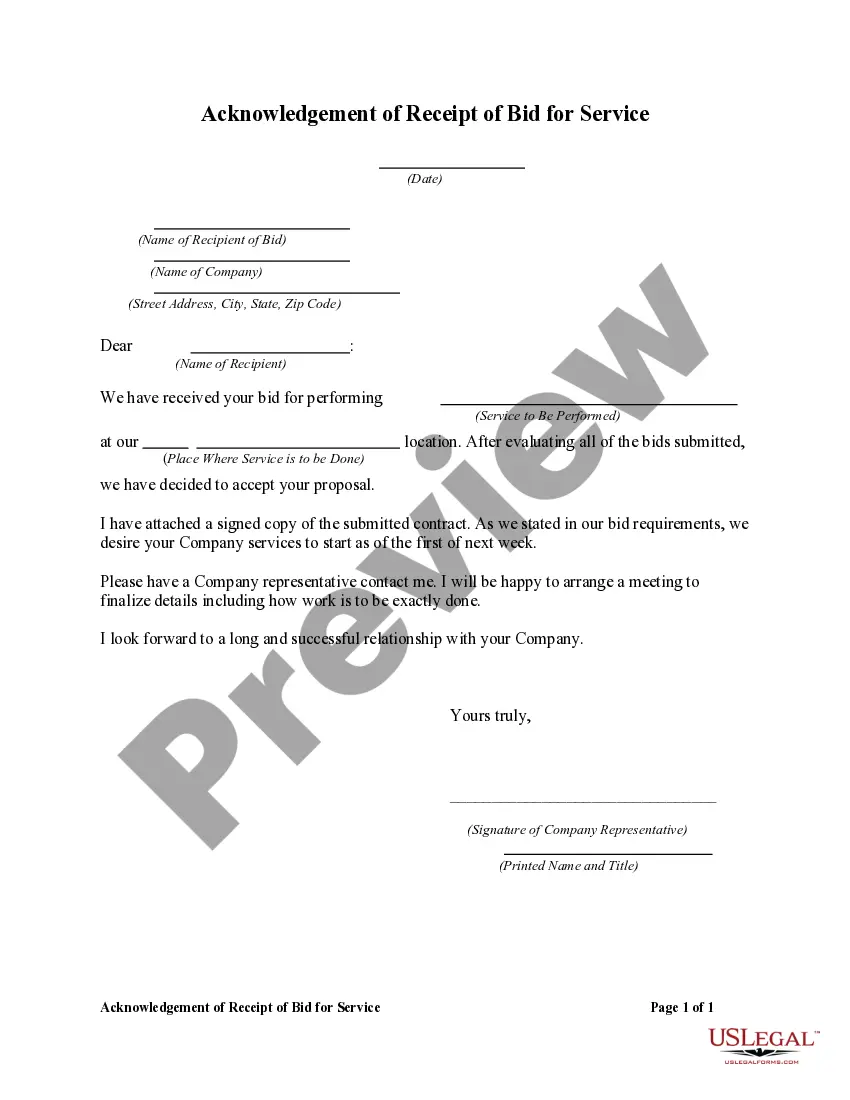
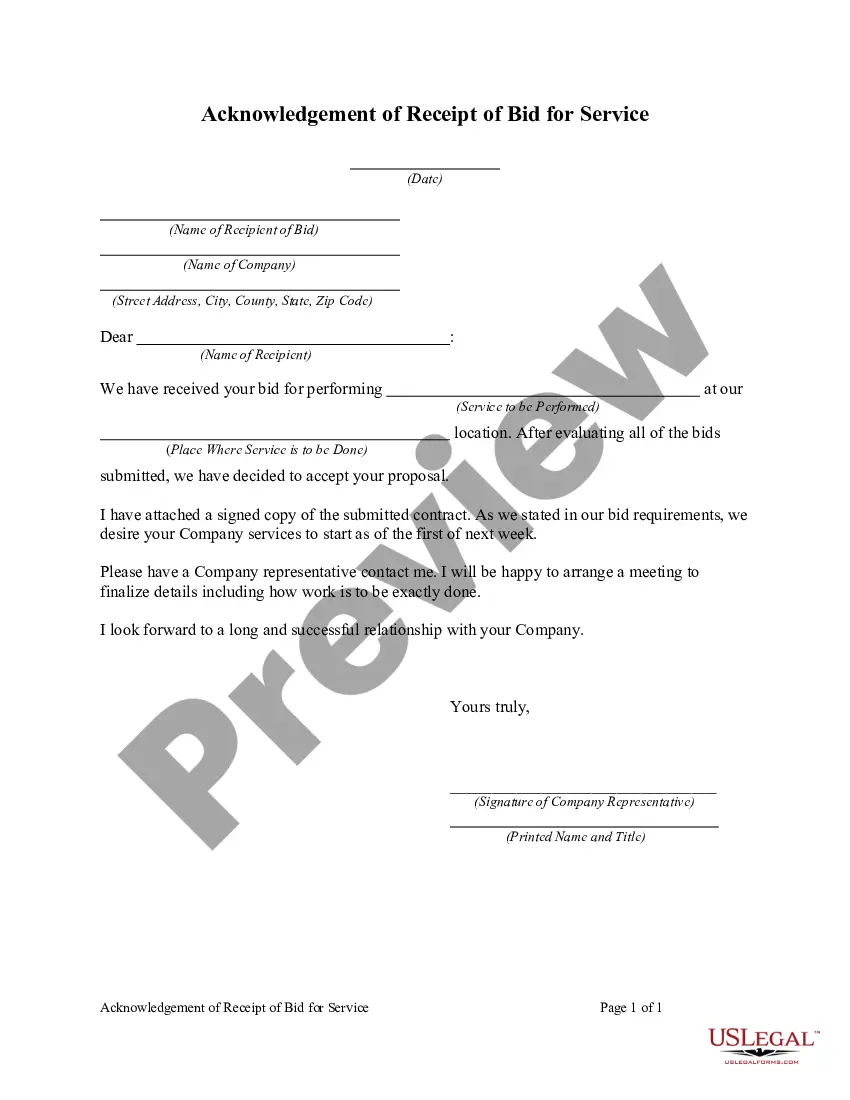
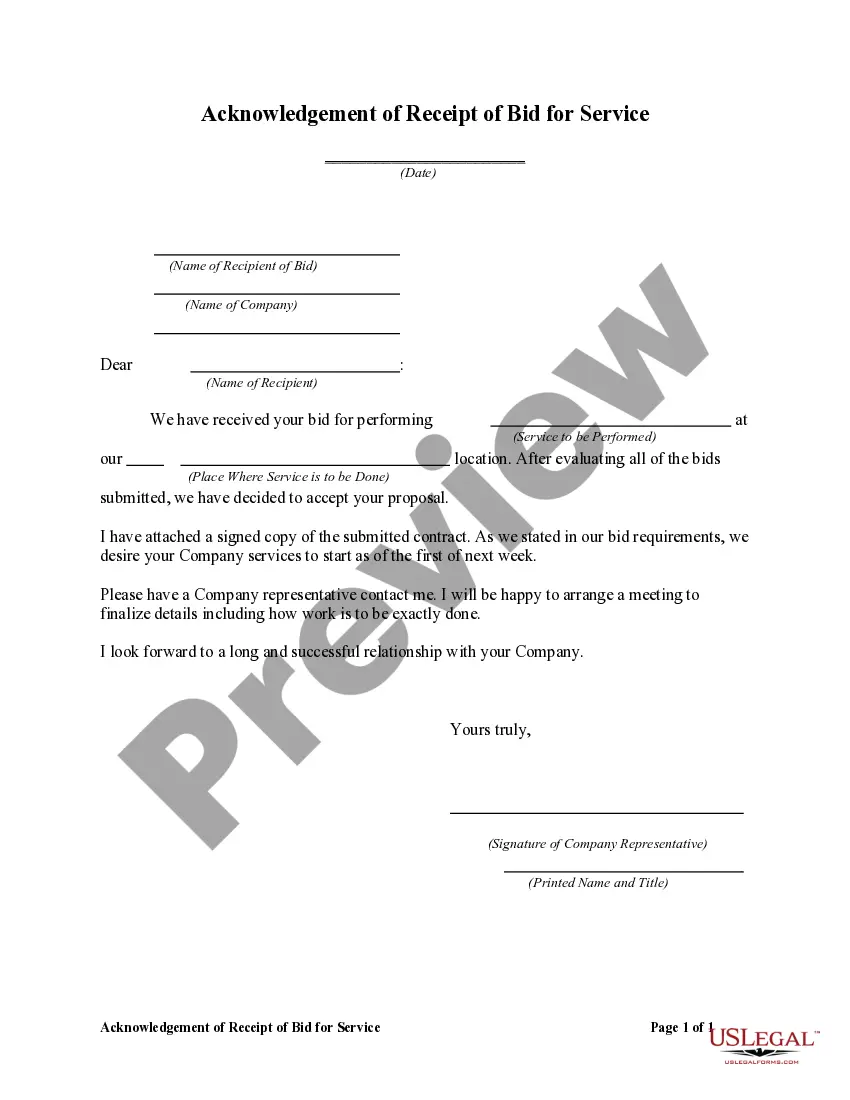
Acknowledgement Of Bid Receipt With Credit Card In King
Description
Get your form ready online
Our built-in tools help you complete, sign, share, and store your documents in one place.
Make edits, fill in missing information, and update formatting in US Legal Forms—just like you would in MS Word.
Download a copy, print it, send it by email, or mail it via USPS—whatever works best for your next step.
Sign and collect signatures with our SignNow integration. Send to multiple recipients, set reminders, and more. Go Premium to unlock E-Sign.
If this form requires notarization, complete it online through a secure video call—no need to meet a notary in person or wait for an appointment.
We protect your documents and personal data by following strict security and privacy standards.

Make edits, fill in missing information, and update formatting in US Legal Forms—just like you would in MS Word.

Download a copy, print it, send it by email, or mail it via USPS—whatever works best for your next step.

Sign and collect signatures with our SignNow integration. Send to multiple recipients, set reminders, and more. Go Premium to unlock E-Sign.

If this form requires notarization, complete it online through a secure video call—no need to meet a notary in person or wait for an appointment.

We protect your documents and personal data by following strict security and privacy standards.
Looking for another form?

Form popularity
FAQ
A Standard Clause intended to demonstrate that the parties understand and agree to the terms and conditions contained in a commercial agreement. This Standard Clause has integrated notes with important explanations and drafting tips.
Bid Acknowledgement means the acknowledgement and acceptance of Bid Quotes by Company or (if applicable) a Permitted Borrower in the form attached as Exhibit "B" hereto.
Confirming actions ask the user to verify that they want to proceed with an action. Acknowledging actions provide text to let the user know whether an action they chose has been completed.
Real Estate Dictionary An acknowledgment is necessary to entitle an instrument (with certain specific exceptions) to be recorded, to impart constructive notice of its contents, and to entitle the instrument to be used as evidence without further proof.
Steps Download the UCC-1 form. Provide direct contact information if desired. Fill in the debtor's name and mailing address. List the name and address of the secured party. Indicate the collateral covered by the financing statement. Include applicable descriptions of the transaction. Fill out an addendum if necessary.
5 is a statement that an error occurred: records an inaccuracy, or wrongfully filed document, or filed by person not entitled to do so. It is not and does not amend any information, so still have to file a UCC3 if need to amend.
UCC Financing Statement Amendment (Form UCC3) Uniform Commercial Code Financing Statement Amendment is for used for the termination, continuation, and/or transfer changes to Financing Statement.
Authorizing and Filing UCC Terminations Prepare and complete a UCC-3 amendment form to include: The filing number of the initial financing statement to which amendment relates. Review and review again for any mistakes or incorrect information. Submit the filing to Secretary of State's office in the appropriate state.
In all cases, you should file a UCC-1 with the secretary of state's office in the state where the debtor is incorporated or organized (if a business), or lives (if an individual).
In all cases, you should file a UCC-1 with the secretary of state's office in the state where the debtor is incorporated or organized (if a business), or lives (if an individual).