Corporate Resolution With Raised Seal In Kings
Description


Get your form ready online
Our built-in tools help you complete, sign, share, and store your documents in one place.
Make edits, fill in missing information, and update formatting in US Legal Forms—just like you would in MS Word.
Download a copy, print it, send it by email, or mail it via USPS—whatever works best for your next step.
Sign and collect signatures with our SignNow integration. Send to multiple recipients, set reminders, and more. Go Premium to unlock E-Sign.
If this form requires notarization, complete it online through a secure video call—no need to meet a notary in person or wait for an appointment.
We protect your documents and personal data by following strict security and privacy standards.

Make edits, fill in missing information, and update formatting in US Legal Forms—just like you would in MS Word.

Download a copy, print it, send it by email, or mail it via USPS—whatever works best for your next step.

Sign and collect signatures with our SignNow integration. Send to multiple recipients, set reminders, and more. Go Premium to unlock E-Sign.

If this form requires notarization, complete it online through a secure video call—no need to meet a notary in person or wait for an appointment.

We protect your documents and personal data by following strict security and privacy standards.
Looking for another form?





Form popularity
FAQ
However, a seal could also take other forms, such as the word “seal” placed between brackets after a signature, or the letters “L.S.” (short for locus sigilli, meaning in “the place of the seal”) adjacent to the contracting parties' signatures.
State corporation statutes continue to authorize corporations to adopt and use corporate seals. But do you really need one for your company? In California and New York, the answer is clearly “no.”
Place the cursor in the exact location where you want the seal to appear. 5. From the tabs in the top ribbon, select "Insert", then select "Pictures". Then, select the seal file from the location where you save the seal in step 2.
That's it your company seal is ready for.MoreThat's it your company seal is ready for.
LLCs often use the digital corporate seal on the Operating Agreement, membership certificates, banking resolutions, invoices, receipts, et al. Corporations can use their corporate seal on their bylaws, stock certificates, and meeting minutes to make them official.
Having a seal affixed to a document can help prevent fraud, as someone attempting to use a counterfeit document presumably would not have access to the corporate or company seal. Using a seal makes the corporation's or LLC's documents stand out.
Common seal means the metallic seal of a company which can be affixed only with the approval of the Board of directors of the company. It is the signature of the company to any document on which it is affixed and binds the company for all obligations undertaken in the document.
Corporate seals in the past were imprinted on wax upon a document. As time passed, rubber stamps were preferred and today, most corporate seals are embossed upon a document. Although no longer required, the corporate seal still retains a sense of authenticity and a mark of identity for a corporation.
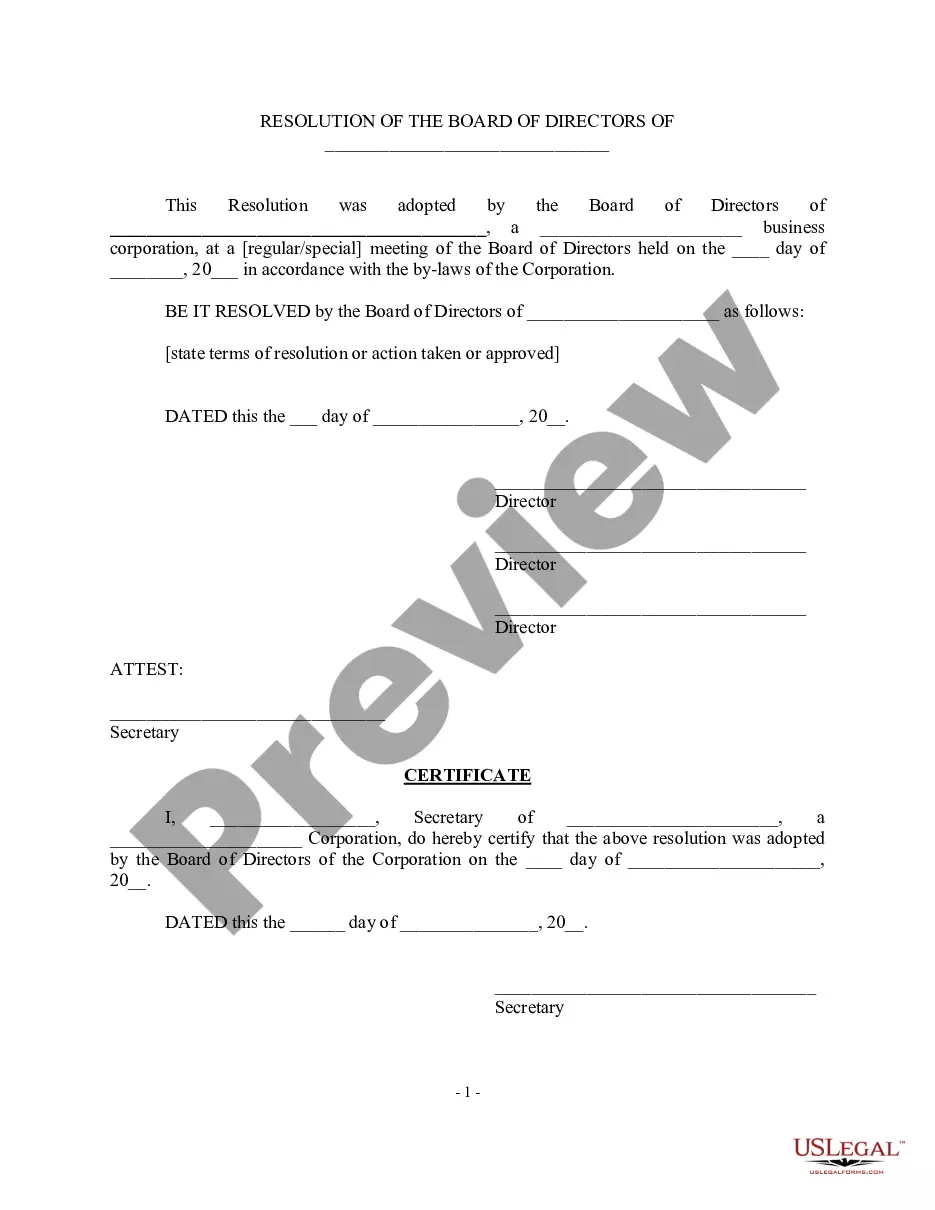
What should corporate resolutions include? Your corporation's name. Date, time and location of meeting. Statement of unanimous approval of resolution. Confirmation that the resolution was adopted at a regularly called meeting. Resolution. Statement authorizing officers to carry out the resolution.
