Meeting Minutes Format Example In San Jose
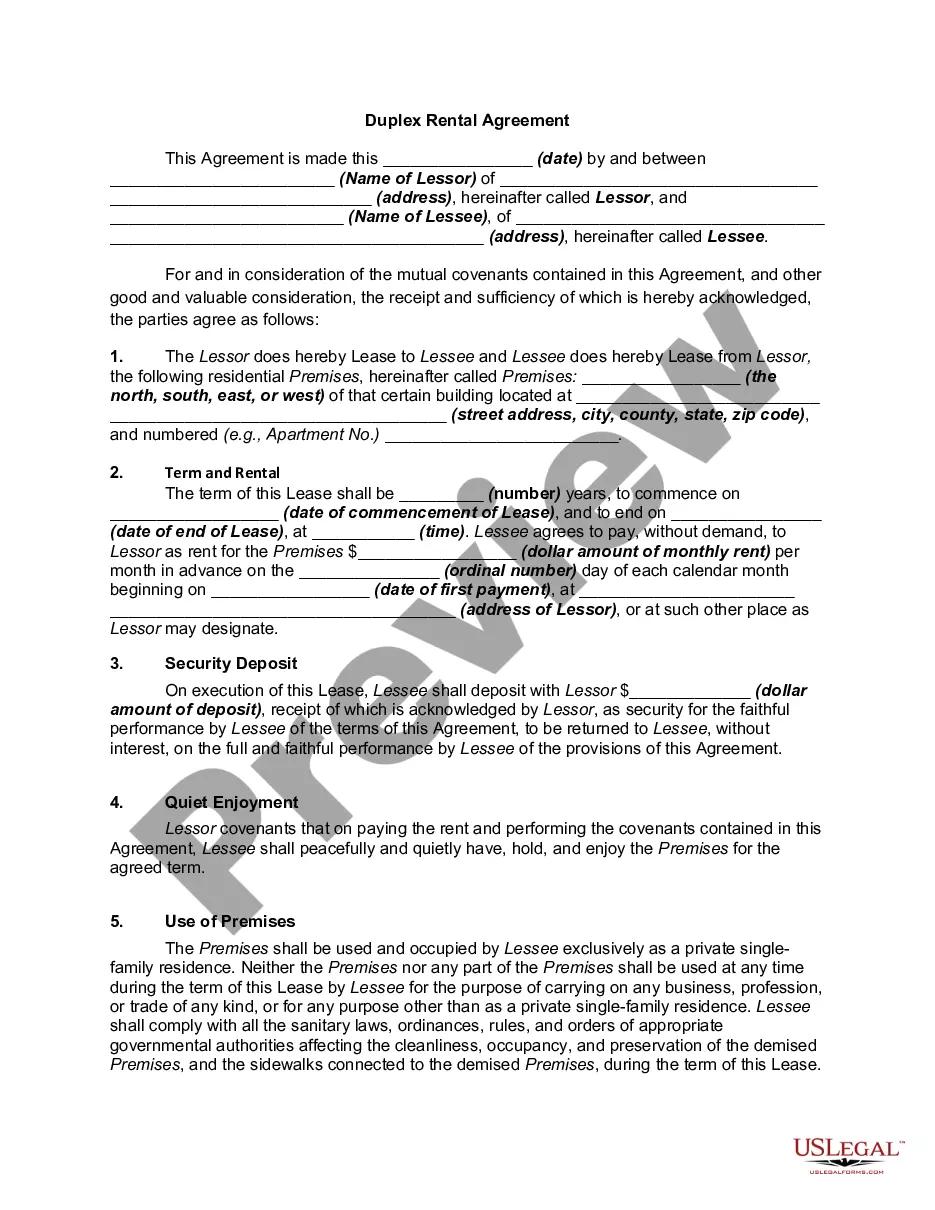
Description

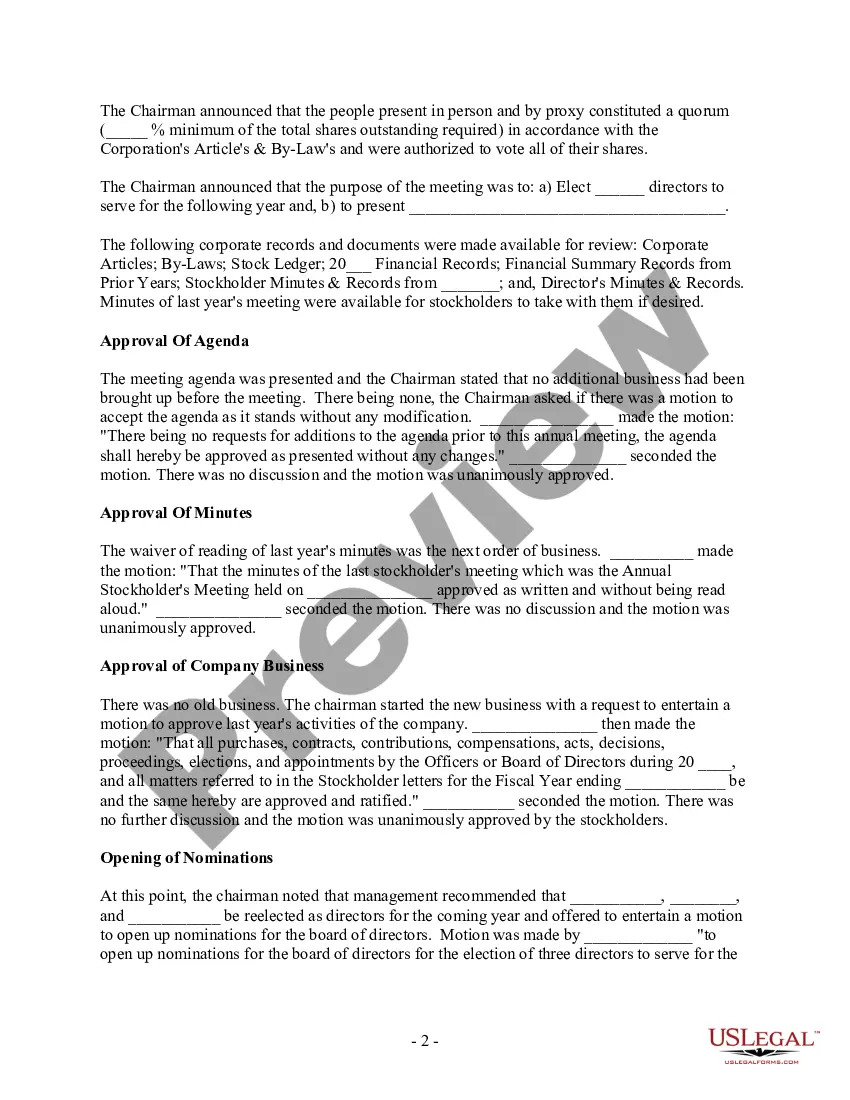
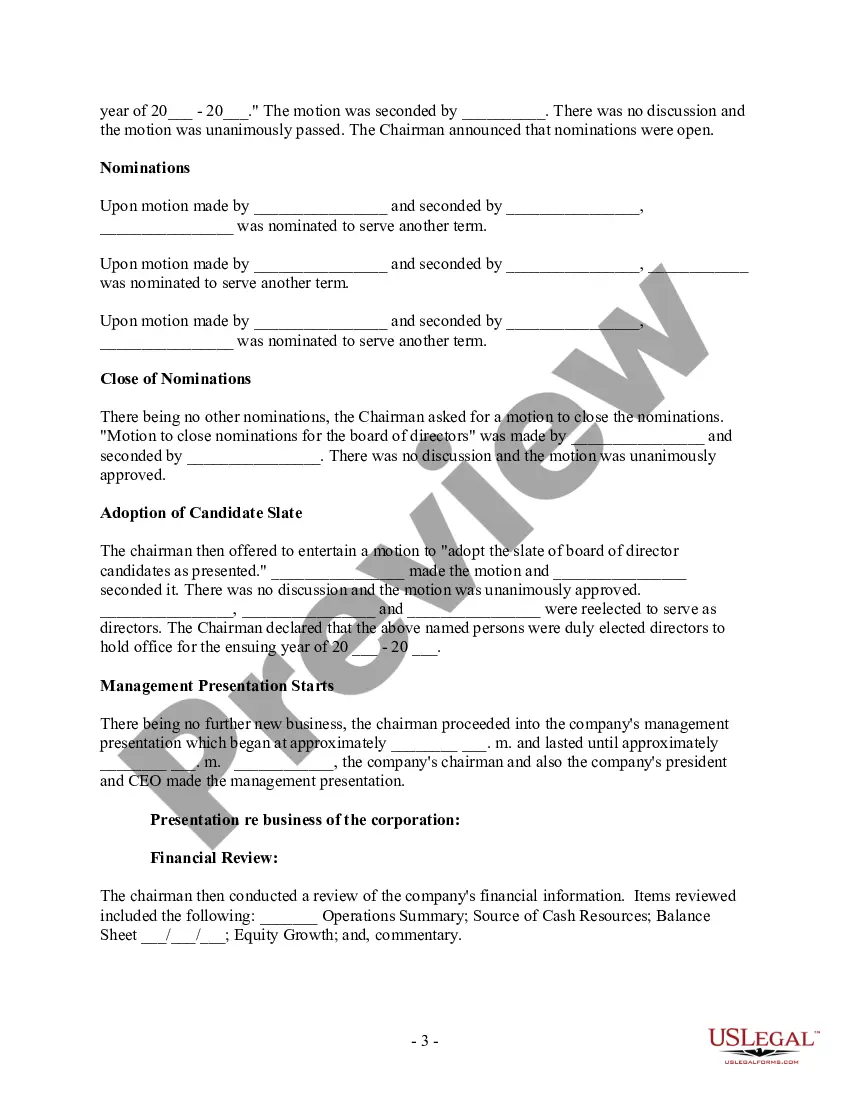
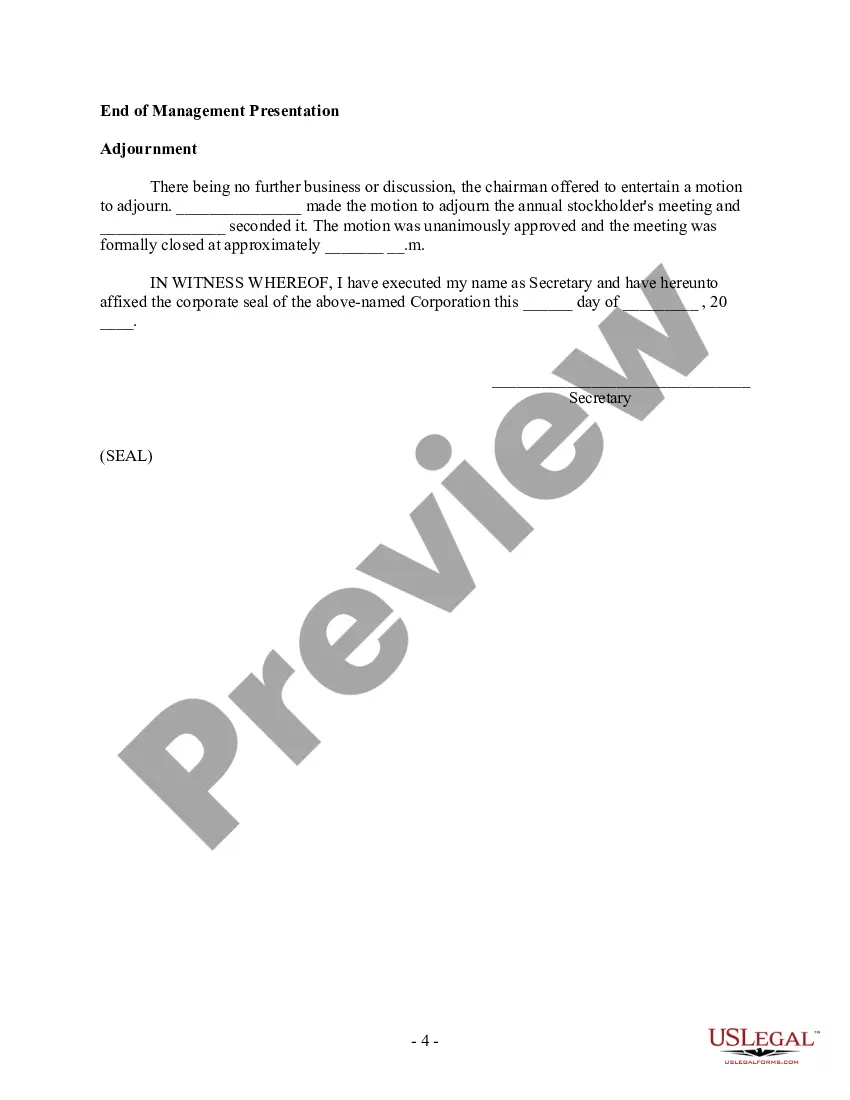



Get your form ready online
Our built-in tools help you complete, sign, share, and store your documents in one place.
Make edits, fill in missing information, and update formatting in US Legal Forms—just like you would in MS Word.
Download a copy, print it, send it by email, or mail it via USPS—whatever works best for your next step.
Sign and collect signatures with our SignNow integration. Send to multiple recipients, set reminders, and more. Go Premium to unlock E-Sign.
If this form requires notarization, complete it online through a secure video call—no need to meet a notary in person or wait for an appointment.
We protect your documents and personal data by following strict security and privacy standards.

Make edits, fill in missing information, and update formatting in US Legal Forms—just like you would in MS Word.

Download a copy, print it, send it by email, or mail it via USPS—whatever works best for your next step.

Sign and collect signatures with our SignNow integration. Send to multiple recipients, set reminders, and more. Go Premium to unlock E-Sign.

If this form requires notarization, complete it online through a secure video call—no need to meet a notary in person or wait for an appointment.

We protect your documents and personal data by following strict security and privacy standards.
Looking for another form?

Form popularity
FAQ
10 Meeting Minutes Software to Use in 2024 ClickUp – Best for AI-powered meeting minutes. Fellow – Good for integration with other apps. FreJun – Good for automations. Magic Minutes – Good for stand alone meeting minutes. Evernote – Good for all-purpose note-taking. Beenote – Good for planning meeting notes.
Alternatively, you can also browse the templates available under the "Meeting Minutes" category. Select a template: Choose a template that suits your needs and click on it to open it in Word. Customize the template: Fill in the necessary details such as the meeting date, time, location, attendees, and agenda items.
Meeting minutes are the written record of what was discussed and decided during a meeting. They typically include the date and time of the meeting, a list of attendees, a summary of the topics discussed, decisions made, action items assigned, and the time of adjournment.
What to include when writing meeting minutes? Meeting basics like name, place, date and time ... List of meeting participants. Meeting purpose. Agenda items. Next meeting date and place. Documents to be included in the meeting report. Key action items.
Following are 10 steps that can help you compose an effective meeting minutes report: Make an outline. Prior to the meeting, create an outline by picking or designing a template. Include factual information. Add factual details, such as where and when the meeting takes place. Write down the purpose. Record decisions made.
At their core, meeting minutes should include several key elements: Details of the Meeting: Start with the basics - the date, time, and location of the meeting, as well as the type of meeting (regular, special, annual, etc.). This sets the stage for what follows. Attendees: List everyone present and note any absences.
Meeting minutes are notes that are recorded during a meeting. They highlight the key issues that are discussed, motions proposed or voted on, and activities to be undertaken. The minutes of a meeting are usually taken by a designated member of the group.
Here are some of the details that you should into the meeting minutes. Date and time of meeting. Names of the participants. Agenda items and topics discussed. Action items.
To take effective meeting minutes, the secretary should include: Date of the meeting. Time the meeting was called to order. Names of the meeting participants and absentees. Corrections and amendments to previous meeting minutes. Additions to the current agenda. Whether a quorum is present. Motions taken or rejected.
