Sample Letter To Customer For Business In Palm Beach
Description


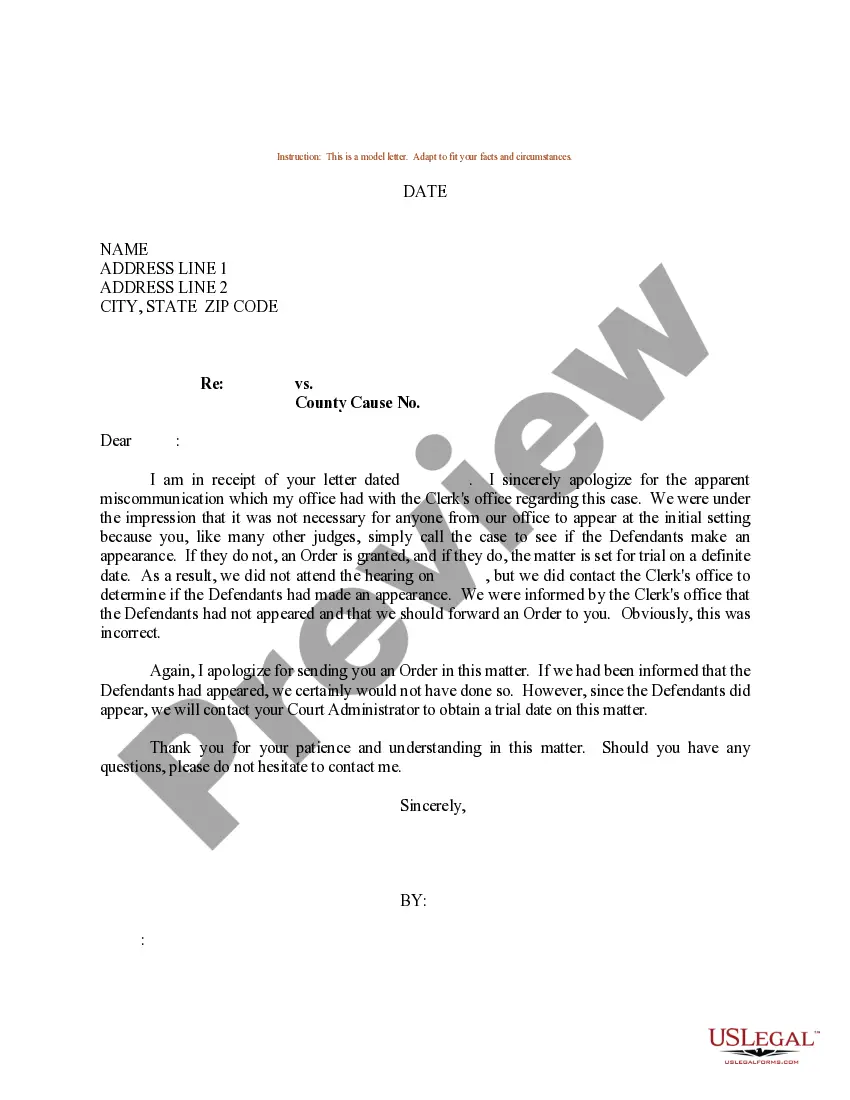

Get your form ready online
Our built-in tools help you complete, sign, share, and store your documents in one place.
Make edits, fill in missing information, and update formatting in US Legal Forms—just like you would in MS Word.
Download a copy, print it, send it by email, or mail it via USPS—whatever works best for your next step.
Sign and collect signatures with our SignNow integration. Send to multiple recipients, set reminders, and more. Go Premium to unlock E-Sign.
If this form requires notarization, complete it online through a secure video call—no need to meet a notary in person or wait for an appointment.
We protect your documents and personal data by following strict security and privacy standards.

Make edits, fill in missing information, and update formatting in US Legal Forms—just like you would in MS Word.

Download a copy, print it, send it by email, or mail it via USPS—whatever works best for your next step.

Sign and collect signatures with our SignNow integration. Send to multiple recipients, set reminders, and more. Go Premium to unlock E-Sign.

If this form requires notarization, complete it online through a secure video call—no need to meet a notary in person or wait for an appointment.

We protect your documents and personal data by following strict security and privacy standards.
Looking for another form?
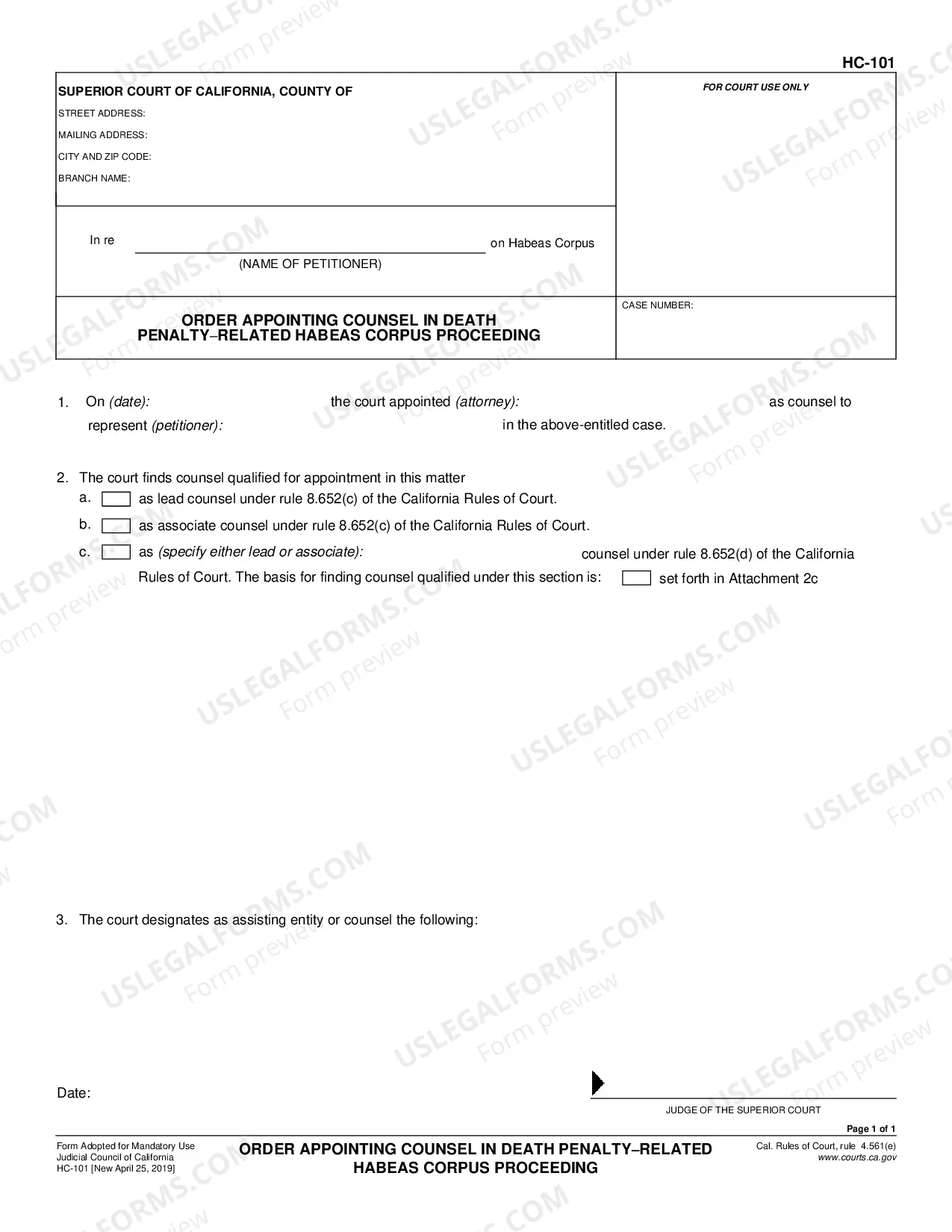
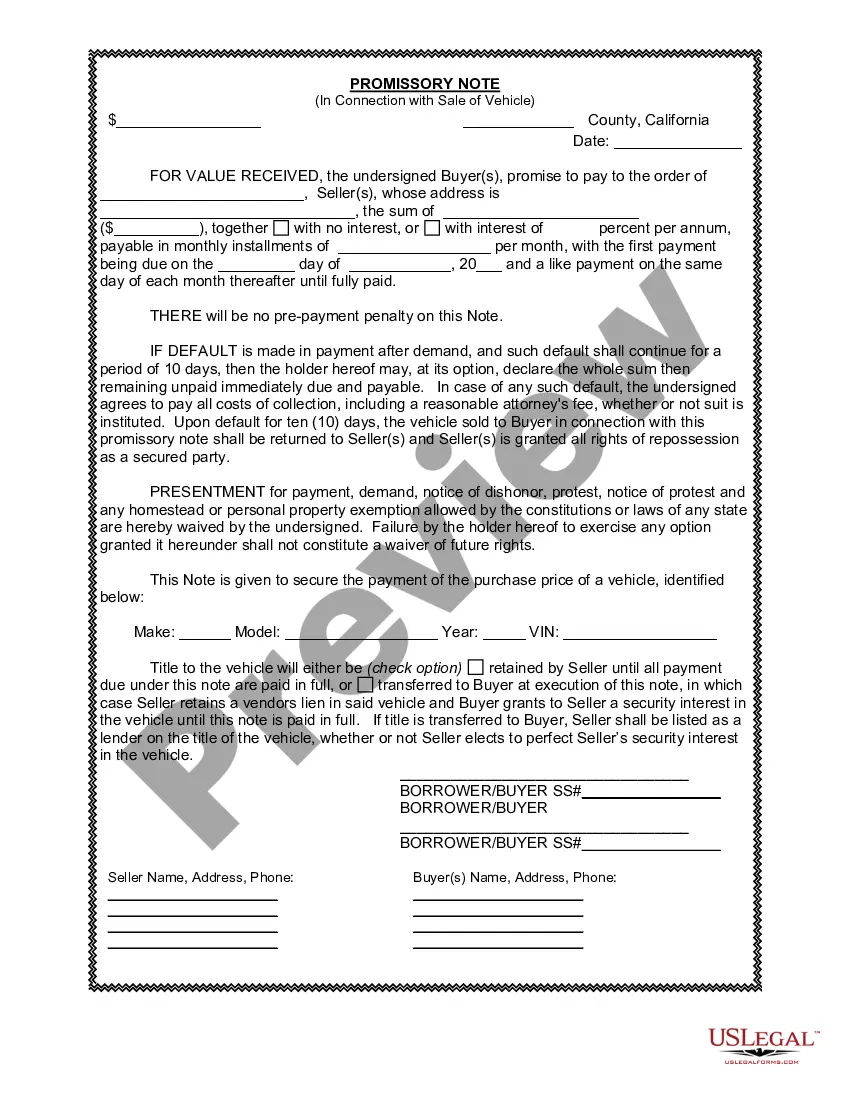
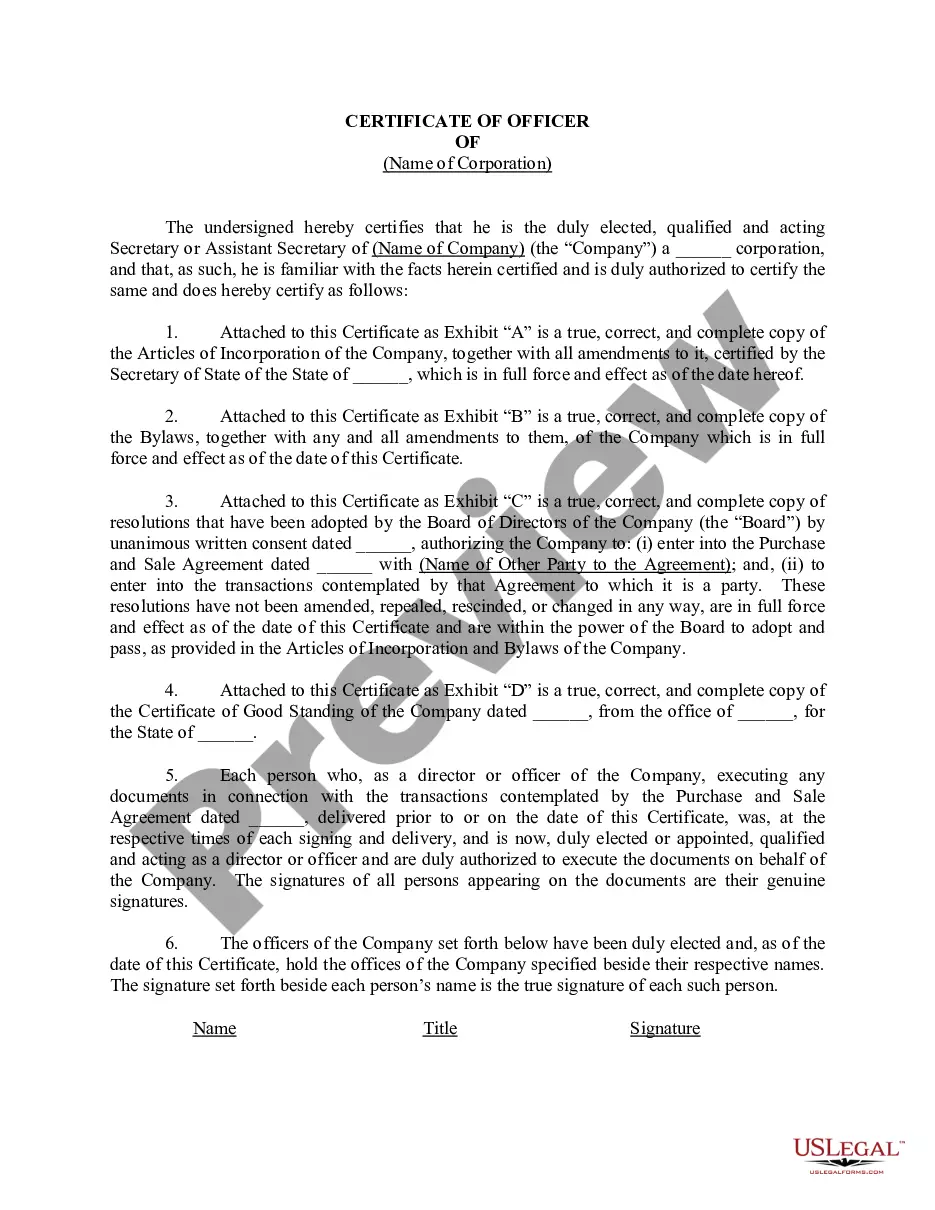




Form popularity
FAQ
The salutation (or greeting) in a business letter is always formal. It often begins with “Dear {Person's name}.” Once again, be sure to include the person's title if you know it (such as Ms., Mrs., Mr., or Dr).
Here is how to write a request letter in 7 steps: Collect information relating to your request. Create an outline. Introduce yourself. Make your request. Explain the reason for the request. Offer to provide additional information. Show your gratitude and conclude the letter.
Standard Format: After your signature, add the abbreviation (e.g., “for/on behalf of”) and then the name of the person on whose behalf you are acting. For example: “Max Mustermann, for/on behalf of Maria Schmidt”.
3. Format the letter correctly. Heading. Start by including your name and mailing address at the top of the page. Salutation. Address the letter to the appropriate recipient. Introduction. Introduce who you are, as applicable, and the reason for writing. Body. Conclusion. Closing. Signature. Enclosures.
If you are addressing the letter to a specific person, your envelope address should include: The recipient's title and full name. The company name. The company mailing address.
Provide the name, company name, street address, city, state, and ZIP code of the person to whom you are sending the letter. While it is best to address your letter to a specific person when possible, if you do not have the name of a specific person, you can simply provide the company's name and address.
Business Address: When sending a package to someone at their place of business, write the company's name on the first line followed by the recipient's name on the second. Alongside your recipient's name, add their department, if you know it.
How to write a marketing letter Define your target audience. Envision your brand voice. Determine the purpose of your letter. Use an attention-getter. Introduce your business and services. Highlight the benefits of doing business. Reference your qualifications. Create a sense of urgency.
What to include in a job offer letter 1 Welcome message. A welcome message may be included at the beginning of the letter to congratulate the candidate on being offered the new position. 2 Job title. 3 Salary and compensation. 4 Start date. 5 Employment type. 6 Work schedule. 7 Reporting structure. 8 Terms and conditions.
How to write a proposal letter offering services Consider whether the letter is solicited. Research the potential client. Choose a subject line if using email. Introduce yourself and your company. Describe the project or problem. Answer any questions posed. Consider providing a quote. Include a call to action.

