Employee-facing Registry Content
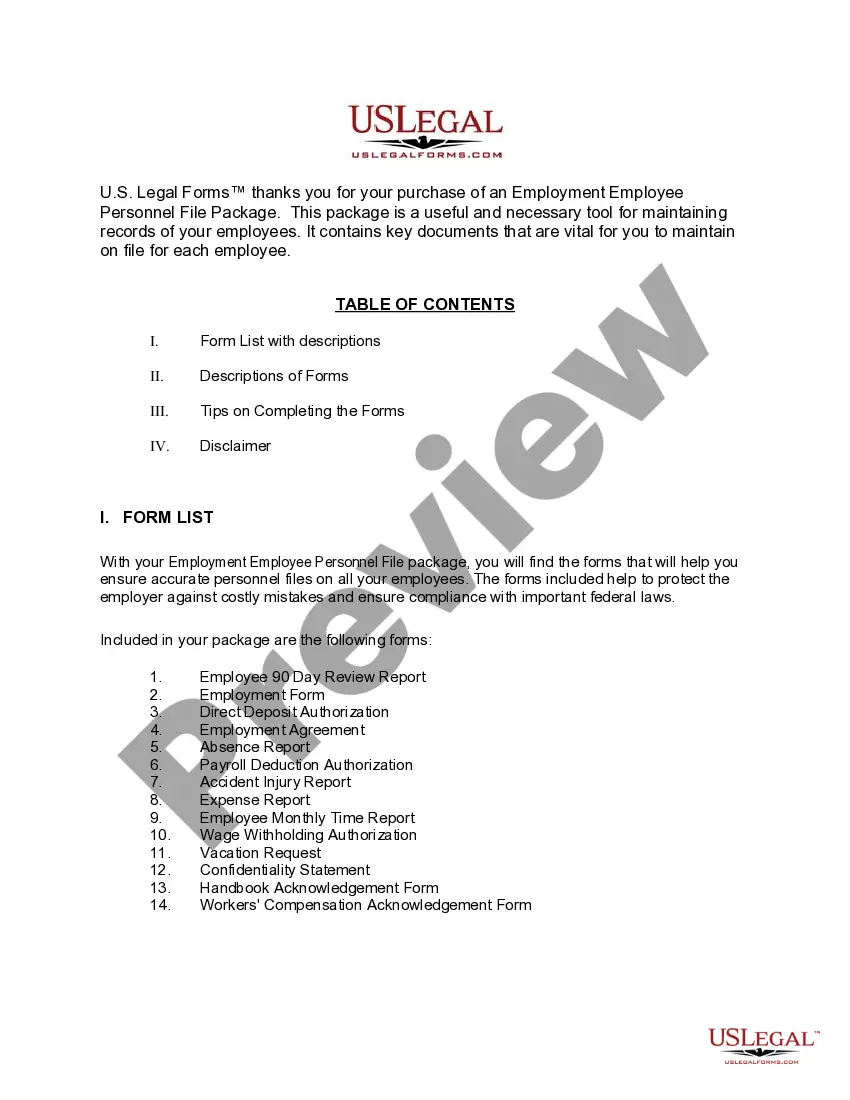
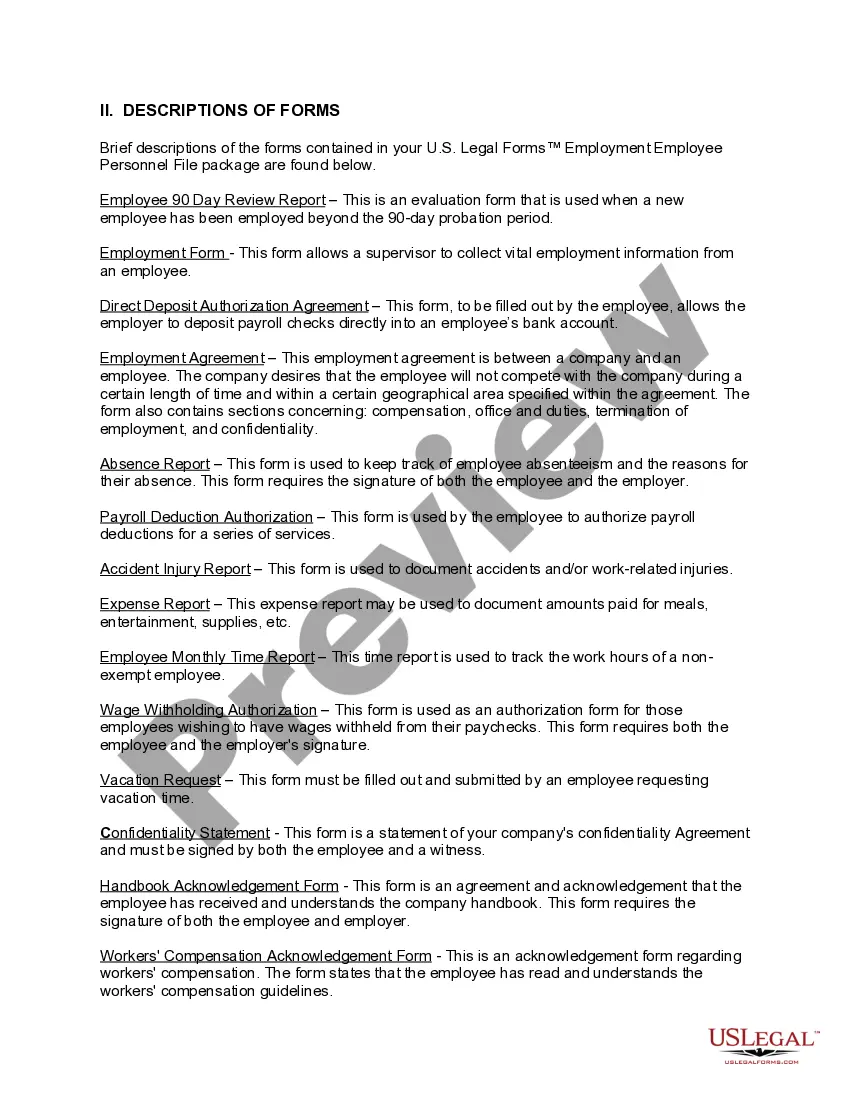
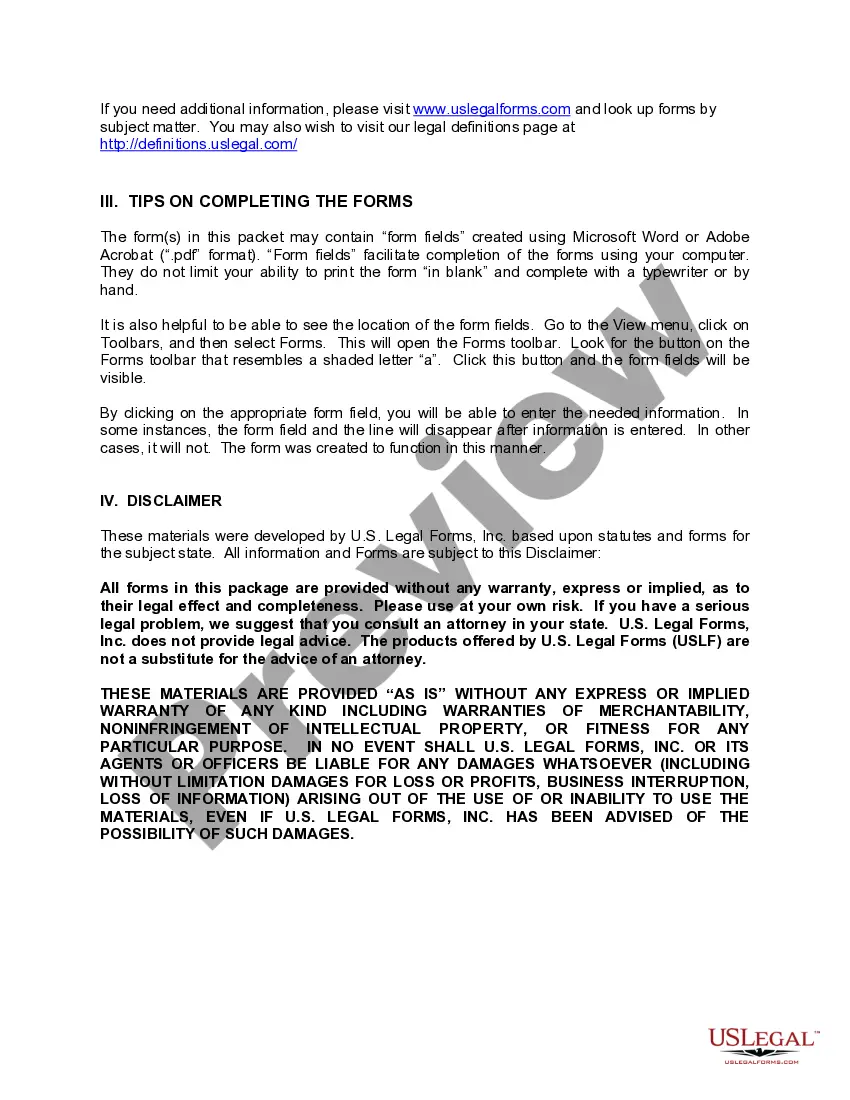
Description

Get your form ready online
Our built-in tools help you complete, sign, share, and store your documents in one place.
Make edits, fill in missing information, and update formatting in US Legal Forms—just like you would in MS Word.
Download a copy, print it, send it by email, or mail it via USPS—whatever works best for your next step.
Sign and collect signatures with our SignNow integration. Send to multiple recipients, set reminders, and more. Go Premium to unlock E-Sign.
If this form requires notarization, complete it online through a secure video call—no need to meet a notary in person or wait for an appointment.
We protect your documents and personal data by following strict security and privacy standards.

Make edits, fill in missing information, and update formatting in US Legal Forms—just like you would in MS Word.

Download a copy, print it, send it by email, or mail it via USPS—whatever works best for your next step.

Sign and collect signatures with our SignNow integration. Send to multiple recipients, set reminders, and more. Go Premium to unlock E-Sign.

If this form requires notarization, complete it online through a secure video call—no need to meet a notary in person or wait for an appointment.

We protect your documents and personal data by following strict security and privacy standards.
Looking for another form?
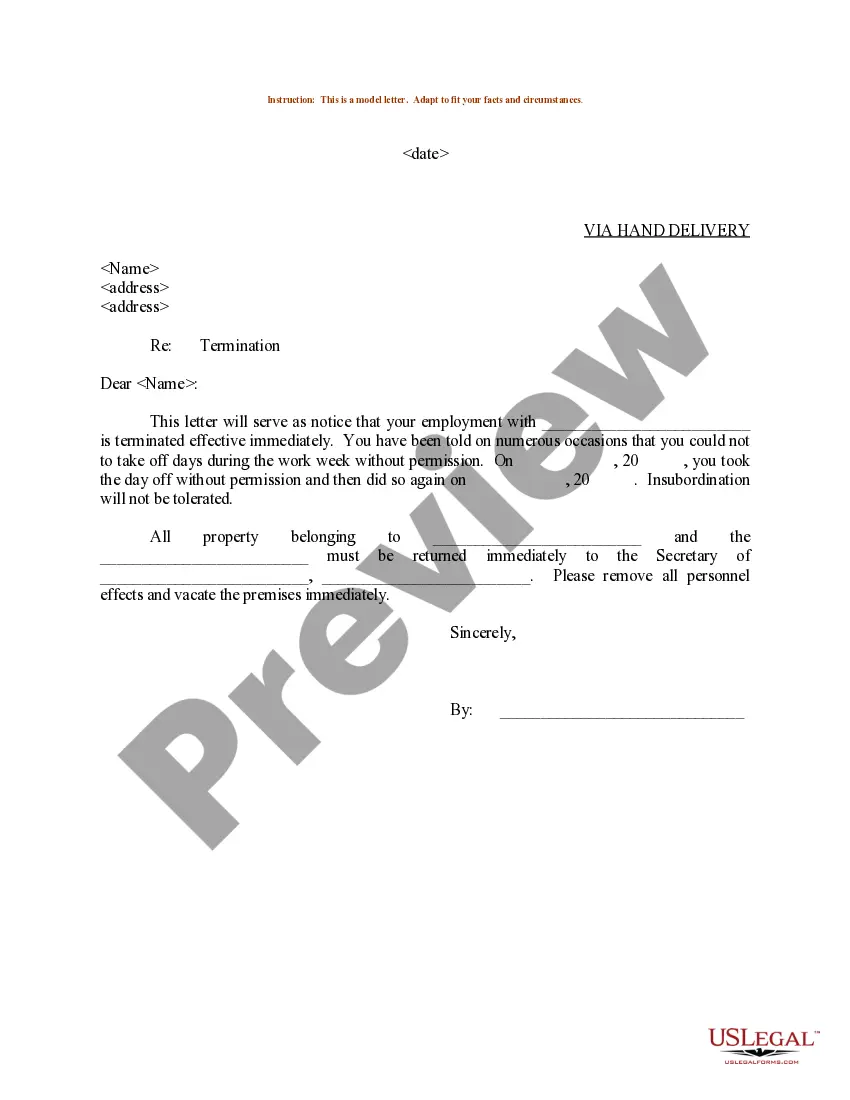
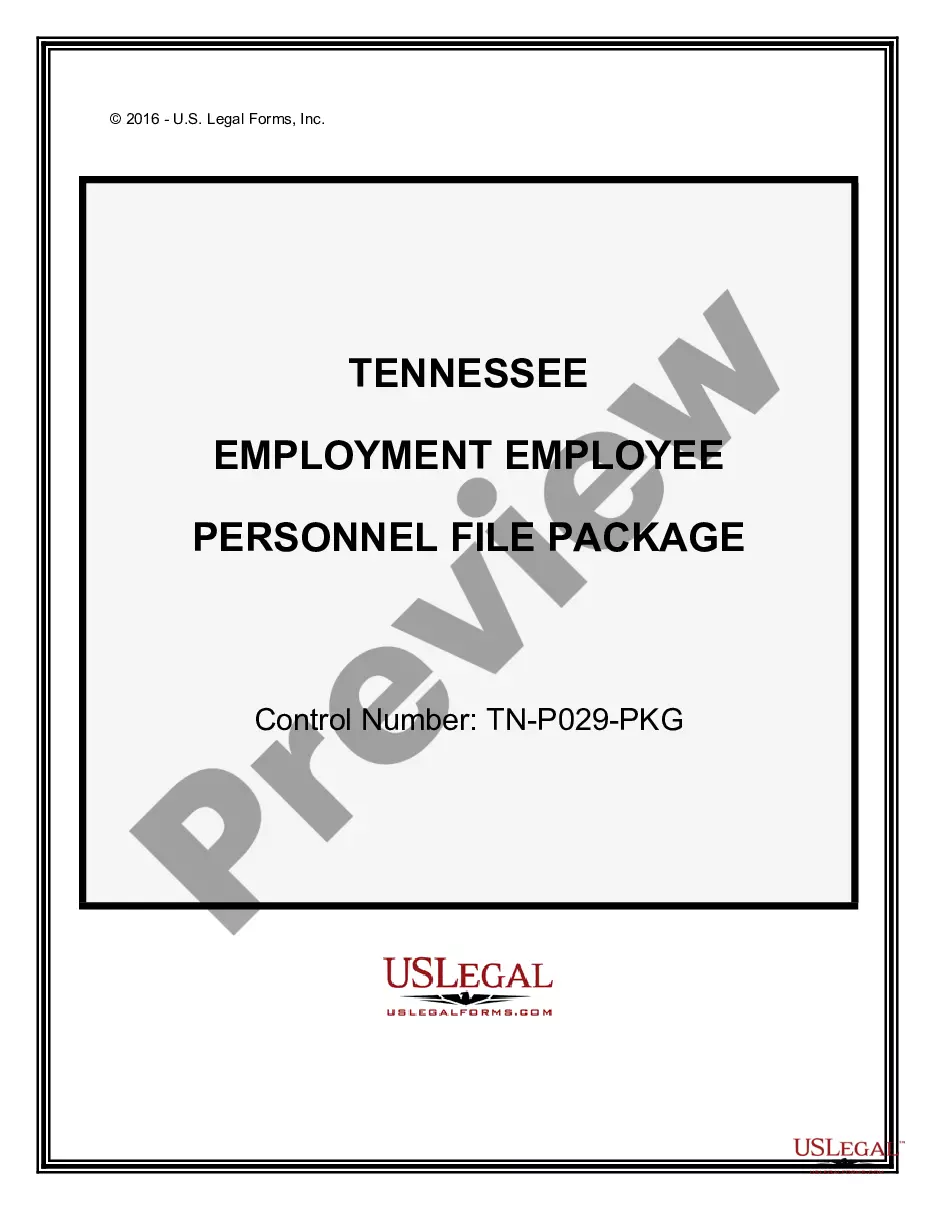
How to fill out Tennessee Employment Employee Personnel File Package?
- Log in to your US Legal Forms account if you are a returning user. Ensure your subscription is active. If your plan has expired, renew it before proceeding.
- For new users, start by exploring the forms available in Preview mode. Read the descriptions carefully to choose the one that fits your needs and complies with your local jurisdiction.
- If the desired form isn't a match, use the Search tab to find alternative templates that might suit your requirements better.
- To purchase a document, click on the Buy Now button and select a subscription plan that works best for you. You will need to create an account for access.
- Complete your purchase by entering your credit card information or using your PayPal account.
- Once your transaction is confirmed, download your form and save it to your device. You can also find it later in the My Forms menu of your profile for future reference.
In summary, US Legal Forms simplifies the process of obtaining essential legal documents. With its extensive form collection and expert support, users can ensure their documents meet all necessary legal standards. For a smoother legal experience, start leveraging the capabilities of US Legal Forms today!
Don't hesitate to get started by visiting US Legal Forms and exploring the vast options they offer!
Form popularity
FAQ
The Edison TN help desk number is an essential resource for support. You can reach them at 1-888-962-4646. When you call, have your user details ready, as they can help you with issues related to employee-facing registry content and other platform functionalities.
To find your Edison ID number in Tennessee Government, you should log into the Edison portal or reference your employee records. Typically, your ID is listed under personal information or account settings. If you have trouble accessing this information, consider reaching out to your HR department or using our employee-facing registry content for guidance.
To change your Edison password, start by navigating to the Edison login page. Once there, find and select the option for password recovery or change. Follow the prompts to create a new password that meets security requirements. This process ensures your access to the employee-facing registry content remains secure and up-to-date.