Tennessee Release Form For Vehicles
Description

Get your form ready online
Our built-in tools help you complete, sign, share, and store your documents in one place.
Make edits, fill in missing information, and update formatting in US Legal Forms—just like you would in MS Word.
Download a copy, print it, send it by email, or mail it via USPS—whatever works best for your next step.
Sign and collect signatures with our SignNow integration. Send to multiple recipients, set reminders, and more. Go Premium to unlock E-Sign.
If this form requires notarization, complete it online through a secure video call—no need to meet a notary in person or wait for an appointment.
We protect your documents and personal data by following strict security and privacy standards.

Make edits, fill in missing information, and update formatting in US Legal Forms—just like you would in MS Word.

Download a copy, print it, send it by email, or mail it via USPS—whatever works best for your next step.

Sign and collect signatures with our SignNow integration. Send to multiple recipients, set reminders, and more. Go Premium to unlock E-Sign.

If this form requires notarization, complete it online through a secure video call—no need to meet a notary in person or wait for an appointment.

We protect your documents and personal data by following strict security and privacy standards.
Looking for another form?

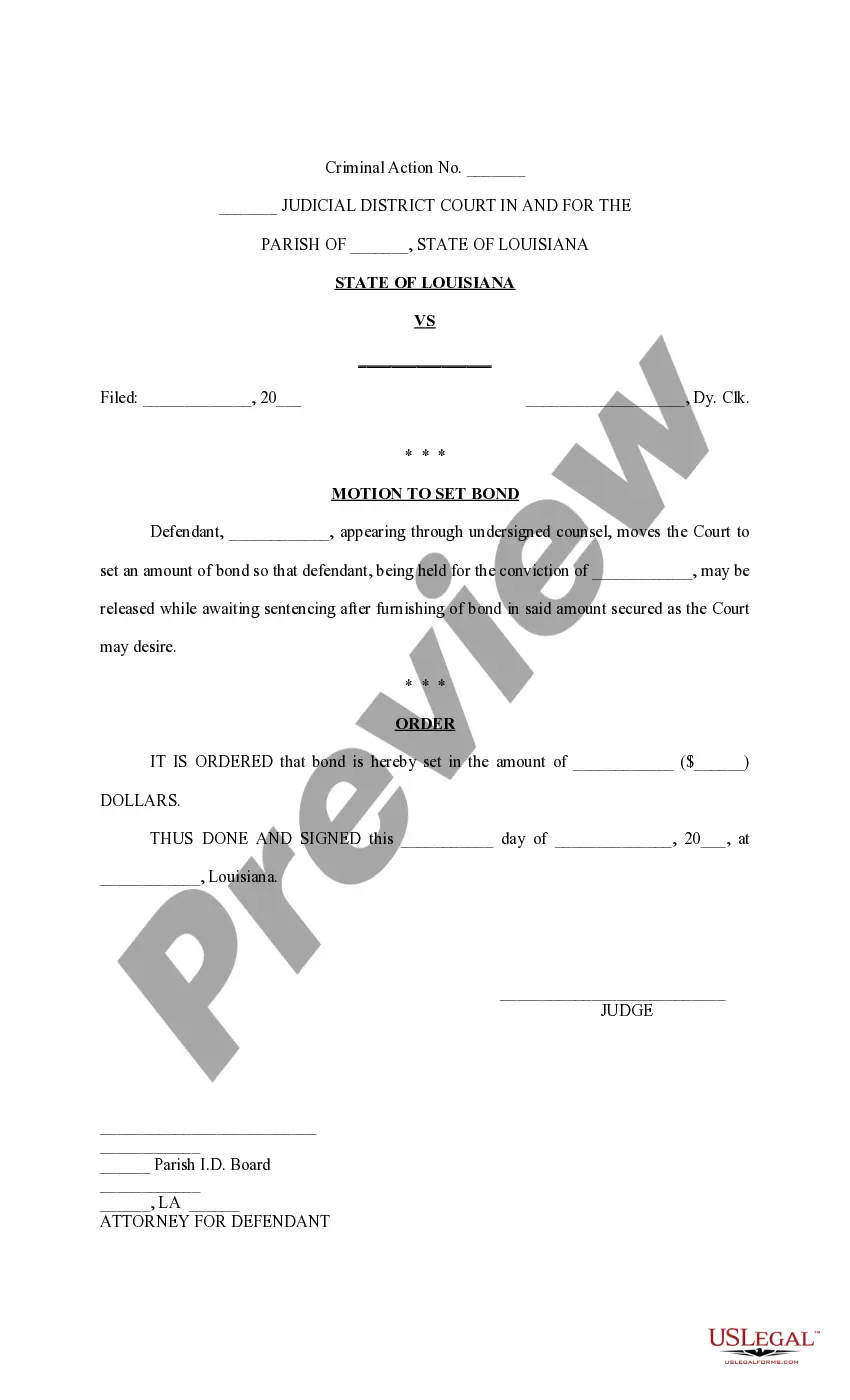



How to fill out Tennessee Hauling Release And Waiver - Horse Equine Forms?
What is the most reliable service to obtain the Tennessee Release Form For Vehicles and other updated versions of legal documents? US Legal Forms is the answer!
It's the largest collection of legal templates for any scenario. Every document is correctly prepared and verified for adherence to both federal and local regulations.
Form compliance verification. Prior to obtaining any document, confirm that it meets your usage criteria and the laws of your state or county. Review the form description and use the Preview option if available. Alternative document search. If there are discrepancies, utilize the search bar at the top of the page to locate another document. Click Buy Now to select the appropriate one. Registering and subscription purchase. Choose the best pricing option, Log In or create an account, and purchase your subscription through PayPal or credit card. Obtaining the documentation. Select the file format you wish to save the Tennessee Release Form For Vehicles in (PDF or DOCX) and click Download to acquire it. US Legal Forms is an ideal option for anyone who needs to manage legal documentation. Premium users can enjoy even more features as they can fill out and electronically sign previously saved documents at any time with the integrated PDF editing tool. Try it out now!
- They are categorized by industry and state of application, making it easy to find what you require.
- Experienced users of the platform just need to Log In, check their subscription status, and click the Download button adjacent to the Tennessee Release Form For Vehicles to retrieve it.
- After saving, the template will be accessible for future reference in the My documents section of your account.
- If you don’t have an account in our library yet, follow these steps to create one.
Form popularity
FAQ
Current Tennessee residents can obtain titles for new and used vehicles from their county clerk's office....Titling a Vehicle (Current Residents)proof of identification and proof of residency.manufacturer's Statement of Origin;new vehicle's invoice; and.copy of current registration if transferring your license plate.
A duplicate title can be obtained in person or by mail through your local county clerk's office. Lienholders and out-of-state applicants should apply through the office of the county clerk of the owner's last Tennessee residence.
How to Sign Your Title in Tennessee (TN)Back of the title top half - sign name(s) on the line where it reads "Signature and Address of Seller(s)."Back of the title right below where you signed name(s) - print name(s) on the line where it reads "Seller(s) Name (Hand Printed)."More items...
In Tennessee, the title is given to the owner, or if applicable, the first lienholder. When a lien is satisfied, the lienholder is required to sign the release on the title, forward title to the owner and notify the Division within seventy-two (72) hours of the release.
How to Transfer a Title in TennesseeGet a properly assigned title and Odometer Disclosure Statement from the previous owner.Bring the paperwork to your local county clerk's office.Provide proof of ID and residency.A copy of your current registration if you are transferring current license plates to the new car.More items...?