Ohio Jfs With Time
Description


Get your form ready online
Our built-in tools help you complete, sign, share, and store your documents in one place.
Make edits, fill in missing information, and update formatting in US Legal Forms—just like you would in MS Word.
Download a copy, print it, send it by email, or mail it via USPS—whatever works best for your next step.
Sign and collect signatures with our SignNow integration. Send to multiple recipients, set reminders, and more. Go Premium to unlock E-Sign.
If this form requires notarization, complete it online through a secure video call—no need to meet a notary in person or wait for an appointment.
We protect your documents and personal data by following strict security and privacy standards.

Make edits, fill in missing information, and update formatting in US Legal Forms—just like you would in MS Word.

Download a copy, print it, send it by email, or mail it via USPS—whatever works best for your next step.

Sign and collect signatures with our SignNow integration. Send to multiple recipients, set reminders, and more. Go Premium to unlock E-Sign.

If this form requires notarization, complete it online through a secure video call—no need to meet a notary in person or wait for an appointment.

We protect your documents and personal data by following strict security and privacy standards.
Looking for another form?
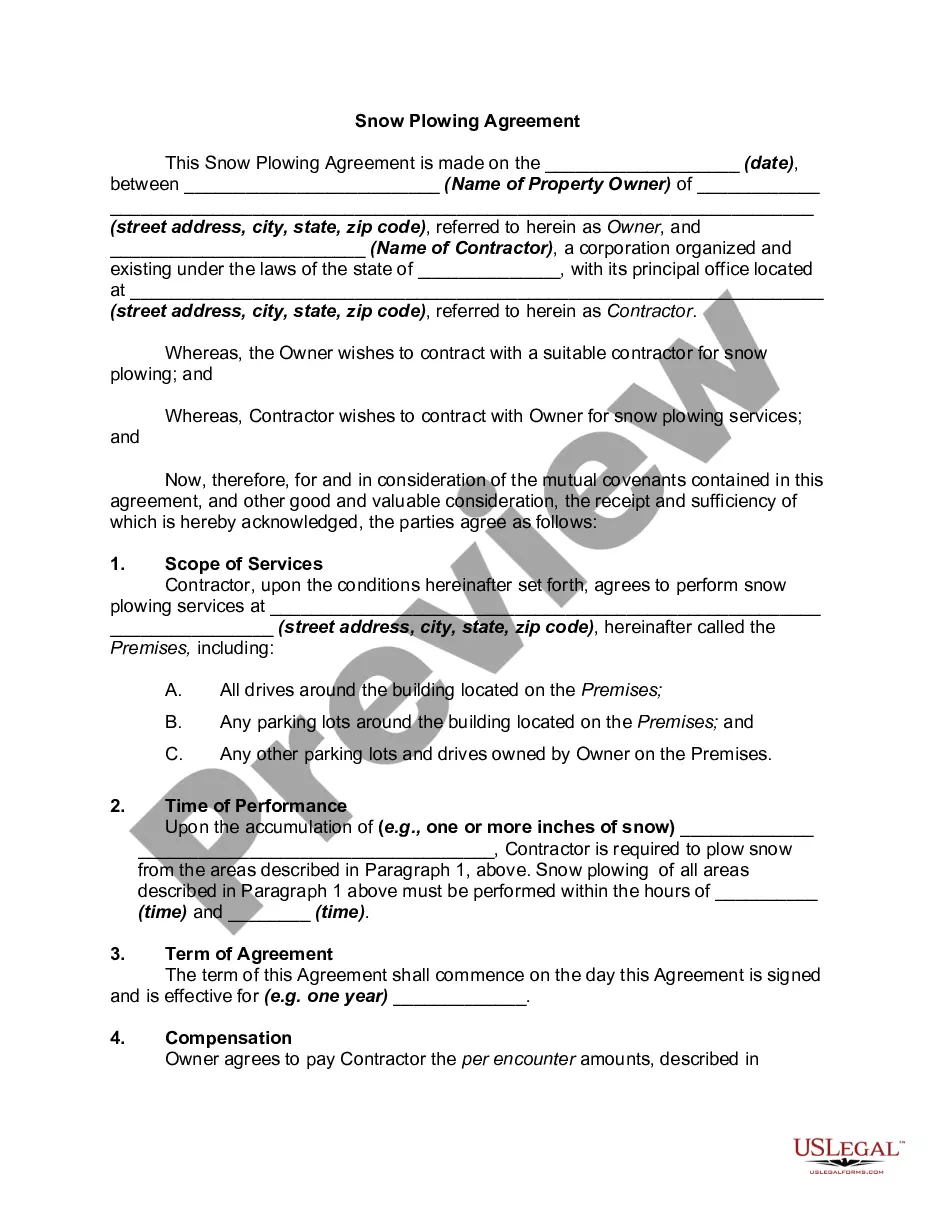

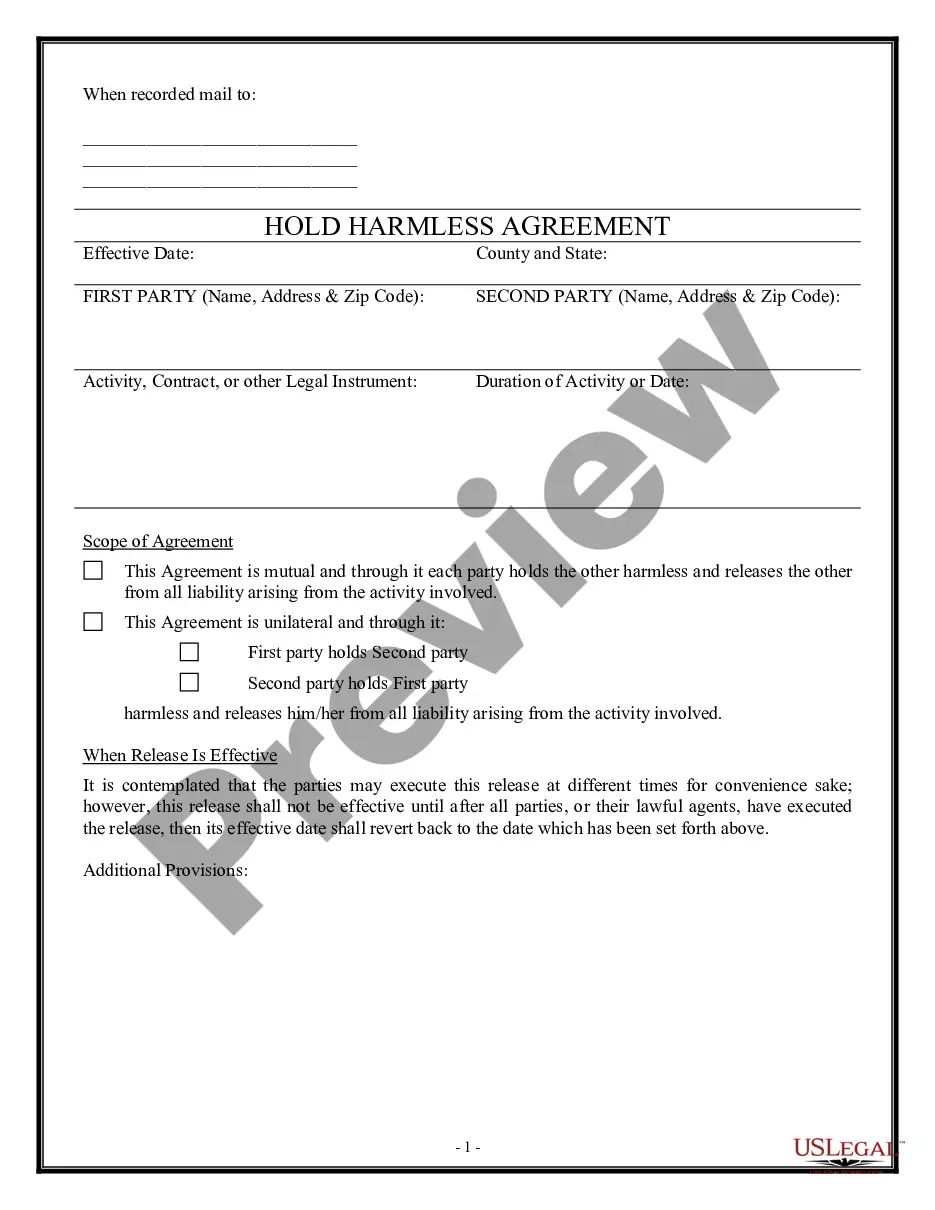
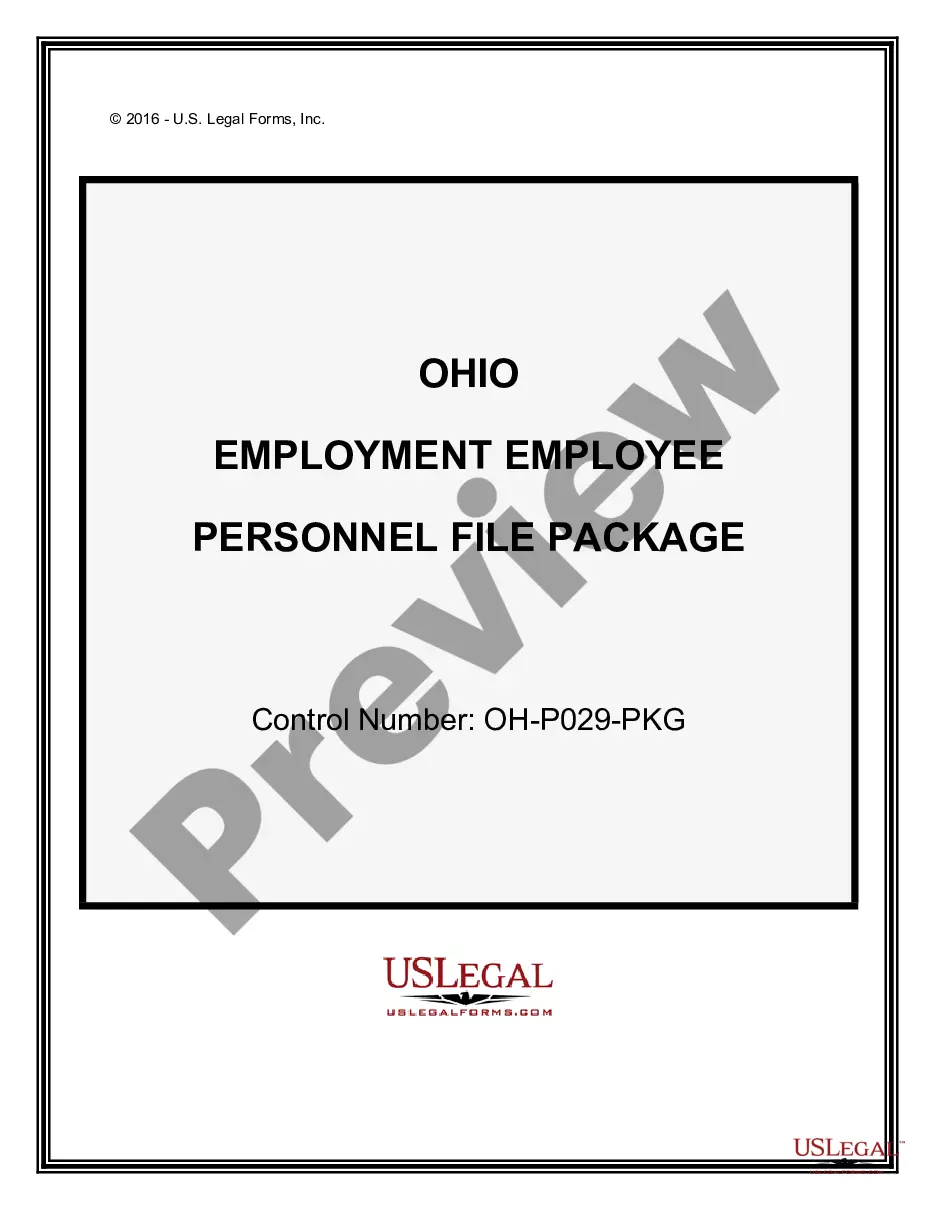
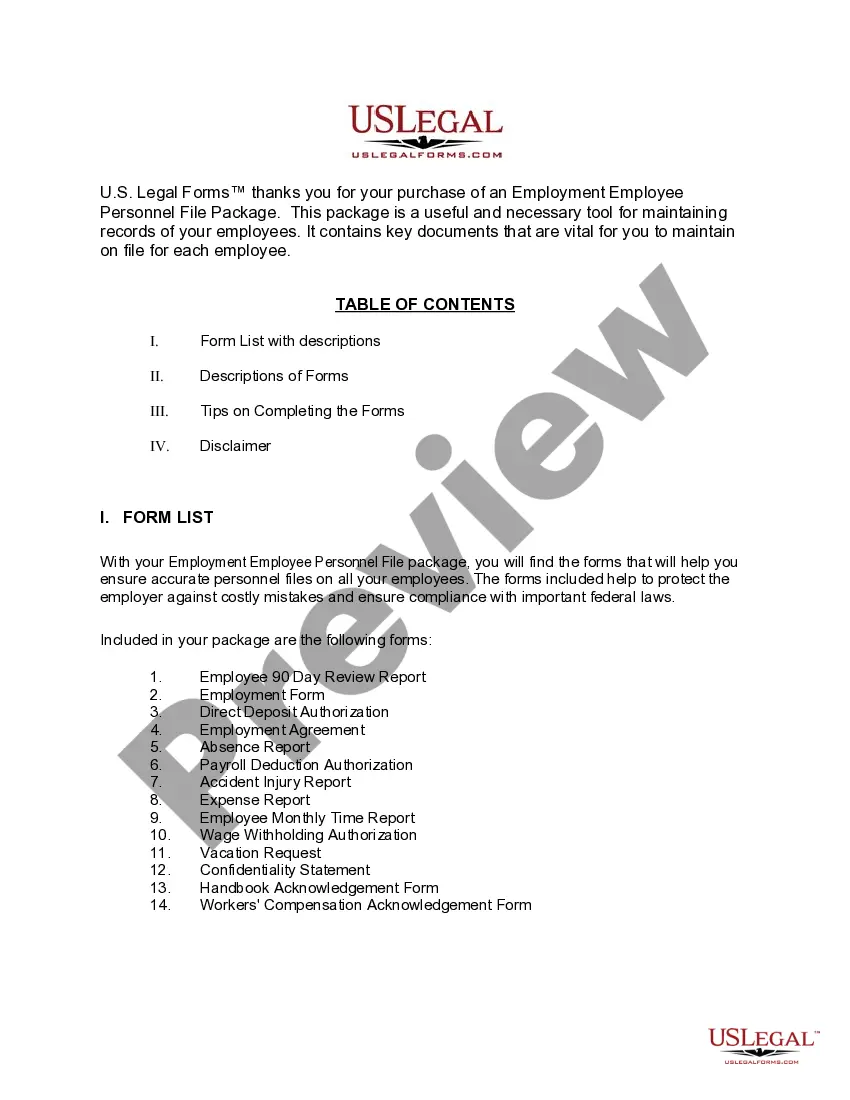
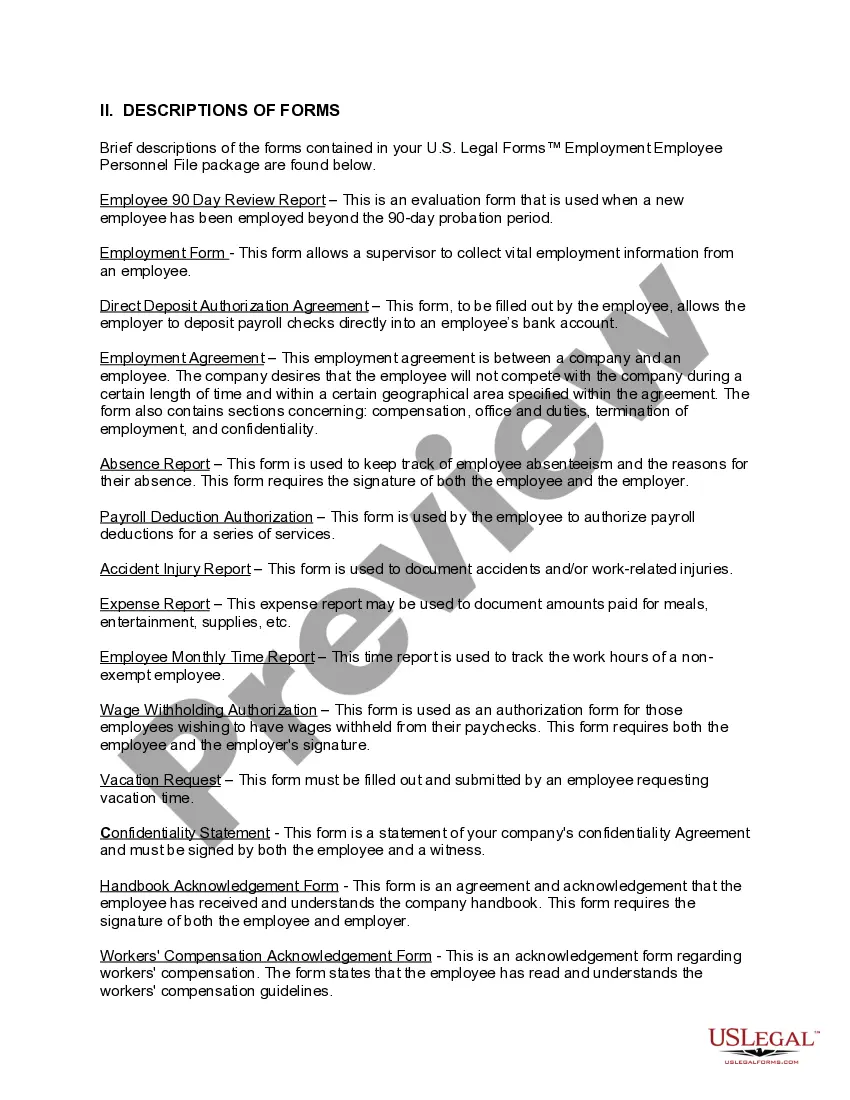
How to fill out Ohio Employment Employee Personnel File Package?
The Ohio Jfs With Time that you observe on this page is a reusable formal framework crafted by expert attorneys in compliance with federal and state statutes and regulations.
For over 25 years, US Legal Forms has supplied individuals, businesses, and legal experts with more than 85,000 validated, state-specific documents for any business and personal event. It’s the fastest, most uncomplicated, and most reliable method to acquire the documents you require, as the service ensures the highest degree of data protection and anti-virus safety.
Subscribe to US Legal Forms to have authenticated legal templates for all of life’s situations at your fingertips.
- Search for the document you require and examine it.
- Browse through the sample you looked for and preview it or review the form description to confirm it meets your standards. If it does not, utilize the search bar to find the correct one. Click 'Buy Now' once you have found the template you need.
- Subscribe and Log In.
- Choose the pricing plan that fits you and create an account. Use PayPal or a credit card to swiftly process your payment. If you already possess an account, Log In and verify your subscription to proceed.
- Obtain the fillable template.
- Select the format you prefer for your Ohio Jfs With Time (PDF, Word, RTF) and download the sample onto your device.
- Complete and sign the documentation.
- Print the template to finish it manually. Alternatively, utilize an online multifunctional PDF editor to quickly and accurately fill and sign your form with an eSignature.
- Download your documentation again.
- Reuse the same document whenever necessary. Access the 'My documents' section in your profile to redownload any forms you previously downloaded.
Form popularity
FAQ
Contact Us Email: WIOAQNA@jfs.ohio.gov. Phone: 1-888-296-7541, option 1 for English, option 2 for Spanish. Mailing Address:
How to Upload Documents in the Ohio Benefits Self Service Portal YouTube Start of suggested clip End of suggested clip Click choose file to upload your document. And then click upload. If you have any questions onMoreClick choose file to upload your document. And then click upload. If you have any questions on navigating or using the SSP. Please call 1-844-640-ohio 6446.
Minimum number of weeks worked? You must have worked (full-time or part-time) at least 20 weeks during the base period (see the first chart below) for any number of employers who pay unemployment contributions.
Contact Us Email: WIOAQNA@jfs.ohio.gov. Phone: 1-888-296-7541, option 1 for English, option 2 for Spanish. Mailing Address:
When Should You Apply for Unemployment? File for unemployment as soon as you become unemployed. This is true even if you are subject to a waiting week or receiving severance pay from your employer.